
For the past week, I’ve been using the Flickr XP Uploader to publish my photos, and I like it more than jUploadr. Since I add titles and keywords to all my photos in Lightroom, I like it when they are read and transferred automatically to the site when the photos get uploaded. For some reason, jUploadr always managed to lose my titles. It managed to transfer the keywords okay, but not the titles.
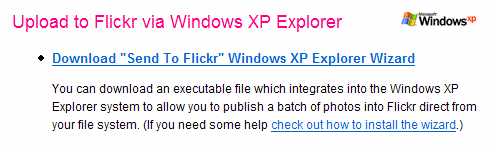
With the Flickr XP Uploader, everything gets transferred as it should, and it works with the built-in capability of Windows XP. It’s so easy! The install involves a simple registry entry. When I want to use it, I select the photos I want to transfer in Windows Explorer, click on Publish to Web, select Flickr, and upload. Within minutes, my photos are up on Flickr with the titles and keywords intact. I love the ease of use and the time savings. If you’re working on Windows XP, give it a try!
 Raoul Pop