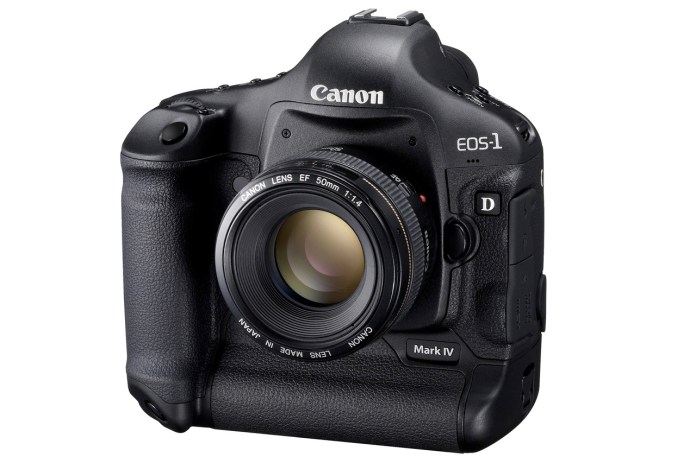
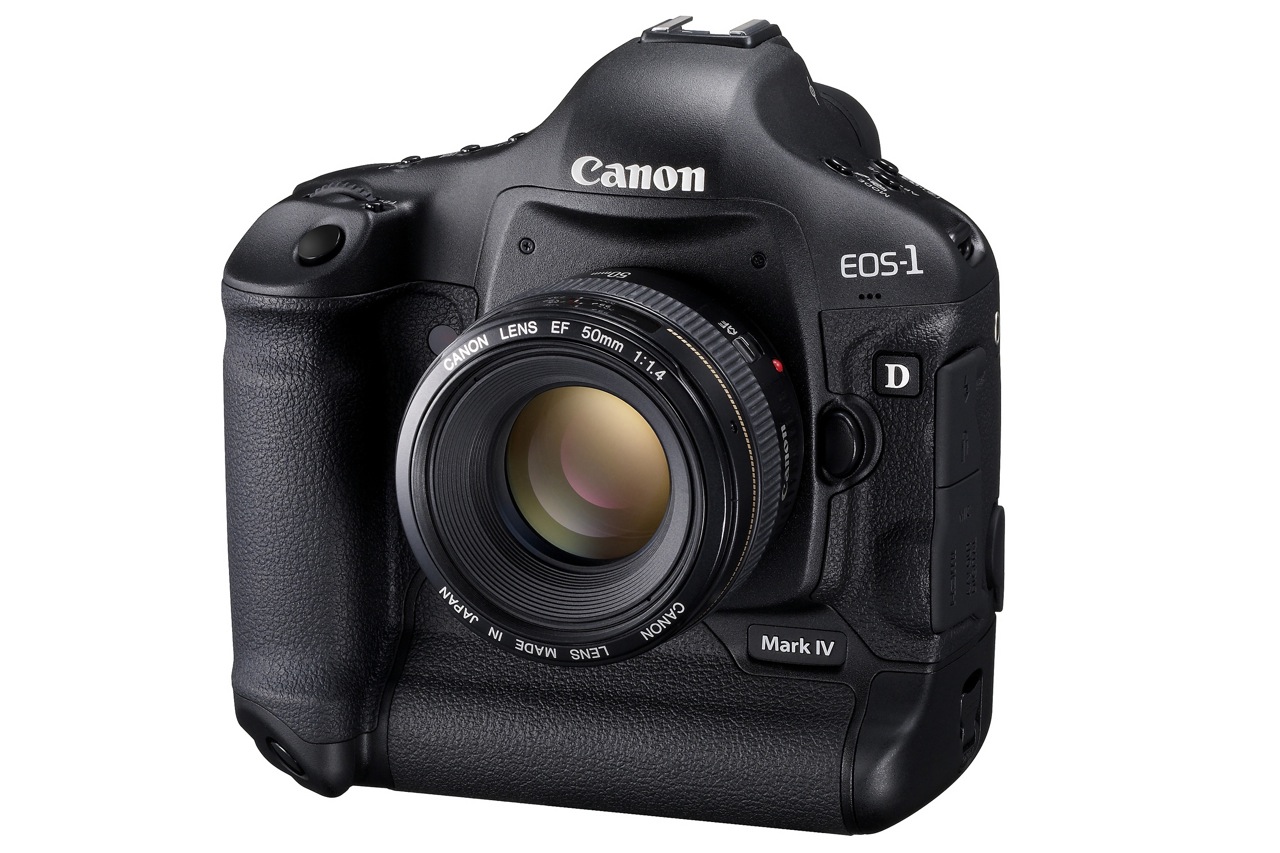
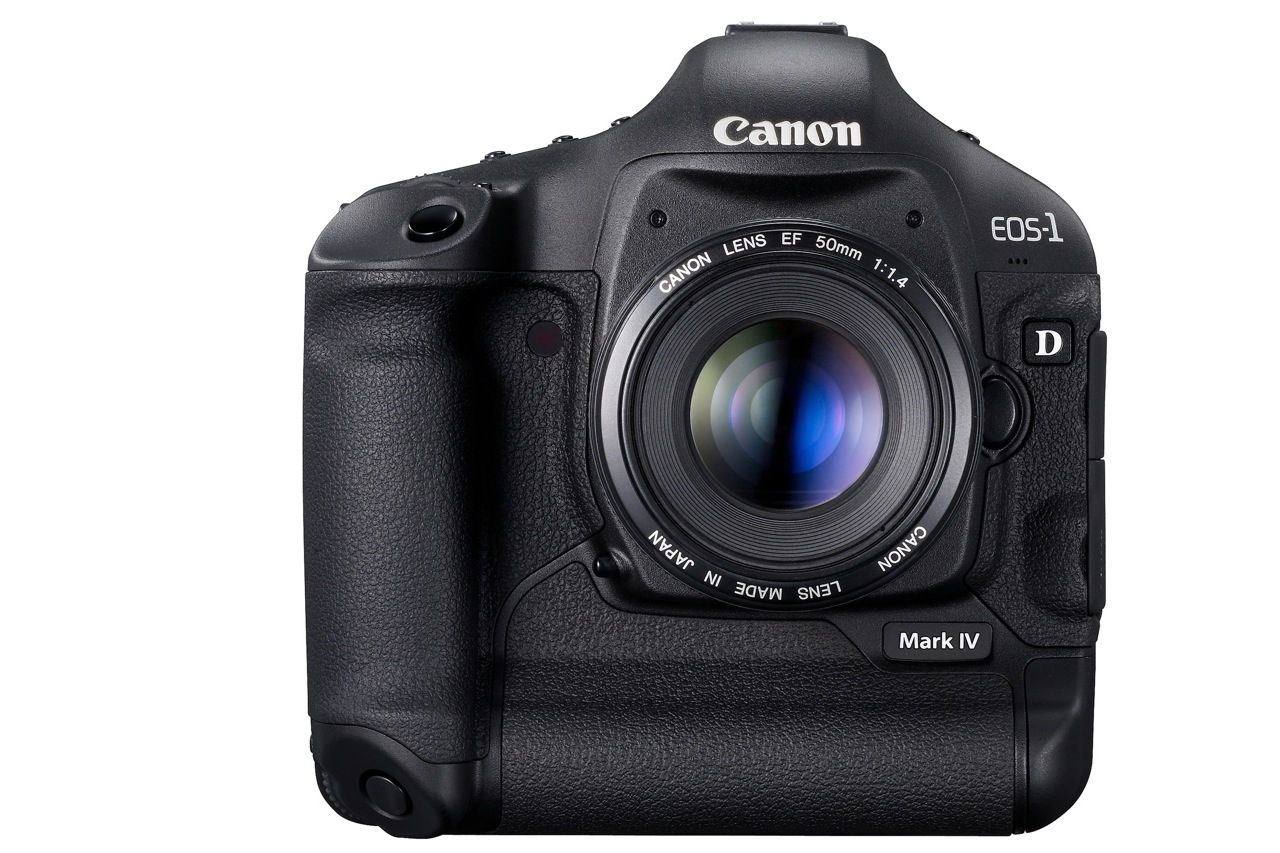
The Canon EOS-1D Mark IV pro DSLR was officially announced by Canon today, October 20, 2009. The specs are really good and they show Canon’s been hard at work on a solid response to Nikon’s latest DSLRs.
Many photographers were disappointed with Canon because of their 2008-2009 DSLR product releases, which didn’t seem to keep up with the competition and fell short in many areas of common interest, such as auto-focus, high ISO performance and image quality. I’m glad to see Canon listened to their customers’ concerns and put out a camera that offers what people want to see.
Let’s have a look at what sets this camera apart. The EOS-1D Mark IV has:
- A 16-megapixel Canon CMOS sensor
- Dual DIGIC 4 Imaging Processors
- 14-bit A/D data conversion
- 10 frames-per-second (fps)
- The widest ISO range Canon has produced to date (50 to 102,400)
- 1080p Full High-Definition video capture at selectable frame rates
- A new 45-point auto-focus system with 39 high-precision cross-type focusing points
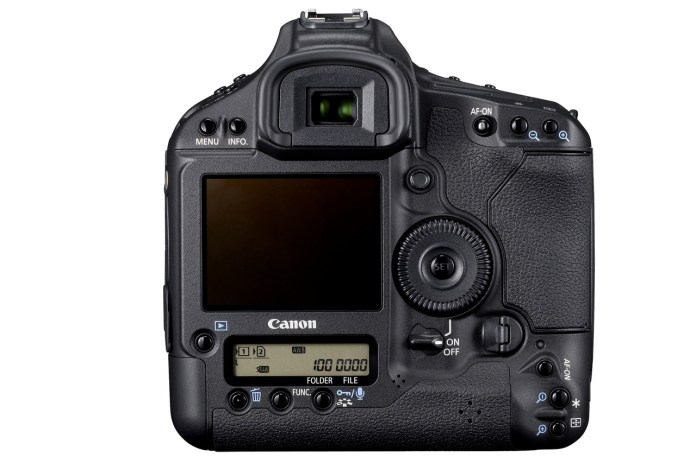
New autofocus system
Given the auto-focus problems with the 5D Mark II and other high-end cameras like the 1D Mark III and 1D-s Mark III, I for one am very glad Canon put out a new AF system. The newly redesigned AF system…
- Can track fast moving subjects, such as athletes or wildlife accurately, even when shooting at full 10 fps bursts
- Can detect subjects much better than the previous AF system
- Can focus accurately with the new AI Servo II AF predictive focusing algorithm
- Has twice as many cross-type focusing points as the EOS-1D Mark III
- New AF sensor construction that improves performance in low light and with low contrast subjects
Not having used the camera yet, I can’t vouch for the accuracy and speed of the new AF system, but it shouldn’t be long before those who’ve had the chance to use the camera in real-world scenarios chime in with the results.
New 16.1 M CMOS sensor
I like Canon’s new 16.1-Megapixel CMOS sensor. I’m glad to see they focused on image quality and low light performance, not megapixels. Don’t get me wrong, extra resolution is always good, but gratuitous resolution is useless unless the resulting images prove their quality when viewed 1:1.
The sensor has improved photodiode construction to enhance dynamic range, and gapless microlenses that are positioned closer to the photodiodes for improved light gathering efficiency. The transmissive quality of the color filter array has been enhanced to improve sensitivity. Canon has also upgraded the sensor circuitry to improve noise reduction before the image data is exported from the CMOS sensor to the rest of the image processing chain.
In order to process all the extra raw data from the sensor at up to 10 fps, Canon put two Dual DIGIC 4 Image Processors inside. The 1D Mark IV has approximately six times the processing power of DIGIC III, for full 14-bit A/D conversion at 10 fps.
Full HD video capture
I’m also glad to see that Canon has put 1080p HD video on this camera, which means that for them, HD video is here to stay on all their DSLRs. It really is a new era for HD video when it becomes a standard feature on professional DSLRs; wonderful things are in store for those interested in blending photography with videography.
The 1D Mark IV has full HD capture and full manual exposure control, plus selectable frame rates. Its new APS-H image sensor is similar in size to a Super 35mm motion picture film frame. The camera allows for three video recording resolutions…
- 1080p Full HD, 16:9
- 720p HD, 16:9
- 640×480 SD, 4:3
… and multiple selectable frame rates…
- Full HD at 1920 x 1080 in selectable frame rates of 24p (23.976), 25p, or 30p (29.97)
- 720p HD or SD video recording at either 50p or 60p (59.94)
SD video can be recorded in either NTSC or PAL standards. Sound is recorded either through the internal monaural microphone or via optional external microphones connected to the stereo microphone input.
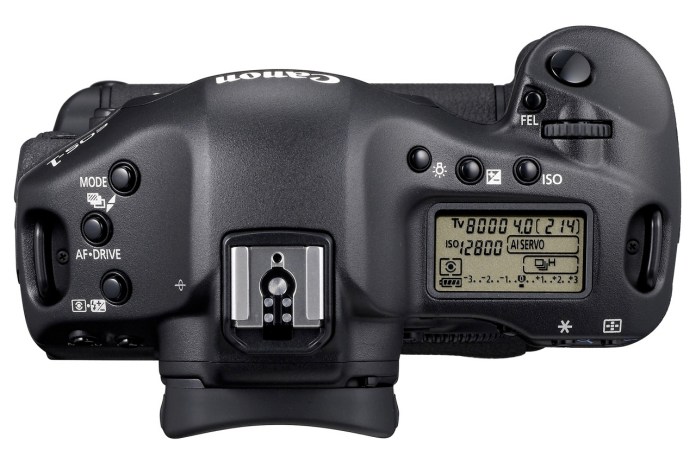
Other good features are:
- Auto Lighting Optimizer (ALO) system. When enabled, Canon’s ALO automatically adjusts the image for optimal brightness and contrast on the fly during in-camera image processing, reducing clipped highlights while keeping shadowed areas as clear and detailed as they actually appear. Canon says that “demanding professional photographers who tested ALO clearly stated that this one feature will reduce their post-production image optimization process by more than 75 percent”. It’ll be interesting to see what others will say about this.
- Highlight Tone Priority, which takes maximum advantage of the camera’s extensive dynamic range to preserve detail in highlight areas of the image.
- Improved white balance algorithm making colors more accurate when shooting under low color temperature light sources such as household tungsten lamps.
- Peripheral Illumination Correction function, which corrects darkening that can occur in the corners of images with most lenses when used at their largest apertures. When activated, it is automatically applied to JPEG images and video clips as they are shot. For RAW images, it can be applied in DPP software. Personally, I like the vignetting effect that occurs with some lenses, so I don’t really plan on using this very much.
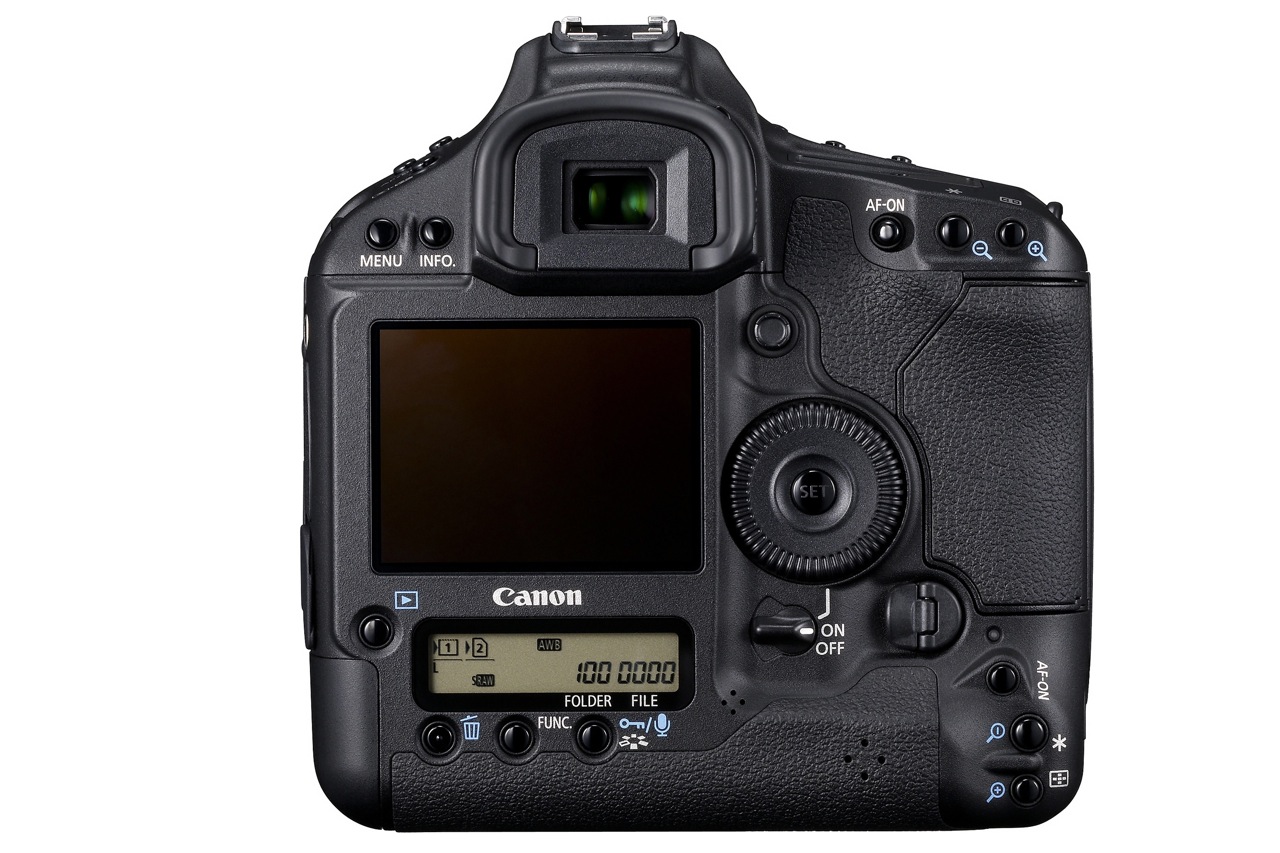
- A large, 3-inch Clear View II LCD screen with 920,000 dot/VGA resolution (finally) with a wide 160-degree viewing angle for enhanced clarity and more precise color when reviewing images and shooting video.
- In-camera copyright information feature (hooray) helps professionals secure control over images by setting copyright data directly into the camera and appending that information to each image file in the Exif metadata.
- A fluorine coating on the Low Pass Filter to further repel dust and enhance the EOS Integrated Cleaning System (less dust spots is always a good thing).
Finally, the 1D Mark IV’s body, chassis and lens mount are completely weather-resistant and 76 gaskets and seals surround all buttons and seams. The body covers and internal chassis, including the mirror box, are constructed with magnesium-alloy, and the lens mount is constructed with stainless steel. When used with Canon’s Speedlite 580EX II and/or most current L-series lenses, the entire camera system remains fully weather resistant.
Comparing this camera with the Nikon D3s, which has similar specs but retails for about $100 more, I have to ask, what makes the Nikon DSLR better? Other than niceties like better exposure compensation control (±5 EV vs. ±3 EV) and more physical buttons for manipulating the settings, this Canon matches or bests the Nikon on all major specs, like fps (10 vs. 9), ISO (same), resolution (16 vs. 12) and HD video (1080p vs. 720p).
The new WFT-E2 II A wireless file transmitter, available exclusively for the EOS-1D Mark IV Digital SLR camera, is quite interesting in its capabilities. It offers connectivity through IEEE802.11a/b/g and Ethernet. The new Camera Linking feature allows a single photographer to simultaneously fire up to 10 cameras remotely. The updated WFT Server mode lets you remotely use Live View, control settings, and fire the EOS-1D Mark IV over the internet from anywhere in the world using a standard Web browser or many Web-enabled smart phones. Additionally, geotagging is now possible via Bluetooth, using compatible GPS devices to append coordinate data to the images. Given that the previous wireless transmitter, WFT-E2A, costs $1,200, you can be sure this new one will cost a bundle, but for those who need it and can afford it, I’m pretty sure it’ll do a good job.
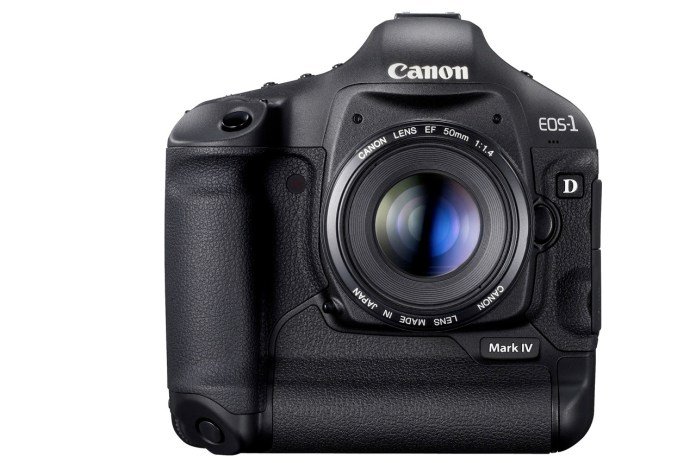
The Canon EOS-1D Mark IV Digital SLR camera is scheduled to be delivered to U.S. dealers in late December, and will be sold in a body-only configuration at an estimated retail price of $4,999. Final pricing and availability for the Canon WFT-E2 II A wireless file transmitter will be available later this year.
Full specs for the camera are available here. Demo videos produced by Canon specifically for this camera are available here. There’s a section on the camera, with more information, at the Canon Digital Learning Center.
You can buy the Canon EOS-1D Mark IV from Amazon or B&H Photo.
Images used courtesy of Canon.








 Raoul Pop