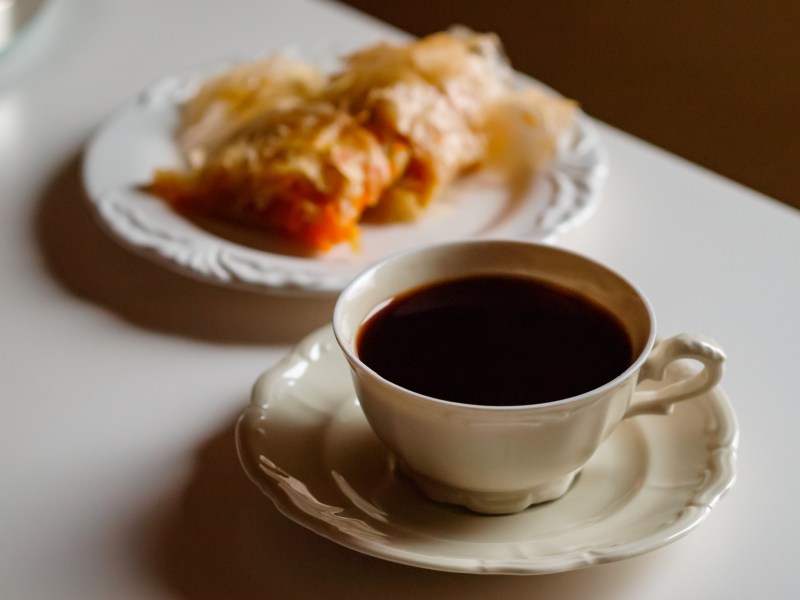
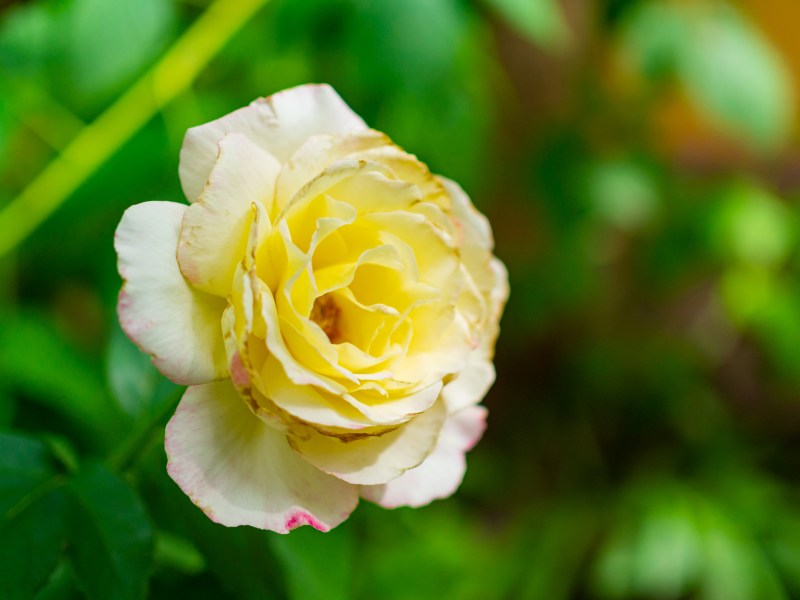
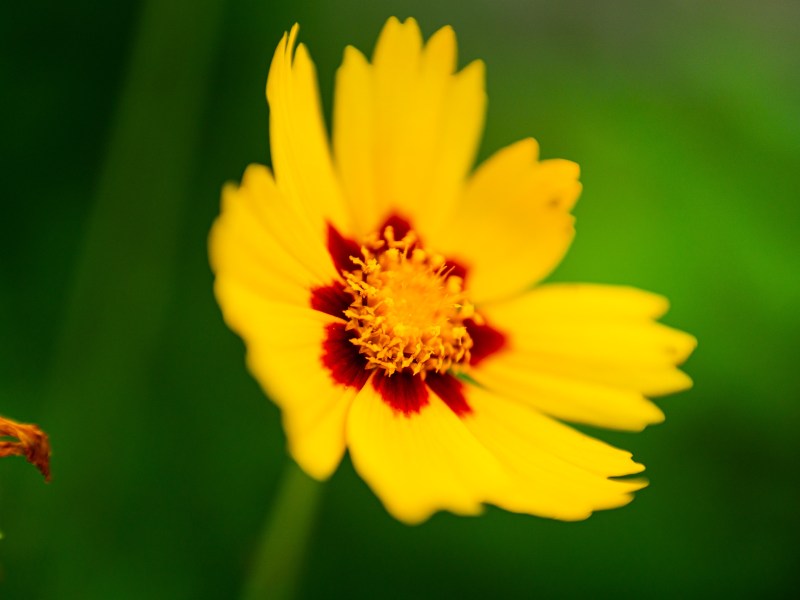
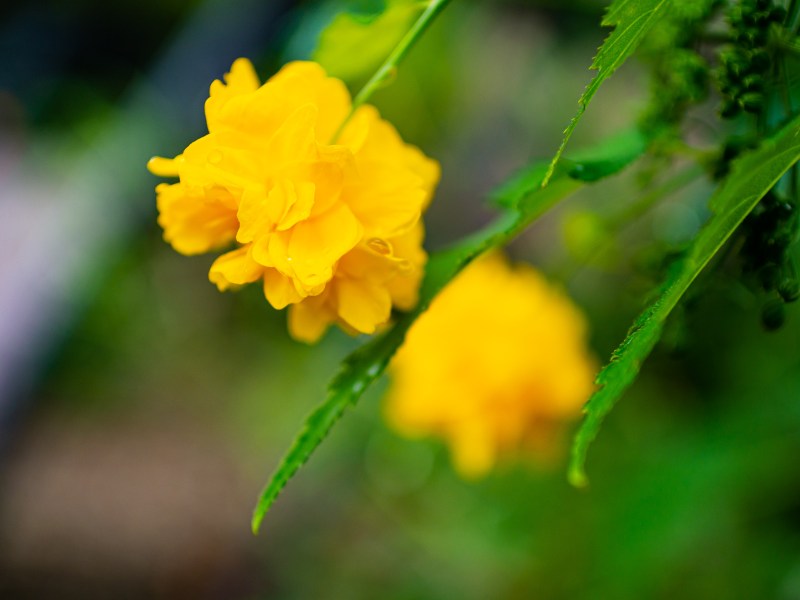
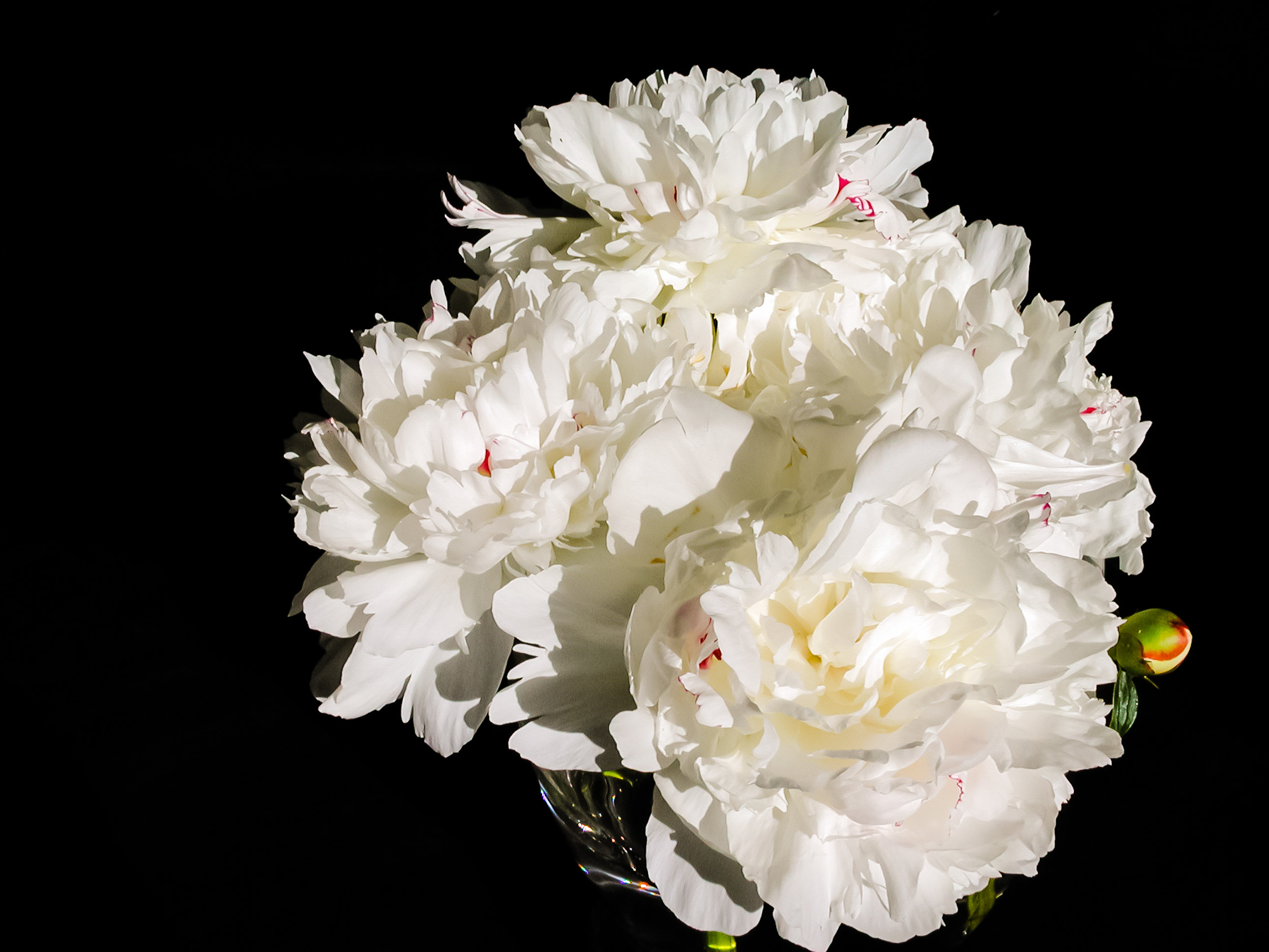
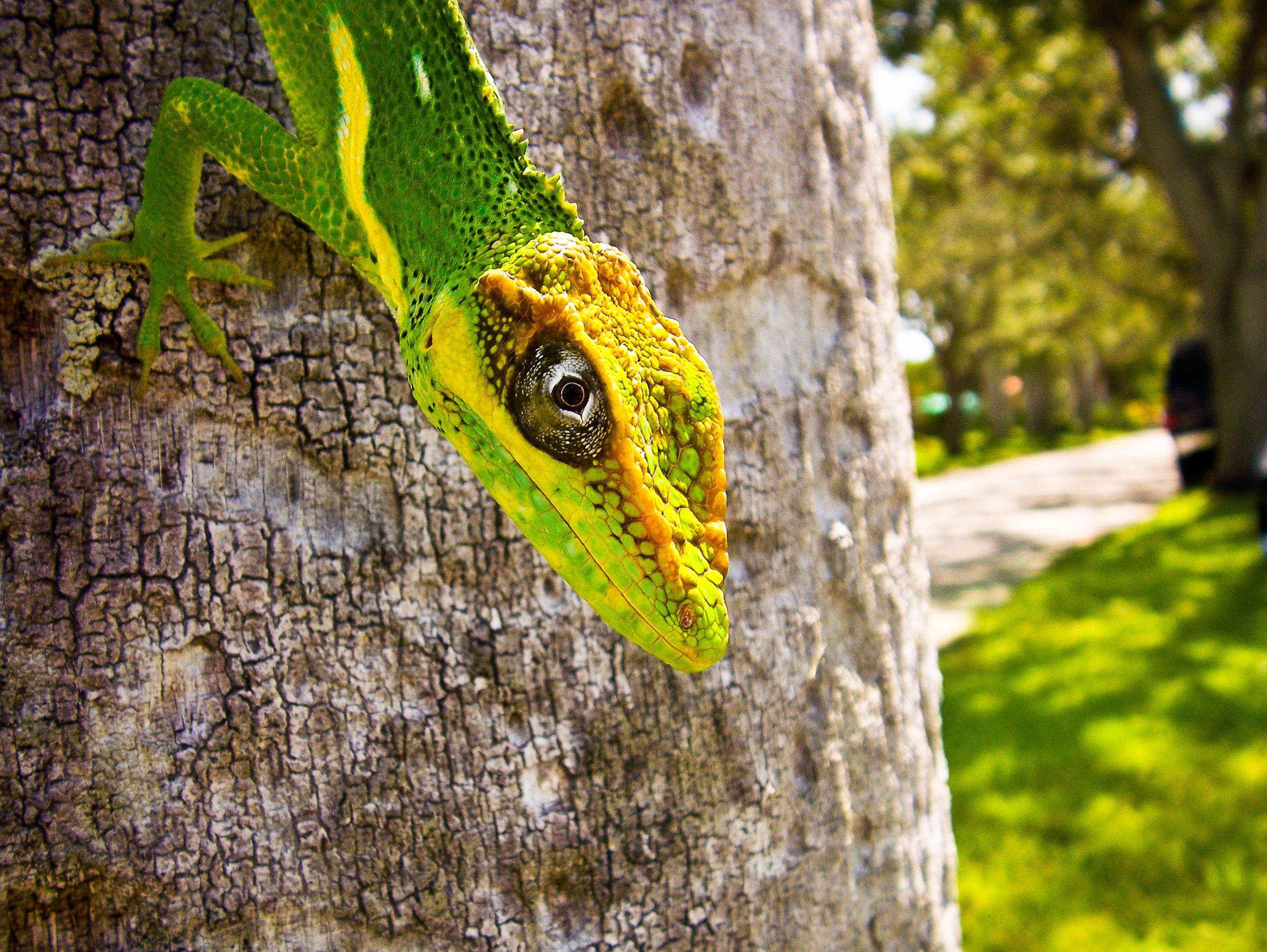
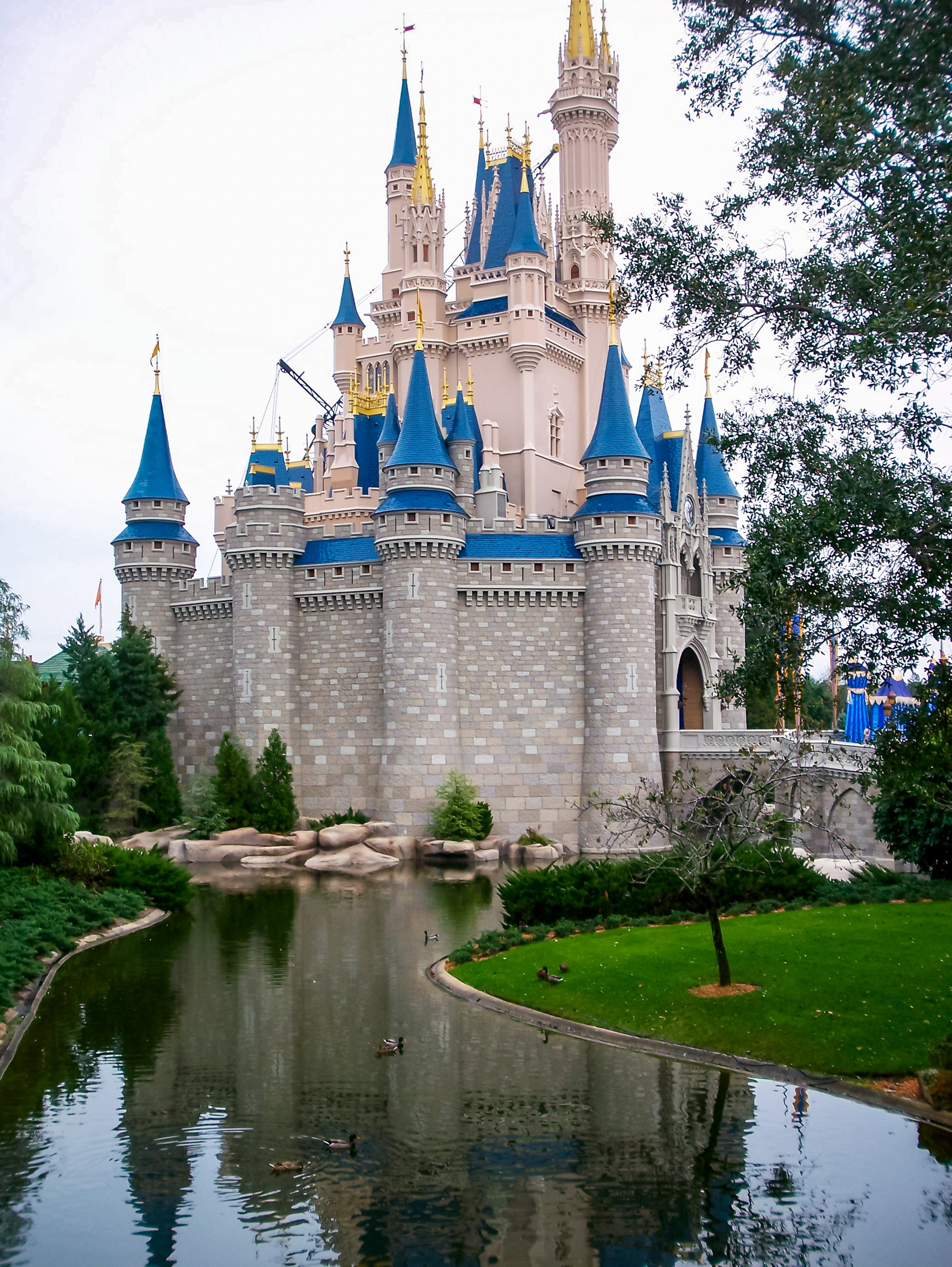
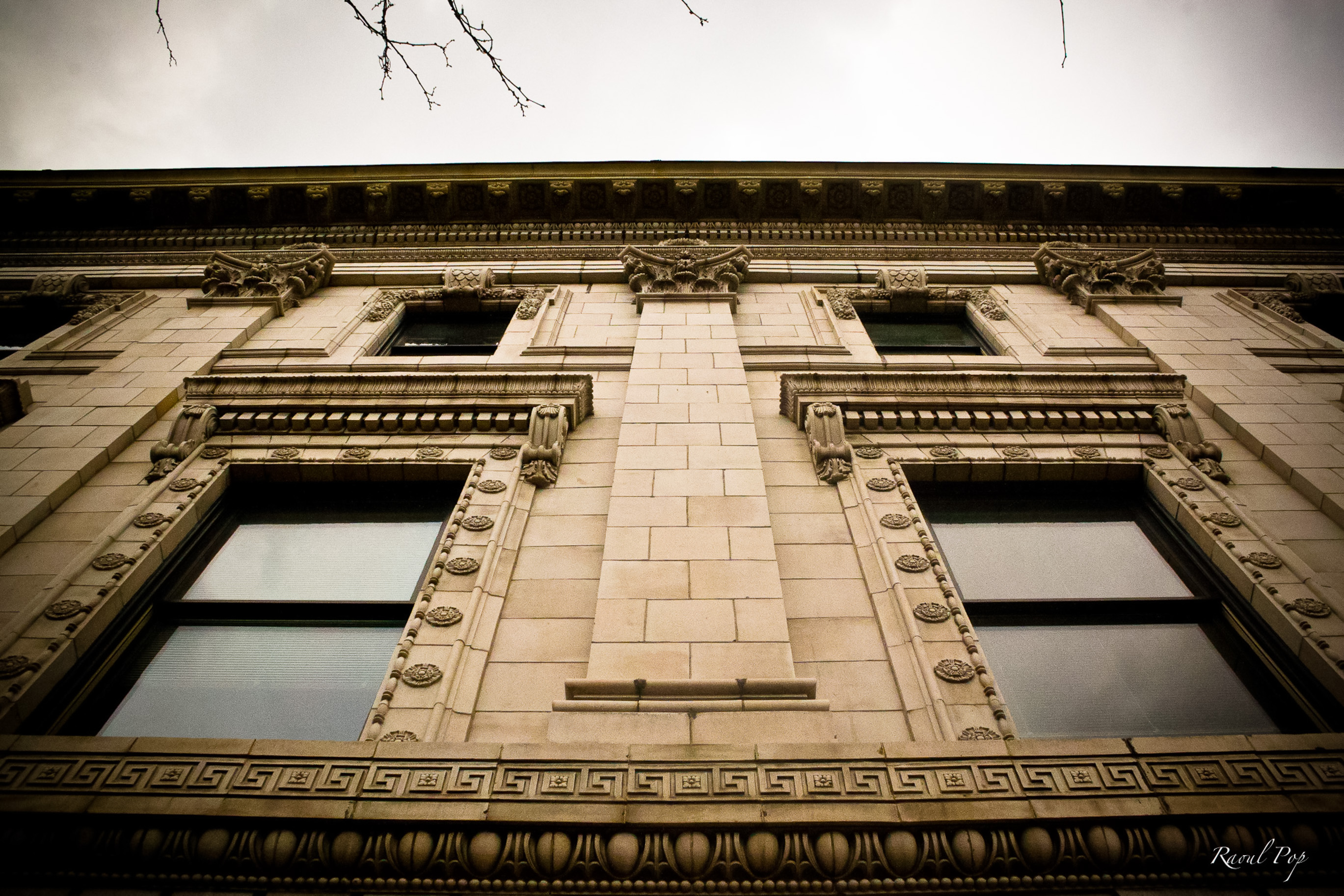
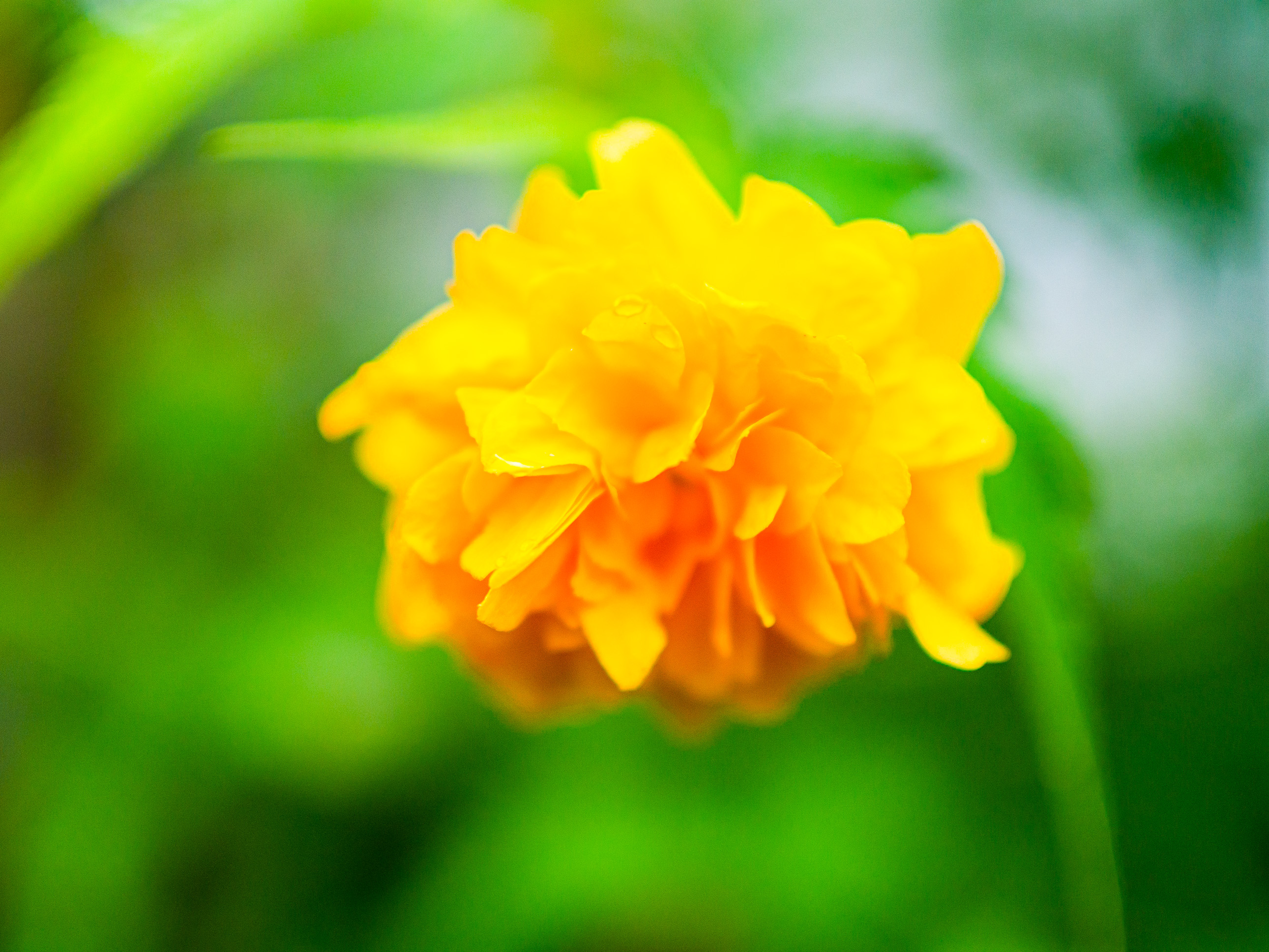
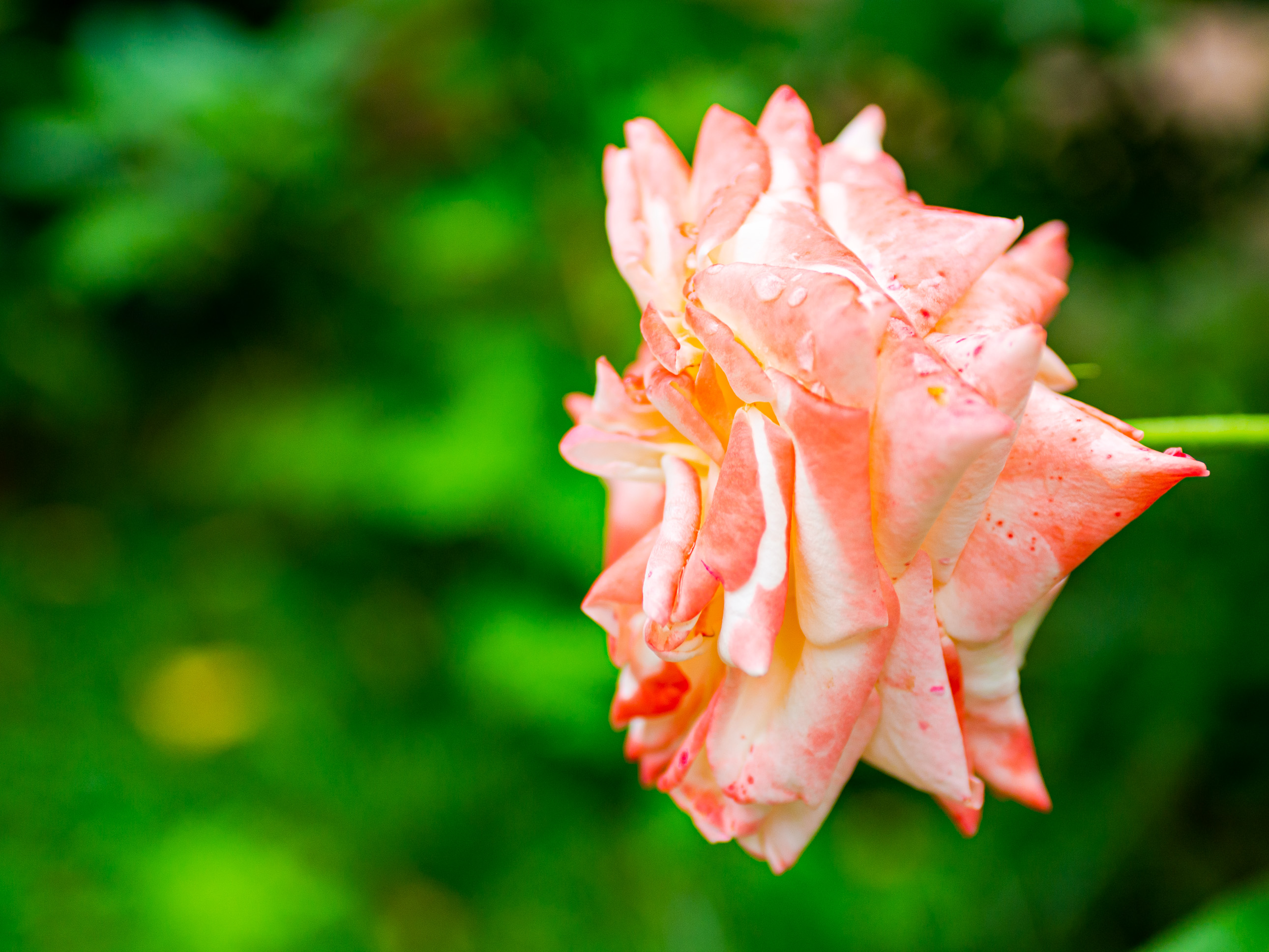
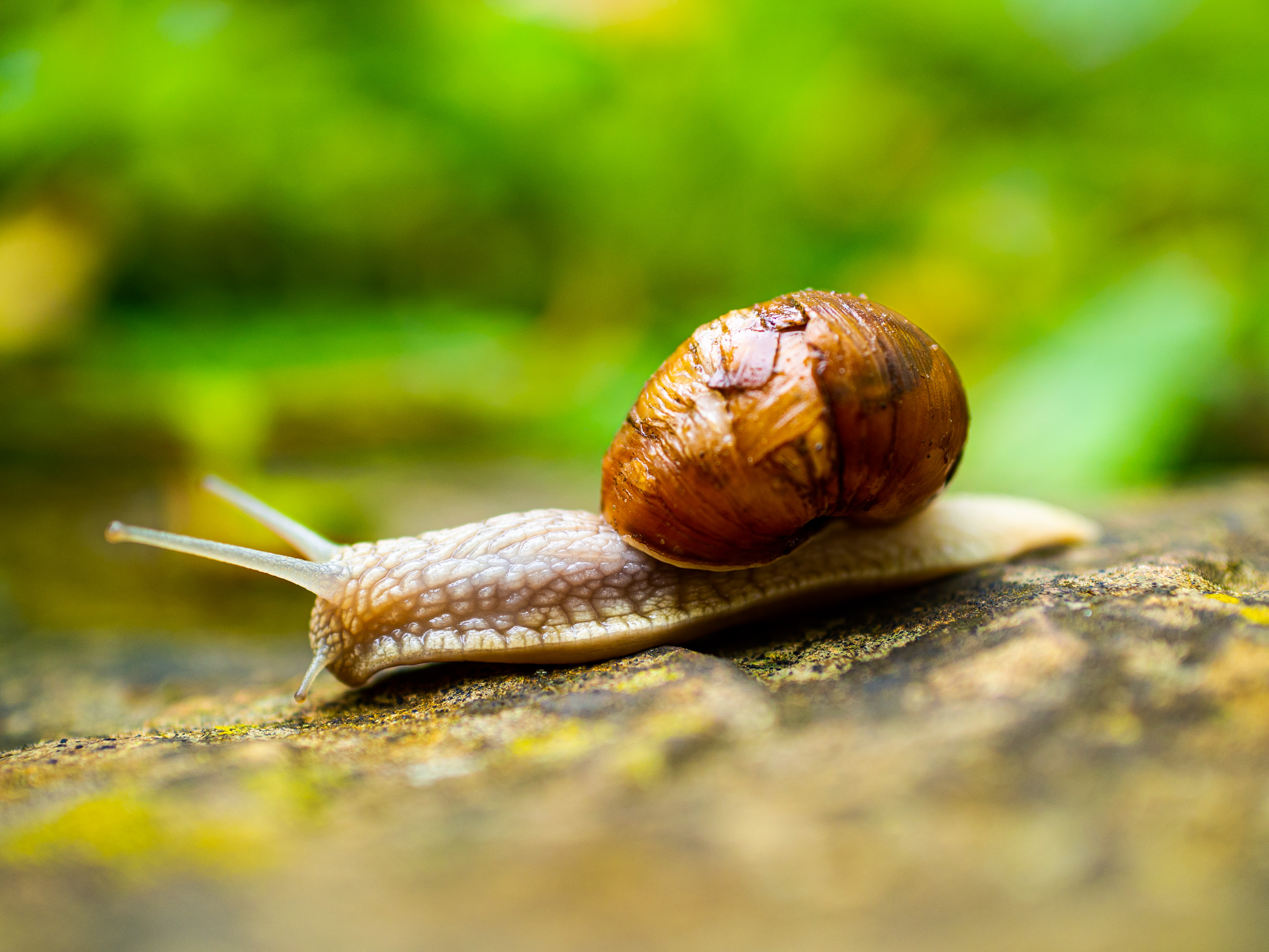
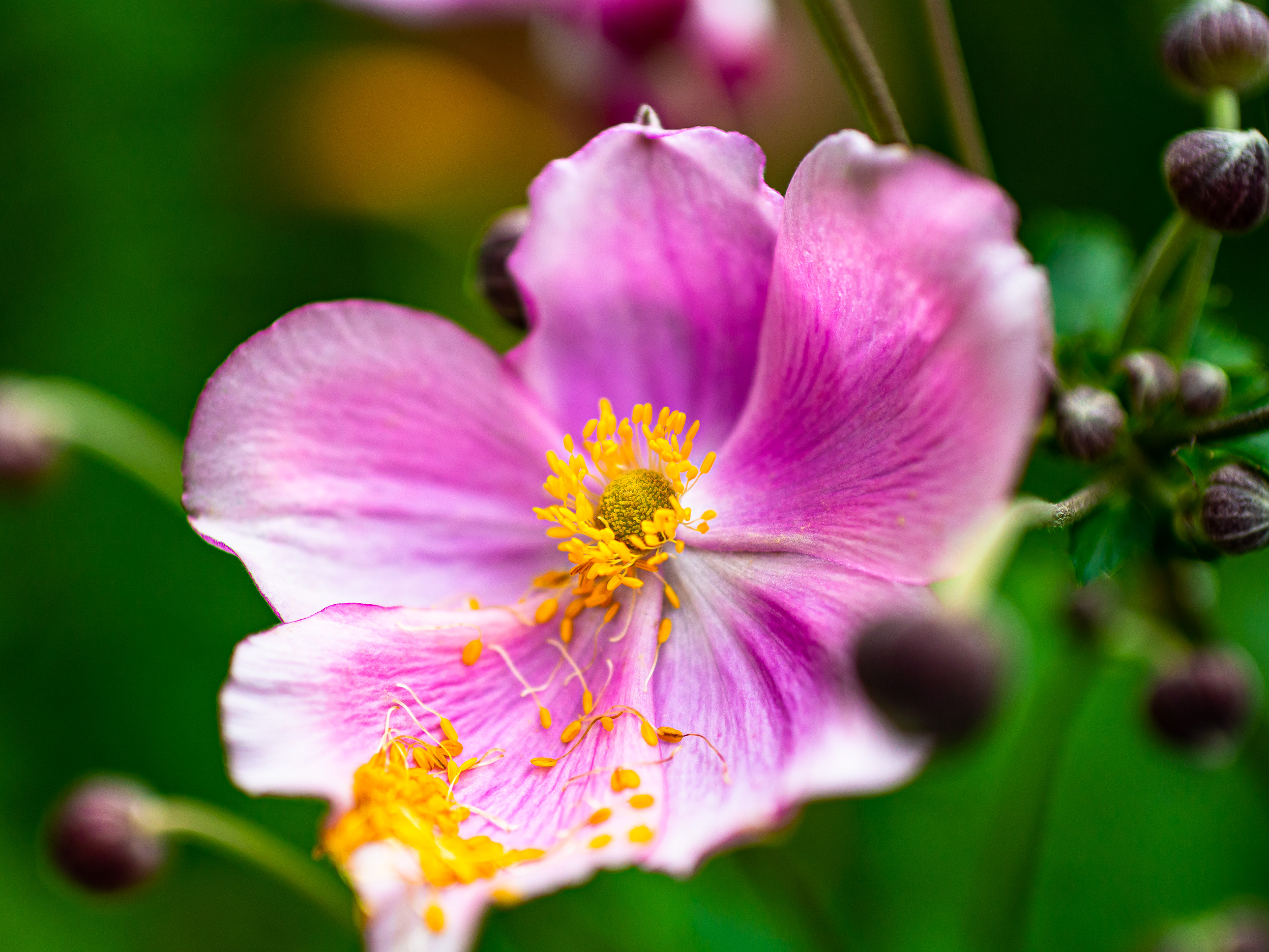
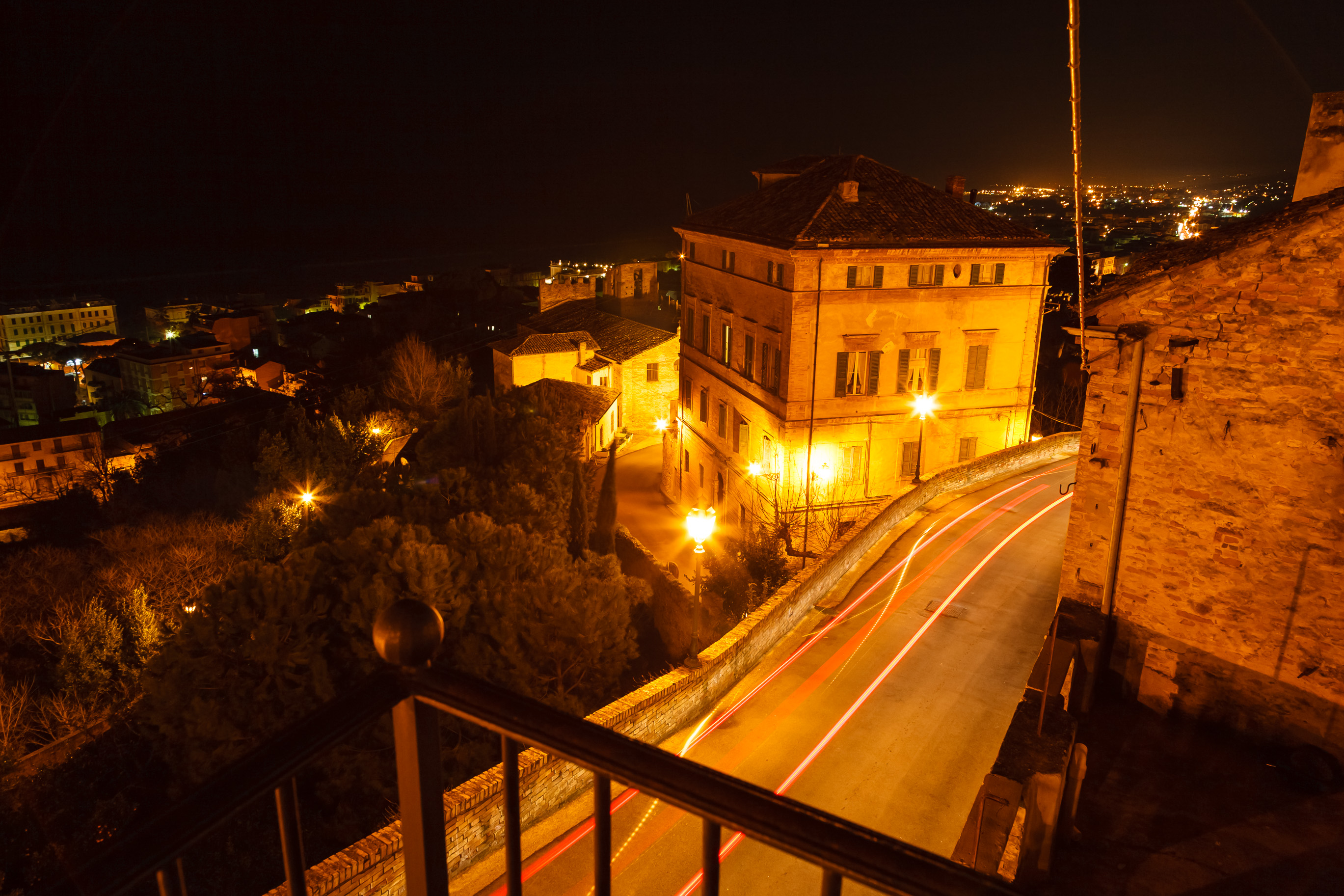
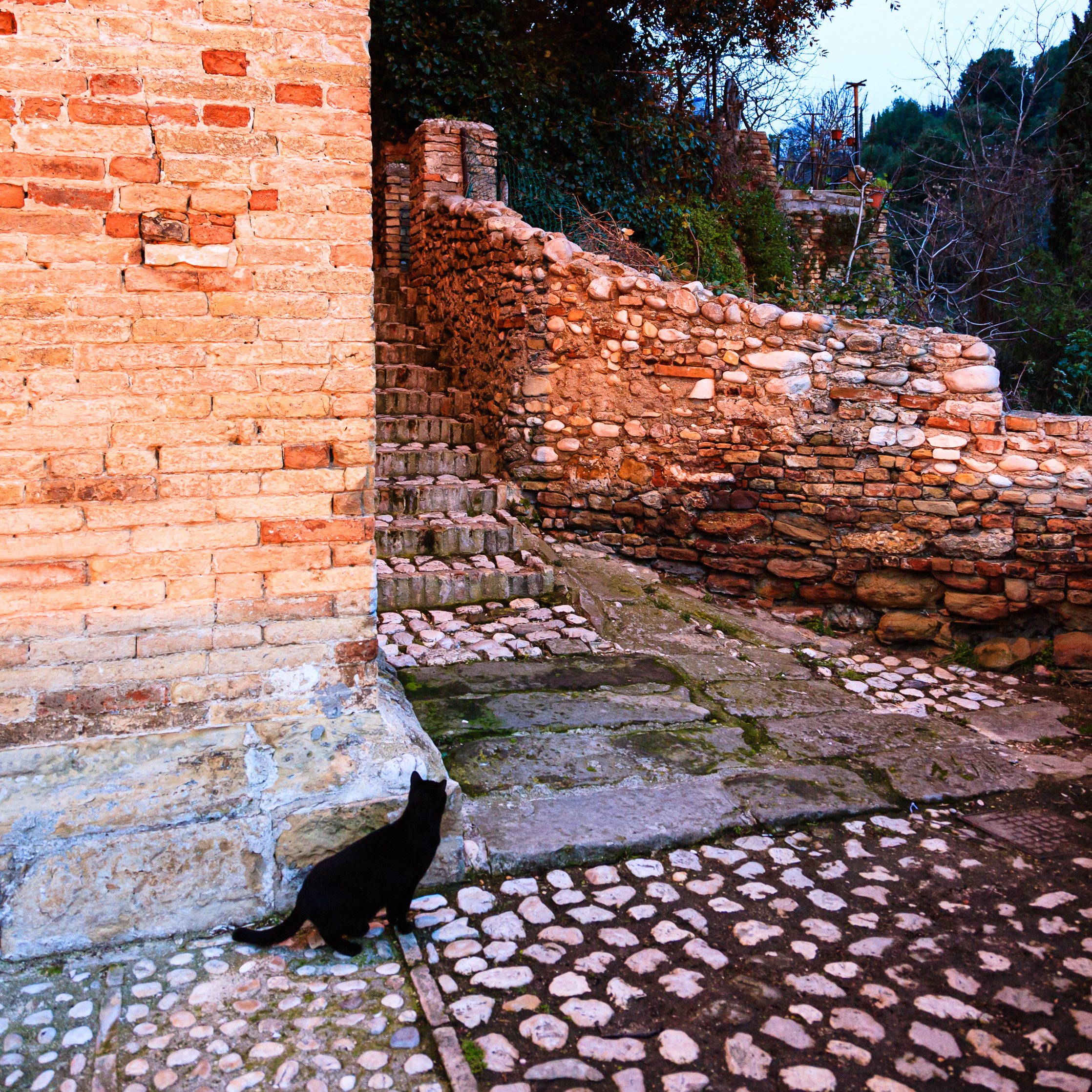
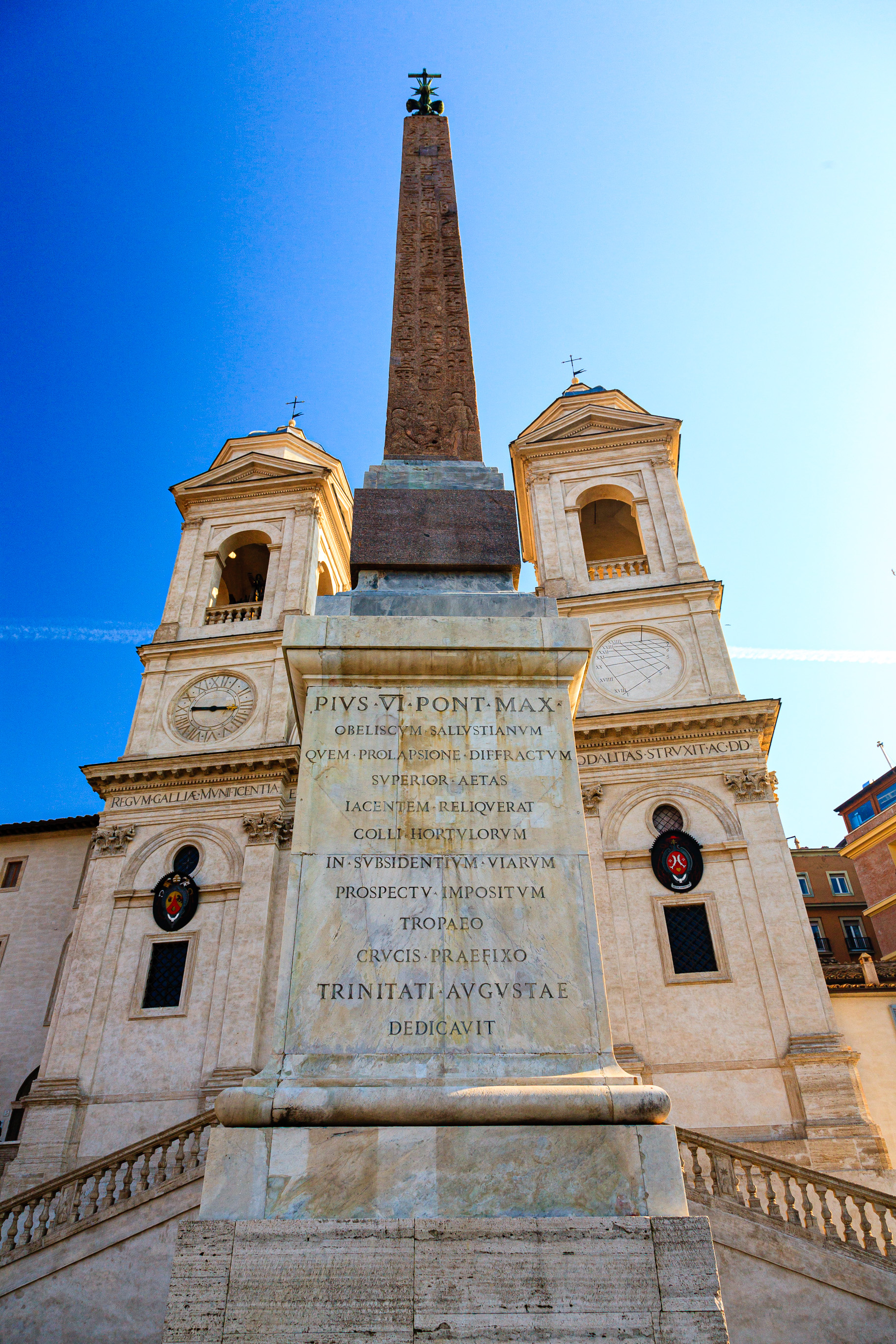
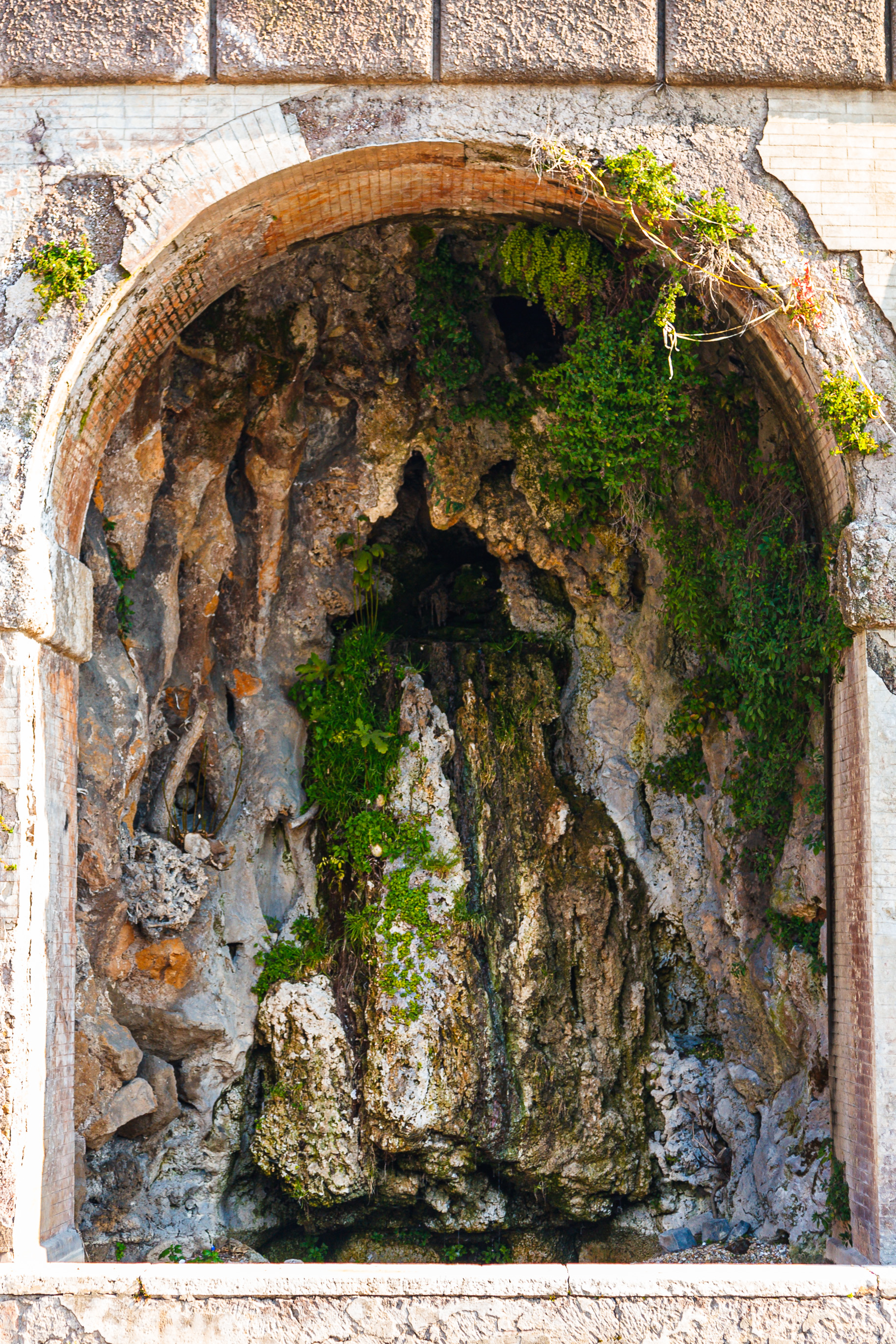
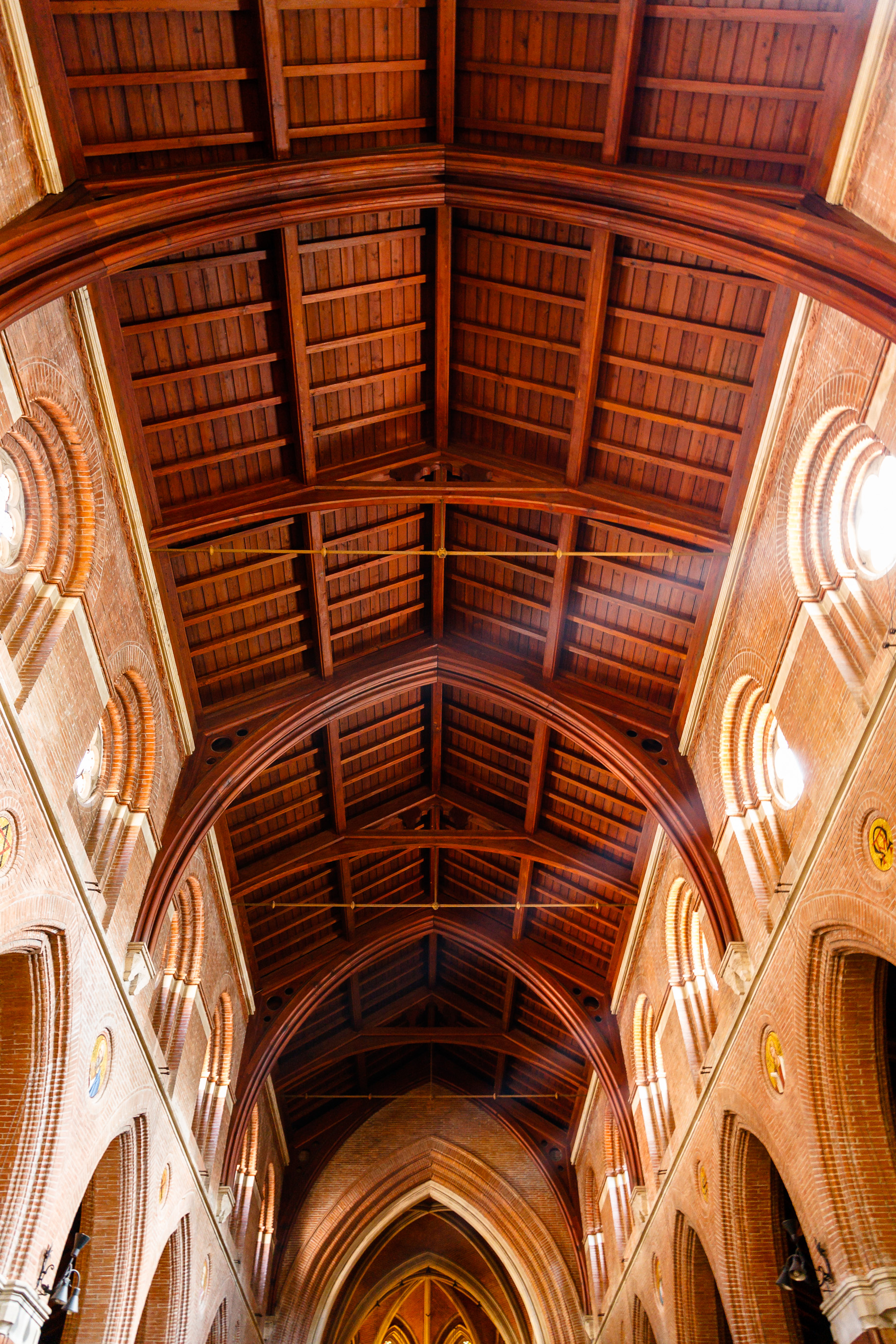
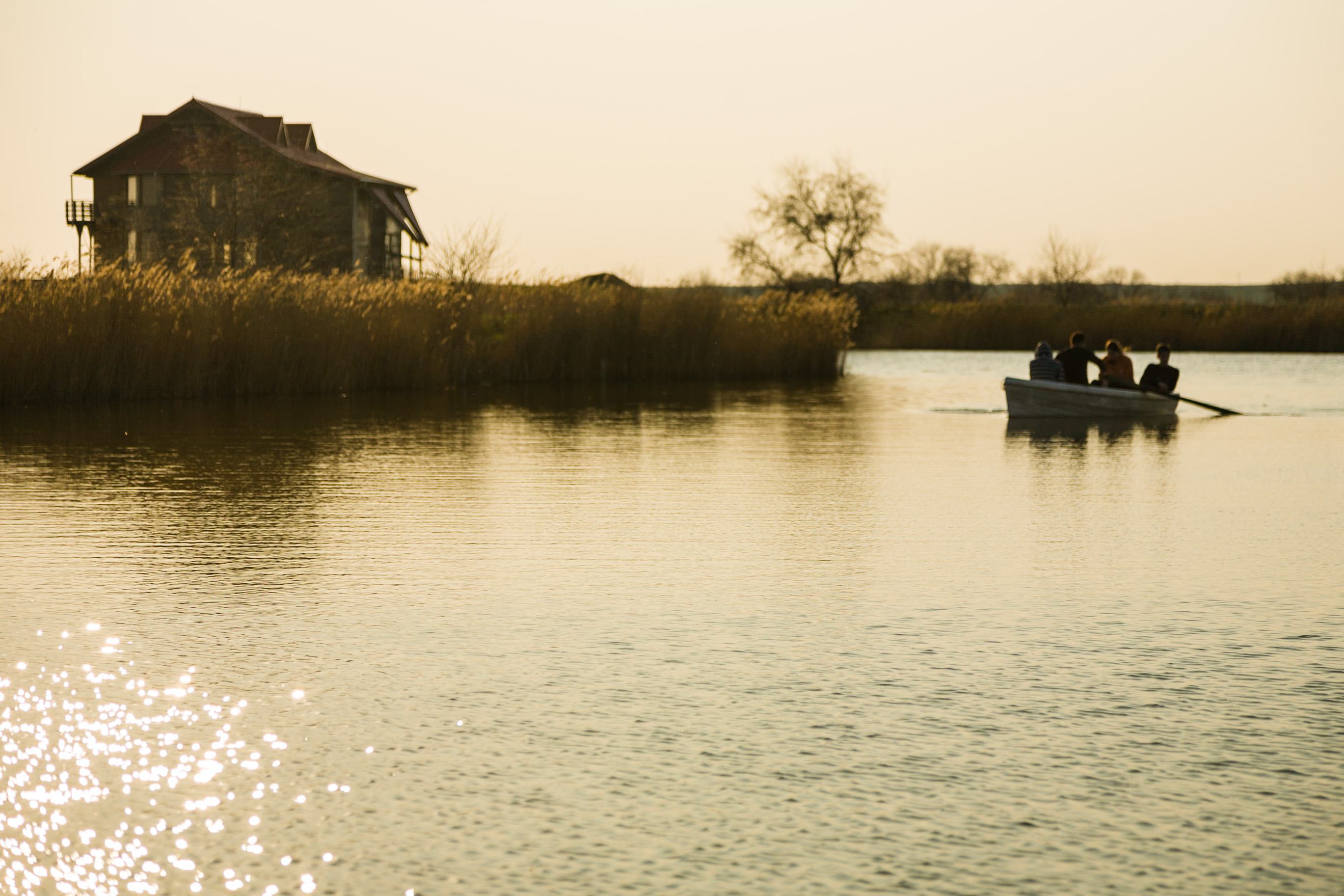
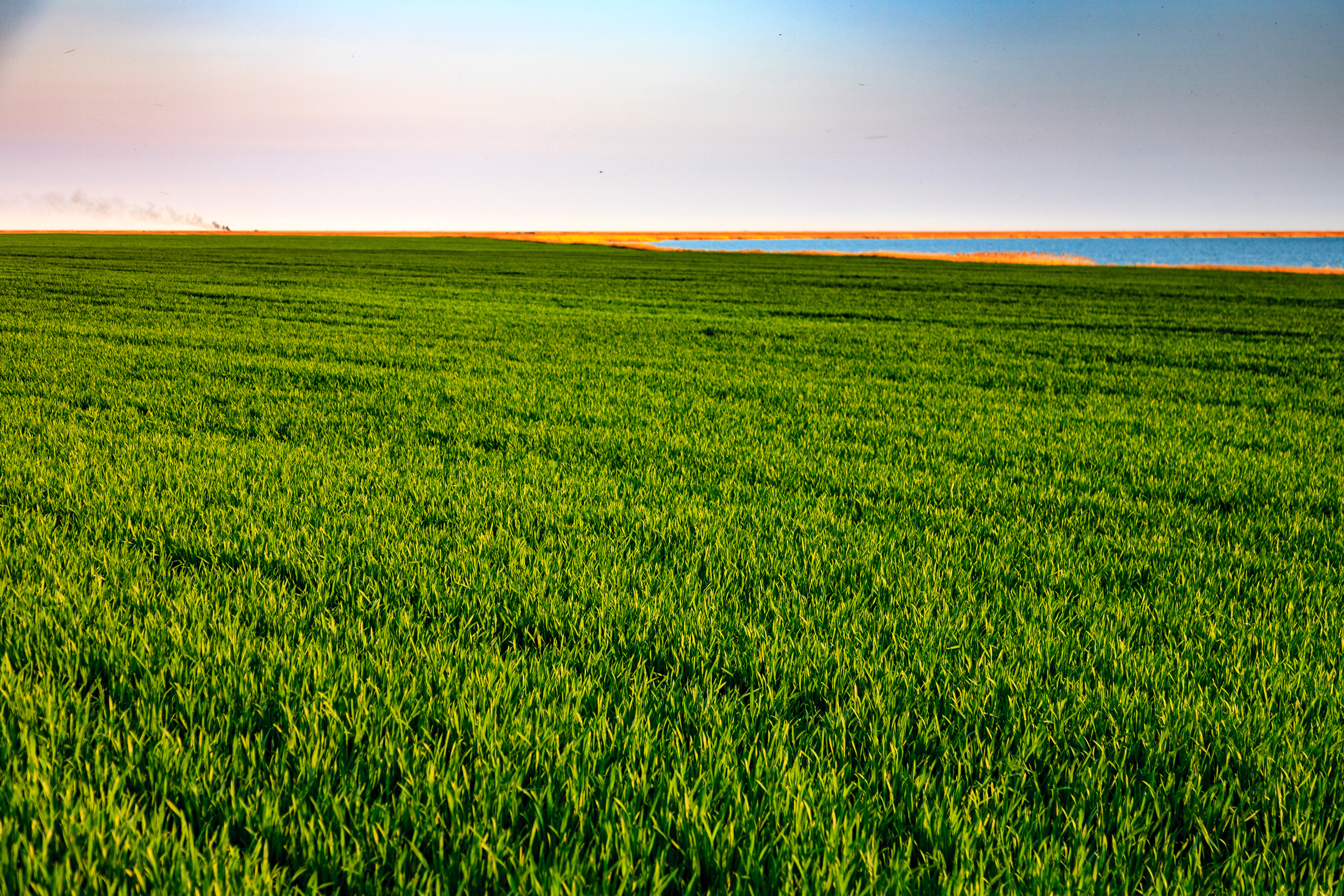
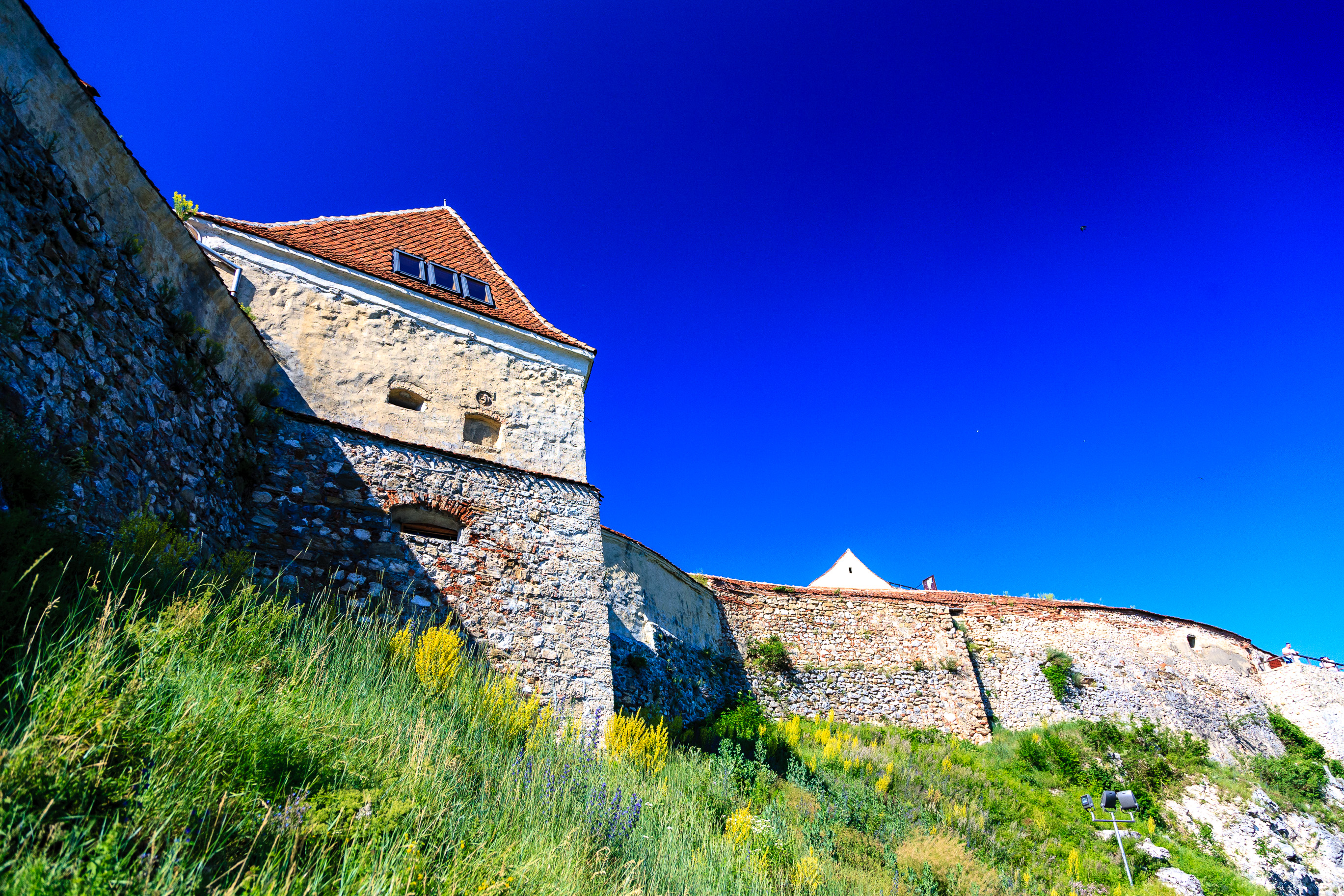
Five from the past and five from the present. Enjoy!
Author Archives: Raoul Pop
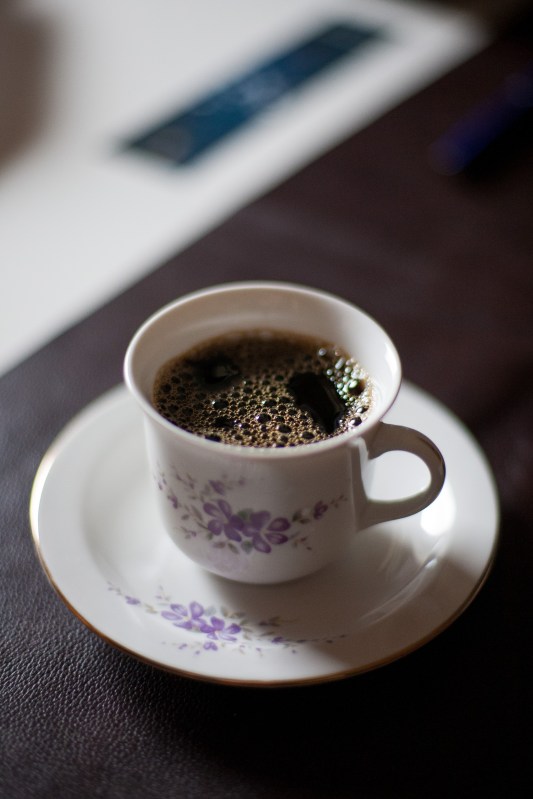
This post may be the first in a series of daily image galleries published here on my site. They’re going to be either recent images or early ones, culled from my archives, though they’re more likely to be recent ones. The name of the series may change. Enjoy the photographs!
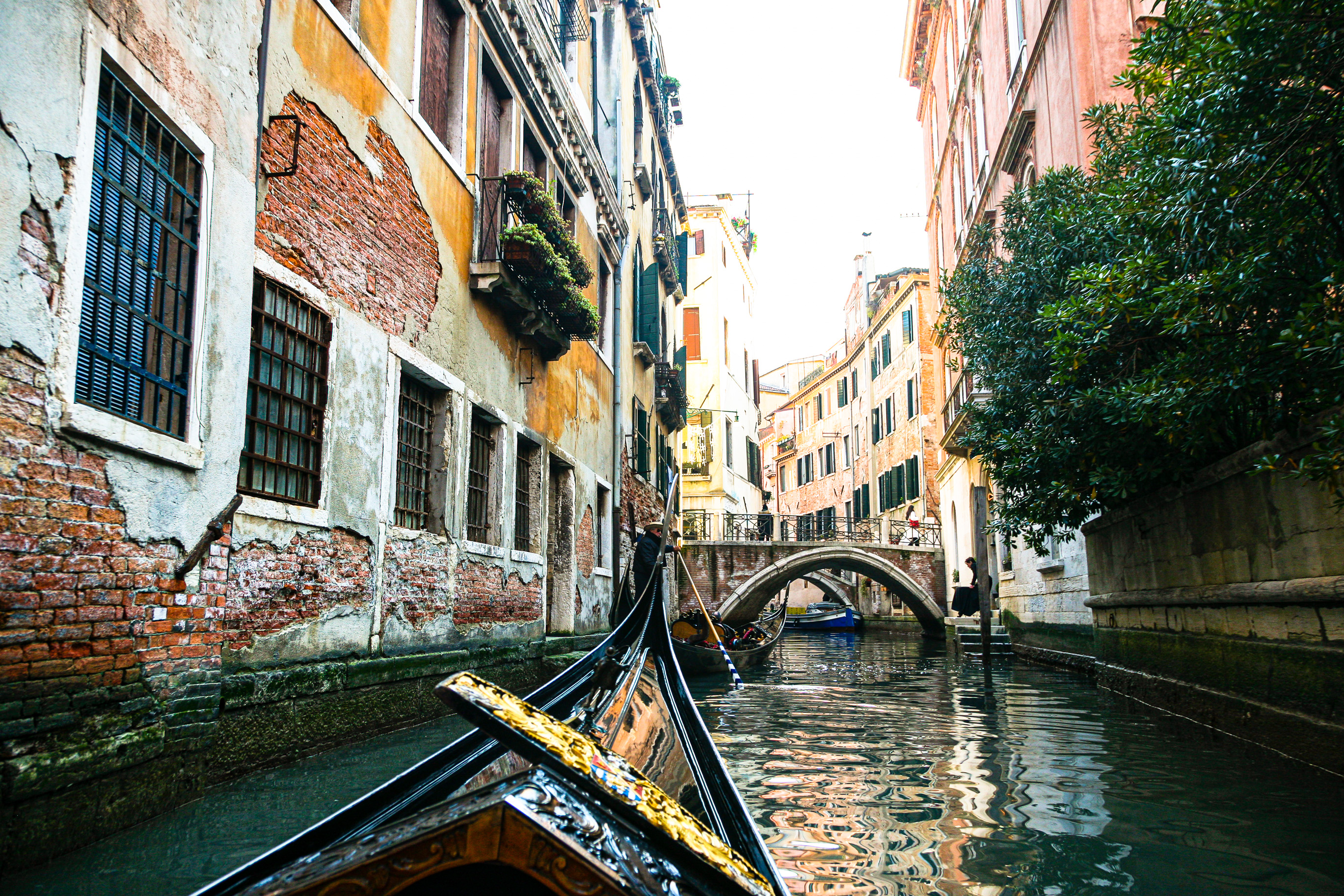
Today’s images
Salzburg in the rain
In September of 2008, we made a quick stop in the Altstadt (Old Town) in Salzburg, as we were traveling through Austria. It was raining and cold, and in spite of my camera not being waterproof to any degree, I insisted on taking some photos. I kept it under my raincoat and I’d take it out for a quick photo, then back inside it’d go. It still got wet, but thankfully, it did not break down. Enjoy the photos!
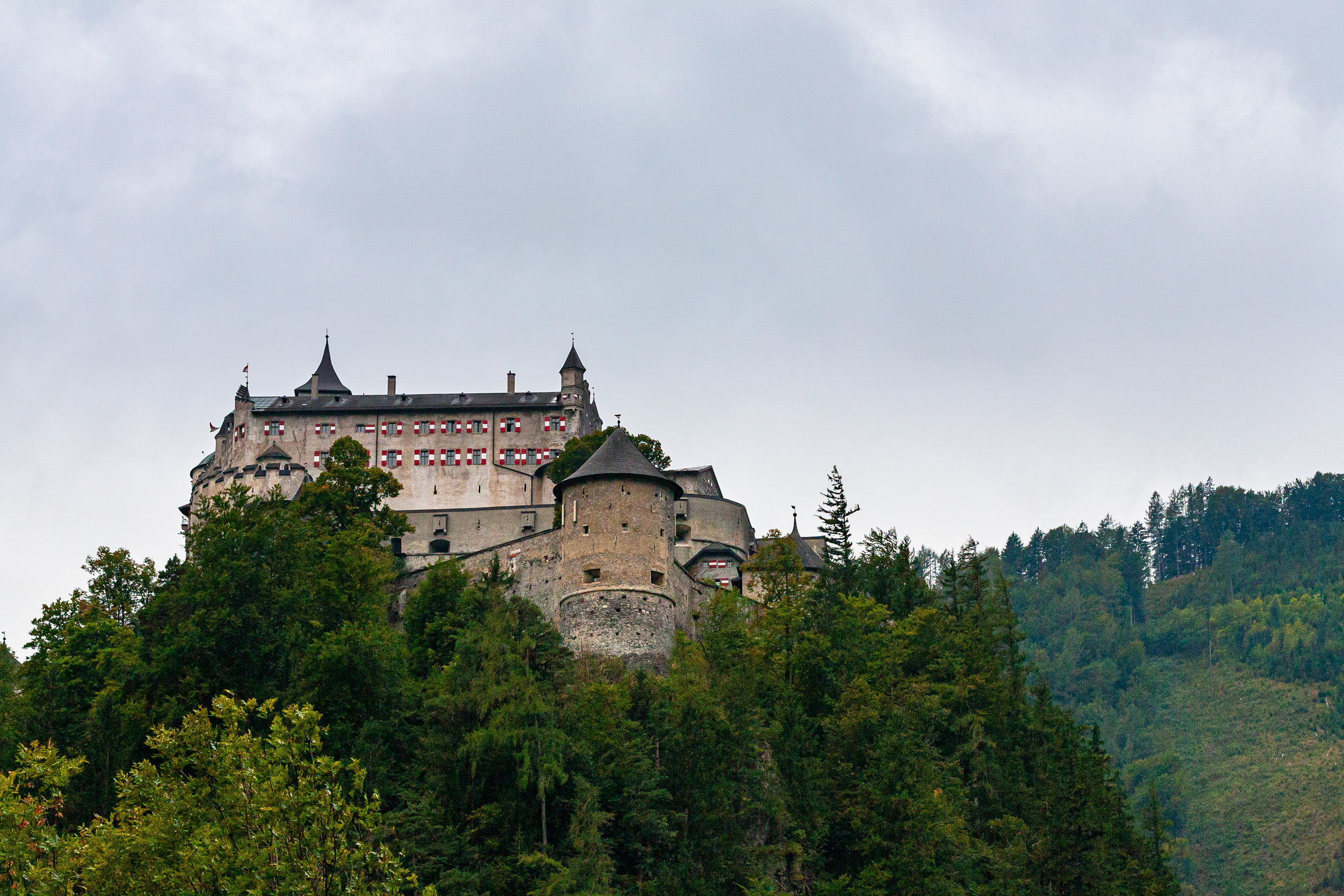
Altstadt, Salzburg, Austria 
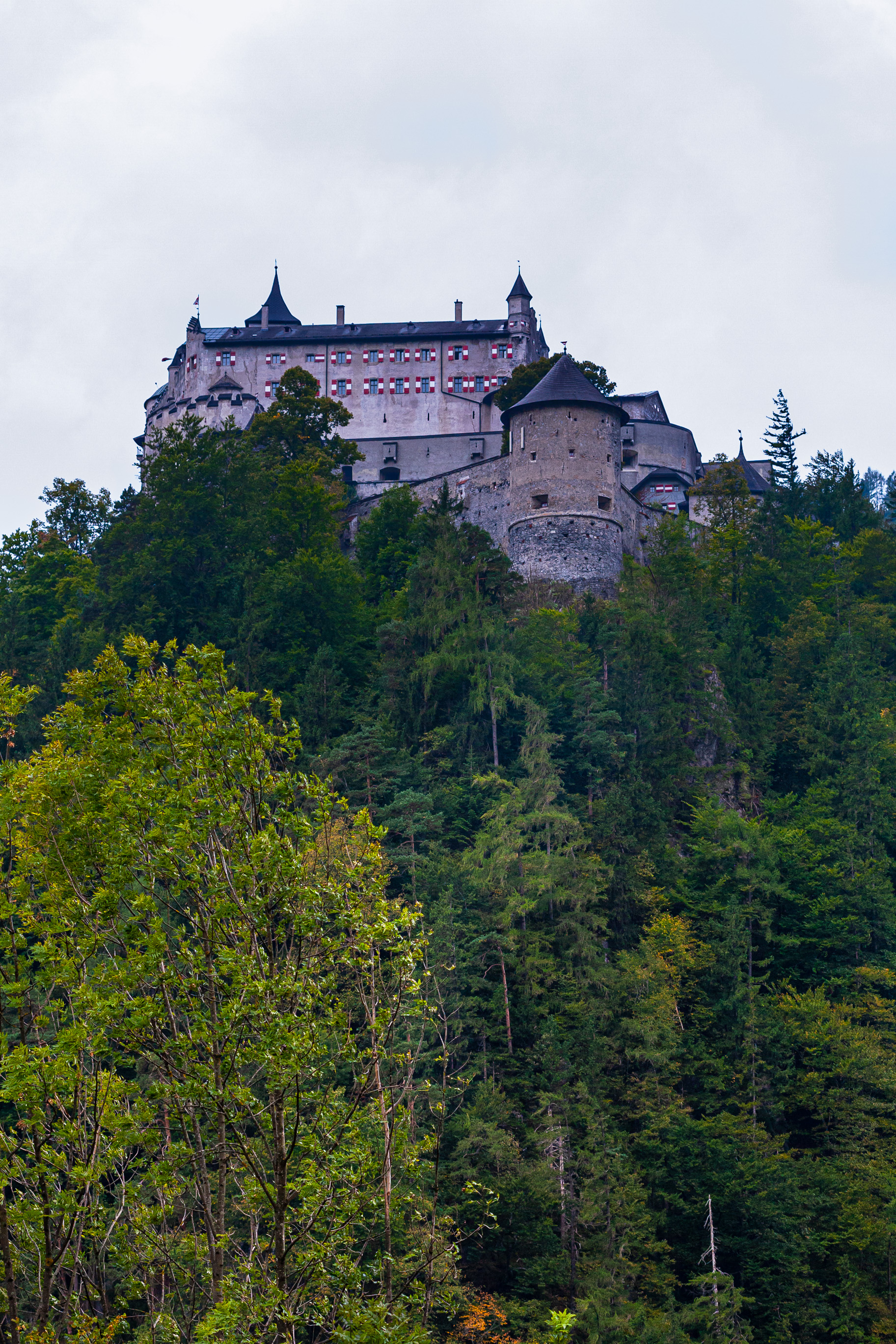
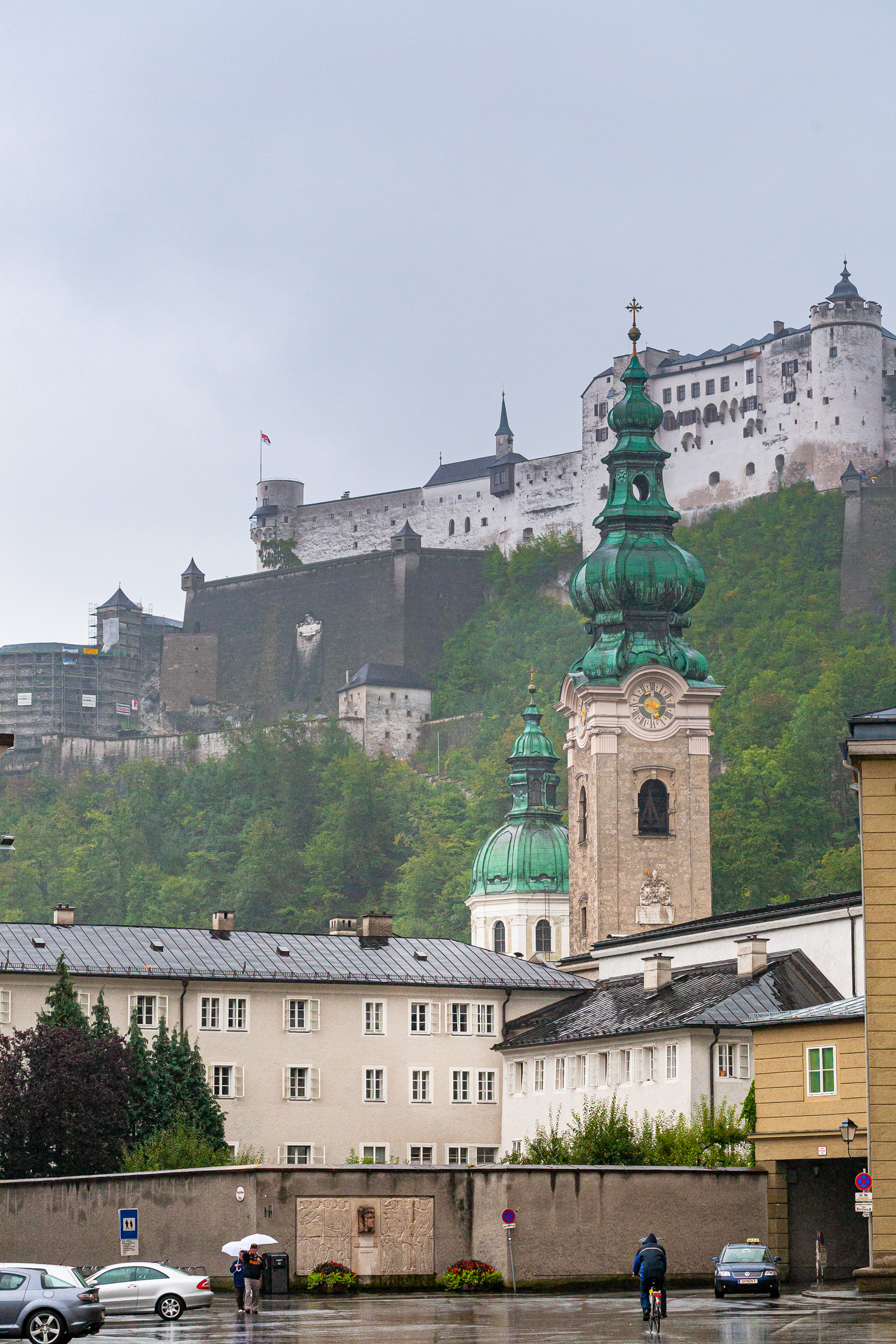
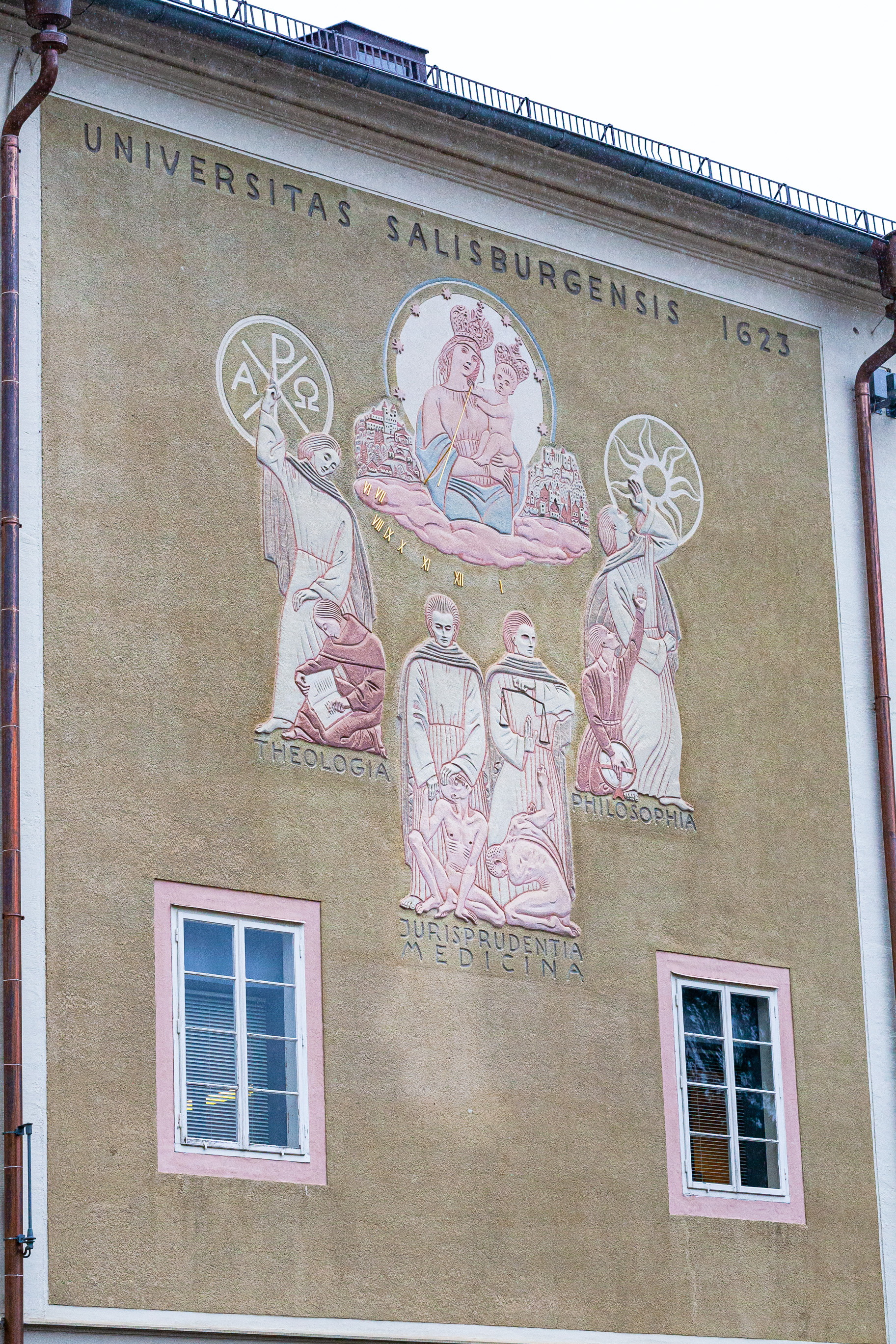
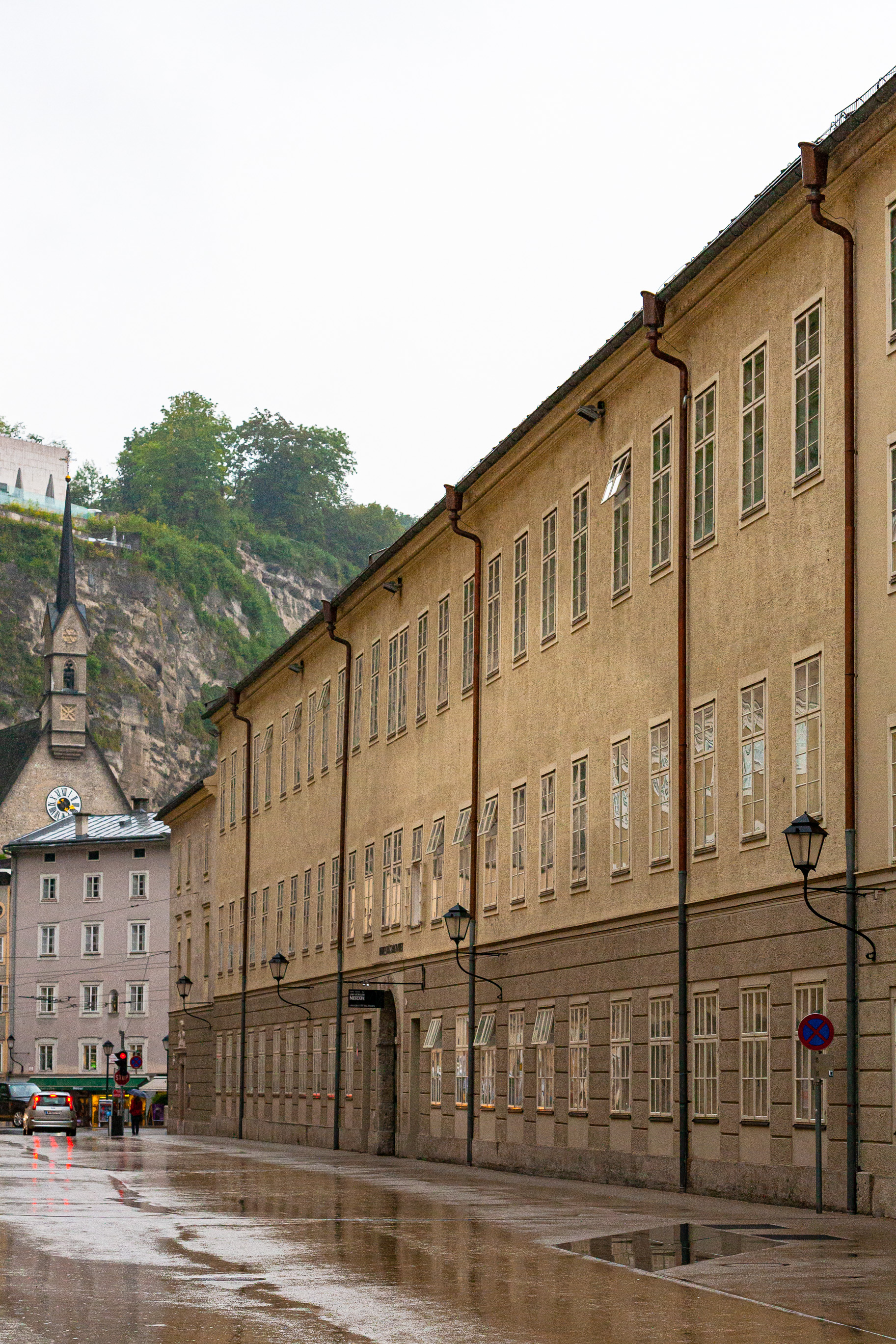
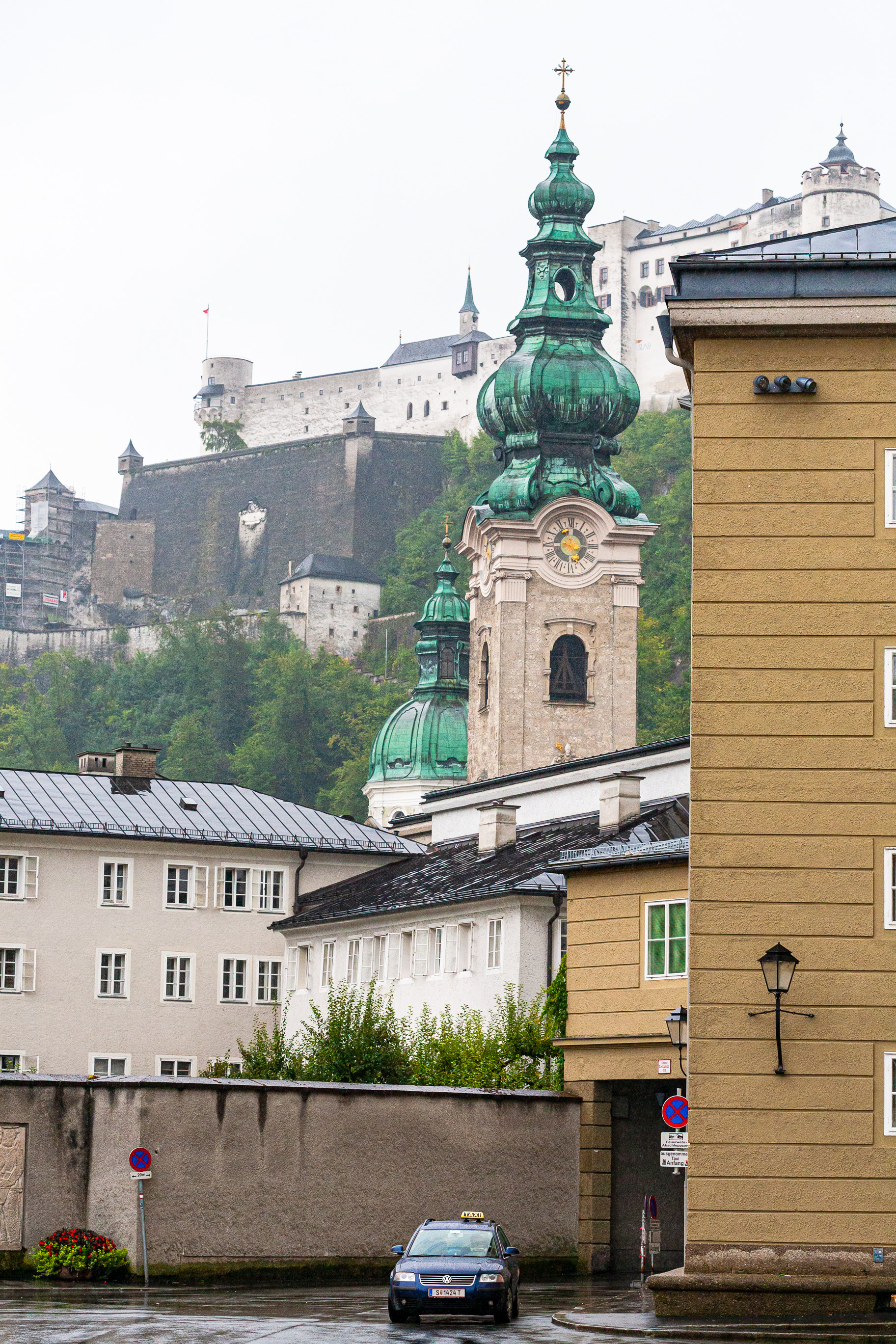
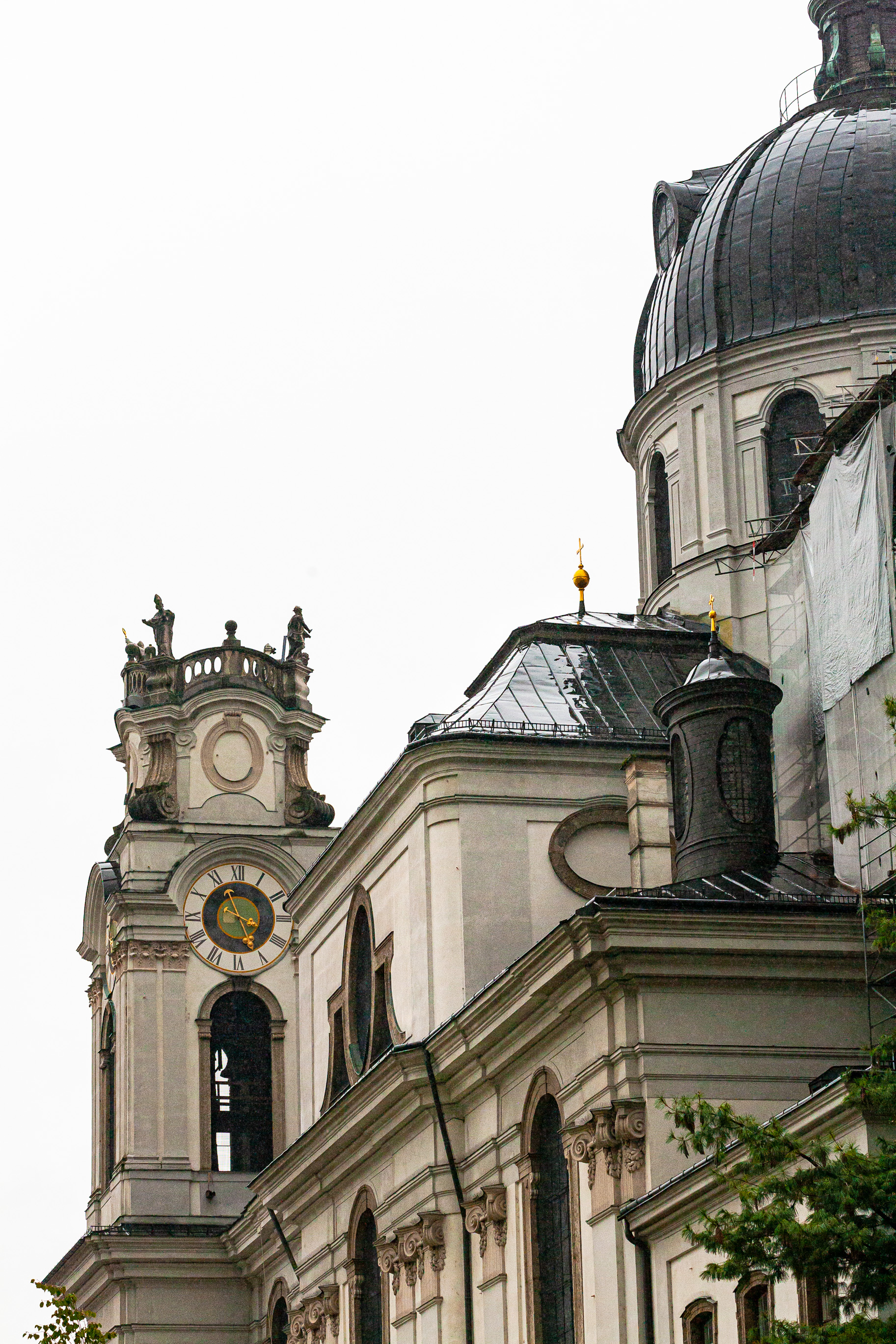
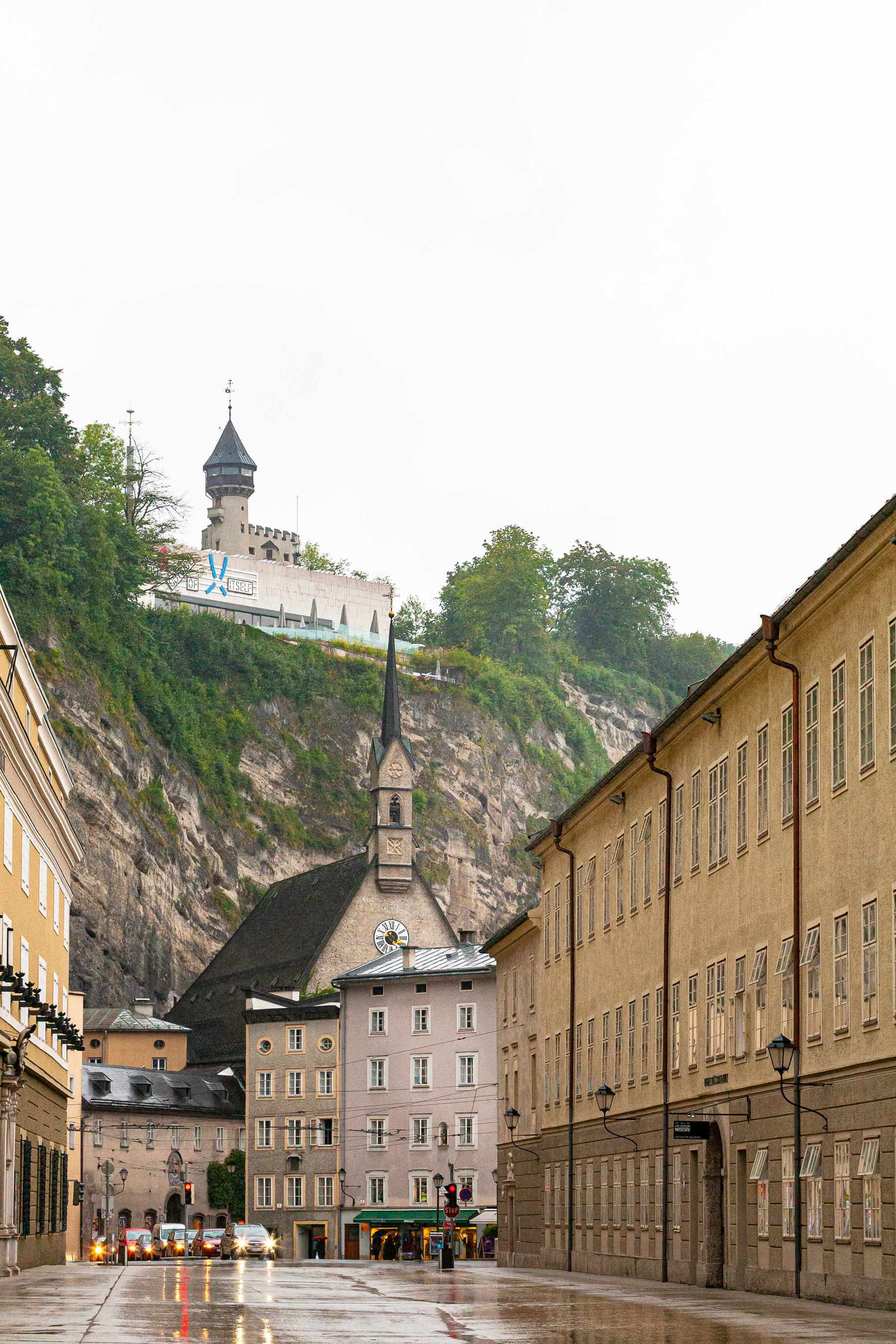
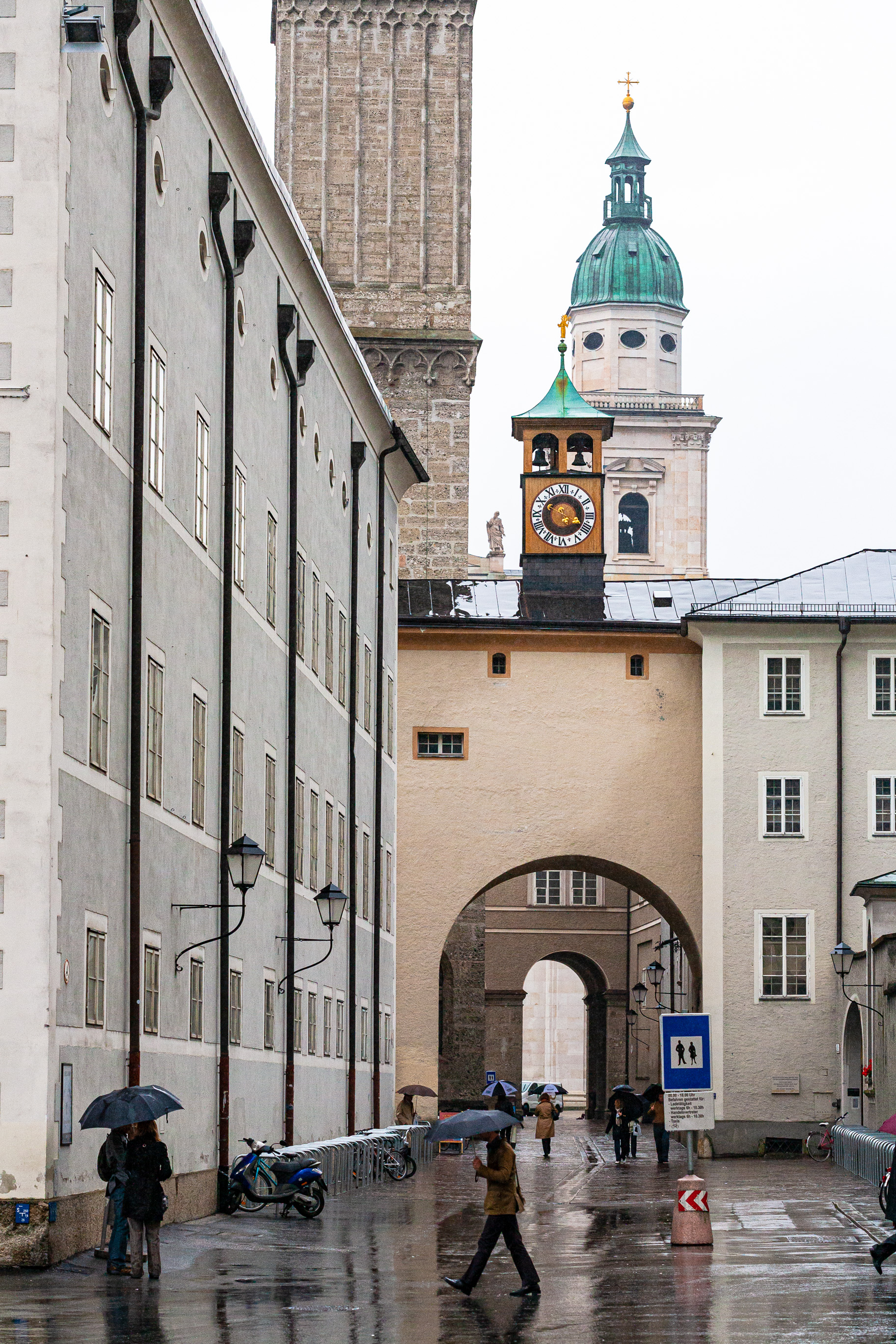
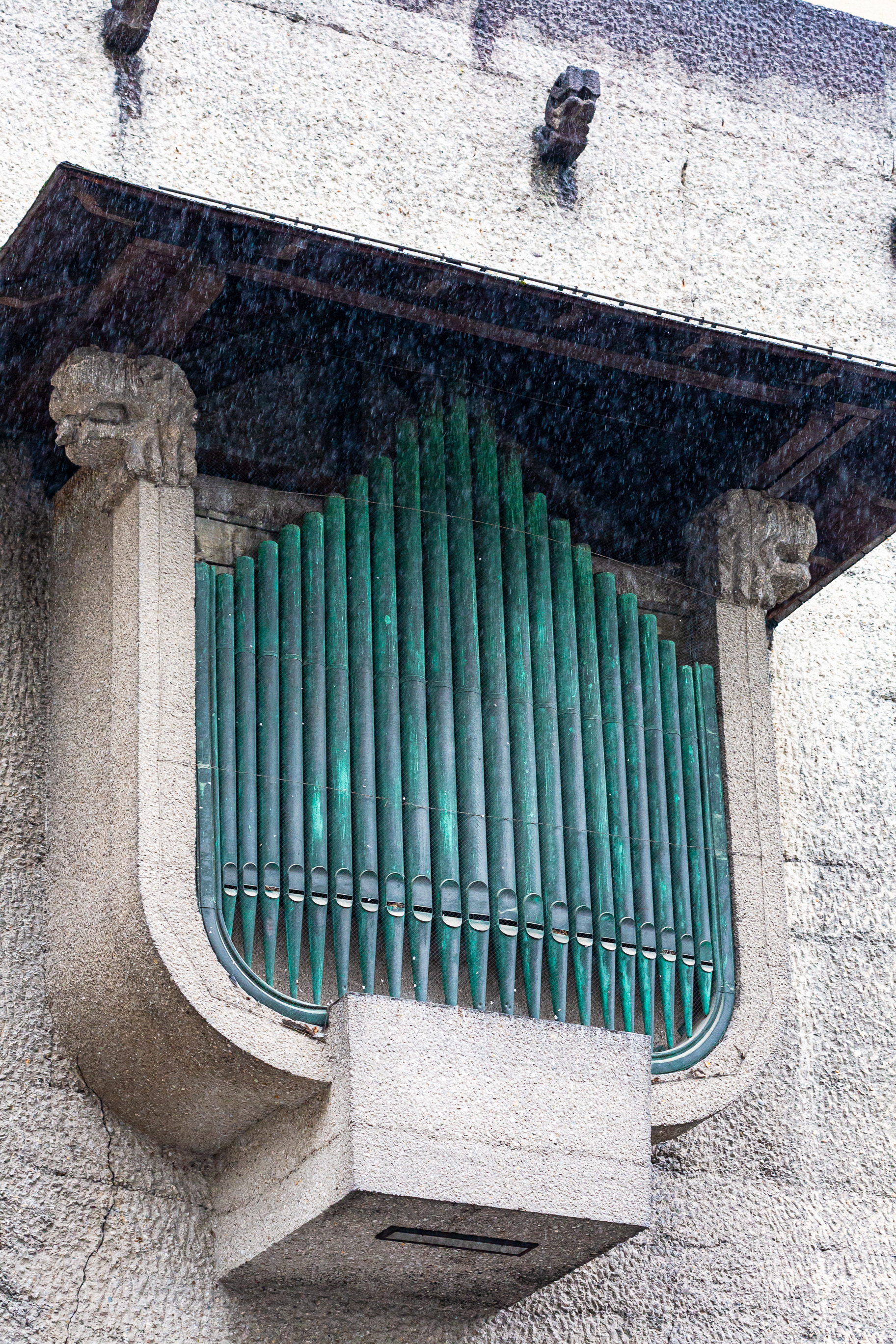
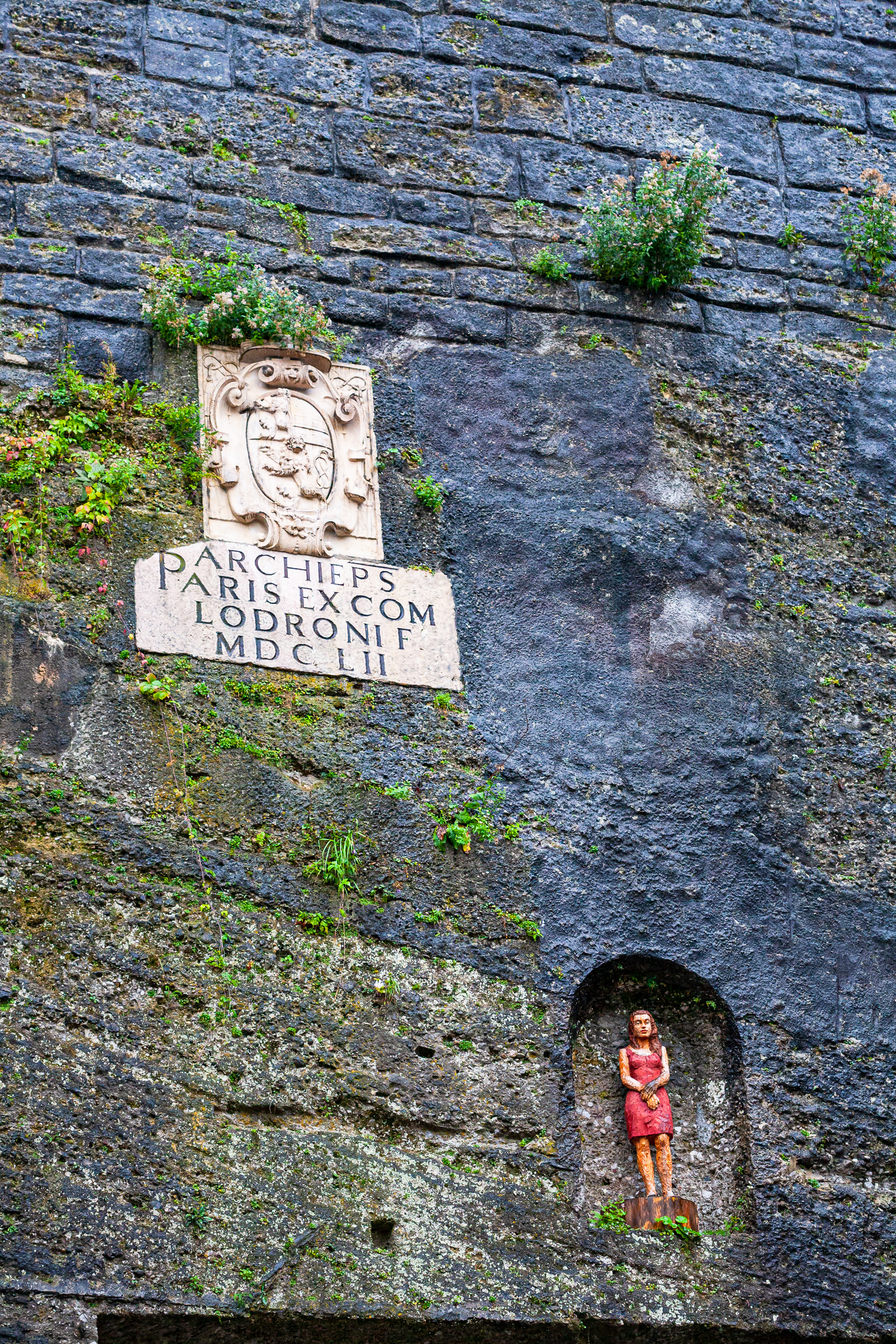
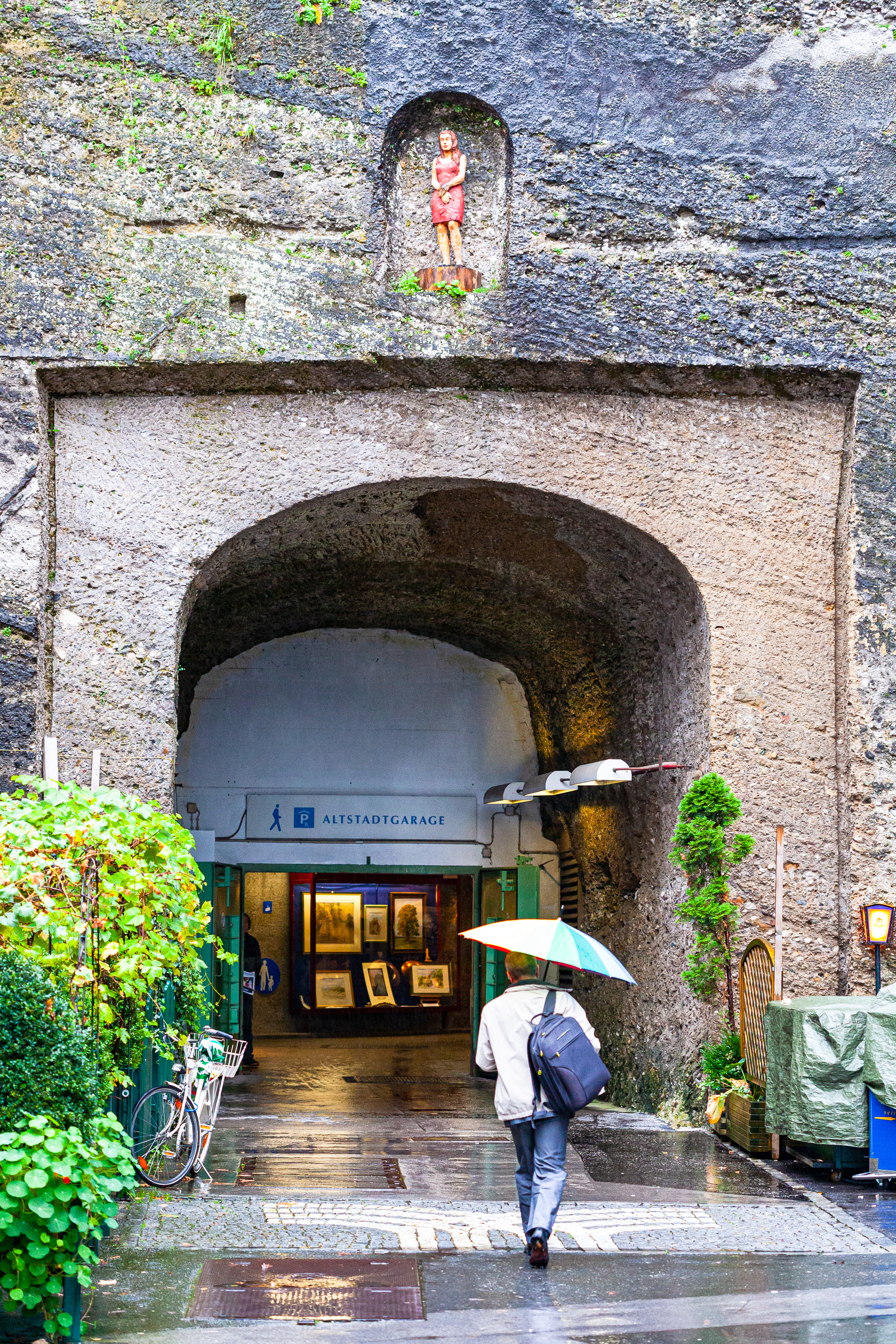
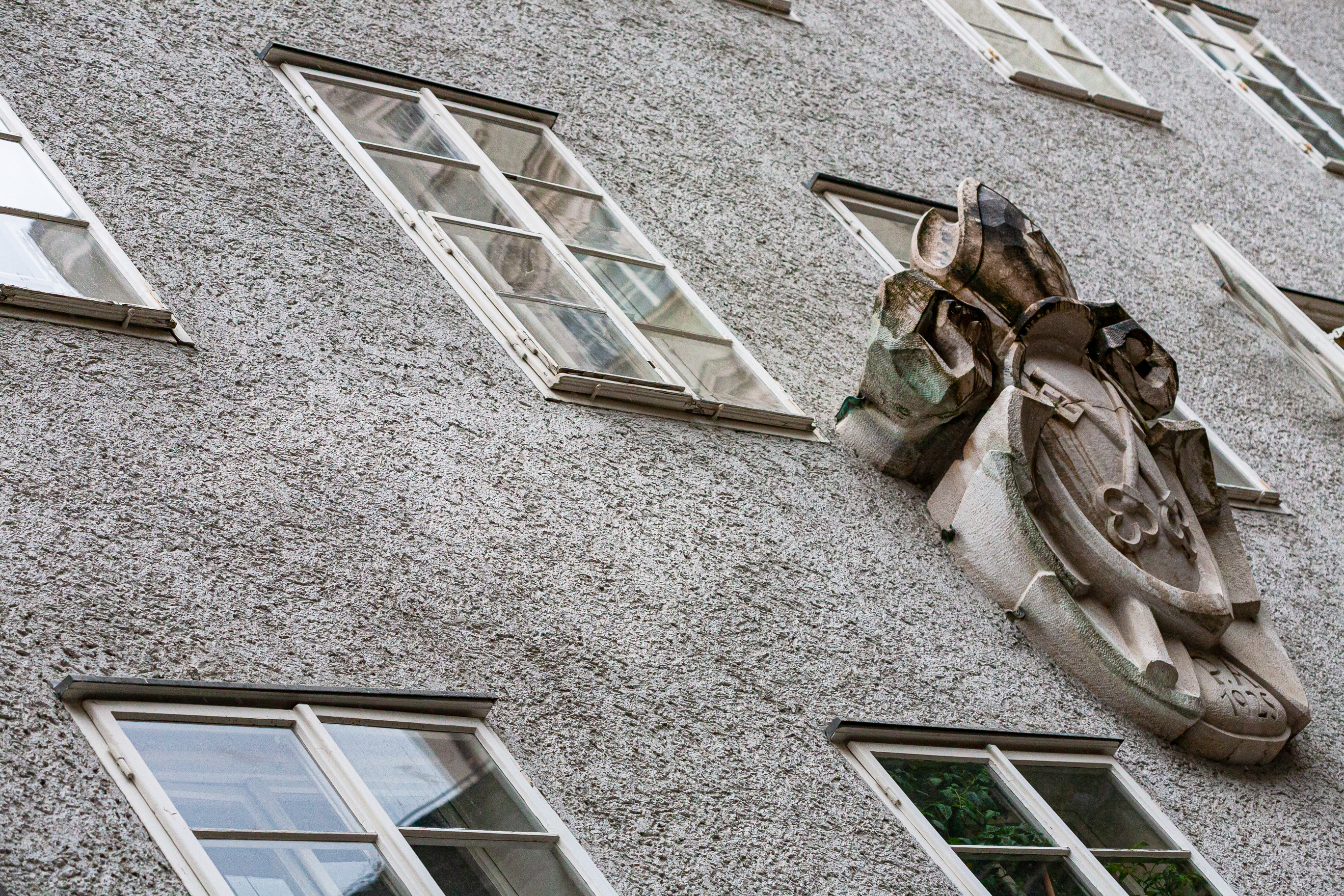
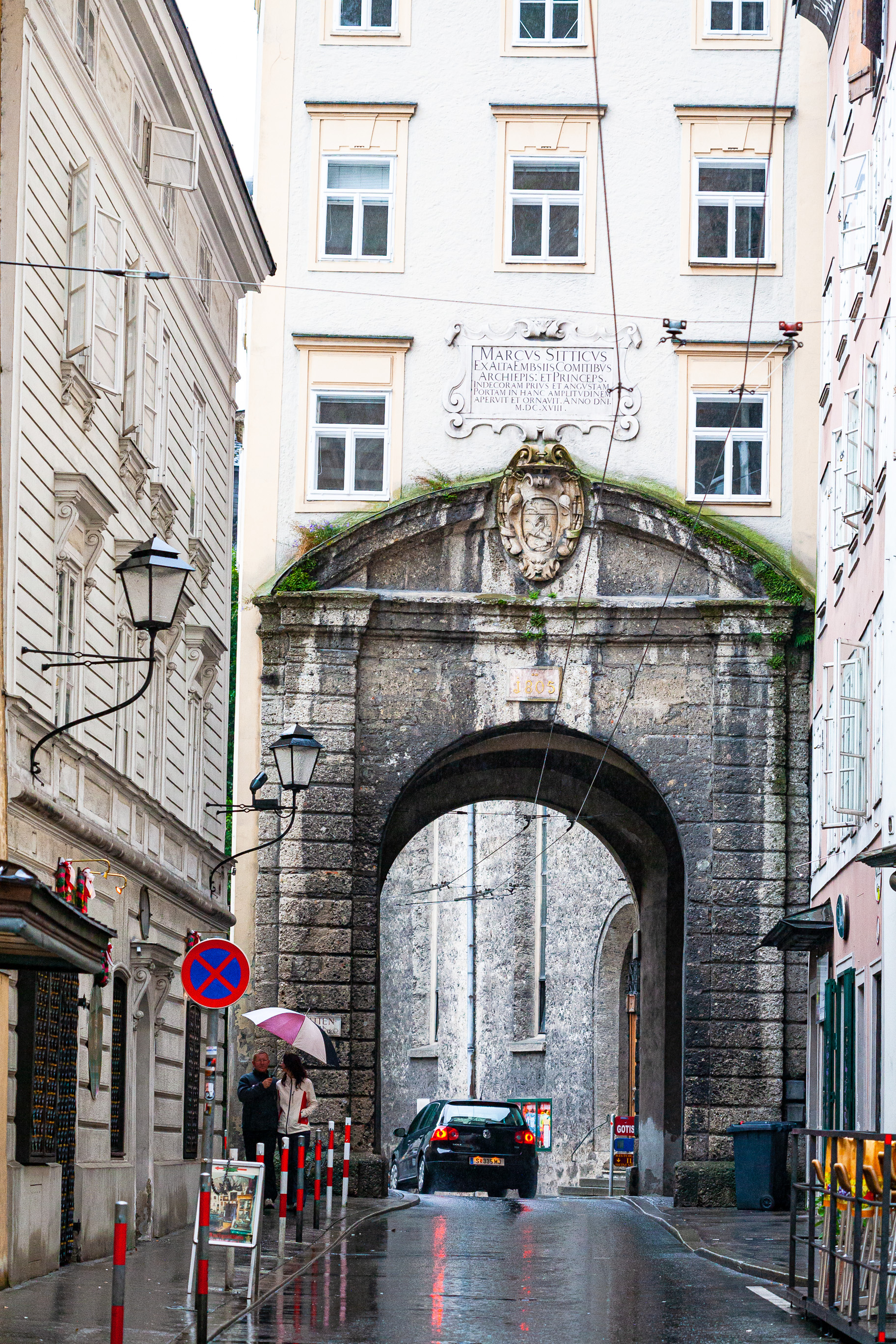
Altstadt, Salzburg, Austria
On gardening and civilized society
Ever since we’ve begun the restoration work on the historical monuments in the Transylvanian countryside (see Asociatia P.A.T.R.U. for the details), I’ve had to tend to the landscaping, among other things. And if there’s one thing you learn when you garden, is that you have to prune the weeds constantly. Some weeds you simply cannot just pull out and throw in a compost pile, they’re so invasive that you must burn them in order to stop them from spreading.
Yet in our modern, civilized society, we are led to believe that we must tolerate the weeds, including the really nasty ones. That somehow, we are to be as tolerant as possible, that there is a place for everyone in our all-inclusive civilization. It’s as if everyone’s a precious flower that we must tend to and nourish. Inasmuch as I want that to be the case, and lots of other idealistic people want that to be the case, a lot of people are weeds. Nasty weeds that we shouldn’t tolerate, that do not deserve our respect, attention, or our help. These are people that constantly shit the bed of civilization, so to speak. They take every chance, every opportunity given to them by society, by well-meaning people, and they abuse it. They turn it into something to be regretted. Like weeds, if they’re not pruned, they spread everywhere, and then there’s no garden anymore. They must be thrown out of society. For some, a little time in the compost pile might be enough. For others, there is no coming back. It’s like trying to stick a square peg in a round hole. They’re anachronisms, throwbacks to more barbaric times. Unfortunately, unlike anachronisms, they’re not self-eliminating, they’re self-perpetuating. And so more drastic action must be taken.
This isn’t something that’s done once. It requires regularity. Punishing regularity. Real effort, real sweat. A constant battle against the weeds. Just like gardening.
A repair to my wife’s Mac Mini
My wife’s computer is a unibody, late-2012 Mac Mini, model A1347 with Fusion Drive, which we’ve had since then, having ordered it to our specs directly from Apple. We’re happy with it. It’s a lovely little computer with more than enough oomph for my wife’s needs (she is an author).

The HDD on her Mac was silently failing and her computer was getting slower. A quick disk speed test revealed that its write speeds had decreased by about 75%.

Running First Aid on the system volume did not yield any insights into the HDD’s true state. Thankfully, there’s a little app called DriveDx, which I talked about in a previous post. Running that app revealed the HDD’s problems.

The SSD wasn’t doing too well either, but at least its lifespan was at about 50%.

The solution was simple: I needed to replace the HDD. A 1TB SSD would suffice, so I ordered one (an ADATA SU800 1TB SSD). My wife continued to use her computer as usual, since it was still working, although I made doubly sure that it was backing up to Time Machine. I would restore her data from those backups after I replaced the HDD.
Once the SSD arrived, I got to work. I didn’t want Ligia to experience an outage longer than a few hours, so the pressure was on. My plan was to open up her machine, clean the insides thoroughly of dust, replace the thermal paste on the CPU and GPU, then replace the HDD with the SSD. After putting it back together and booting up, I would need to do a data restore.
Here is a gallery of photographs from that process. The insides were indeed full of dust and the thermal paste had dried up. I followed this guide from iFixit, although I have to say it’s not entirely accurate, as detailed below.
I was on my own when it came time to work on the AirPort/Bluetooth board, where the setup differed quite a bit from the guide. There were also a few screws whose location was different in the guide. So I took photos before I disassembled things, just to be safe.
While I love the design of the Mac Mini (inside and out) and I think it’s a fantastic little computer, it’s tricky to work on. Everything has to fit together just right. The things that gave me problems when it came time to re-assemble it were:
- the minified SATA cables, which kept popping out of their slots on the motherboard and are really only held in place by the cowling (the little piece of plastic in a semilune shape),
- re-seating the top drive, whose side screws have to slide into some holes in the back of the case, but there is little to no tactile feedback when they’re in place, and there’s no way to check things visually; it actually fits asymmetrically over the bottom drive, which is a bit illogical, but that’s how the engineers worked out the hardware design,
- and the antenna plate. Oh wow, the antenna plate was a chore to work back in… It has to fit in just right, hugging the inside edge of the case with an indentation made in the wire mesh from which it’s constructed, and for some reason, it just didn’t want to go back in properly. It was off by less than 1 mm, yet it meant that I couldn’t put the screws back on. Be careful with that one!


When it was time to boot it up, the Mac Mini refused to do it. I stared at a black screen for a minute or two, wondering if I’d forgotten to connect some cable inside it, and then it occurred to me to re-seat the AC cable, which is notoriously hard to plug and unplug on this machine, because its slot is too tight. That turned out to be the problem. Whew.
Another wrinkle that I ran into was the Fusion Drive. This machine has an actual SSD inside of it, not a blade SSD, which is what you might find in an iMac or a MacBook. That was a bit of a surprise to me. Anyway, come time to reformat the drives, I figured I could re-enable Fusion Drive and end up with a single volume that used both the Apple SSD and the new ADATA SSD. Nope. While you can run the commands in Terminal to “marry” the two SSDs into a Fusion Drive (see this post for the details), checking the resulting volume with Disk Utility gives an error and Mojave refuses to install on it. So… no Fusion Drive for my wife, I guess. Then I figured I could create a software JBOD in Disk Utility to end up with a single volume once more, and I did that, and it worked, but once again, Mojave refused to install on it. So I had to simply format each SSD as a separate drive and use the 1TB SSD as the system volume, leaving the 128GB Apple SSD as a secondary volume to be used occasionally.
A quick check with DriveDx showed me that the new SSD was doing just fine.

And a disk speed test showed things were humming along nicely.

Here are some Geekbench scores for good measure.


My wife’s pretty happy with it now, she says it is faster than before and it doesn’t crash anymore, which it used to do every now and then. And if my wife’s happy, then I’m happy.