
Thoughts

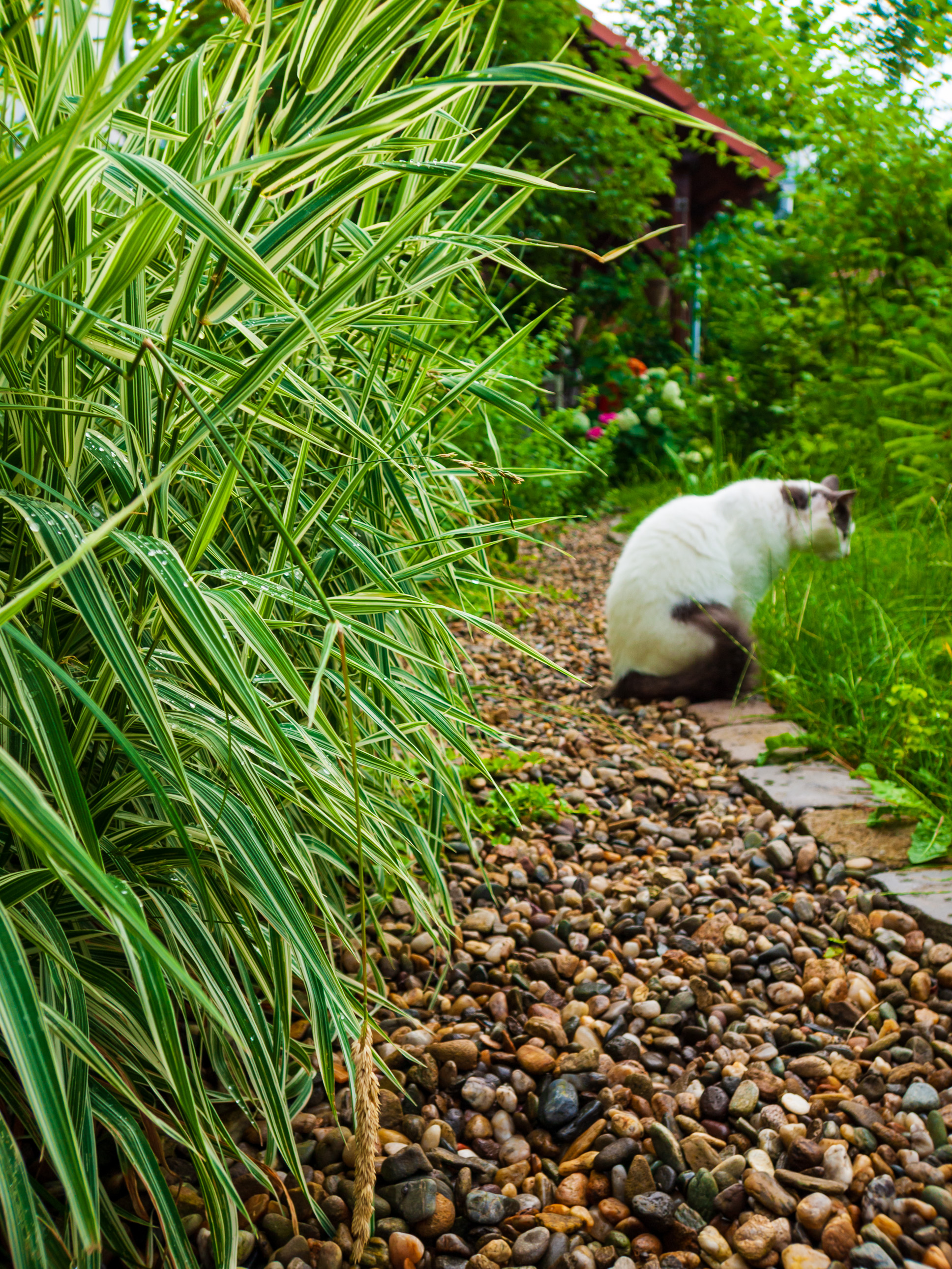
In-camera, optical tilt shift is now achievable

I’m not sure when it clicked for you that tilt shift could be had easily and practically, in camera with some recent models, but that time was today for me.

Tilt–shift photography is the use of camera movements that change the orientation and/or position of the lens with respect to the film or image sensor on cameras.

Sometimes the term is used when the large depth of field is simulated with digital post-processing; the name may derive from a perspective control lens (or tilt–shift lens) normally required when the effect is produced optically.

“Tilt–shift” encompasses two different types of movements: rotation of the lens plane relative to the image plane, called tilt, and movement of the lens parallel to the image plane, called shift.

Tilt is used to control the orientation of the plane of focus (PoF), and hence the part of an image that appears sharp; it makes use of the Scheimpflug principle. Shift is used to adjust the position of the subject in the image area without moving the camera back; this is often helpful in avoiding the convergence of parallel lines, as when photographing tall buildings.



Tilt-shift photography, Wikipedia

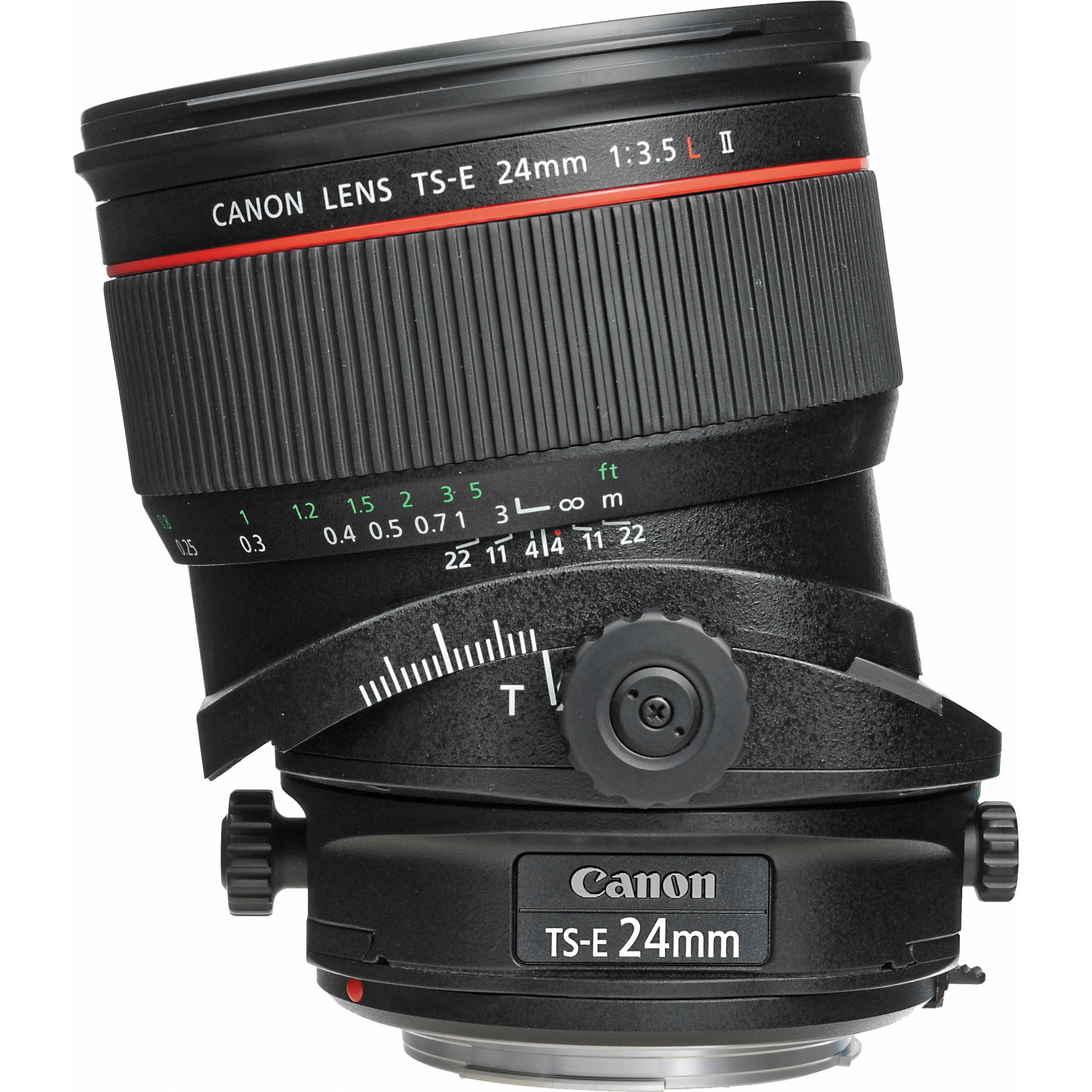
The only mainstream lens manufacturer I know of that sells tilt-shift lenses is Canon. While I like Canon cameras and love the capabilities of tilt-shift lenses, I would like to see if there are other ways to handle this issue. It’s somewhat of a niche problem, but it’s one that’s worth addressing.

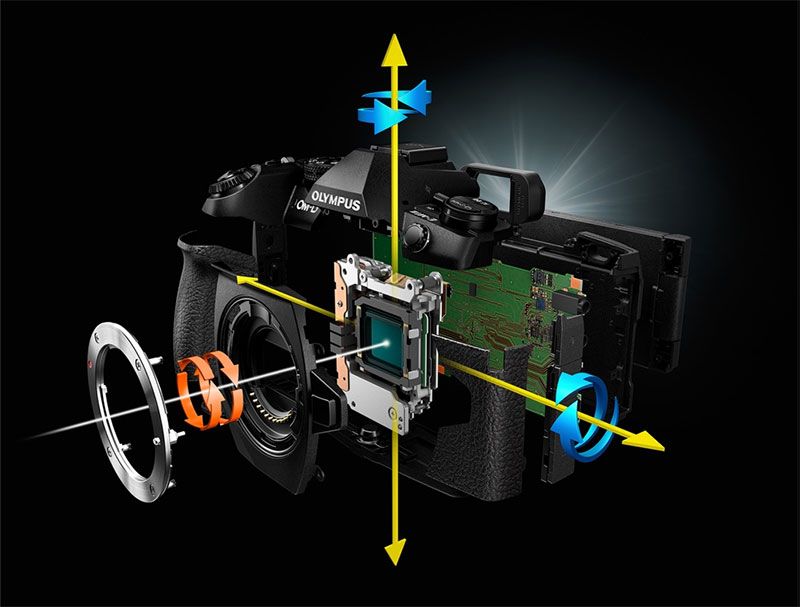
And then it dawned on me. Some camera models have sophisticated 5-axis image stabilization. That means they effectively tilt and shift the sensor, along with “shake it all about” and so on, in order to keep a longer exposure clear. But what if we were to modify the firmare, to introduce a special section in the camera menus, where the vertical and horizontal angles at which the sensor is kept when facing a scene could be manually adjusted through that special section? We could effectively introduce optical tilt and shift capabilities by manipulating the sensor, while still using the same lenses.

Lightroom offers some options to tilt and shift the image after it’s been taken, but any good photographer will tell you it’s better to capture the image you need directly in camera. Introducing a special menu that lets us tilt and shift the sensor, perhaps using the buttons and dials already built on the camera, would provide this valuable niche capability to those who do not own Canon tilt-shift lenses and do not shoot with Canon cameras. It’d literally be a bonus firmware upgrade that could be pushed out and the new feature should just work. There would be some limitations in the amount of movement, since the IBIS engine wasn’t originally built for this, but it would work, and in future iterations of the IBIS, I’m sure it would work even better.

If you liked this idea and you work in product design and development, you may want to have a look at my consulting website.

Standard
Thoughts

What I’d like to see in a new iMac

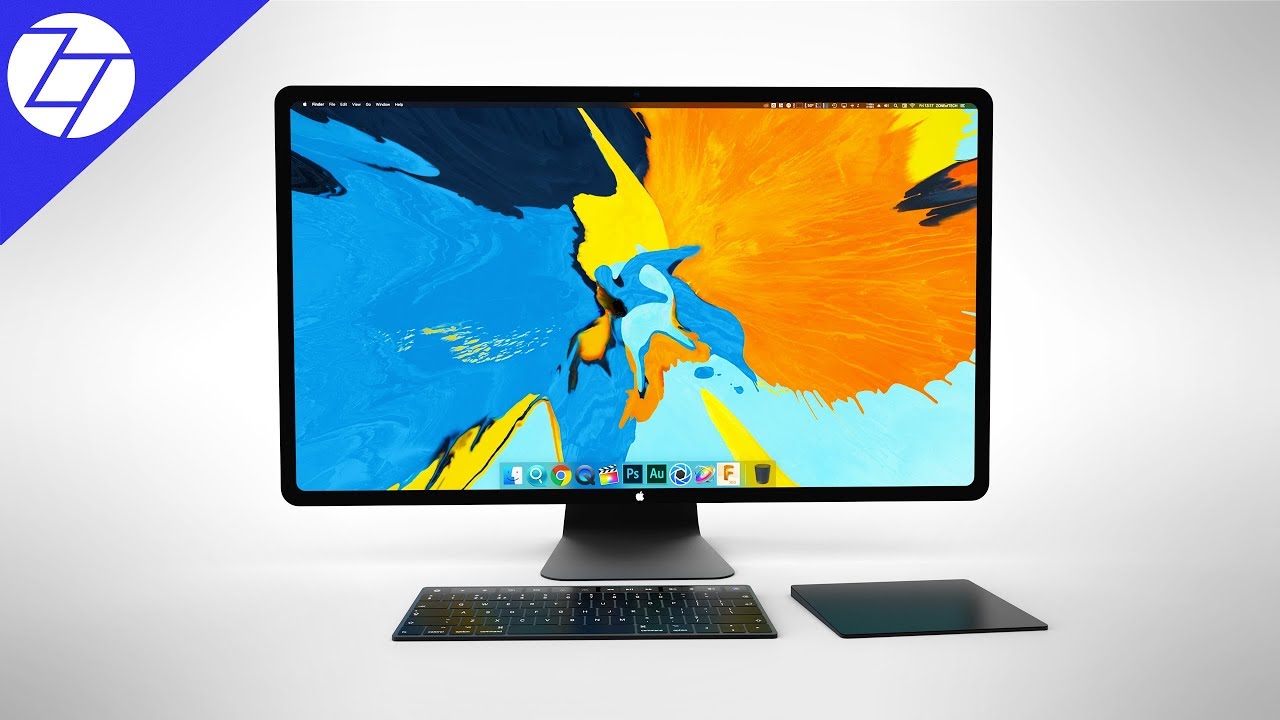
As is usual in anticipation of the launch of new hardware from Apple, there are lots of posts and videos with detailed renders of what we might expect from a new iMac. Other than faster hardware, which is something that we’re going to get anyway, I would really like to see a new swivel design that allows me to turn the computer to Portrait mode. I made a mock-up in Photoshop, but I’m no wizard in that app, so you’ll have to excuse the quality.

The capability to rotate the display and have it conform automatically to the new vertical is something that we’ve already had for years in iOS devices like the iPhone Plus and the iPad. And with the iPad Pro, the bezel design is symmetric, so the device looks good in any orientation. So giving the iMac the same capability would require a redesign of the outer face, probably by making the bezel the same width all around, as others have already hinted. Do you see how this purported new design lends itself to the rotation of the display?

Monitors that function in Portrait mode are nothing new, so this isn’t reinventing the wheel. I’ve seen them around since the early 1990s, when people working on books and brochures in Aldus Pagemaker (also called Adobe Pagemaker later on) would turn theirs sideways to help with their work. I imagine it would also help when working on portrait photos or other vertical photography.

Oh, and how about six USB-C ports on the back? Rather than go with two USB-C and four USB 3.0, ports, I’d go with six USB-C (Thunderbolt 3) ports and use readily available connector adapters for USB 3.0 and USB 2.0 devices.

Standard
Events

Photos from a recent snowstorm

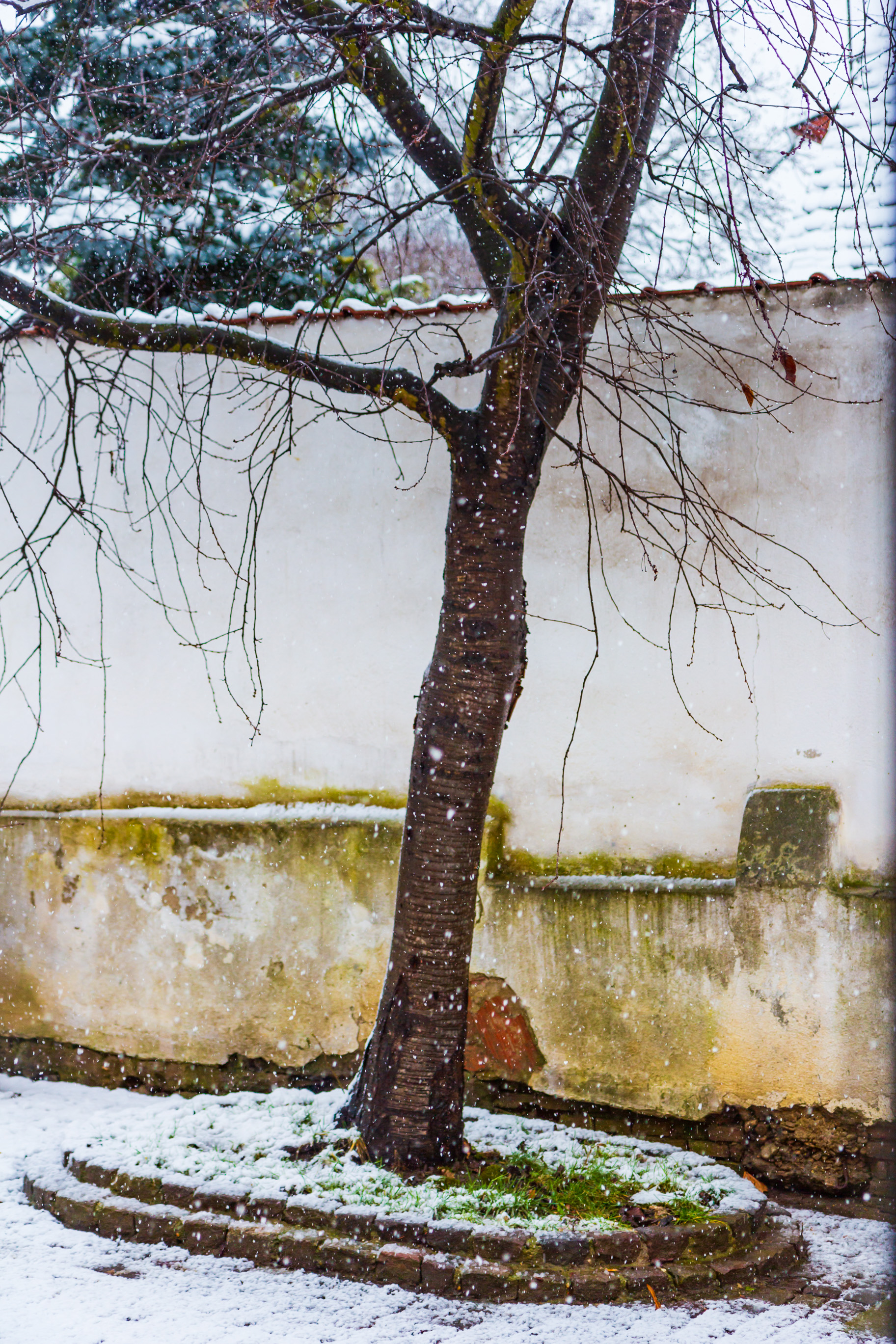
I know late winter snowfalls are a hassle for most people. I know. Especially after spring seems to have arrived. Having to deal with piles of snow after dealing with it all winter long is not fun for most people.

I am not most people. I love winter. I love snow. I love the cold. And when more cold weather comes, I enjoy it. Like this recent snowstorm. I went outside and took photos in the thick of it. Came back wet, because the snow was melting as it was falling. My camera was thoroughly wet. My lens was wet. Neither of the two are waterproofed. Thank goodness they’re still working.

Remember, it’ll be warm soon enough, and before we know it, it’ll be so disgustingly warm that we’ll be sweating through our clothes and our cars’ ACs won’t be able to handle all the heat. That’s disgusting weather for me. That’s filthy weather for me. It’ll be here soon enough, unfortunately. So I’m going to relish the snowstorms while I still can.

Enjoy the photos!

Standard
Places

Spring fog

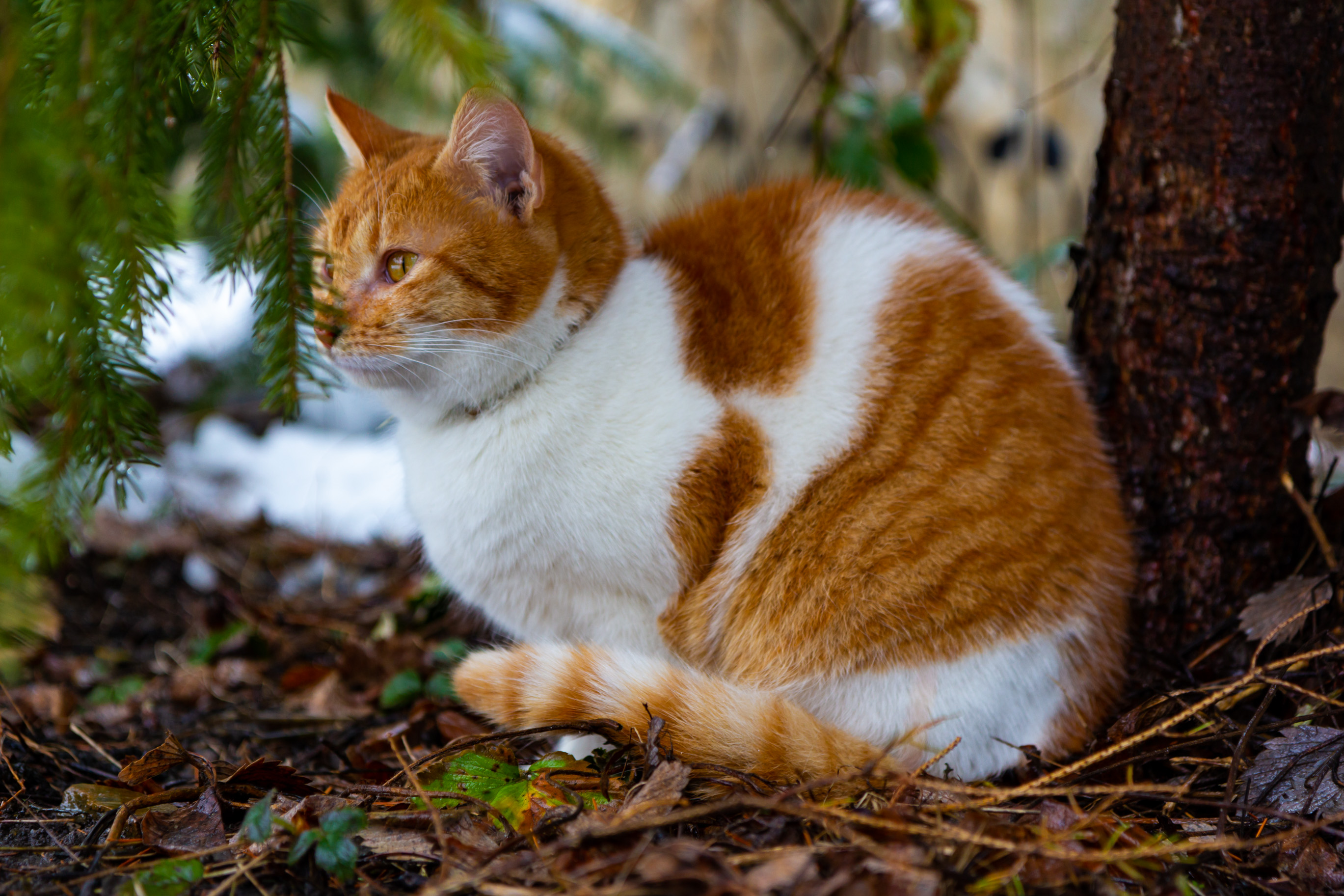
We had some lovely fog during this week. Dreamy but driveable, as I call it: enough visibility on the road to see where you were going, with enough atmosphere to make everything seem otherworldly. As I’m wont to do, I gallivanted through the local forests with my camera, enjoying myself. I couldn’t do it too much, because duty called. In my case, my current duty is to purchase materials and supervise the ongoing restoration work at our country estate: an old Saxon fortified church and parochial house in Magarei, built during medieval times, now in sore need of loving care. So as I was driving back and forth between Mediaș (known in Saxon as Mediasch) and Pelișor (known in Saxon as Magarei), I’d park the car on the side of the road and run off into the forest, camera in hand, clock ticking on my wrist, spend 10-20 minutes hopping over the molehills (there are quite a few of them this year, just about everywhere around Magarei), take my photos, take a few seconds to listen to the sounds of the forest, which are lovely this time of year, then I’d run back to the car to see to my work. Only a few birds have begun to sing among the trees, so what I mostly heard were the sounds of water droplets (fog condensate) falling onto last autumn’s foliage on the ground. It was a lovely sound, a muted sort of “mpphhh” that punctuated the fog-muffled silence of the forest, and since I love silence and hate man-made sounds, it was quite perfect.

Standard
How To

Don’t fall prey to this Bitcoin phishing attack

We got the following email to our company’s main mailbox yesterday. I took a screenshot of it, so you can click on it to view it large (see below). It certainly sounds ominous, and to the layperson, enough “details” are included in the message to make them start to worry and God forbid, even consider paying the turd who sent this out.

First and foremost, I need to say that this is a templated phishing attack. In other words, it sounds personal, but no one person is being specifically targeted. The hacker who sent this out is hoping that enough people will feel guilty and scared to start paying him/her the fee, after which point he or she will keep asking for more money.

I looked at the email headers and they were “stripped”, meaning the actual routing information for this email wasn’t included, flagging this message right away as a fake. Sure, it looks like it’s coming from our email address, but the hacker is “spoofing” it, using software that makes it look as if it was sent from us, when in fact it was sent from them. I know this sounds complicated to most people, but don’t worry, read on, I’ll give you other reasons why this is all fake and I’ll tell you what you need to do to safeguard against actual occurrences of these things. You can’t eliminate the possibility of this actually happening, but you can minimize it through basic precautions and regular upkeep of your network security.

This is why it’s important to be confident in the security measures and precautions that you have implemented at home or at the office. For example, I know that:

  • I change my passwords fairly regularly and I use long, randomized passwords or passphrases. I store them in Keychain, the built-in app that comes with every Mac.
  • I have standard network security in place, such as a firewall, a router that uses NAT, and I don’t keep any ports open by themselves. Network devices can open ports, but the firewall only allows incoming traffic to those devices and only when they initiate it. This is fairly standard on all modern firewalls. I know my router doesn’t have software vulnerabilities. I know because I update its firmware whenever a new version comes out, which is something everyone should definitely do with their routers.
  • I have anti-virus software that checks my computers. I update it regularly. You should do the same. There are many options here, pick one that you like to use.
  • I use a network traffic analysis tool called Fingbox, which alerts me to unusual traffic patterns, ports and devices using my network. There are other similar devices on the market and everyone should have one of these things and should know how to use it.
  • The email account the hacker talks about isn’t hosted on our local network, it’s hosted offsite with my web hosting provider, who is in a different country and has some fairly serious security measures in place to detect the sort of behavior the hacker brags about. So even if they’ve hacked into it, that doesn’t give them access to the kind of data they’re talking about.

Making a “full dump of my disk” is a ridiculous and funny thing to say. I have about 12-16 TB of data connected to my computer at any given time. Good luck making a “full dump” of that! It would take weeks, nay months…

The hacker apparently “looked at my web traffic” and was “shocked”. “Sites for adults”, oh no… I’m not even going to gratify that accusation with a response except to say every single one of us can visit whatever sites we damn well please on the internet, but we also need to be ready to accept the consequences of those web visits. The consequences can include: the logging of your activities on the site, the activation of your webcam and surreptitious recording of your “activities” as you surf those sites, the installation of trojans, and in case you visit illegal websites, possible visits from law enforcement. Macs are less likely to be “vandalized” in these ways by bad websites, but Windows computers can easily fall prey to code attacks. Know what you’re getting into and be willing to accept the consequences.

It also helps to have something called a Privise webcam cover (it used to be called Privoo when I bought it). It’s inexpensive and is a sliding cover for the webcam, allowing you to keep prying eyes from looking at you through the webcam even if they’ve hacked into your computer.

The filthy, smelly little bug who sent the phishing message wanted payment in Bitcoin. It is of course untraceable and would force you to buy the currency in order to pay him/her. Law enforcement wouldn’t be able to trace the transaction, even if you filed a police report afterward. This is why I don’t like cryptocurrencies! Not only are they wildly speculative but the transactions are untraceable, making them perfect for modern-day highway robbers and thieves.

Don’t think for a moment that once you pay the turd his asking fee, whatever he/she’s got on you will “self-destruct automatically”. No, he’ll keep whatever he’s got and he’ll keep milking you for money — after all, you’re his cash cow now. Moo…

Like I said above, your best defense is to learn and implement basic network security measures, be confident in what you’re put in place and if you messed up, own it and accept the consequences, but never pay the hackers, you’ll only encourage them. And back up your data! That should be your #1 safety precaution against anything. Ideally, you should have one synchronous local copy (gets updated regularly), an asynchronous local copy (only gets updated 2-3 times a year) and an offsite copy (or two). If your data is important to you, back it up!

Standard