Places

New Year's Day at Amsterdam Airport

KLM Royal Dutch Airlines

We flew with KLM from IAD (Washington-Dulles airport in the US) to OTP (Otopeni-Bucharest airport in Romania) during this past New Year’s Eve and Day. I highly recommend KLM, we’ve had the best flying experience with them of all the airlines we’ve used so far.
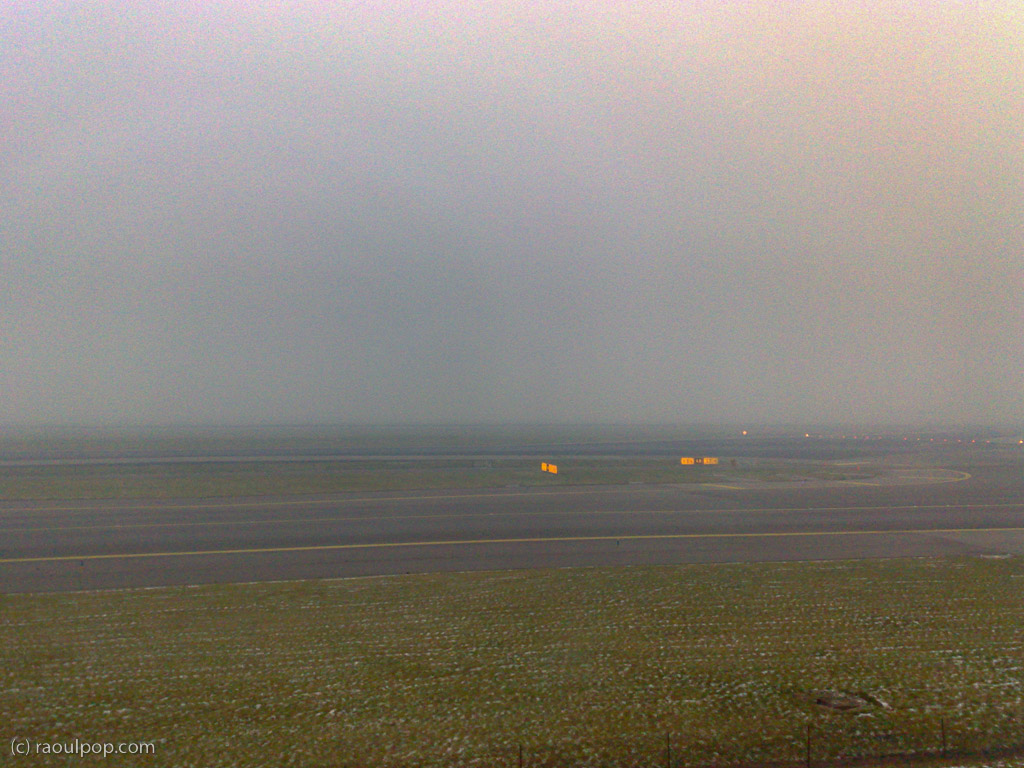
Foggy day at Amsterdam Airport

I should warn you that Delta handles the ticketing and check-in for KLM at American airports — this means rude and borderline-incompetent service. At least that was our experience at Dulles Airport in DC. KLM can’t help it I suppose. At least once you step onto their planes, it’s a different world altogether. It’s clean, well-lit, well-ventilated, they’re friendly, accommodating, their in-flight video service is amazing, and their food is great.

How is KLM different from other airlines? Well, they’re not evil, like United Airlines, and they’re not clueless, like Alitalia, and they’re not mean, like Spirit.

We picked New Year’s for our flight out of Washington because we thought most people would stay at home. We were wrong. The flight to Amsterdam was fully booked. Who flies on New Years Eve anyway?! Apparently, young people, Muslims and Indians. I understand the latter two groups, because they don’t celebrate New Year’s on the same day as the Western world, but since when have young folks decided to give up partying on New Year’s Eve?

It was a foggy, somewhat snowy New Year’s morning when we arrived in Amsterdam. You couldn’t see a thing on the runway as the plane landed. Thank goodness the pilots knew what they were doing. By the time we cleared through customs and security, the fog cleared a bit as well, or at least as much as the photos show.
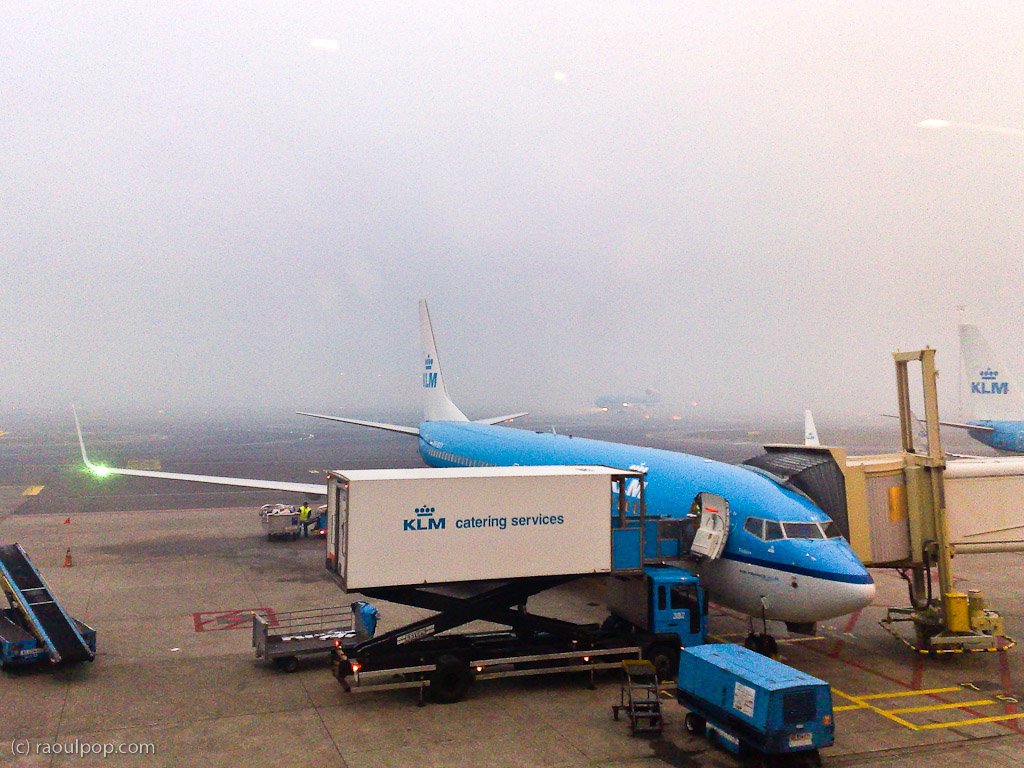
Our plane getting loaded for departure

The flight from Amsterdam to Bucharest was empty, which figures. Most Romanians stay home on New Year’s. They prefer to have their traditional parties, then start the new year with some time off. I think there were at most 12 people on the entire plane. I felt bad for KLM, having to fly that big jet with so few people on board, but I suppose things average out in the long run.

Oh, and yes, KLM did wish us a Happy New Year while we were over the Atlantic Ocean, and gave us a choice of champagne or orange juice to toast in the new year. Quite nice of them!

Why don’t I have any photos from the Bucharest airport? Because photography still isn’t allowed there, which is dumb, but then that’s par for the course in Romania.

Standard
Thoughts

Gmail, please stop messing with my contacts

When I sync my Gmail Contacts with my Mac’s Address Book, I always discover “uninvited guests” — occasional people with whom I converse but who don’t need to be in my Address Book. What happens is that Gmail will identify people to whom I reply and insert them in my Contacts automatically.

It used to be that it couldn’t be helped, and it was called a “feature”… Now these contacts are grouped together in a separate section called “Suggested Contacts”. Unfortunately, when I run a sync operation, these suggested contacts appear in my Address Book. I don’t want them there. I believe one’s Address Book ought to involve positive effort — effort put toward adding in contacts as they’re needed — not negative effort — effort put toward removing unneeded contacts because software can’t leave things well enough alone.

Gmail's Suggested Contacts

I run the sync operation via my iPod Touch. The sync option is otherwise unavailable to Mac owners, which is unfortunate. There’s something I call the entry tax for being able to run this sync: either you buy an iPod Touch or an iPhone, or you pay for Mobile Me. I don’t like it, but there it is, that’s Apple for you.

There is a company called Soocial which will also let you do this, as well as letting you sync your phone’s contacts with the Address Book. They were in Beta when I looked at them. By now they’ve opened their website to the general public.

At any rate, the problem with Suggested Contacts lies with Gmail, which presents those contacts as part of the normal set of Contacts to the sync software. It should store them separately, aside from the normal contacts, so that the sync software never sees them.

Standard
Thoughts

Say hello to my photography catalog

I’ve been working to keep my promise of sharing my photos in HD, and have been slowly but surely uploading photos to my photography website ever since. I also re-designed my photography catalog in a way that should make it easier to navigate and browse the content there.

I’ve even put feeds in place that will make it easy for you to keep up with every update to the catalog and to download whichever photos you like for personal use — just visit the catalog and scroll down to the bottom of the page, where you’ll find the list of feeds.

In the grander scheme of things

For the benefit of some of you who aren’t aware of this, I put together a short screencast that demonstrates how easy it is to set one of the photos from the catalog as your desktop background.

http://blip.tv/file/3130154
See this video on blip.tv

As I wrote before, one of the main reasons of uploading my photos in full HD (1920px on the wide side) was to allow my readers to use them as backgrounds on their computers without experiencing any loss in quality as the photos filled their screens. I am therefore carefully cropping each of my photos at an aspect ratio of 16×10, which will allow them to fit perfectly onto most widescreen displays, be they laptops or standalone monitors.

I will soon make it easier to order prints and arrange for the licensing of my photos as well. Stay tuned for that.

Standard
Lists

Condensed Knowledge – January 12, 2009

Shared from among my feed subscriptions:

Standard
Thoughts

Storage drops below 9 cents per gigabyte

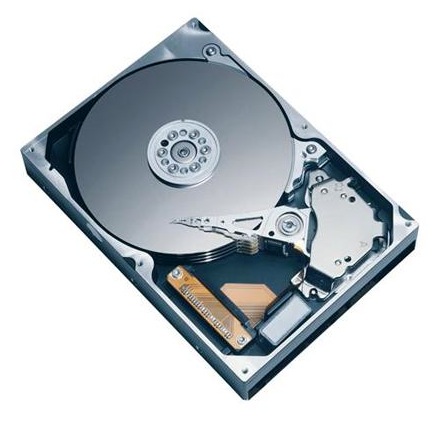
I see that Newegg.com lists the Seagate 1.5TB SATA hard drive for $129.99 with free shipping. Sure, it’s an OEM drive, which means it’s not boxed, but who cares? Do you realize what this means? It means you’re paying $0.086 per terabyte gigabyte. Storage has become even cheaper — unthinkably cheap. The previous relevant price point was $100 for a 1TB drive, which meant $0.100 per gigabyte (a dime).

Seagate 1.5TB SATA Drive

A gigabyte is now cheaper than a dime! I just didn’t think it would happen this fast. I remember when a dime would get you 100MB, and I thought that was a lot. Okay, let me not kid myself: I remember when a dime would get you 1MB or less. Now you get 1GB, which is 1,000 times the storage capacity, for less than the same tiny dime. Amazing!

If you’re looking for extra storage capacity, now would be a good time. If I hadn’t already filled up my main Drobo with 1TB drives, I’d jump all over these, because they’re definitely at the right price point, especially now that they’ve been cleared for use with the Drobo once more.

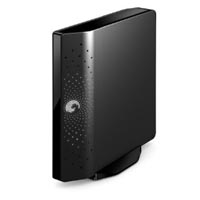
Seagate FreeAgent Xtreme 1.5TB

While I’m on the subject of good deals, let me remind you of my guide to getting good deals on hard drives. I mention it because Micro Center happens to be selling the Seagate FreeAgent Xtreme 1.5TB (a triple interface external hard drive) for $149.99. This means that you’re paying $20 for the enclosure over the price of the hard drive alone.

Remember, this is a triple interface drive (USB 2.0/FW400/eSATA), and that means the enclosure is very inexpensive. Instead of buying one of those DIY enclosures that may or may not work (I’ve been there), you’ll get something that’s guaranteed to work, or you can return it.

Standard