Places

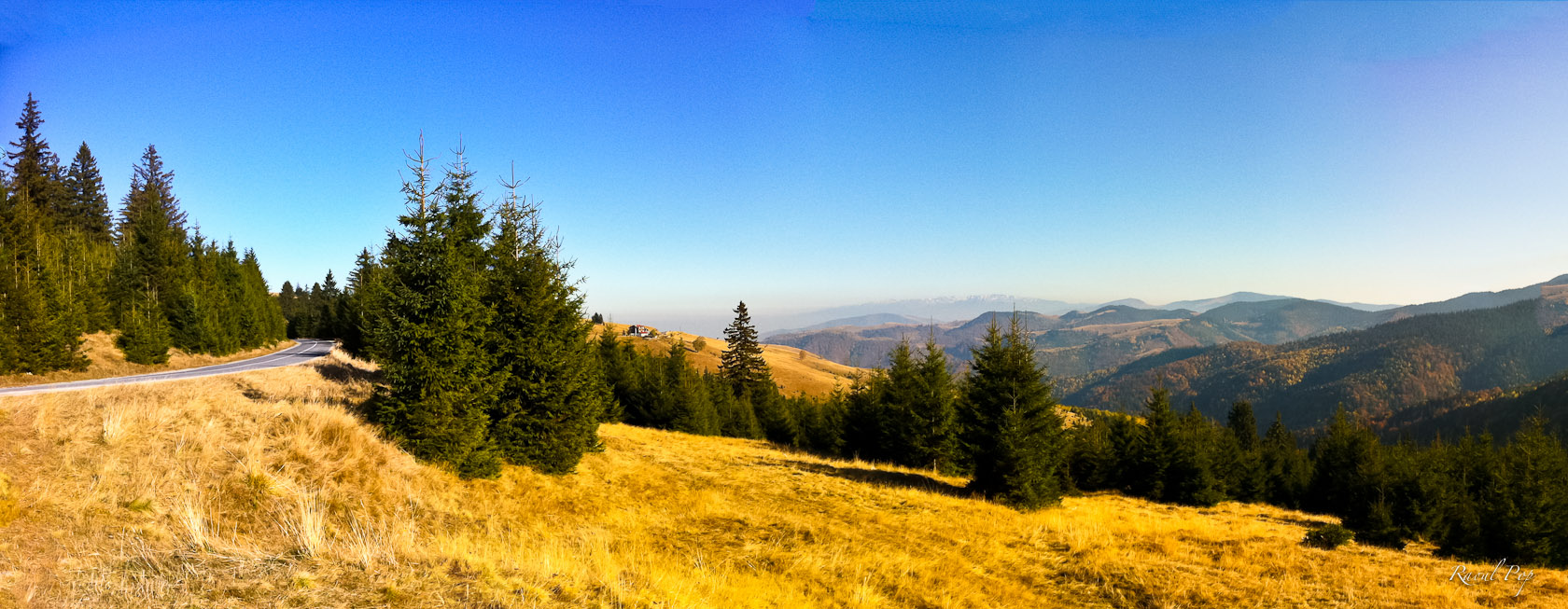
The Paltinis mountains in autumn

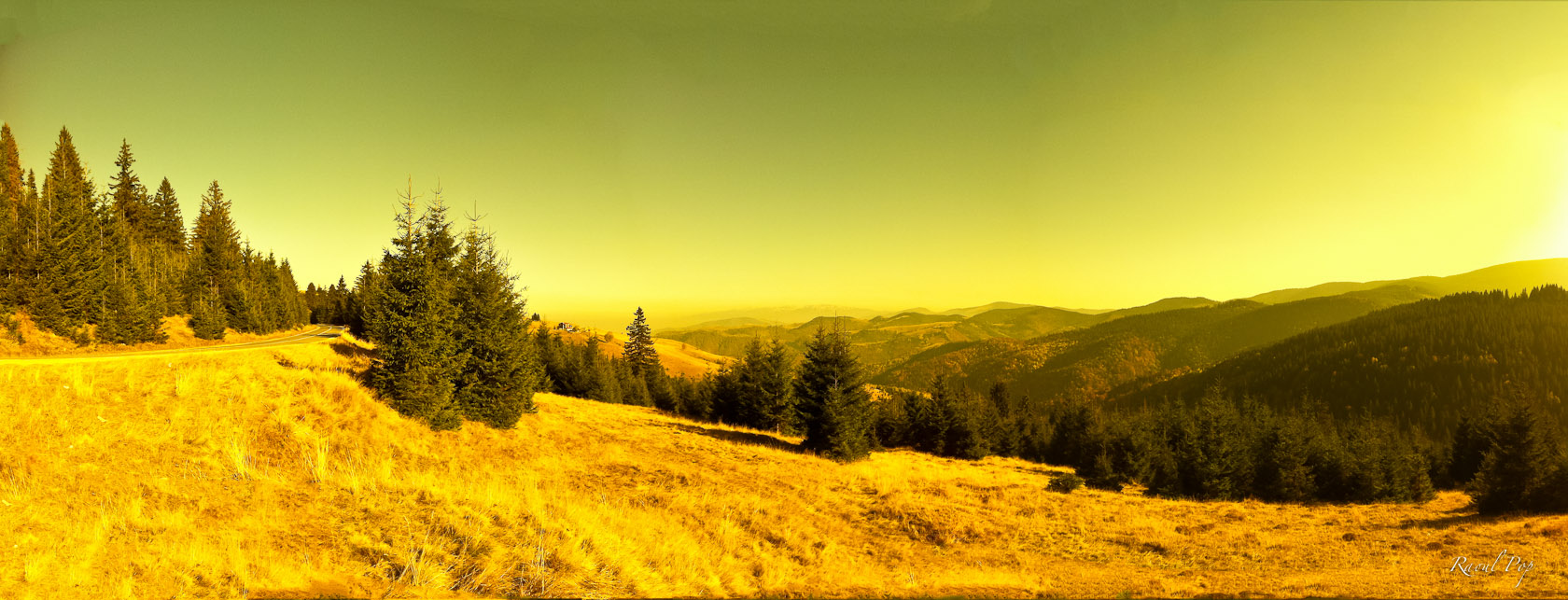
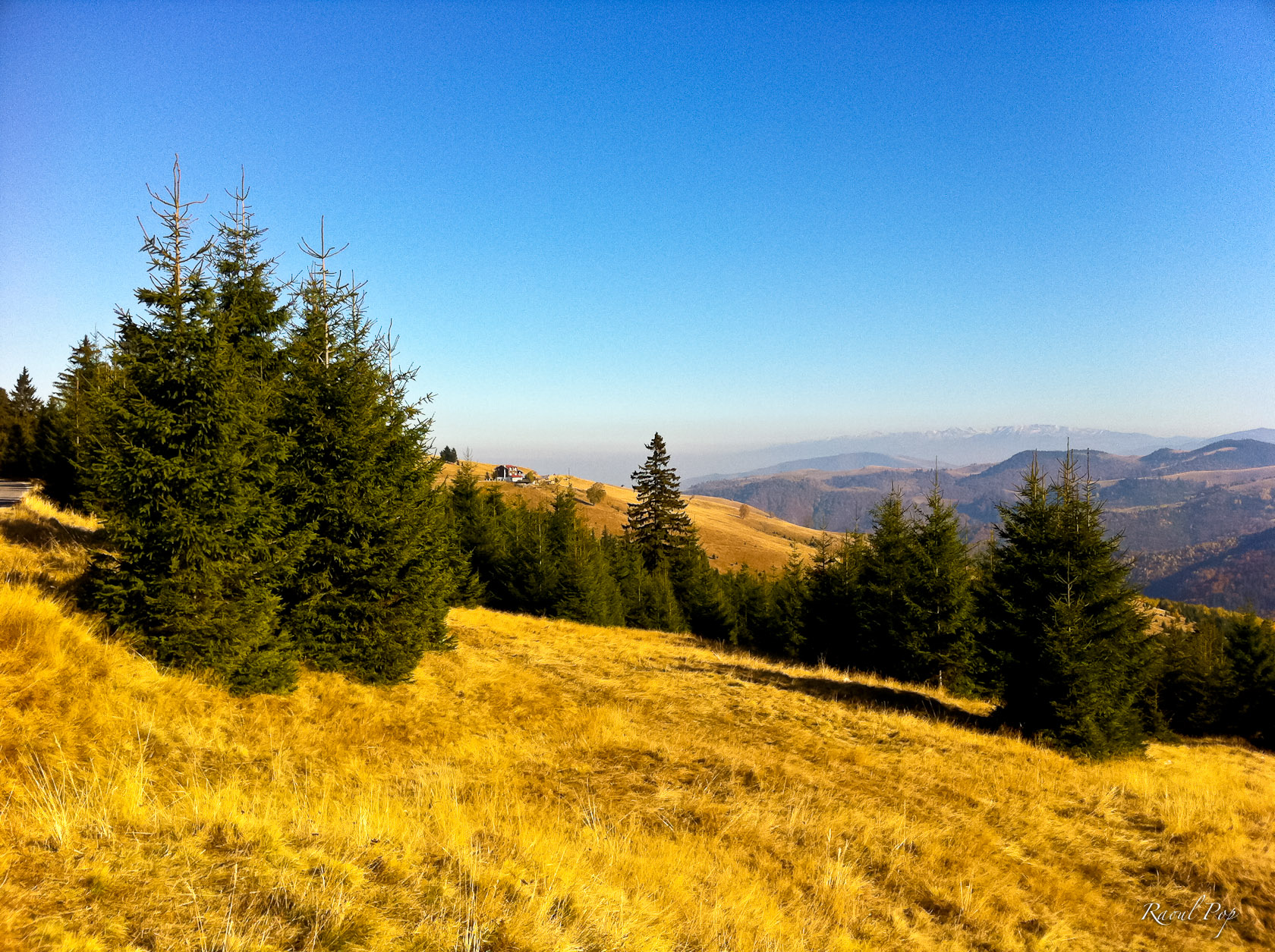
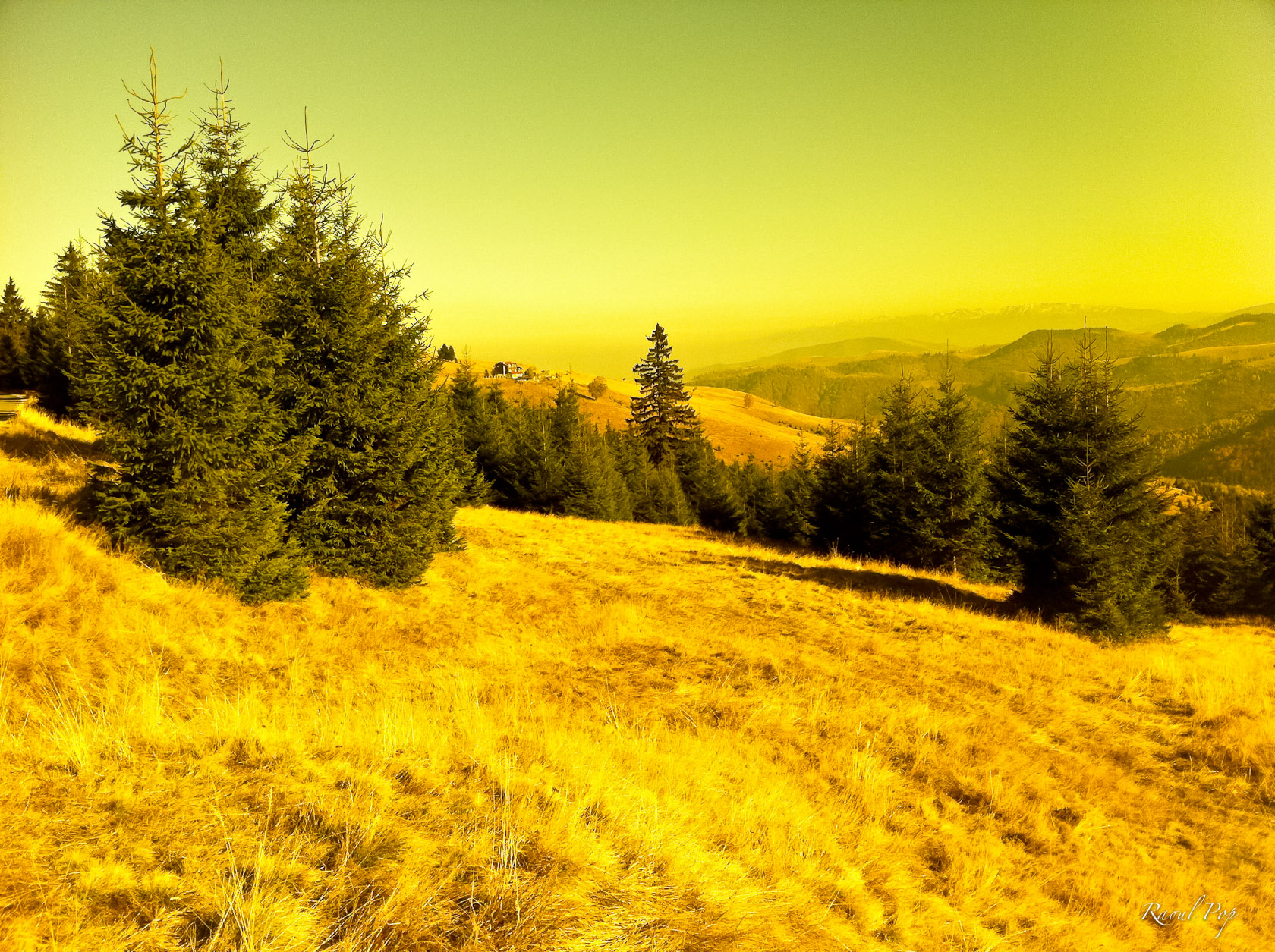
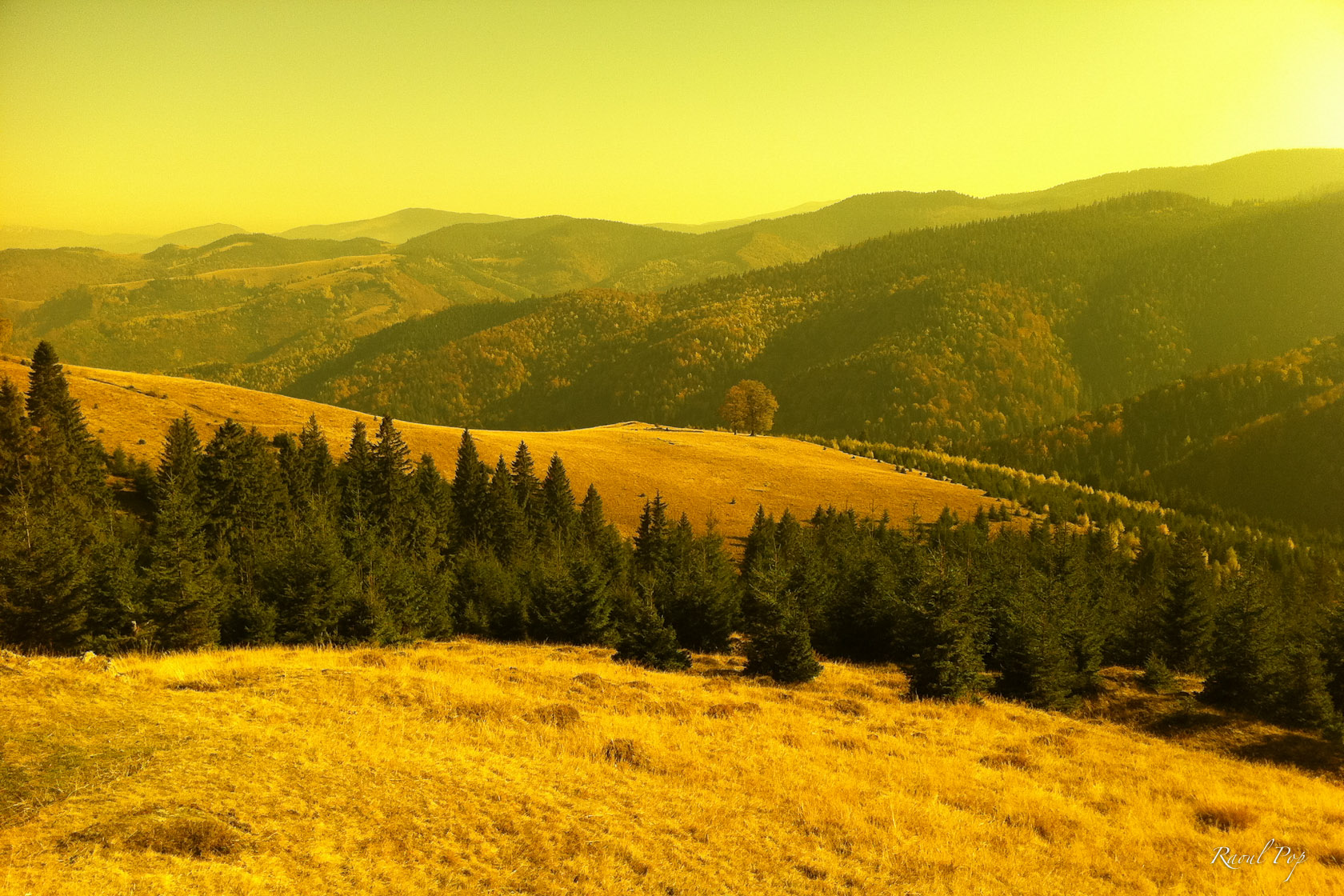
We visited the mountain resort of Paltinis today. It’s about 25-30 km from Sibiu (Hermannstadt), Romania, and the road to it is in pretty good shape. The views are wonderful, so if you’re in the area, drive on over.

Funny thing about Paltinis… It’s the place where I almost wasn’t… My mom was skiing on their bunny slope when she was pregnant with me, and she had a bad fall which could have resulted in a spontaneous abortion. Thank goodness it didn’t, or I wouldn’t be around today.

Here are a few photos I took there, which I shot with an iPhone. I used a “pre-filter” for some of the photos — my driving sunglasses! It’s a neat little trick you can do if the lens of your camera is small enough to be masked completely by the lens of your sunglasses, and it works particularly well if they’re polarized. You simply hold the camera right next to your glasses and shoot through the lens. You can compare the resulting effect below. Another thing I should mention is the panoramic-sized photos were stitched together in Photoshop, they’re not single exposures cropped to look like panoramic shots. Click through to view them large.

Standard
Thoughts

Why is it that Apple has three messaging apps?


Back when Apple brought out FaceTime, I couldn’t get why it had to make a separate video chat app when it already had iChat. Now we have a third app included with iOS 5, called iMessage. Why?

If the people at Apple are intent on making little messaging apps, each with their micro-purpose, then I’d like to suggest some new ones to them:

  • iShmooze: giving people a direct chat line to their boss or work hierarchy
  • iRx: so you can chat about your medications with your neighbors and know-it-all relatives, and get better prescription advice than from your doctor
  • iExChat: for venomous quips exchanged between ex-spouses and other ex-es…
  • iSeeAds: for people interested in seeing targeted ads; perhaps you can work in a micro-pyramid scheme where people can get something like 1-5 cents when they view an ad or invite their friends to view ads; that should be popular…
  • iSeeDeadPeople: photo sharing for zombie and vampire lovers
  • iPotty: for those who love to share those precious moments in the bathroom
  • iAte: see above and substitute food; this one could come with a photo sharing option, for those who love taking photos of said food; in hindsight, perhaps the photo sharing option could be extended to the iPotty app as well, I saw some folks online who would be interested in that.

For a company renowned for its design and the clear focus of its products, I’m surprised to see three messaging apps. Why? Didn’t anyone put their hand up to say, “Hey, don’t we already have iChat?”

Perhaps it makes sense to have the separation, from a software and procotol perspective. Perhaps iChat was designed for the computer. Perhaps the AOL messaging protocols it still uses aren’t suited for the purposes of FaceTime and iMessage. But it still makes NO sense.

If Apple was able to take OS X and turn it into iOS, then take features from iOS and put them back into OS X, then it’s quite capable of making iChat the go-to app for all its messaging needs. Rewrite it and make it work! It’s already incredibly capable on the desktop. It can do text chat, audio chat, video chat, file sharing and screen sharing. I use it all the time to do video conferencing with my parents, all the way across the Atlantic Ocean, and I use it for screen sharing as well, when I help them troubleshoot issues on their computers or simply teach them how to use them better. Why in the world would you leave a capable app like that behind and write a new one called FaceTime? And then why would you further fragment that segment and make another one called iMessage? Why?

I’d like to see iChat be the one and only app that does everything this set of three apps does and more. I’d like to challenge the people at Apple to make it work the way it should work, tailored to the capabilities of each device where it will be installed.

Standard
Thoughts

Do not use iMovie sounds for YouTube videos

Updated 4/24/12: YouTube has greatly improved the copyright claim dispute process in recent weeks, and it seems that even copyright holders have gotten much more responsive and willing to relinquish claims falsely flagged by YouTube’s Copyright ID engine. These are all good steps in the right direction! 

Are you a YouTube Partner? Great! Then don’t use sounds or tracks from the Final Cut Pro/iMovie/iLife library in your YouTube videos, because sooner or later, they’ll be flagged, taking them out of the revenue sharing program.

I’ve touched on this topic in this post and this earlier post as well. Until now, I thought filing a copyright dispute and trying to work within that process on the issue would lead to the correct solution, which would be a rejection of the false claims, but unfortunately that’s not the way the copyright dispute process is structured.

There is no mechanism on YouTube to adequately dispute a copyright claim, because the process is heavily tilted in the favor of the supposed copyright holder. There is a first step, which allows you to raise your hand and say to the alleged copyright holder, “Wait a minute, I’m not using your music, the track I’m using here is royalty-free, here is the iLife SLA, see where it says I’m allowed to use it commercially”, which may lead to the removal of the copyright claim, or not, in which case you can re-dispute but risk jeopardizing the standing of your YouTube account, the removal of your video along with its view count and the possible loss of your Partner status. That can be a terrible situation.

That’s right, beyond that initial “raising of your hand”, there is nothing else you can do. If YouTube staff is nice, they might give you an email address for the supposed copyright holder, and in some rare cases, someone might read your email at those places, respond and actually do something meaningful about your problem, but that chance is slim. The majority of the time, you’re going to be screwed over, and some alleged copyright holder is going to profit from your work.

The really annoying part in this whole screwing-over business is there’s no middle ground. Your video’s either in the revenue sharing program or it isn’t. YouTube has chosen to ignore the whole video aspect of this altogether, meaning that when a copyright claim is filed for the music in a video, even though you have a video which is wholly yours, and only the music might belong to someone else (but it doesn’t when you use sounds from iMovie, because they’re royalty-free), they pull the video out of revenue sharing altogether, as if there’s no video, only audio. Shouldn’t they allow you to continue to make some money on that video? After all, you shot it and edited it! Your only “fault” (if we could even call it that) was using royalty-free tracks from Apple to score it. In a logical world, that’s what would happen, but we don’t live in a logical world. We live in a world where YouTube chooses to obey the demands of alleged copyright owners without standing up for its YouTube Partners. All these supposed owners have to do is to upload sound-alike tracks to their YouTube catalog and they’re set. YouTube’s Content ID engine will start identifying videos that are using similar-sounding tracks and flagging them, leading to a lot of frustration on our part. I know this sounds harsh and I love Google and YouTube, but this is so frustrating for me that I’m not sure how else to put it.

Things have gotten so bad that now the copyright trolls have started to make music that sounds like the tracks from the iLife Library, for the express purpose of cashing in on YouTube. See this thread in the YouTube forums. And for a bit of background on the issue, see this thread as well. The problem’s existed for years, not months. YouTube likely knows about it. Privately, they’re likely tweaking the copyright engine algorithm and they’re trying to address the problem, but publicly, all I’m seeing is people getting screwed over by the copyright trolls.

You can’t even rely on the initial copyright warning anymore. In the past, you’d upload a video to YouTube, and within a few minutes, you’d get a warning saying the video matches content from such and such entity. Fine. I’d pull it down and re-edit it, using other sounds, even though the sounds I’d used were also from Apple’s royalty-free library. But now, you upload the video, everything’s fine, and months down the road, after the video’s been seen by thousands of people or more, and it’s been linked to, etc., you get the dreaded copyright warning. What are you going to do then? Pull it down? As you can see from the thread I linked to in the paragraph above, the copyright trolls are going through popular YouTube videos, identifying the music used in those videos, and then profiting from this loophole. We, the YouTube Partners, who do the hard work to create the videos that make YouTube a popular website are the ones getting screwed over. When is YouTube going to stand up for us?

To be fair, I think the blame rests squarely on the shoulders of both Google and Apple on this matter.

What Apple should have done, years ago, was to sign up for the Content ID program and upload all of the tracks in the iMovie/iLife Library (you know, the ones they keep saying are royalty-free). Then, they should have indicated to YouTube that whenever a video uploaded to the platform matches one of the tracks in their library, YouTube should do absolutely nothing about it, because it’s perfectly okay, they’re royalty-free tracks. If they had done that, we wouldn’t be in this mess now, would we?

YouTube is to blame as well. The copyright dispute process does not work. It puts all the balance of power in the hands of those who file the copyright claim, and because no person at Google reviews our disputes, the trolls have all the say in the matter. (I understand the sheer amount of work it would take if YouTube staff would have to review every dispute filed for false claims, but at least they could do it for their YouTube Partners, there aren’t that many of us.)

Instead our copyright disputes only get seen by the staff at the various copyright holding groups, who have an interest in maintaining their claims, since there’s no recourse from Google/YouTube for wrongly identified videos, and of course, let’s not forget the copyright trolls, who hang onto every claim they make no matter what one says in a dispute.

I make that distinction above because there are some groups within the music industry who aren’t copyright trolls. For example, I’ve had copyright disputes reviewed by staff at the GoDigital Media Group and the Warner Music Group, and they’ve ultimately agreed with me and retracted their copyright claims. So there are some good guys around, there just aren’t enough of them.

So my advice to you, as stated at the start of this post, is do not use music from the Final Cut Pro/iMovie/iLife Library at all if you’re a YouTube Partner. You’re better off using music from independent artists and licensing it directly from them, or getting it from websites like MusOpen — or scoring your videos yourself, with original music.

Perhaps Apple and Google will fix this at some point. Until then, do yourself a favor and follow my advice. You’ll be able to sleep better for it.

Standard
How To

How to avoid nightmares when upgrading your Drupal install

I had some real “fun” today (about a full day’s worth) after upgrading one of my Drupal installs from 7.7 to 7.8. The whole site went awry: the template no longer showed, I was only getting text, I kept getting either 404 or 500 errors when clicking on links, and nothing I did seemed to make it better. Even restoring from a backup yielded the same garbled pages. It’s fixed now and working perfectly (well, not perfectly, because some modules are still in beta and there will always be some errors, but it’s working as expected, let’s put it that way).

If you’re only here because your site is garbled after an upgrade, let me save you some time. There are two reasons (I know of ) for it:

  1. You have Clean URLs enabled and your .htaccess file got replaced. That means the RewriteBase rule is now commented out. Don’t bother to turn off Clean URLs, there’s no need to do that. Uncomment it, refresh your site and links should be working properly.
  2. If your theme is now messed up and you only see text, plus you can’t navigate around your site, you have your site cache and compression turned on, don’t you? Yeah you do, and now the new version of Drupal doesn’t know how to read the cache files, because it didn’t write them. So do yourself a favor and turn the cache files off. You’ll have to use the “dirty” URLs if you can’t navigate to the admin panel, so instead of example.com/admin you’ll need to type example.com/?q=admin, and so on and so forth. Disable the compression and the cache, and delete all the cache files. Presto-change-o, your site now looks normal again!

So, what can you do to avoid having the same crappy day I did? Let’s take it by the numbers, shall we?

1. Put your site in maintenance mode.

2. Always, always back up your site and your database before doing a core upgrade.

I would recommend doing a backup even before upgrading modules. Don’t rely on backup modules. Do the backups manually, and just so you won’t panic when something goes wrong, test your backup method by restoring from it to a separate install, to make sure you’re doing the right things. This is especially important for database backups, where it’s REALLY important for you to be able to restore from a downloaded SQL file.

Before doing the core upgrade, do a full backup of the entire site, not just the sites folder. And just to make it easier for you to restore the sites folder afterward, do a separate backup of that folder, and of the .htaccess file at the root level of your drupal install. And back up the database, that’s really important! If you do this right, you’ll only need to use the database backup.

3. Turn off all site caching and compression and clear the site cache. This is really important! If you don’t do this, it’s quite likely that your site will be just as garbled as mine after the core upgrade.

4. Create a new site folder on your server, because you’re going to do a brand new install of Drupal (whatever the latest version is). Inside that folder, wget the latest drupal tar.gz file and untar it.

Okay, now comes the fun part.

5. Delete the sites folder in the new Drupal install and copy over your old sites folder.

6. Make sure any changes done to your .htaccess and robots.txt file are reflected in their counterparts in the new Drupal install. Or, it’s quite likely that the old thing that you need to change in the .htaccess file is to uncomment the Rewrite Base line. Find it and uncomment it.

If you don’t uncomment this line and you have Clean URLs enabled, your site will either give you 404 or 500 errors when you try to access the admin interface or alias URLs, so this is quite an important step!

7. Restore your database from the SQL backup. That is, create a new database on your server and through the web interface or through SSH, restore your database backup to it, to get an exact copy of your live Drupal database.

8. Now run the database update script. Browse over to your Drupal install + /update.php and run it to make sure the database upgrade is also completed.

9. Now you have some choices to make. Once you do this, you have two working installs of Drupal: the old, reliable install, which you’ve been using, and the new install, which should be working, but who knows what bugs there might be in the code, that you’ll only discover as you begin working with it.

So now you have two choices: you can either map your domain to the new directory or rename the old directory then rename the new directory to match the old. In other words, you’ll want your domain to point to the new Drupal install. Or, you have the luxury of saying “Forget this new version for now!” and keep using your old Drupal install, until they work out all the bugs (that’ll be the day…)

That’s it! Pat yourself on the back. This should have taken about 15 minutes or less, not a whole day…

I hope this has been helpful!

Standard
Places

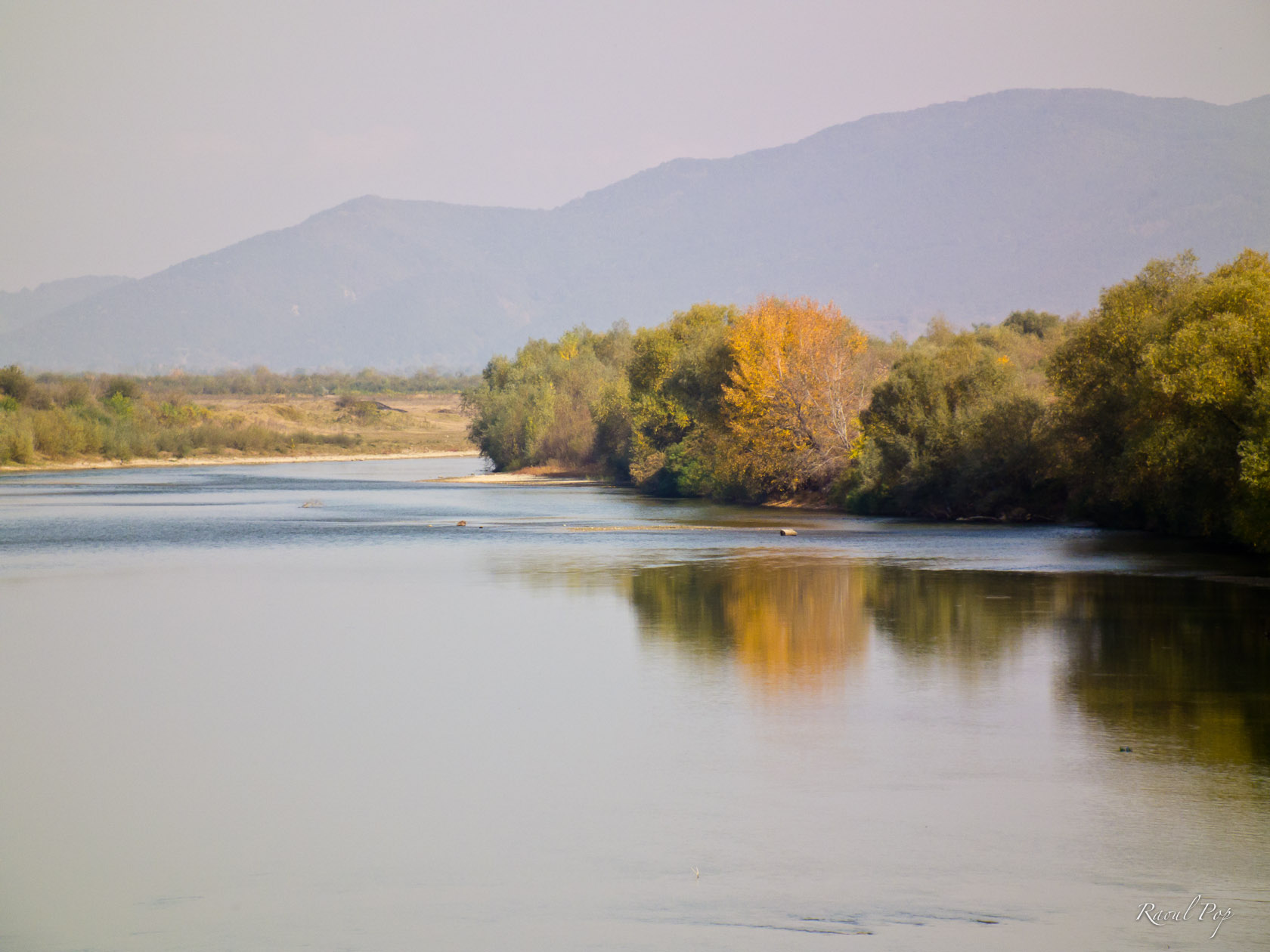
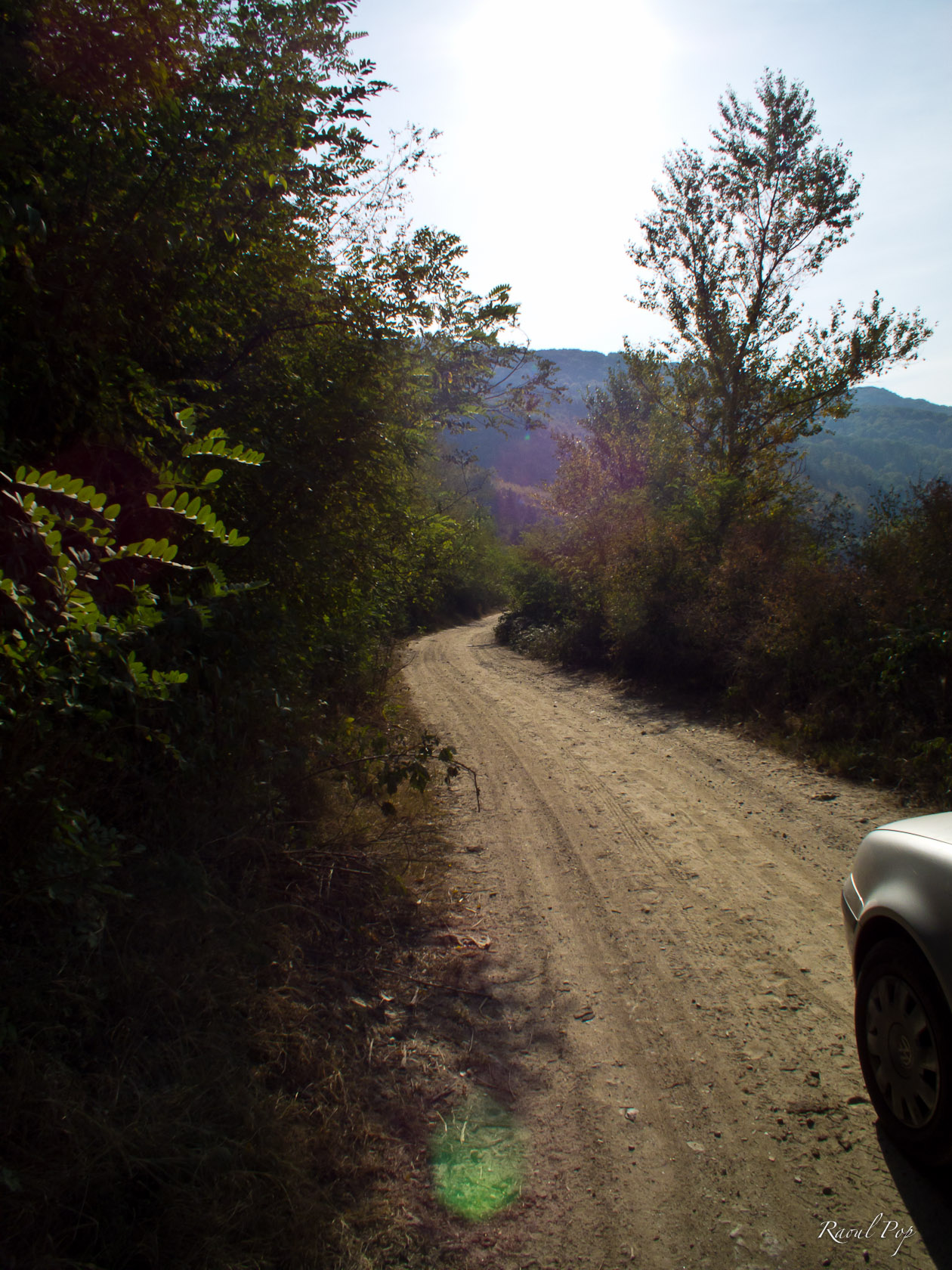
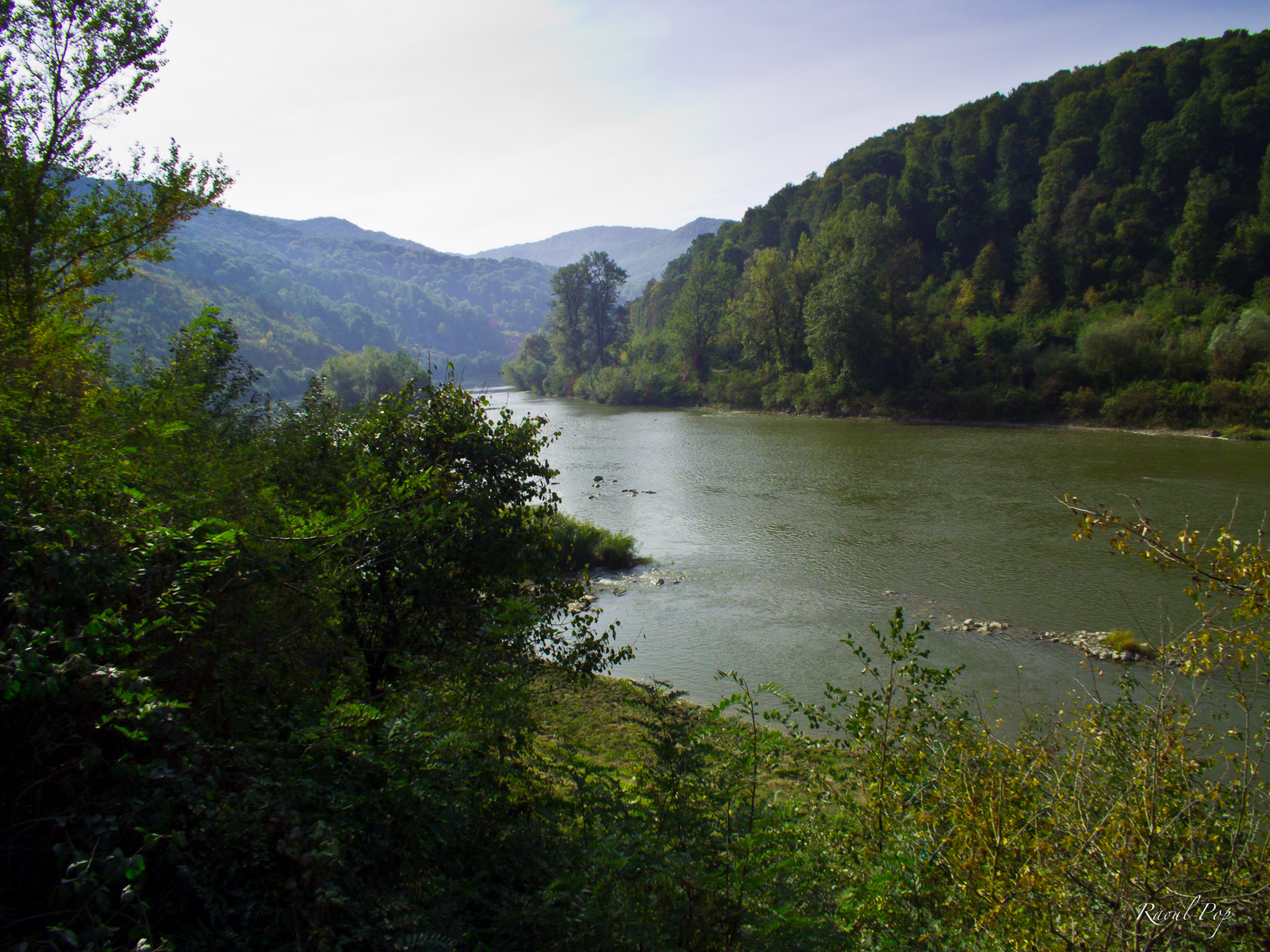
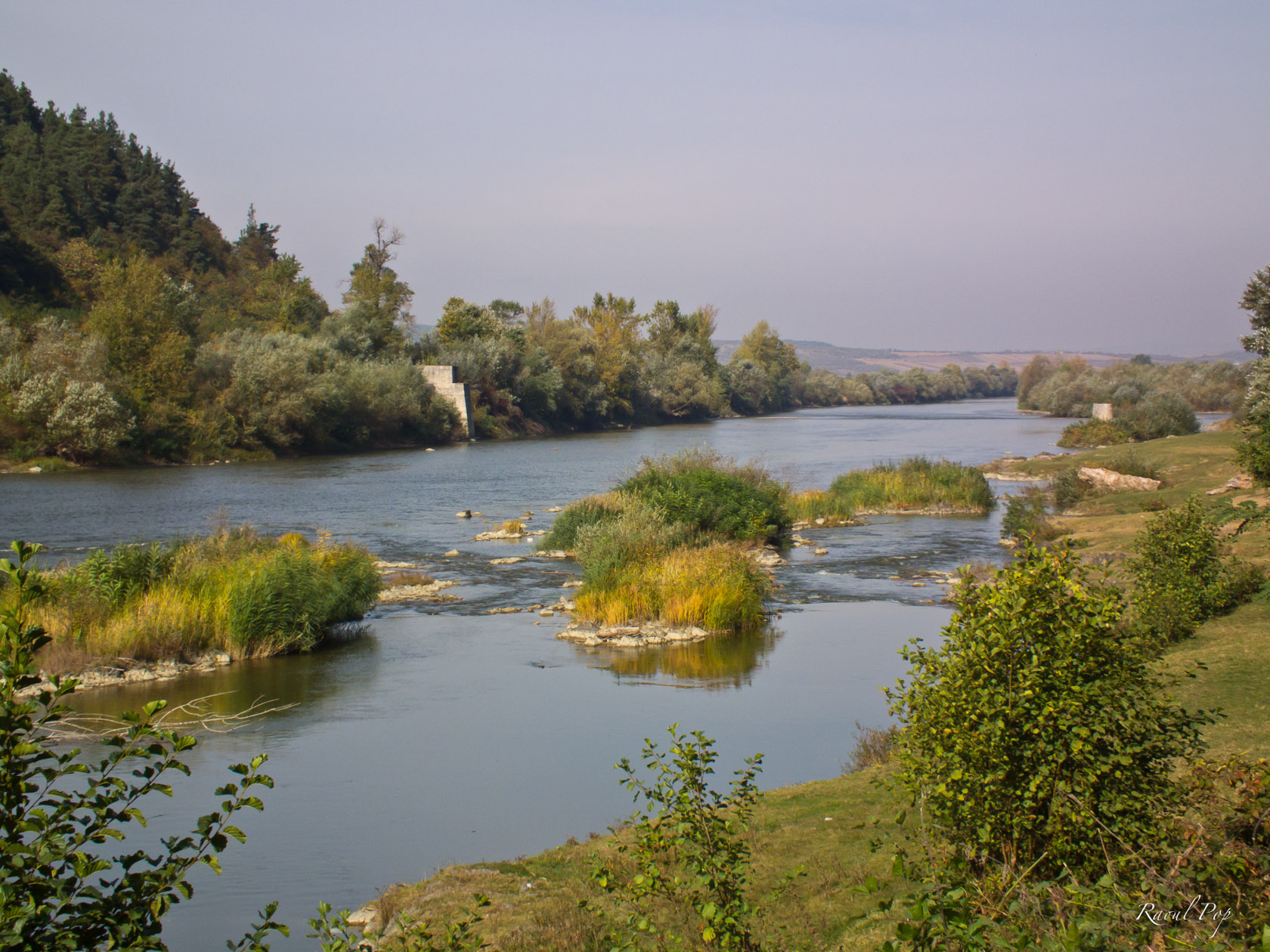
A drive along the Somes river

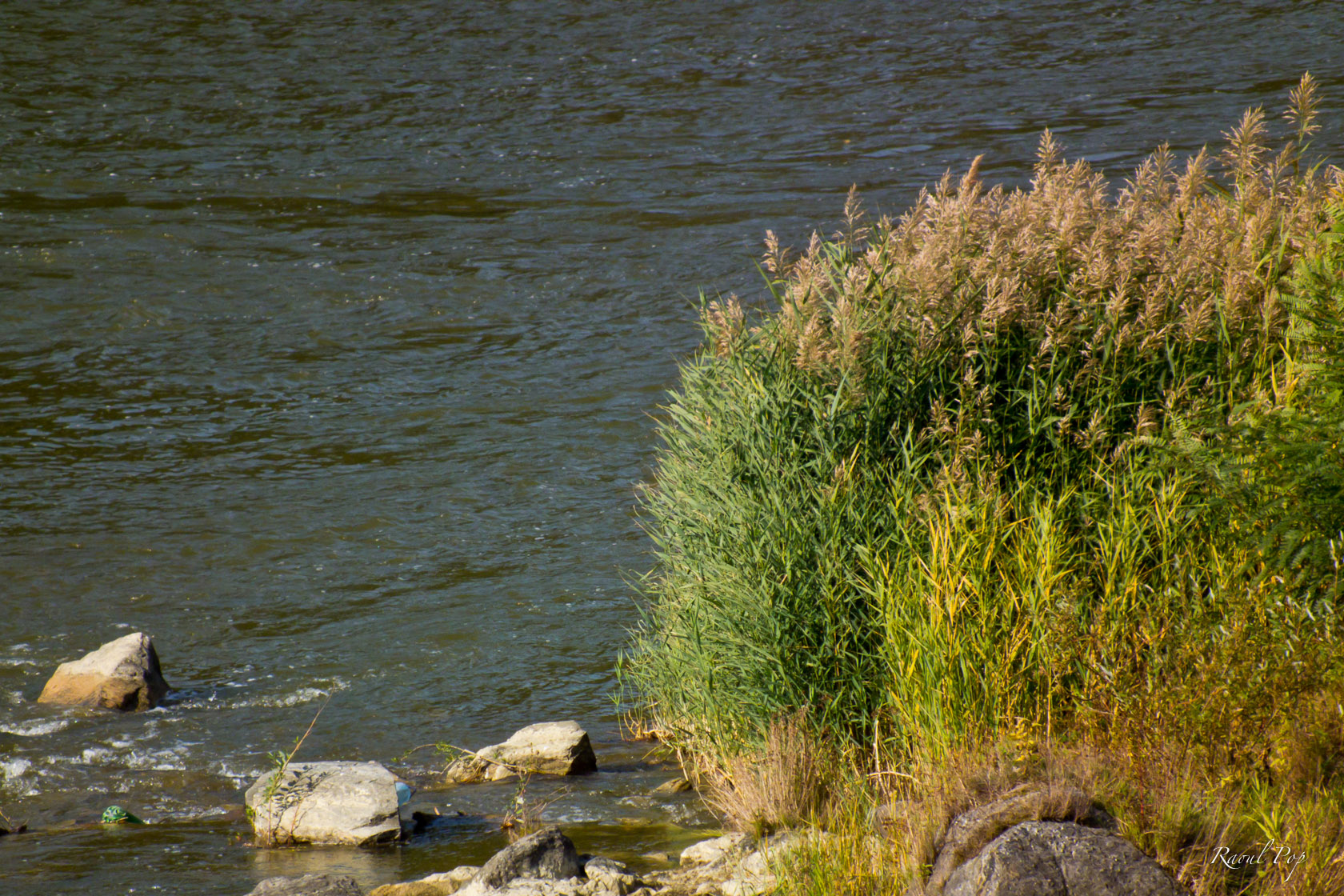
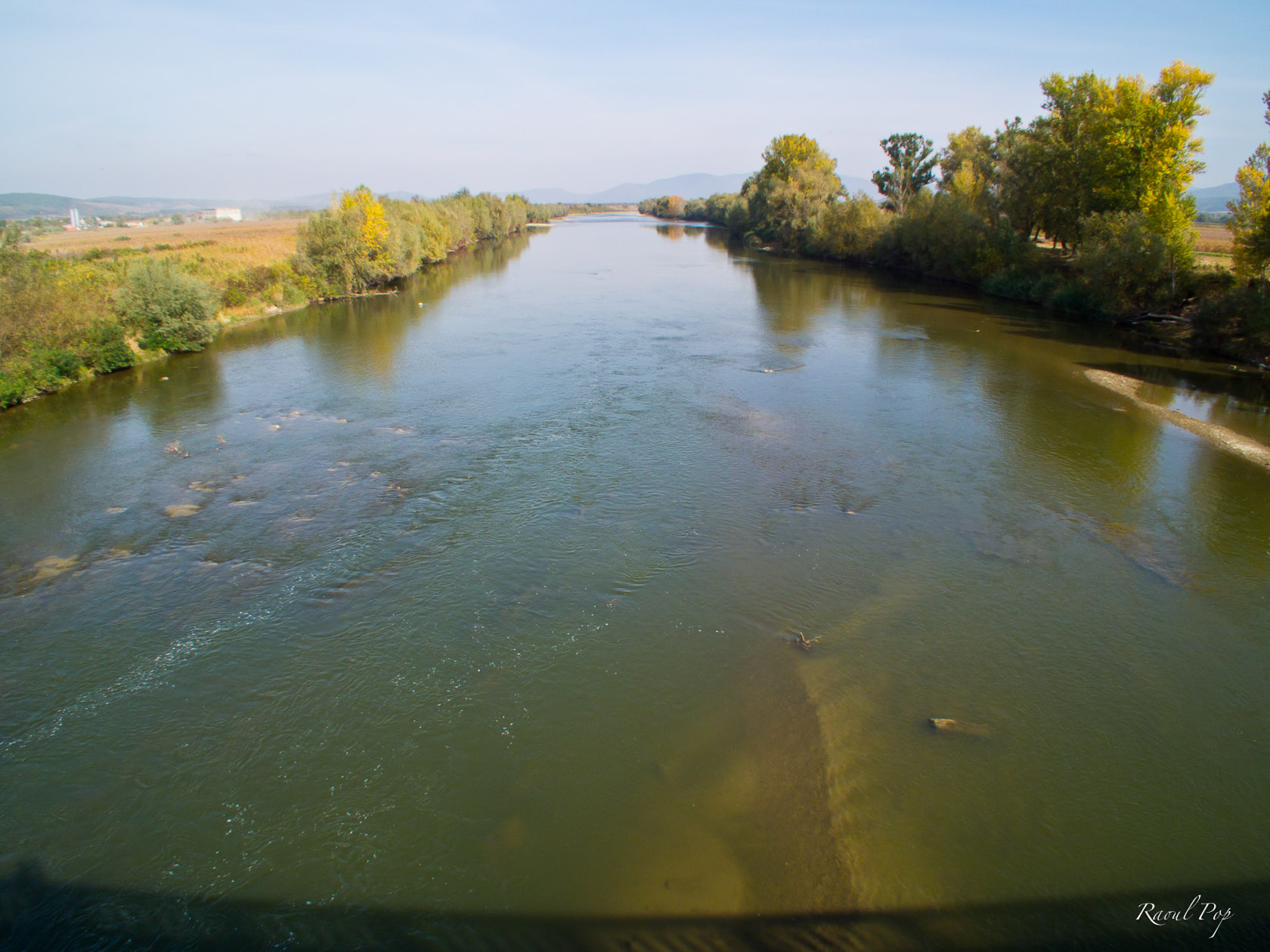
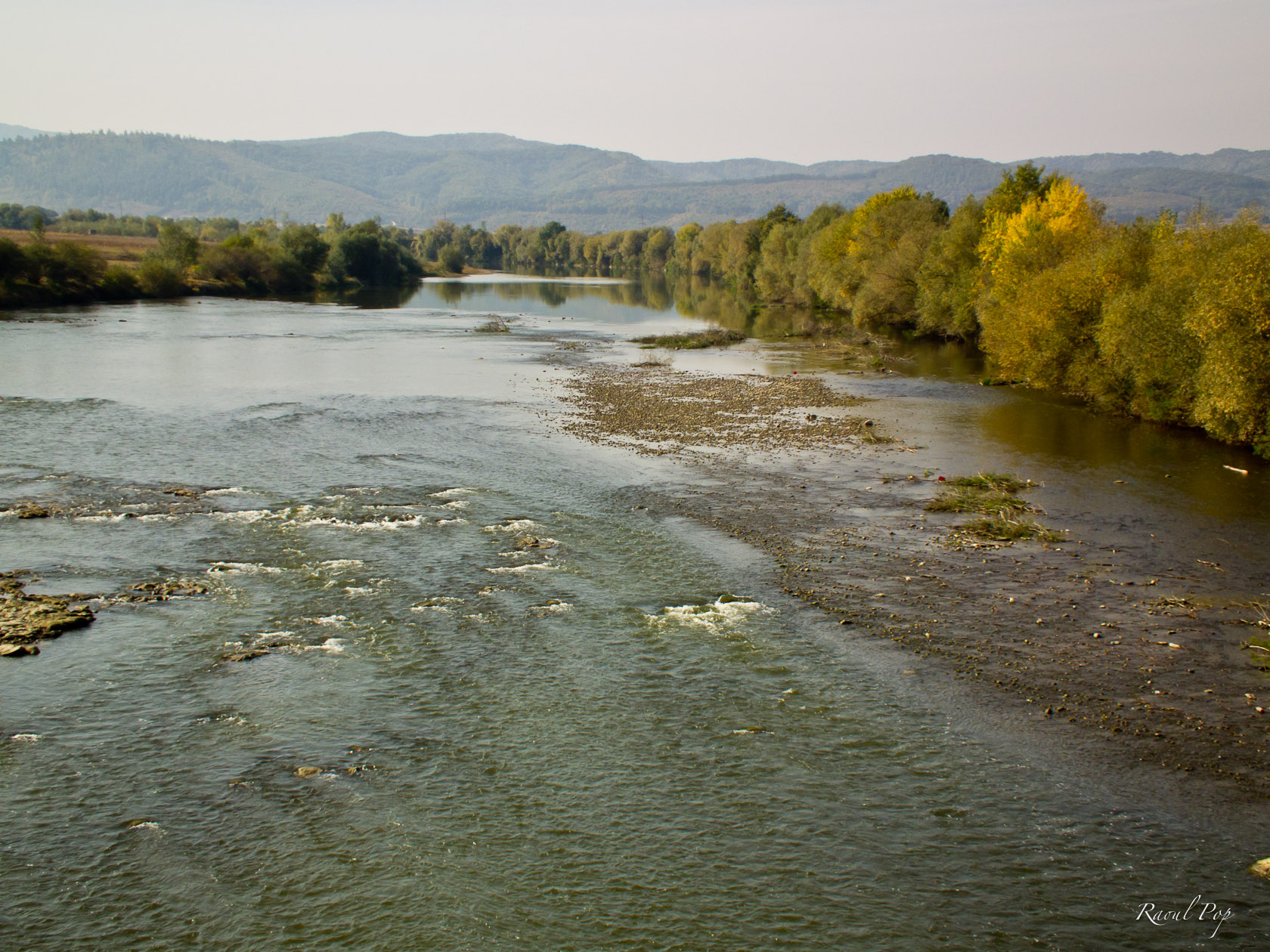
We recently had the chance to explore a portion of the Maramures countryside that’s seldom seen by “civilized” eyes. While trying to find a new route, we stumbled onto a dirt road alongside the Somes River, which connects the village of Remeti pe Somes with Cheud, another village that sits on the Somes river. The dirt road starts here and ends here, but that’s not the part that’s important. What is important is what you’ll see as you travel on it.

We felt as if we’d stepped back in time. It was as if the road and the countryside were untouched by civilization altogether. We could hear the traffic in the distance, on the other side of the Somes, where the paved road was, yet where we were, it seemed as if progress had decided to take a nap.

Nature was quiet and majestic. The road twisted and turned with the river, winding its way through meadow and forest, over hill and over dale, over little brooks and springs that found their way into the Somes, adding to its already impressive size. We passed a gypsy dwelling with a few huts and small houses, hidden at the edge of a forest, miles and miles away from paved roads and civilization. Their kids, unwashed, dressed in rags and looking like medieval imps, pounced on our car, begging for change (their training begins early on in life).

Later on, we passed a pasture, replete with an idyllic herd of cows grazing peacefully on the abundant grass. And as we drove on, passing under large, thick trees, it occurred to us that this was an old road, a road that had likely been in use for hundreds, if not thousands of years, a companion to the river, now forgotten and abandoned in favor of the paved roads that cut through the landscape instead of working with it.

Ligia and I have seen our fair share of unpaved roads and beautiful scenery in Romania, but on this particular dirt road, on that particular segment of it, we felt more than at other times, that we’d stepped back in time a little, that we’d experienced a bit of what it was like to travel during the time of the dirt roads, at the speed of a horse’s trot. It felt odd to rejoin civilization afterward, our car fitting into the modern landscape yet covered in a thick layer of primeval dust — a reminder of our trip through time.

Standard