Today, Apple launched the iPad, their long-awaited version of the tablet computer. In spite of the failures of their predecessors, I think Apple will pull this off. I think the iPad will be very successful. In case you haven’t gotten your iPad fix yet, grab a cup of tea and sit down, this post is loaded with photos of the iPad and its accessories.
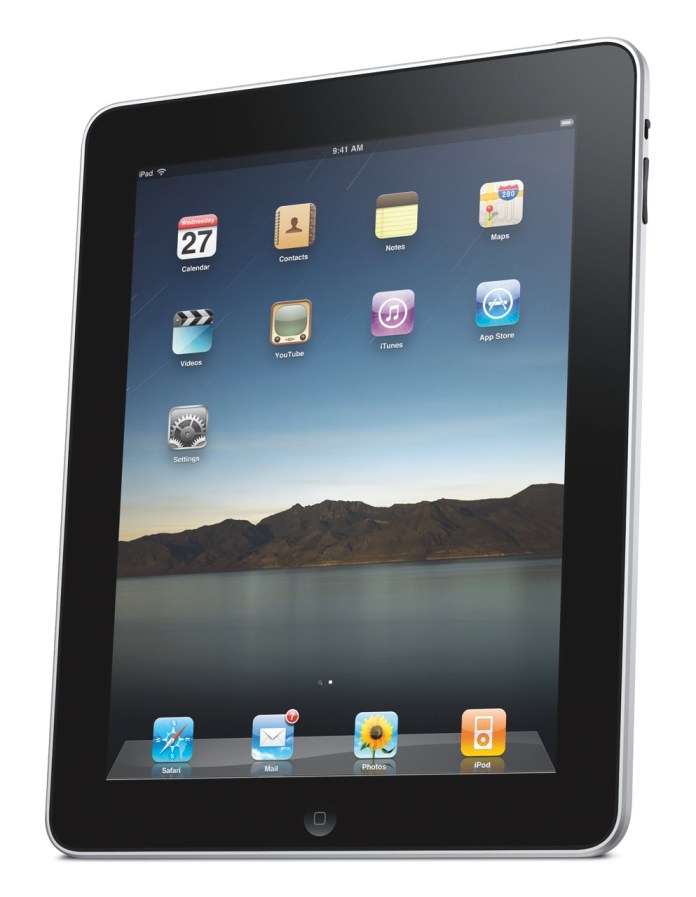
As I mentioned yesterday, I wrote a post in September of last year, where I unwittingly described the functionality of the iPad. I was actually focusing on the need for what I called a portable Apple TV, a device that bridged the gap between an iPod and a laptop, and that’s exactly what the iPad is. Let me quote myself:
Clearly, Apple has the technological know-how to put together a really nice Apple TV that’s not yet another box tethered to a TV in the living room, but a display with integrated speakers and the circuitry that allows it to get on my network and access media from various drives, or to play the media I sync to it through iTunes, or to download media from the Internet.
Just think, with a nice LED screen of about 13-17 inches, a touch screen, plenty of onboard storage, a good battery, WiFi, Bluetooth, and speakers, they could have an amazing device that I could take with me wherever I decide to sit in the house or in the yard. I could take it in bed and watch movies without draining my already tired laptop battery, I could take it outside on the patio at night to watch stuff there, etc.
Apple already has all of this technology. Why don’t they put it together?
Wouldn’t you know it, someone at Apple must have seen my post… I’m kidding, naturally — the iPad has likely been in development for at least a year, so it’s not like I had much to do with the iPad’s invention — but it’s nice to see that my hunch, or at least my perception of a need in the marketplace for a product like the iPad, was right.
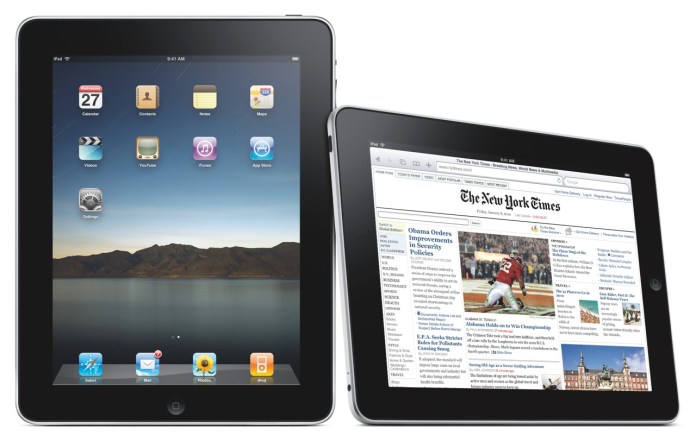
What does the iPad do? It can:
- Browse the web
- Read and send email
- Enjoy photos
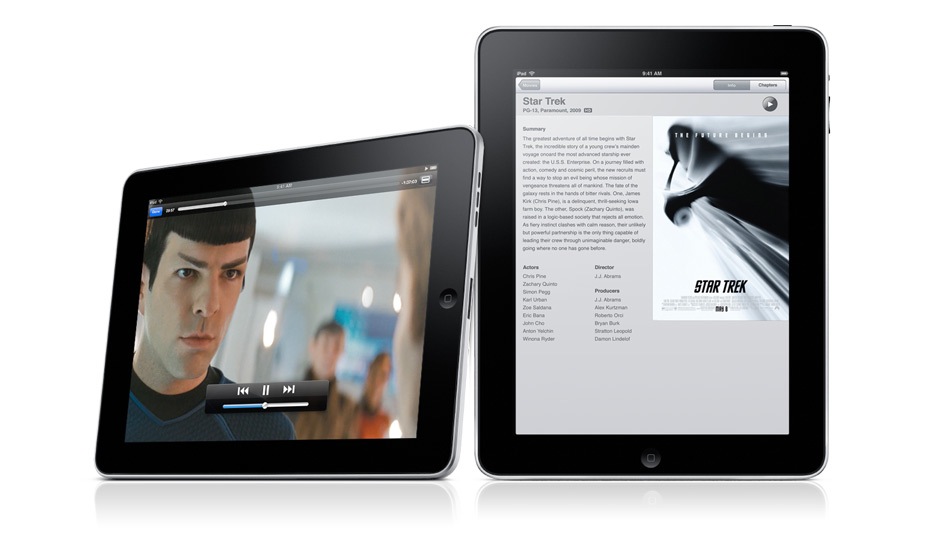
- Watch video
- Listen to music
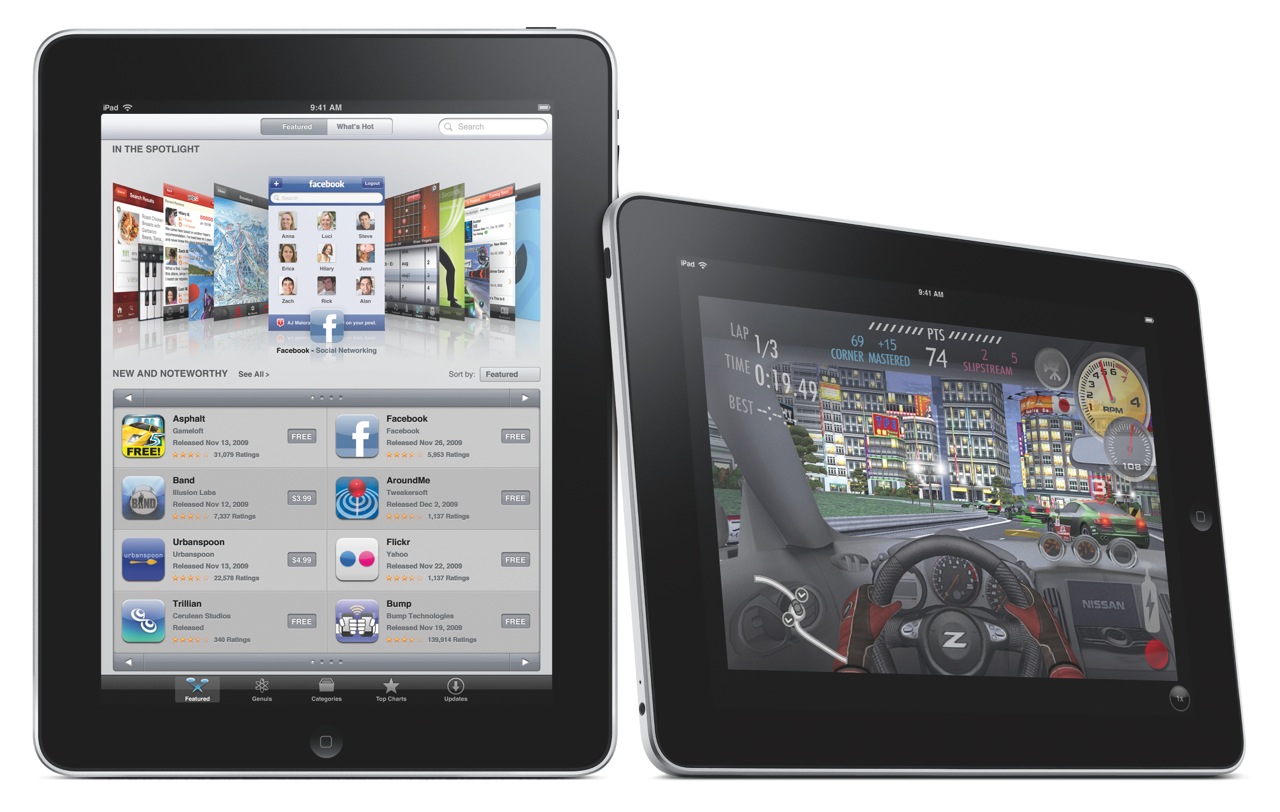
- Play games
- Read e-books
- Basically, anything but any real work 🙂
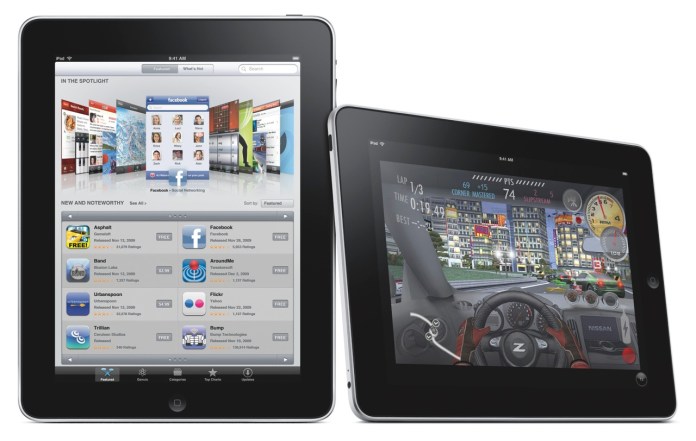
I may be wrong about that last capability though. Here’s what Apple says:
“Apple also introduced a new version of iWork® for iPad, the first desktop-class productivity suite designed specifically for Multi-Touch. With Pages®, Keynote® and Numbers® you can create beautifully formatted documents, stunning presentations with animations and transitions, and spreadsheets with charts, functions and formulas. The three apps will be available separately through the App Store for $9.99 each.”
So who knows, we may be able to get some work done on the iPad after all, if we’re not too tempted to watch movies or read books on it.

Before we get too awestruck with all of the awesome things the iPad can do, it’s important to note two of its capabilities. I’ll let Apple explain:
“iPad is powered by A4, Apple’s next-generation system-on-a-chip. Designed by Apple, the new A4 chip provides exceptional processor and graphics performance along with long battery life of up to 10 hours. Apple’s advanced chemistry and Adaptive Charging technology deliver up to 1,000 charge cycles without a significant decrease in battery capacity over a typical five year lifespan.”
Apple has not only developed new battery technology which is already in use on its laptops and now, on the iPad, but, and I think this is huge, they’ve now developed a new chip, called the A4. Since when do they have the technology to develop computer chips? I thought they always outsourced that function, to Intel, and before that, to PowerPC. Now they’re making chips? Wow. And since this new chip is called the A4, are we to assume there’s an A3, or A2, or A1, or more importantly, an A5, or an A6, or A7? Where were they used, and where will they be used?
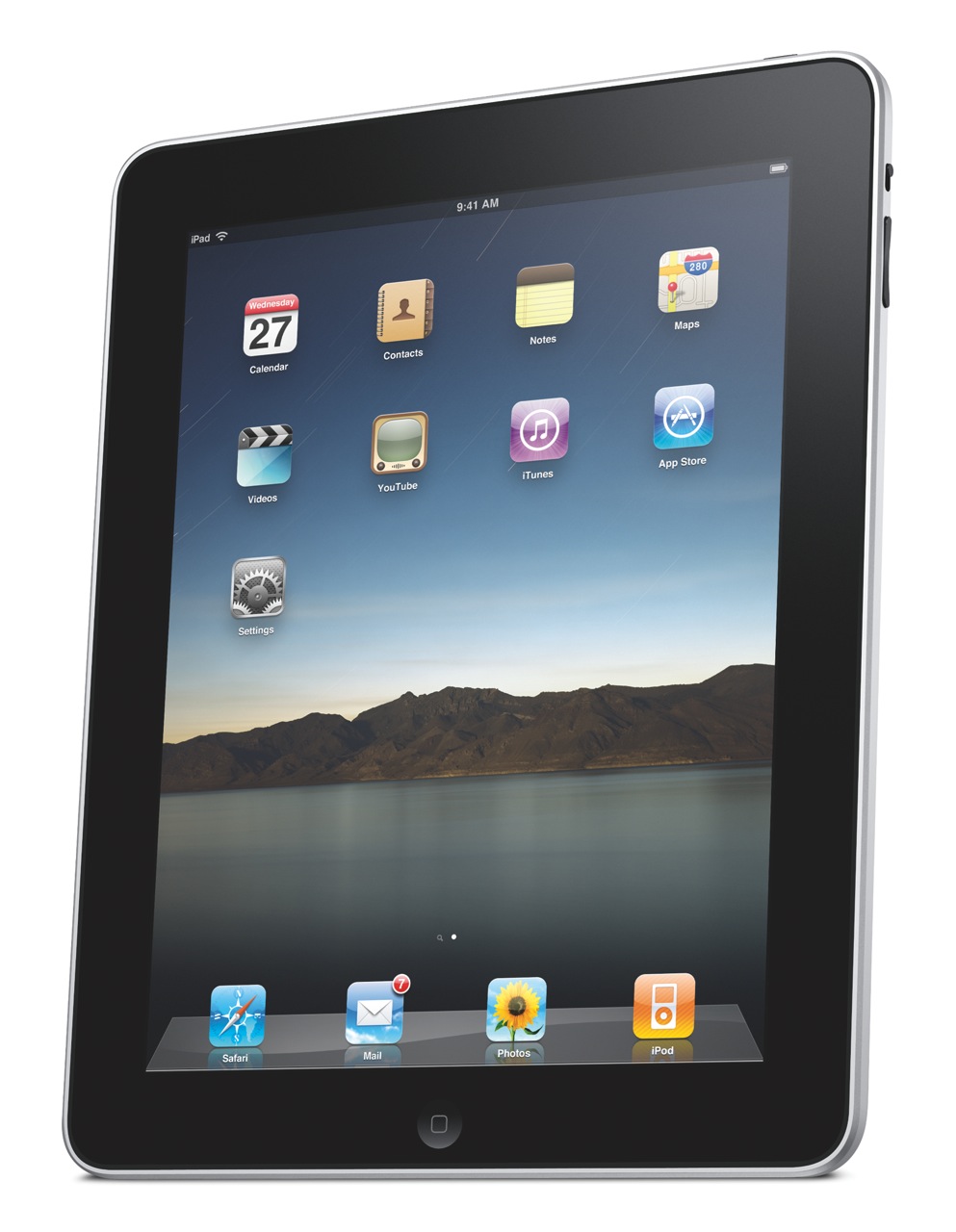
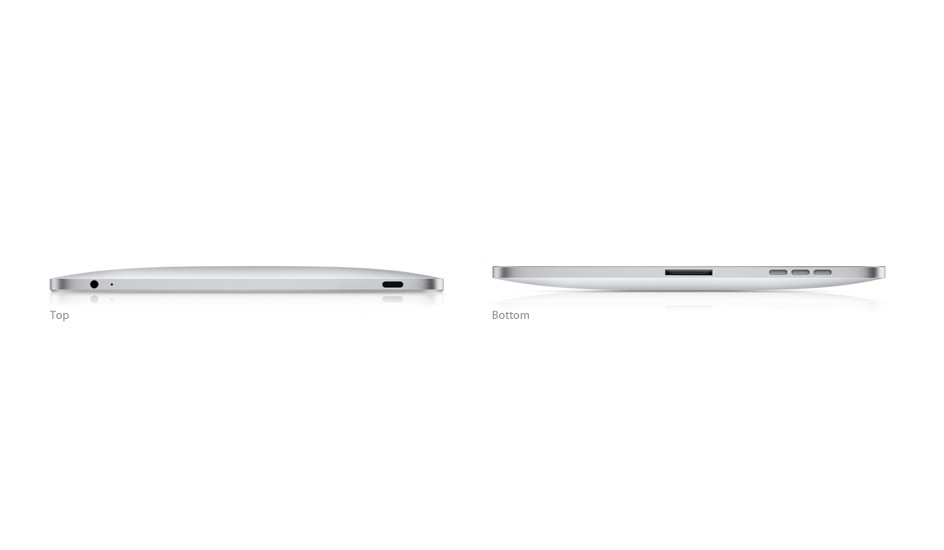
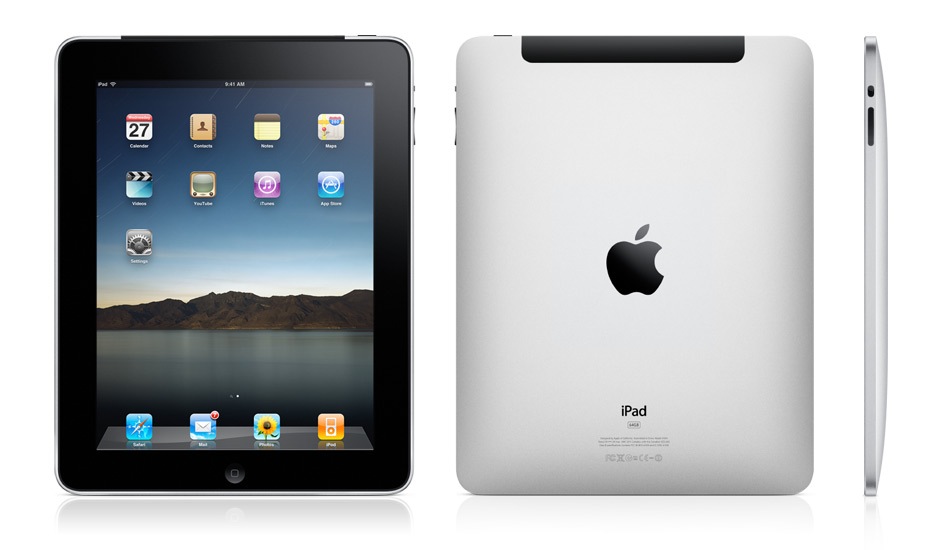
Let’s look at the iPad’s exterior. It is a gorgeous device, incredibly thin, made of aluminum and glass.
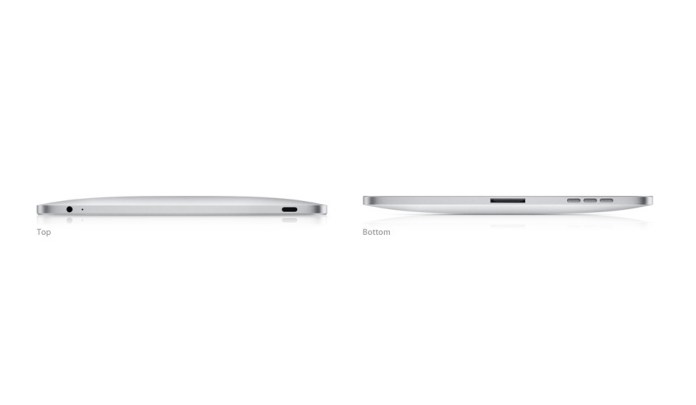
It comes in two models: Wifi-only, and WiFi + 3G. The only difference (on the exterior) between the two models is a bit of extra weight for the 3G model (1.6 lbs. vs 1.5 lbs.), and the presence of the 3G antenna, which looks like a black strip at the top.
Height: 9.56 inches (242.8 mm)
Width: 7.47 inches (189.7 mm)
Depth: 0.5 inch (13.4 mm)
Weight: 1.5 pounds (.68 kg) Wi-Fi model; 1.6 pounds (.73 kg) Wi-Fi + 3G model

 One thing I’m not clear on is whether the 3G version of the iPad will require the AT&T network, or whether it will be “unlocked” for use on any 3G network. I’m certainly not keen to use AT&T’s network, for reasons with stem directly out of my personal experiences and my parents’ personal experiences with their horrible customer service.
Let’s move on and look at the display. I was hoping to see a larger-size device, but as things stand, the screen is 9.7″ across, at 1024 x 768 resolution. What does compensate for the somewhat smaller screen is the ppi (pixels per inch) spec, which is 132 — almost double the 72 ppi of standard displays. The display uses a technology called IPS (in-plane switching) which allows for a wide, 178° viewing angle.
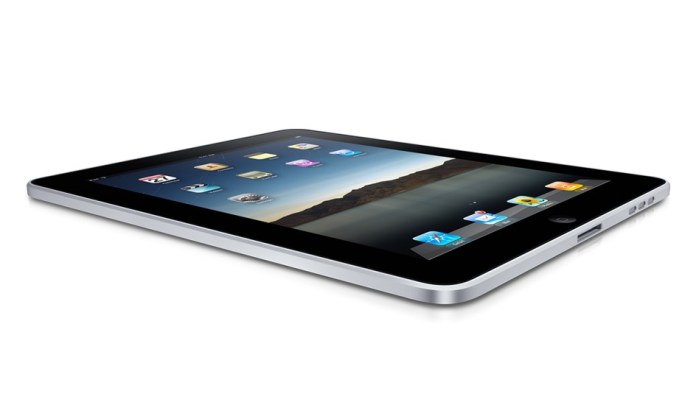
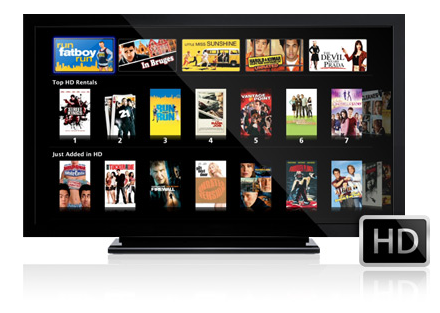
When I look at the TV and Video specs, I’m glad to see that it will also output 1024 x 768 to an external display with the aid of a dock to VGA adapter, and that it will output SD and better-than-SD video (480i/480p and 576i/576p) to a TV with an Apple Composite A/V cable. More than that, it can play 720p (HD) video, which was expected and was the right thing to do.
“H.264 video up to 720p, 30 frames per second, Main Profile level 3.1 with AAC-LC audio up to 160 Kbps, 48kHz, stereo audio in .m4v, .mp4, and .mov file formats; MPEG-4 video, up to 2.5 Mbps, 640 by 480 pixels, 30 frames per second, Simple Profile with AAC-LC audio up to 160 Kbps, 48kHz, stereo audio in .m4v, .mp4, and .mov file formats. “
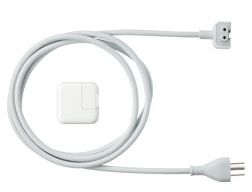
The iPad’s power adapter is rated at 10W according to the specs, which is great in my book. It means it’s a very efficient device. Think about it, what you basically get with the iPad is an HD TV which you can take to bed with you, and which only consumes 10W when plugged in. Have you even looked at your HDTV’s power usage lately? Even the most efficient LCD displays consume more than 100W, and if you look at how much plasma displays consume, you’ll want to run away.
The iPad can open most of the usual file formats, as is expected since it will have its own version of iWork, but does that mean we’ll get a Finder, with a Home folder for our account? After all, if we’re going to work with documents, we’ll need a place to save them and access them.
“Viewable document types: .jpg, .tiff, .gif (images); .doc and .docx (Microsoft Word); .htm and .html (web pages); .key (Keynote); .numbers (Numbers); .pages (Pages); .pdf (Preview and Adobe Acrobat); .ppt and .pptx (Microsoft PowerPoint); .txt (text); .rtf (rich text format); .vcf (contact information); .xls and .xlsx (Microsoft Excel).”
This becomes an even more important question if we consider the iPad accessories, among which we find the Keyboard Dock, which clearly allows one to use the iPad as a lightweight computer. If it’s going to be used as such, we’ll definitely need a Home folder, with a Documents folder and other such usual amenities to keep our stuff. And will these documents get synced with the documents on our home machine? Furthermore, if we’ll download our emails onto it, will they automatically get synced with Mail on our laptops and desktops?
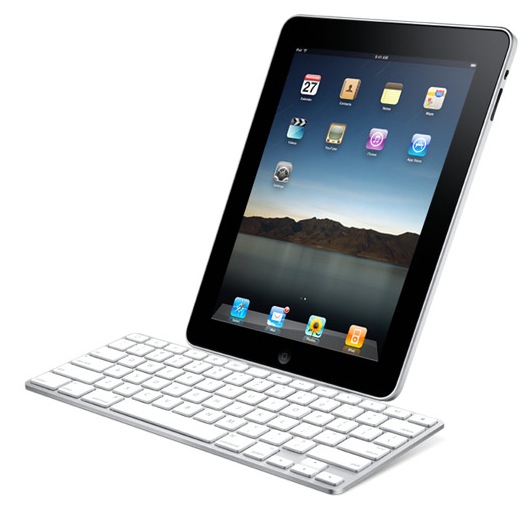
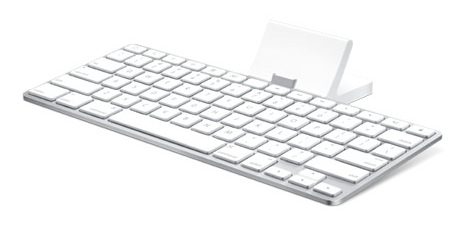
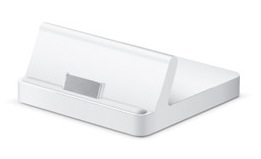
There’s also a regular dock, which lets the iPad charge and holds it upright, so you can watch movies unhindered.
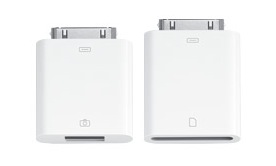
I like the camera connection kit, which lets you download photos from your digital camera either through a USB cable, or with an SD card reader. That’s a smart and elegant solution.
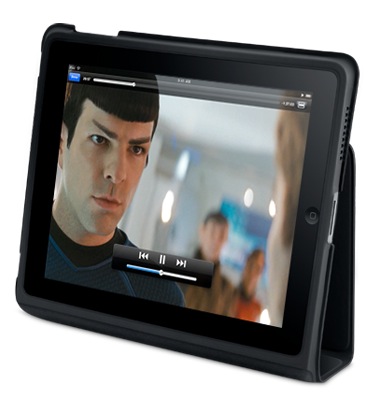
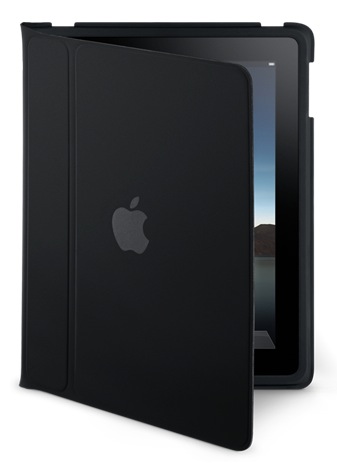
The iPad case is great, too. It’s wonderful for carrying the iPad about, and for travel, as it turns into a stand that lets you watch movies without needing to hold the iPad in your hand.
All of this exterior beauty wouldn’t be much without interior smarts and looks that match it to a tee. Here’s where Apple’s advantage really comes into play. Since they make both the hardware and the software, they can marry the two so well that they act as one. There’s never any doubt that a button you press on an Apple machine doesn’t do what it’s supposed to do, because it was made specifically for that reason and there’s a part of the code on the machine written specifically for it. On the iPad, I can see that significant thought and effort was put forth to design the software UI around the look of the hardware, to make the two act as one, and it’s a success. Have a look at how well each of the iPad’s purposed uses is represented by the software written for those uses.
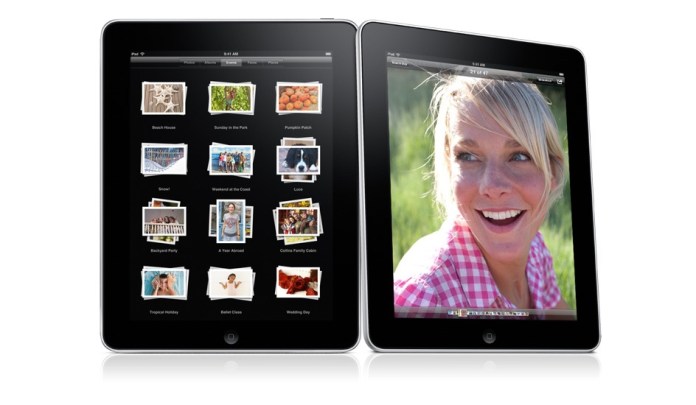
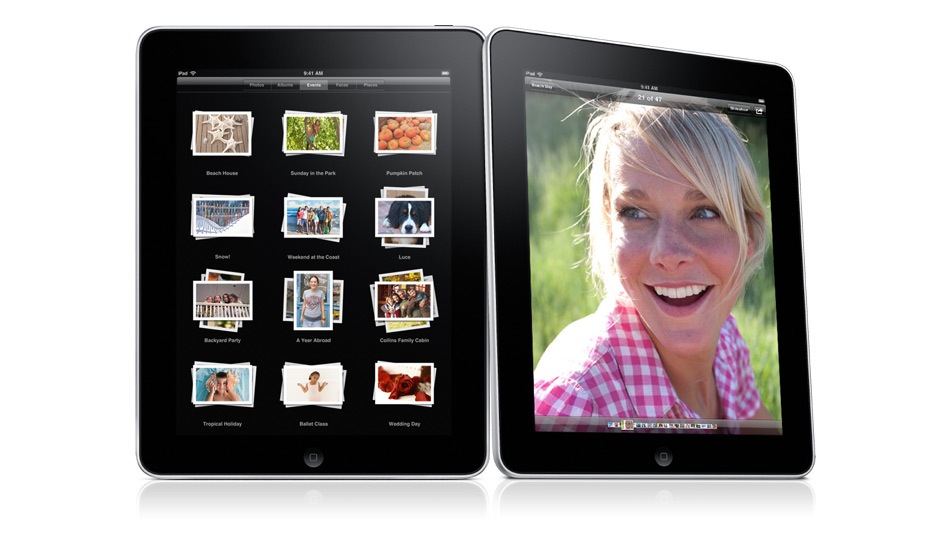
Photos on the iPad:
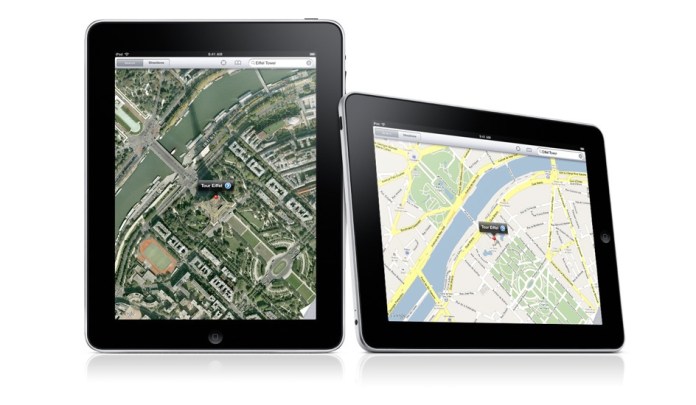
Maps on the iPad. Can you believe how gorgeous those maps look on the iPad, and how cool it is to manipulate them (zoom, pan, annotate) on that large multi-touch display?
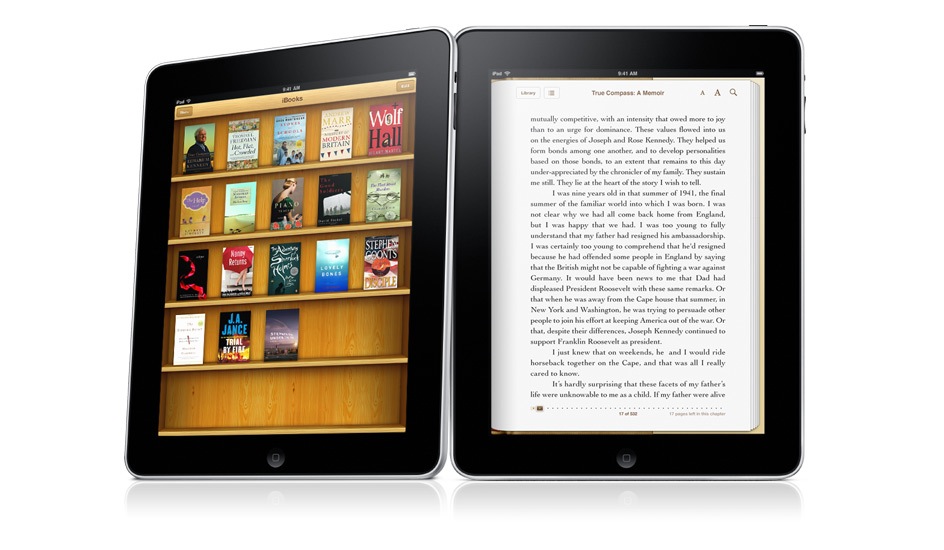
iBooks on the iPad. The Kindle’s battery may last longer, but can you argue with color?

iCal on the iPad. It’s just gorgeous, much more than its counterpart in OS X. Why doesn’t it look this good on my MBP?

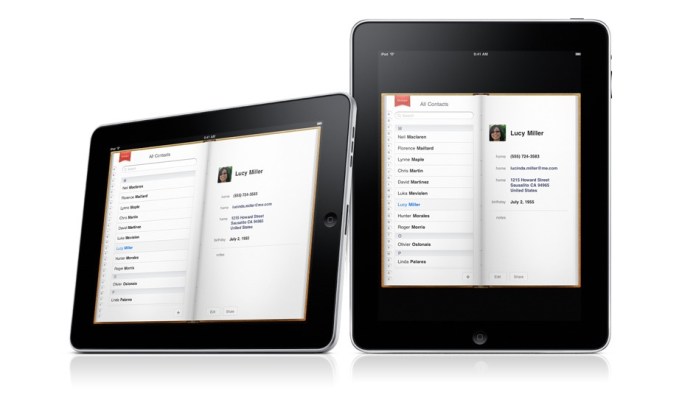
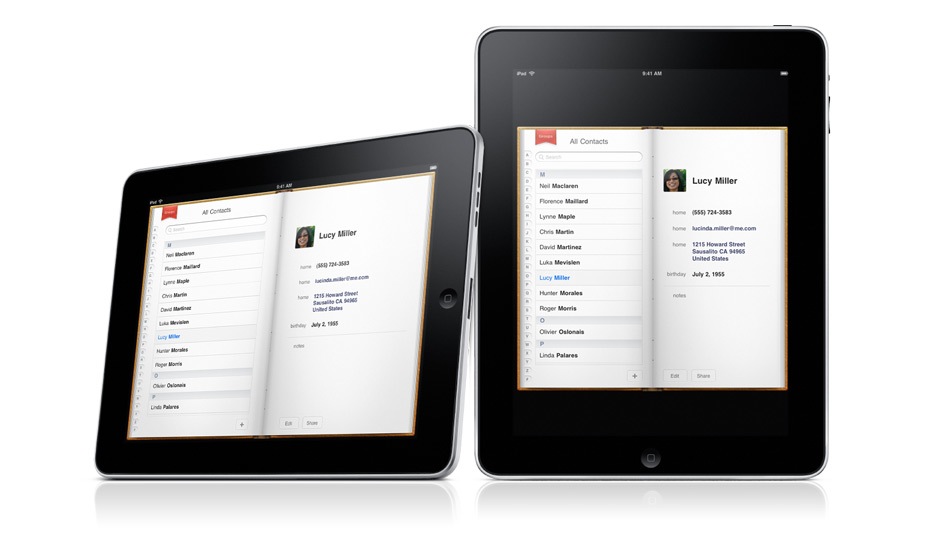
Contacts on the iPad. Very cool.
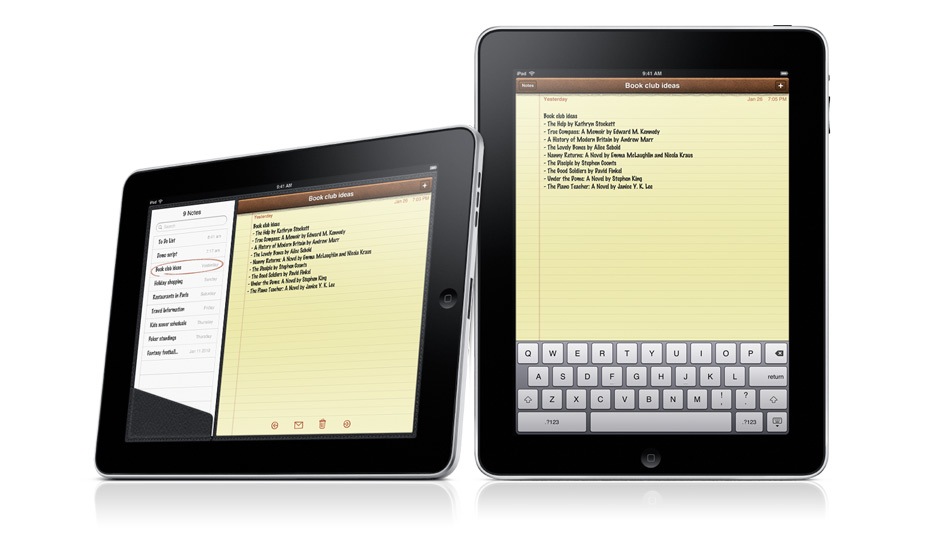
Notes on the iPad. I’m going to love taking notes now, even more so than on my iPod Touch.

There is one disappointment. I expected an iSight video camera on the iPad, and there isn’t one. I’m not sure why. Possibly for the same reason the iPod Nano got a video camera last year instead of getting it one or two years prior to that. It’s very likely the next gen iPad will have a video camera, and it will have iChat as well.
Still, the iPad is a fantastic device, and it exceeded my expectations in many ways. I’d love to know what you think of it.
iPad will be available in late March, worldwide, for a suggested retail price of $499 (US) for the 16GB model, $599 (US) for the 32GB model, and $699 (US) for the 64GB model. The Wi-Fi + 3G models of iPad will be available in April in the US and selected countries for a suggested retail price of $629 (US) for the 16GB model, $729 (US) for the 32GB model and $829 (US) for the 64GB model. International pricing and worldwide availability will be announced at a later date.
The video from the Keynote iPad launch is available here, and the iPad overview video is available here.
Photos used courtesy of Apple.
26.011201
-80.149490









 Raoul Pop