
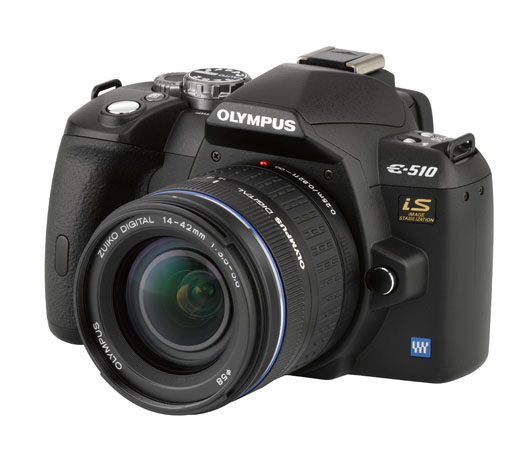
On September 24, 2007, I published my review of the Olympus E-510 DSLR, one of the first prosumer cameras on the market to feature Live View (TTL video preview, directly off the same CMOS sensor used for photographs). Unless people were to jump to conclusions, I wanted to make it clear that it won’t let you record videos — but I knew that market forces were aligning to bring some sort of video capability to DSLRs.
I myself was opposed to that idea. I thought it would bastardize a DSLR to make it record video. After all, a DSLR takes great photos, and it should only do that. I also thought that video camera manufacturers would squeeze photo-taking capabilities into video cameras, which would result in crappy photos being taken by gadgets that should have stayed video cameras. Well, I was wrong. I forgot all about how the market delivers what the consumer wants, and has a way of sometimes exceeding expectations.
Behold the Nikon D90. It is the first DSLR that takes video, and it’s not some low-res video that you can get from a point-and-shoot digicam; it’s 720p HD video. What’s more, it lets you control depth of field by manually adjusting the focus while shooting. Best of all, you’re already using a sensor that takes great photographs, and the expensive glass you already paid for. You don’t need to spend yet more money on a dedicated video camera. You get the best of both worlds: the interchangeable lenses of a DSLR, and the quality of a decent video camera.
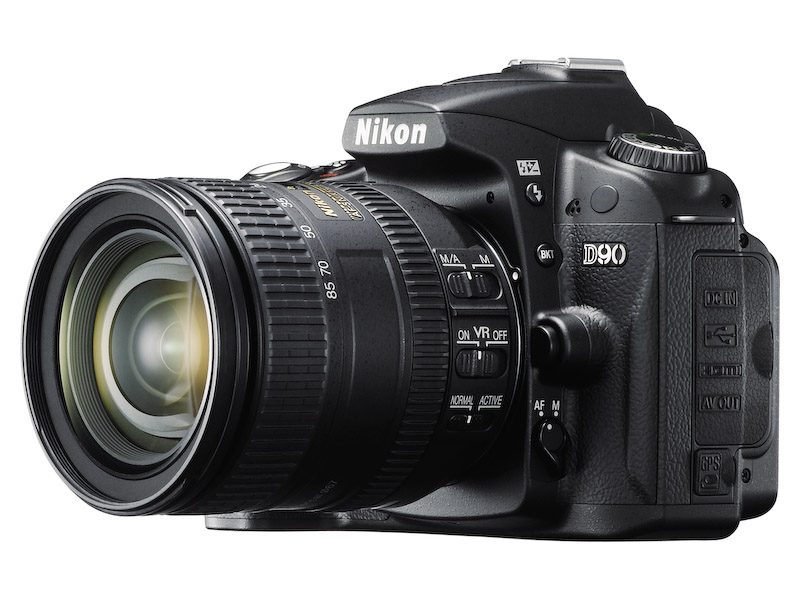
I am truly blown away by the D90’s specs. If I hadn’t already invested in the Canon 5D and Canon lenses, I would be sorely tempted to get the D90. I crave (badly) the ability to take quality photos and video with a single device, but unfortunately, up to this point, that was not possible unless I carried both a DSLR and a video camera.
As good as the D90 is though, it will soon be eclipsed. Why? Market forces. How long do you think it will be before we’ll have a DSLR that can record 1080p HD video? Or how about an even smaller and thinner DSLR than currently possible? How about a DSLR that looks and weighs about the same as a point-and-shoot, but gives you photo quality that’s equivalent to (or exceeds) today’s DSLRs? It’s all coming.
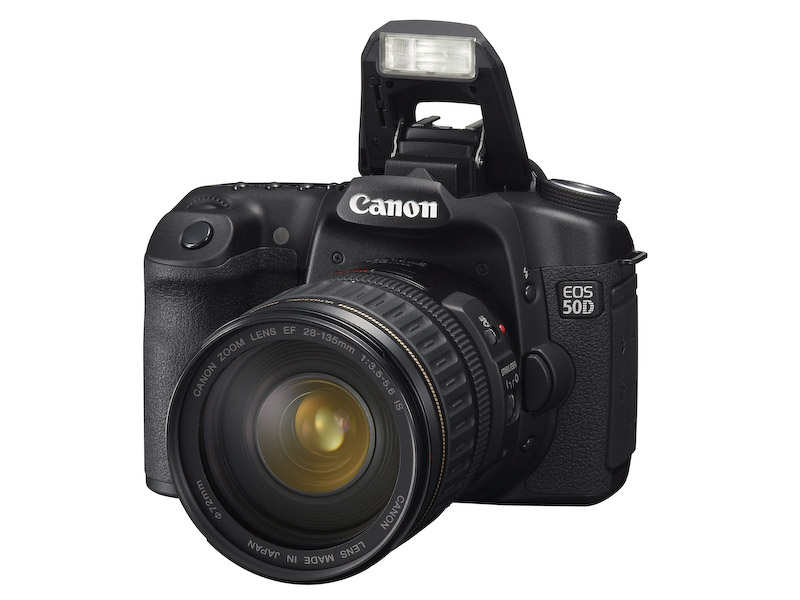
Let’s look at what’s currently available. First, we have the new Canon 50D. You may think it’s been eclipsed by the D90 or the D300, but you’d be wrong. You see, Canon took things further than I thought possible with it, by giving us 15 megapixels in a cropped (1.6x) sensor that also shoots (natively) up to 3200 ISO. I didn’t think that was possible on a cropped sensor. I thought 12 megapixels was the max at that sensor size. I was wrong.
You know where else I’ll be proven wrong? Back when I attended the Olympus E-3 launch party, I talked about the camera’s (somewhat) limited 10 megapixel resolution, and I thought they had reached the limitations of the Four Thirds 2x cropped sensor. I thought the sensor’s surface area was too small to get more resolution out of it. But now that Canon has proven you can get 16 megapixels out of a 1.6x cropped sensor, I don’t see why you can’t get 12 megapixels or more out of a 2x cropped sensor.

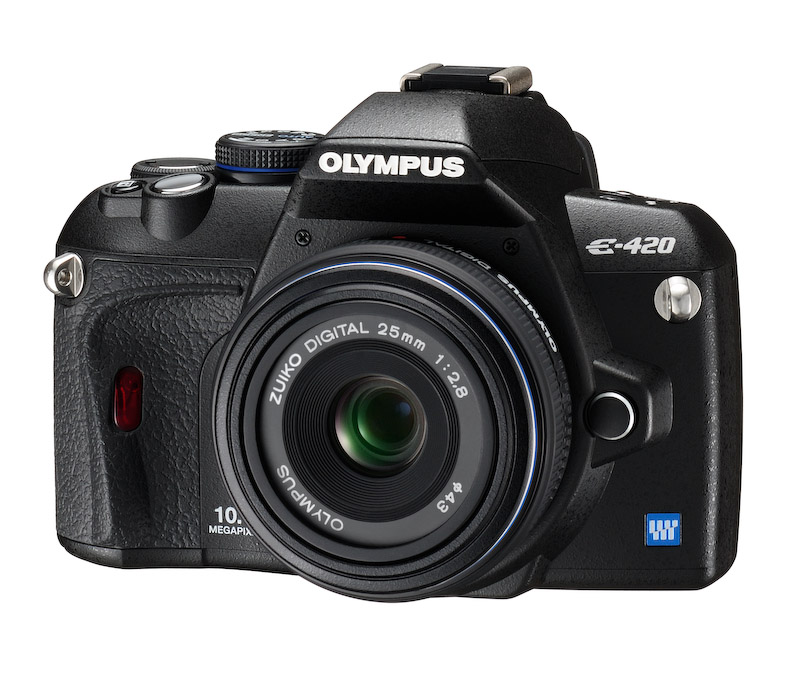
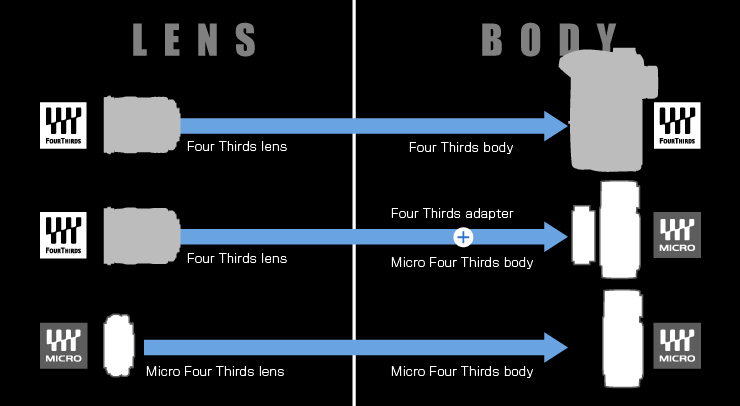
Here’s where I get to the last part, smaller and lighter DSLRs than currently thought possible. Currently, the smallest DSLR on the market is the Olympus E-420, pictured below. Do you know what the Four Thirds consortium has come up with? It’s the Micro Four Thirds standard, which allows for thinner, shorter lenses, and thinner, shorter camera bodies. A Micro Four Thirds camera will look and weigh just about the same as a point-and-shoot camera with a decent zoom lens.
Wait, it gets even better. The current aspect ratio of Four Thirds cameras is 4:3. The aspect ratio of Micro Four Thirds cameras will be 16:9. That’s the same aspect ratio used in movies. Where do you think that’s going? It means your photos and your videos will have the same aspect ratio, and the line between photography and videography will get even more blurred, and it’s quite possible that in the near future, we’ll have 1920x1080p HD video recorded by a tiny little DSLR with a tiny little lens on it.
That’s just what seems logical to me, and I’m a fairly conservative estimator. You wait and see what the market will do. We’ll have some very interesting DSLRs to play with in the next few years.
[Images used courtesy of Canon, Nikon and Olympus. ]





 Raoul Pop
