Thoughts

Montgomery becomes first county in nation to ban trans fats

A few days ago, on May 15th, Montgomery County (my county) became the first county in the nation to ban trans fats from restaurants and marketplaces. Basically, anything made and or cooked in this county will have to contain no trans fats, or at least close enough to that — only 0.5 grams of trans fat are allowed per serving. There’s some leeway, and some establishments can continue to sell foods with trans fats for a while, but let’s hope the wiggle room doesn’t turn into a ballroom.

I think this is pretty cool, and it’s a step in the right direction. The law is meant to address the growing waistlines of Americans everywhere. While foods with no trans fats are great, we also need to limit our caloric intake (that means smaller portions) and get more physical activity. Legislation can only go so far. People need to take some personal responsibility if they wish to stay thin. Complaining about their weight at the water cooler won’t solve anything.


Standard
Thoughts

She's right for me

Taken during an evening walk with Ligia in North Bethesda, MD.

She’s right for me

Standard
Events

The first DC TECH cocktail

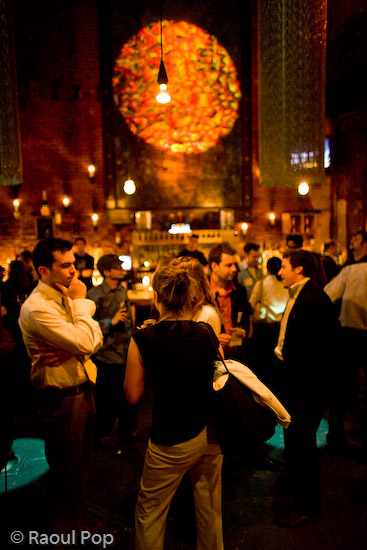
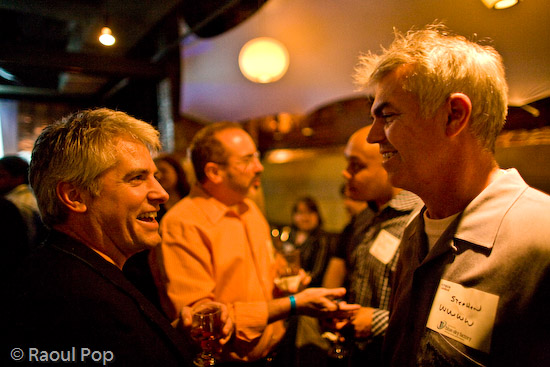
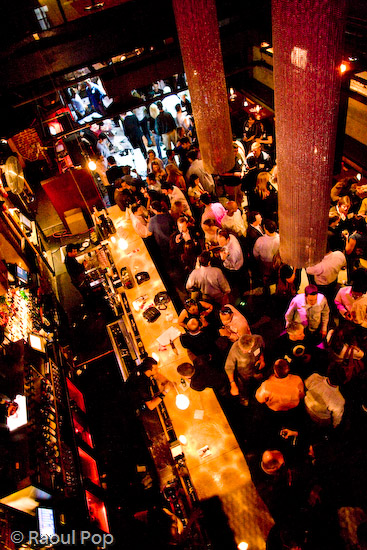
Ligia and I attended the first ever DC TECH cocktail last night. We had a great time, and I brought my 5D along, of course. I took lots of photos, and posted them to Flickr. Everyone in attendance had a good time. They were all so busy networking or listening to demos that most didn’t even notice me taking photos, which made for some nice candid shots. I honestly don’t know how they could concentrate or hear each other with all that loud music the club had put on, but I guess they got the job done. The event was organized by Frank Gruber and Eric Olson. Nick O’Neill helped with the event. If you know any of the people in the photos, please let me know so I can properly identify them.

Jonathan George and Eric Olson

Clarence Wooten, Frank Gruber and Nick O’Neill

Blair, Jen Consalvo and Frank Gruber

There were a lot of people in attendance. I’m glad things worked out well for Eric and Frank. The cool thing about TECH cocktails is that they give companies a chance to demo their products to interested folks without having to pay to attend. The people who attend also don’t pay. The entire thing is sponsored by helpful companies, and that’s pretty nice.

Tech Cocktail DC

Stephen Walk

Greg Cangialosi

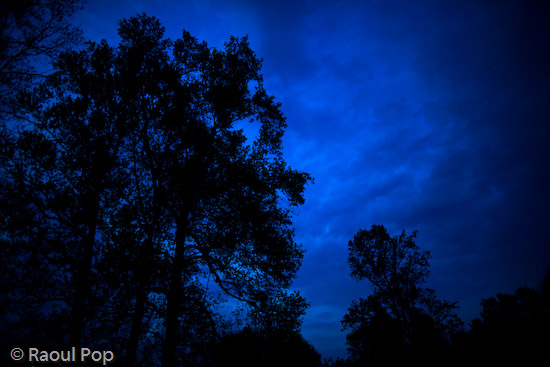
Blue epiphany

Tech Cocktail DC

Tech Cocktail DC

Tech Cocktail DC

Tech Cocktail DC

Gary Vaynerchuk

Gabe Rivera

Tech Cocktail DC

Tech Cocktail DC

Red rain

Tech Cocktail DC

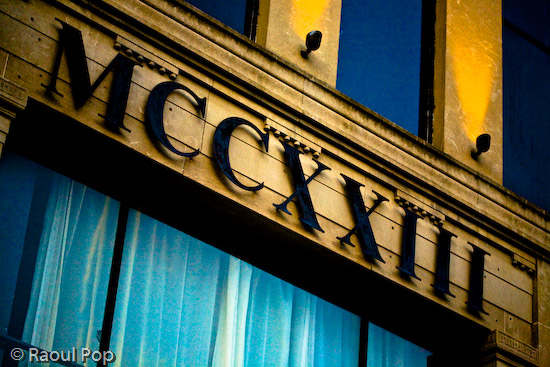
MCCXXIII

Standard
Events

A first impression

These are but a few of the first photos I took with my Canon 5D when I got it a few short weeks ago. I got the EF 24mm f/1.4L lens at the same time, and that’s what I used to get these photos. I’m very happy with the 5D and the 24mm. To be able to get photos like these when it’s almost pitch dark out there is a fantastic experience.

I’ll write a more detailed review of the 5D soon, so stay tuned for that. Not sure how much I can add to the multitude of accolades and opinions this camera has already received, but at least I can offer my own personal take.

An eventful day wraps up

Shhh

It’s quiet out here

Calm

Standard
Reviews

Two great utilities for photographers using Windows XP

I’m still on Windows XP (don’t think I’ll switch to Vista any time soon), and I’ve gotten accustomed to not being able to view thumbnails of my RAW image files in Windows Explorer. That is, until now. Just found two great little photo utilities from MS (surprise, surprise) and thought I’d share the info.

The first is called Microsoft RAW Image Thumbnailer and Viewer for Windows XP. It’s a really long name but this little utility does just that. Once it’s installed, you can see thumbnail previews of your photos right in Windows Explorer, without having to open Bridge or Lightroom. That’s pretty nice! Not only that, but this lightweight app will also let you open up the RAW files and view/print them.

The second is called Microsoft Photo Info, and it will let you edit a photo’s meta data (EXIF, IPTC) right from Windows Explorer. Once installed, it puts a “Photo Info” option on the right-click menu for any photo (RAW files as well), and it lets you open up single or multiple photos and edit the EXIF data. It’s really handy, and I’m sure it’ll work great for those folks who don’t have Bridge or Lightroom.

By the way, I also talked about editing the EXIF data in your photographs in this post, where I outlined three other EXIF editing apps for Windows. Looks like there’s plenty of choice out there, so don’t be shy, dig in and edit away. Let’s all have nice, clean, crisp meta data in our photos! 🙂

Standard