Romanian cuisine was (and still can be) wonderfully varied and delicious. Not only are there different dishes in each region of the country, but even the basics, the staple traditional dishes, are prepared differently from region to region. Visiting Romania should be a delectable experience for one’s palate — the potential and the means to bring it about are there.
Sadly, if you should walk into more than one restaurant in Romania these days, your chances are better than 95% that you’ll see the same limited menu — the same soups, the same entrees, the same salads, the same meat dishes, the same desserts, the same drinks etc ad nauseam… It doesn’t matter if the restaurant is part of a two-star, three-star or four-star hotel or pension or if it’s a standalone place in a mountain or seaside resort or just some place alongside the road. Beside a few dishes or drinks that sometimes vary, they share the same boring menu.
They all have vegetable soup (most of them don’t know how to make it). They all have tripe soup (in varying degrees of stomach-turning oiliness). They all have fried trout, most of it bland beyond belief to the taste. They all have, of course, lots of pork, beef and chicken dishes (the same fattening dishes across the board), so it’s no wonder most Romanians are starting to look like potbellied pigs. They all have the same salads, and most seem to compete in using the most withered vegetables, drowned in a sea of oil and topped with nose-turning vinegar.
The question then arises, can you find decent food as you travel through Romania? Sure, if you manage not to get sick of eating the same dishes… We’ve traveled a lot through the country (we’d like to travel some more) and we have come across a few restaurants that do some dishes well. We’ve also seen a few restaurants that have impressed us by straying from the boring sameness with different and delicious dishes. But these places were few and far between, and when you’ve been on the road all day and you walk into a restaurant only to see the same menu, it’s a very disappointing experience.
There’s also another factor that adds a certain degree of difficulty to our search for food. We’re raw vegans, which means we prefer to eat raw, uncooked vegan foods. When we don’t have a choice, we’ll eat cooked vegetarian dishes, such as soups, side dishes or salads. But that doesn’t mean we don’t look at the whole menu, just to see what a particular restaurant is offering to the general public, and that’s when the disappointment sets in.
Having grown up in Southern Transilvania, my palate is naturally accustomed to Southern Transilvanian foods, which include Romanian, Saxon and Hungarian dishes. Those dishes were, surprisingly enough (by today’s standards) mostly vegetarian dishes (ovo-lacto-vegetarian). As I grew up, we ate meat once a week (on Sunday), and it was most likely chicken. We ate beef very seldom (I remember only a few occasions during my childhood), but we did eat pork quite often (to my chagrin) in winter-time. I loathed the stuff, but that’s what we had in the pantry, so that’s what I ate.
If you should go to a restaurant in Southern Transilvania these days, their menu won’t reflect the traditional cuisine of the region at all, even if they say they’re a traditional “Transilvanian” restaurant. (Somehow the stupidity of calling a restaurant “Transilvanian” when it’s located smack-dab in the middle of Transilvania escapes the owners…) They have the same dishes you’ll find everywhere else, prepared in mostly the same ways. And they’ll have mostly meat dishes. Where are the traditional soups, entrees and dishes I grew up with? They’re certainly not on the menu!
My grandmother used to make a delicious sweet potato soup. She also made a sour potato soup with tarragon and milk that makes my mouth water even now. She also made cabbage soup, a nice thick soup with dill and all sorts of condiments, completely unlike the pig food they call cabbage soup in restaurants these days. In the spring, she’d make a wonderful sour salad, watercress or wild garlic leaf soup. Her noodle soup was the best. And she’d also make a dumpling soup that had me licking my fingers and begging for more dumplings.
The meal that had me begging for more was chicken drumstick stew with mashed potatoes. That was the best. But she only made that once a week, on Sunday. She also made a delicious mushroom stew. Oh, and her pea stew was so good! Her fried onion sauce, usually served with mashed beans or whole bean stew, sure made my mouth water. She also made a mean potato stew with sweet sauce. Her fries were amazing, particularly when she sprinkled a little grated cheese on top! I can’t even find proper fries in restaurants these days! Most restaurants decided it’s better (for them, not for the customers) to buy frozen, pre-cut fries and warm them up instead of making them from fresh potatoes, as is the rule.
For dessert, my grandmother also made “gomboti” (a sort of dumpling) filled with plums, apricots or peaches. Or she made “clatite” (a small crepe) filled with fruit jam or honey. She made a lot of desserts as well (layered cakes and more) all of them delicious, unlike the cakes you find in pastry shops these days.
My mother and my wife both cook (my wife is a raw food chef) and they both make their own versions of the vegetarian dishes listed above. They’re all delicious. And as we visited various Romanian friends during my childhood and later life, I got to eat some pretty interesting variations on these same recipes.
When we go to restaurants, I can’t find any of these traditional dishes. Instead, what we’ll find is lots of bland, badly cooked side dishes and lots of meat dishes. And when we go to restaurants in other parts of the country (Moldova, Muntenia, Dobrogea), we can’t find any of the traditional dishes from those regions, either.
When did Romanians start to eat meat every day? That was certainly not the case 15-20 years ago. And look at them now, as a nation… They’re almost as fat as the Americans. Most Romanian men over 30 have pot bellies, which they proudly display and rub as if they’re some treasure. Hey, guys, I got some news for you, big bellies are nothing to brag about. In fact, they’re a sign you’re overeating and they’re also a precursor to erectile dysfunction. Think about that as you gulp down steaks and other fat-laden dishes…
My questions for Romanian restaurant owners are these:
- Where are the foods that set Romanian cuisine apart?
- Where are the traditional dishes we know and love?
- Why do you all have the same menus?
- Will you serve more vegetarian dishes?
I’m curious to see what answers I’ll get (if any).

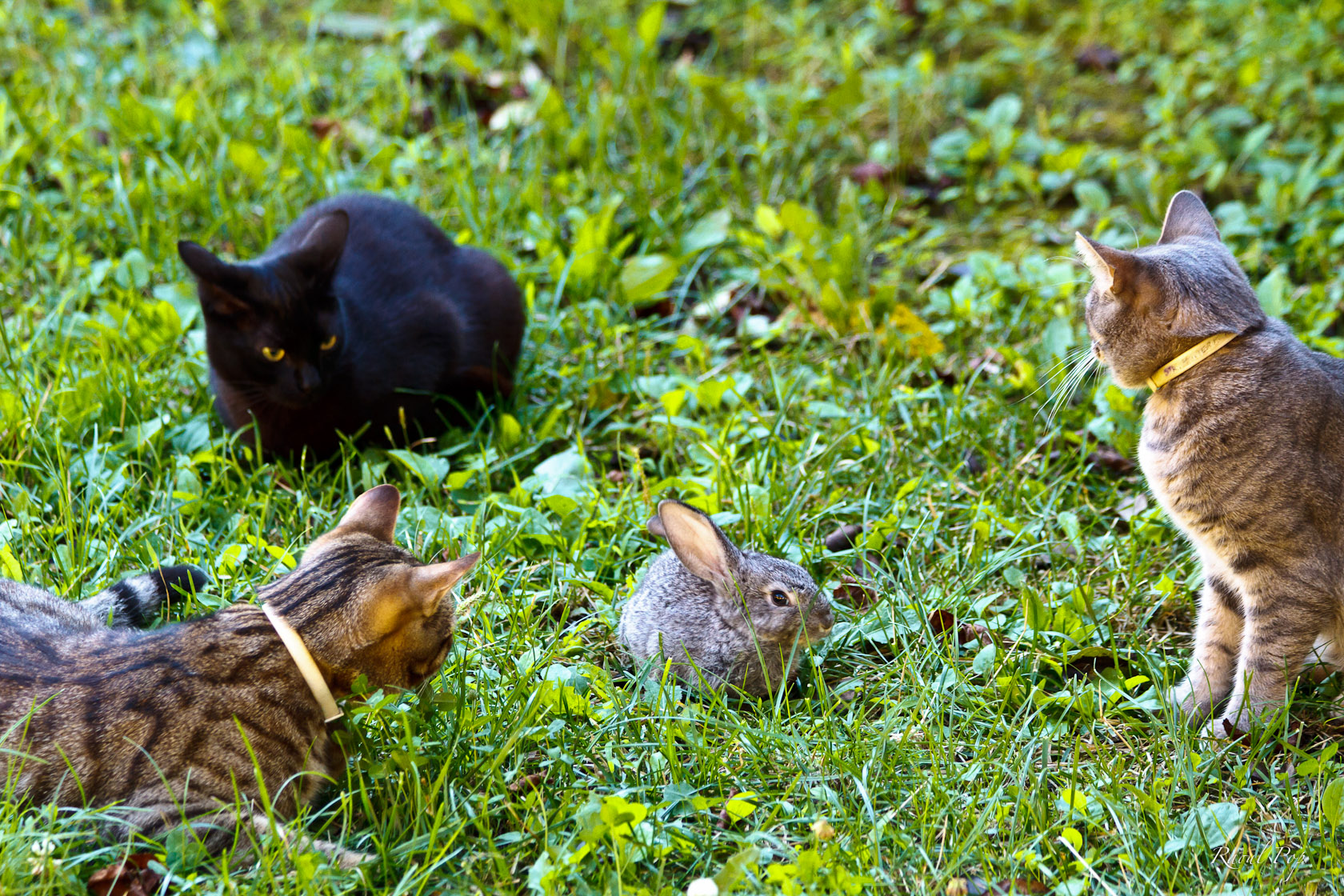 Zuzu (the black one) made her “I don’t like this” face. See how her ears are turned back? Zuzu does that quite often, but she’s friendly as can be. Bubu (the one in the lower left corner) was very curious. He wanted to smell Fritz and touch him and play with him, but Fritz was understandably a little scared of a cat about four times his size (Bubu is a big tabby). Tira (the one on the right) approached Fritz first, touched him with her paw and smelled his scent.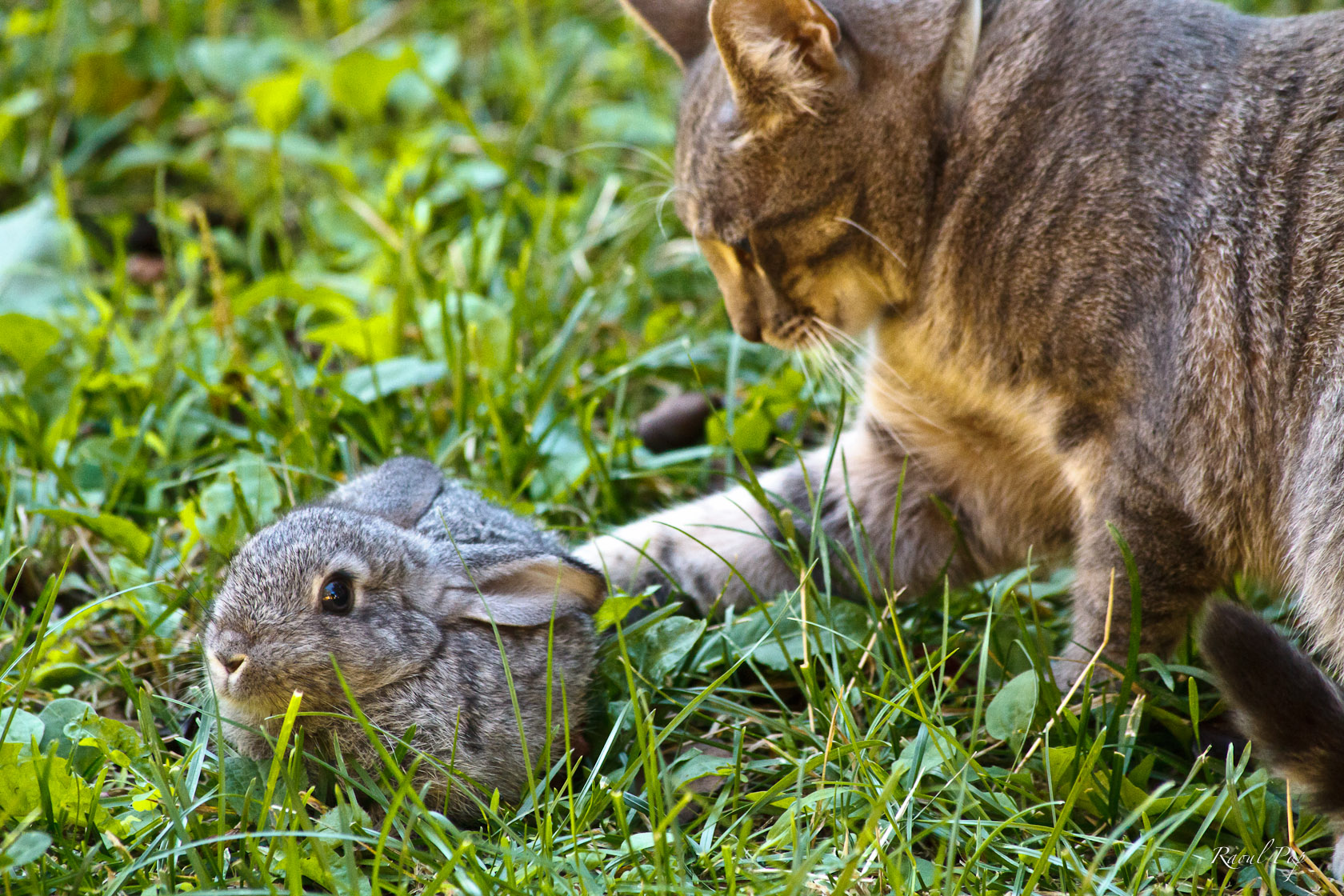
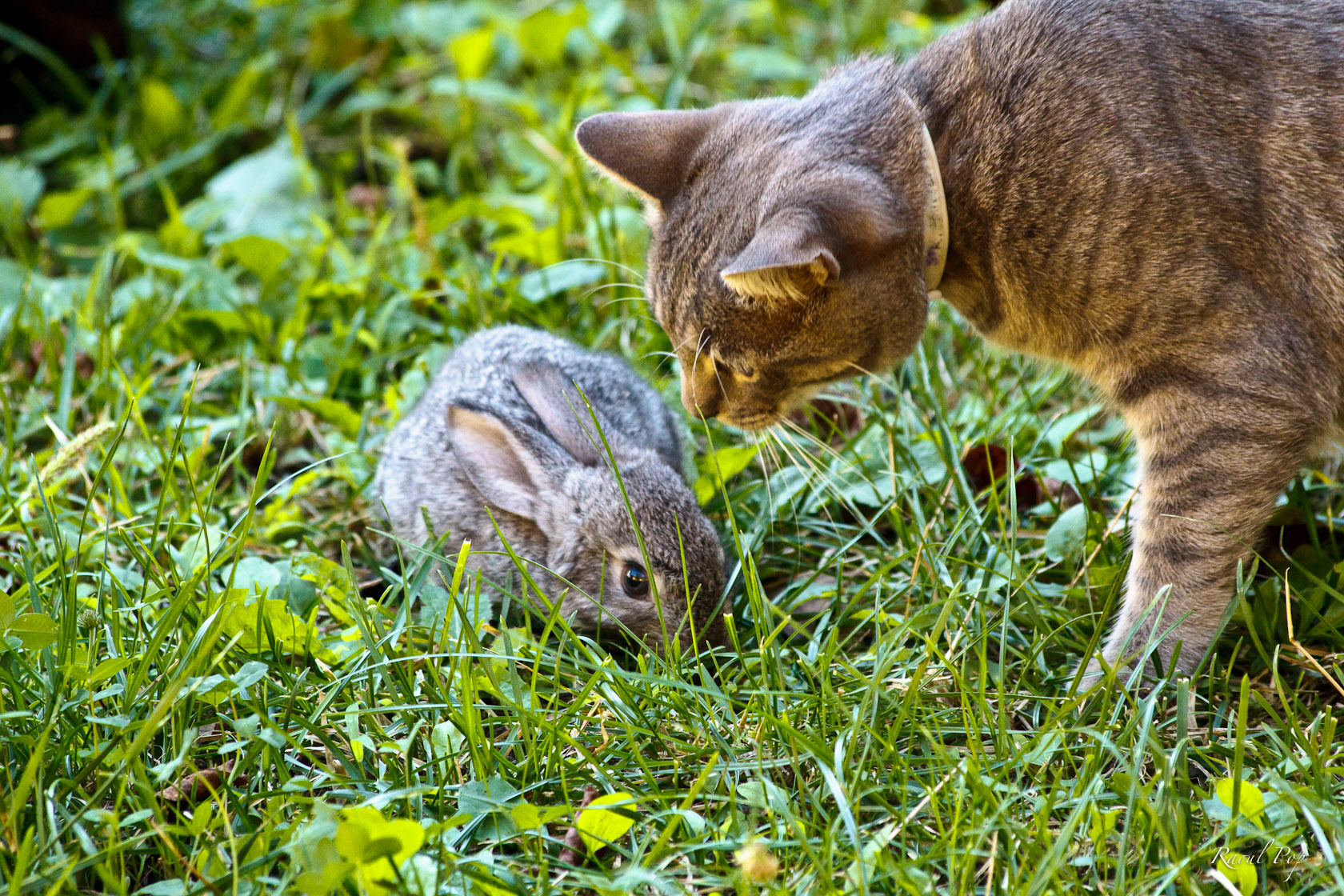 Fritz stood there in the grass, small as he could make himself, probably thinking he’d get gobbled up, but our kittens are those kinds of cats. They’re nice and friendly. They do tend to get a little mischievous at times, but they didn’t want to hurt Fritz.
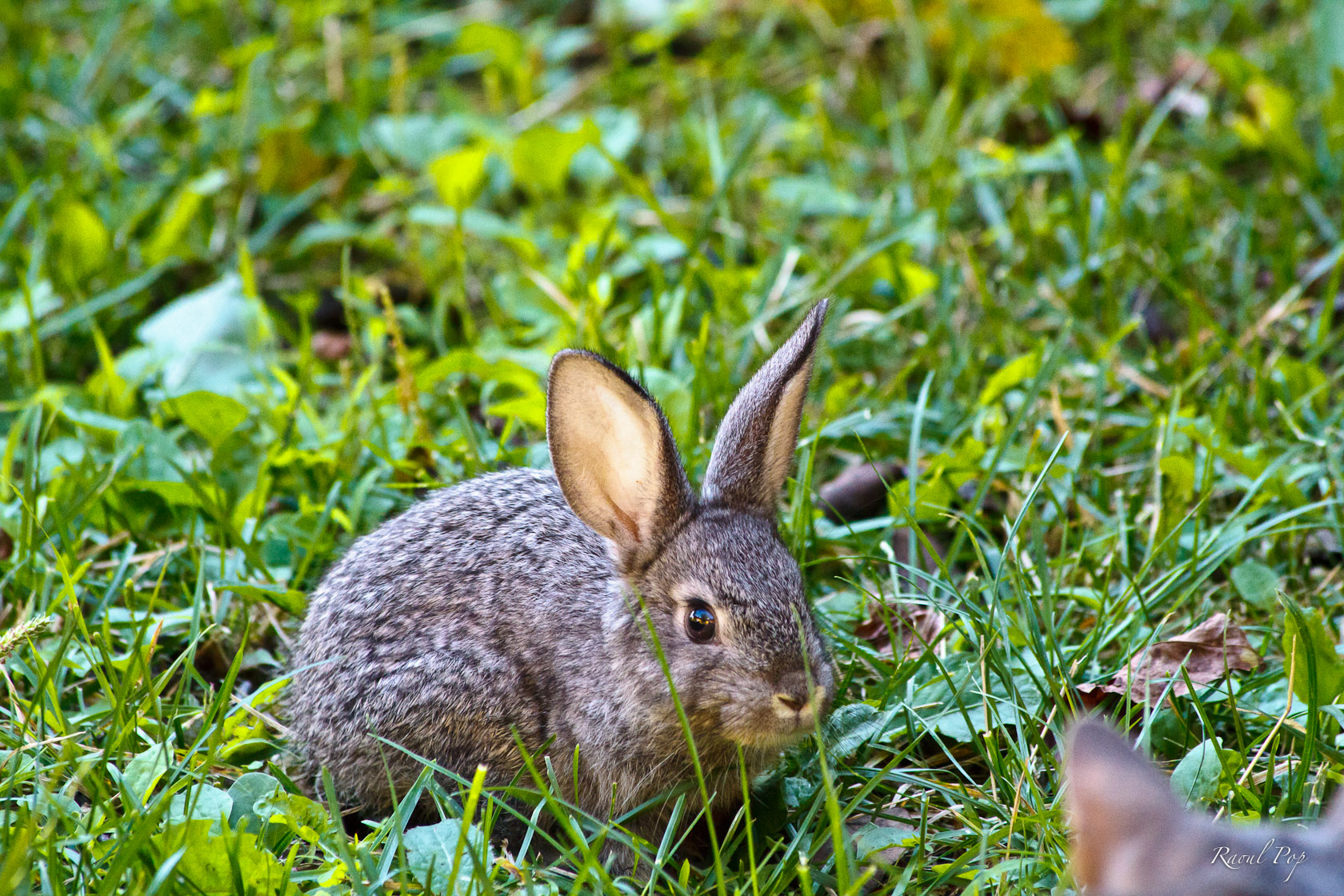
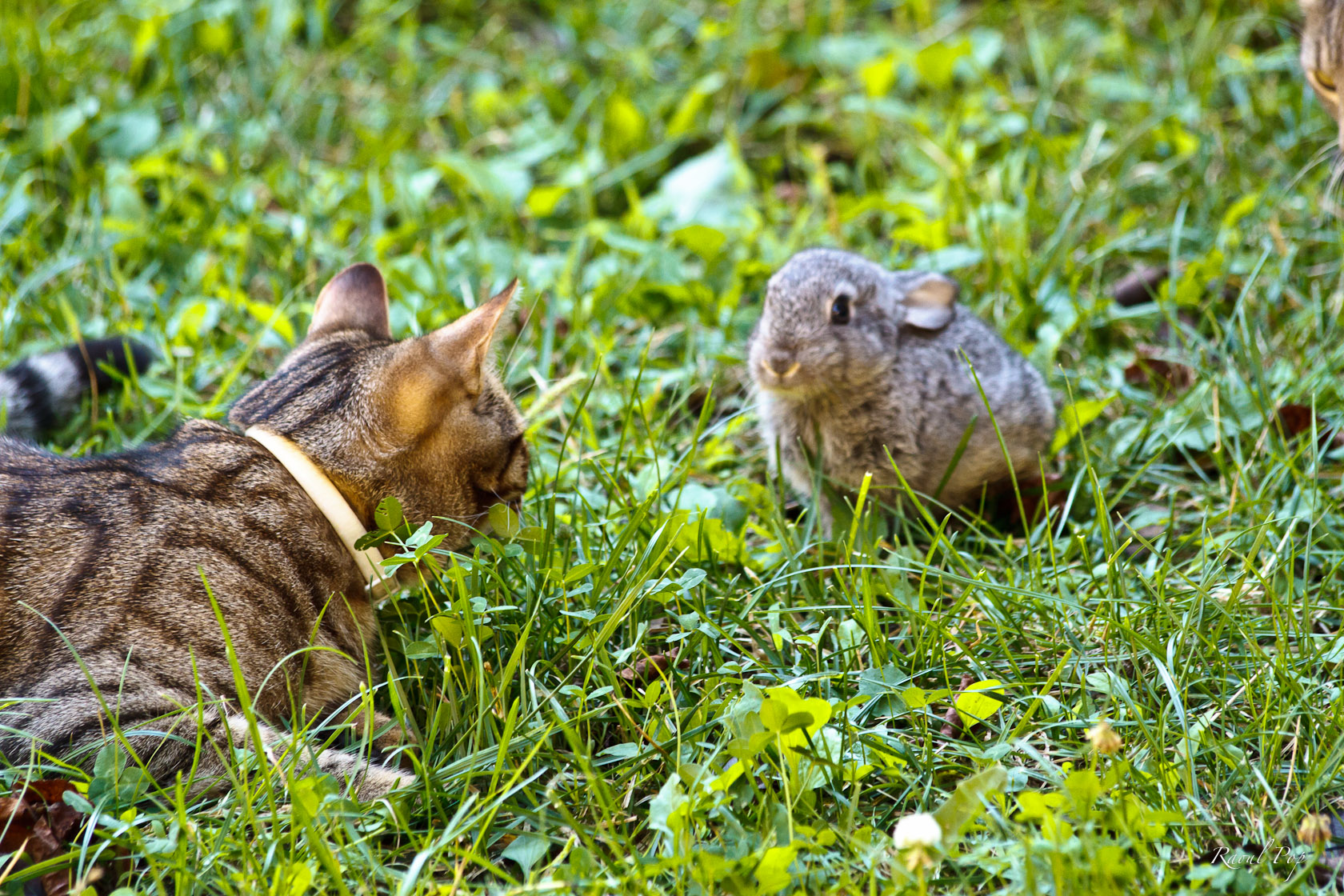 Fritz got accustomed to his surroundings fairly fast, and was soon up and about, smelling the various grasses in our yard and picking what he wanted to eat (he’s quite picky, but in a good way; he’s a veritable gourmand).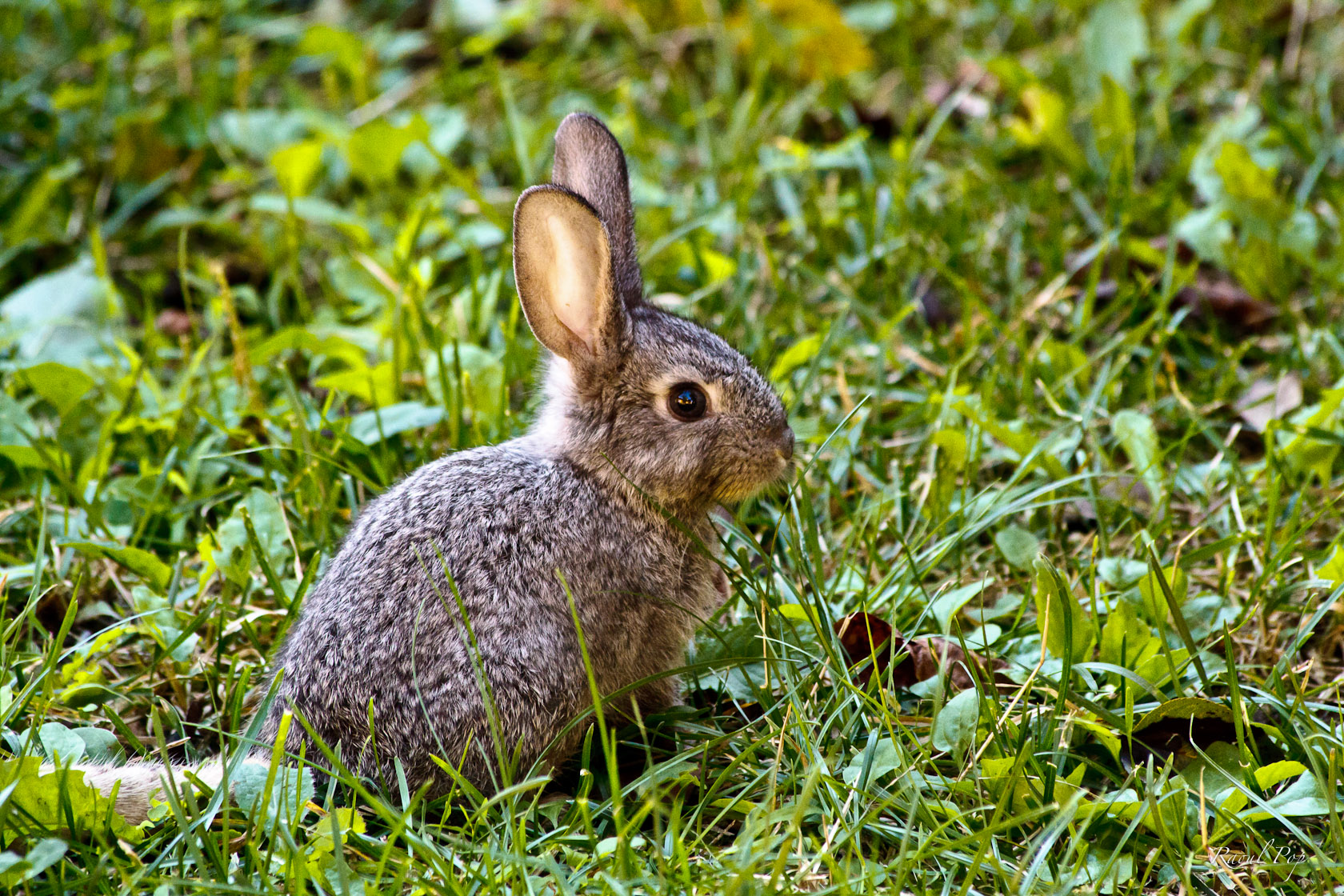
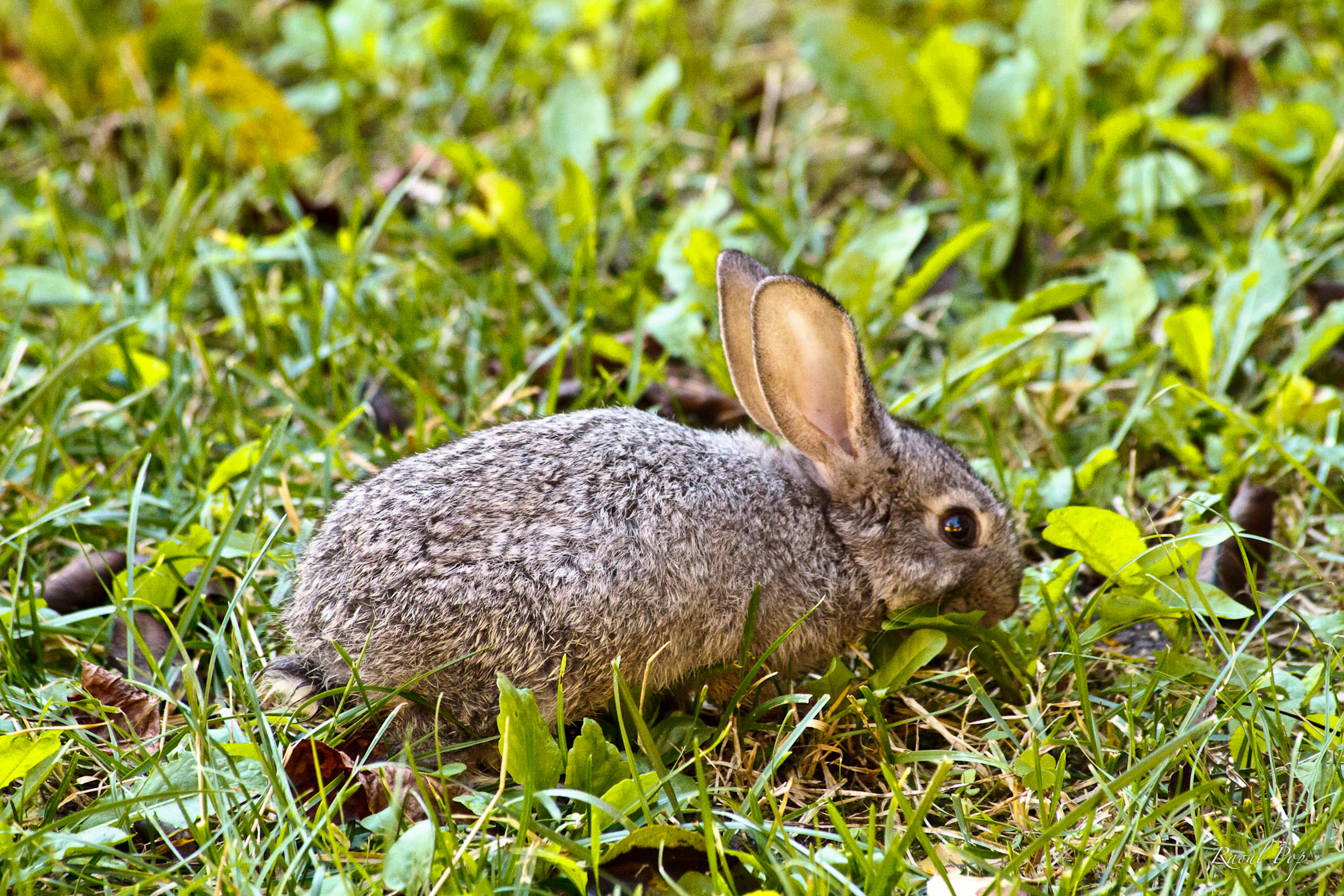
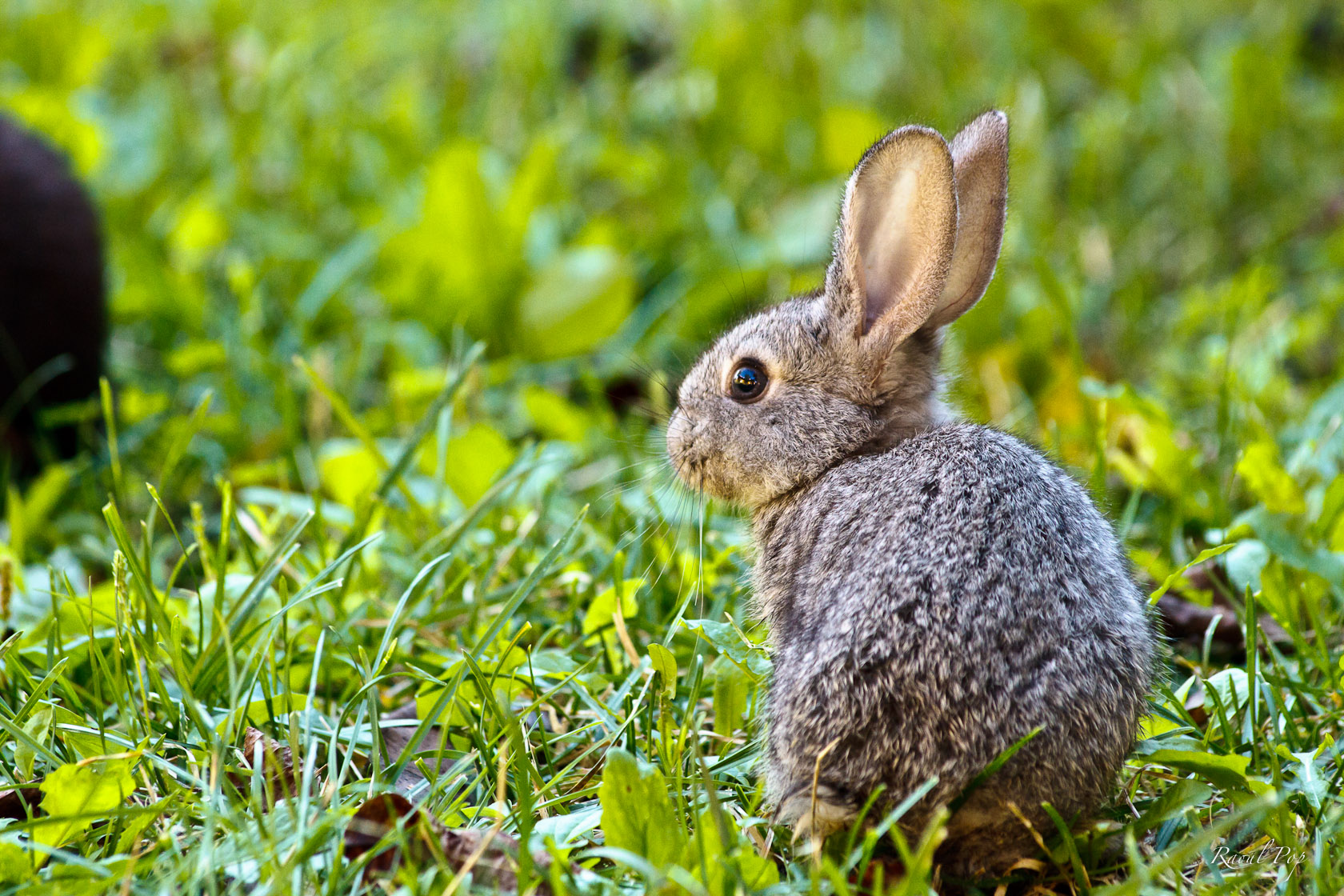 It’s now been about a month since we brought Fritz home, and he’s doing great! We kept him in a little cage for most of the day and all of the night during his first few weeks, because there were a couple of hawks and an owl who had their eye on him. Now that he’s bigger and he’s shown us that he can take care of himself, we let him roam freely through our yard and garden. He’s already found a few great hiding spots. Not even we can find him sometimes. He comes out when he wants to eat and socialize. And he gets along great with all of our cats.





 Raoul Pop