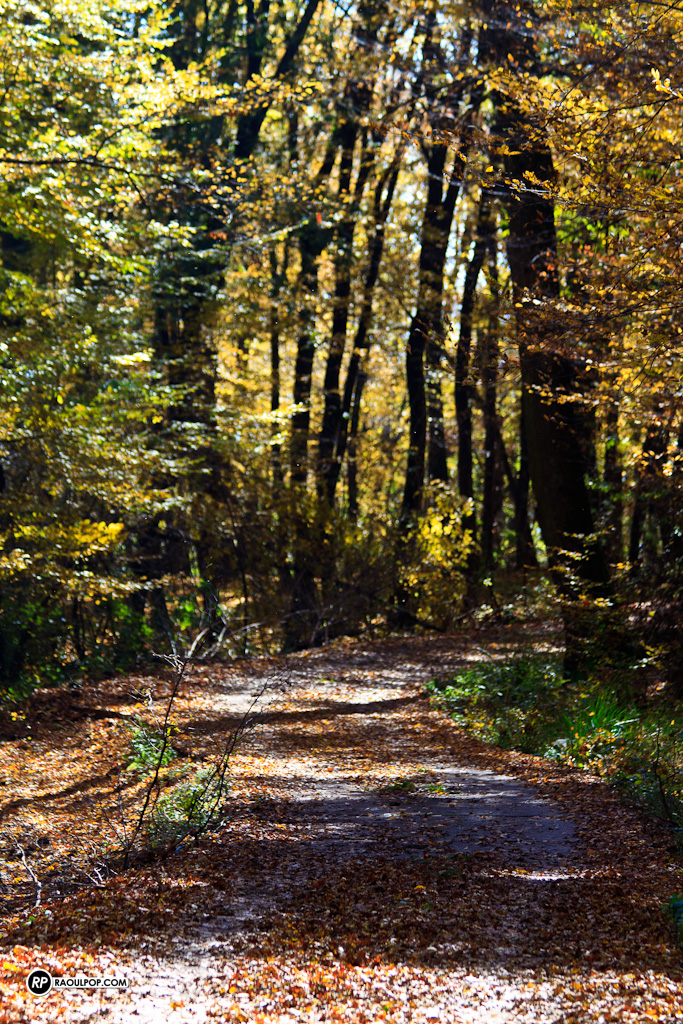
We took a walk today on one of the hills outside Medias, possibly one of the tallest near the city, covered by a beautiful mixed beech forest. A thin layer of frost and a bitter cold lay over the city in the early hours of the morning, but thankfully, by lunchtime, with the friendly help of the sun, things warmed up enough to make it pleasant to venture outside.
Meet Mushu
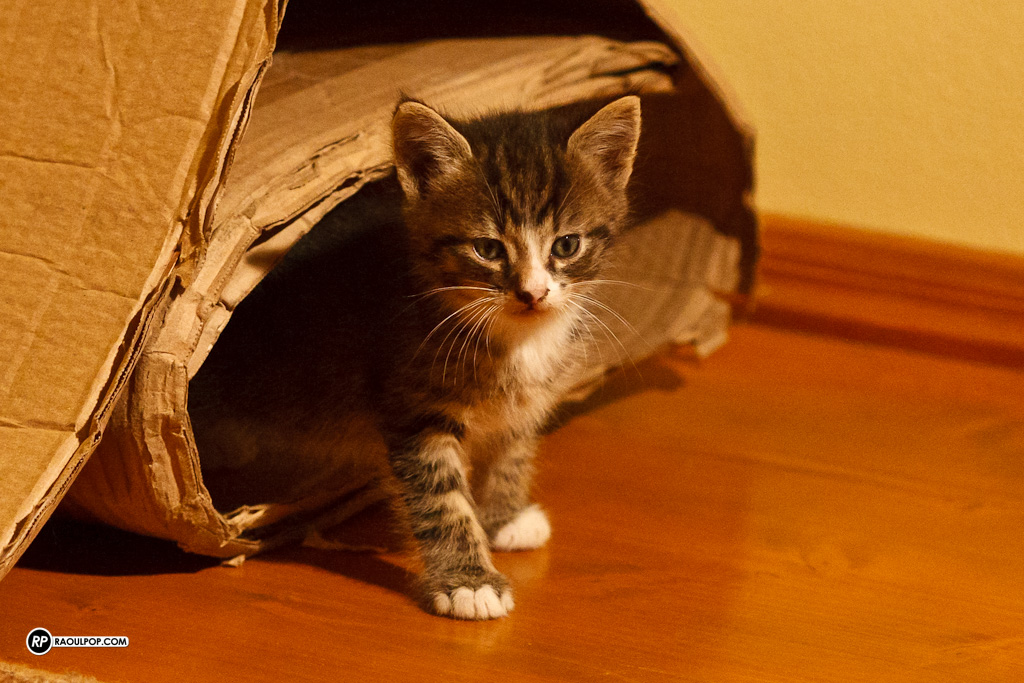
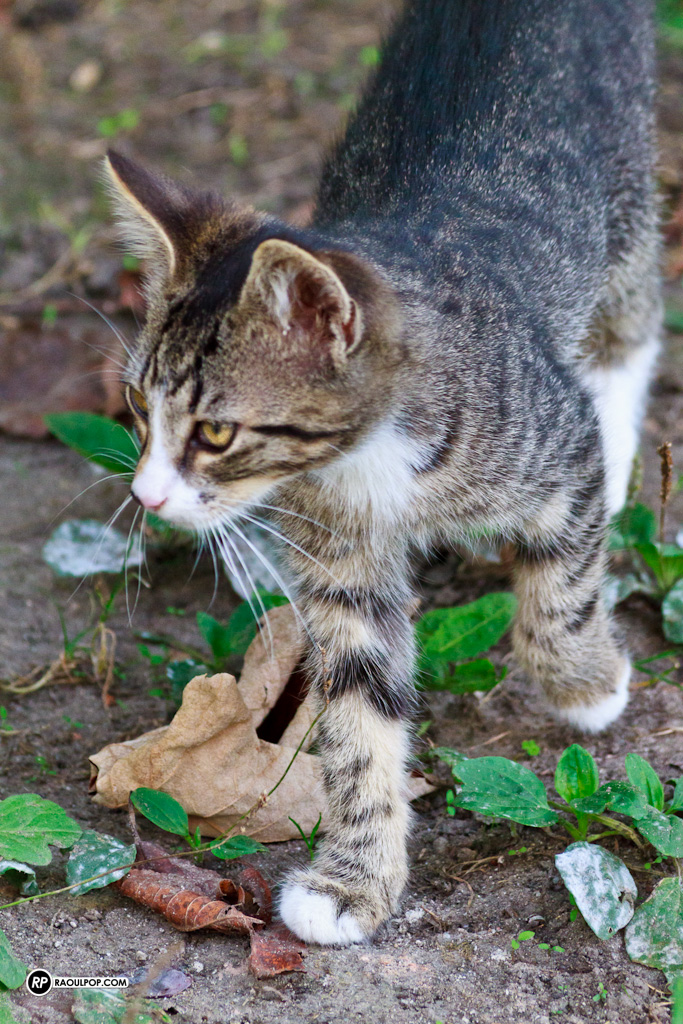
Mushu is a tomcat born in late May to another of our cats, Mitzi. She gave birth to three kittens: two tomcats and a kitty. We found a good home in the countryside for two of them, but we kept Mushu. We liked his half-pink, half-black nose and his loving nature. He’s been shy from the get-go though. It took a while for him to stop running away from us, and he’s finally learned to stay calm when we move around him. (Let’s just say his mom also had a “cautious” nature, and it took a bit of time for her to trust us — she was half-feral when we adopted her.)
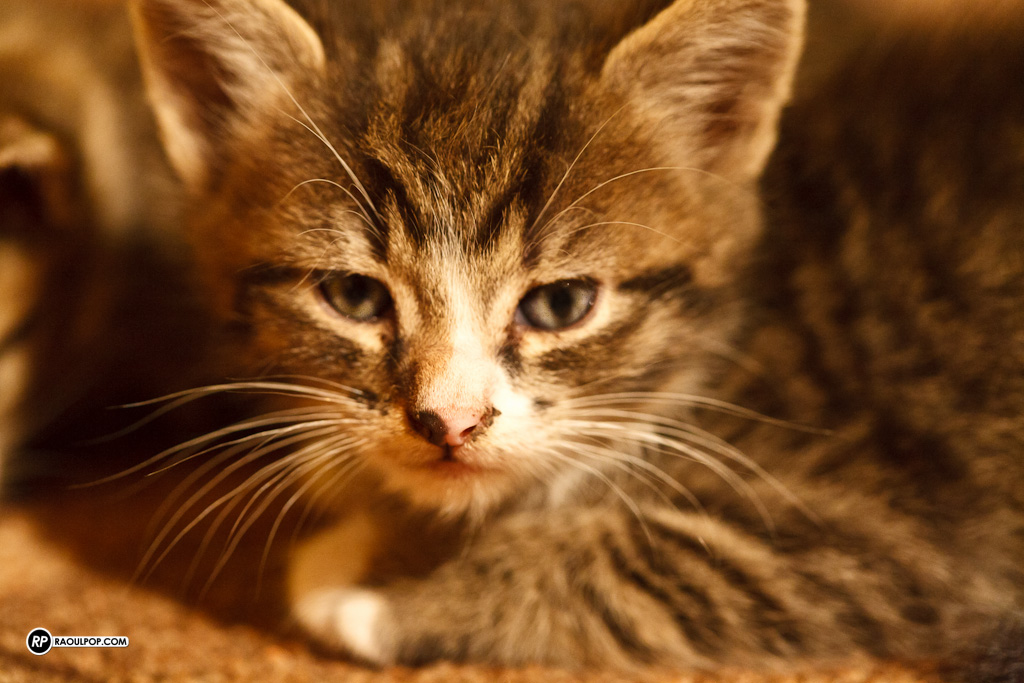
Here he is, as a kitten, playing and sleeping with his brother.
Mushu’s the one on the right.
He loved playing in the corrugated cardboard roll, along with his brother and sister, and his cousins (Trixie’s litter).
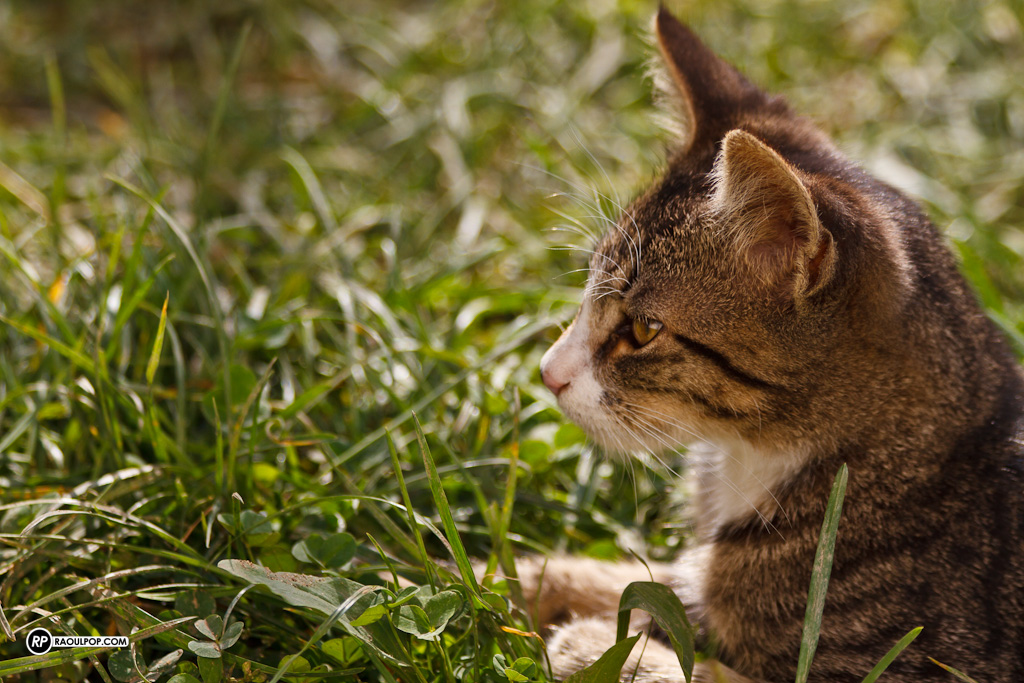
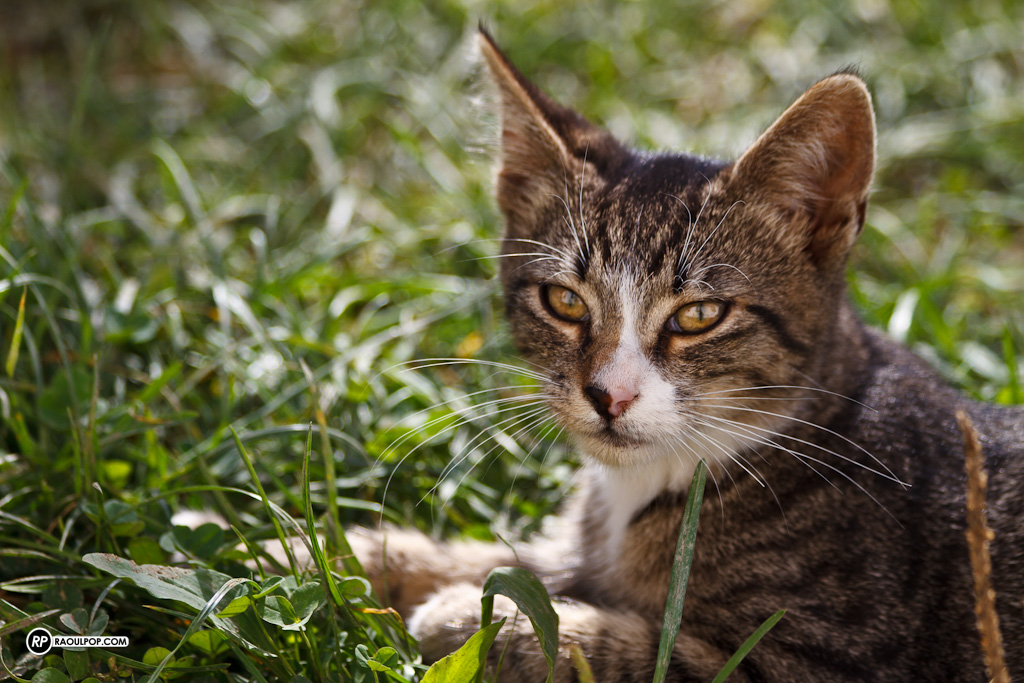
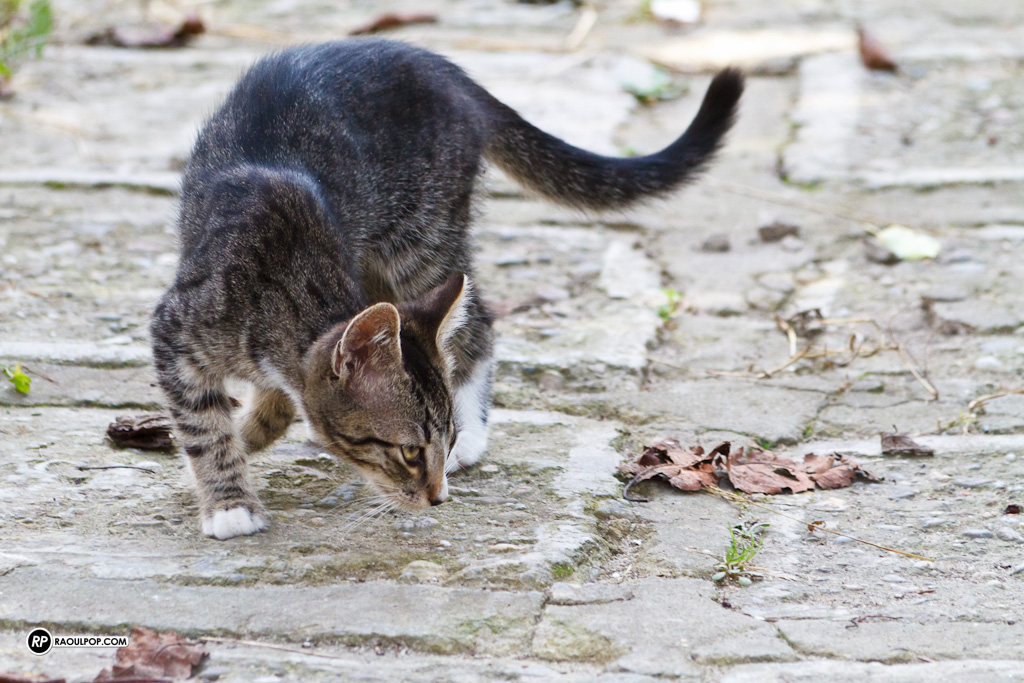
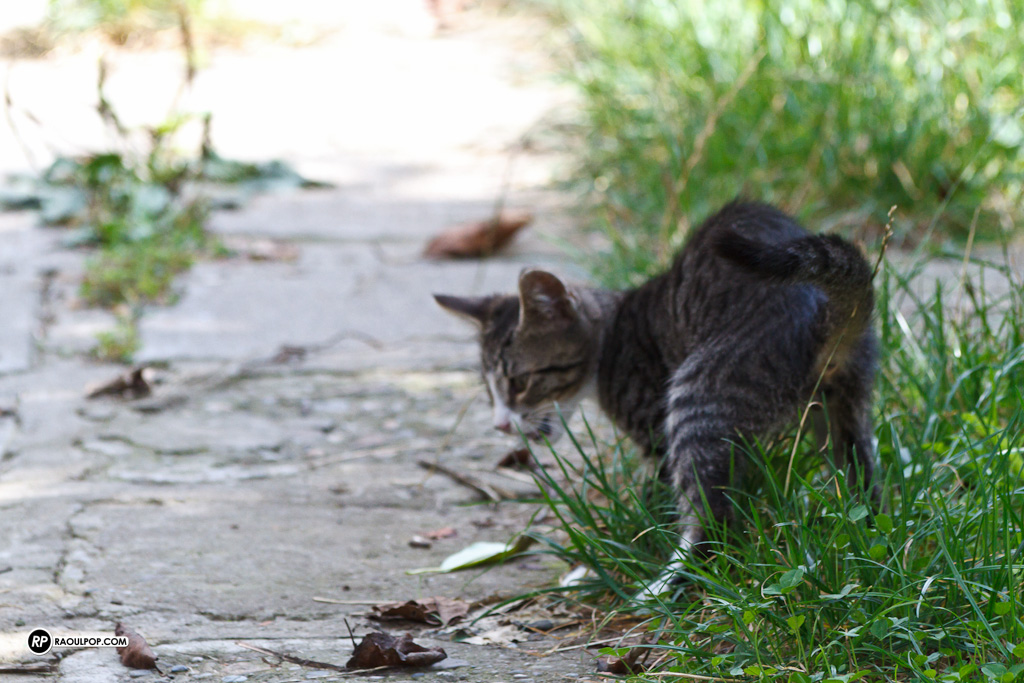
Here he is in the yard, at 4-5 months of age.
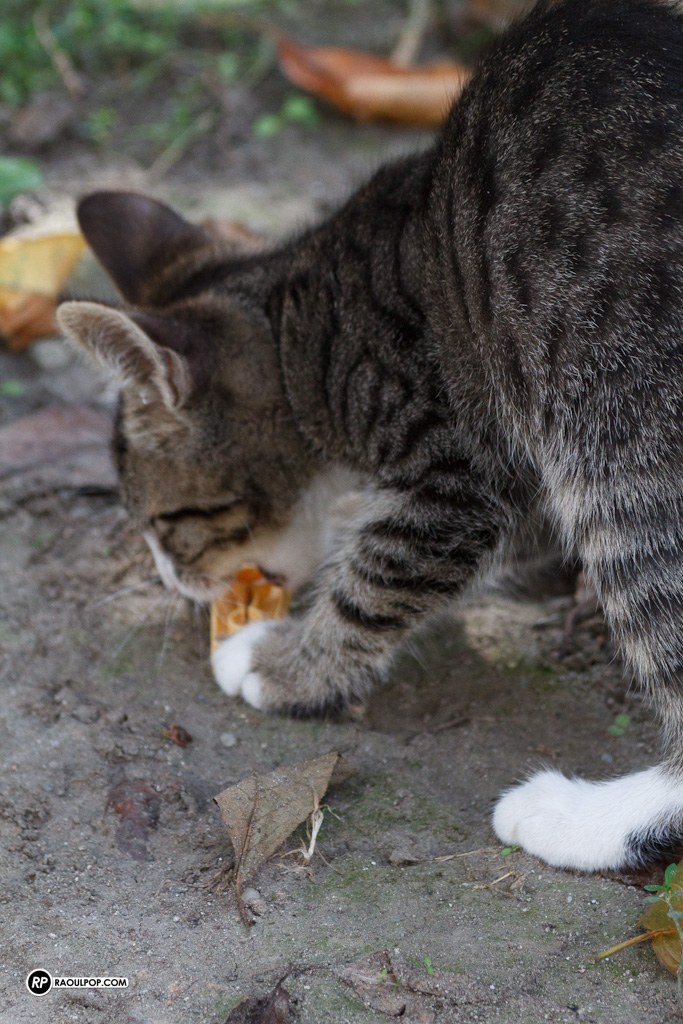
He loves to play, naturally.
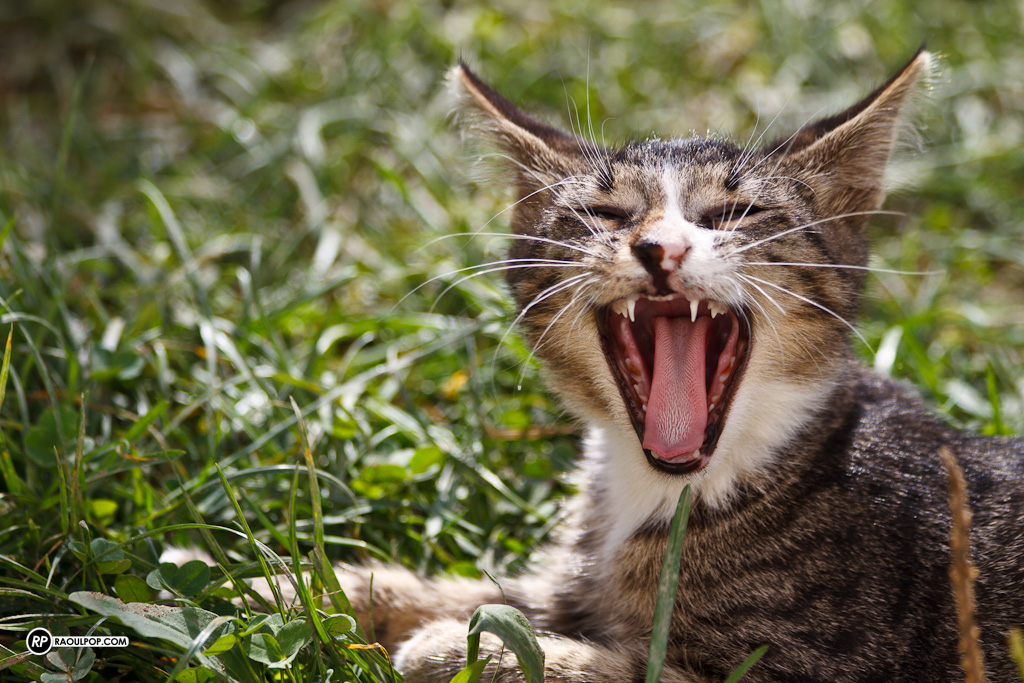
After a lot of play comes a lot of rest, right? 🙂
An update on CrashPlan
Updated 11/01/16: I’ve revised my opinion of CrashPlan. See here for the details.
Back in April, I wrote about CrashPlan, a wonderful, multi-platform piece of software that lets you back up to friends’ computers for free. I said that I used it to do trans-Atlantic backups, from my computer in Romania to my parents’ computer back in the USA.
It’s been a while since then, so I thought I’d give you a quick update. I’m still using it, and I still like it. It works.
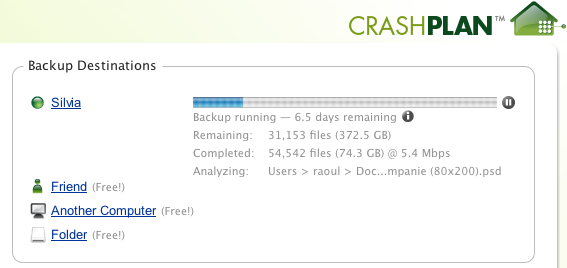
When I wrote the other post, I mentioned I kept hitting some bandwidth ceiling somewhere along the line between Romania and the US, around 2 Mbps. Somehow, that ceiling has since disappeared. I’m now getting speeds up to 25 Mbps, though it’s usually around 5-7 Mbps.
So if you’re in need of a way to back up to a remote location, inexpensively, then CrashPlan is the way to do it. If you don’t have a friend who’s willing to help, that’s okay, you can back up to the CrashPlan servers for $4.50/month, or you can get the family plan, which covers all of your household computers, for $8.33/month. That’s very reasonable, and it’s definitely worth it.
Hardware review: CableJive duaLink sync splitter cable
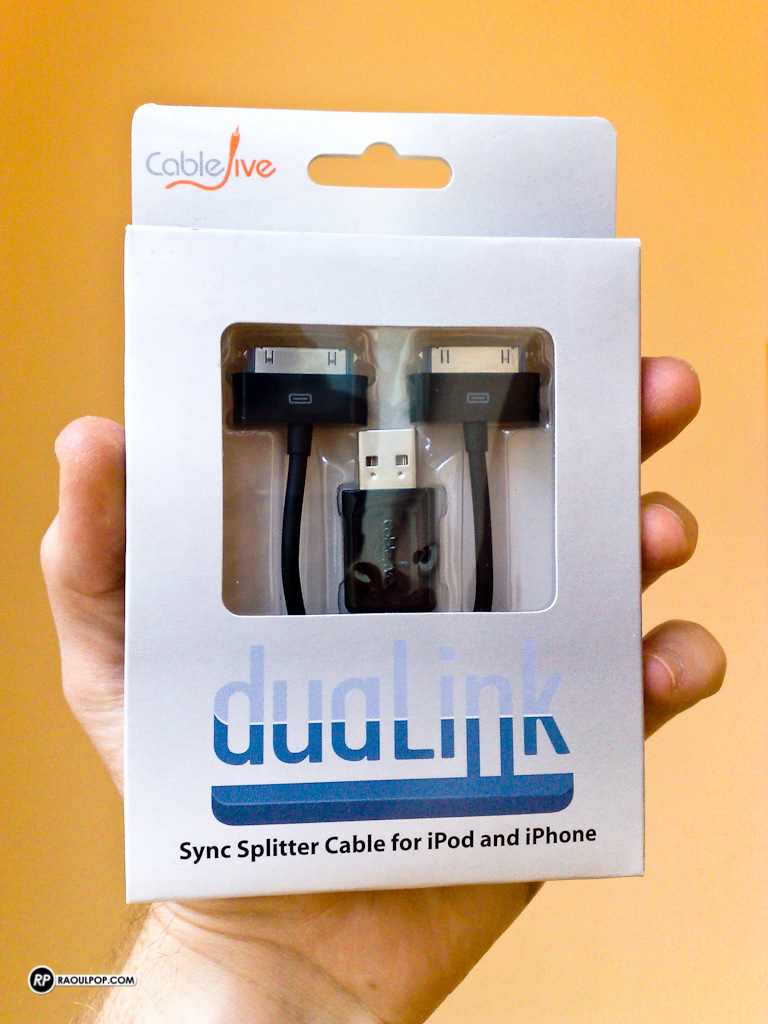
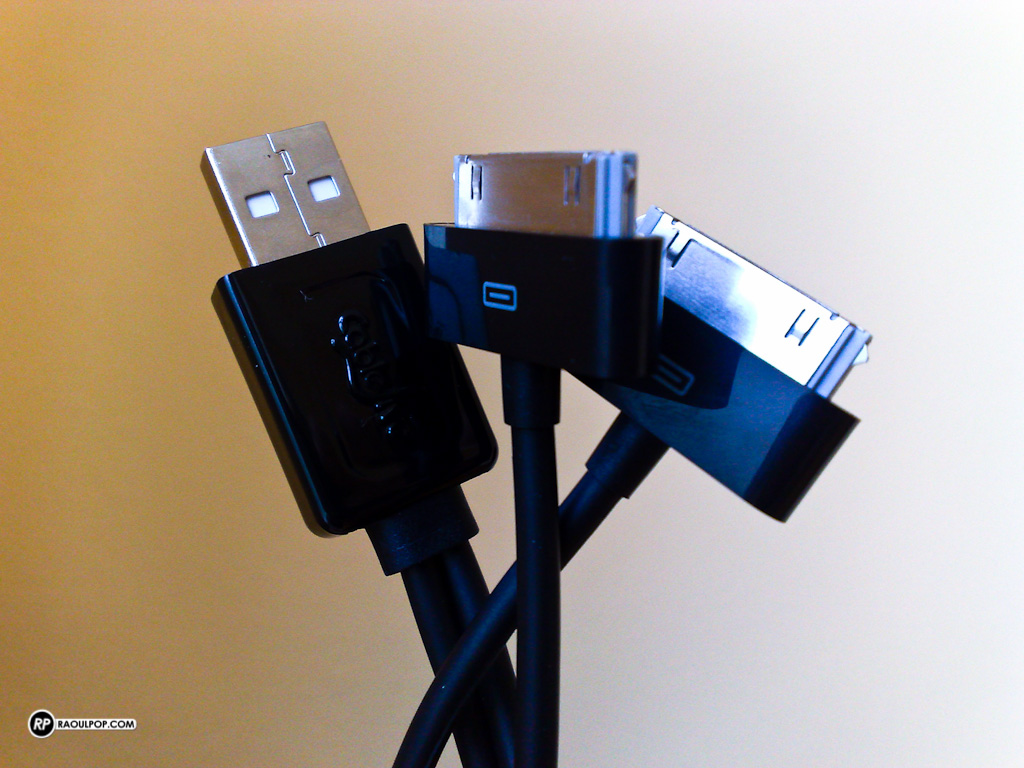
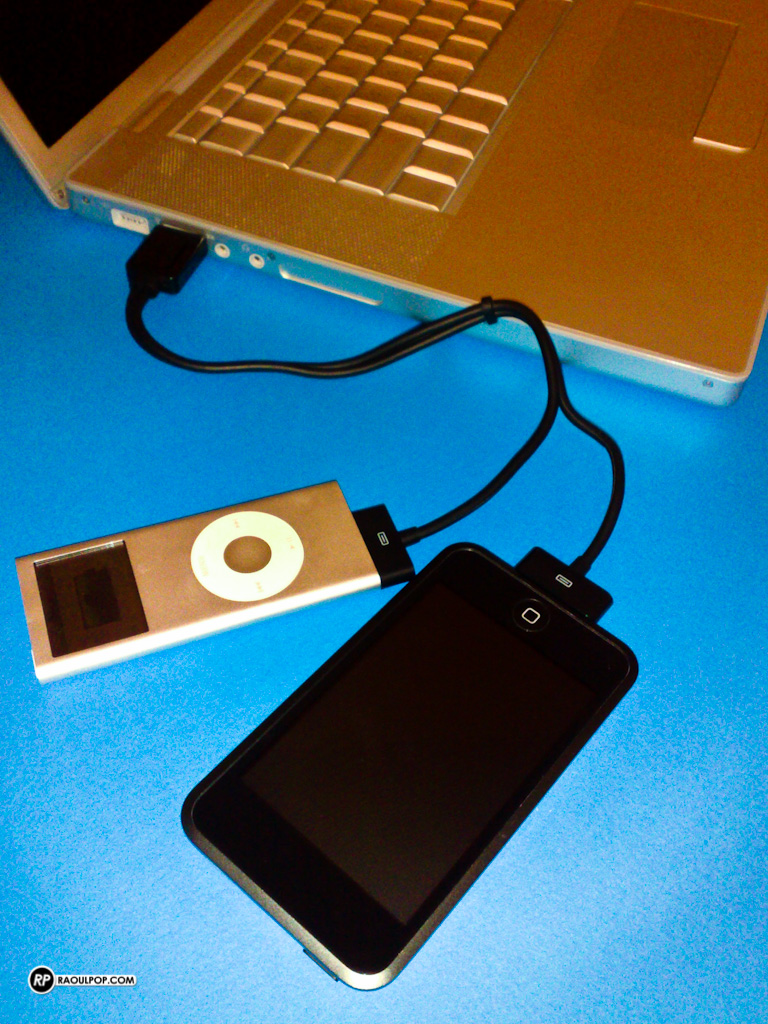
The duaLink sync splitter cable, made by CableJive, allows you to connect two iPods, iPads or iPhones from a single USB port. This is particularly useful for laptop owners, who may not have a lot of ports on their machines.
Here’s a closer look at the cable itself.
And here’s what it looks like with two iPods connected to my MacBook Pro.
Finally, here’s what things look like in iTunes.
It’s a straightforward product that I think many of us could use. It costs $25.95, and you can get it directly from CableJive.
Hardware preview: DroboPro FS
➡ Updated 1/14/19: I have revised my opinion of Drobo devices. After experiencing multiple, serious data loss events on multiple Drobo models, even recent ones, I no longer consider them safe for my data.
Today, the DroboPro FS will be announced by Data Robotics. It’s the bigger brother of the Drobo FS, and it’s aimed at creative professionals, SOHOs and SMBs.
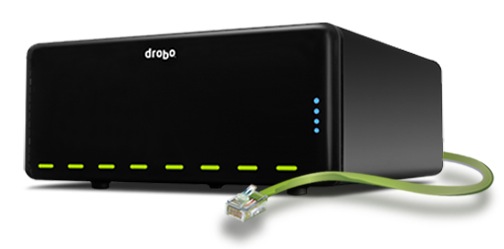
There was a gap in Drobo’s file sharing lineup. They had a NAS device, sure (the Drobo FS), but it didn’t have the capacity and the bandwidth of the DroboPro FS, which has two Gigabit Ethernet ports and eight drive bays.
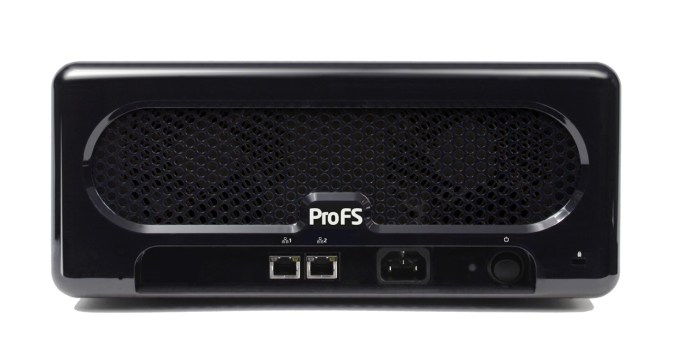
Its ethernet ports can be configured two ways:
- On two different subnets, for offsite file replication, and
- Failover mode, where one port takes over if the other one dies
The really nice part here is the DroboPro FS works seamlessly with a new piece of software (to be introduced shortly) by Data Robotics, called Drobo Sync. The way it works makes the DroboPro FS the perfect candidate for offsite backups, for disaster recovery purposes.
Say you have two DroboPro FS units. You keep the first one in your company’s server room, do your internal backups to it, over the local network, and then run a quick DroboPro FS to DroboPro FS initial sync job using Drobo Sync. When that’s done, you can take the 2nd DroboPro FS unit to your disaster recovery site, plug it in over there, and Drobo Sync will start doing incremental backups automatically, saving you bandwidth and validating each file on a block-by-block level to make sure the data is identical on both Drobos. This is a solution that would be perfect for overworked sysadmins, because the setup and administration are easy, and the total cost is less than that of comparative solutions.
It uses the same form factor as the DroboPro and the DroboElite, which means it shares the same measures, and the same rack-mount kit. And you can also customize it with Drobo Apps, just like the Drobo FS.
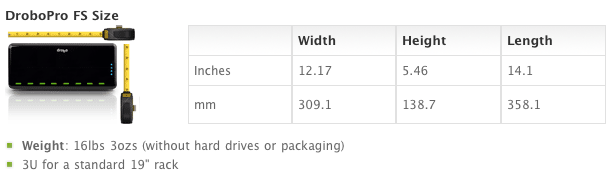
A base DroboPro FS costs around $1,999, but you can buy it bundled with hard drive sets (8TB, 16TB and 32TB). It’s available directly from Data Robotics, or from B&H Photo, Amazon and other retailers.