Thoughts

The flip side of digital photography

Should you be old enough, you’ll remember how different photography was before the arrival of digital cameras. Not only was it difficult to get great photos, the kind that were good enough for publication, but it was difficult to develop them and reproduce them. There were real barriers to entry and to success in the field. They weren’t insurmountable, but they were there.

Nowadays, digital cameras make it so easy for us. Even a novice can occasionally get a great photo simply by clicking the shutter button, because modern cameras can pretty much handle all situations. They don’t do everything, you still need to know what you’re doing in some scenarios, but they’ll get you pretty close to your desired result by themselves, most of the time. So not only is it easy to take photos, but it’s also easy to “develop” them using your computer, and you can reproduce them endlessly. The barriers to entry and success in the field are now almost gone.

However, one thing we all learn as we age is that everything comes with pluses and minuses. Just like film photography had certain minuses, digital photography comes with plenty of unpleasantries on its flip side.

Publications that used to hire photographers and pay them good wages are dwindling. How many do you know of that still have on-staff photographers, or hire photographers for their stories? And how do their salaries compare with those of photographers in the past if they’re adjusted for inflation?

Stock agencies are decreasing the payouts to photographers. There is a lot of competition in that market, paired with a real glut of photographs. And when the supply always outnumbers the demand, prices will fall. There are but a few stock agencies left. There are a ton of microstock agencies which sell photos for piddly sums and pay cents on the dollar to photographers, and they’re also getting bought out and merging with each other in order to survive. If it wasn’t clear a few years ago, it’s becoming painfully clear now that a photographer cannot make a living selling microstock. There are a few who manage to do it, but it’s clear that on average, microstock yields a non-livable income.

There are so many photographs being made that people don’t truly appreciate them anymore. Do you remember how we used to admire photographs in the past? We’d stare at them for 5-10 minutes at a time, taking in each detail. We’d cut them out of magazines and paste them in scrapbooks. We’d look at them and look at them and look at them… Now we’re lucky if a photo gets 5 seconds of someone’s time. There are so many of them that people just gloss right over a photo that took days or hundreds of tries to make. Perhaps you’ll understand this better if I compare it to a periodical cicada emergence. In just a few days, animals that would eagerly consume them as they came out, would become so glutted that they’d simply lay on the ground and watch them crawl around and over them, unable to eat a single morsel. That’s what’s going on with photographs now. Each of us has a rhythm, a rate of “ingesting” digital content and we’ve all reached our max, but the photographs just keep coming. They keep coming and their rate of production is actually increasing. We cannot keep up.

Digital photography gear is made to become obsolete, causing you to spend more money every few years. Remember how you could use the same film camera for 10-20 years, even a lifetime, if you took care of it? That’s not the case with digital cameras, which typically last about 4-5 years before something goes bad. Even if you’re willing to pay a repair shop to have it fixed, camera manufacturers stop stocking parts for older cameras after a certain number of years, because they want to force you to buy a new model. I wanted to send my Canon 5D in for repairs last year, but I couldn’t. The repair shop said I shouldn’t bother, because Canon actually doesn’t allow them to work on the 1st gen 5D anymore and they’ve stopped stocking parts. Not that Canon repair experiences were so great to begin with, but at least they got the job done. I also sent in my Olympus PEN E-P2 in for repairs last year, but it didn’t get repaired. It came back just as I sent it, with a message that offered apologies for the inconvenience and explained that they’d stopped stocking parts for that model just a few months back; support had been discontinued by Olympus. I don’t understand it: there’s money to be made with service and repairs, so why stop supporting a model? Why not keep servicing it for as long as the customer is willing to use it? That business model has been proven to work a long time ago by the car industry.

Cameras, lenses and flashes are getting more expensive each year. Manufacturers can call them inflation adjustments all they want, but price hikes still feel very much like price hikes. And when they’re coupled with no real way to make money from your photos anymore, what are you left with? Doing weddings? Yuck. I don’t know how photographers are coping with all of this. I have a nagging feeling that wedding photographers are pretty much the only ones making money from photography these days. They’re certainly the bulk of the paying customers for camera manufacturers. It’s them and the online “experts” that have sprouted like mushrooms after rain, offering “advice” about which camera model to buy on YouTube and other video sites. It’s a new model/brand each week of course, unless they’re getting paid by a manufacturer to promote a certain brand.

There are real costs associated with processing, storing and archiving digital photographs. We’re told that digital photographs are pretty much free and there’s never been a better time to take many, many photos in order to learn the craft, but there are significant costs that come into play when you add the price of a good computer and good software and the storage and backup solutions that you will absolutely need unless you want your photos and your hard work to go up in a puff of virtual smoke. I’d like to challenge you to add up the costs of your camera gear (camera, lenses, flashes, adapters, tripods, etc.) and computer equipment (laptop/desktop, external hard drives, backup equipment/services) and once you have a total, divide it by the number of photographs you’ve taken with your camera so far. That’ll give you a pretty good idea of the cost per image, and you’ll see that digital photographs are not free. Granted, that cost per image will go down the longer you keep your current equipment and the more photos you take with it, although the cost of storage and backup will still be there for your larger collection of photographs. Do you realize you’ll likely need to pay for a backup subscription for the rest of your life? It’s no wonder that more and more people choose to take photos with their smartphones and edit them directly on those devices, forgoing the cost of computer equipment. And when smartphone manufacturers also offer direct and almost instantaneous cloud backup of the images and videos taken with the phones (at somewhat reasonable prices) it becomes a very attractive offer.

It’s so easy to reproduce digital photographs that it’s actually a problem, because anyone can steal and plagiarize them. Theft of online photographs is rampant. It’s one thing for a fan to repost your photos on another site — I’d go so far as to say that’s fine… but it’s quite another thing for someone to download your photos, enlarge them in Photoshop and repost them on a stock site or use them in ad campaigns, and this is happening quite a lot.

There is no consistent way to attribute photographs online, which means a photographer’s name is likely to get lost in the shuffle. Sure, you can use a caption that lists the photographer’s name, but that only works if you’re the primary publication and you’ve worked with the photographer. Most software used to export and compress images for online publication generally strips EXIF and IPTC copyright information. And most online platforms also have no consistent way of keeping that information inside the photographs, instead offering excuses about file size and compression algorithms which sound very empty given how far we’ve come with computer technology. Have you ever tried to find a photographer’s name for a photo reposted on social media? Good luck… Unless they’ve got a tasteful watermark somewhere on the photo, the metadata’s been wiped clean by these sites. Even Flickr still does not keep a photographer’s name in the metadata of a photo. Should you be able to download a photo from a Flickr contact, you’ll get a link to the page where it was found and maybe a caption, but you will not get something as basic as the photographer’s name, much less the rest of the copyright information.

I’m not saying we should go back to film and analog equipment. I love digital cameras and their ease of use. And I love the various advances being made in digital camera gear. Some of the minuses listed above can even be fixed. I’m just not enthusiastic about their flip side. When photographs were harder to make, we appreciated them more and good photographers stood a good chance of making good money with them. Now that photographs are easy to make, we don’t appreciate them and income from photographs has gone down to pennies on the dollar, if at all. Thank goodness I take photographs for the sake of it, as a creative endeavour that relaxes me after working on my various projects, but I wonder how others are coping with these changes. And it’s also not to say that I wouldn’t mind making money from my photographs on my own terms.

Standard
Thoughts

Work

The single highest purpose in life.

The more one lives, the more they ask themselves about the meaning of life. What’s the point of it all? Why are we here? Who made us? We get into all these complicated discussions about origins and God and the afterlife, discussions that amount to just about zero. All the while life goes on, with or without our answers.
The point is, we are here. And if our lives are to have any meaning, if we are to get any enjoyment from them, we need to contribute. We need to do something. We need to work. It’s not an external mandate but an internal one. We ourselves get to find out that our lives have less and less meaning once we stop working. Even if it’s work we don’t like, it still gives some meaning to our lives. And when we do like it, oh boy, then our lives become wonderful!
Some of you will say, “Surely love is the single highest purpose in life. You’ve got your priorities wrong.” Nope. Love without work is dead. That’s a paraphrase, and I bet it sounds familiar to some of you. The actual quote is “Faith without works is dead.” A wise man wrote it. What is love but a kind of faith? The two imply each other. Faith cannot exist without love and love without faith just isn’t love. Furthermore, what would your love be worth to your partner without works? If you profess your love for them, but your deeds (your works) say otherwise or say nothing at all, then that love is dead. I’m not talking about esoteric things here, I’m talking about human love, the kind I hope you’re experiencing in your lives.

If all this talk about work is ringing false for you, then I am sure you don’t like your work. You see, for most of our written history, a lot of people have been engaged in doing unpleasant work. That’s still going around these days. Instead of each of us thoughtfully considering what work we should do, because we can do that nowadays, we jump at jobs for the wrong reasons, only to find out we hate them, and therefore we wrongly assume we hate work.

Even if we can’t pick our jobs, we can actively choose to do the jobs we have better. It’s a choice we can make every day, to do good work and let that be what makes us happy in our jobs. When we do that, the wonderful thing that will happen over time, is that our jobs will get better. We’ll find ways to make them better and new opportunities may open for us, perhaps advancement, perhaps other jobs that we’ll love. But we have to do good work first. We have to make that choice and we have to follow it through.

Rest assured when I tell you that work is the highest purpose in life, and that we can only find meaning in life by doing good work.

In recent years, research has been done on productivity that has shown that people who take proper vacations (where they break off from work completely) are more productive in their jobs. It’s easy to misinterpret those results and say that we need more vacations as rewards for substandard work, but I’d like to point out with quite a bit of personal certainty that vacations only make people who love their jobs more productive. In case you hate your job, you’ll simply dread going back to work and once you’re back, you’ll do the same crappy work you’ve done in the past. When someone loves their job, the contrast of being away from it is what charges them up. It’s the lack of work that winds them up like a spring-driven toy, and once they’re back, they unleash their newly gained energy on the work they love. That’s why we see increased productivity.

Instead of asking ourselves charged, difficult questions about the meaning of life and our origins, we should be asking questions like these, questions that will help us see right away that our lives have purpose and are worth living:

  • Am I working?
  • Am I doing good work? (Here I’m referring to the quality of our work.)
  • Is my work contributing to the greater good?
  • Do I like my work?

If the answers to those four questions are yes, then I’m fairly sure your life is good and you’re also feeling good. You wake up each day with a sense of purpose and at the end of the day, though you’re tired, you go to bed content because you’ve done good work. If not, then find out how you can turn that no into a yes. You know exactly what to tackle in order to get your life in… order.

These questions are also good criteria to be used when evaluating those in our societies who prefer to shirk work, the goldbricks, the ones who seek to be on social aid perpetually, the ones who complain about not having enough and about being downtrodden while they sit at home wasting their days glued to their TVs, making children so they get more aid from the government. Sadly, there are plenty of those human bed bugs around. What’s even more sad is that governments are willing to tolerate them and use them for cheap votes instead of requiring work from them. Those are exactly the kinds of people who deserve to do unpleasant jobs, because they’ve been living off the blood and sweat of honest folk and they haven’t contributed anything to the greater good. They need to go through plenty of tough work so they can compensate society for their squalid, useless lives where they’ve only consumed resources and generated trash and bodily waste.

Okay, back to pleasant things…

Let me entreat you to find work that’s meaningful to you. See if you can do work that contributes to society somehow, work that adds to our civilization, that builds upon that of others in order to yield even better results.

If you’re retired, see if you can do some consulting or mentoring work for 3-4 hours each day. Not only will you supplement your fixed income, but you’ll wake up each day with a renewed sense of purpose and you’ll contribute your lifetime of experience to those who need it, even if they’ll take a while to realize it.

Here’s to good work from all of us! 🤲

Standard
How To

An upgrade to my mom’s 2007 iMac

If you thought my MacBook Pro was old, then you’re going to be surprised to hear that my mom has a 2007 iMac 24″ (model A1225) that’s still fully functional. Nothing has ever gone wrong with it, in spite of sending it to Romania via a shipping container (on one of those big ships) when she moved here, in spite of wild electricity fluctuations both in the US and in Romania, and in spite of being buried in paperwork all these years on her desk. It’s been working just fine and now that I’ve upgraded it, it’s working even better.

I saw an even greater difference in performance after the upgrade, as compared to my 2008 MBP. Not only was it slower than my MBP before the upgrade, but it’s now faster than it. I couldn’t understand why until I realized that the MBP’s hardware caps off at SATA I (150 MB/s) speeds while the iMac’s hardware is SATA II (300 MB/s). Yup, it was made a year before my laptop and yet it’s faster than it. It was also less expensive. There’s a lesson in there somewhere…

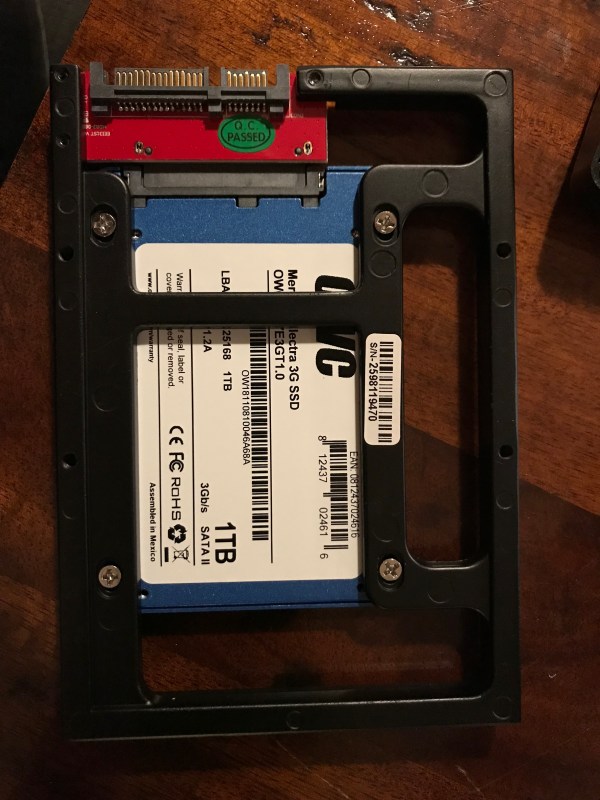
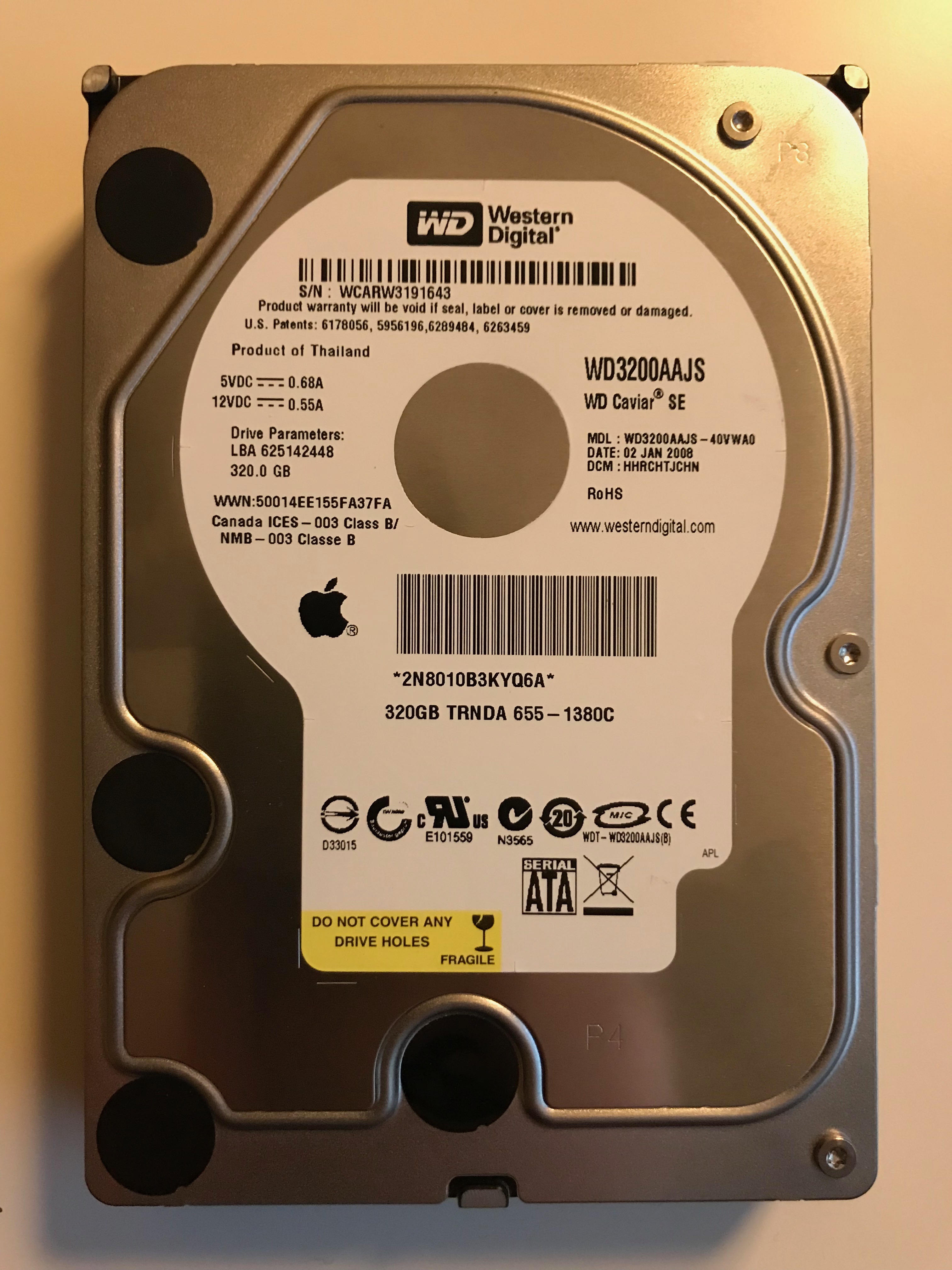
I’d upgraded this iMac’s RAM to the max it could handle (6 GB) a couple of years after she bought it, so the only upgrade I could make now was to swap out the HDD with an SSD. I opted for a 1 TB SSD that would replace her aging 320 GB HDD. Yup, this was the original HDD that shipped with the computer, and it worked just fine for 11 years!

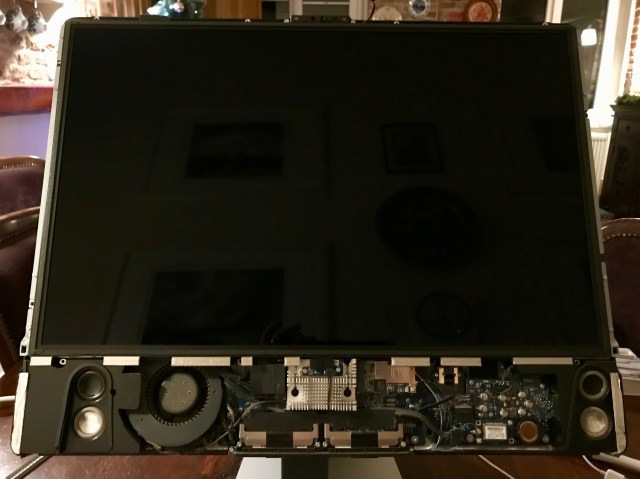
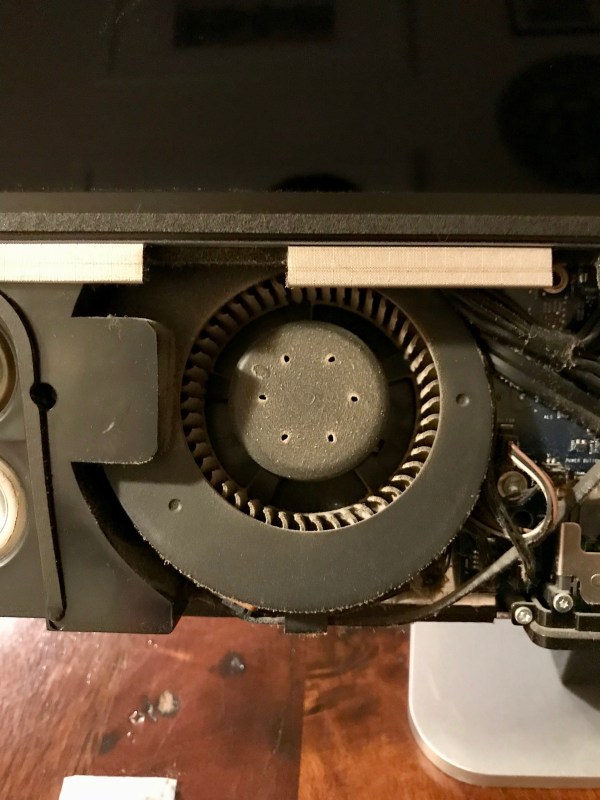
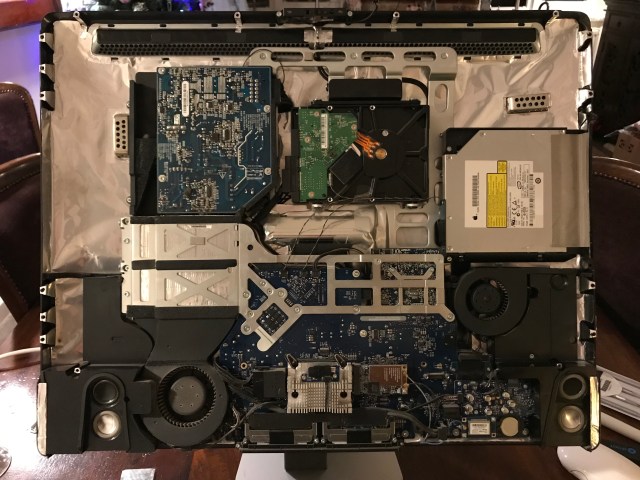
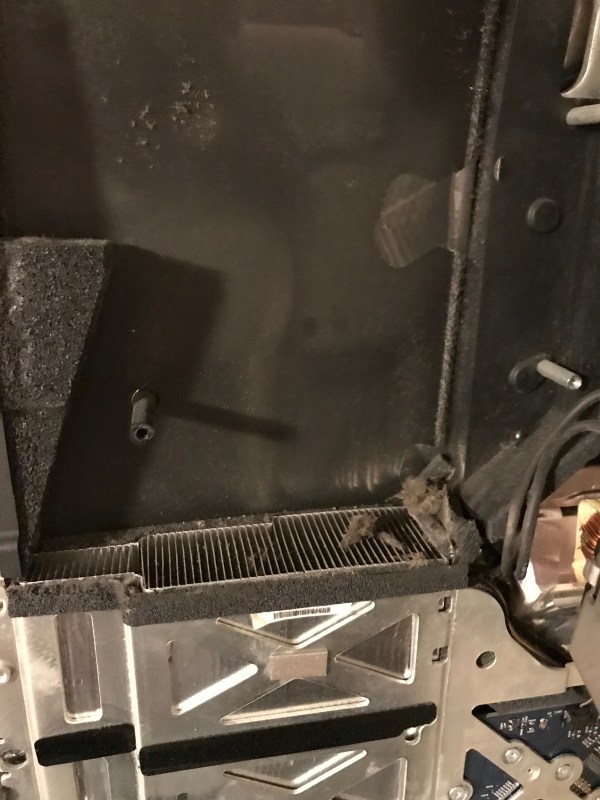
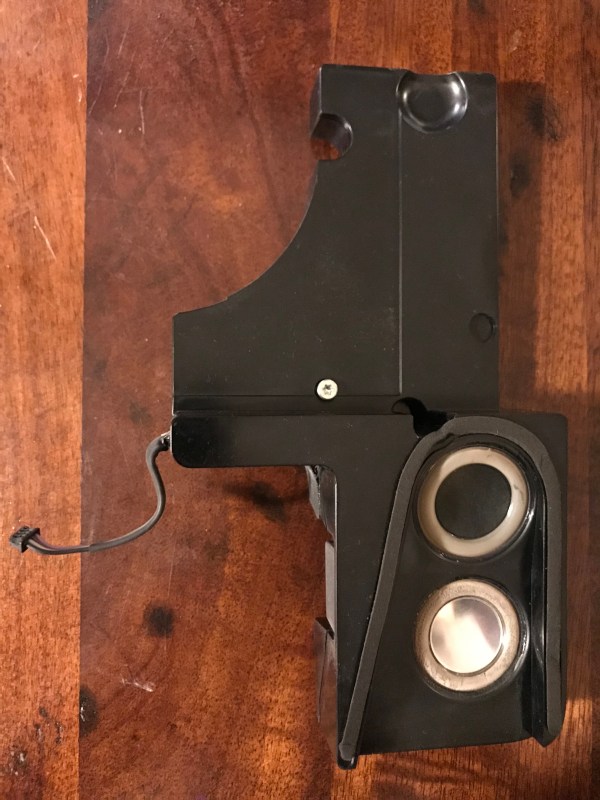
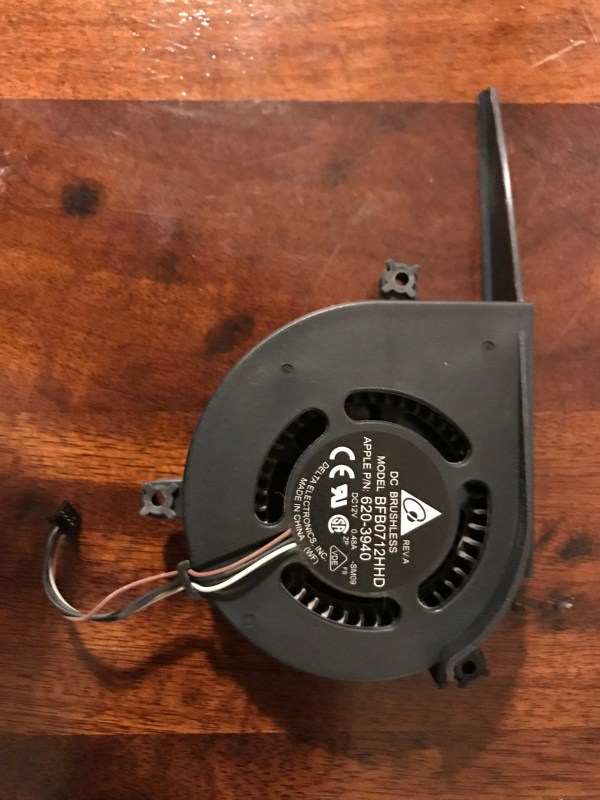
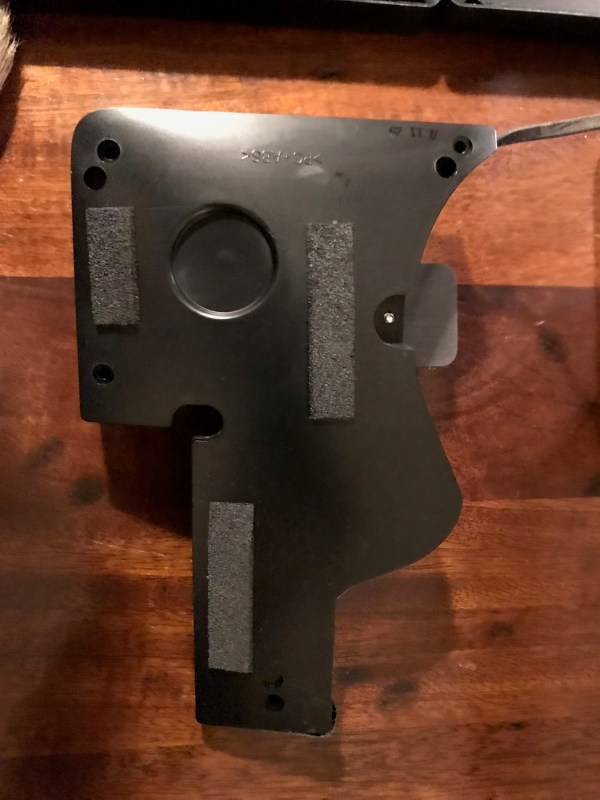
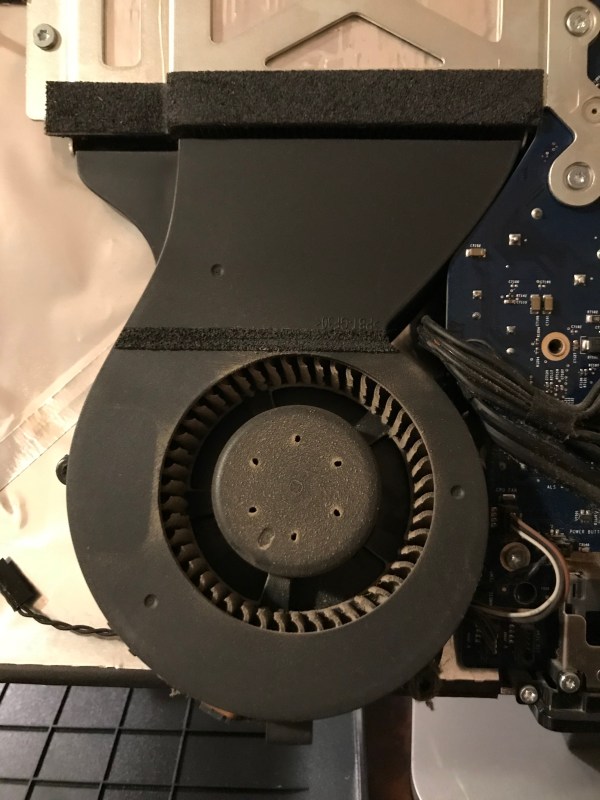
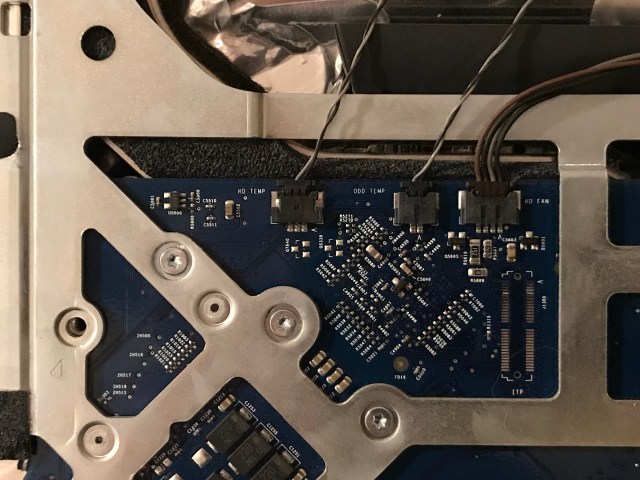
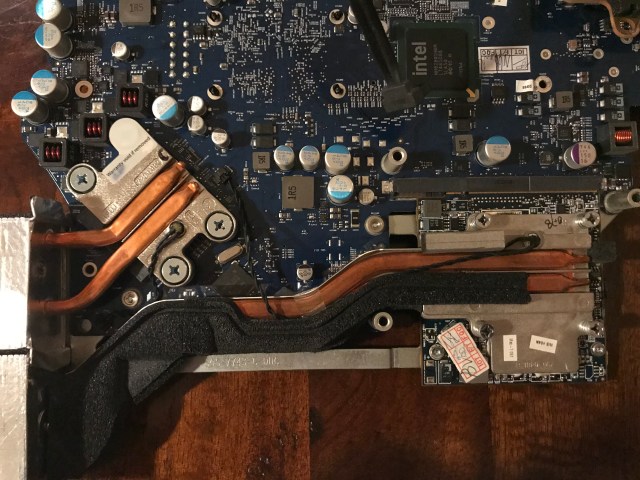
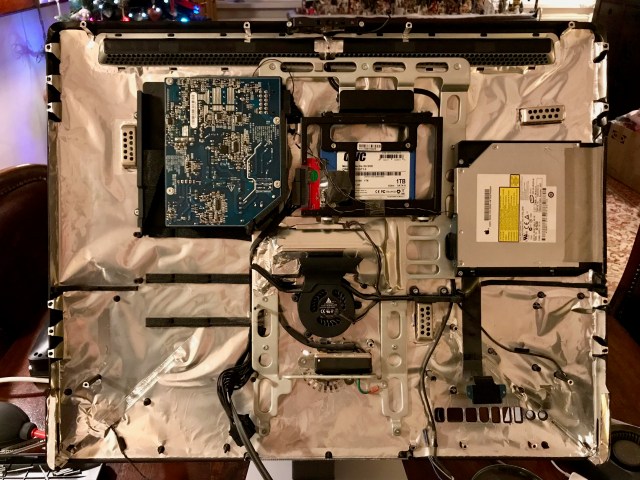
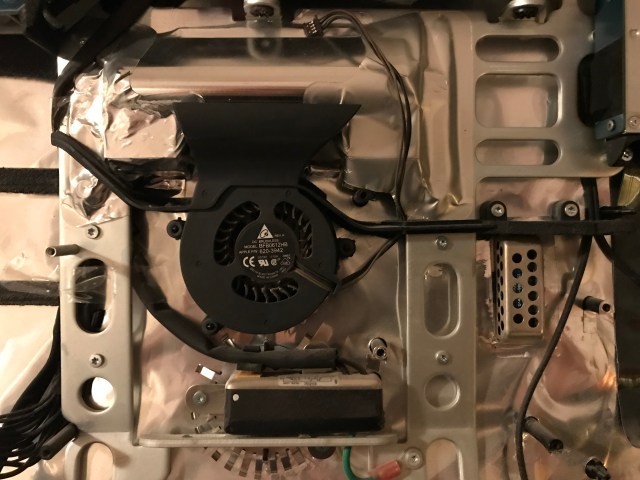
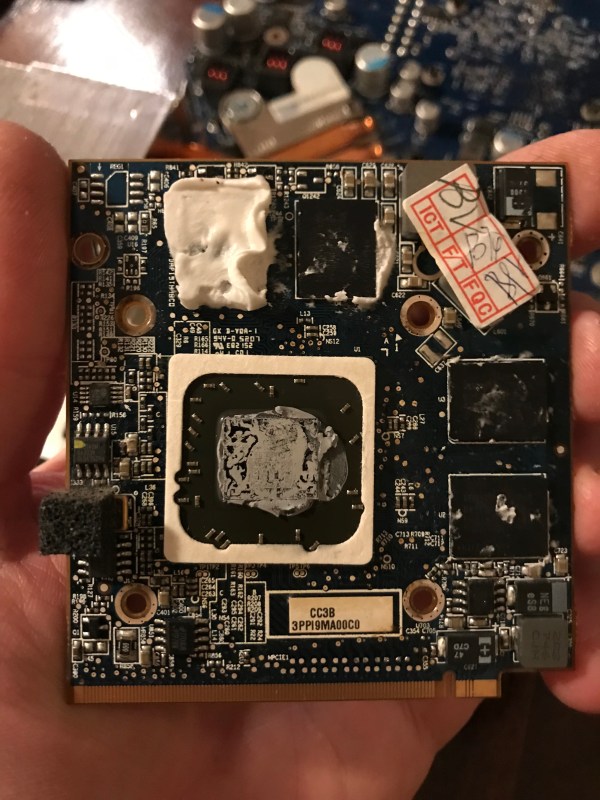
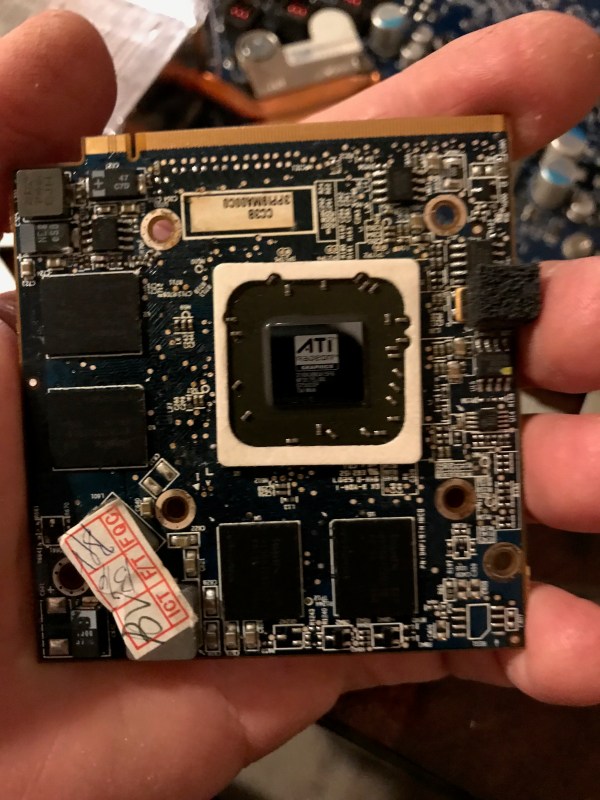
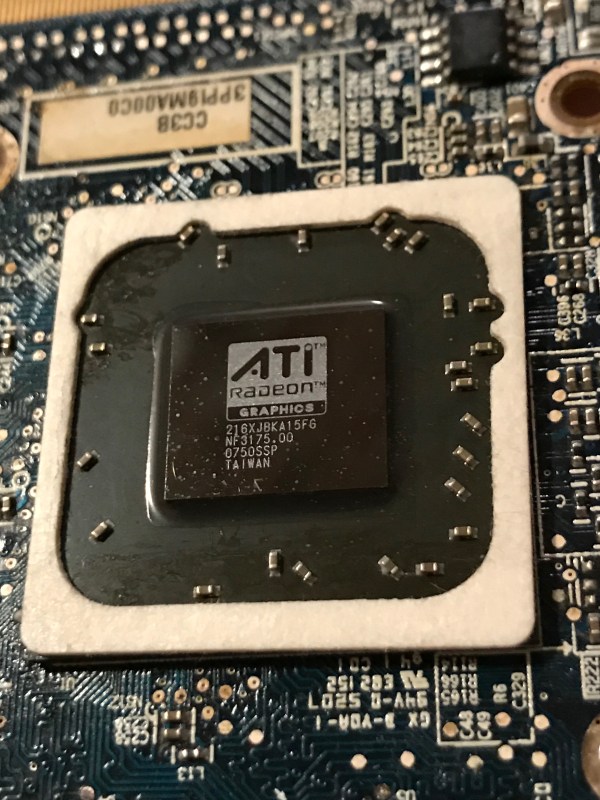
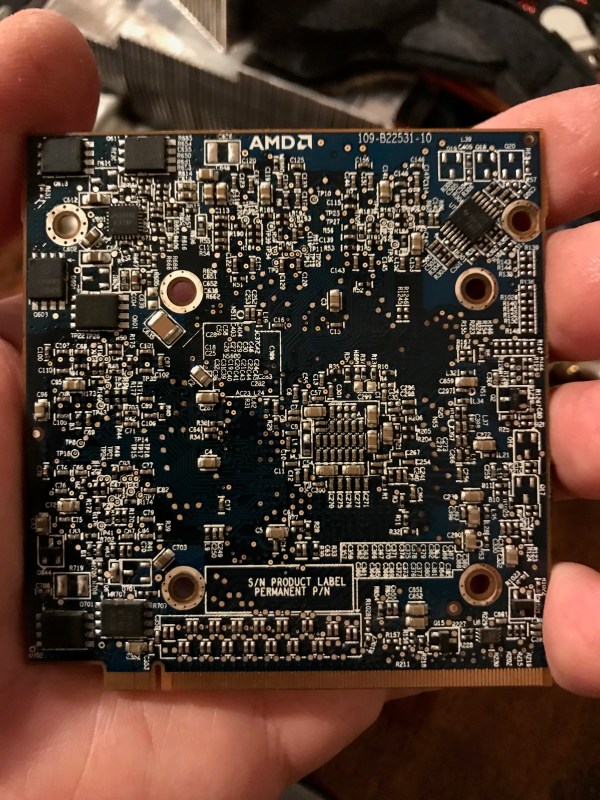
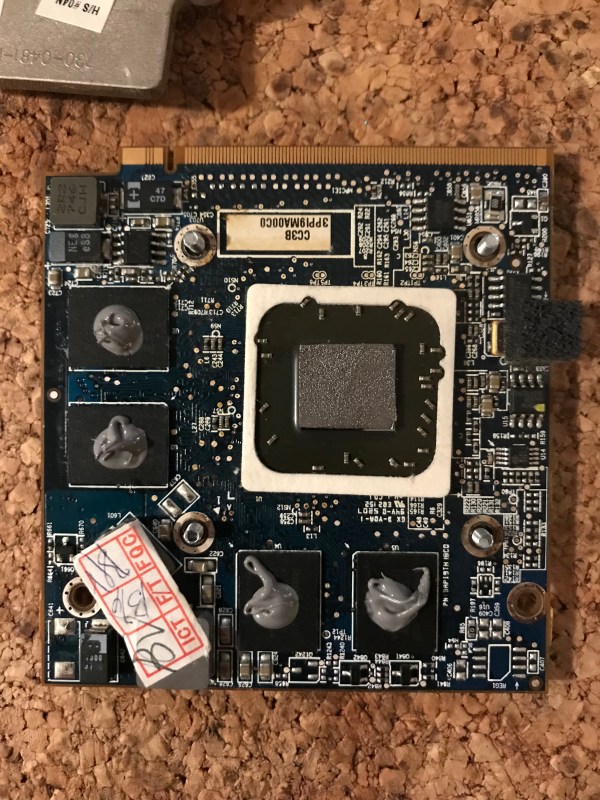
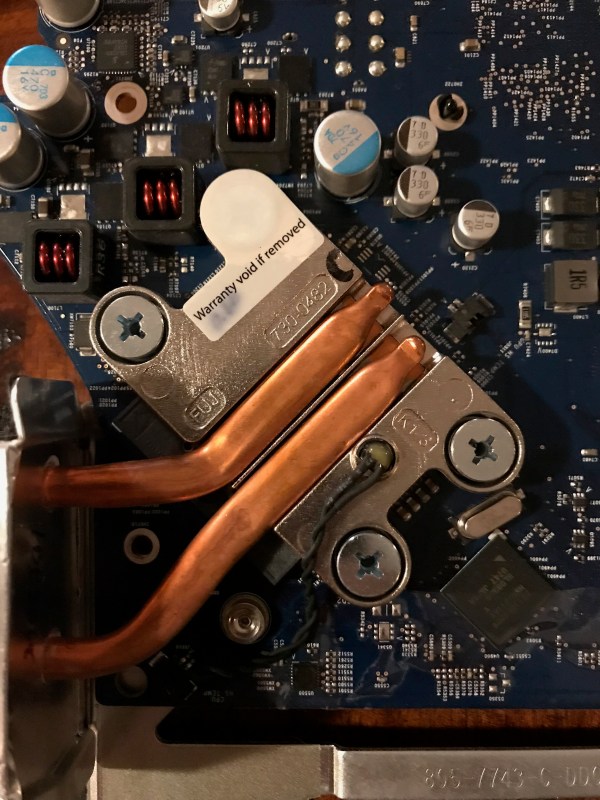
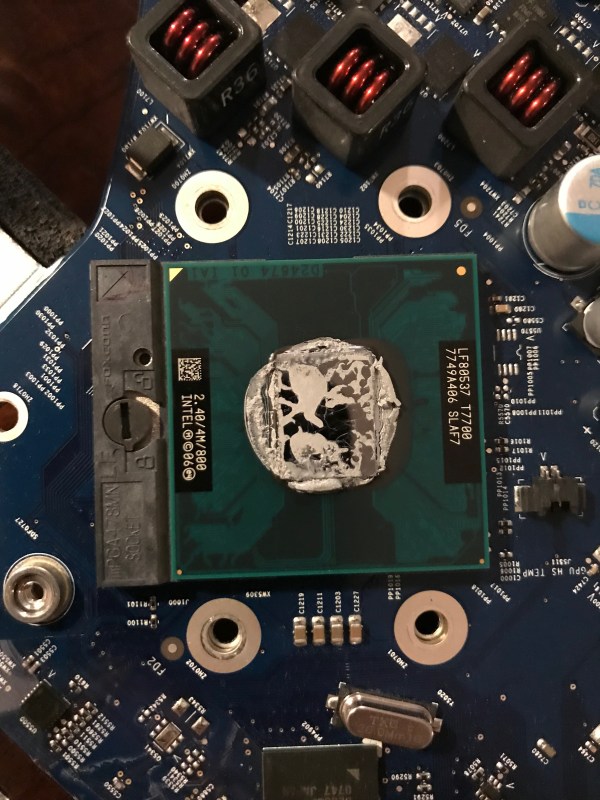
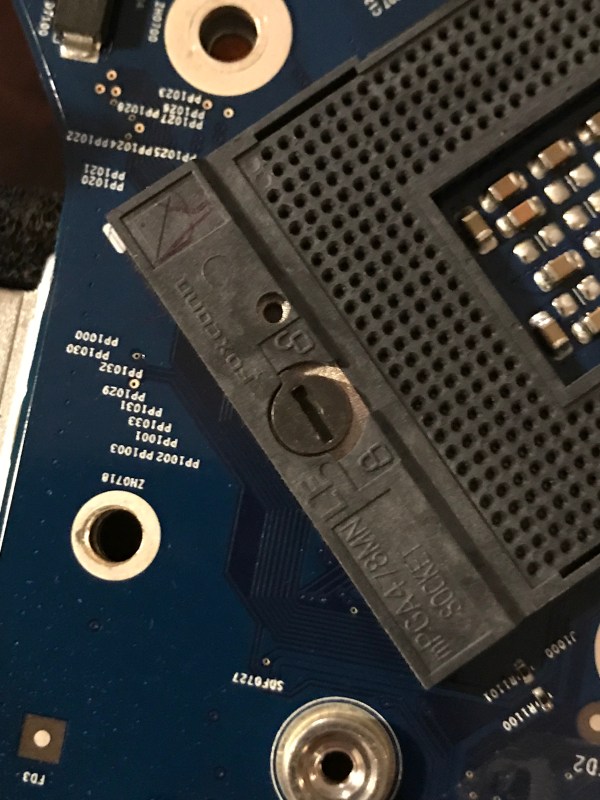
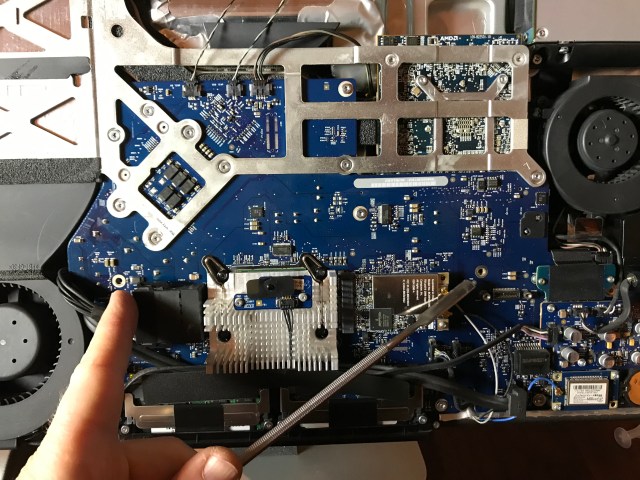
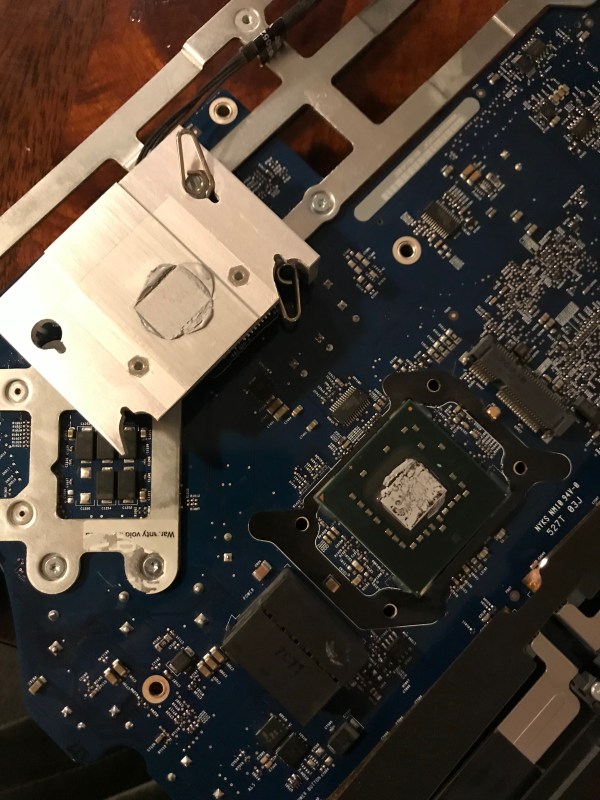
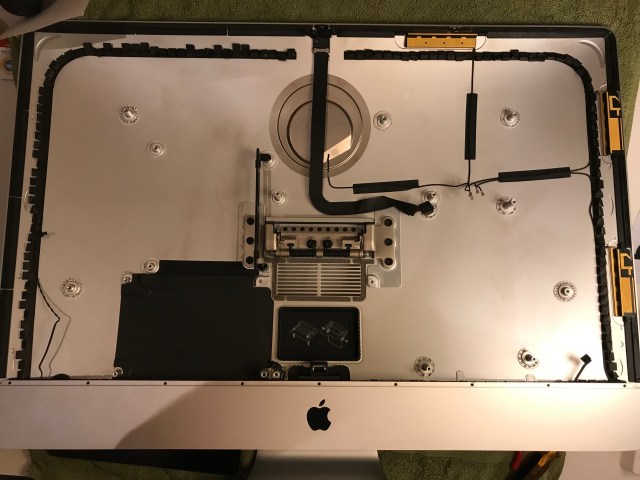
Here is a set of photos taken during the upgrade. Since I’d never opened this iMac, I figured it was due for a thorough cleaning and a replacement of the thermal paste. I used this guide from iFixit to help me out. I’m glad I cleaned all of it; even though it didn’t have as much dust and lint inside as I’d expected, it needed to be cleaned.

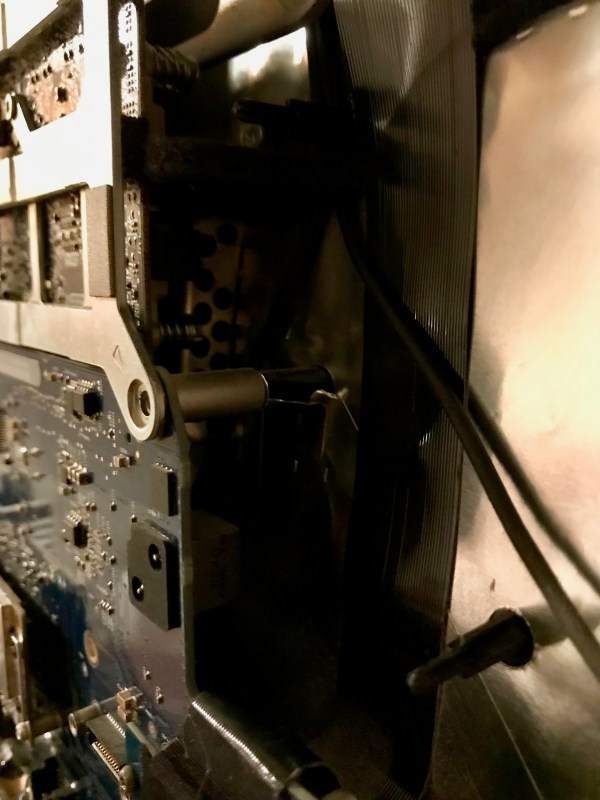
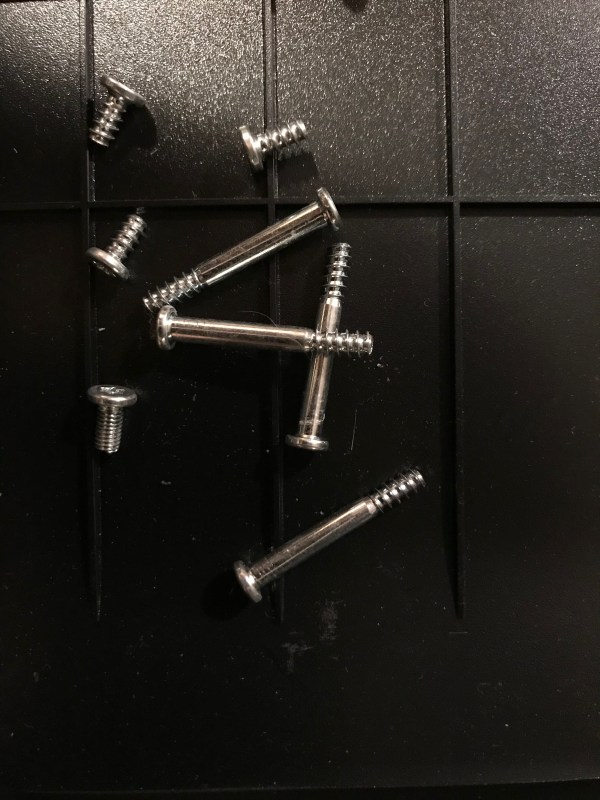
A word of warning: there aren’t a lot of guides for this iMac on the internet, which means I wandered into unknown territory when I took all of it apart. I had to take photos of the screws and their positions, and of the wires and the sensors and oh boy… just be careful and keep track of everything if you decide to take it all apart… The back is plastic and uncharacteristically for Apple, the screw mounts are plastic, and that means you have to be gentle when you’re screwing components into the frame or else you’ll strip the plastic threads. This was the most complicated take-apart job I’ve undertaken so far, even more complicated than my iMac G5. I’ve never seen so many sensors and power cables running everywhere. And once I got it open, it was aluminum foil city… you’ll see what I mean.

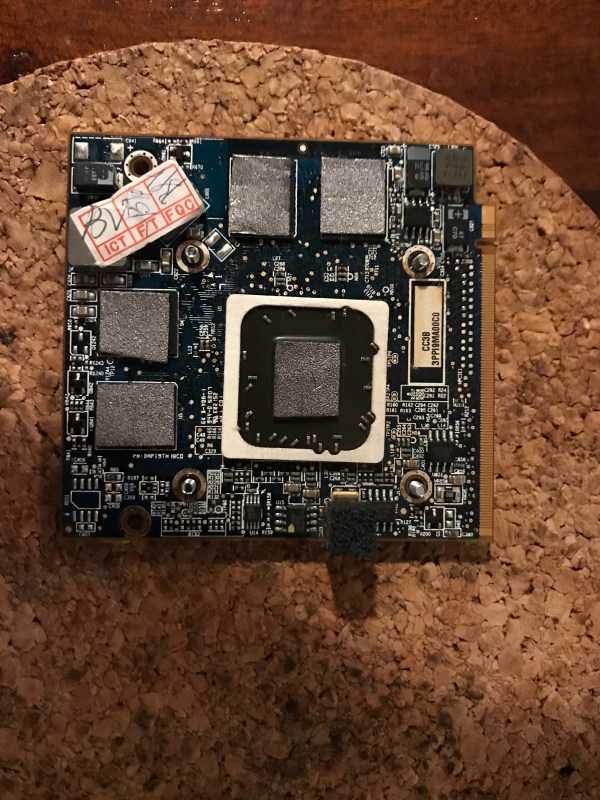
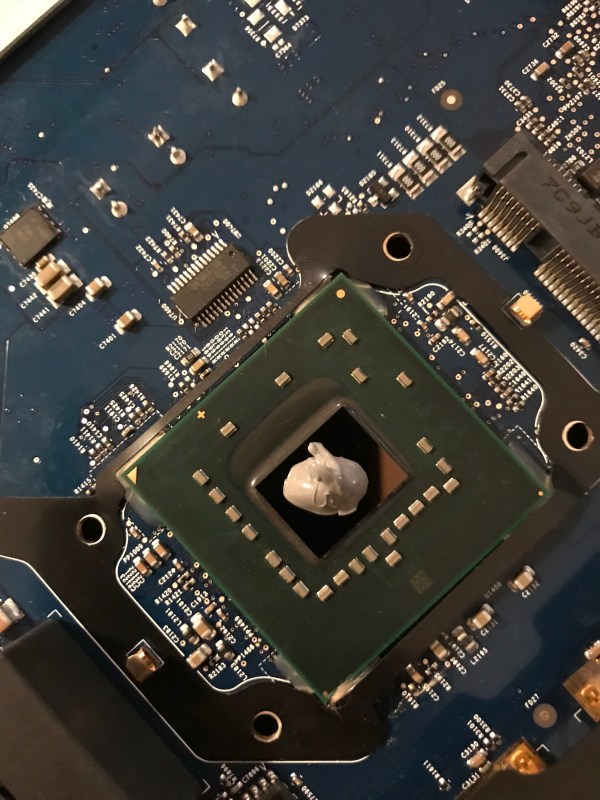
As you’ll see from the photos, I ended up not using graphite pads. I went ahead and cut up pads for its chips, but when screwing back the heat sink assembly I noticed that one of the pads had fallen out, which meant that it just wasn’t making proper contact between the chip and the heat sink. I couldn’t risk having the other pads fall out as well and ruining my mom’s computer in the process, so I ended up using thermal paste for all of the contact points except for the GPU, where the pad seemed to stay in place securely. You’ll see a piece of cork under the graphics card below. It’s actually helpful when you screw the heat sink on top of the card, because the screw heads will dig into the cork and not turn, up to a point.

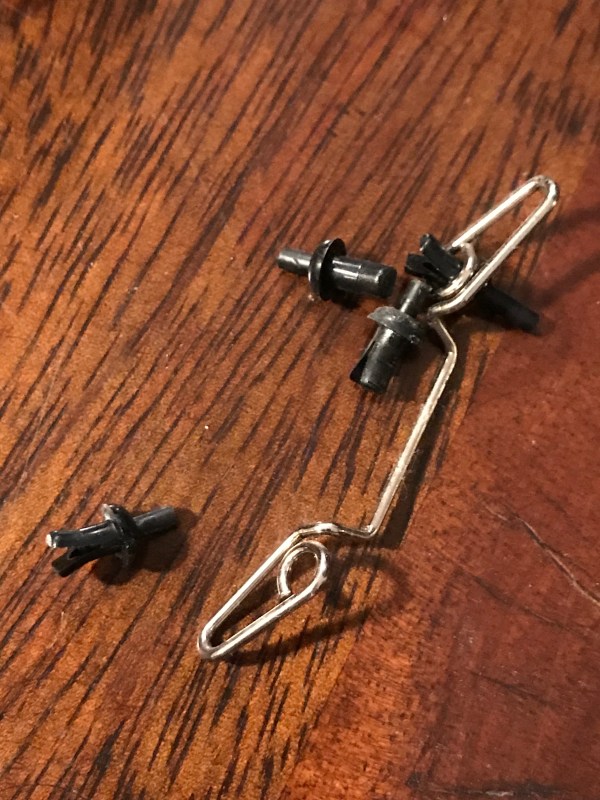
Be careful with this heat sink assembly you see below, the pins that secure it over the chip have to be de-cored (I don’t know if that’s the right word for it) so you can pull them out safely. Then you’ll have to push the cores back in place to secure the pins; if you break one… good luck hunting one down.

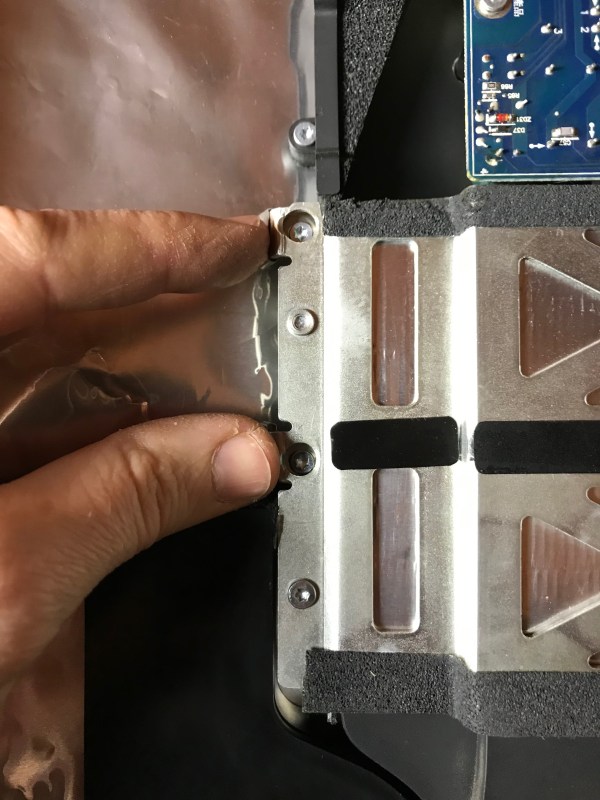
When you put the whole thing back together, leave these two screw mounts unused.

The two screws that you think go there, actually go here.

I know now why Apple has decided to make their display assemblies one-piece. While it might be easier to take apart a magnetic glass top that sits over the display instead of prying apart an assembly stuck to the case with adhesive strips, you only get to appreciate that design change when you polish the display for half an hour at the end of the upgrade, trying to remove the smudge marks that you left on it when you took it apart, and when you blow away every single particle of lint with a lens blower before you put the glass back on top, only to discover that you needed to clean some more spots, but you’re too tired to do it over. You might be tempted to cuss at that point… On the other hand, when your one-piece display assembly somehow sucks in fine dust that decides to settle into a spot in the middle of the display and in a corner and is quite visible but you can’t do a thing about it, as is the case with my 2013 iMac, you are also tempted to cuss.

I still say the newer iMacs are easier to service than this older iMac and also than my old MacBook Pro. They’re also more beautiful inside. I can clearly see the attention to detail and design that went into something few people will ever see, simply for the sake of doing good work. That’s something I appreciate more and more and I get older.

The inside of my 2013 iMac

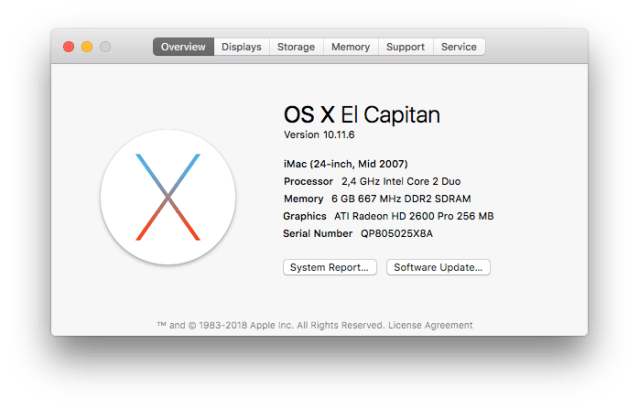
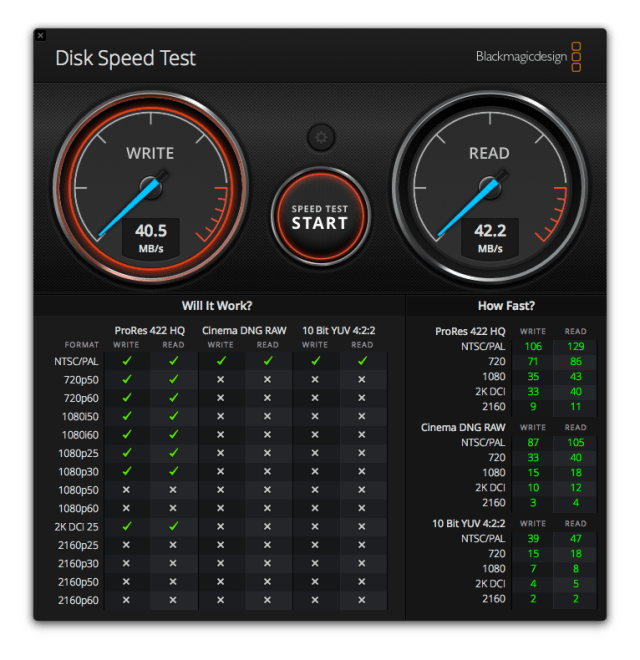
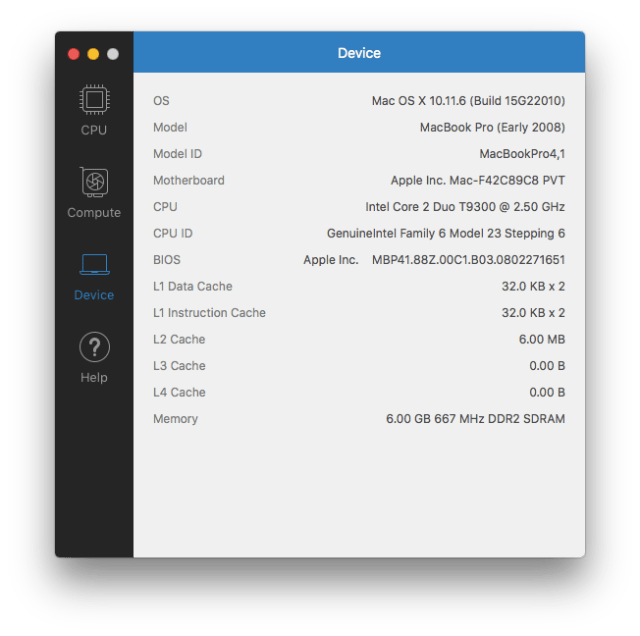
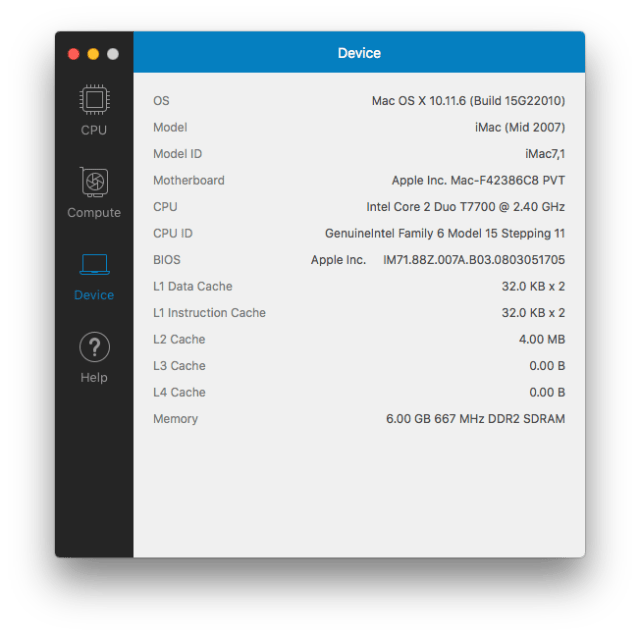
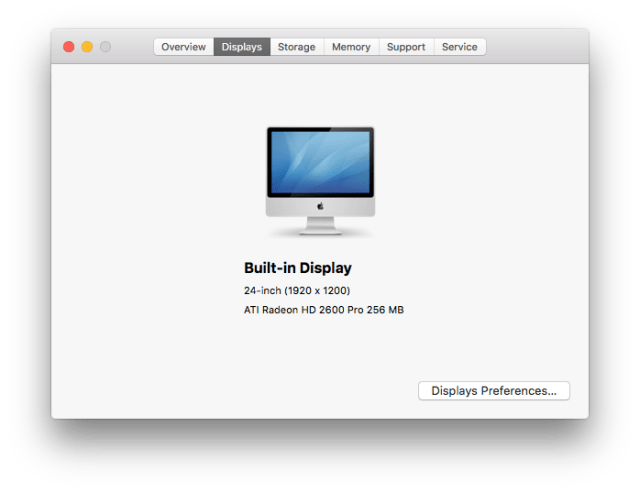
Here are some screenshots that show the specs of the upgraded computer. You’ll see that the disk write speeds went up from about 40 MB/s to 240 MB/s. It’s not exactly 300 MB/s, which is the theoretical max of SATA II, but it’s still a huge jump in speed and the computer shows it in real world use.

The highest version of macOS I could install was El Capitan. The App Store still bugged me to install Mojave but when I tried, it told me I couldn’t do it. I know Apple wants everyone who can upgrade, to upgrade to Mojave, but they might want to check their notification code to exclude those with older hardware that can’t upgrade. I get the same notifications on my 2008 MBP, which I also can’t upgrade to Mojave.

I’d like to encourage you to explore upgrade options for your older computers. An SSD will probably make the biggest difference in performance and their prices have really come down during the last couple of years. From an environmental standpoint, upgrading an older machine to keep it working well is always going to consume less resources than making a new one. And there’s something to be said for keeping a good machine well maintained: if it’s served you well, it deserves a bit of TLC from you, a bit of regular maintenance to keep it working, as was its purpose from the start.

Standard
How To

An upgrade to my 2008 MacBook Pro

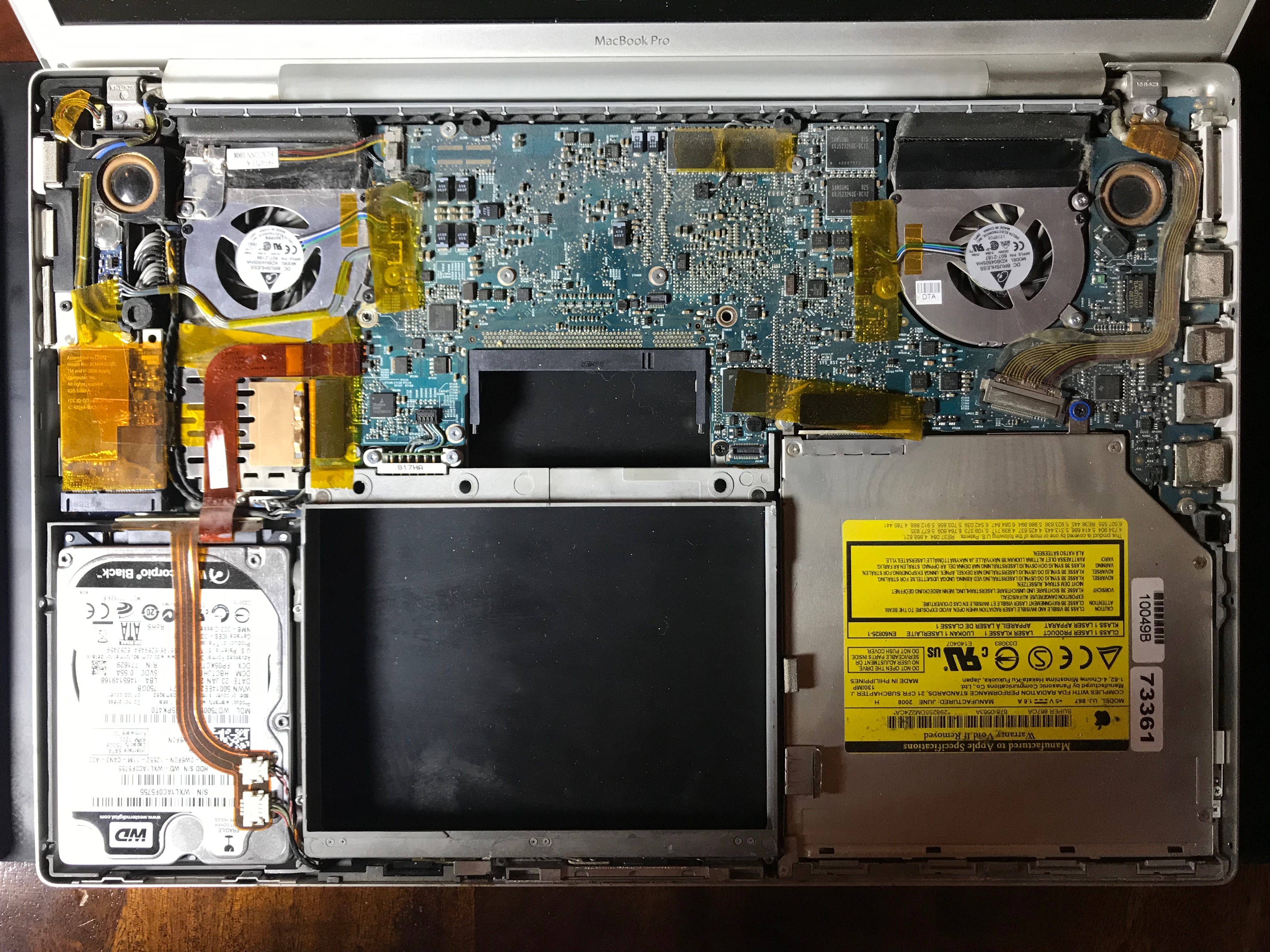
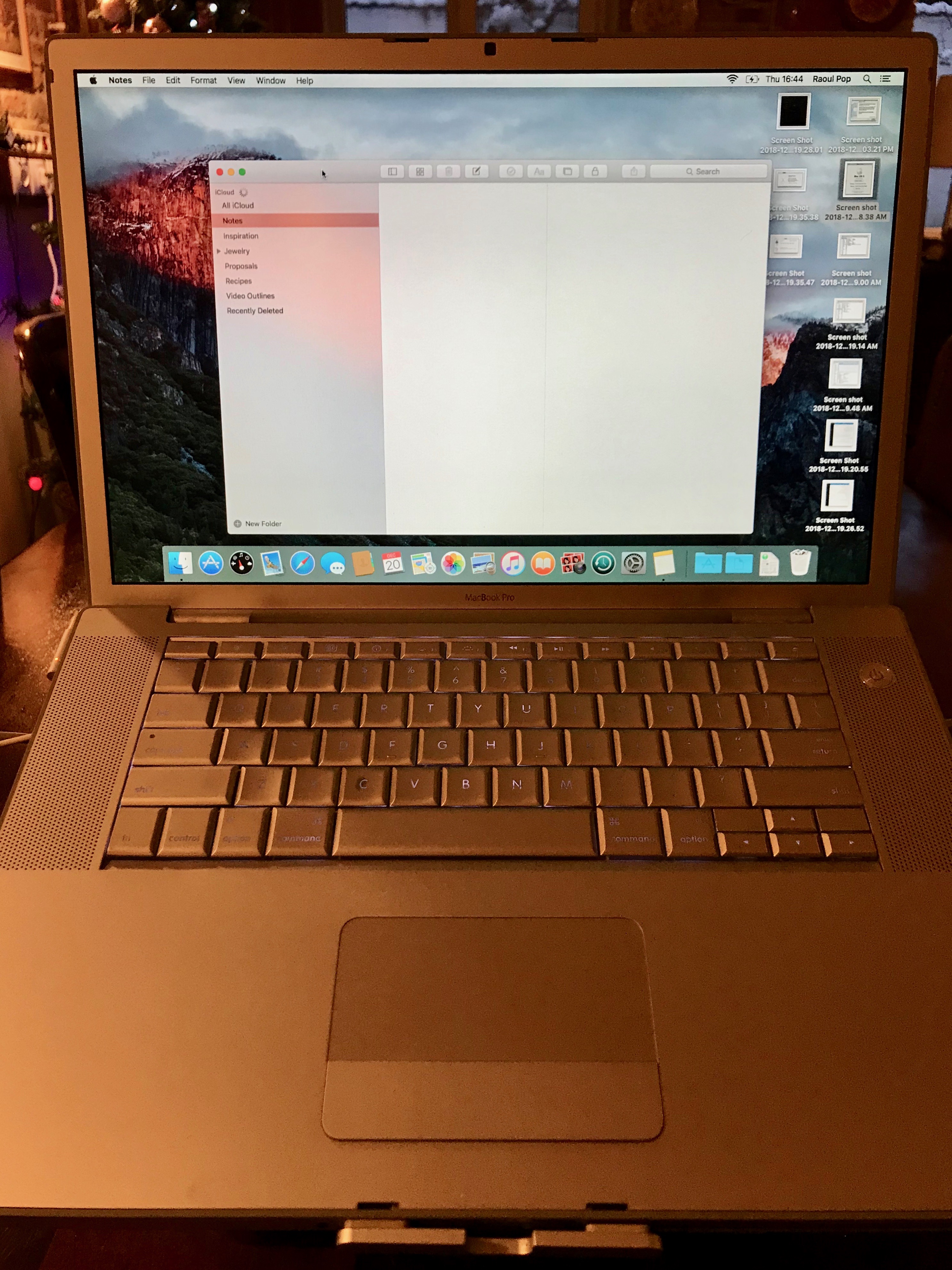
I have a fully functional MacBook Pro made in early 2008 (model A1260). While it’s fairly slow when editing photos and I wouldn’t try to edit 1080p video on it, it’s just fine for word processing, web and email. It has become slow over time, as is the case with older hardware, so I thought I’d give it an upgrade. Since I maxed it out when I bought it, the only upgrade I could give it now was to switch the HDD with an SSD.

This MBP was my main computer for a number of years. I really put it through its paces during its heyday, and by that I mean the sound of its little fans going into overdrive to cool its chips isn’t a rare memory for me. When I bought an iMac, the MacBook Pro became my wife’s laptop, and she used it to write quite a few of her published books on it. Fortunately, I did something few people do with their laptops: I bought an aluminum stand for it right after I bought it, and we’ve used it (mostly) with that stand through all these years. I believe that’s what’s made the difference in its longevity.

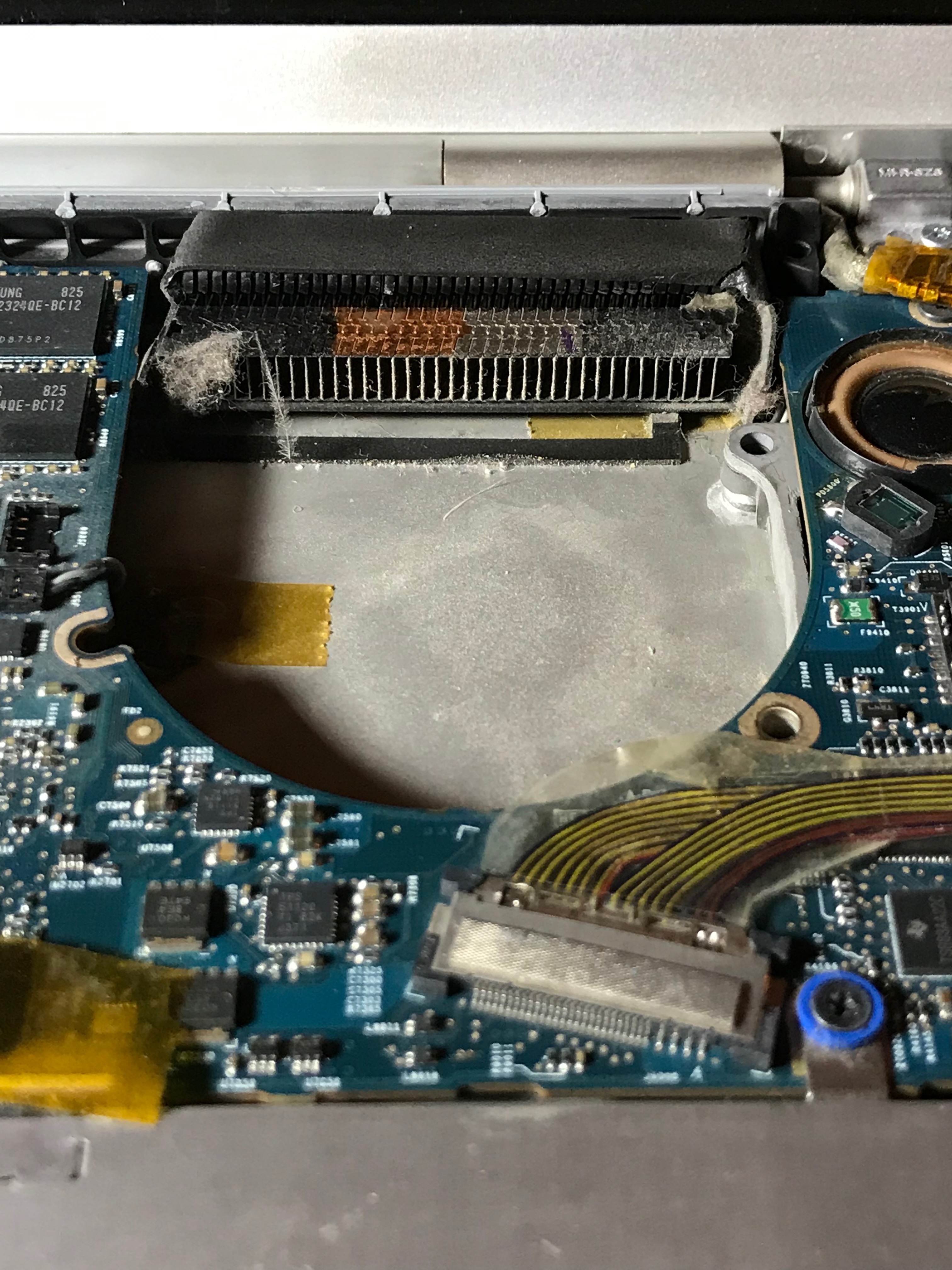
When you use a laptop on your lap, you are shortening its life considerably, in spite of what its name (lap-top) implies. A laptop needs to stay cool, and making it work very hard to achieve that while it’s pulling lint and crumbs from your lap through its air intake, just isn’t going to do it long-term. Its chips will overheat and in the end give out, as I’m sure has been the experience of many people.

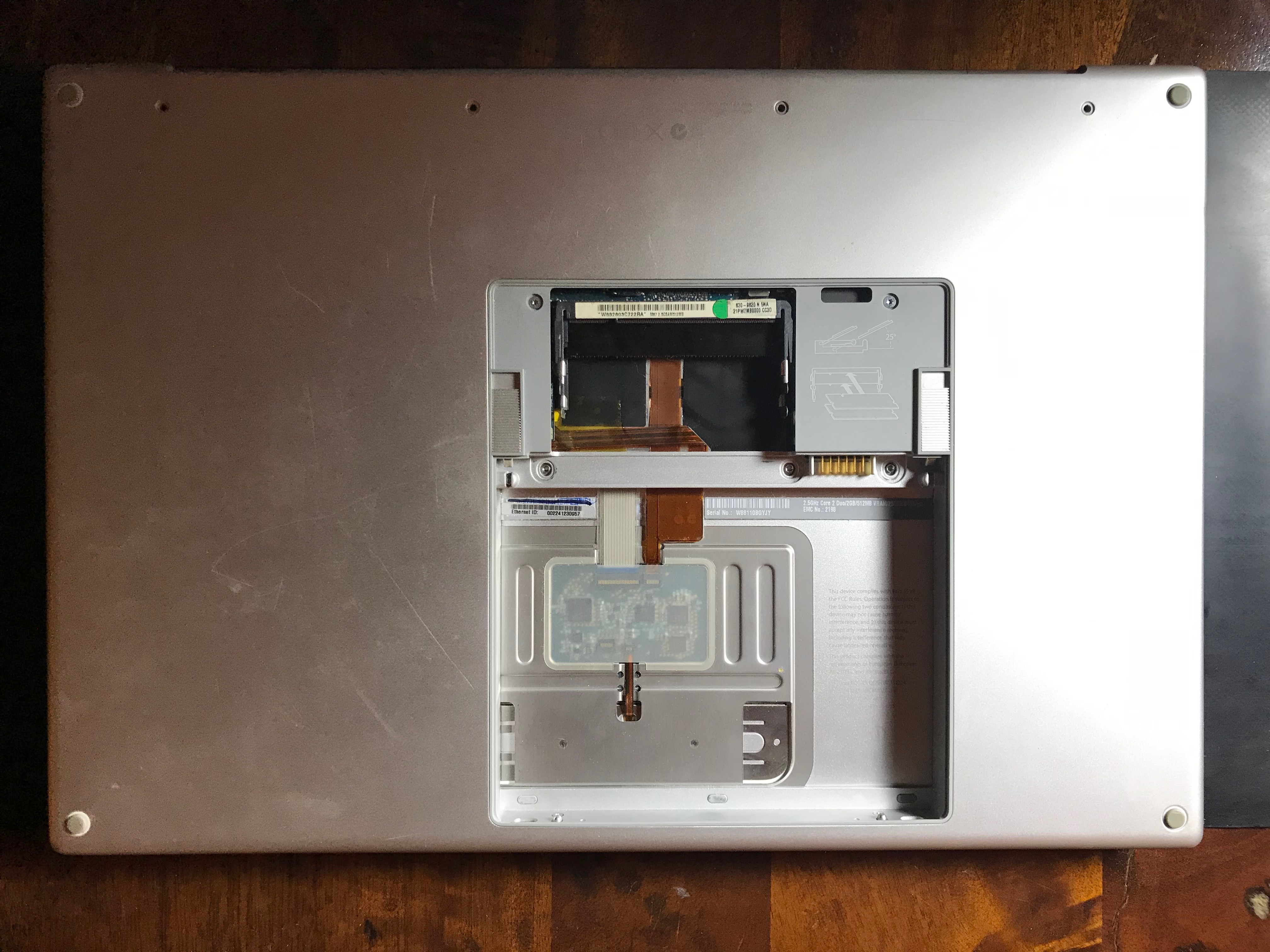
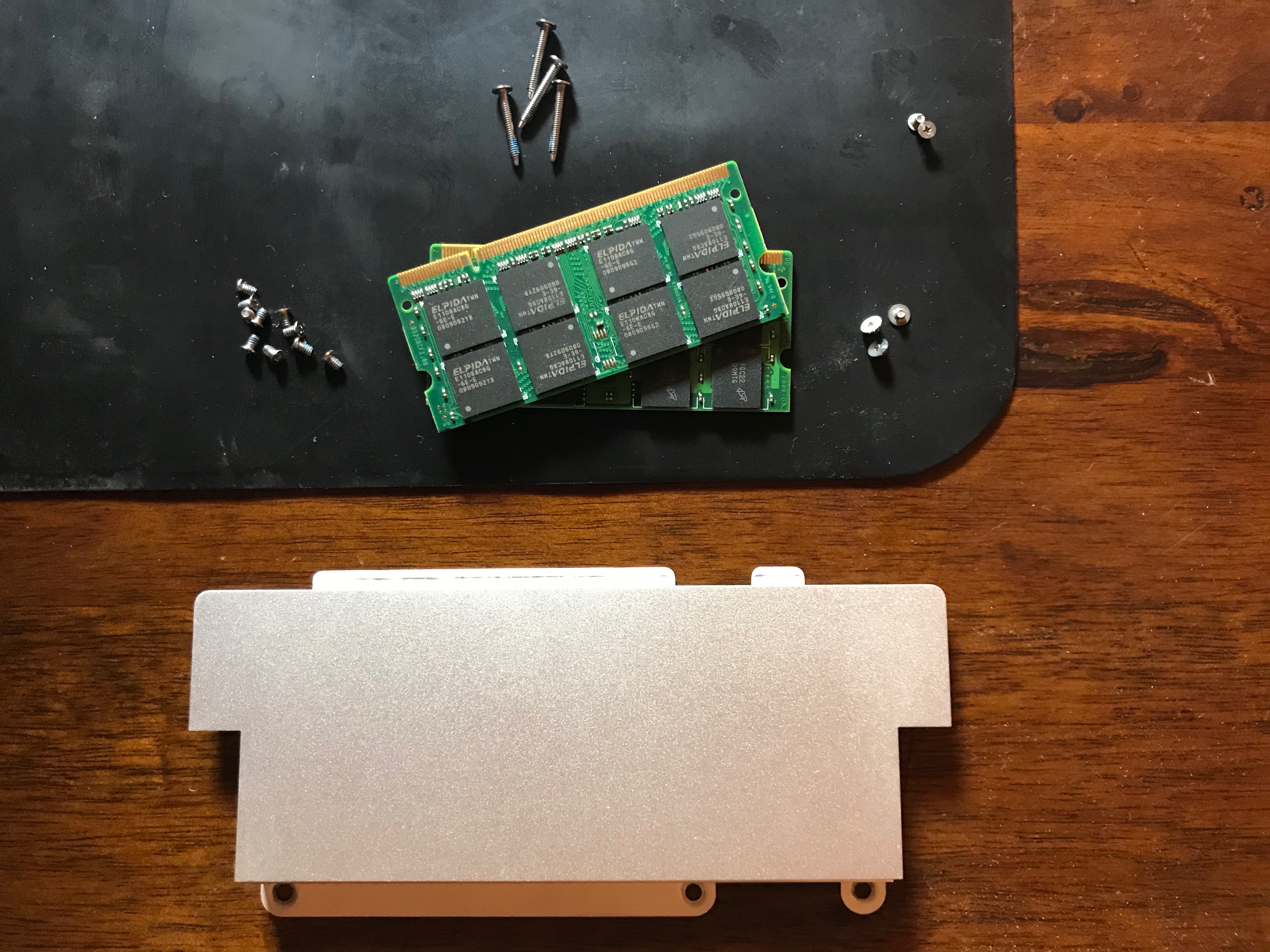
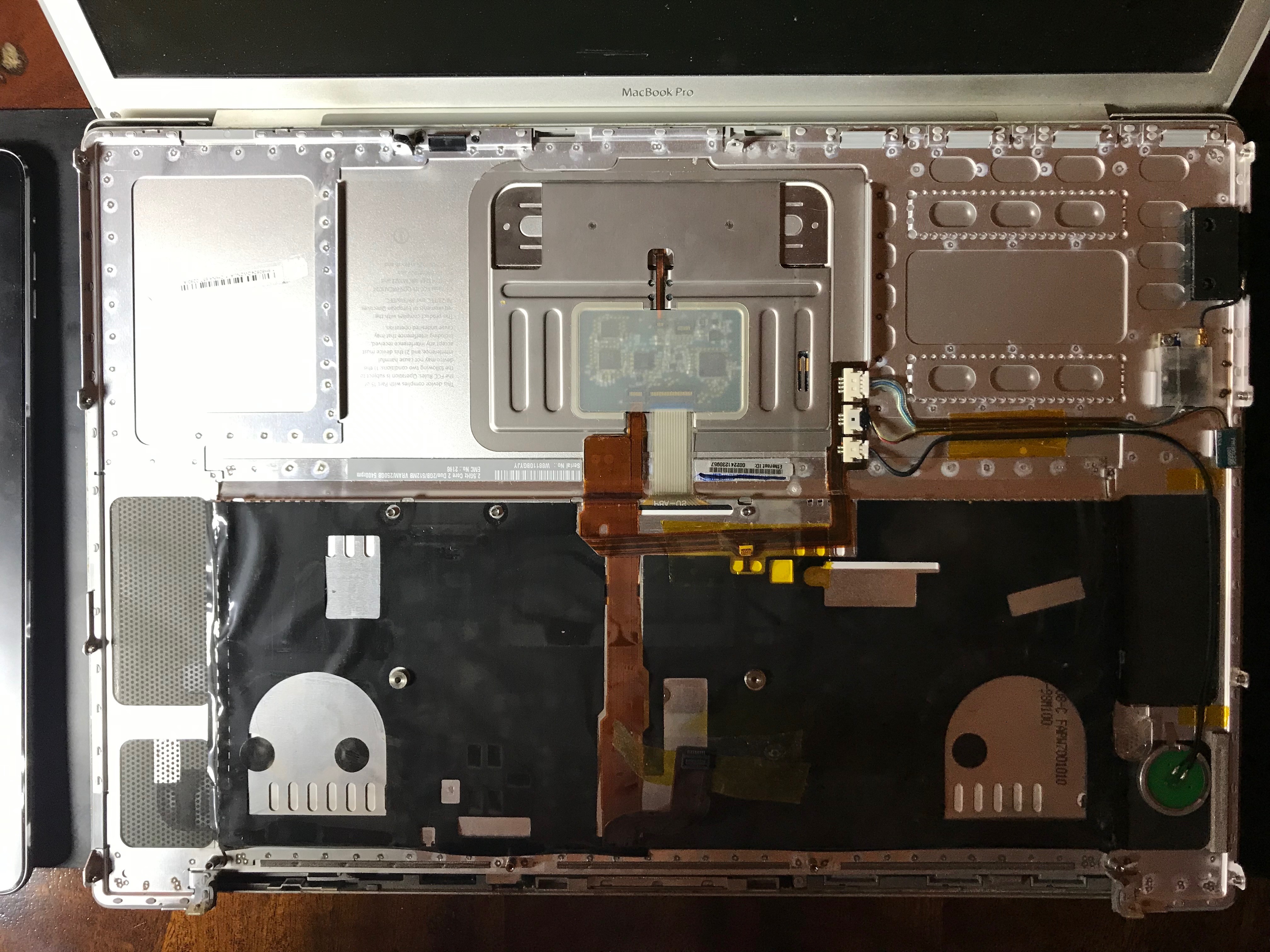
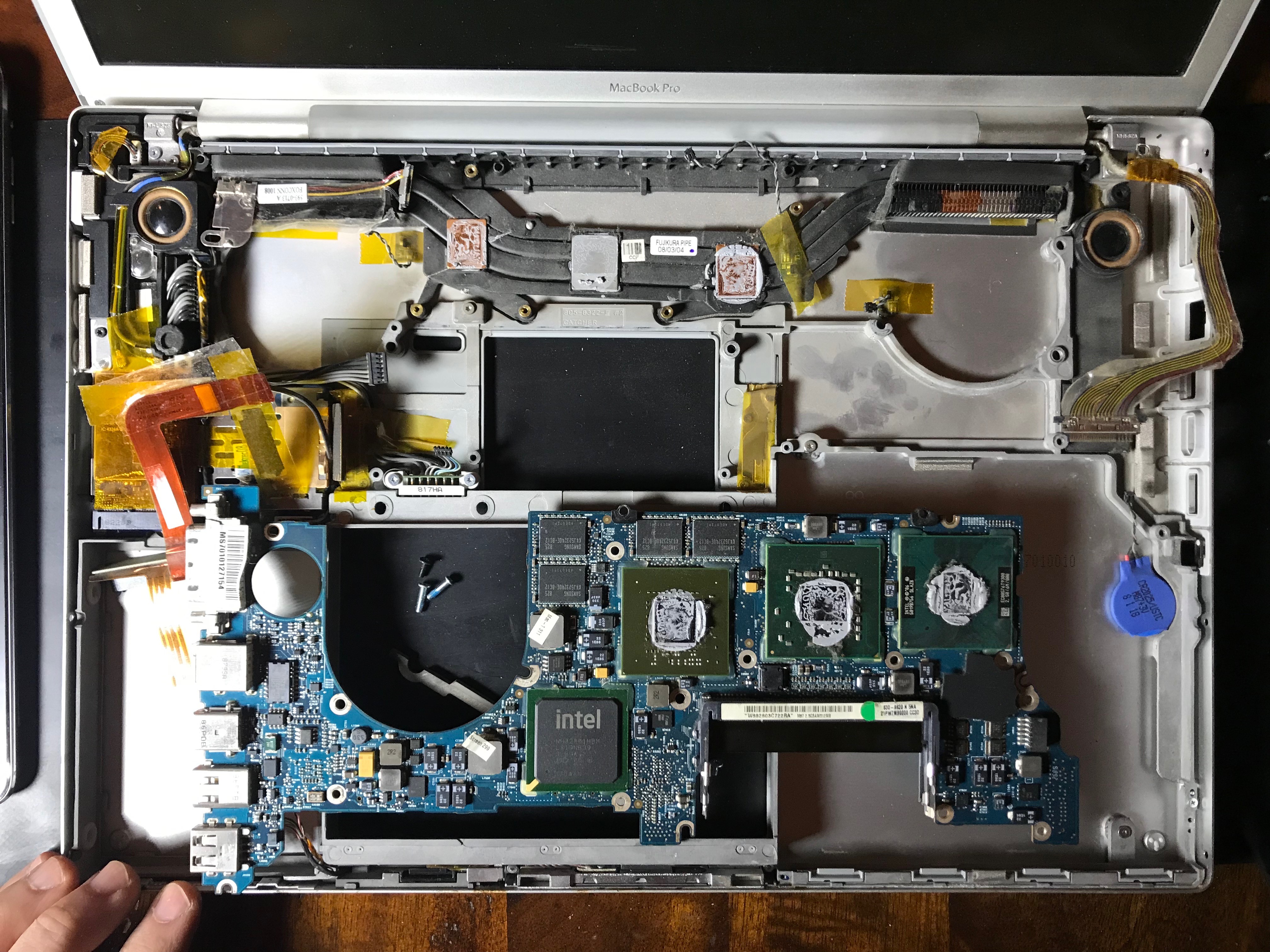
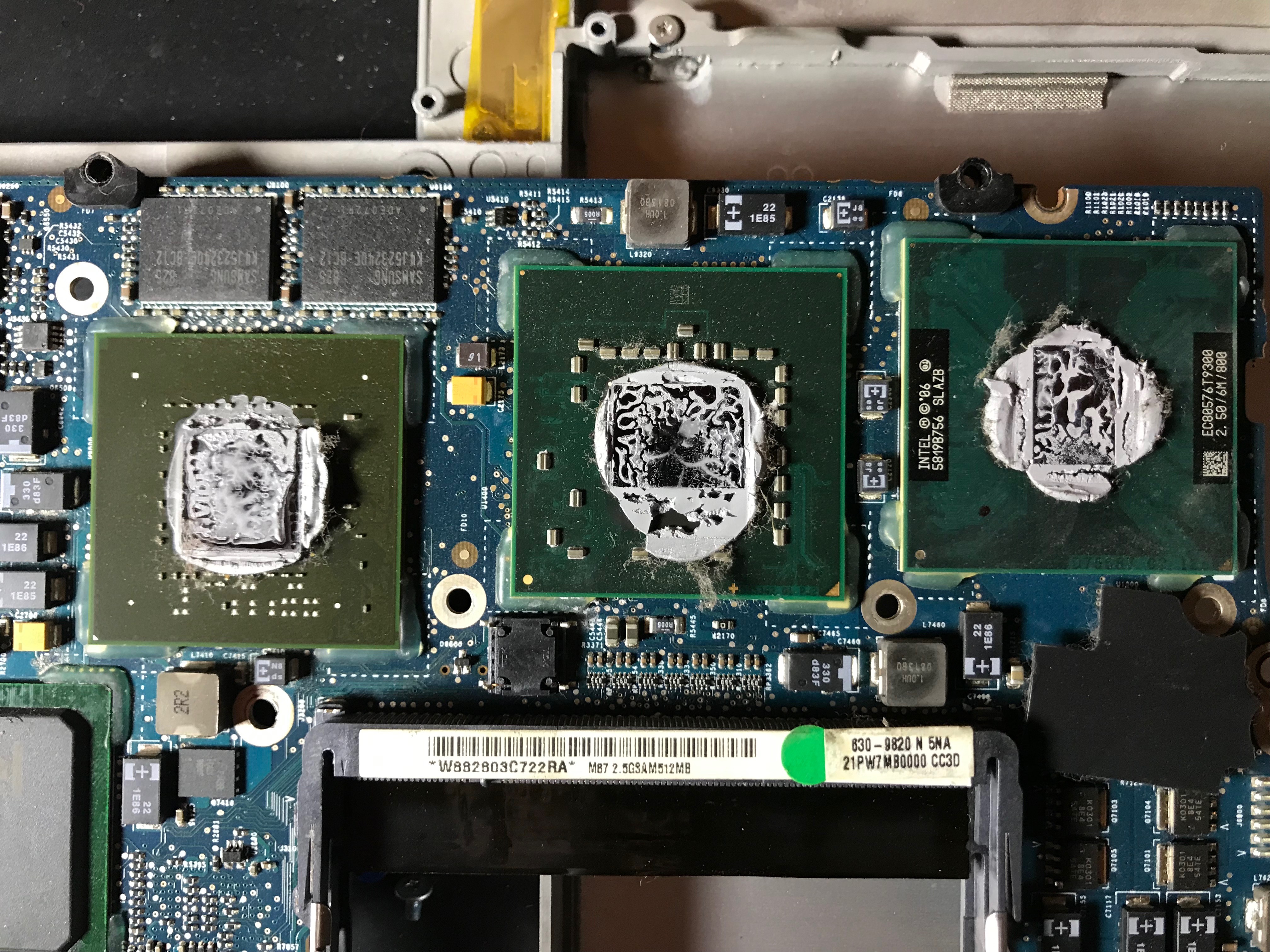
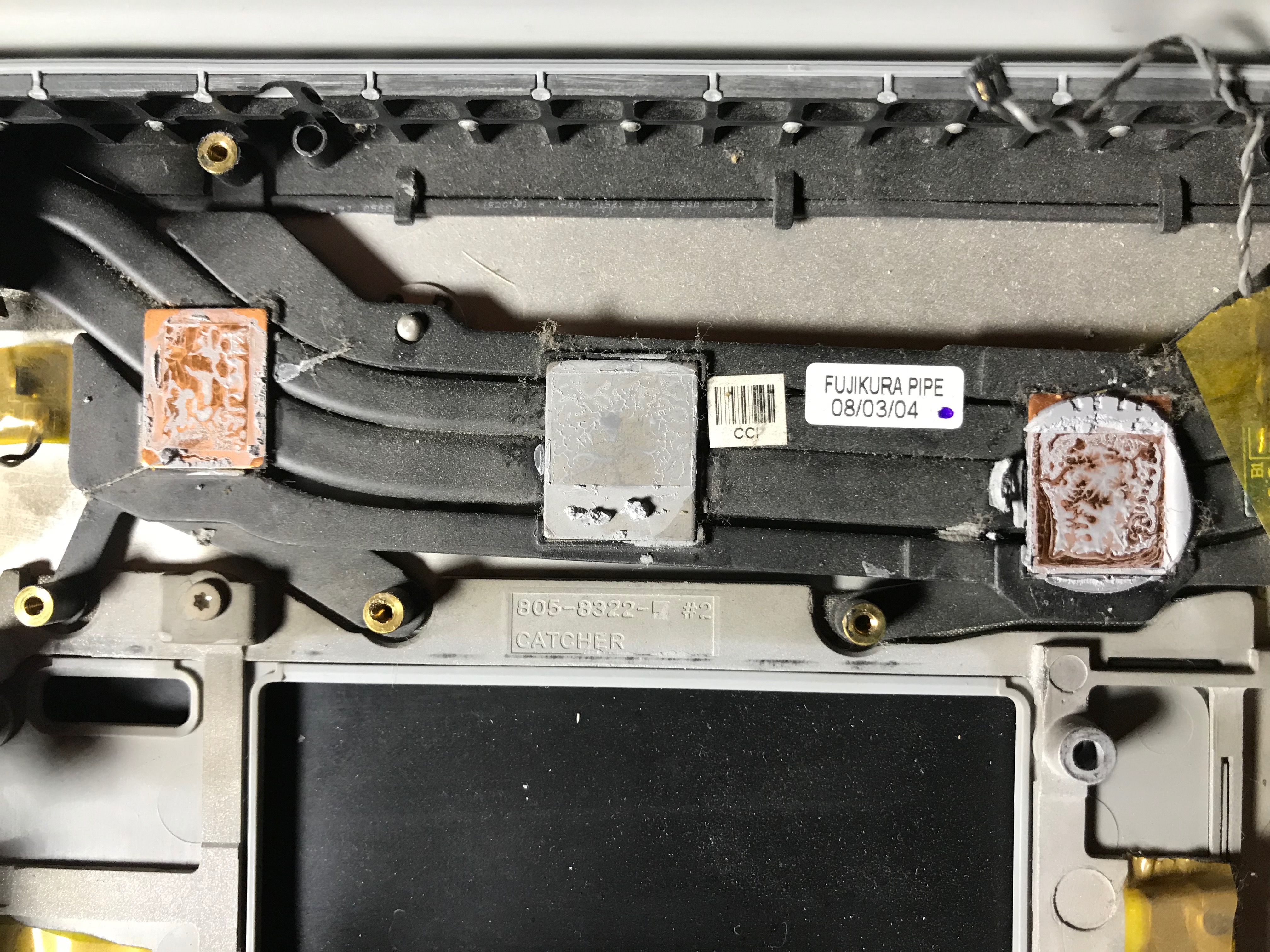
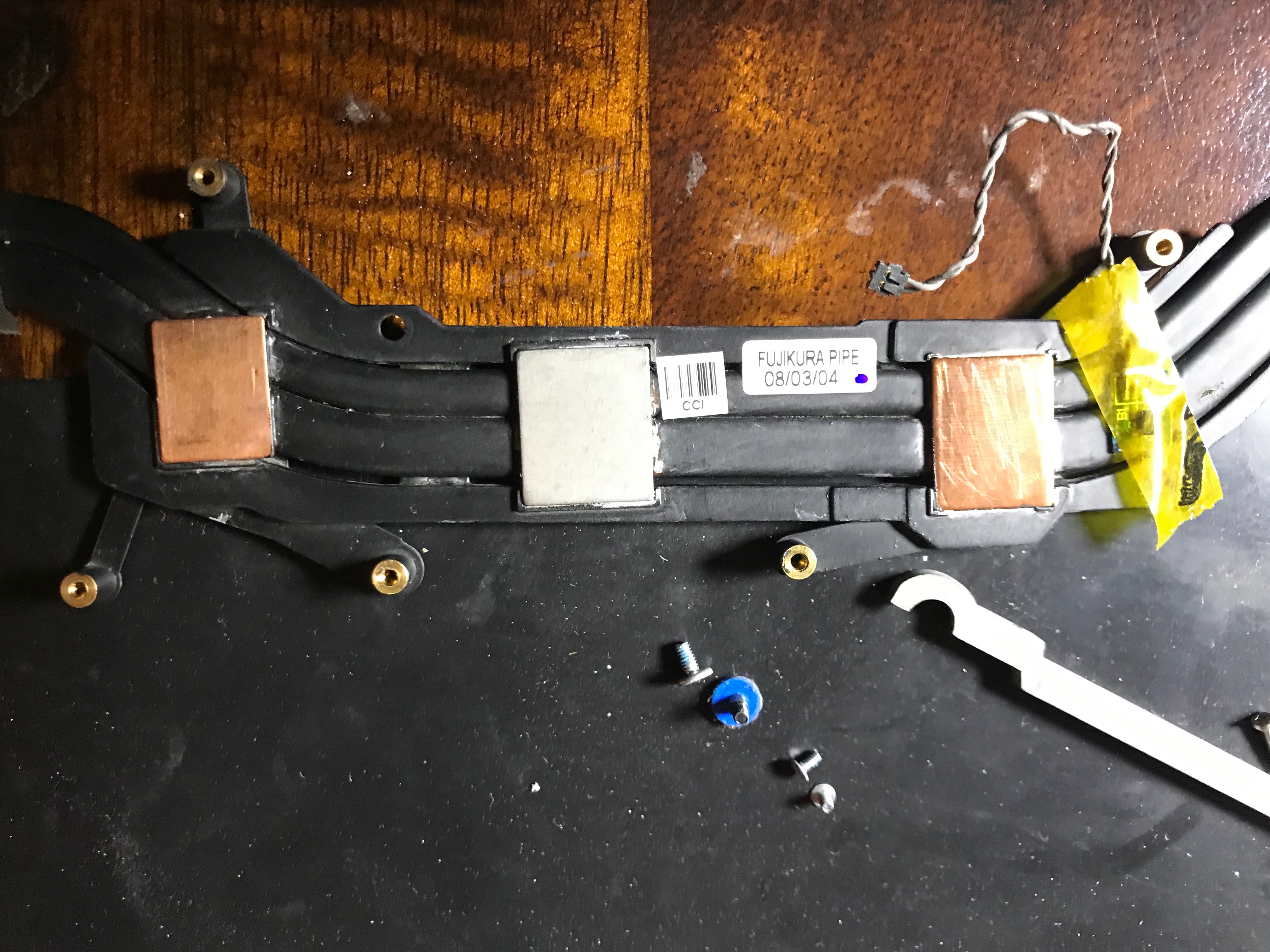
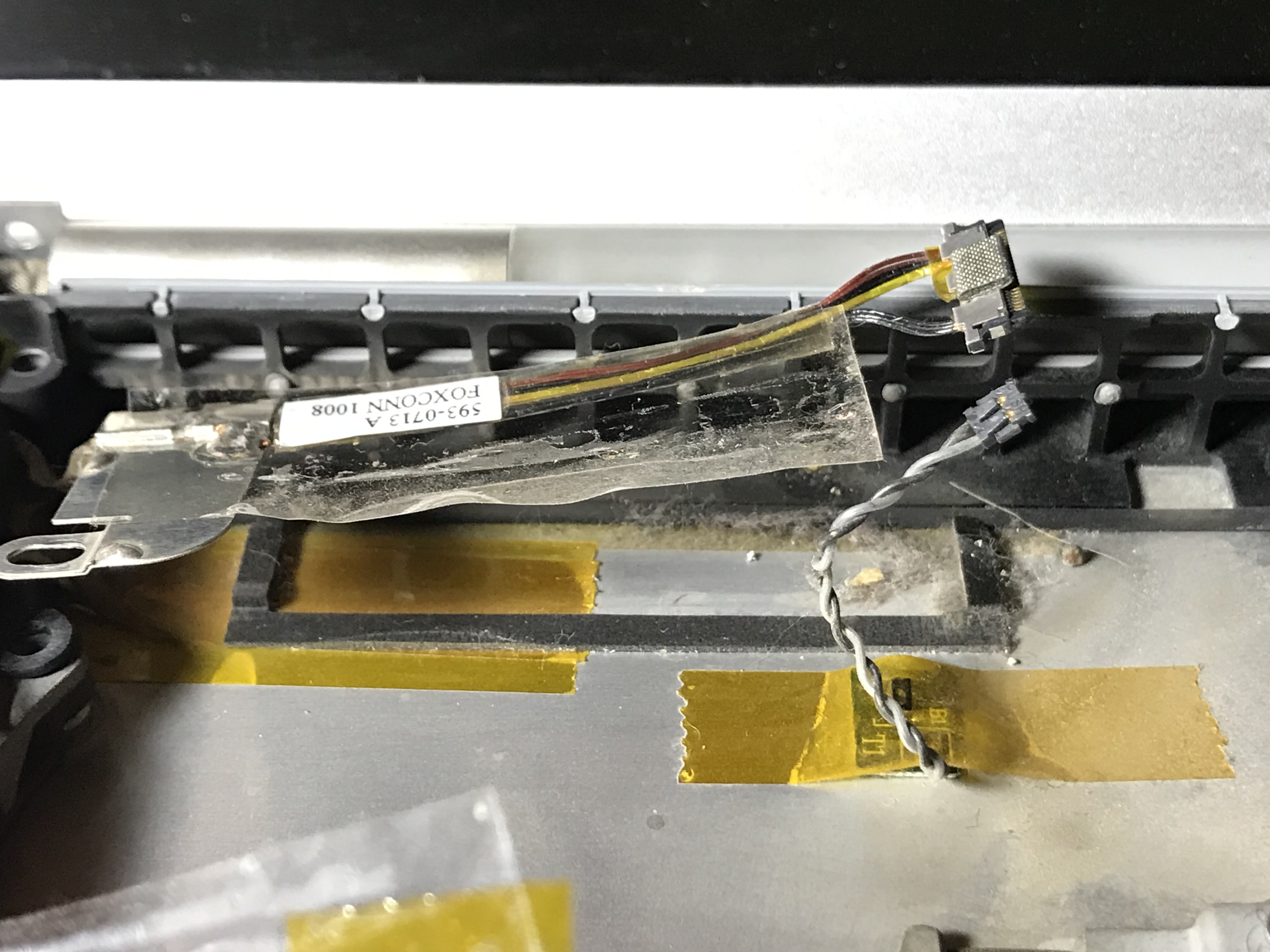
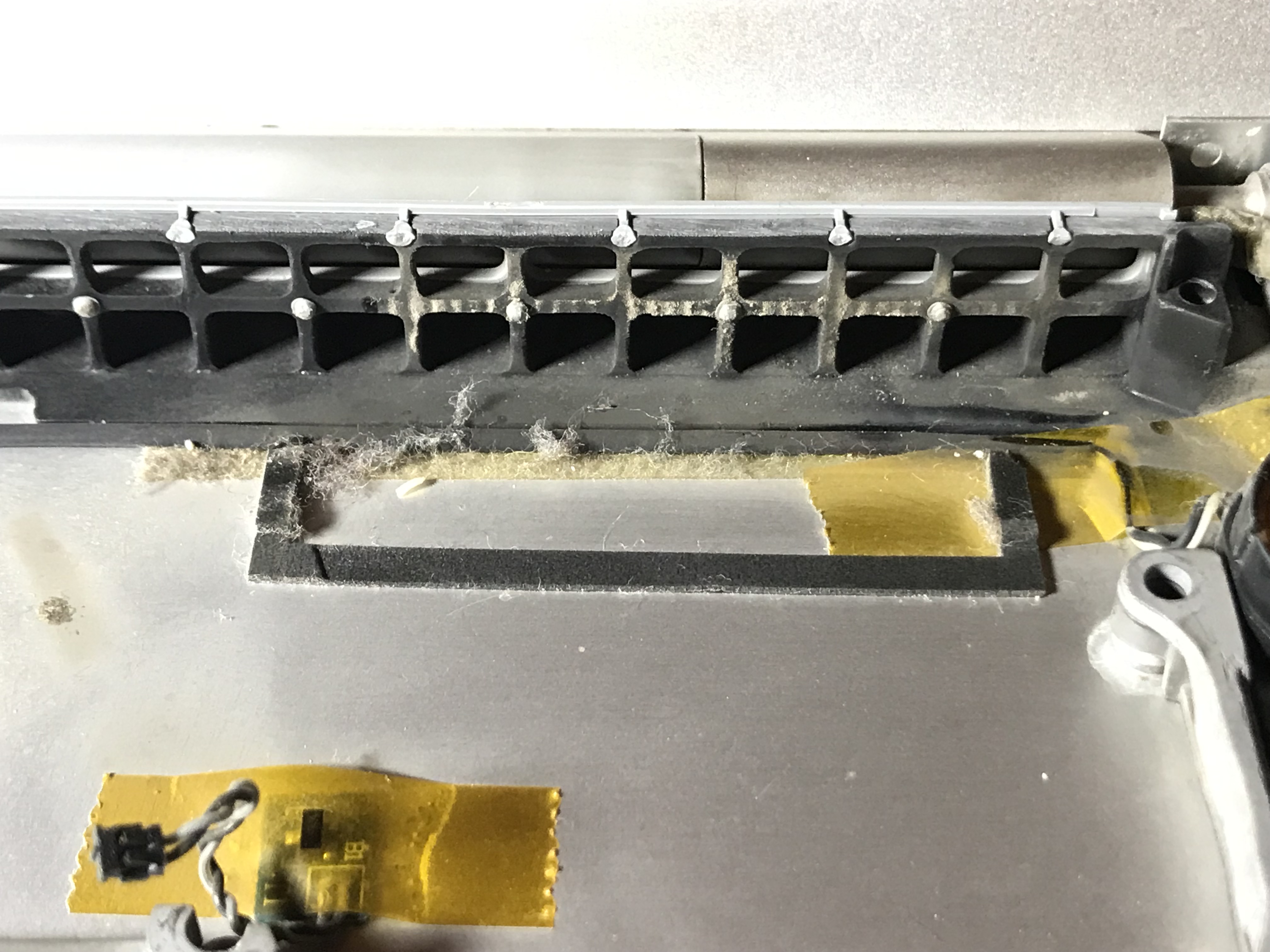
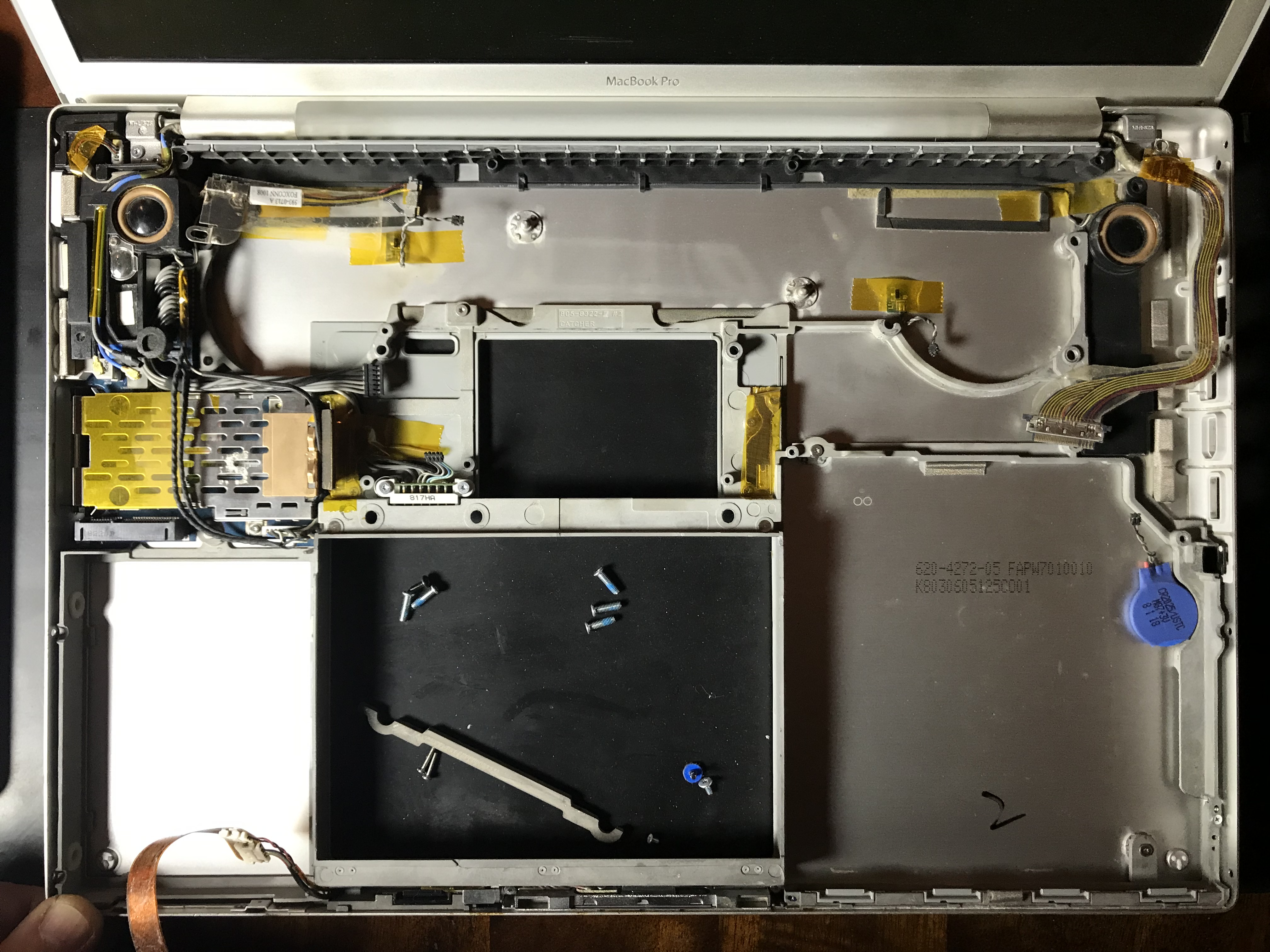
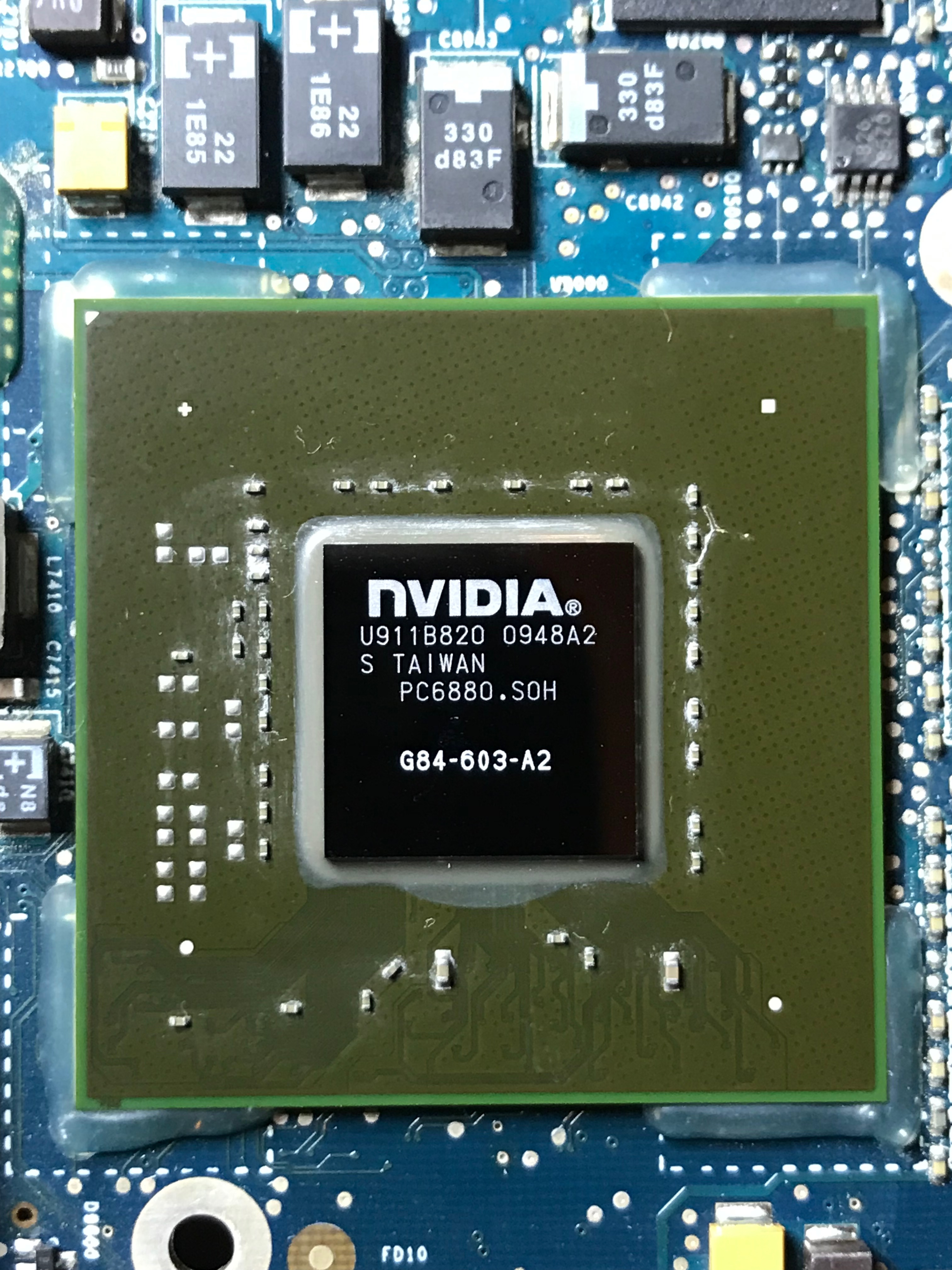
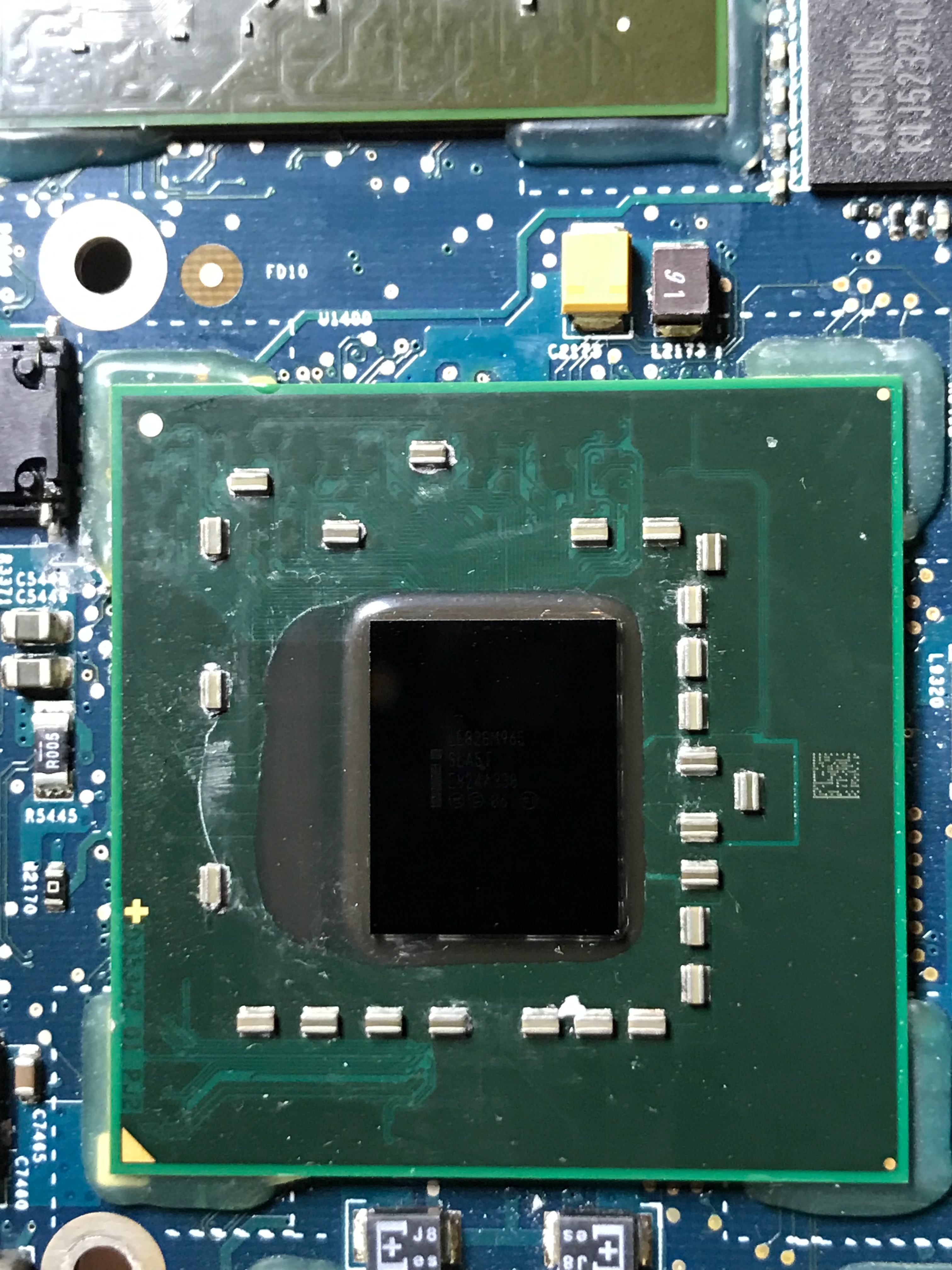
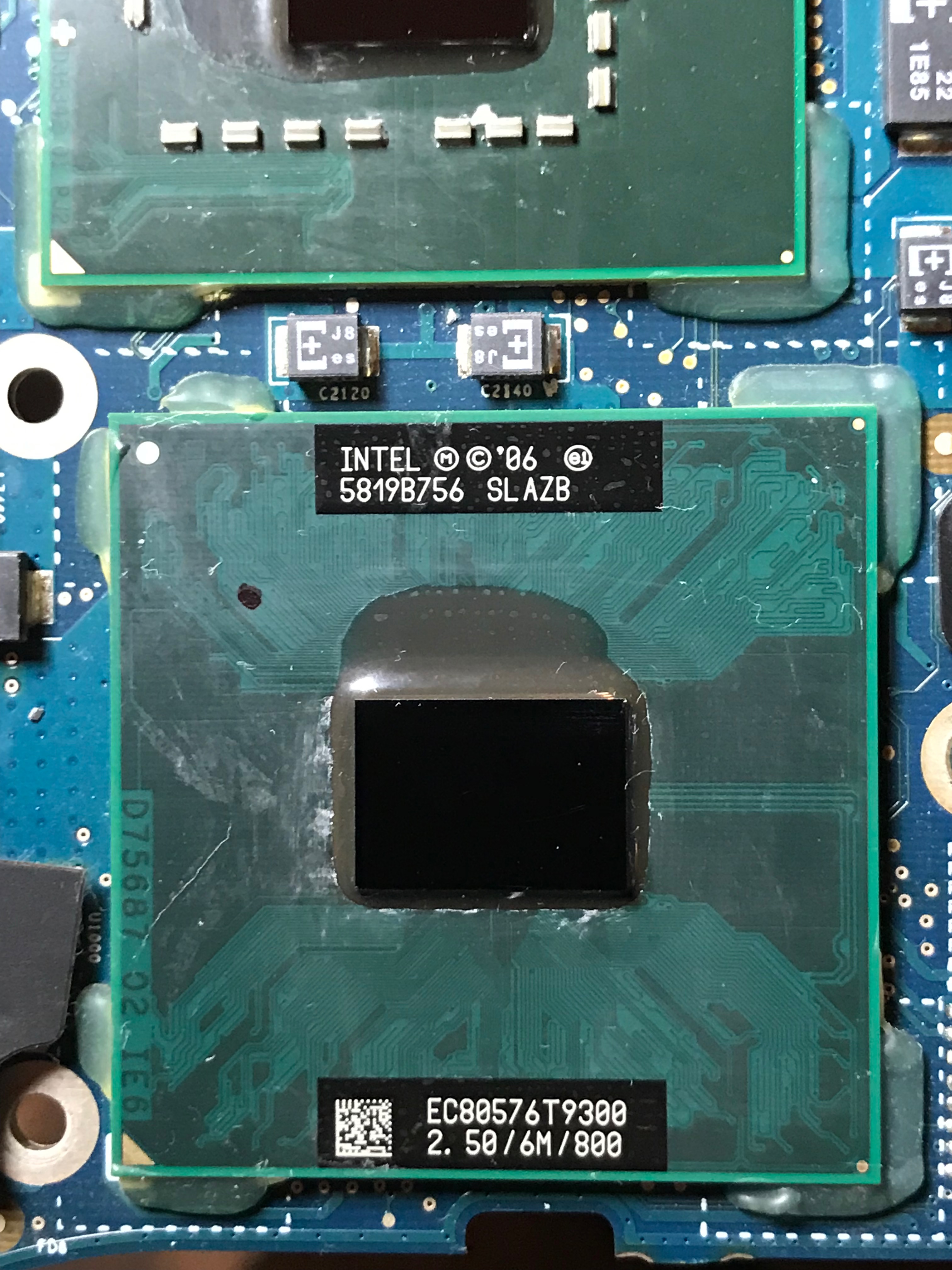
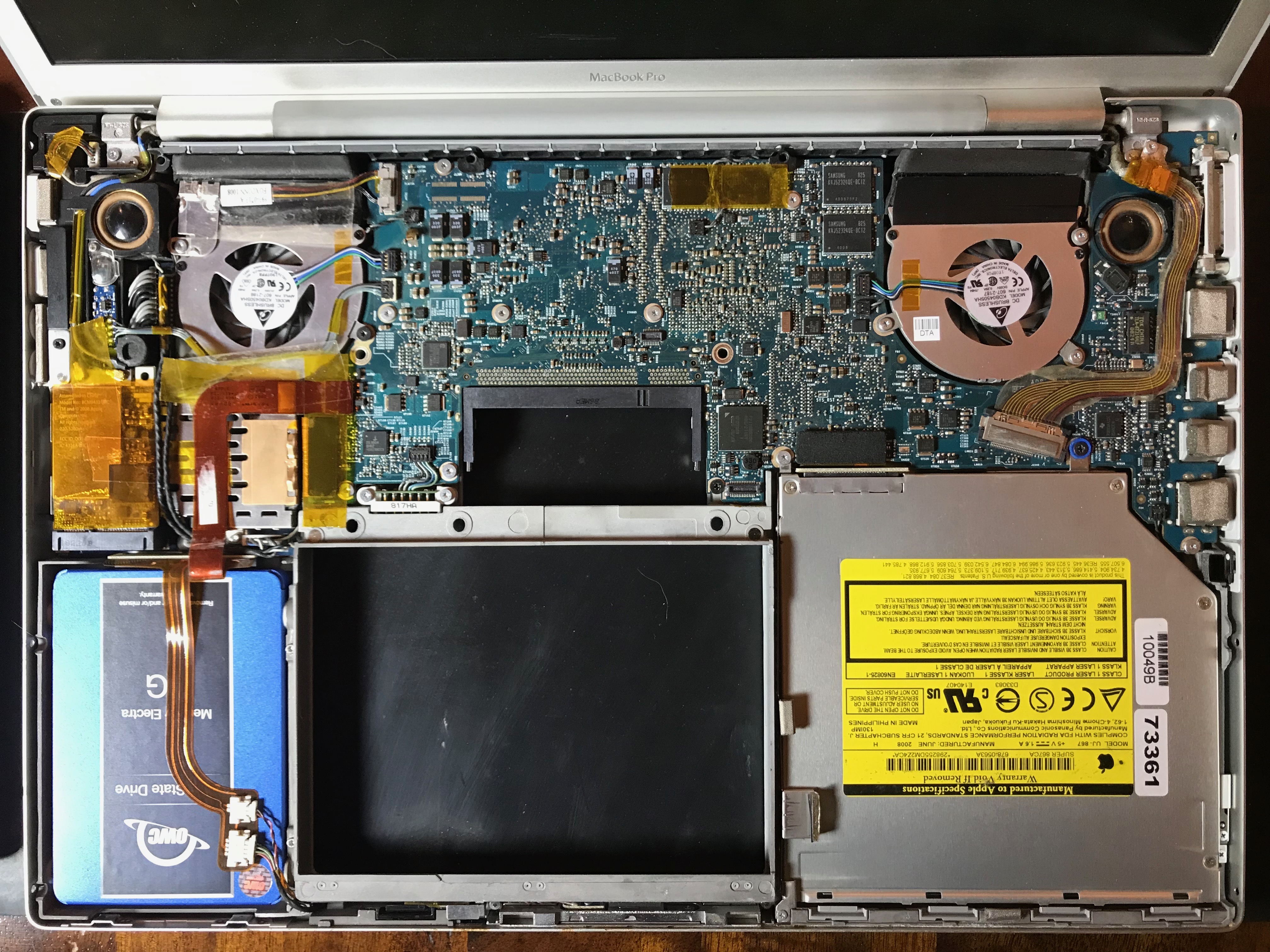
Here is a set of photos taken during the upgrade process. Although I’ve opened my laptop multiple times in the past, once to replace a faulty fan and another to replace a bad wireless card, I referred to this guide from iFixit to refresh my memory. I didn’t just replace the HDD, I also took the laptop completely apart in order to clean out the dust and replace the thermal paste on its chips. I’m really glad I did it, because there was a lot of dust and lint inside (as you can see from the photos) and the thermal paste had become dry and brittle, which isn’t a good thing.

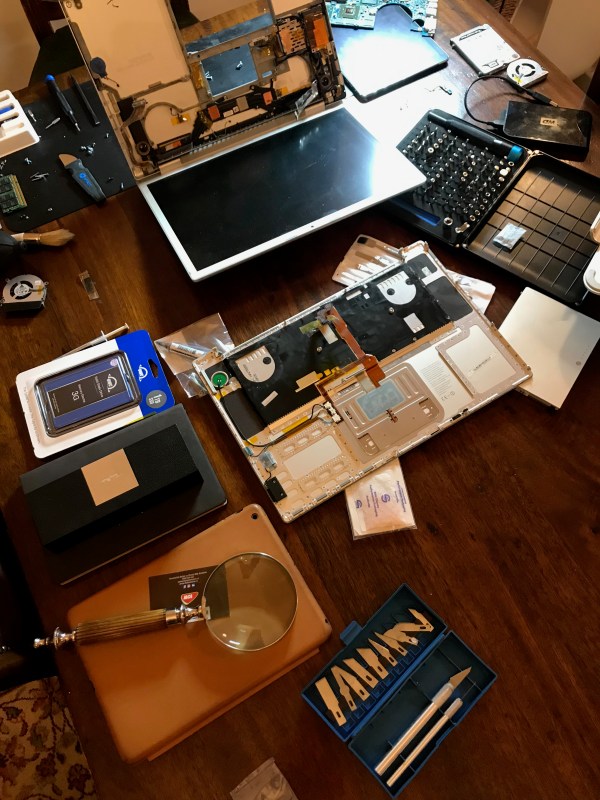
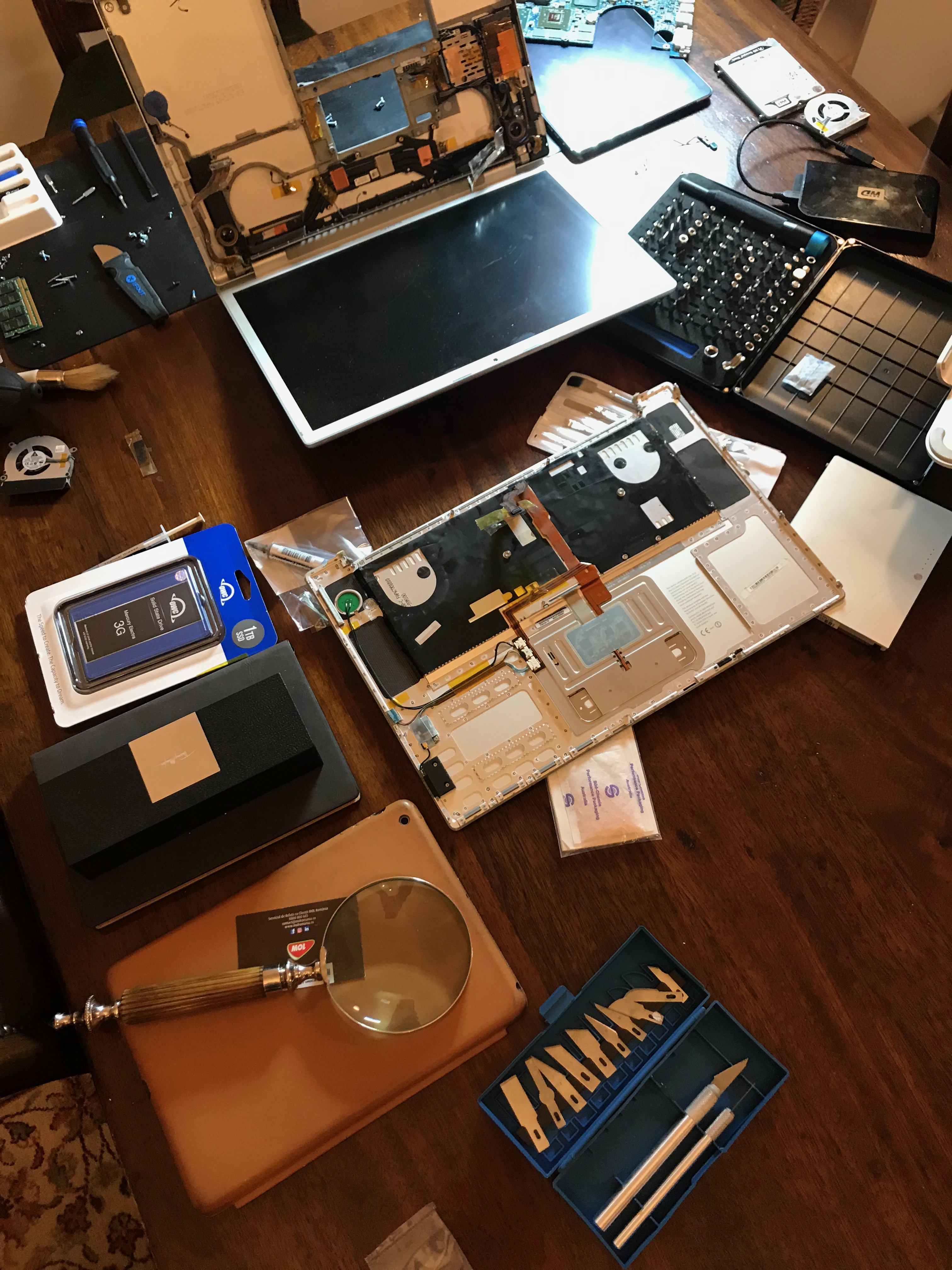
I should caution you first: if your computer is still under warranty, such work will likely void the warranty. Take it to a trustworthy and authorized shop to have it done. Also, don’t expect the job to be as easy or look as clean as it does in the guides posted online. Here’s what my desk really looked like while doing the work. Know what you’re getting into before you open up your computer.

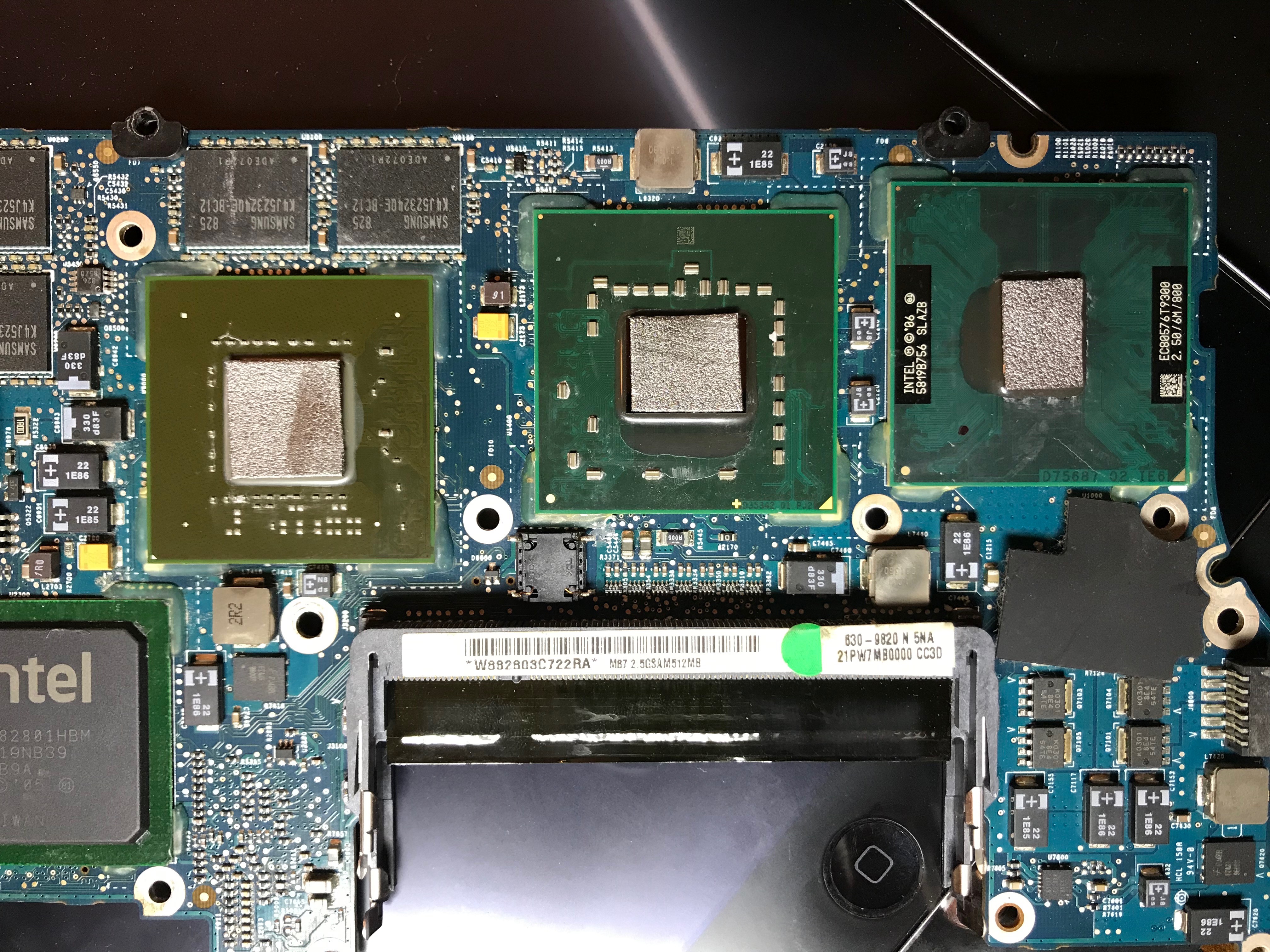
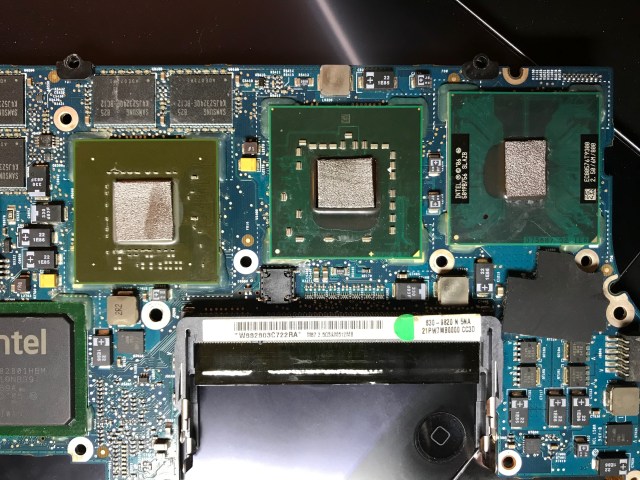
If you’ve looked through the photos and are wondering about the new thermal paste… I ended up not using any. I’d heard good things about a replacement for thermal paste: graphite pads, so I used those instead.

While I’m fairly sure they do what they say they do, which is to enable much better heat transfer than paste without degrading over time, I wouldn’t recommend them for this application, because unlike paste, they don’t stick to the chip at all, and they’re so light even a wisp of breath can blow them away. I was stubborn and did it anyway, but the way you have to fit the heat sink over the chips and turn the whole assembly over in order to tighten the screws means the pads will likely fall out or shift position, and that’s not good in either scenario. If they fall out, you’ll have nothing in place, leading to chip failure, and if they shift and touch other stuff on the board, like the little transistors next to the chip, they can cause a short-circuit, because unlike paste, they conduct electricity. I’m sure they’re great on regular motherboards where you simply sit them over the chip and close the heat sink on top, but not here, where the chips are tiny and you have to fiddle with and turn over the heat sink assembly to get it in place.

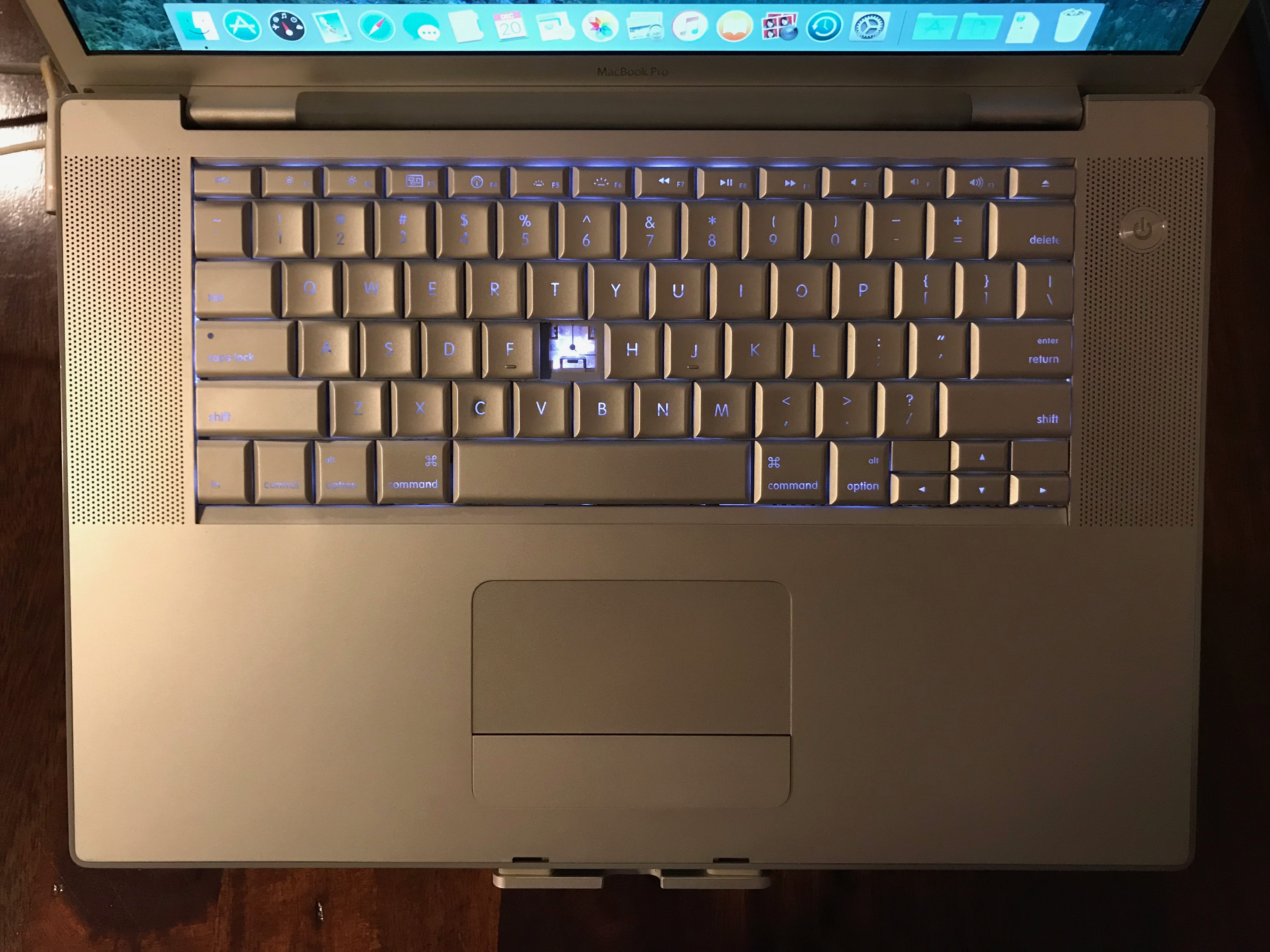
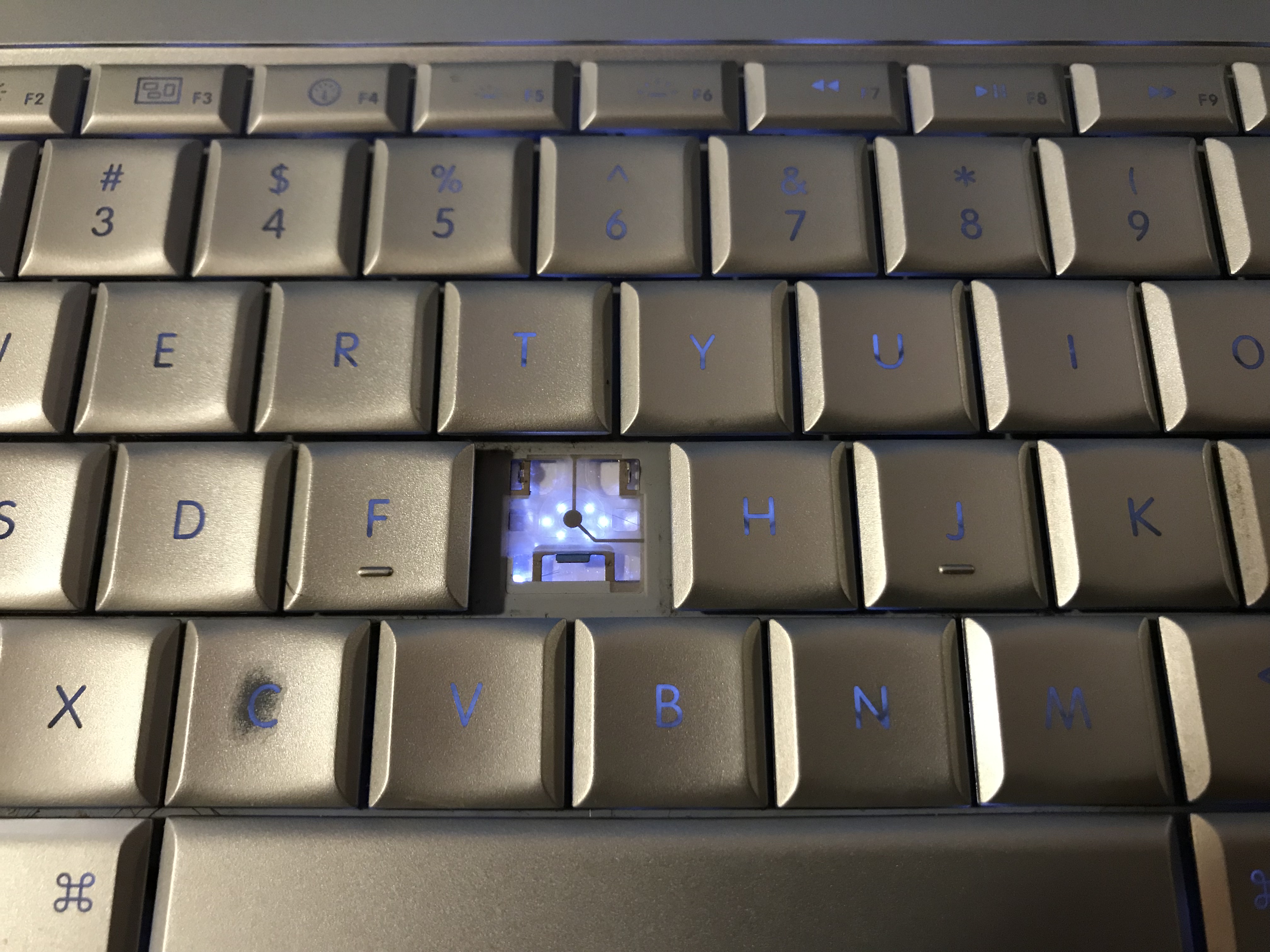
Our daughter had broken off one of the keys a few years ago, so I took this opportunity to replace it. Did you know there are websites that sell individual keys for reasonable prices? I didn’t; that was new to me.

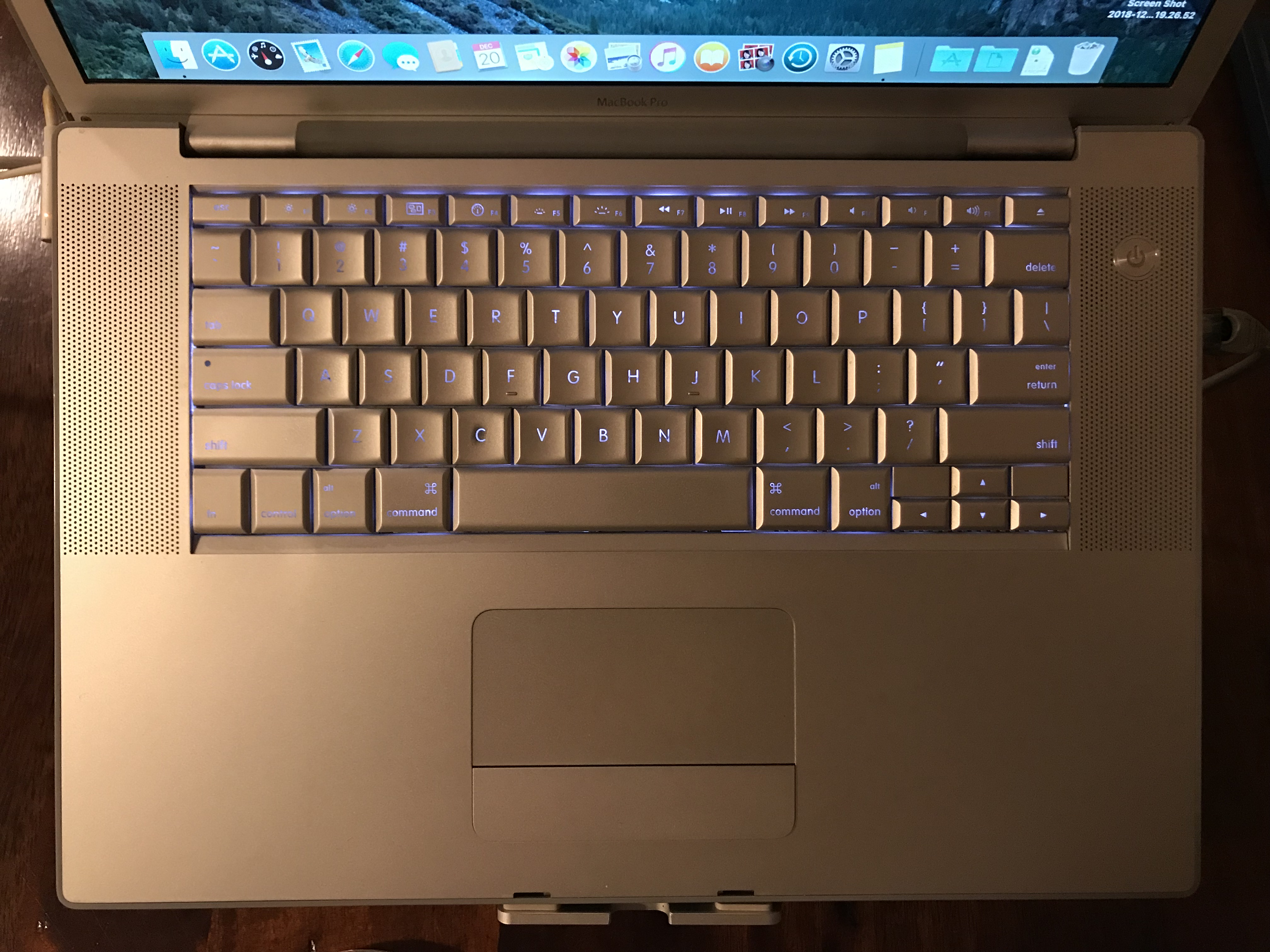
I’d like you to see that there are six lights under each key on this keyboard. This is worth noticing because many laptops nowadays brag about having lighted keyboards and “individual lights under each key” when they mean a single LED, while back in 2008, this MBP had six LEDs for each key!

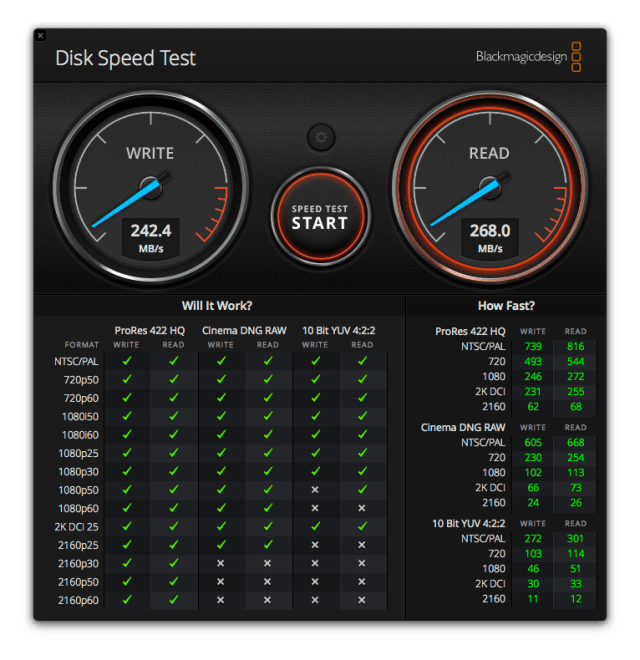
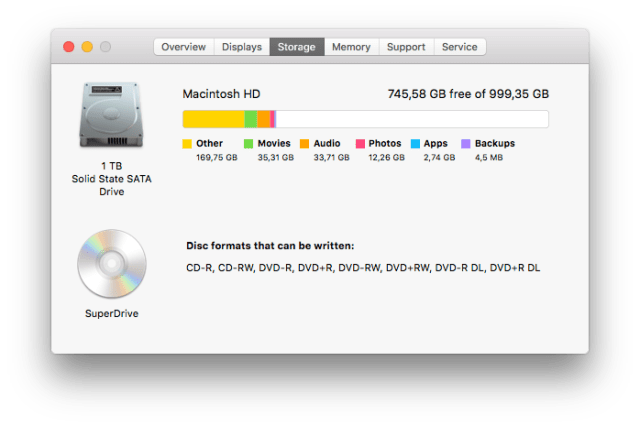
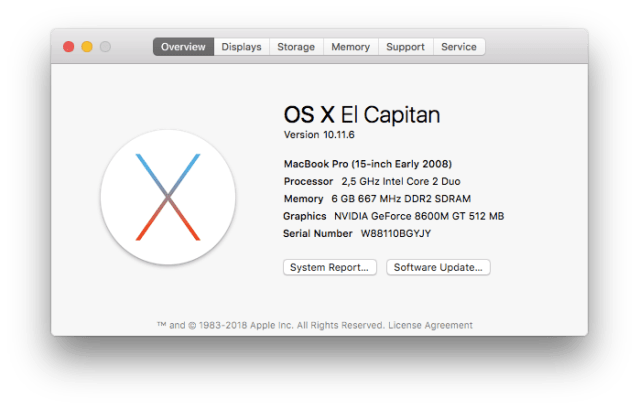
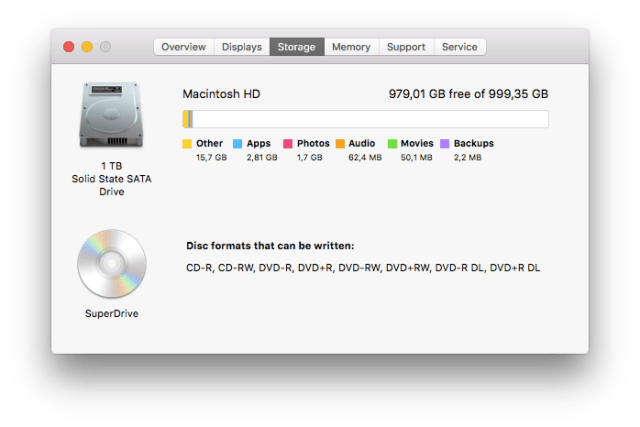
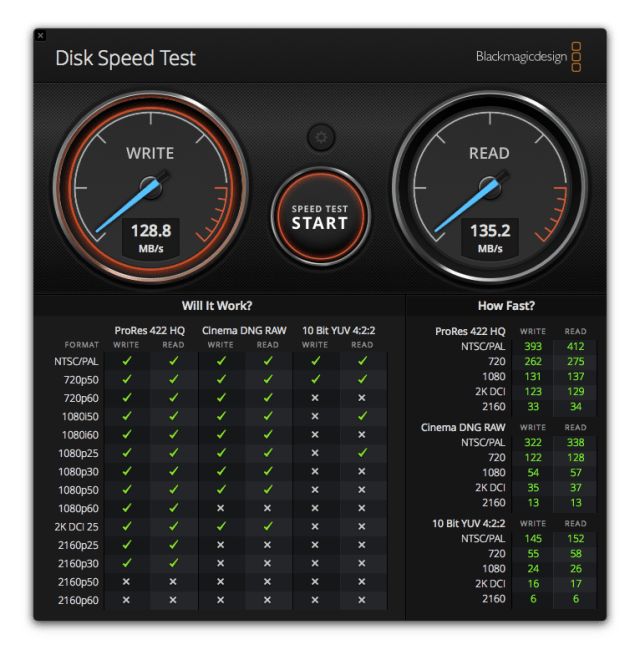
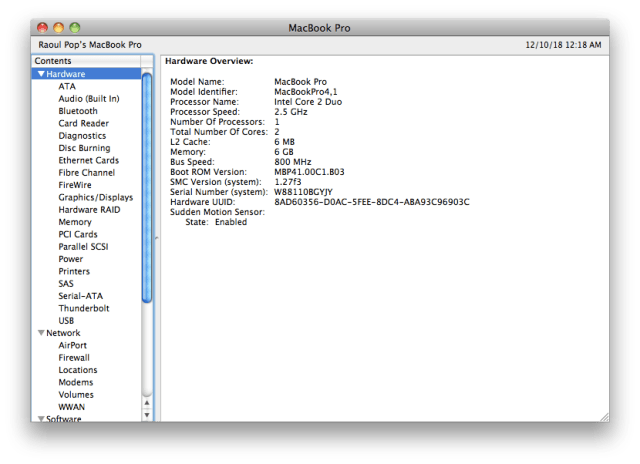
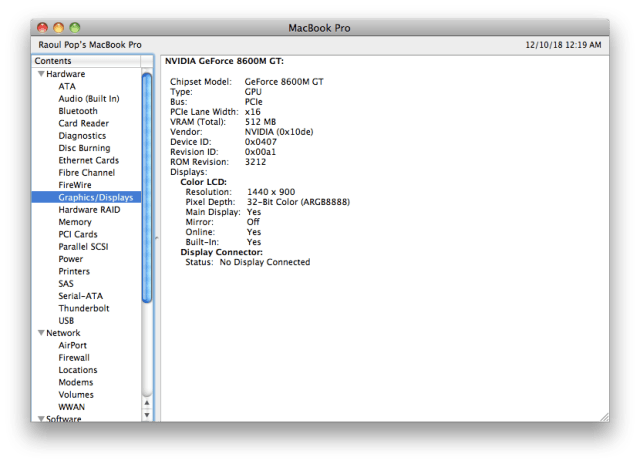
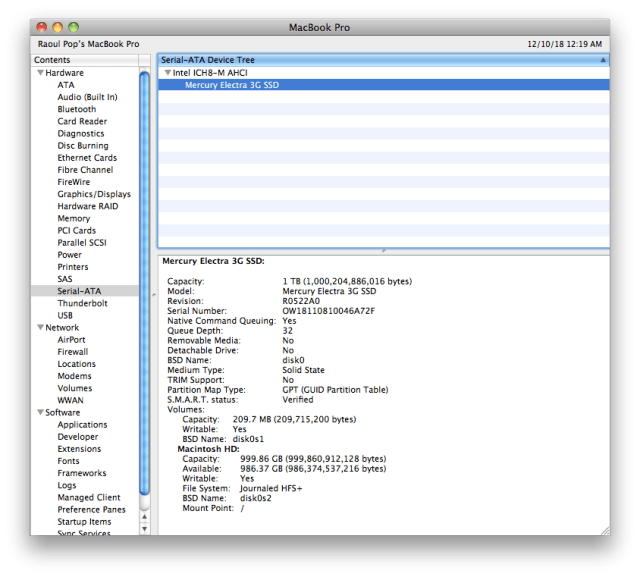
Last but not least, a set of screenshots for the specs. The two specs that are different now are the disk size and speed. The new disk size is 1 TB, which is going to be plenty for this old timer. The speed is capped off at SATA I (1.5 Gb/s or 150 MB/s) by the laptop’s hardware. With the new SSD, I’m getting somewhere between 125-130 MB/s, which is less than the theoretical max but about right in real world speed. Before the upgrade, I was getting somewhere between 40-60 MB/s.

The highest version of macOS that I can install on it is El Capitan, which means it still (sort of) works with iCloud: the photos sync up with my other devices, but the documents and desktop don’t. I know there are hacks out there to enable an upgrade to Mojave, but I’d rather use what’s officially available.

The question that needs a final answer is this: can I see a difference? The answer is yes. The laptop’s gotten a little snappier and for what I need it to do, it works great now. Most of all, I’m amazed that after 10 years, it still works, and it works well.

Standard
Thoughts

Sort the apps in Launchpad by most used

I’d love to see Apple introduce a simple option (a checkbox somewhere in System Preferences) to sort the apps in Launchpad by those most used. I find myself using the Launchpad a lot these days, but there is no way to sort the apps other than manually dragging and dropping them, and that’s no fun.

It would be nice to see this same sort on the iPhone and iPad, where the Screen Time algorithms built right into iOS could be used to measure app use and continually sort the apps accordingly, listing them by most used to least used across all of the iOS home screens.

Standard