Thoughts

Mac Pro line overdue for a hardware refresh

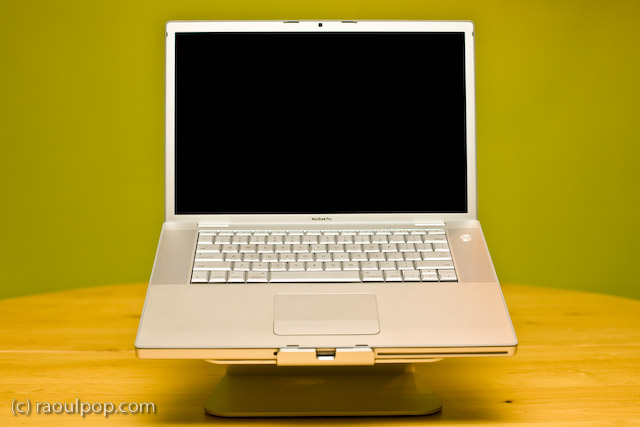
Because of the recent hardware failure on my MacBook Pro, I started to think about getting a new computer.

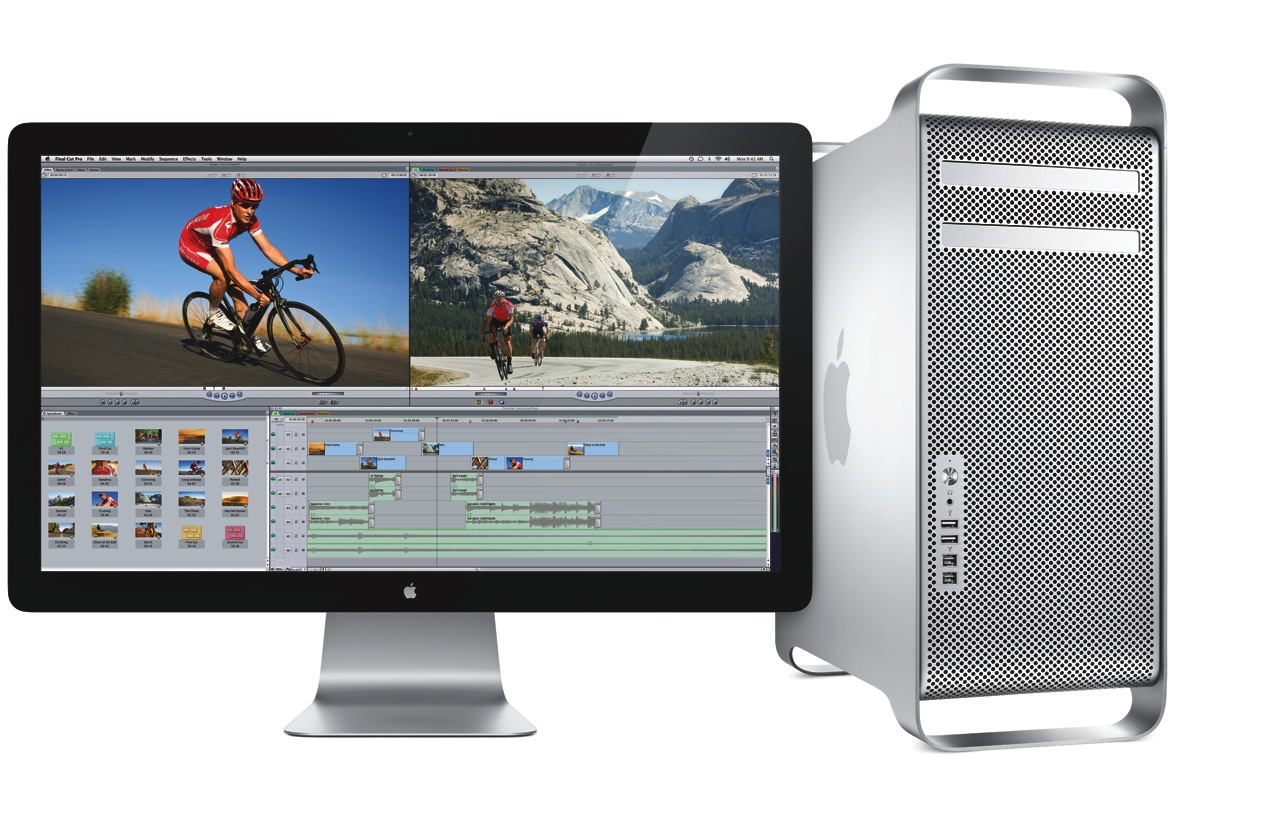
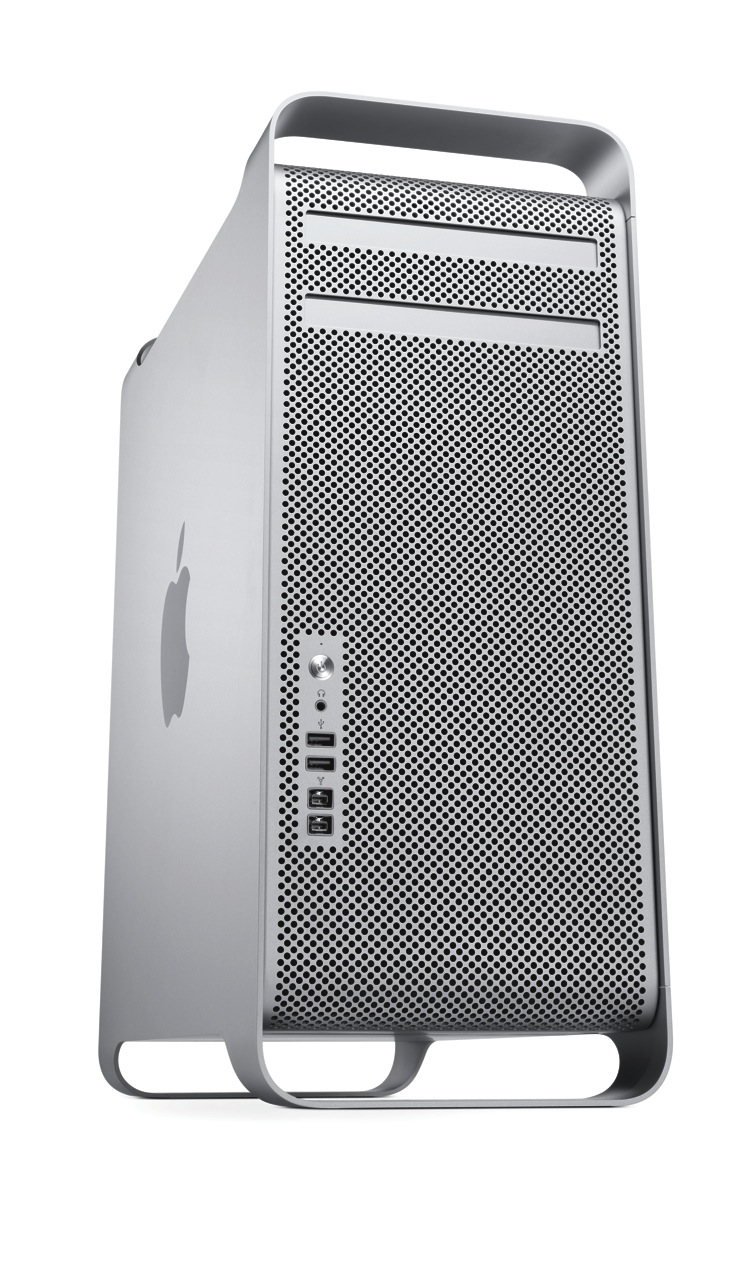
Given my intensive computing needs, I naturally looked toward the Mac Pro, but I was disappointed to find that its specs are lagging behind the times. The differences between it and what other Apple computers offer are enough for me to hold off on making the purchase.

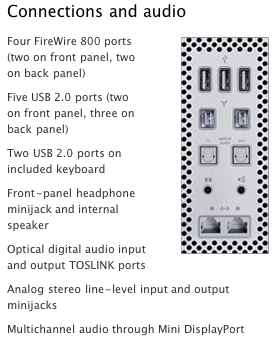
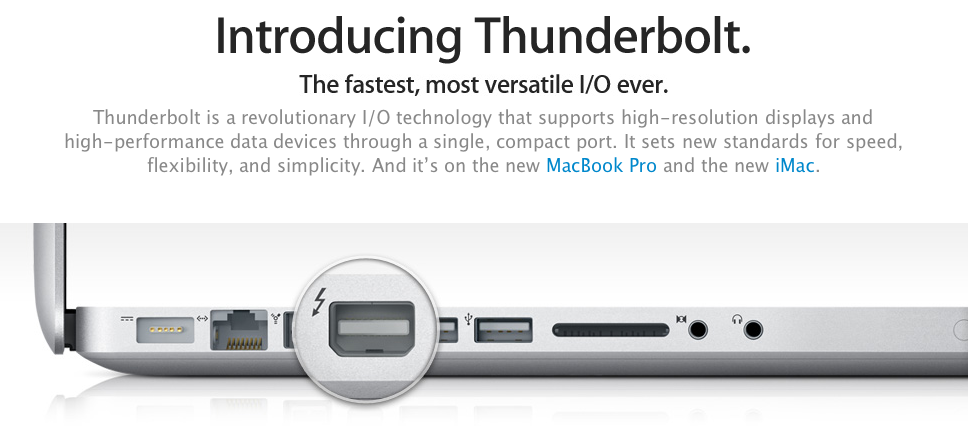
The areas where it needs to improve can (almost) be summarized by this screenshot:

Thunderbolt

The iMac already has Thunderbolt ports, but the Mac Pro (the top-of-the-line model) doesn’t. Why isn’t it there already?

If Thunderbolt is “the fastest, most versatile I/O in a desktop”, why is it MIA on the Mac Pro? Shouldn’t it be on Apple’s most powerful desktop? If it’s got 10 Gbps data channels, and it’s tens of times faster than FW800 or USB 2.0, why isn’t it on the Mac Pro?

It even made it onto the MBP… Will Thunderbolt make it onto the MacBook before it makes it onto the Mac Pro?

SATA 6GB/S

The Mac Pro’s internal architecture can support SATA 6Gb/s speeds. There are already SATA 6Gb/s hard drives on the market, at very affordable prices. Why doesn’t the Mac Pro, where storage bandwidth really matters, include SATA 6Gb/s technology? Why is it still stuck at SATA 3Gb/s?

USB 3.0

Where is USB 3.0 on the Mac Pro? It still only has USB 2.0 ports. I already have USB 3.0 peripherals, which I wouldn’t be able to use at their native speed if I got a Mac Pro.

Furthermore, where is USB 3.0 on any Mac? USB 3.0 is here to stay, it’s fast, and it’s on a lot of peripherals. It goes without saying that Apple needs to include it on the Mac Pro and on the rest of its computers.

What’s worrying is that Mac OS X Lion may not ship with support for USB 3.0, as this article suggests. No, no, no, Apple, please don’t do that…

30-inch Display

This is more of an annoyance, but it’s worth mentioning. Ever since it came out, I always dreamed of owning a 30-inch Cinema Display. Given some of the stuff I’m doing these days, I could really use it, too. But Apple no longer makes it. The only large display they make these days is the 27-inch Cinema Display, which is very nice, and it uses LED instead of LCD technology, but it’s not a 30-inch, is it?

Standard
Thoughts

The value of a good backup

While working on the fifth episode of RTTE, I learned first hand the value of a good backup. The hard drive on my editing computer (my MacBook Pro) died suddenly and without warning. Thankfully, my data was backed up in two geographically different locations.

The day my hard drive died, I’d just gotten done with some file cleanups, and was getting ready to leave for a trip abroad. I shut down my computer, then realized I needed to check on a couple things, and booted it up again, only this time, it wouldn’t start. I kept getting a grey screen, meaning video was working, but it refused to boot into the OS. And I kept hearing the “click of death” as the hard drive churned. I tried booting off the Snow Leopard DVD, but that didn’t work either. I’d tested the hard drive’s SMART status just a couple of weeks before, and the utility had told me the drive had no problems whatsoever.

I had reason to worry for a couple of reasons:

  1. The laptop refused to boot up from the OS X DVD, potentially indicating other problems than a dead hard drive. I do push my laptop quite a bit as I edit photos and video, and I’d already replaced its motherboard once. I was worried I might have to spend more than I wanted to on repairs.
  2. All of the footage for the fifth episode of RTTE was on my laptop. Thankfully, it was also backed up in a couple of other places, but still, I hadn’t had reason to test those backups until now. What if I couldn’t recover it?

I had no time for further troubleshooting. I had to leave, and my laptop was useless to me. I left it home, and drove away, worried about what would happen when I returned.

A week later, I got home and tried to boot off the DVD again. No luck. I had to send it in, to make sure nothing else was wrong. In Romania, there’s only one Apple-authorized repair shop. They’re in Bucharest, and they’re called Noumax. I sent it to them for a diagnosis, and a couple of days later, I heard back from them: only the hard drive was defective, from what they could tell.

I was pressed for time. I had to edit and release the fifth episode of RTTE, and I also had to shoot some more footage for it. I didn’t have time to wait for the store to fix the laptop, so I asked them to get it back to me, while I ordered a replacement hard drive from an online store with fast, next-day delivery (eMag).

The hard drive and the laptop arrived the next day. I replaced the hard drive, using this guide, and also cleaned the motherboard and CPU fans of dust, then restored the whole system from the latest Time Machine backup. This meant that I got back everything that was on my laptop a few hours before it died.

I’d have preferred to do a clean OS install, then install the apps I needed one by one, then restore my files, especially since I hadn’t reformatted my laptop since I bought it a few years ago, but that would have been a 2-3 day job, and I just didn’t have the time. Thankfully, OS X is so stable that even a 3-year old install, during which I installed and removed many apps, still works fairly fast and doesn’t crash.

Some might say, what’s the big deal? The laptop was backed up, and you restored it… whoopee… Not so fast, grasshopper! The gravity of the situation doesn’t sink in until you realize it’s your work — YEARS of hard work — that you might have just lost because of a hardware failure. That’s when your hands begin to tremble and your throat gets dry, and a few white hairs appear instantly on your head. Even if the data’s backed up (or so you think) until your data’s restored and it’s all there, you just don’t know if you can get it back.

I’ve worked in IT for about 15 years. I’ve restored plenty of machines, desktops and servers alike. I’ve done plenty of backups. But my own computer has never gone down. I’ve never had a catastrophic hardware failure like this one until now. So even though I’ve been exposed to this kind of thing before, I just didn’t realize how painful it is until now. And I didn’t appreciate the value of a good backup until now.

So, here’s my advice to you, as if you didn’t hear it plenty of times in the past… BACK UP YOUR COMPUTER!

If you have a Mac, definitely use Time Machine. It just works. It’s beautifully simple. I’ve been backing up my laptop with Time Machine to the same reliable drive for years. It’s this little LaCie hard drive.

But the LaCie drive might fail at some point, which is why I also back up my data with CrashPlan. For this second backup, I also send my data to a geographically-different location. Since we live in Romania these days, I back up to my parents’ house in the US, where the backup gets stored on a Drobo. And the backup is also encrypted automatically by CrashPlan, which means it can’t be intercepted along the way.

It’s because of my obsessive-compulsive backup strategy that I was able to recover so quickly from the hardware failure. Thankfully, these days backups are made so easy by software like Time Machine and CrashPlan that anyone can keep their work safe. So please, back up your data, and do it often!

One more thing. You know the old saying, every cloud has a silver lining? It was true in my case. When I ordered the new drive for my laptop, I was able to upgrade from its existing 250GB SATA hard drive with an 8MB buffer and 5400 rpm to a spacious 750GB SATA hard drive with a 32MB buffer and 7200 rpm, which means my laptop now churns along a little faster, and has a lot more room for the 1080p footage of my shows. 🙂

Standard
Reviews

Once again, Apple design is best

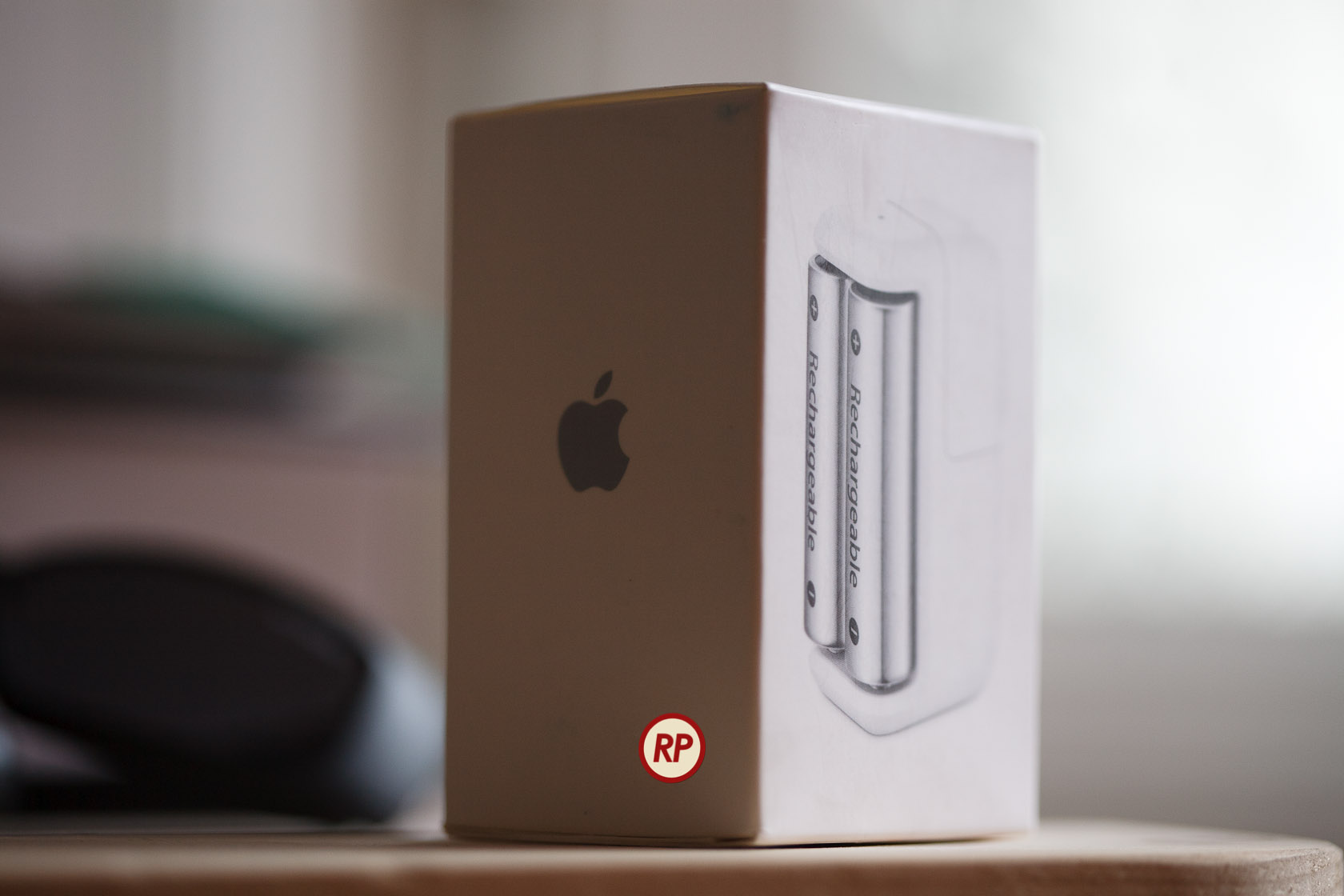
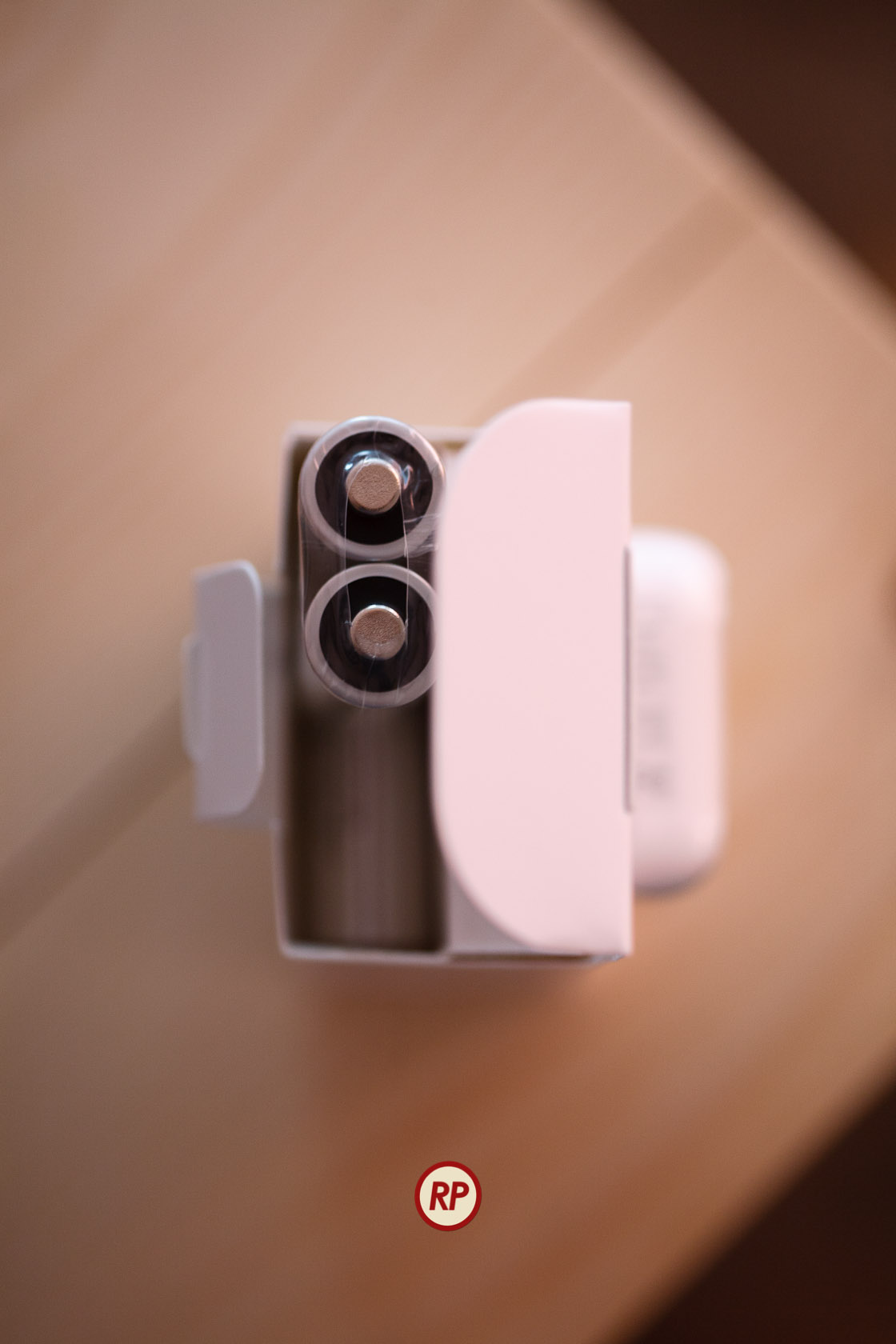
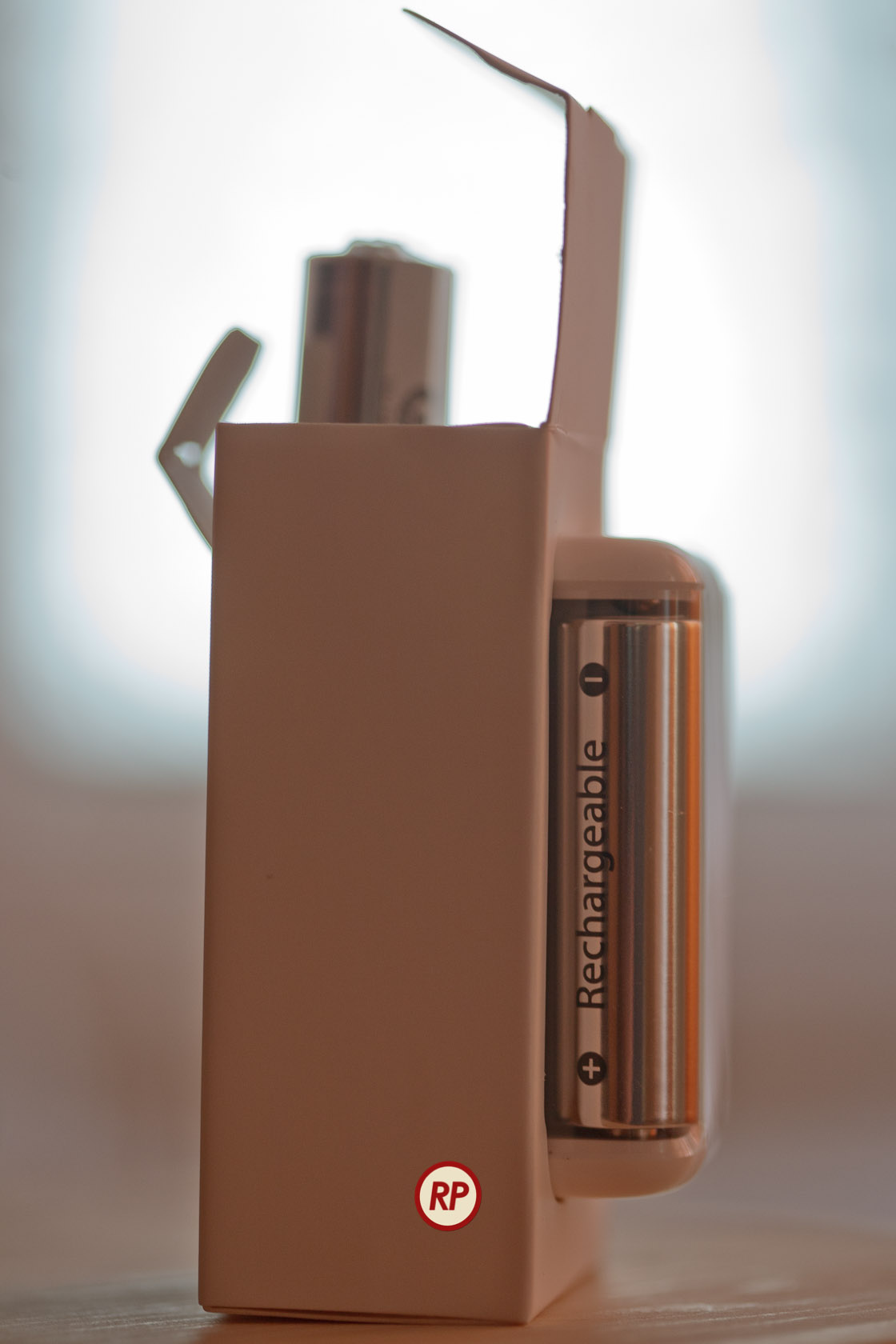
I recently bought an Apple Battery Charger. It’s a diminutive device that charges two batteries at a time, within a few hours, and it comes neatly packaged in a paper box that can be easily opened. It does NOT come in that filthy plastic packaging that cuts you when you try to open it and takes up extra space. It comes in a rectangular package that can be stacked perfectly in boxes, taking up less space during shipping, storage and on retail shelves.

Now why can’t other companies do this? Why can’t they have smart design, instead of wasteful, stressful design? Have you taken a look at your battery charger lately? I have four other battery chargers from three different companies, and none of them are as well designed and thought out as the Apple battery charger.

It is clear to me that a lot of thought went into the design of the charger and of its packaging, much more thought than has ever gone into the design of another battery charger on the market. Somehow, Apple was able to fit the charger and six batteries into that little box.

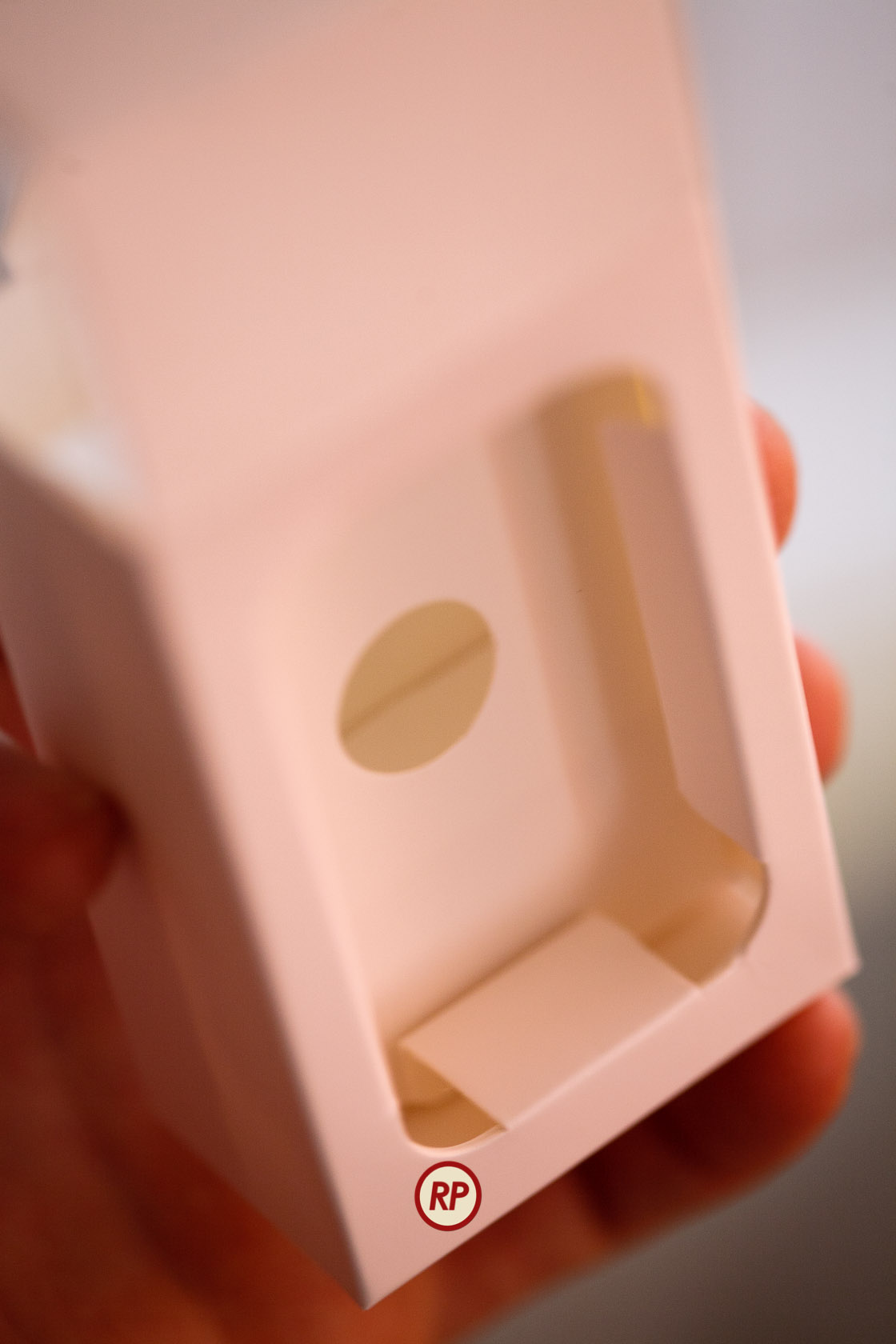
Not only that, but there’s even a bit of empty space left inside, which was thoughtfully filled with a fold of the paper package, to ensure a snug fit for the batteries. Look through the round opening in the middle wall to see the top of the paper fold.

Did I mention the Apple Battery Charger works on both 120V and 220V current? How many other battery chargers do this? I brought a few chargers with me from the States, and they’re useless to me in Romania without a converter. Similarly, I bought a charger here, and it’d be useless to me back in the States, because it only runs on 220V current.

Once again I have to ask — why can’t other companies do this? I can’t help but admit out loud that almost anything else on the market appears crude when compared to Apple. It’s fascinating how much of an anomaly Apple is when you look at it this way.

Standard
Reviews

Hardware preview: Apple iPad 2

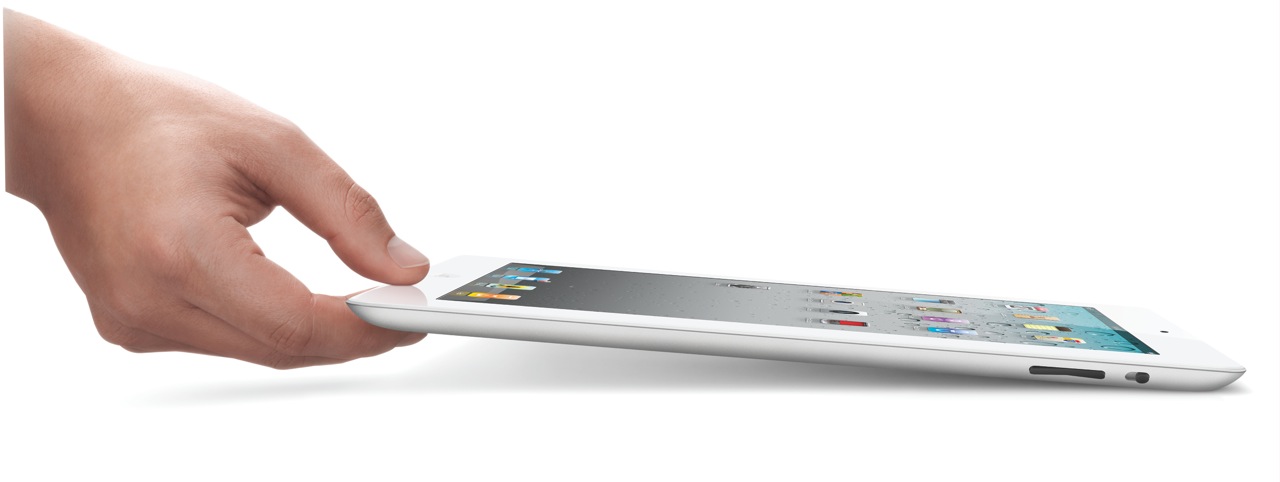
Apple iPad 2

The new iPad 2 will become available on March 11th (see a neat video from Apple introducing it). In my post about the original iPad, I said the following:

“In spite of the failures of their predecessors, I think Apple will pull this off. I think the iPad will be very successful.”

I’m glad to see that I was right. Not that I had anything to do with the success of the device. The credit goes entirely to Apple, and to the people who bought it and used it so well.

I got to watch the March 2 keynote today (a few days later). Much to my surprise, Steve Jobs was on stage to present it. I was very glad to see him able to stand up and hold a meeting, given all the tabloid rumors about him — though I have to say he was skinny as a board. Thank goodness he’s still around. I hope he gets better, and continues to be around for a few more decades.

Here’s a quick summary of the salient features of the iPad 2:

  • 33% thinner than the original iPad (0.34″), and lighter (1.33 lbs)
  • Comes in both black and white finishes
  • Dual-core A5 chip, up to 2x faster
  • Graphics are up to 9x faster
  • Same great 10-hour battery life
  • Same 1024×768 display
  • 2 cameras (front and back) for video or photos, in HD
  • Magnetic smart cover designed specifically for it
  • Instant on
  • AirPlay to your TV via Apple TV
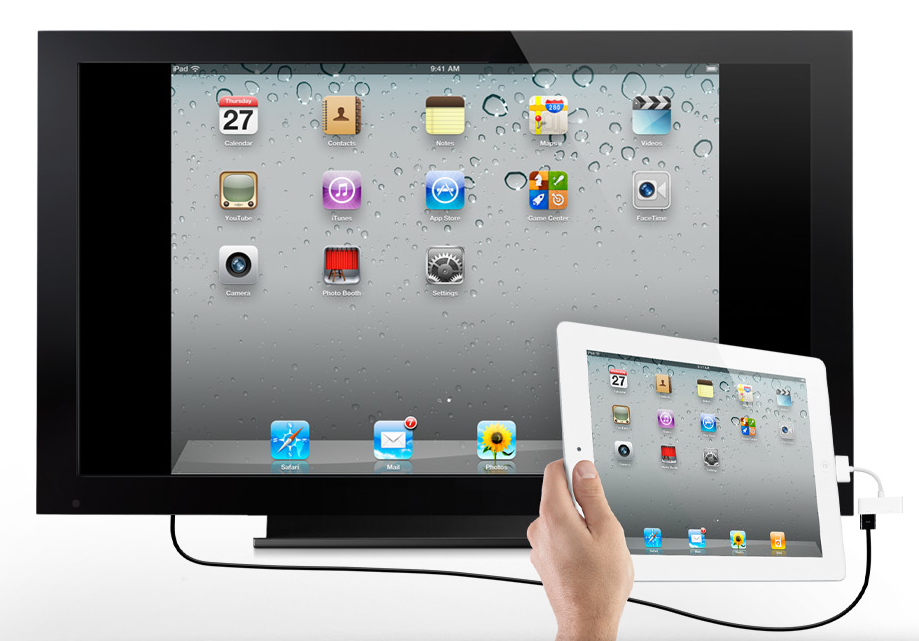
  • Video mirroring (up to 1080p) via $39 cable
  • AirPrint

My only disappointment with the iPad 2 is that it doesn’t have a Retina Display. Word on the grapevine is that they’re still difficult to make in that size. Who knows… It would have been nice if this iPad had it. Still, I believe iPad 3 will have a Retina Display.

iPad 2 Measurements

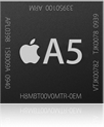
iPad 2 A5 Chip

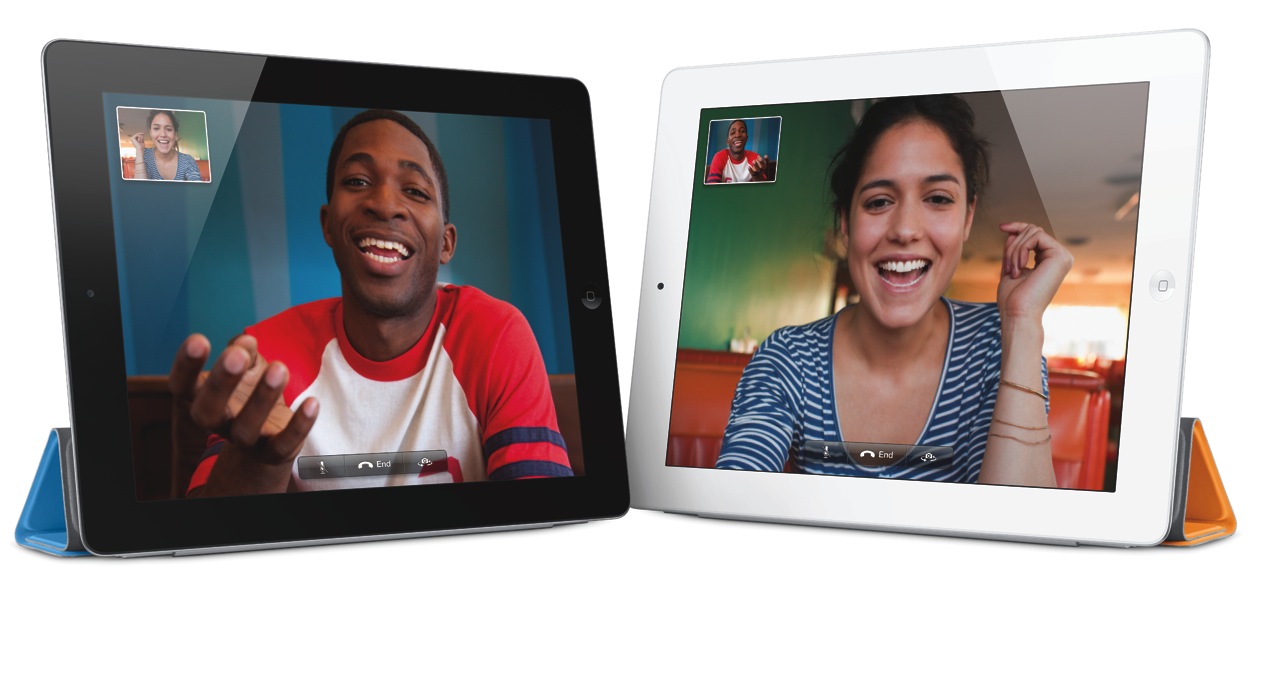
I am however very glad to see that the iPad 2 does have a video camera — and not just one, but two. In my review of the original iPad, I said this:

“It’s very likely the next gen iPad will have a video camera, and it will have iChat as well.”

Glad to see I was right on that count as well. It was, after all, a logical step.

Facetime on iPad 2

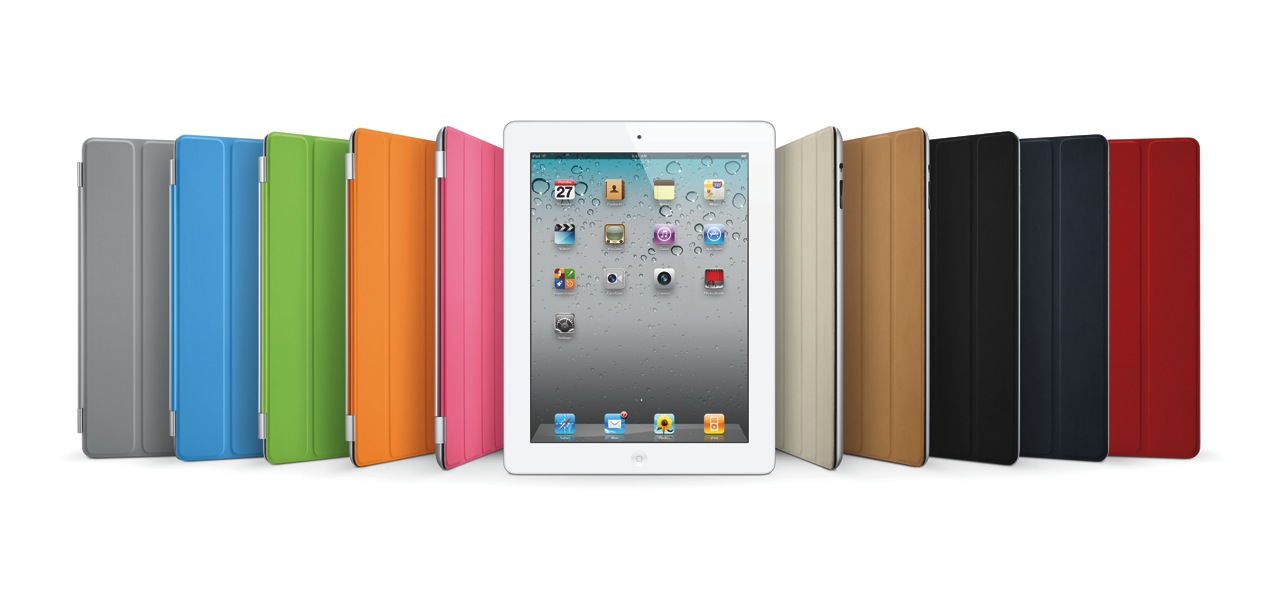
iPad 2 Smart Cover Line-up

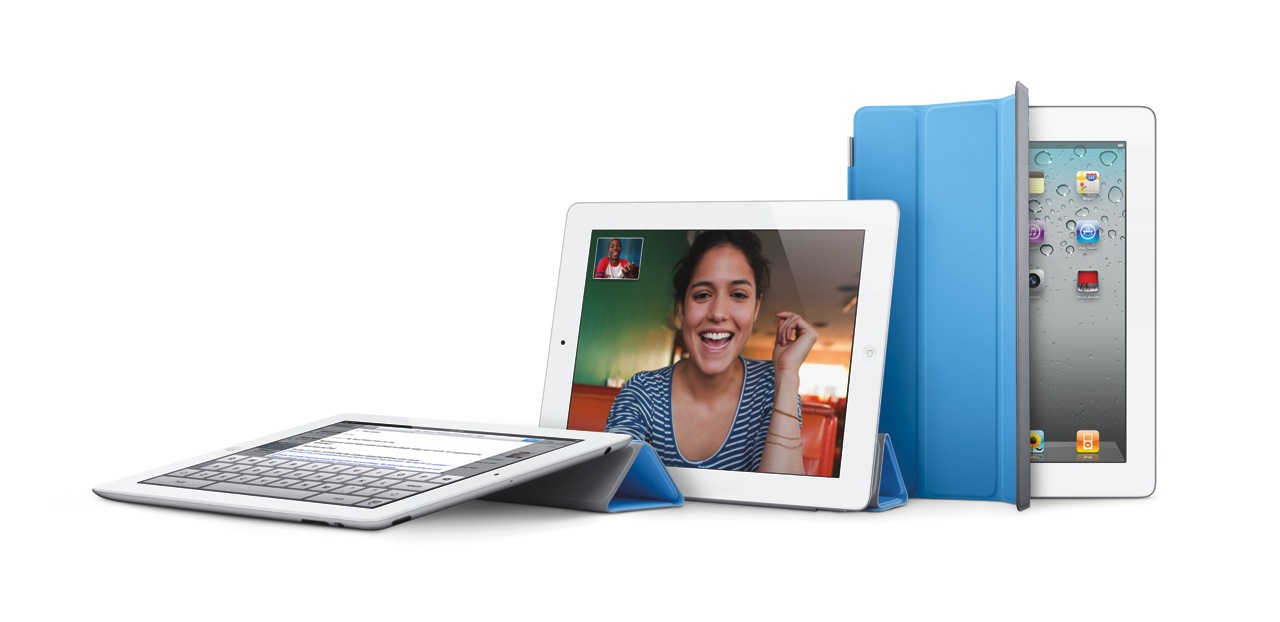
Smart Cover for iPad 2

There are some new accessories for the iPad 2, which will be offered in addition to the ones designed for the original iPad.

  • The Smart Cover, naturally, which comes in 10 colors, 5 of them polyurethane and 5 leather, as seen above (see the Smart Cover in action in this video)
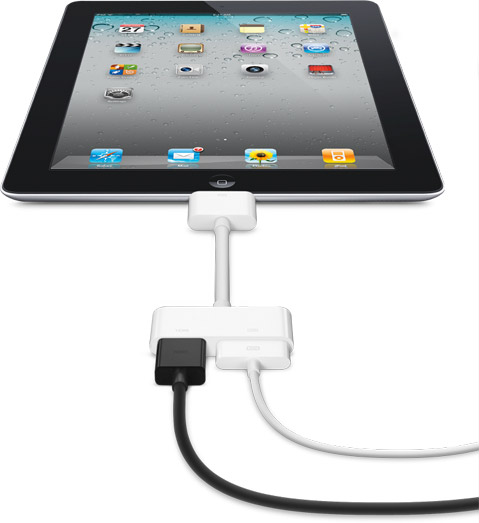
  • The Digital AV Adapter provides an HDMI-out port with video and audio routed to it, in addition to a 30-pin connector which lets you charge the iPad while playing content to an HDTV
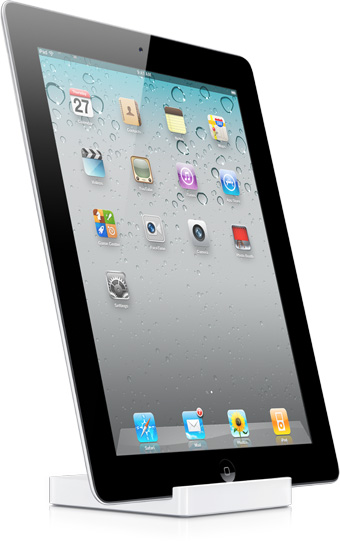
  • The iPad 2 Dock is designed for the thinner iPad 2, and also works with Digital AV Adapter

iPad 2 Dock

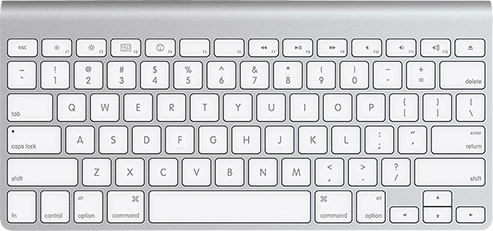
Of course, given that the iPad has Bluetooth, you can stick it in a dock and use the Apple Wireless Keyboard to type on it.

Apple Wireless Keyboard

The Smart Cover is so nicely designed.

iPad 2 Smart Cover (1)

iPad 2 Smart Cover (2)

iPad 2 Smart Cover (3)

The Digital AV Adapter will make it so easy to display content from the iPad on an HDTV.

iPad 2 Digital AV Adapter

iPad 2 Video Mirroring

iPad 2 Airplay

The iPad 2 will come in 16GB, 32GB and 64GB models, as well as WiFi-only or WiFi+3G (GSM or CDMA) models. My guess is that iPad 3 will have a combined 4G GSM/CDMA chip, eliminating the need to offer separate 3G models. The pricing grid for the various models (there are 18 possible models, given that there are two color finishes and two 3G providers), goes as follows:

  • WiFi-only: $499/16GB, $599/32GB, $699/64GB (black or white finish)
  • WiFi + 3G: $629/16GB, $729/32GB, $829/64GB (black or white finish, AT&T/Verizon)

Images used courtesy of Apple Computer, Inc.

Standard
Thoughts

What Microsoft Can Learn From Mac OS X Lion

This article makes a point which has been on the mind of Windows and Mac users for quite some time: namely, that Microsoft ought to stop selling so many versions of its OS. It’s confusing, it’s expensive, and from my point of view, underhanded.

What Microsoft Can Learn From Mac OS X Lion

They should take a cue from Apple, which has only two versions of its OS: its consumer version (for desktops and laptops), and its server version.

With OS X Lion, it looks like they’ll simplify things even more. It may ship with only one version, allowing those who want the server version to activate the server components as an add-on. Cheers for that!

Another point of contention for me is the ridiculous price difference between Windows and OS X. Windows can cost upwards of $300-500, depending on the version you choose, while OS X is just $129. Windows OS upgrades can cost anywhere from $200-300 dollars or more, while OS X upgrades are just $29.

The price difference is incredible, and I can’t help feeling cheated whenever I need to shell out that much money for a Windows license. What am I really getting in return, when I compare their OS with the Mac experience?

Standard