Thoughts

How about a real Apple TV (an Apple tablet)?

Ligia and I were watching cartoons in bed this morning, on my laptop, and I realized Apple still hasn’t capitalized on the opportunity to create a real Apple TV. Here I was, after having ejected my external drives, disconnected the laptop from its peripherals, taken it off its stand and put it on our bed, when all of this could be handled very simply with a larger iPod — a combination iPod/Apple TV/Apple Cinema Display.

Try as I might, I just can’t watch movies or video content on my iPod. The screen is too small, even though I have an iPod touch. It has no speakers, so I have to use headphones. Clearly, Apple has the technological know-how to put together a really nice Apple TV that’s not yet another box tethered to a TV in the living room, but a display with integrated speakers and the circuitry that allows it to get on my network and access media from various drives, or to play the media I sync to it through iTunes, or to download media from the Internet. And yet, it’s content to charge people for small fry (iPods, hamstrung Apple TVs, etc.) when it comes to personal entertainment devices.

Just think, with a nice LED screen of about 13-17 inches, a touch screen, plenty of onboard storage, a good battery, WiFi, Bluetooth, and speakers, they could have an amazing device that I could take with me wherever I decide to sit in the house or in the yard. I could take it in bed and watch movies without draining my already tired laptop battery, I could take it outside on the patio at night to watch stuff there, etc.

Apple already has all of this technology. Why don’t they put it together?

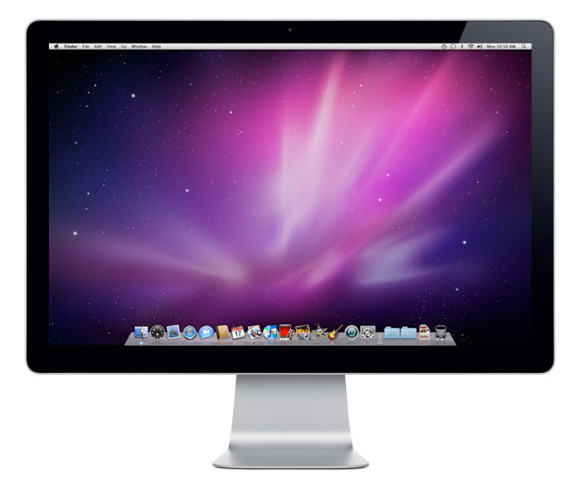
They have the LED displays already, in their laptops and in their Cinema line.

led-cinema-display

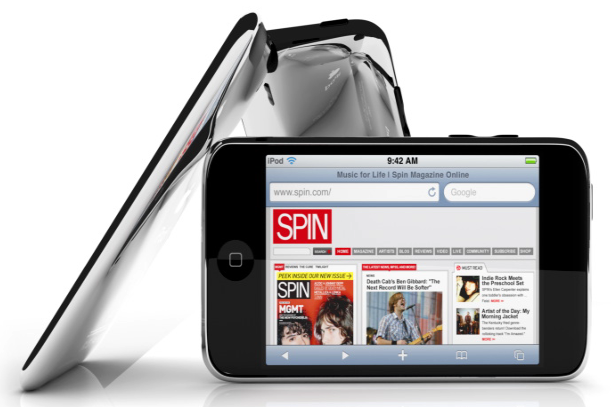
They have the touch screen capabilities, from the iPod and iPhone.

ipod-touch

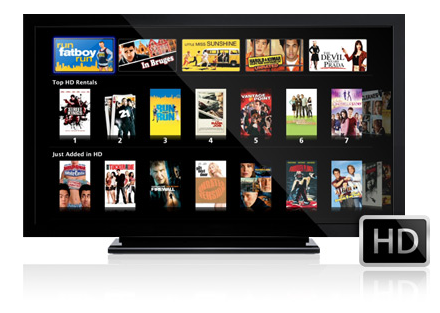
They have the media playback capabilities and other circuitry from the Apple TV.

Apple TV

They have the amazing batteries from the MacBook Pro line.

new-apple-batteries

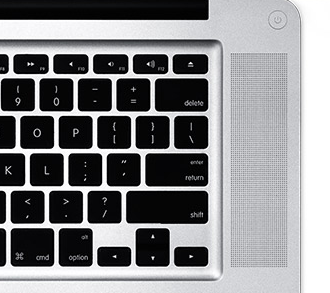
The speakers are also from the MacBook Pro line, and they’re some of the best small speakers on the market, if not the best.

macbook-pro-speakers

People talk about an iTablet, but I’m not really sold on the idea. Yes, if you put all of these components together, you could have an iTablet, but what I want is a larger iPod, or rather a usable, untethered Apple TV with a nice, built-in display and decent battery life. It could look something like this (and no, this isn’t a rendering, it’s a screenshot from Apple’s own website).

itv

Take away the stand, and imagine a nice iPod-like bezel around it, so you can grab it in your hands and hold it. Perhaps it could have some sort of leg that folds out to let it stand on its own, too. This is what I’m looking for. An iPod I can actually watch, anywhere.

Images used courtesy of Apple.

Standard
Thoughts

Gotta give them something to do

It’s easy to decry TV, movies and sports as nothing more than a time suck, as a constant push toward looser morals and a consumer culture, but they also provide a benefit that’s not often discussed — that of giving people something acceptable to do with their time. Among other things, they redirect energy that would be spent on real life behaviors into vicarious behaviors, and in some ways, that’s a good thing in today’s world.

You look back through recent history, and you’ll see that as societies became more civilized, people distanced themselves from nature and segmented their existence not only in terms of time but also in terms of space. When economies were based solely (or mostly) on agriculture and crafts, people had plenty to do all day long. Life and work followed a natural cycle, and they intermingled. (You see some of that these days with telecommuting.) People had homes, and they had land, and they worked on that land and around their homes all day long. They put in long hours during the spring, summer and autumn, and relaxed during winter, at home with their families. Nowadays, very few people still live on that cycle. Most people have office jobs and live in apartment buildings, particularly in the larger cities where the costs of owning a home are prohibitive. When they get home at night, what’s there to do? Little, really. When you have an apartment, what are you going to do? Stare at the walls? Vacuum the floors? Re-organize your sock drawers? I suppose that’s how the need for mass entertainment developed, first with sports, then movies, then TV. When you have (roughly) five hours of free time per day, you’ve got to spend it somehow, so why not become a sports fan, or why not watch movies or TV?

As one follows the progress of their favorite sports team or TV show, they live in that world, through those characters or stars, and experience the highs and lows of that microcosm. Some would say that’s a form of population control, of dumbing down the population, of occupying their time with nonsense so they don’t wake up and start something. In some ways, it is, but it’s also needed. What would people do with the energy and time they spend on sports and TV if those outlets didn’t exist? Some would spend it in positive ways — with their families, on books, arts, hobbies, games, newspapers, trips and the like — and yet others (and this is a number that can’t be quantified) would spend it in negative ways — and the variety of those ways is something that would boggle the mind. For that group of people, the fact that they spend their time in front of the TV or in the stands, cheering for their sports teams, is undoubtedly a good thing.

So, beside the fact that there are very real benefits to TV networks and advertisers as more people tune in to see TV shows and sports matches, or to movie studios as more people go to see their latest creation, or to sports teams when fans fill their stadiums, there are arguable benefits to be gained for society in general as more people tune out the outside world and turn on their TVs. The issue is clearly more complicated than that, and I’m oversimplifying things, but I wanted to point out this particular aspect. It’s but one view among many that can be taken when you talk about this subject. The more I think of this, the more I realize its complexity can’t possibly be explained in a single post, so don’t expect an overarching conclusion here — just an observation.

Standard
Thoughts

Alice in Wonderland official trailer (2010)

Tim Burton’s version of “Alice in Wonderland” is out (the official version, that is). Guess what role Johnny Depp is playing?

alice-in-wonderland-trailer
Alice in Wonderland Official Movie Trailer in HD

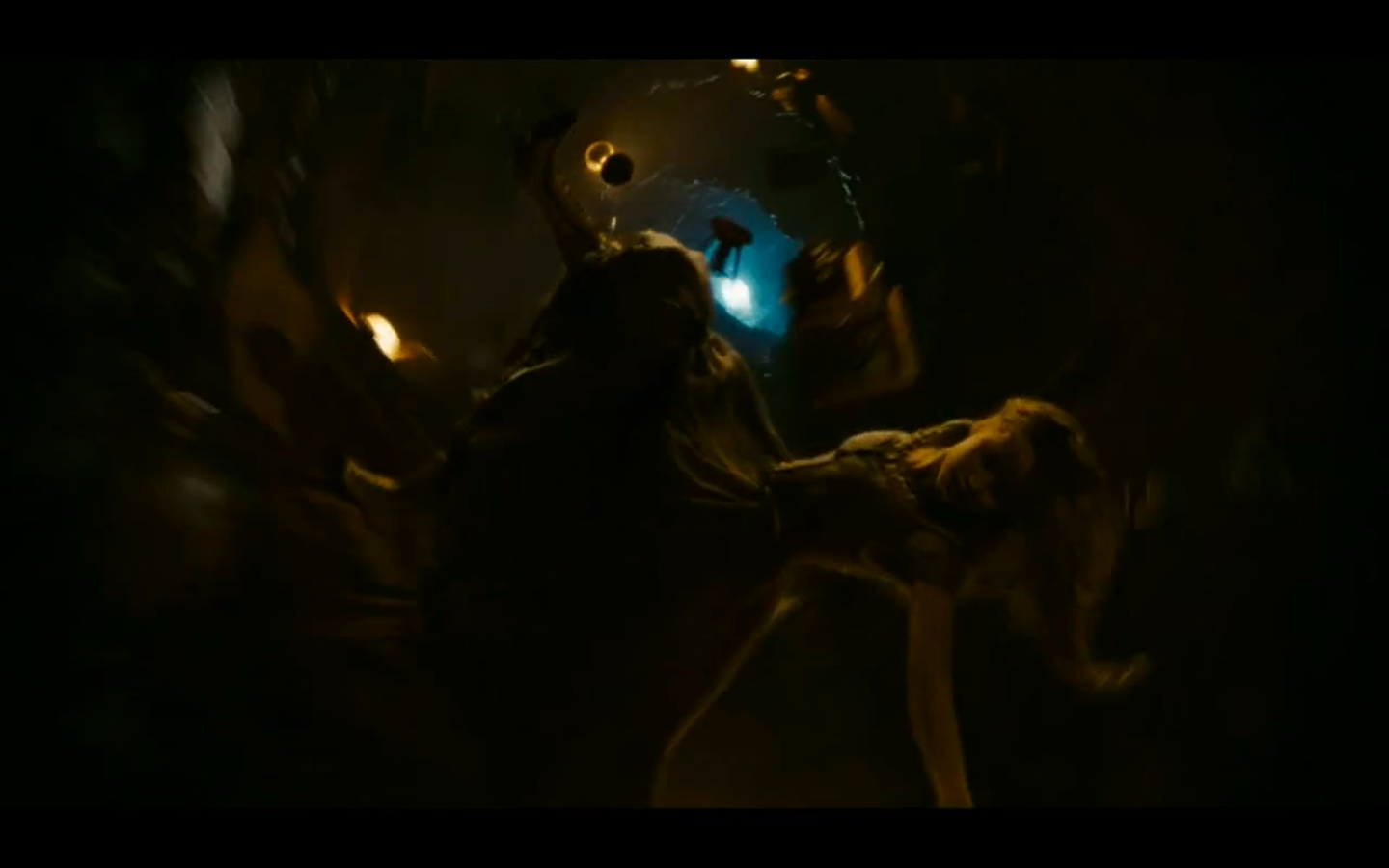
Not to be nitpicky, but in the trailer, Alice’s hair is curly before falling through the hole, straight as she’s falling, and curly again when she finds herself on the floor at the bottom. And while she’s falling, her hair drapes downward, which doesn’t make sense. It should be blowing upward, right? Have a look at this frame from the trailer to see what I mean. Looks like they forgot to use some fans when they filmed those sequences, to simulate the force of the air blowing past her during the fall.

alice-falling

The role of the Mad Hatter has naturally been made more prominent since Johnny Depp plays it. It’ll be interesting to see how the story changes to accommodate that.

mad-hatter

Can’t wait to see this movie.

Standard
Reviews

I like "The Saint"

It got panned by the critics. Val Kilmer’s acting was indulgent at times. It was somewhat cliché. What was up with those knee-high socks that Elizabeth Shue’s character wore throughout the movie? Those are some of the things that come to mind when I think of “The Saint” (1997). But it struck a chord with me, from the first time I saw it, and I like it even after all these years.

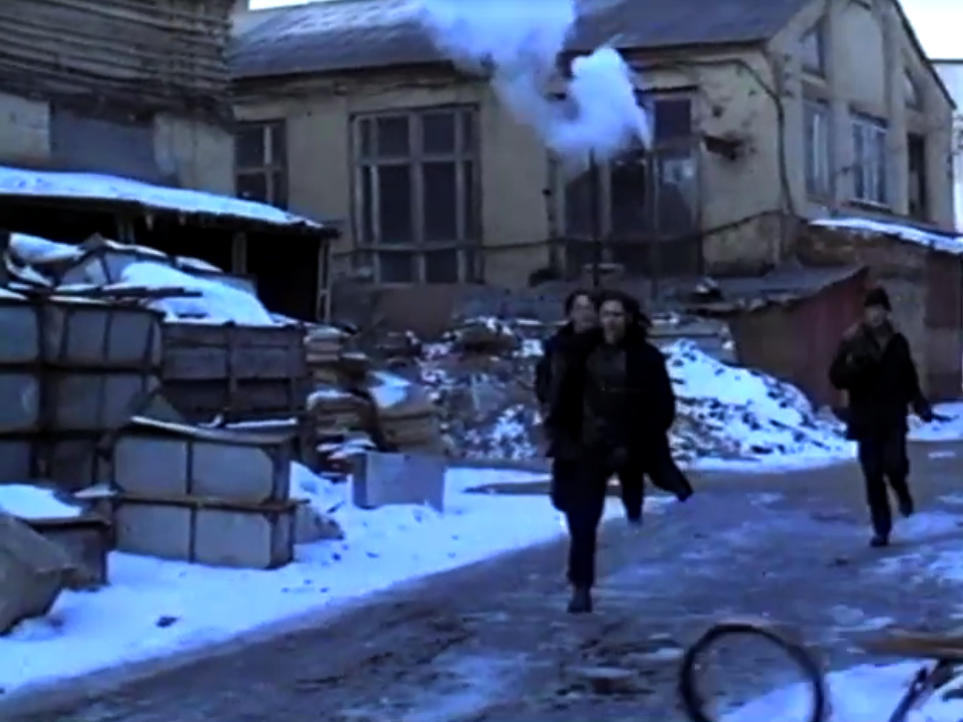
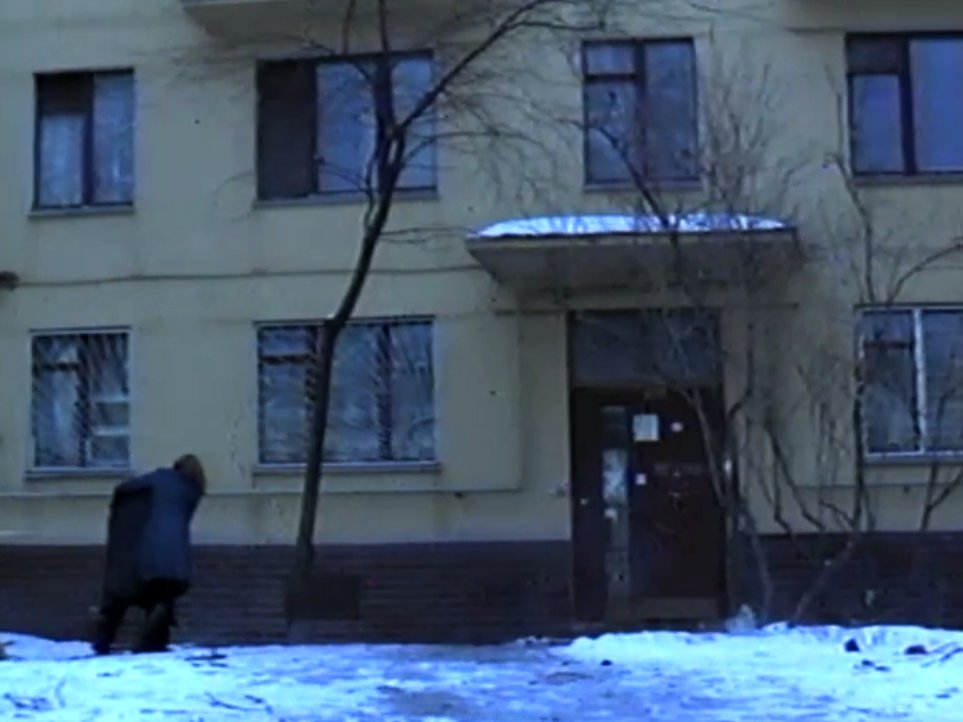
I think it evokes the feel of that time in Eastern Europe very well. I visited Romania in December 1998, for the first time since I’d left in 1991. The movie and the impressions from my trip match. It was cold, snowy, in many ways dreary, there was poverty all around, but still somehow enchanting, inspiring, in a way that made you feel you could do almost anything, as if the slate had been wiped clean and people were free to start things over.

moscow-scene-1

moscow-scene-2

moscow-scene-3

Simon Templar, the character played by Val Kilmer in the movie, has a long heritage that started in books in 1928. The character itself has been played in movies and on TV by several other actors, Roger Moore being one of the more notable ones. I remember watching Moore in the Saint series as a child growing up in Romania. The films were gripping and I loved seeing a modern-day Robin Hood escape from dangerous situations, just as I enjoyed seeing Kilmer’s character escape from similar situations in this latest installment.

Given the character’s long history, Kilmer had some big shoes to fill in this movie. For example, I thought there were too many close-ups of him. Perhaps the director was trying to establish character, and the close-ups were meant to give us an insight into what S.T. was thinking, but at times, I could see the actor hamming it up behind a thinner-than-usual mask. Still, I always thought Kilmer was charismatic and I don’t begrudge him the less than stellar acting here. Every actor goes through a ham stage in his or her career — most notably of all, the famous John Barrymore, who quite possibly illustrated the very phrase in some of his later film roles.

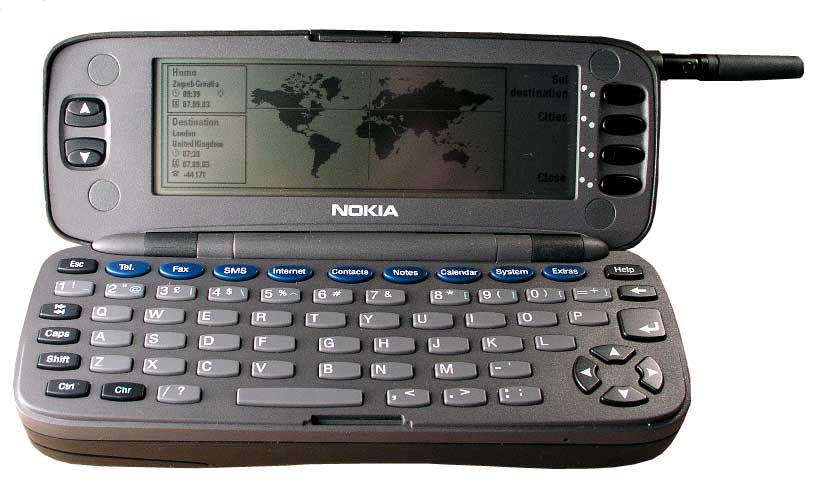
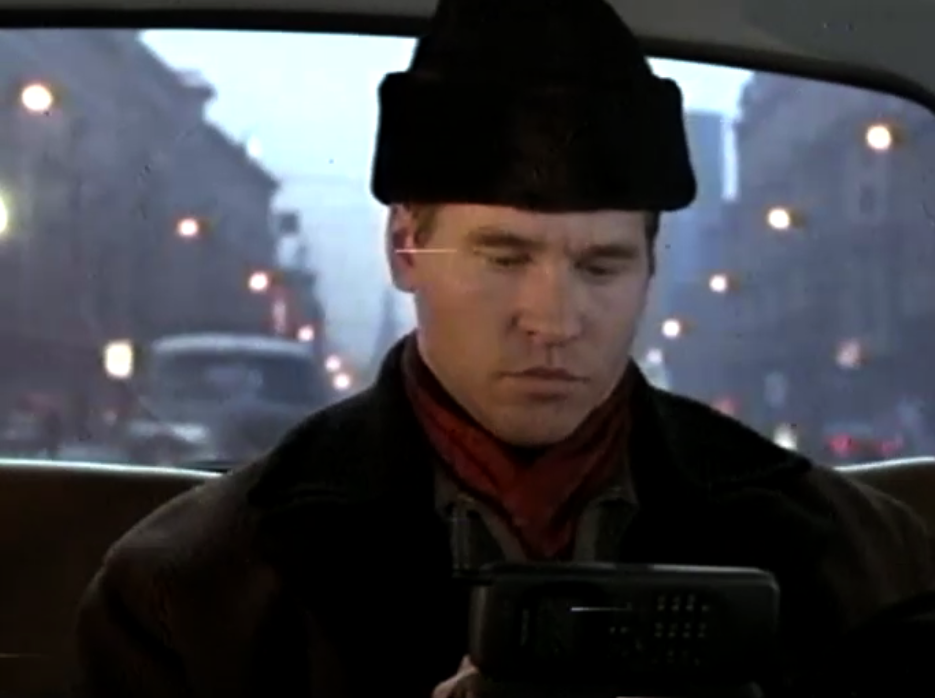
The film’s tech was amazing for its time. Simon Templar’s phone in the movie — that Nokia phone was something else. It blew me away. I think it could do everything modern phones could do — at slower speeds, naturally — except play movies. I learned it was a Nokia 9000 Communicator, thanks to the Saint.org website. And to think, all of that technology was available in 1997! Nokia was very happy about the phone’s appearance in the movie and even issued a press release about it that same year.

nokia-9000-communicator

nokia-9000-communicator-in-movie

All in all, “The Saint” is one of a handful of movies in my library that I’ve watched multiple times, and will probably watch again. I like it.

Standard
How To

How to use a Drobo with the WD TV

The WD TV is my favorite media player (I think it’s better than the Apple TV), and since I also love the Drobo, I wanted to combine the two and have the ultimate media entertainment center: a Drobo packed full of videos, photos and music, connected to a WD TV, which is connected to a large-screen HDTV. I did just that for my parents in December. It was my Christmas gift to them.

Here’s what you need to keep in mind if you want to do the same thing. As you might guess, several complications arise when you attempt to get a device with huge storage capability connected to a media player. The complications have to do mainly with the file systems that the media player can read and use properly, and with the ability of the on-screen menus to navigate an abundance of content efficiently.

The WD TV can only work fully with NTFS, HFS and FAT32 file systems. By “fully”, I mean will build its own catalog of the media present on those devices, store it at the root level of those drives as a hidden directory, and will let you browse using its on-screen menus, by date or by file name. It will also read the HFS+ file system, which is native to the modern Macs, but it will not be able to write to it and build its own catalog; this means you’ll only be able to navigate the media on that device by folder.

The Drobo can be formatted as an NTFS or FAT32 volume when using a PC, or as an HFS+ or FAT32 volume when using a Mac, if you happen to use the Drobo Dashboard to do it. If you use the Disk Utility app on a Mac, and you also happen to have the 3G NTFS drivers installed, you can also format the Drobo as a 3G NTFS or as an HFS volume.

I ended up formatting my parents’ Drobo as an HFS+ volume. I’ll tell you why below. If you’re not interested in the minutiae, skip ahead to the next paragraph.

  • First, I tried formatting it as a 3G NTFS volume. For some reason, the formatting process either froze or took unusually long to complete, and the resulting volume wasn’t readable on the Mac or on the WD TV. I have a feeling that had to do with the fact that the volume was over 2TB in size, and 2TB is the upper limit for NTFS volumes, but I’m not sure.
  • I tried splitting the Drobo into two HFS+ volumes, one 2TB and the other 400GB (2.4 TB was the total available space on the Drobo), then formatting those volumes as 3G NTFS volumes, but that didn’t work either. The formatting process kept hanging up in Disk Utility.
  • I tried formatting the Drobo as a straight NTFS volume using a Parallels VM running Windows XP (I installed the Drobo Dashboard inside the VM), but that kept hanging up as well. Not sure why. Perhaps I should have used a physical Windows machine, but I didn’t have one available to me.
  • I then formatted the Drobo as a FAT32 volume. The upper limit on that was once again 2TB, and I had 2.4TB available. I thought I’d forget about the extra 400GB for a while and just focus on getting the 2TB volume working. Predictably enough, after copying some media over and testing it, it worked fine, but I noticed two things:
    • The WD TV took longer and longer to read the device and build its catalog once I connected the Drobo. The more movies I had on the Drobo, the longer it took the WD TV to catalog each of them. That meant waiting up to 20 minutes for the WD TV to get done with its work before I could use it. I didn’t like that.
    • I had several movies that were over 4GB in size, and since that’s the upper limit for a single file in the FAT32 system, I couldn’t get them copied over to the Drobo. I didn’t like that either.
  • I thought I’d try another route, so I formatted the Drobo as an HFS volume. While this was fully readable and writable on a Mac and also on the WD TV, unfortunately, the maximum file size on HFS is 2GB, and the maximum volume size is also 2TB, same as FAT32 and NTFS. Not much help there.
  • The only choice left to me was HFS+. In spite of the fact that the WD TV can only read it, not write to it, this was and still is, I think, the best choice for formatting a Drobo and for working with the WD TV, from the entire group (NTFS, FAT32, HFS and HFS+). The upper limit on an HFS+ volume is 16 EB (exbibytes), which is equal to 1024 pebibytes — basically, an incredible amount of space. One pebibyte is equal to 1024 terabytes, and the upper limit one can get with a Drobo at the moment is 5.5 terabytes, so it’s nowhere near the technical capability of the file system. Furthermore, the upper limit on a single file in HFS+ is 8 exbibytes, which, as shown above, is just plain huge. In plain English, this mean I could format the Drobo as a single HFS+ volume and not worry about any of my movie files exceeding 4GB or more in size.

Great! Now that I’ve put you to sleep, let’s move on. Next on the agenda came the transfer of all the data to the Drobo. You see, I’m also using my parents’ Drobo as an offsite storage device. You know what they say, give and ye shall receive, right? I made them happy by setting up their media center and also got to back up most of my data, media, and photographs. The transfer of the information took a while, as you might imagine. I didn’t time it, but I think it was somewhere between 24-36 hours to copy about 2TB of data from my Drobo to their Drobo. I’m happy to say that the copy operation did not crash, and completed successfully. That’s a testament to the stability of the Drobo as a storage device.
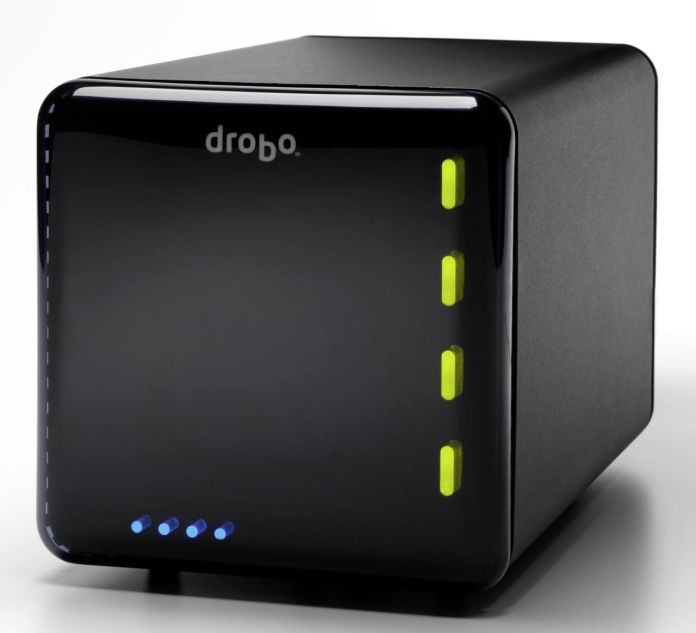
After the data transfer was complete, I was done. It was time to sit back on the sofa and enjoy my hard work. Even though the WD TV couldn’t aggregate the media on the Drobo and build its catalog, which would have let me browse the media by type (video, photo or music), date or title, I was able to browse the Drobo by folder. Since I’d already organized the media that way, I didn’t mind it at all. I had my videos broken down into separate folders for Cartoons (I love classic cartoons), Movies, Documentaries and TV Shows (I love Mister Ed), and I was able to watch most of my stuff.

As a side note, even though the WD TV manual says it’ll play WMV9 files, and my Mister Ed episodes were encoded (I believe) with WMV9 technology, I can’t play them on the WD TV. I’m sad about that, but at least I can watch them on my MacBook and iMac. Perhaps I’ll re-encode them into MP4 files at some point.

I mentioned something at the start of the article about the on-screen menus and their ability to navigate the content efficiently. The WD TV lists the media in thumbnail mode by default, which means you’ll have a little icon next to each media file. When you have a ton of files to look through, that’s not very efficient. Fortunately, you can go into the WD TV settings and change it to List mode. This will list each piece of content on a single line, and will let you see more titles per screen. To scroll up and down the file lists faster, simply hold down the up or down arrows on the WD TV remote, and it’ll accelerate, speeding through the titles.

I’ll concede that the on-screen menus for the WD TV aren’t as slick as those you see on the Apple TV — and by that I mean how easy and quick it is to navigate to a particular title, not the glitz and glamour of a fancier UI skin — so there’s some work to be done there, but the WD TV is much more practical than the Apple TV when it comes to playing your media. You simply plug in a USB drive loaded to the gills with movies and photos, and it’ll play them right away, which is something that the Apple TV just doesn’t do out of the box.

That’s it, folks! Let me summarize things to make it easy for you:

  1. Format your Drobo in HFS+ if you have a Mac, or NTFS if you have a PC. Keep in mind there’s a 2TB per volume limit under NTFS, and that WD TV will only recognize one volume at a time (at least currently). Stay away from FAT32 and HFS because of the file-size limitations (4GB for FAT32 and 2GB for HFS).
  2. Transfer your media to the Drobo.
  3. Enjoy!

Buy a WD TV or a Drobo.

Standard