Reviews

Camera preview: Canon EOS M

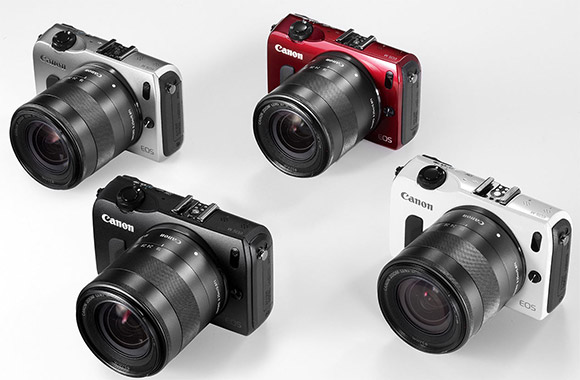
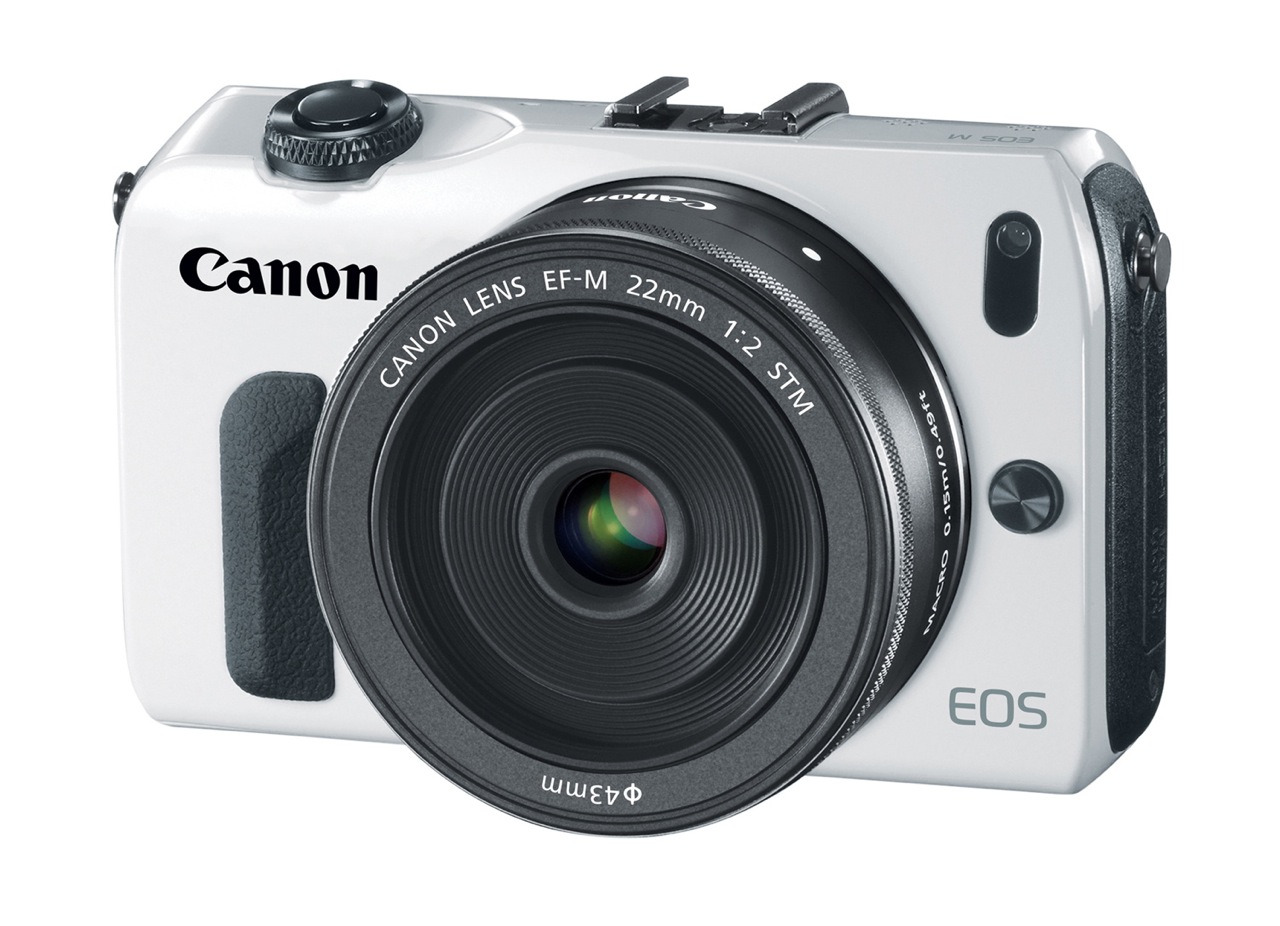
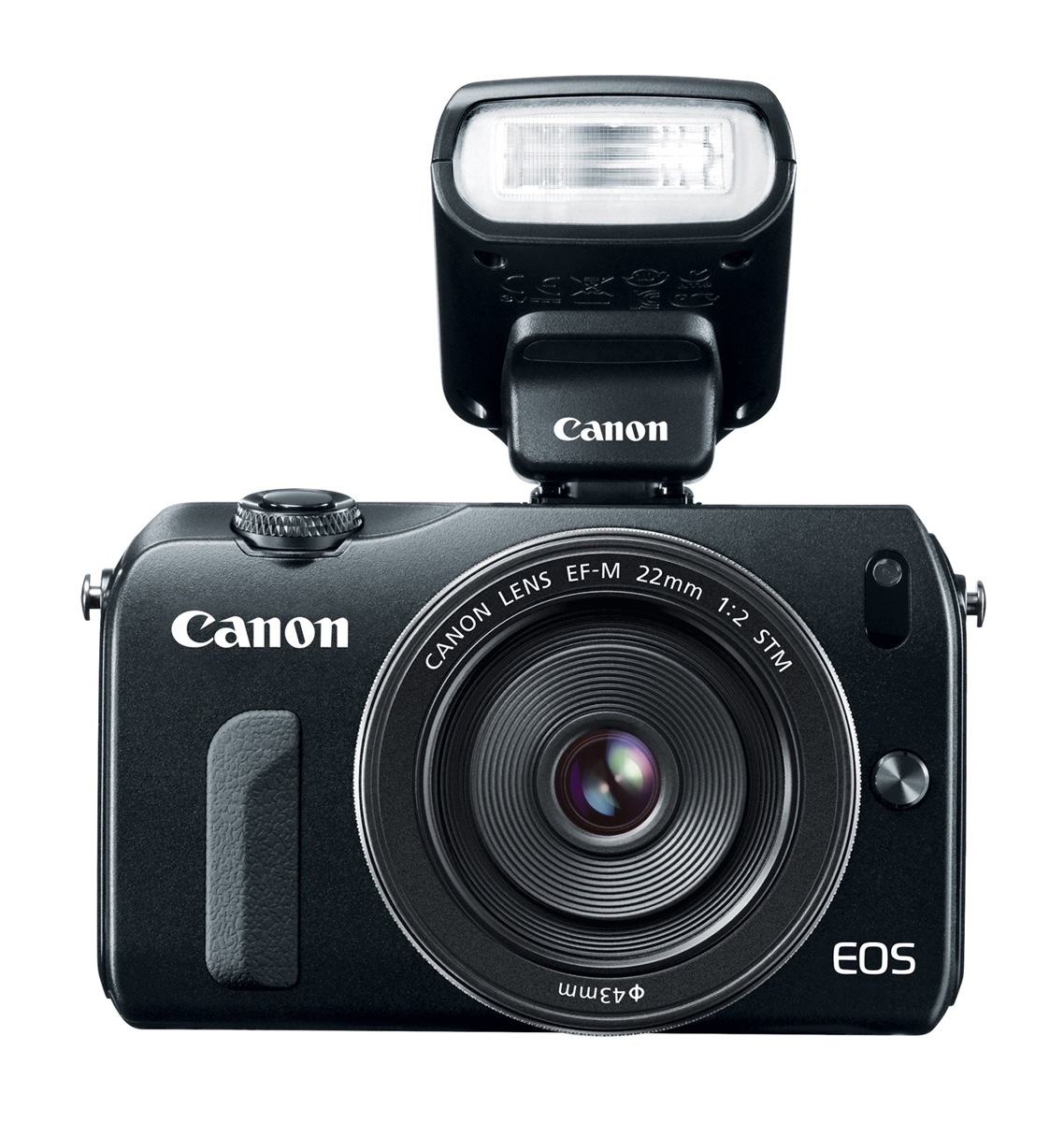
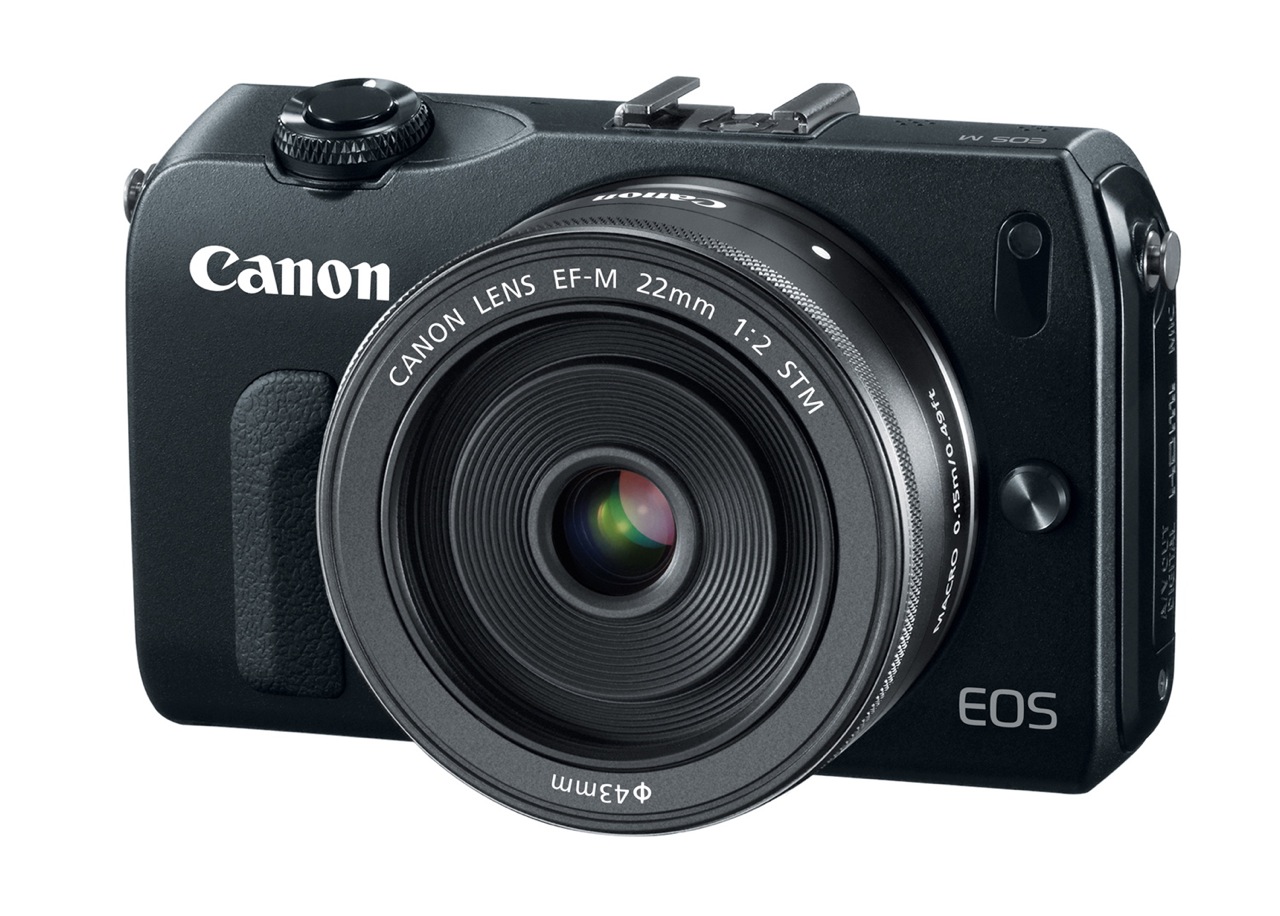
As I announced back in June of 2010, Canon has been at work on a mirrorless camera and they’ve finally launched it. It’s called the EOS M. It uses a new EF-M lens mount and its specs are pretty much what we expect mirrorless DSLRs to have these days. It ships in four colors: black (see above), white (see below), red and dark silver. Suggested MSRP is $799.

I’m going to be blunt, because the late arrival of this camera is frustrating. The only innovative feature I can see on it is its Hybrid CMOS AF System, which is located right on the sensor. Other than that, this is another mirrorless DSLR in an already mature market, albeit a highly anticipated model from a large manufacturer.

Canon took their time to take the plunge. My guess is they wanted the other manufacturers to “work out the bugs” in terms of the feature set and pricing, then they matched what the market wanted to see. They didn’t stick their neck out there to try something new. They let others do the hard work while they kept fiddling with the EOS Rebel line and tested the waters (partially) with the PowerShot G1 X and its large sensor.

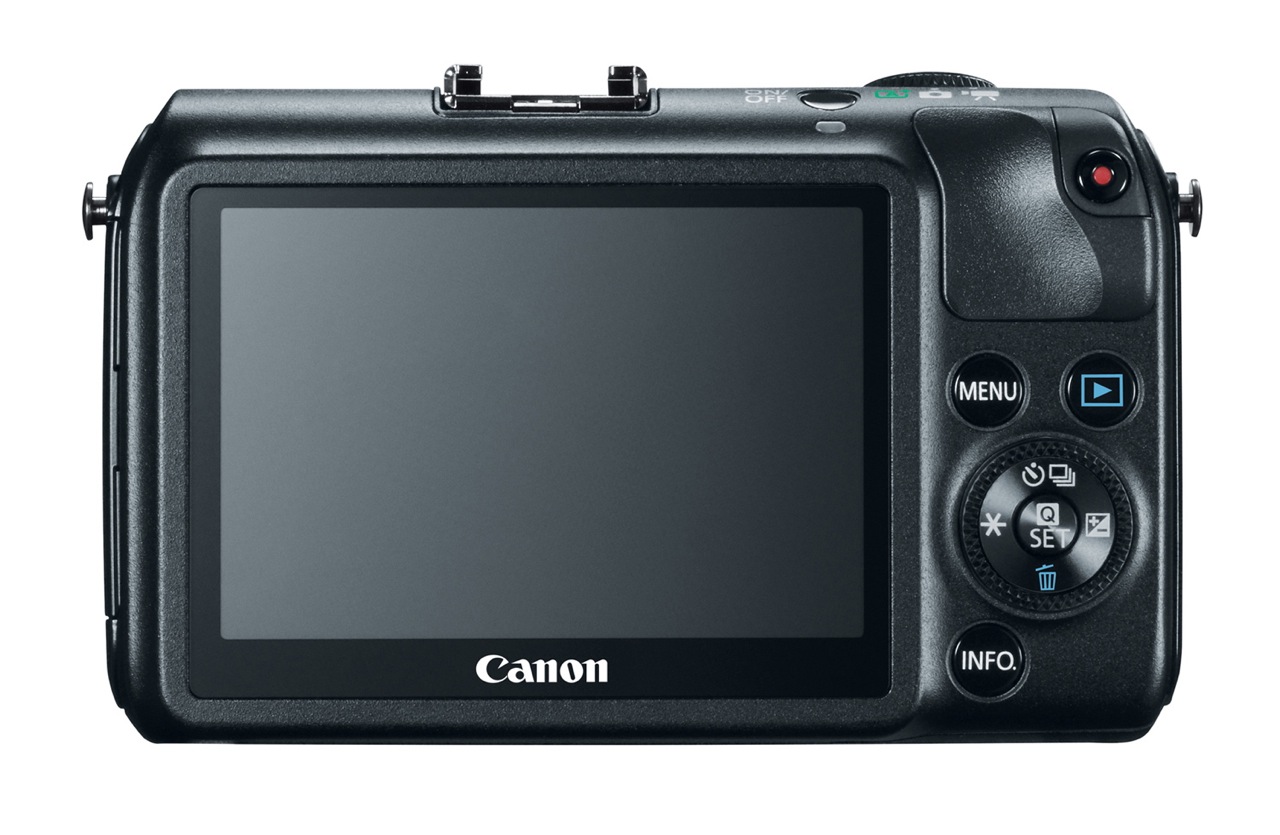
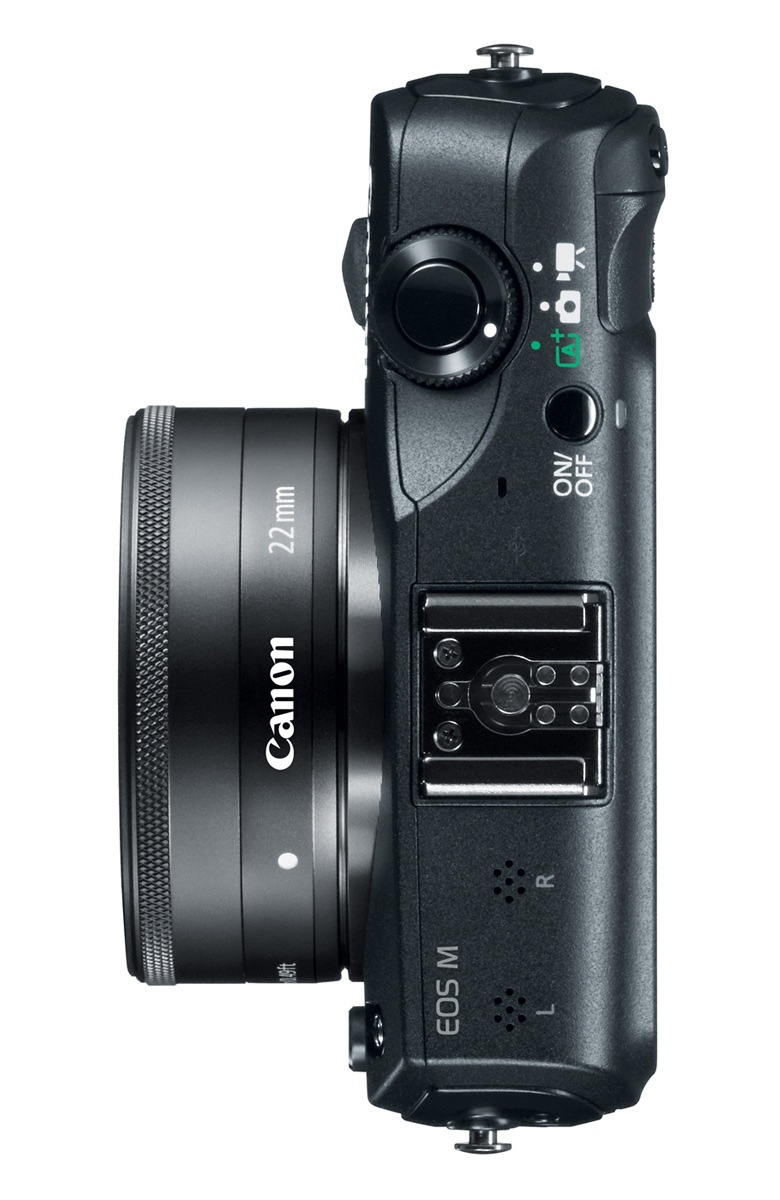
Design-wise, the EOS M is pleasing. It’s thin, it’s got a nice profile, it’s not cluttered and it’s simple to use.

Back to the features:

  • Full HD movie mode with Movie Servo AF: this means accurate and noiseless focus tracking of subjects when using the EF-M lenses with the new STM (Stepping Motor) technology.
  • 18 megapixels: this was predictable given that all of Canon’s lower-priced DSLRs are also at the same resolution.
  • DIGIC 5 image processor
  • ISO 100-6400 in movie mode and 100-12800 in photo mode; they’re both expandable to 12800 and 25600, respectively.
  • Hybrid CMOS AF: innovative, but let’s wait and see how it performs in real world conditions; Canon DSLRs have had plenty of focus issues lately, this being just one example.
  • Compatible with full line of EF and EF-S lenses via adapter which preserves all AF and IS functions.
  • 1,040,000 dot, 3-inch LCD with touch AF
  • Scene Intelligent Auto, Creative Filters, Multi Shot Noise Reduction
  • Stereo microphone, manual audio adjustment, wind noise filter
  • Total recording time per scene goes up to 22 minutes

Watch out for the following:

  • A notable MIA among the accessories is a viewfinder, like on the Olympus OM-D EM-5 or their PEN line of mirrorless DSLRs, like the E-P3. That means using the EOS M in glaring sunlight is going to be somewhat frustrating.
  • Stills frame rate is 4.3 fps.
  • Video frame rate at 1080p goes up to 30 fps. I want to see a Canon camera go up to 1080p/60 fps.
  • Computer connectivity is still USB 2.0. This is one area where Canon could have pulled ahead of the pack and gone with USB 3.0.
  • Battery life is average for a mirrorless (about 230 shots or 1.5 hours of video). Given my experience with Canon HDSLRs, I’d say real world battery life when shooting video is more like 30-45 minutes.

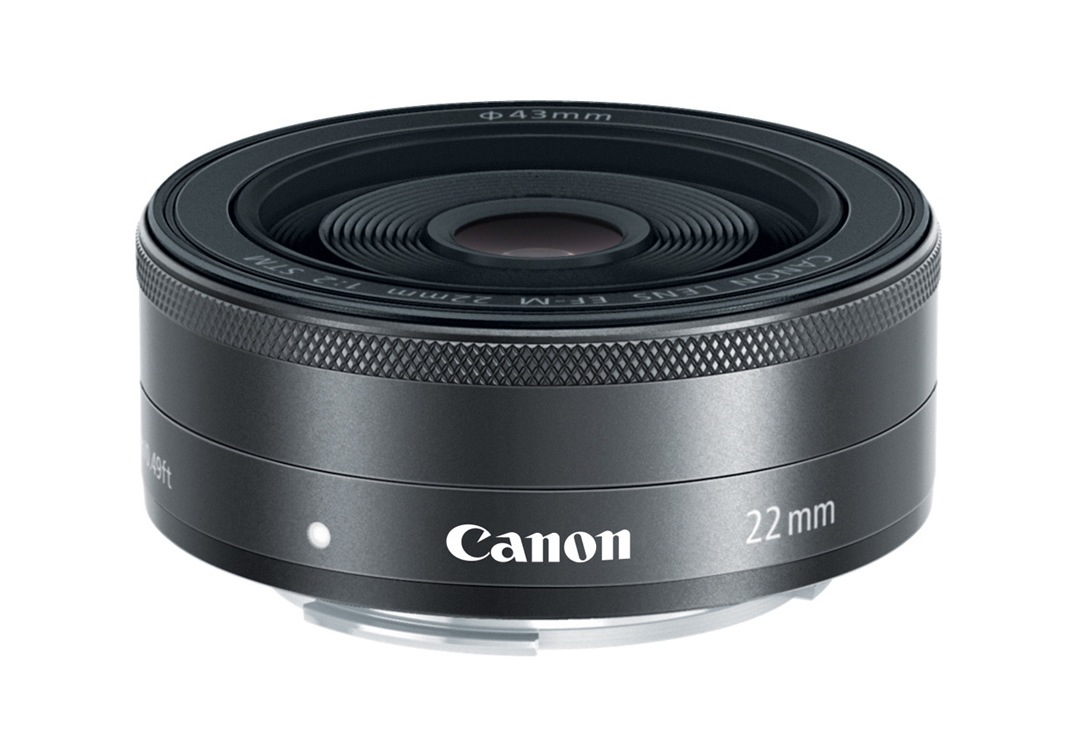
Let’s have a look at the accessories. The camera ships with an EF-M 22m pancake lens.

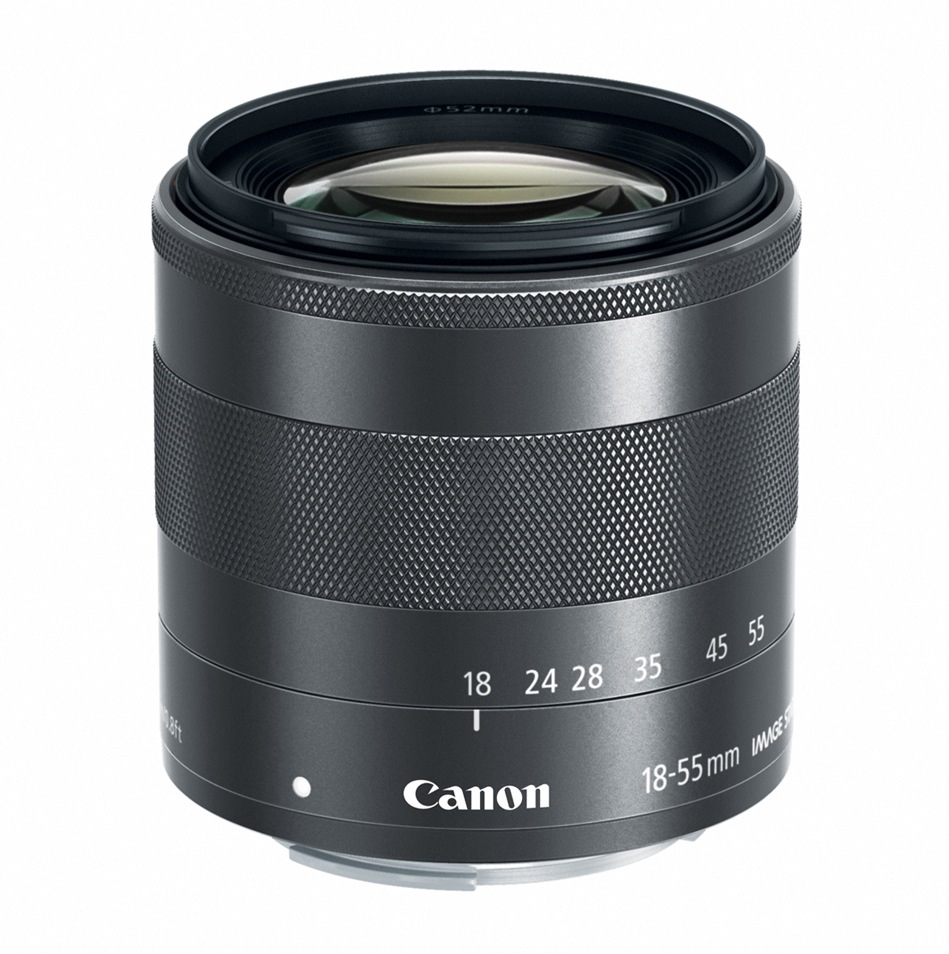
You can also get an EF-M 18-55mm lens for it.

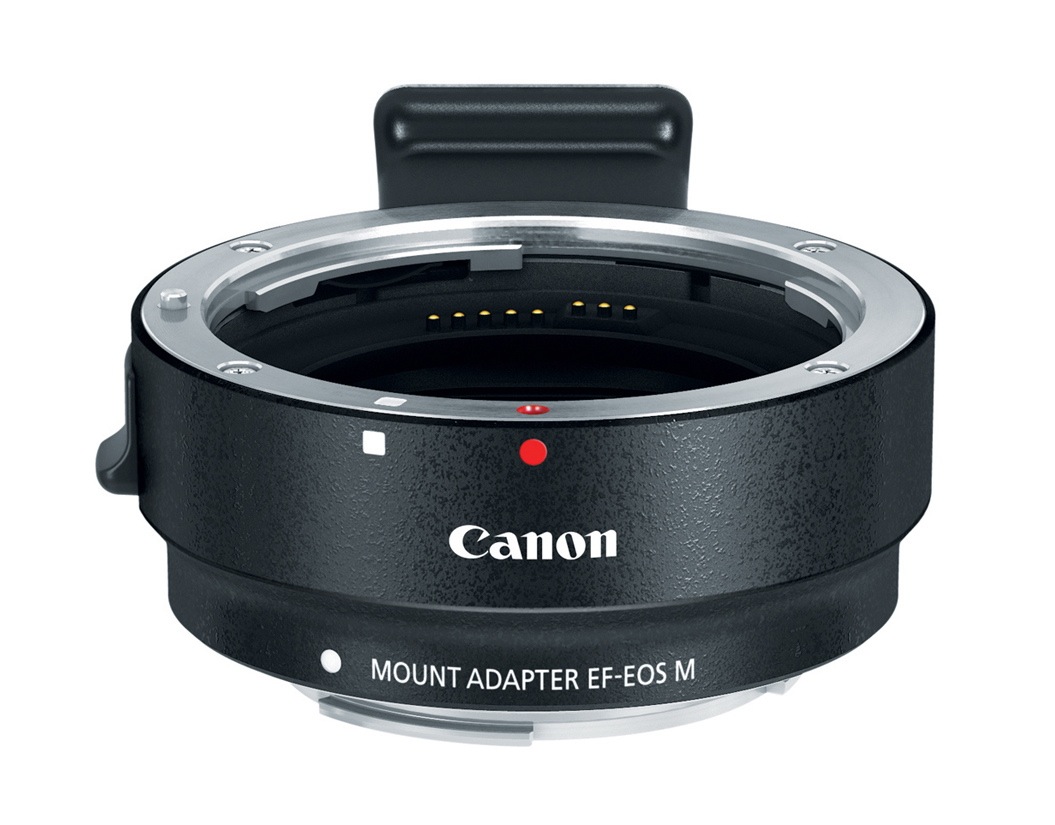
Here’s the mount adapter I mentioned earlier.

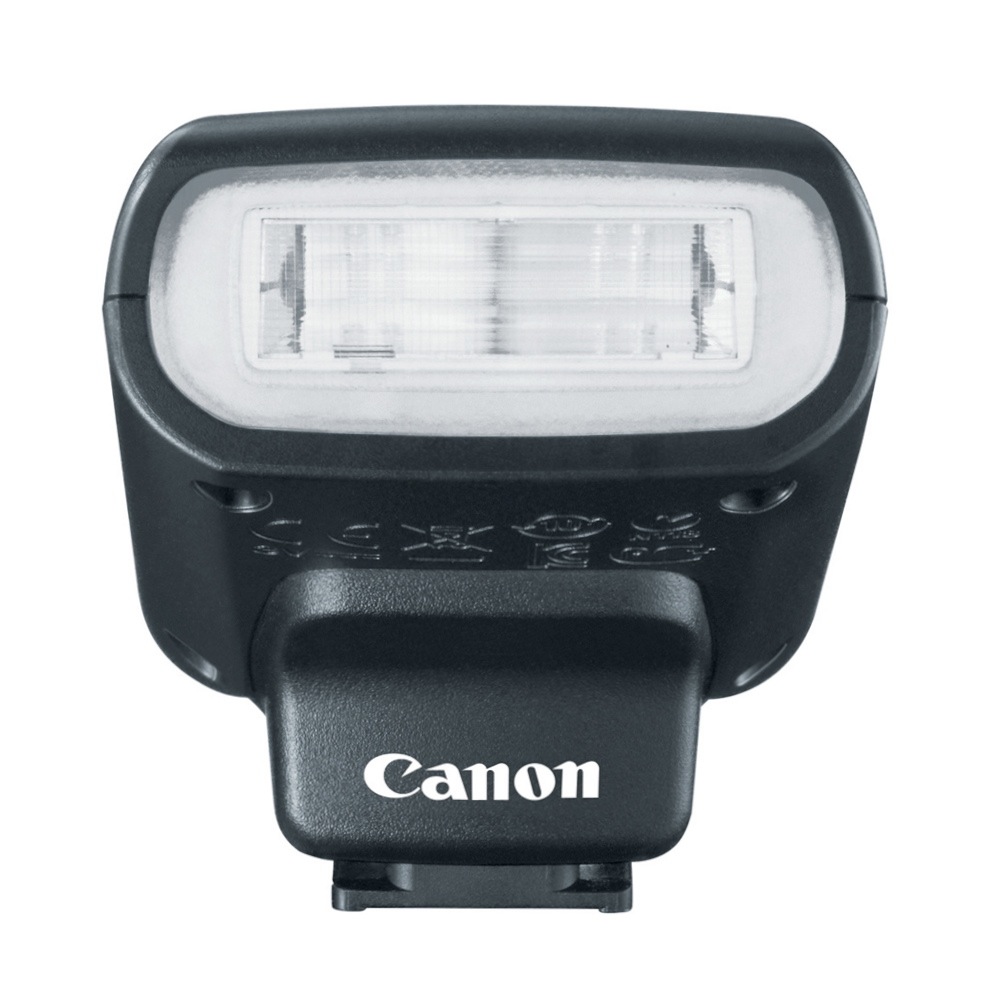
And here’s a diminutive speedlite designed for it, the 90EX.

Here’s how the camera looks with the speedlite mounted in the hotshoe.

So, should you get this camera? If you’re already heavily invested in Canon gear and want a small, easy-to-carry camera, the decision is simple. If you aren’t, then there are many models on the market with various differences in design, feature sets and price that may make them more appealing to you than this particular camera. The decision is yours after you look at all of them, and I do encourage you to look at all of them.

If you do end up getting the camera or some of its accessories, I’d appreciate it if you’d use one of the links below:

Images of EOS M courtesy of Canon. 

Standard
Reviews

Flickr launches People in Photos

Flickr launched a new feature they call People in Photos a few hours ago, on October 21, 2009. It lets you tag people in your photos or in your contacts’ photos. I guess it was only a matter of time before this happened. While Riya and iPhoto went the route of computer-aided facial recognition, which is a pretty cool feature indeed but processor-intensive, Facebook and now Flickr have gone the more low cost route of letting members manually tag people in their photos.

At any rate, the process is easy and real-time. You start typing in some identifier for a person you want to identify in a photo, such as a name or screen name or email address, the database of members is searched live, and you’re presented with a drop-down list of people that narrows down with each letter you type. Pretty cool. Flickr also went the extra mile and included the ability to let you determine who can add you to photos, and who can add people to your photos. Very nice touch there.

I added my wife and myself to a couple of photos where we appear, and took the following screenshots to show you what the new feature looks like. The only reason I noticed it is because I logged into my Recent Activity page a few minutes ago and saw a small change in the options, as you can see below.

flickr-people-in-photos-1

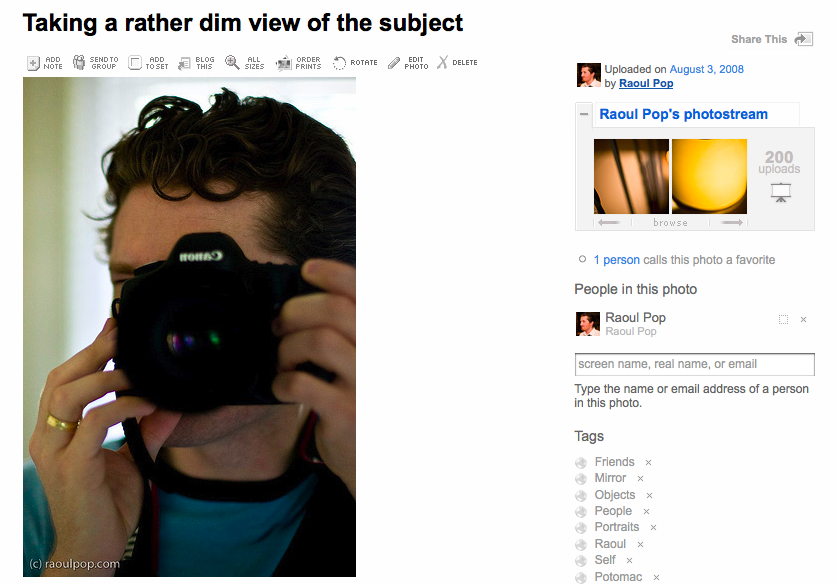
The option to add people to a photo is located in the sidebar, below the photostream and groups thumbnails and above the tags.

flickr-people-in-photos-2

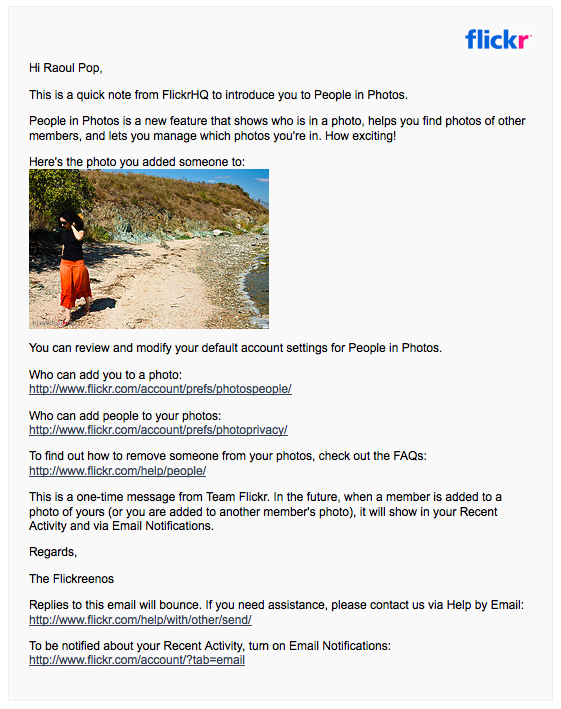
As soon as I got done tagging my wife and I in the photos, I got an email from Flickr where they explained the new feature to me and allowed me to set the privacy options I mentioned above.

flickr-people-in-photos-3

Like I said, pretty cool implementation, user-friendly, too, and it was something that was bound to happen sooner rather than later. There’s also a post on Flickr’s official blog announcing the feature launch.

What I’d like to know now is if Flickr can read the iPhoto person tags and somehow match them up with Flickr members, so that photos uploaded to Flickr from iPhoto get people-tagged automatically. Or is that the next step down the road?

Standard
Reviews

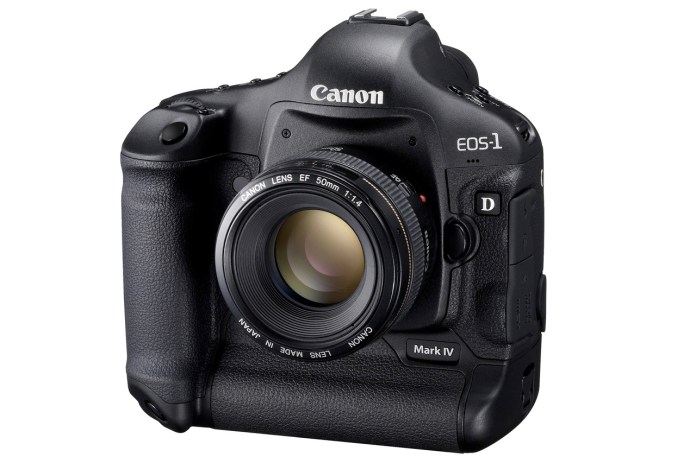
Camera preview: Canon EOS-1D Mark IV DSLR

Canon EOS-1D Mark IV - 1

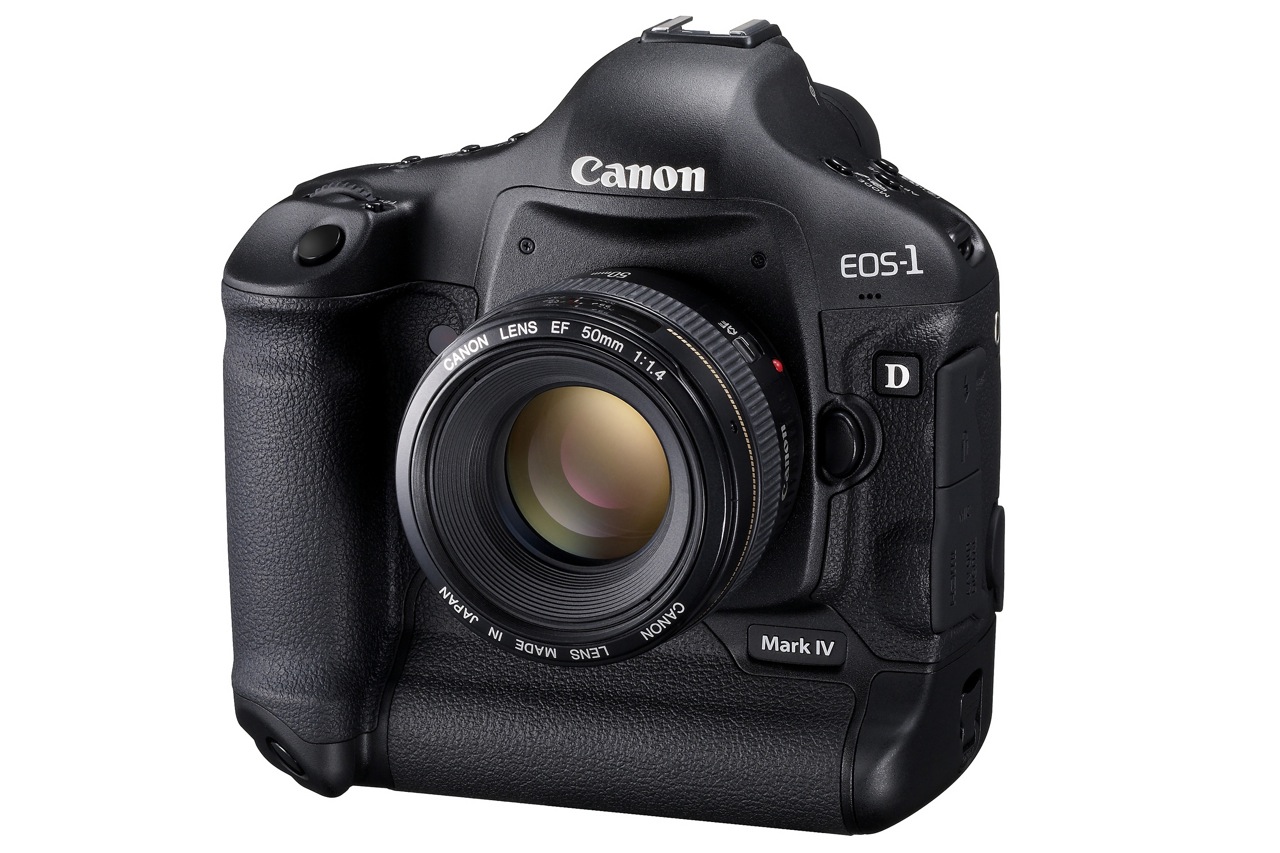
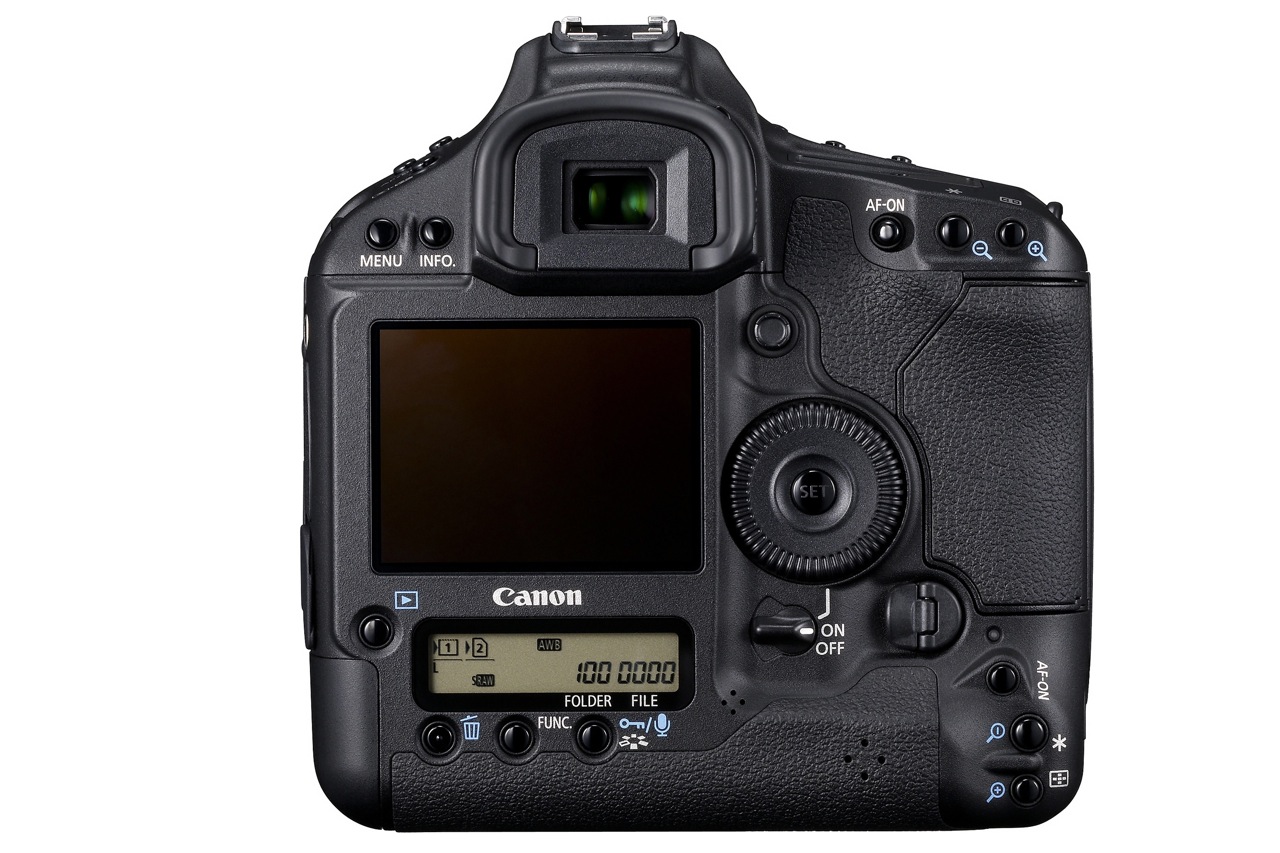
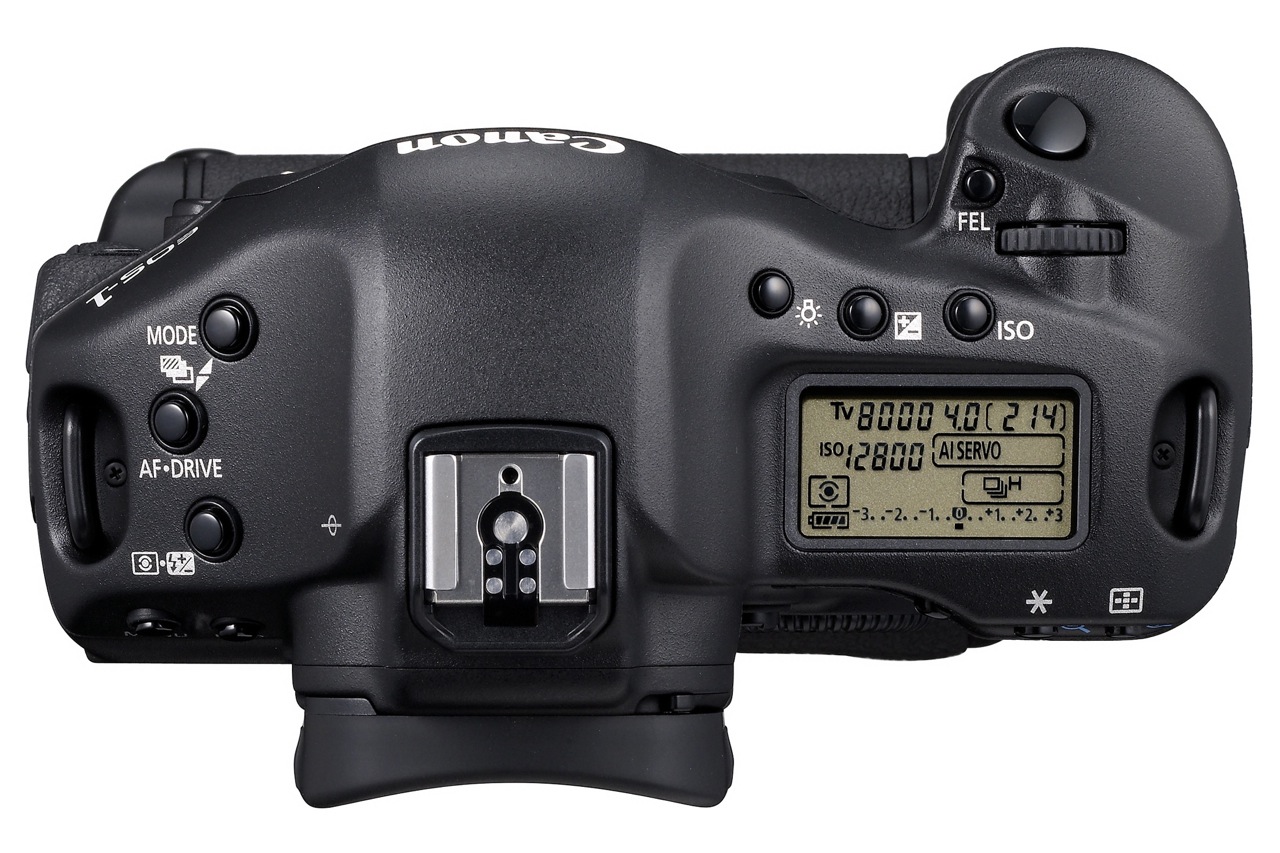
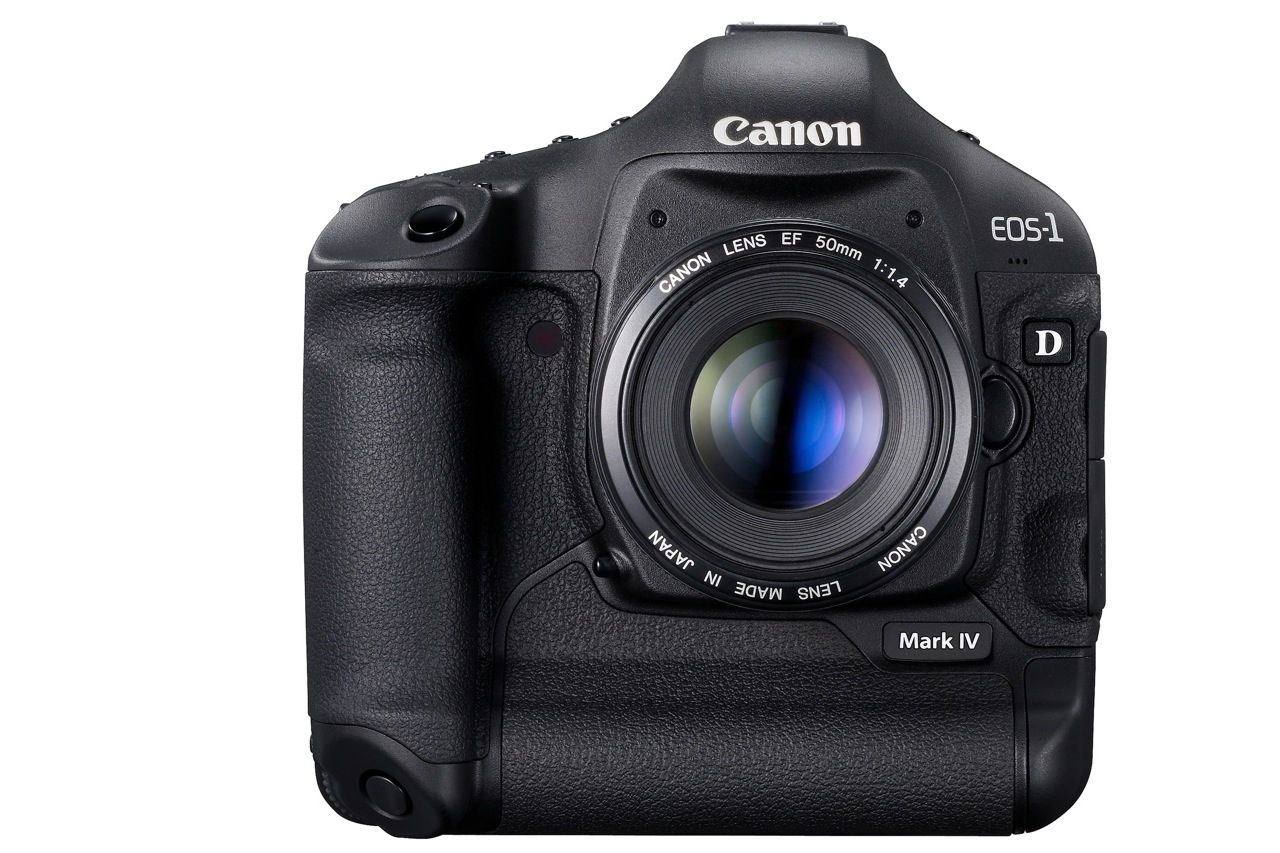
The Canon EOS-1D Mark IV pro DSLR was officially announced by Canon today, October 20, 2009. The specs are really good and they show Canon’s been hard at work on a solid response to Nikon’s latest DSLRs.

Many photographers were disappointed with Canon because of their 2008-2009 DSLR product releases, which didn’t seem to keep up with the competition and fell short in many areas of common interest, such as auto-focus, high ISO performance and image quality. I’m glad to see Canon listened to their customers’ concerns and put out a camera that offers what people want to see.

Let’s have a look at what sets this camera apart. The EOS-1D Mark IV has:

  • A 16-megapixel Canon CMOS sensor
  • Dual DIGIC 4 Imaging Processors
  • 14-bit A/D data conversion
  • 10 frames-per-second (fps)
  • The widest ISO range Canon has produced to date (50 to 102,400)
  • 1080p Full High-Definition video capture at selectable frame rates
  • A new 45-point auto-focus system with 39 high-precision cross-type focusing points
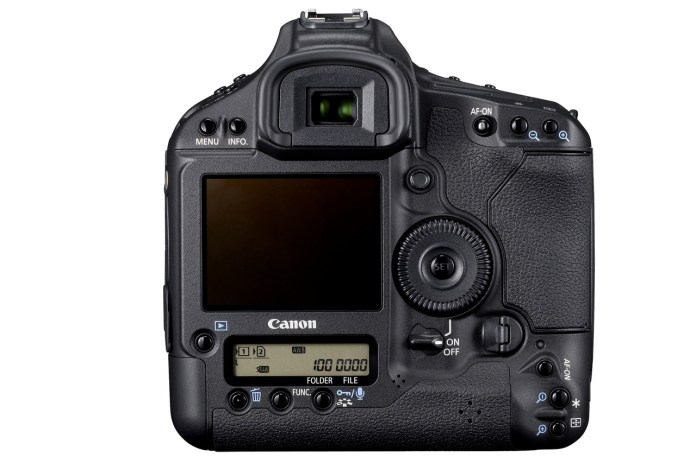
Canon EOS-1D Mark IV - 4

New autofocus system

Given the auto-focus problems with the 5D Mark II and other high-end cameras like the 1D Mark III and 1D-s Mark III, I for one am very glad Canon put out a new AF system. The newly redesigned AF system…

  • Can track fast moving subjects, such as athletes or wildlife accurately, even when shooting at full 10 fps bursts
  • Can detect subjects much better than the previous AF system
  • Can focus accurately with the new AI Servo II AF predictive focusing algorithm
  • Has twice as many cross-type focusing points as the EOS-1D Mark III
  • New AF sensor construction that improves performance in low light and with low contrast subjects

Not having used the camera yet, I can’t vouch for the accuracy and speed of the new AF system, but it shouldn’t be long before those who’ve had the chance to use the camera in real-world scenarios chime in with the results.

New 16.1 M CMOS sensor

I like Canon’s new 16.1-Megapixel CMOS sensor. I’m glad to see they focused on image quality and low light performance, not megapixels. Don’t get me wrong, extra resolution is always good, but gratuitous resolution is useless unless the resulting images prove their quality when viewed 1:1.

The sensor has improved photodiode construction to enhance dynamic range, and gapless microlenses that are positioned closer to the photodiodes for improved light gathering efficiency. The transmissive quality of the color filter array has been enhanced to improve sensitivity. Canon has also upgraded the sensor circuitry to improve noise reduction before the image data is exported from the CMOS sensor to the rest of the image processing chain.

In order to process all the extra raw data from the sensor at up to 10 fps, Canon put two Dual DIGIC 4 Image Processors inside. The 1D Mark IV has approximately six times the processing power of DIGIC III, for full 14-bit A/D conversion at 10 fps.

Full HD video capture

I’m also glad to see that Canon has put 1080p HD video on this camera, which means that for them, HD video is here to stay on all their DSLRs. It really is a new era for HD video when it becomes a standard feature on professional DSLRs; wonderful things are in store for those interested in blending photography with videography.

The 1D Mark IV has full HD capture and full manual exposure control, plus selectable frame rates. Its new APS-H image sensor is similar in size to a Super 35mm motion picture film frame. The camera allows for three video recording resolutions…

  • 1080p Full HD, 16:9
  • 720p HD, 16:9
  • 640×480 SD, 4:3

… and multiple selectable frame rates…

  • Full HD at 1920 x 1080 in selectable frame rates of 24p (23.976), 25p, or 30p (29.97)
  • 720p HD or SD video recording at either 50p or 60p (59.94)

SD video can be recorded in either NTSC or PAL standards. Sound is recorded either through the internal monaural microphone or via optional external microphones connected to the stereo microphone input.
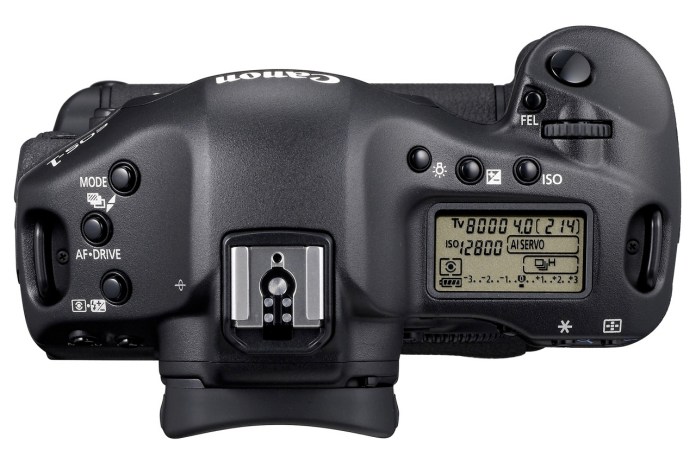
Canon EOS-1D Mark IV - 3

Other good features are:

  • Auto Lighting Optimizer (ALO) system. When enabled, Canon’s ALO automatically adjusts the image for optimal brightness and contrast on the fly during in-camera image processing, reducing clipped highlights while keeping shadowed areas as clear and detailed as they actually appear. Canon says that “demanding professional photographers who tested ALO clearly stated that this one feature will reduce their post-production image optimization process by more than 75 percent”. It’ll be interesting to see what others will say about this.
  • Highlight Tone Priority, which takes maximum advantage of the camera’s extensive dynamic range to preserve detail in highlight areas of the image.
  • Improved white balance algorithm making colors more accurate when shooting under low color temperature light sources such as household tungsten lamps.
  • Peripheral Illumination Correction function, which corrects darkening that can occur in the corners of images with most lenses when used at their largest apertures. When activated, it is automatically applied to JPEG images and video clips as they are shot. For RAW images, it can be applied in DPP software. Personally, I like the vignetting effect that occurs with some lenses, so I don’t really plan on using this very much.
  • A large, 3-inch Clear View II LCD screen with 920,000 dot/VGA resolution (finally) with a wide 160-degree viewing angle for enhanced clarity and more precise color when reviewing images and shooting video.
  • In-camera copyright information feature (hooray) helps professionals secure control over images by setting copyright data directly into the camera and appending that information to each image file in the Exif metadata.
  • A fluorine coating on the Low Pass Filter to further repel dust and enhance the EOS Integrated Cleaning System (less dust spots is always a good thing).

Finally, the 1D Mark IV’s body, chassis and lens mount are completely weather-resistant and 76 gaskets and seals surround all buttons and seams. The body covers and internal chassis, including the mirror box, are constructed with magnesium-alloy, and the lens mount is constructed with stainless steel. When used with Canon’s Speedlite 580EX II and/or most current L-series lenses, the entire camera system remains fully weather resistant.

Comparing this camera with the Nikon D3s, which has similar specs but retails for about $100 more, I have to ask, what makes the Nikon DSLR better? Other than niceties like better exposure compensation control (±5 EV vs. ±3 EV) and more physical buttons for manipulating the settings, this Canon matches or bests the Nikon on all major specs, like fps (10 vs. 9), ISO (same), resolution (16 vs. 12) and HD video (1080p vs. 720p).

The new WFT-E2 II A wireless file transmitter, available exclusively for the EOS-1D Mark IV Digital SLR camera, is quite interesting in its capabilities. It offers connectivity through IEEE802.11a/b/g and Ethernet. The new Camera Linking feature allows a single photographer to simultaneously fire up to 10 cameras remotely. The updated WFT Server mode lets you remotely use Live View, control settings, and fire the EOS-1D Mark IV over the internet from anywhere in the world using a standard Web browser or many Web-enabled smart phones. Additionally, geotagging is now possible via Bluetooth, using compatible GPS devices to append coordinate data to the images. Given that the previous wireless transmitter, WFT-E2A, costs $1,200, you can be sure this new one will cost a bundle, but for those who need it and can afford it, I’m pretty sure it’ll do a good job.
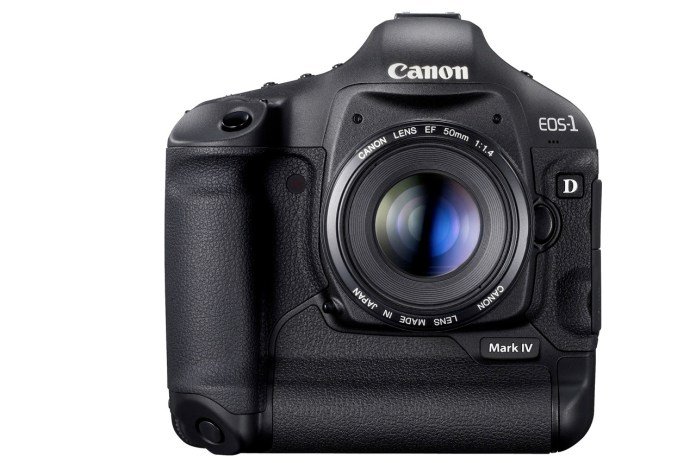
Canon EOS-1D Mark IV - 2

The Canon EOS-1D Mark IV Digital SLR camera is scheduled to be delivered to U.S. dealers in late December, and will be sold in a body-only configuration at an estimated retail price of $4,999. Final pricing and availability for the Canon WFT-E2 II A wireless file transmitter will be available later this year.

Full specs for the camera are available here. Demo videos produced by Canon specifically for this camera are available here. There’s a section on the camera, with more information, at the Canon Digital Learning Center.

You can buy the Canon EOS-1D Mark IV from Amazon or B&H Photo.

Images used courtesy of Canon.

Standard
Reviews

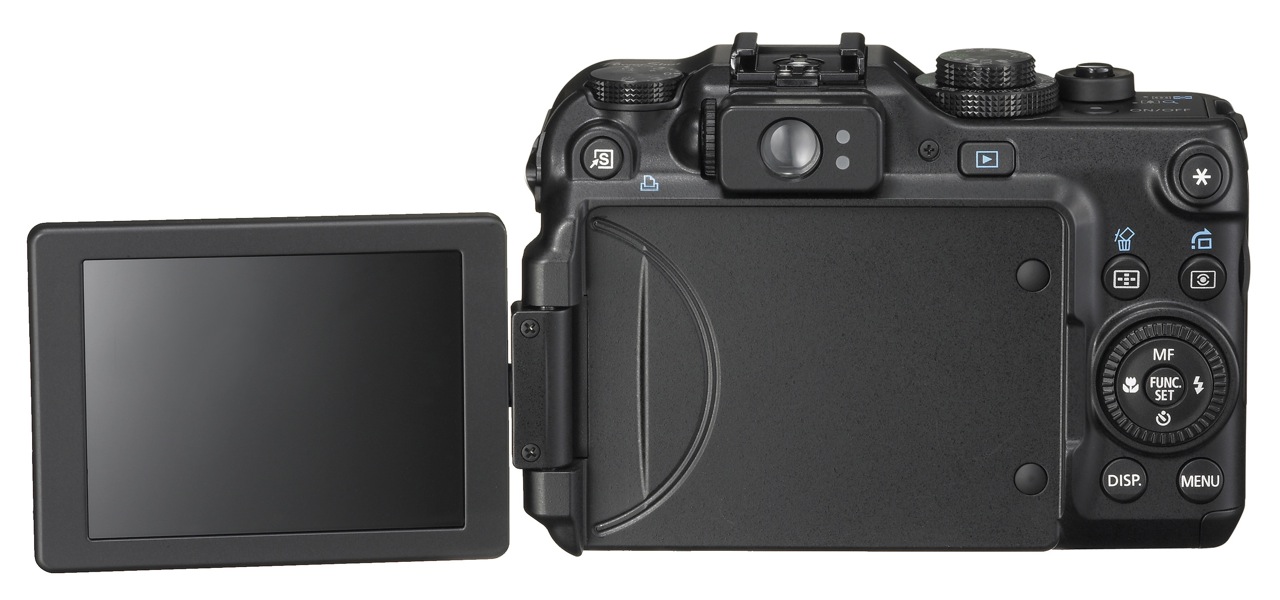
Camera preview: Canon PowerShot G11

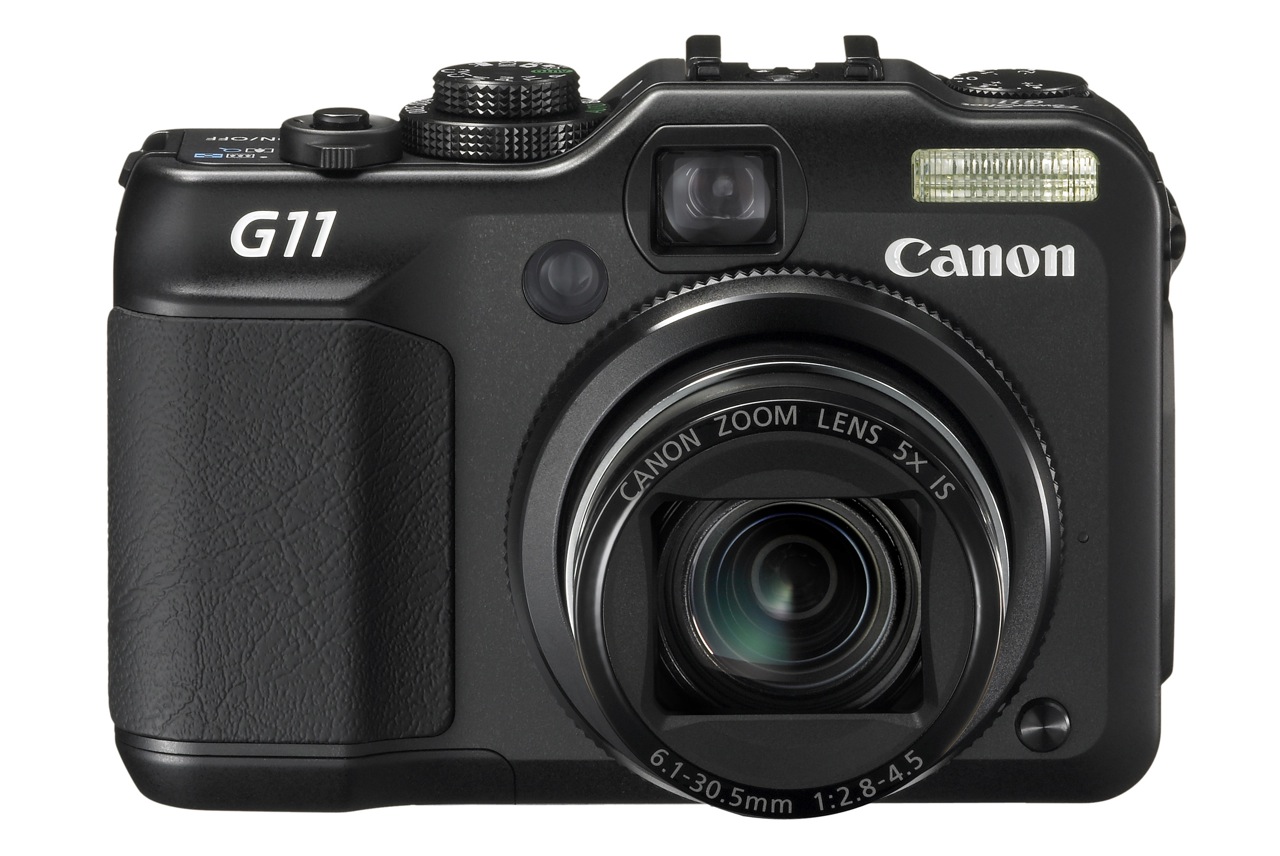
On August 19, Canon announced the launch of the new flagship PowerShot digital camera, the G11. Having shot extensively with a G10 this summer, I’m ambivalent about upgrading to the G11.

For one thing, I welcome the better low light capabilities. While the G10 showed some noise when shooting in low light, it was acceptable when I compared it with other non-DSLRs on the market. If the G11 improves on that, great.

But the G11 is no different from the G10 when it comes to video recording. It still only shoots SD video (480p, 30fps), when other comparable cameras on the market have long since moved to HD video (720p, 30fps). Even other PowerShot cameras from Canon, like the SX20 and the SD980 and SD940, which cost less than the G11, are able to shoot HD video (720p, 30fps). Why has Canon decided to hamstring the G11, unless perhaps they feel that, with its superior collection of features, it cuts into their HD video camera sales? (If that’s the case, then it’s a sorry excuse, because they’d be putting profits before customers.)

The G11 also has lower resolution than the G10 (10 megapixels instead of 14.7 megapixels). I’m no fan of gratuitous resolution, so I’m reserving my judgment on this until I get my hands on a G11. Canon says they did it to improve low light capabilities, and I believe them — if the low light claims prove to be accurate. There’s only so much resolution you can squeeze out of the same sensor size before noise becomes an issue, even at lower ISOs.

What I’d also like to see from the G11 is a better dpi setting. One of the main differences between DSLRs and consumer-grade digital cameras is the dpi setting of the images they output. A regular digital camera will output its images at 72 dpi, which is the equivalent of screen resolution, while most DSLRs output their images at 240 dpi. That’s why — unless you tinker with the dpi setting in an image editing program — you can get a larger print from a 10 megapixel DSLR image than you can from a 10 megapixel regular digital camera image. The Canon G10 and G11 output their images at 180 dpi. That’s pretty good compared to 72 dpi, but it’s still not 240 or 300 dpi. I would love to see the G11 give me 240 dpi, right out of the camera, without needing to change that setting in post-processing.

The G11 is also slightly more sluggish than the G10 when it comes to shooting speed (1.1 fps vs. 1.3 fps). It’s probably due to the extra computations it performs on each image, but one would think shooting speed would at least stay the same, if not increase, with each camera generation.

The G11 also has a smaller screen than the G10 (2.8 in vs. 3.0 in). I understand this is due to its nature (swivel vs. fixed), but having that larger screen on the G10 was really nice. Still, the swivel screen should allow for more creative angles, so that could count as a plus.

Battery life is also a bit of a downer. On the G10, the specs say the battery lasts for about 400 shots. In real life conditions, it last much less (about 200-300 shots, depending on how sparingly you use the optical zoom). On the G11, the specs say the battery life is about 390 shots, and is likely to be much less than that in real life conditions as well. Couldn’t Canon have used a different battery or done something to improve the battery life? After all, the display is slightly smaller as well, so that should take less juice to power up. Sure, the battery life is said to be markedly better when using the viewfinder, but have you tried using the viewfinder on either the G10 or the G11? It’s more like a fuzzy rangefinder. It’s terrible.

So there you have it. Not much to brag about when it comes to the G11. Nothing revolutionary when it comes to the upgrades, and let’s face it, not even something that I, along with many others, expected, like HD video. The better low light capabilities sound interesting, and if the camera delivers enough on that end to compensate for the decrease in resolution, the G11 may be worth your money. I did like the G10. It’s a great camera with many advanced capabilities. Let’s hope the G11 can live up to its predecessor.

If you’d like to buy the G11, you can do so from Amazon or B&H Photo.

Images used courtesy of Canon.
Standard
Reviews

In-camera HDR now here

Back in November of 2006, I had a few ideas about taking foolproof photos. I predicted that it wouldn’t be long before we might see in-camera HDR. That feature is now here. Let me show you two cameras that have recently become availble. They both do in-camera HDR.

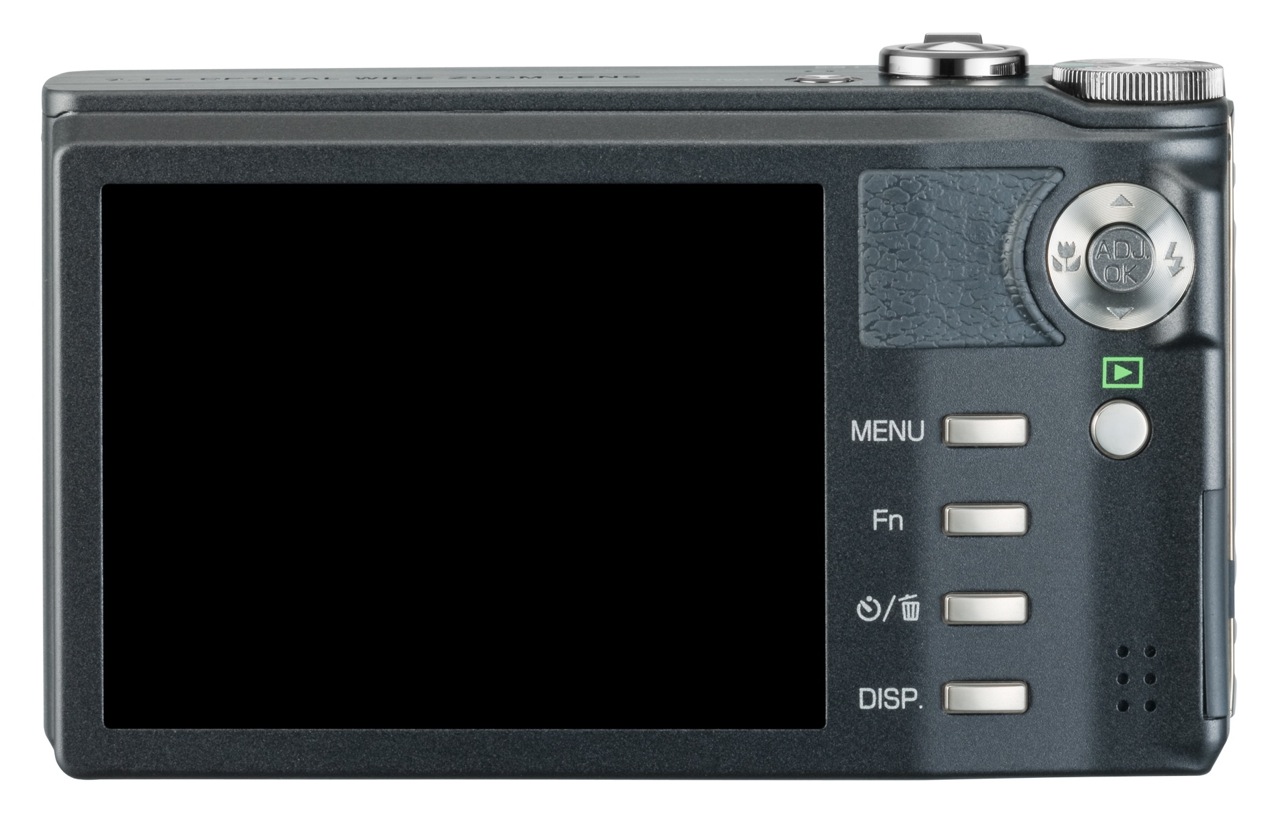
Ricoh CX1

Ricoh CX1 - 1

Here’s what Ricoh says about their in-camera HDR feature:

“It can be difficult to photograph scenes in which the level of brightness varies greatly. With dynamic range double shot mode, the CX1 shoots, consecutively at high speed, two still images with different exposures, and then it records an image that combines the properly exposed portions of each. Expanding the dynamic range up to a maximum equivalent to 12 EV makes it possible to record images that give an almost naked-eye impression.”

Ricoh CX1 - 2

[via Ricoh]

FujiFilm FinePix F200EXR

FujiFilm FinePix F200EXR - 2

Here’s what FujiFilm says about their in-camera HDR feature:

“Just as your eye sees the full range of shadows to highlights in high-contrast scenes, “D-range Priority” simultaneously captures two images to produce a single image with Wide Dynamic Range up to 800%, revealing subtleties in shadow and eliminating washout of the bright areas.”

FujiFilm FinePix F200EXR - 1

[via FujiFilm]

It looks like both companies use a two-exposure method, where one is underexposed to capture the very bright areas, and the other is overexposed to capture the dark areas. The two exposures are combined in-camera to create a single photo that contains the proper details from each exposure. You have to specifically turn on this feature — the camera won’t do it automatically — but the nice thing is that you only press the shutter button once.

I’m really glad to see this feature come to market. In some ways, it’s similar to a feature found on Canon DSLRs, called Auto Lighting Optimizer, except that feature adjusts the sensor signals within a single exposure to render a better photo instead of combining two photos. I imagine the dynamic range compensation obtained through that technique isn’t as pronounced as the in-camera HDR done by Ricoh and FujiFilm.

Standard