Thoughts

Saying goodbye to fall

Autumn is always a bitter-sweet season for me. I still remember it as the time school starts. When I was a child, I dreaded September, because I knew school was coming. Those feelings lingered through college, and they tinge my thoughts even now. Autumn also meant harvest with all its bounty: apples, grapes, corn, potatoes, and so on. How I’d love to help my grandfather pick them from his garden! Maybe I was just happy to get away from homework, but I loved it. His delicious Concord grapes, crisp from the vine, were just the ticket for me on a cold autumn day. My grandmother would beg me in vain to wash them as I wolfed them down in sheer delight. Ah, youth, it’s wasted on children…

Then there are the colors of autumn. Is there a season more colorful than it? Winter isn’t it. Spring may be colorful, but only so in concentrated spots, like gardens with flowers or flowering trees. It’s mostly brown and green and blue. Summer is constantly and mostly green and blue. Winter is just dull. It alternates between the brown of mud and the white of snow, bespeckled here and there with an occasional cardinal bird and some evergreens, to speak nothing of the mostly dreary sky. Now autumn, that’s the ticket for color! Where else will you find different colors everywhere, even in lowly trees you wouldn’t otherwise notice?

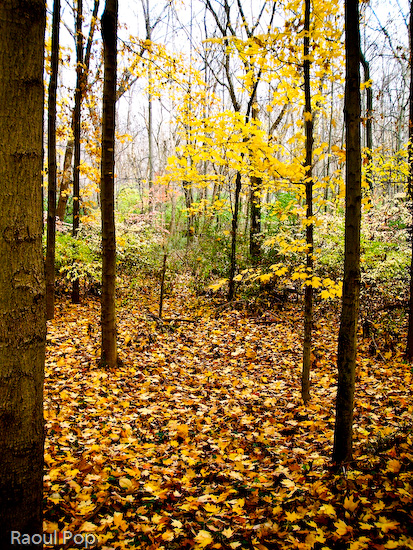
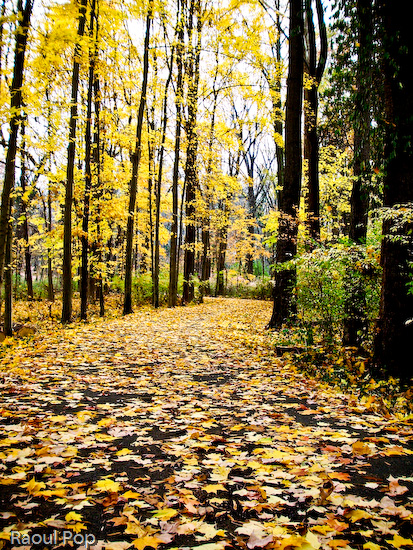
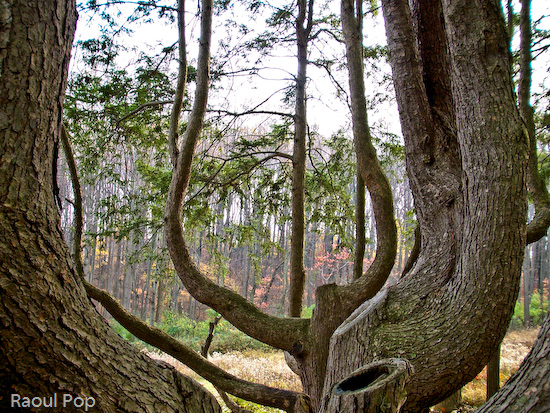
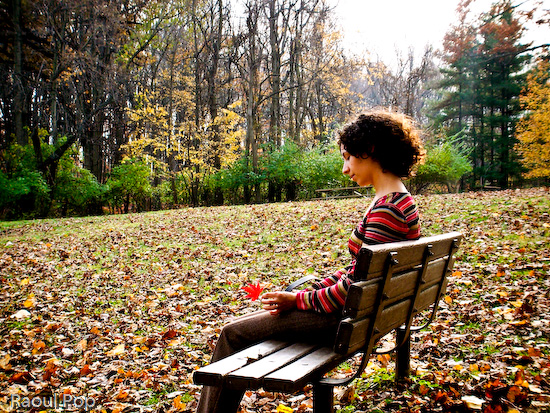
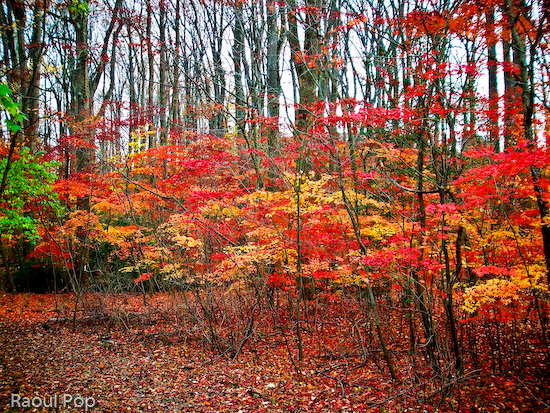
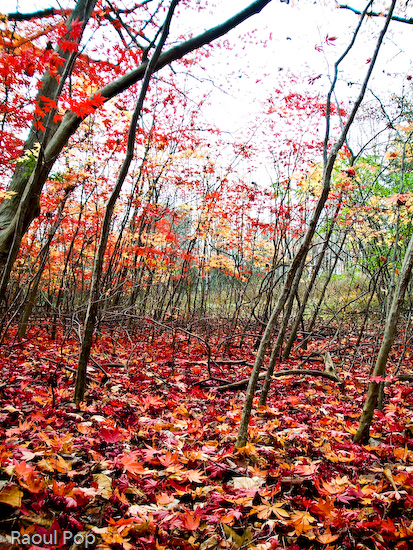
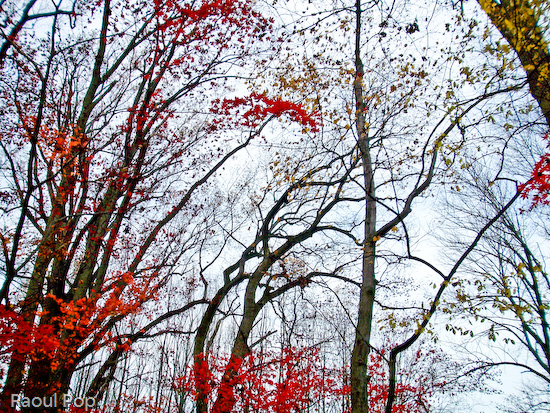
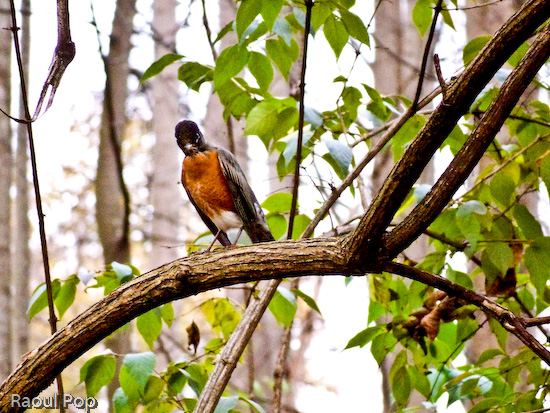
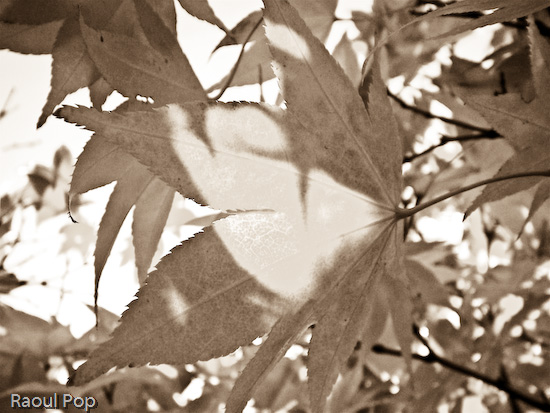
I’ve been taking photos of fall colors for a few years now. I probably got some of my best shots this year, and I wanted to share a few with you. Join me in saying goodbye to autumn. In memoriam…

Melancholy goodbye

Still have that glow within me

Golden years

An offering of sorts

Multi-colored

Parallel lives

Illuminated path

Walking among the fallen

Framing the view

Lost in thought

As only fall could do it

Vibrant

Tilted

Boughs

Not too thrilled

Swirls

Standard
Thoughts

A white MacBook unwrapping

My mother was fed up with multiple crashes on her Windows laptop, and wasn’t sure what to do. Should she get a new Windows laptop? Should she try to fix the existing laptop? It was all very traumatic for her, because she lost precious data with each crash.

When I first suggested she switch to Apple, she said no thanks, she wasn’t going to learn a new operating system. She had little spare time as it was. But with time, she relented. I convinced her to visit the Apple Store at her local mall and play around with the computers. I remember a few months ago, she called me from the store, excited. She was willing to give it a try and consider a purchase. She wanted a laptop, and didn’t want to spring for the expensive MacBook Pro, so I suggested the MacBook. She liked the white one. I advised her to wait till they came out with the Core 2 Duo and fixed the random shutdown and discoloration issues.

Fast forward a couple of months, and I placed the order for her. I expected to wait about a week till Apple shipped it out, like I did with my iMac G5. Was I ever surprised when I got a shipment notification the very next day! I thought boy, they really improved… but in typical Apple fashion, they managed to mess up the order somehow. When I ordered my iMac, they sent me a Spanish keyboard and instruction manual. This time, they didn’t ship the Apple Care plan for the MacBook. [sigh] Some things are just the way they are…

I had the laptop sent to me, since I promised I’d take her through the switch. Now I’ve got my work cut out for me. I’ve got to import all of my parents’ documents , photos, music and other things from the PC backup files to the MacBook. As if that’s not enough, I need to transfer her Outlook-based mail archive to Apple Mail, and that’s not a walk in the park. Fortunately, I’ve done it before. When everything’s set up, I’m going to fly it down to her and hand it over. There may be an official hand-off ceremony, I don’t know, we’ll have to see.

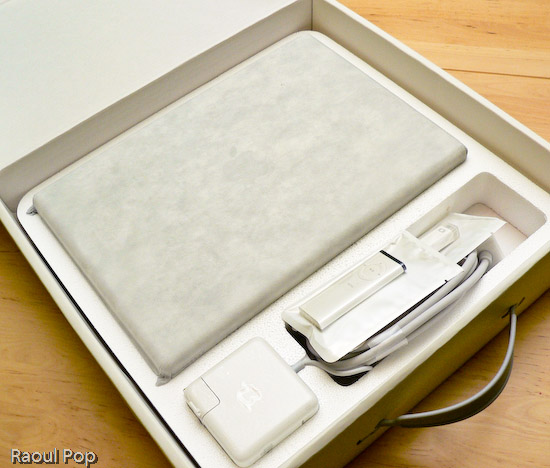
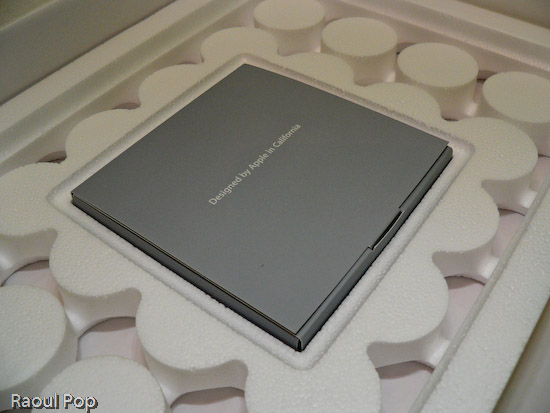
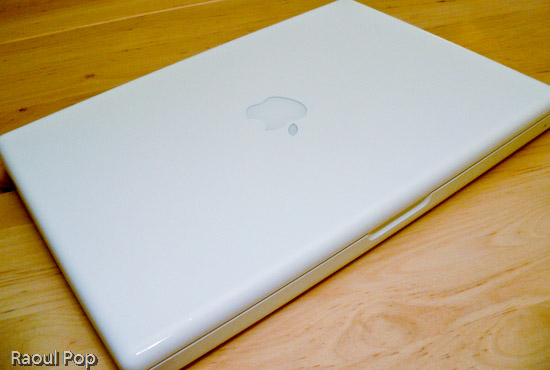
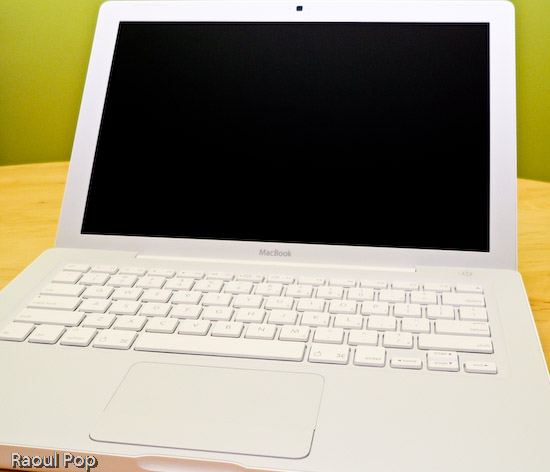
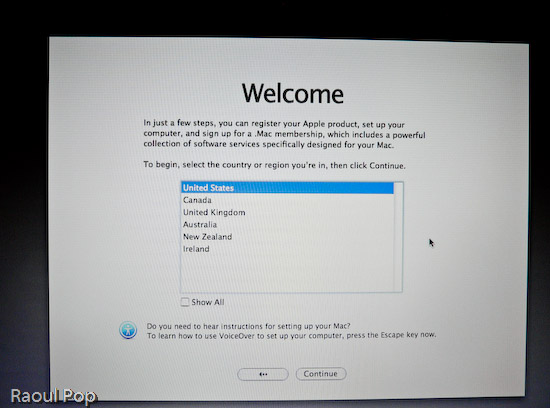
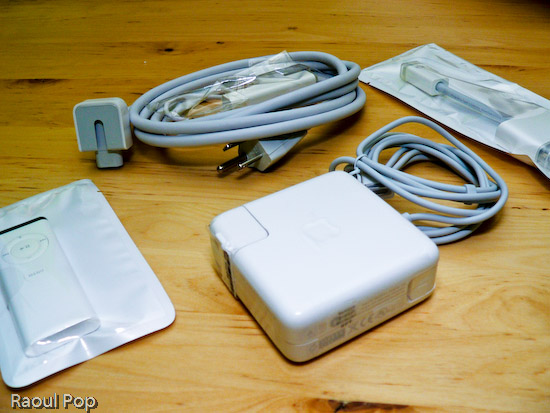
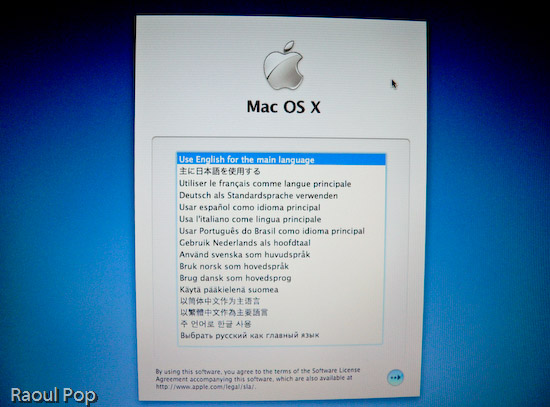
Anyway, the laptop arrived yesterday and I took it out of the box, duly documenting the process with photos. You’re welcome to have a look.

MacBook in its box

MacBook box opened

MacBook wires, adaptors and remote control

MacBook DVDs, manuals

13? White MacBook

13? White MacBook with lid open

MacBook language selection screen

MacBook welcome screen

Standard
Places

Passing through the Carpathian mountains

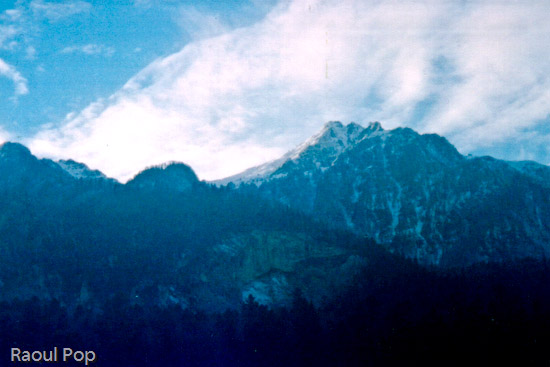
I dug up some old photos of mine from November of 2002, taken from the train as it passed through the Carpathian mountains in Romania. They’re posted below. I apologize for their graininess, but I took them with an old APS camera and scanned them years after they were developed. But they get the point across anyway, which is that those mountains are gorgeous.

Carpathian Mountains

Carpathian Mountains

Carpathian Mountains

Standard
Thoughts

The sun rises

On a freezing cold January morning, the sky called out to me. It said, why don’t you venture out in your pajamas and take a photo of the sunrise? I obeyed, of course. 🙂

The sun rises

Standard
Thoughts

Taking foolproof photos

We read about software that can improve blurry photos these days, and about significant improvements to autofocus on even inexpensive cameras. We look at photos that we take, the washed out ones, and wish we’d have exposed them a little less, or a little more. We wonder how they can be improved.

My solution points to bracketing. This is a current feature on one of my digital cameras, the Panasonic Lumix FZ20. When switched on, it will take three photos with three different exposure times (high, medium and low). I only press the shutter button once, and get three photos from which I pick the best one. Of course, this series of photos can also be used to get high dynamic range (HDR) photographs through manipulation, but the point is, the consumer only needs to press the shutter once. That’s the key.

I believe eventually we’ll see cameras that integrate bracketing into every photo. They’ll not only vary exposure times but also focus. The process will be seamless to us. We’ll press the shutter button once, the camera will only seemingly take one photo, but when we get home and download the photos to our computer, our camera software will allow us to use slider controls to adjust the focus and exposure without damage to the photograph’s quality. We’ll be able to bring different elements in and out of focus, and make the photo brighter or darker, just as we please.

Standard