Reviews

Time of capture metadata bug in iPhone 4 movie clips

Updated 9/12/10: I’m not sure any more if this is an iPhone 4 glitch or an Adobe Lightroom 3.2 bug. A thread has been opened in the Adobe Lightroom Forum, if you’d like to chime in there.

After upgrading the iPhone with iOS 4.1, I recorded a new video clip, imported it and some new photos into Lightroom, and the same wrong date and time appear for it.

According to a comment on my thread in the Apple Support Forums, the correct time of capture is displayed for iPhone 4 video clips elsewhere but Lightroom. And I also noticed that Lightroom displays the very same incorrect date and time of capture for video clips taken with the Nokia N95.

Updated 9/27/10: I’ve been in touch with Adobe, and it turns out this is a “designed” behavior. That is, because movie clips do not have EXIF data (there is no standard for EXIF data when it comes to them), they are assigned a random date and time as they’re imported into Lightroom. HDSLR video files are accompanied by a .THM file which stores the necessary EXIF data, and that’s why they show up properly.

Quoting from Davide M.’s (Adobe) response:

So I then had a look at our bug database and it turns our this is a known issue with mobile phones although somewhat out-with our control. Movie files do not technically have EXIF data or at least the standard has not yet been established. Since the import process can assign a timestamp to a movie file, we ignore this time stamp since it can be inaccurate, as shown by the example of your video file being changed by the simple process of email. Other applications while appearing to work fine, in fact are simply showing you the files creation date. If you were to duplicate the file, you will see that the timestamp in these other applications will change to the time the file duplication took place.

The reason why most DSLRs work is because they create a sidecar file containing that information. Files with no timestamp, such as the ones from the iPhone and the Nokia N95 do not create this and hence default to 1/1/04 when looking at the Loupe information overlay.

In the example you used, the Canon 7D creates a .THM sidecar file with the same name as the video file it generates. This contains all the data associated with the video file.

Still, this is problematic behavior, as it introduces erroneous times of capture in these movie files. So I asked Davide if it would be possible for Lightroom to be updated so that it writes a more accurate time of capture for these movie files. Thankfully, he agreed to log it as a feature request. Time will tell if this will make it into a future LR update. Quoting him below:

That’s certainly something I can log in our feature request list. Because this has been deemed ‘as designed’ by our engineering team (due to the lack of EXIF data in movie files) it is not technically a bug. None the less, I can see that this would be a useful addition to our application. Thanks for bringing this to our attention.

Thank you, Davide!

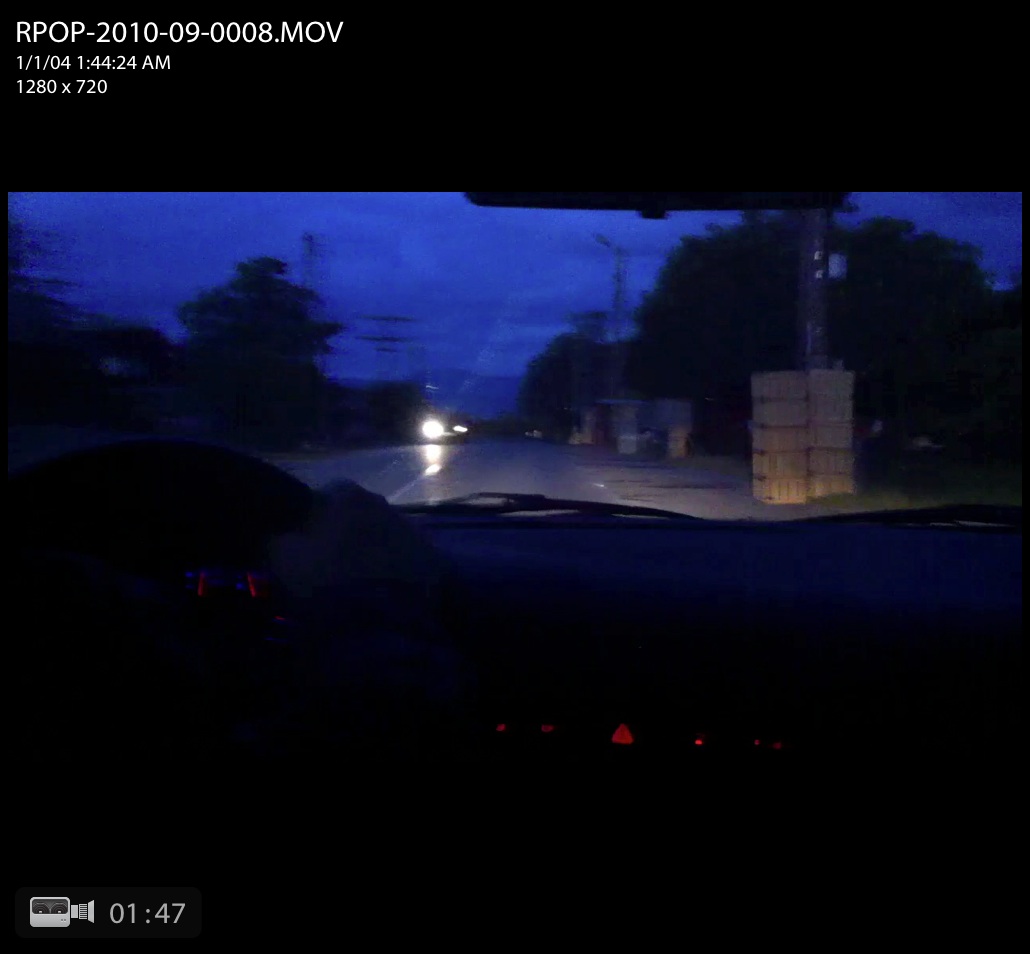
After downloading a few movie clips taken with an iPhone 4 (running iOS 4.0.1) onto my computer, I saw right away that their time of capture was incorrect, even though the iPhone’s time had been set up correctly. I took a few screenshots of the movie clips in Lightroom, which you can see below. Click on each to view them large.
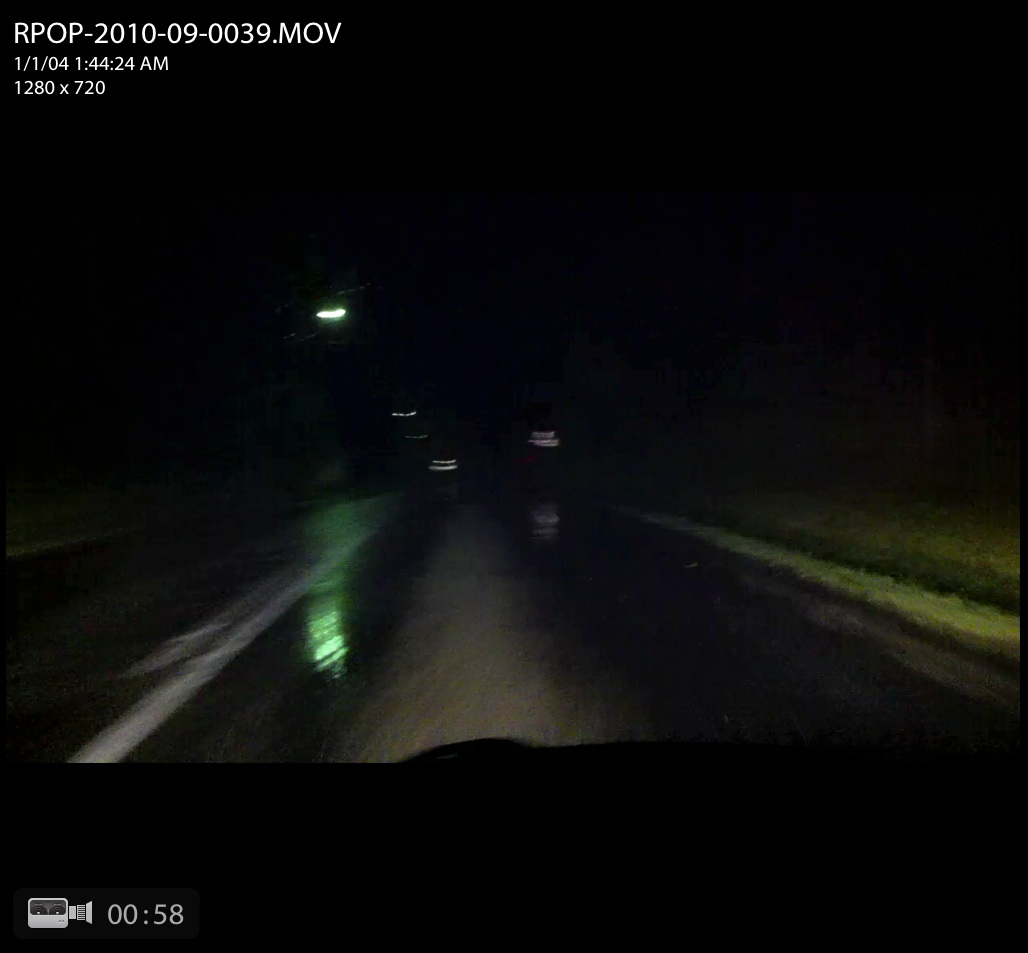
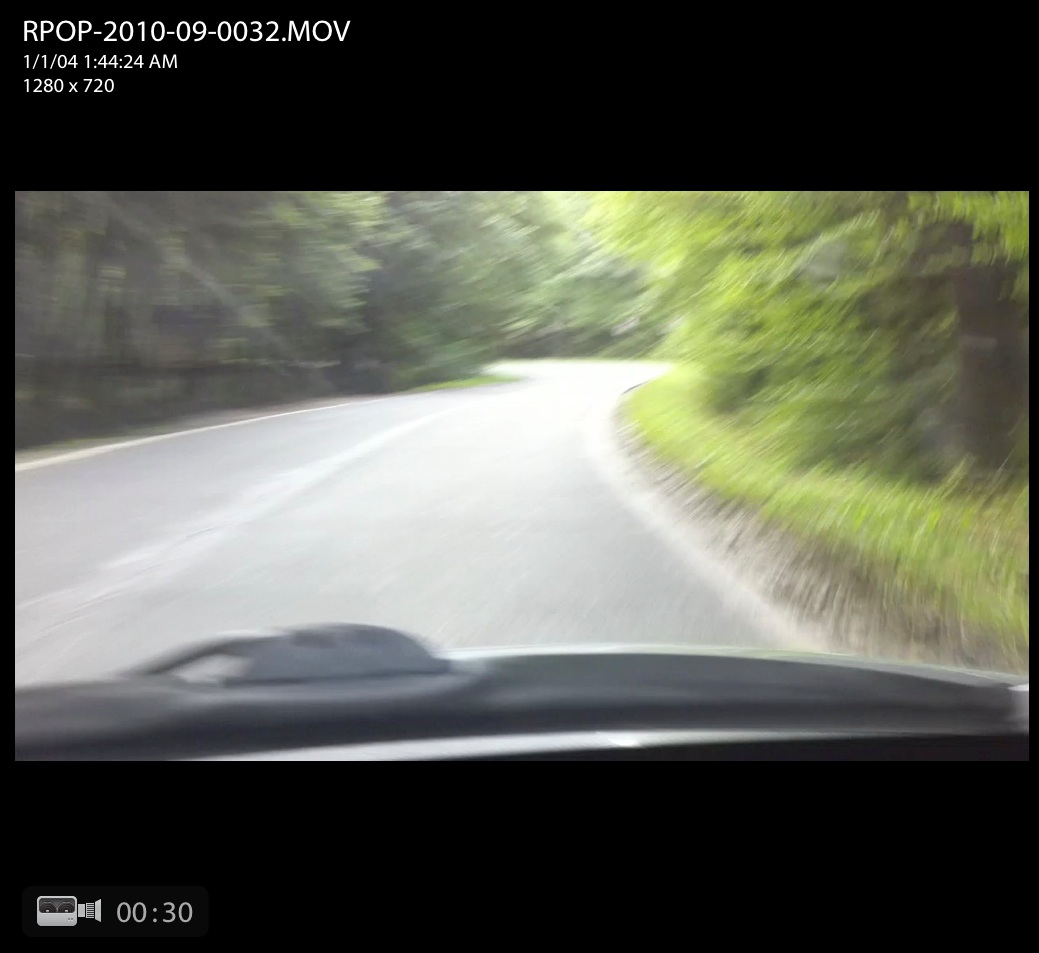
This time metadata error happens when using either the main (back-facing) HD video camera, as shown above, or the front-facing VGA camera, as you can see from the screenshot below.
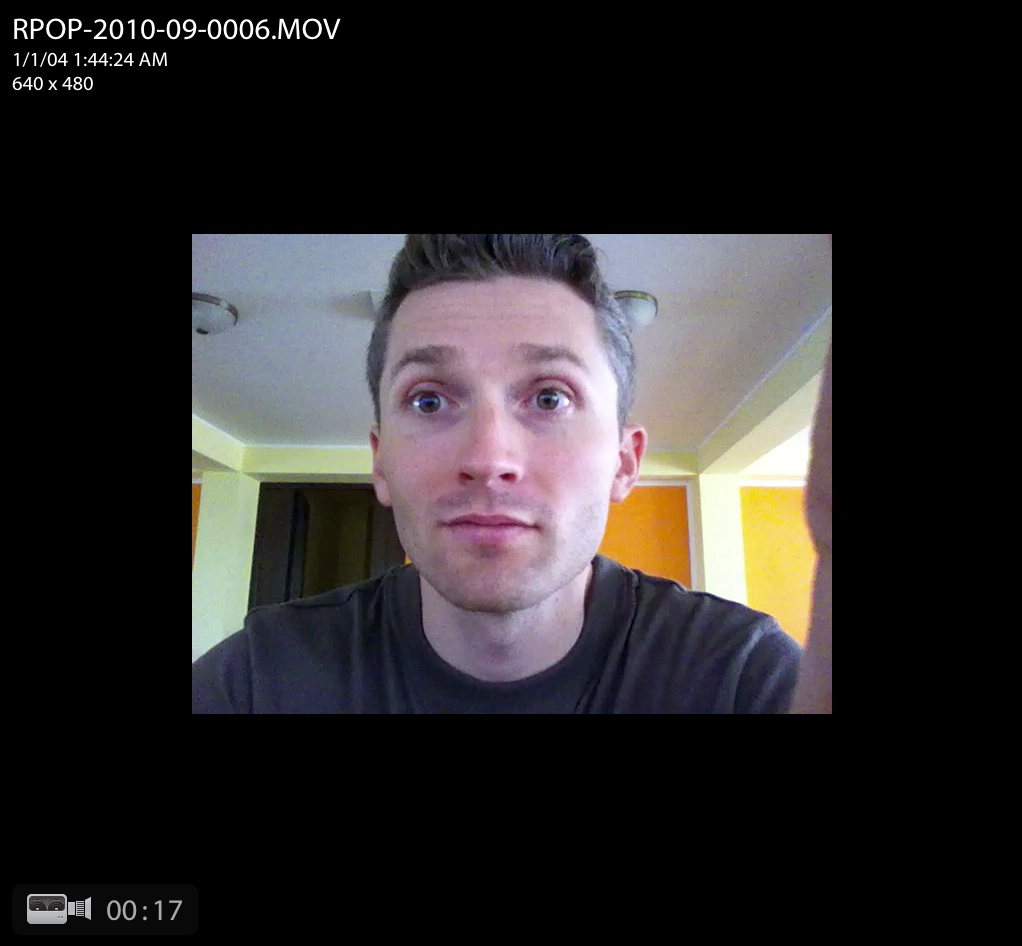
It looks like iPhone 4 records the same time for all video clips recorded with it, set at 1/1/04 1:44:24 AM.

It goes without saying that any digital video camera worth its salt will record the time of capture properly. The question, naturally, is when Apple will fix this glaring bug?

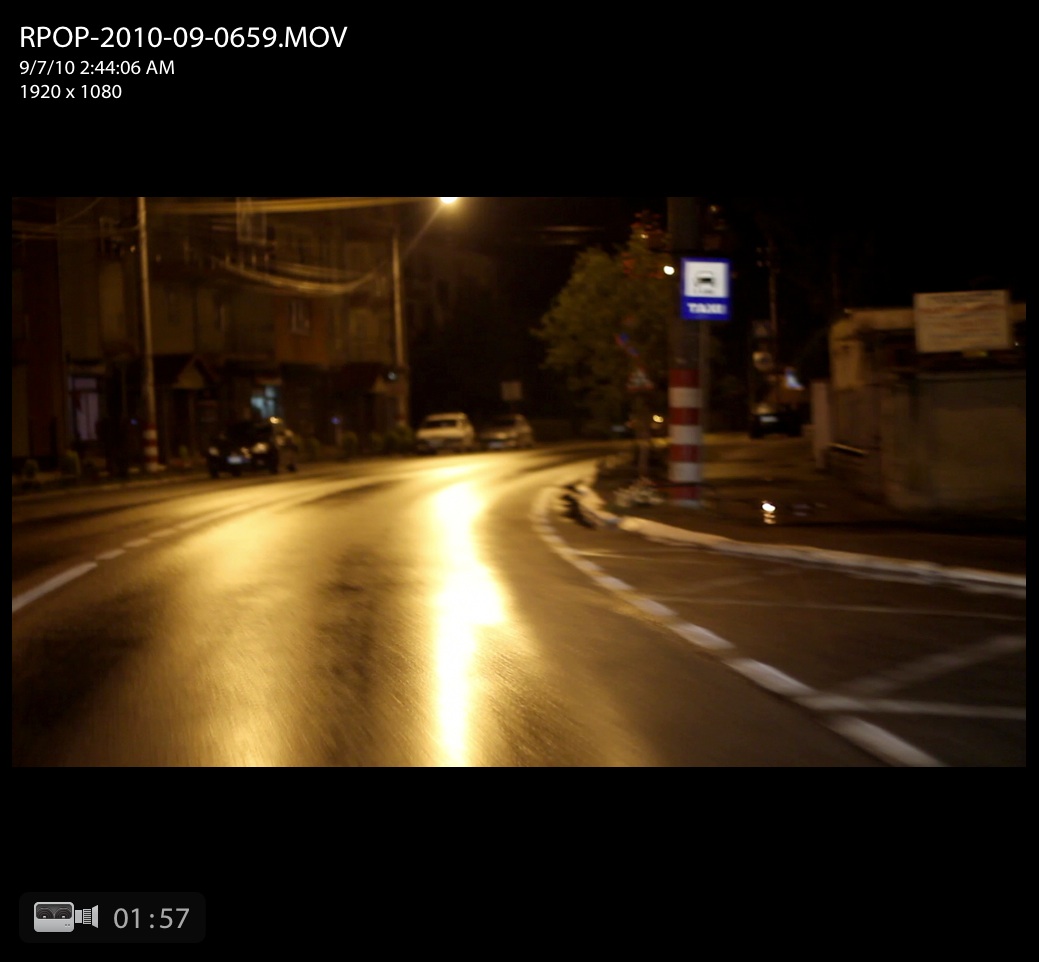
For comparison purposes, here is a screenshot of a Canon 7D movie clip, also shown in Lightroom. The time of capture was recorded properly, as was to be expected.
Standard
Thoughts

YouTube’s copyright claim process still needs some work

A while back, I edited and uploaded what I thought was a fairly innocuous video to YouTube, called A walk on Dania Beach. You can see it below. It shows a few clips of the beach that I took during two walks with my wife. It’s nothing special, really. The quality of the video isn’t even that good, because the camera I used at the time compressed the video too much.

Because there was a lot of wind noise from the in-camera microphone, I muted the sound on some portions of the video, and used the stock surf sound that ships with iMovie (as part of iLife).

You may or may not know (depending on whether you use a Mac) that the sounds that ship with iLife are free to use as you like in your videos, podcasts, presentations, etc. You paid for them when you purchased the software. While their creators retain copyright, in essence, by purchasing iLife, you have gained a license to use them as you see fit in your work.

And so I do use them, all the time. Many of the videos I uploaded to my YouTube channel contain either a sound or a clip from the iLife library, in order to enhance the video’s presentation. So far, so good.

Imagine my surprise when YouTube promptly informed me that this particular video contained copyrighted audio, and that I was welcome to file a copyright claim if I wanted to dispute their findings. They identified two entertainment companies, Go Digital and WMG, as the potential copyright holders. I did file a dispute, where I stated that I didn’t use their content. It took a few weeks, but their replies were finally posted.

GoDigital confirmed its claim to the sound recording, and WMG agreed with my dispute. It’s interesting to see that WMG, the far larger company, agreed with me, while GoDigital, a company I’ve never heard of, maintained their claim… to what? That’s really the question I’d like to ask them, but I can’t, because this is as far as I can go with YouTube’s claim dispute process.

If you’d like to learn how YouTube identifies potentially copyrighted material (video or audio) in the videos its users upload to the site every day, Margaret Stewart, YouTube’s head of user experience, gave a talk at TED about that very subject in June of this year.

Now that you’ve presumably watched that video and you understand how YouTube scans and identifies potential copyrighted assets, I’d still like to find out exactly what GoDigital sees in my not-so-special video that it thinks it owns. The sound of the waves I recorded with my camera? The sound of the waves from the iLife library? The seagulls I recorded? The sound of the wind, also recorded by me? What is it they think they own?

If someone at YouTube’s user experience team reads this, please, either enlighten me, or introduce an extra step in the copyright dispute process that allows the user to ask what particular piece of content was identified as copyrighted, or allows the company to specify it directly when they review the dispute and decide it’s still theirs. Then, for those special cases like mine, where I don’t see how the content is theirs, allow me to request a third-party review, by a human at YouTube, someone who could have a look at the video and see what’s going on.

Thanks.

Standard
Thoughts

The kittens at play

âť— Free kitten alert! âť—

We’re getting ready to say goodbye to our kittens. We’re going to give them away for adoption in the next week or two. If you’re in Romania and you’d like one, let us know. Otherwise, we’ll take them to a pet store in Sibiu or Tg. Mures, where eager children will surely squeal in delight and tug at their parents’ sleeves, wanting one.

We have four little tomcats and two kitties: two black males with white socks, two grey-brown striped males with white socks, one brown-beige striped kitten and one beige-orange striped kitten. They’ve been lovingly cared for since birth by our two cats, Mitzi and Trixie, who’ve shared responsibilities in grooming and feeding them. They have already visited the vet, have their health cards, have been treated for internal and external parasites, are weaned, eating solid food, and they’re ready to be welcomed into someone’s family.

Here are photos and a couple of videos of them. The first video shows them playing inside, and the other shows them playing and suckling outside, in our yard.

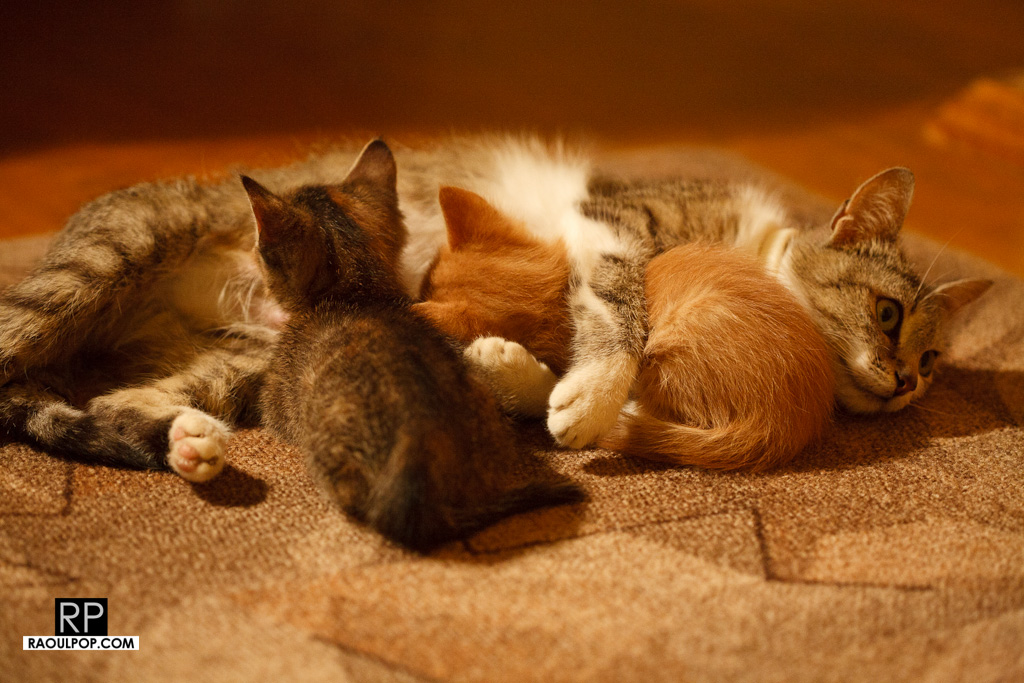
The photos were taken while they were playing and suckling inside one evening.

This last photo shows the two striped tomcats sleeping next to each other.

Just so there’s no confusion, let me make it clear that they’re free. If you want one, as long as you can come and pick it up, it’s yours.

Standard
Thoughts

Two mothers, six kittens

The wonderful (and unique) thing about our two cats, Mitzi and Trixie, is they share responsibility for their two litters of kittens. They each gave birth to three kittens, a few days apart, and soon afterward, began to take care of them together. They groom and feed each others’ kittens, regardless of who they are, and the six kittens play together and sleep together all the time. I haven’t heard of another case like this.

We expected this somewhat, though. Mitzi and Trixie are sisters, and they’ve always cared about each other, although they do argue from time to time. We got them when they were close to two months old, and they’ve been together ever since. They’ve eaten together, played together, slept together — done everything together. I think they were even courted by the same tomcats. Before they gave birth, I recorded a video clip where they were comforting each other, and that’s another thing I hadn’t seen or heard of in cats until then.

Standard
Thoughts

Our newborn kittens

Our two cats, Trixie and Mitzi, gave birth to three kittens each — Trixie on May 16th, and Mitzi on May 20th. They each gave birth to two tomcats and one kitten, all of them adorable. They’ve been growing nicely and are starting to cause mischief, as six kittens put together will usually do.

I filmed this short video when they were about two weeks old, on June 2nd. They’d all opened their eyes by then, but were still unsure on their feet. You’ll be able to see each of them more clearly now than in the birth video posted previously.

Enjoy!

Standard