Events

The Christmas tree and ornaments

This is a video montage of our 2007 Christmas tree and ornaments. It sat in my “to-do” queue for over three years… but it’s finally edited!

The quality of my filming back then wasn’t quite up to snuff, but I tried to sweeten things up in editing — let me know how it came out.

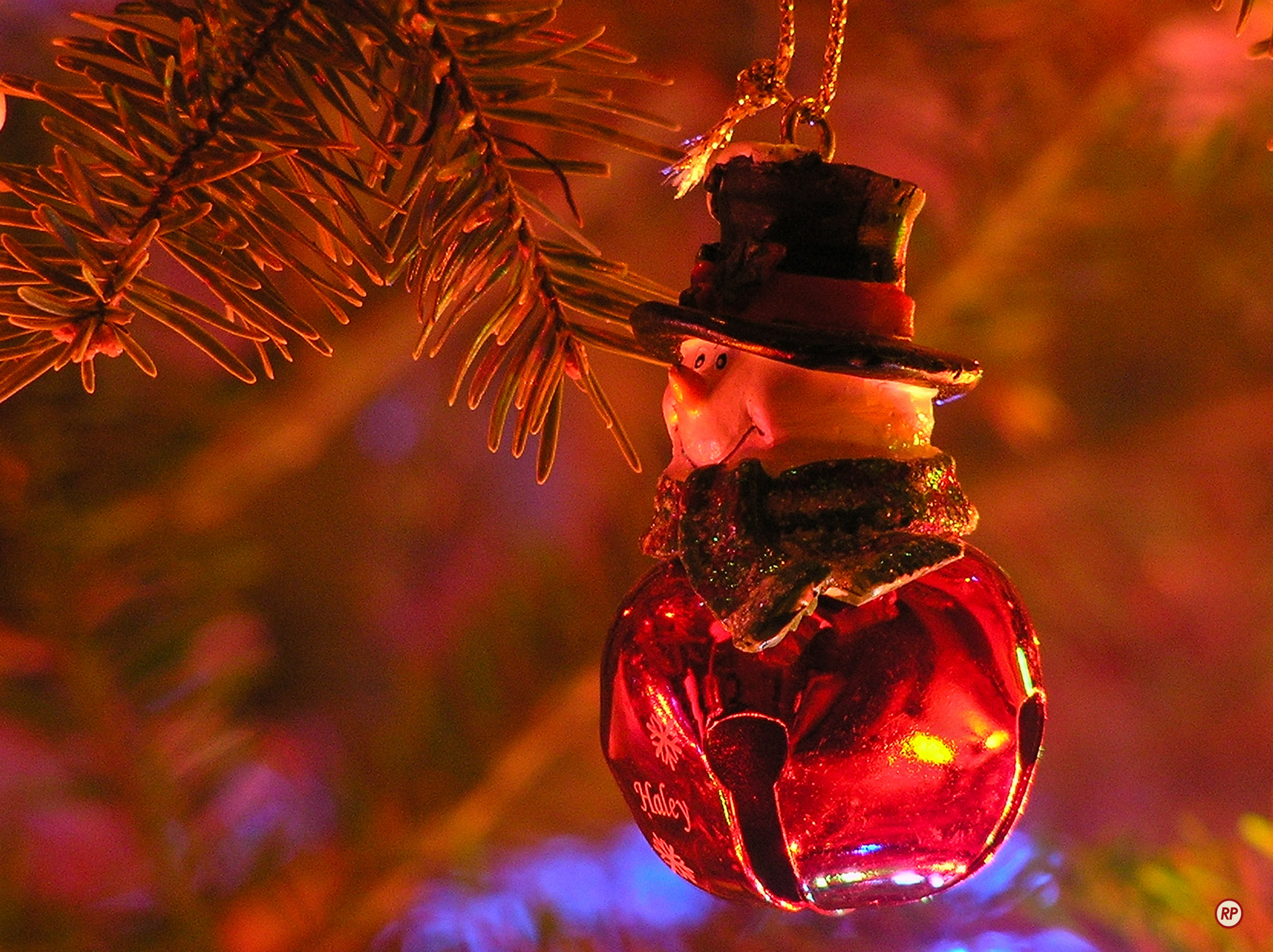
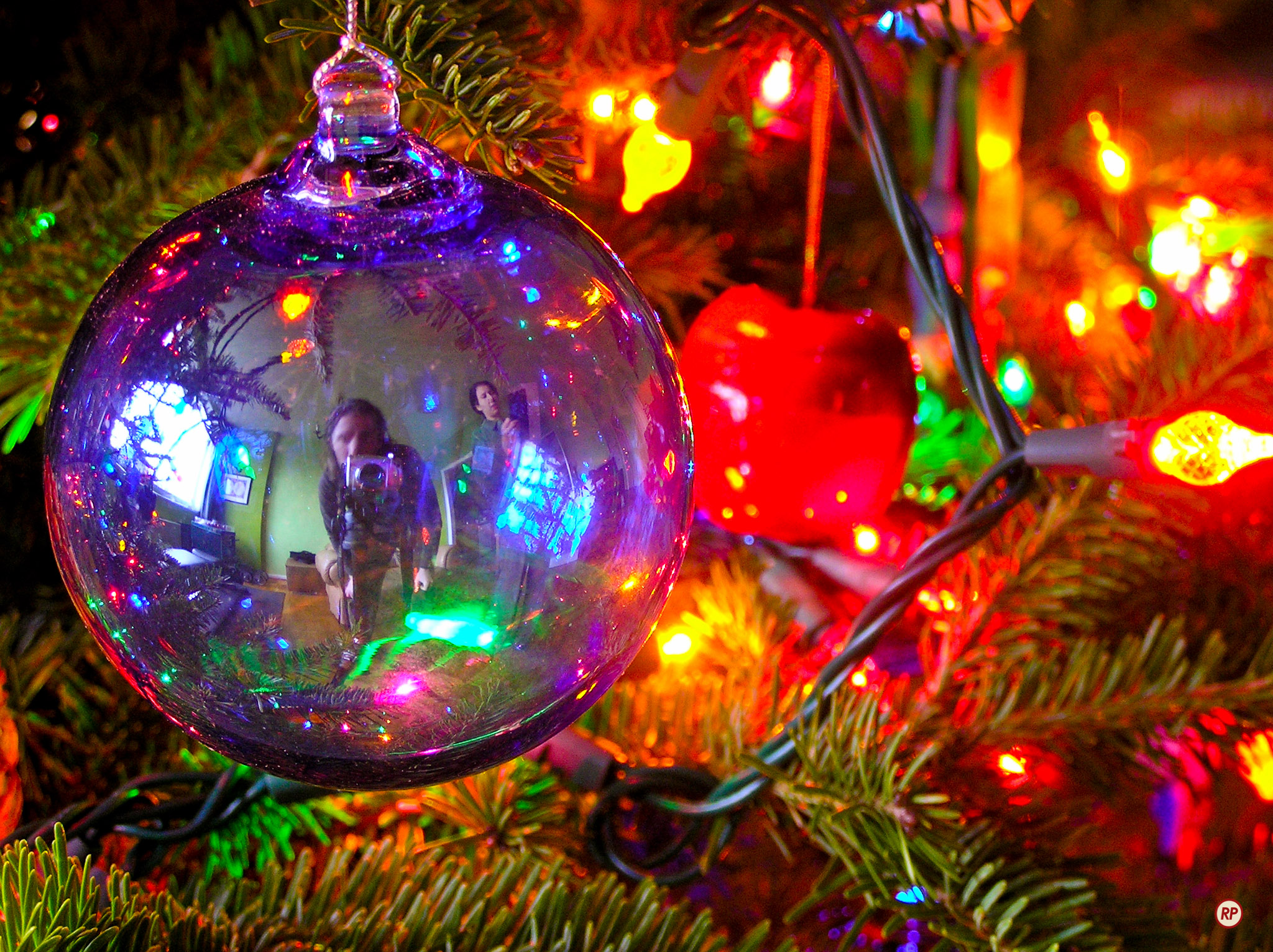
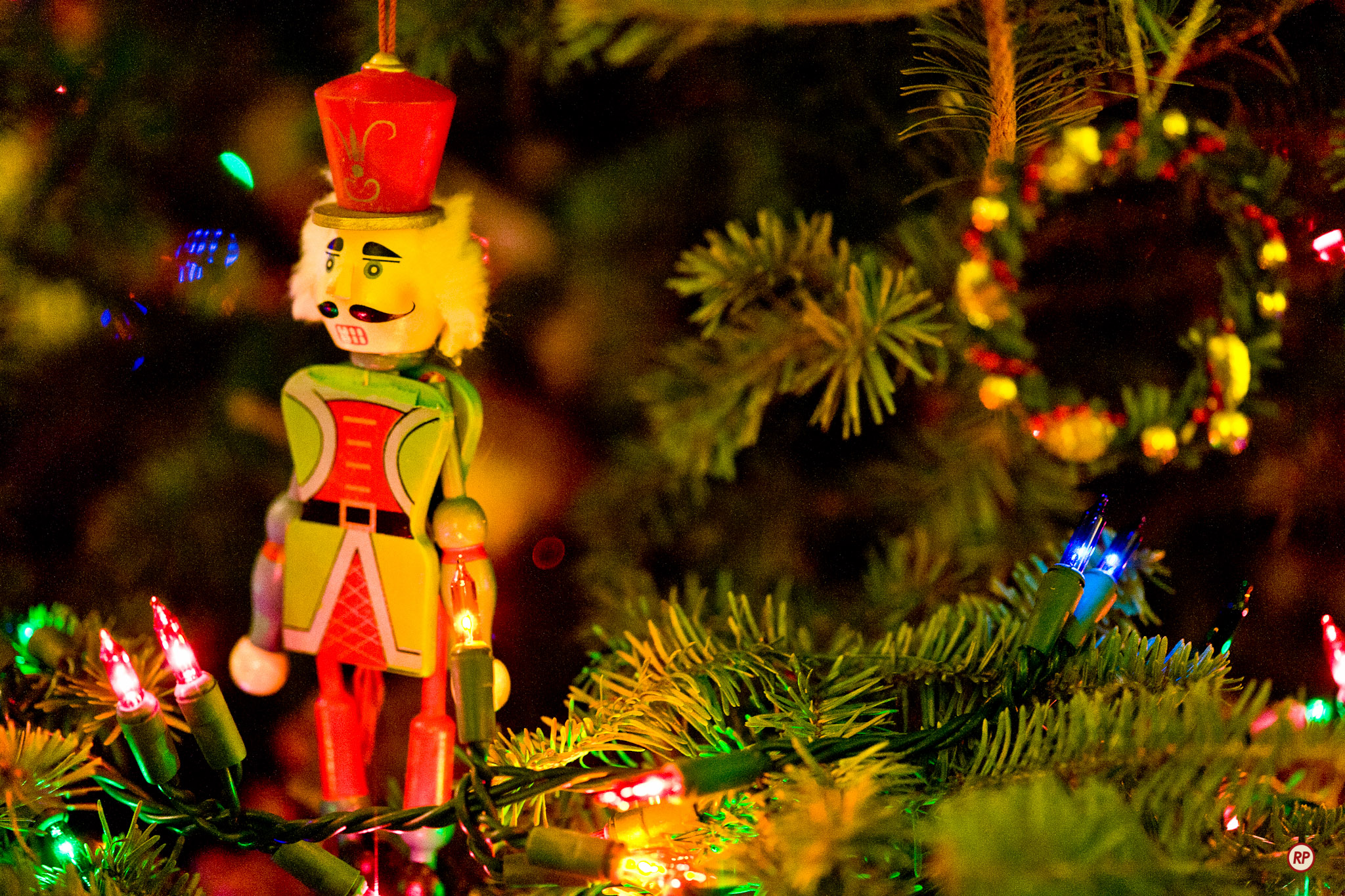
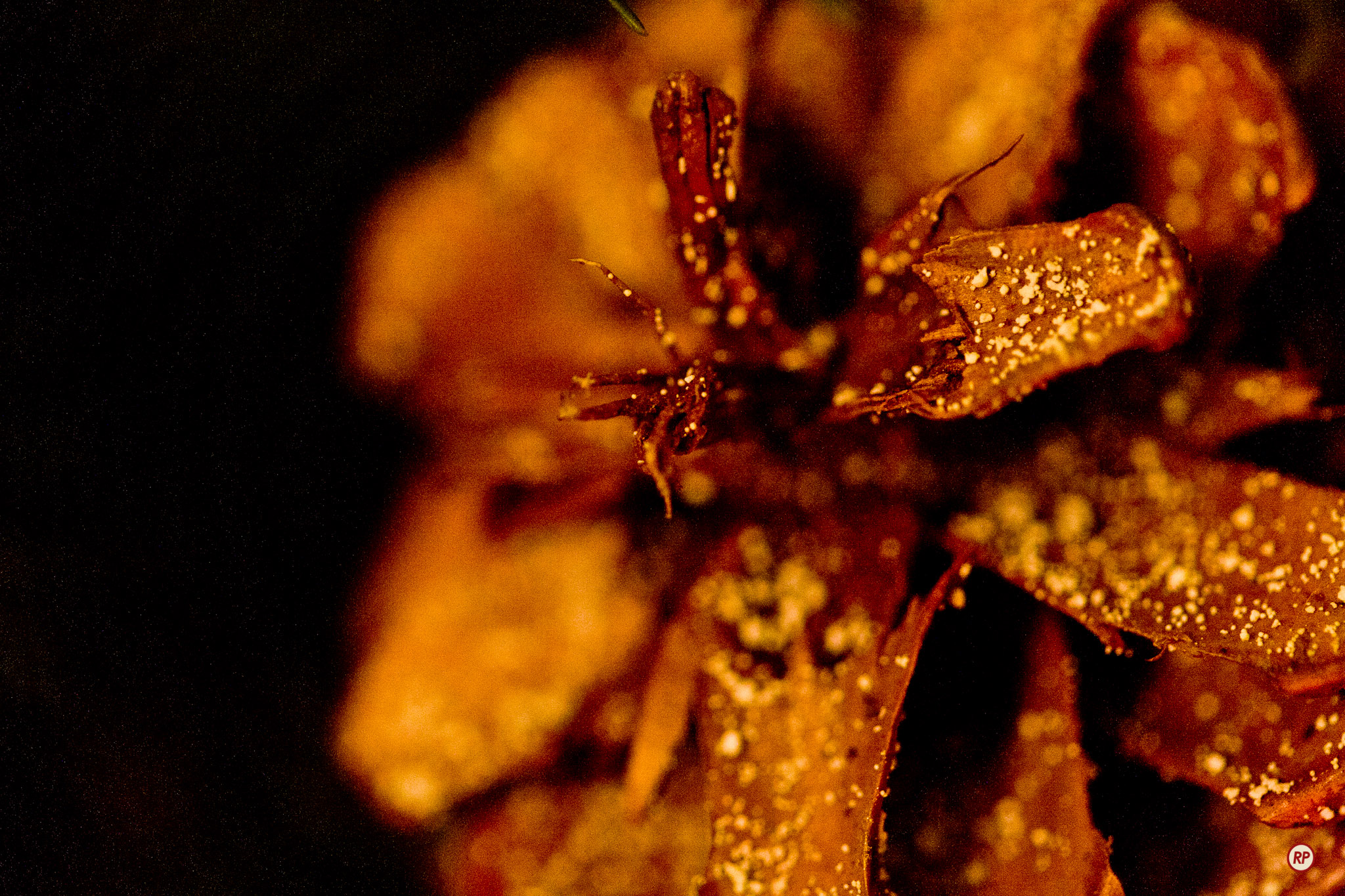
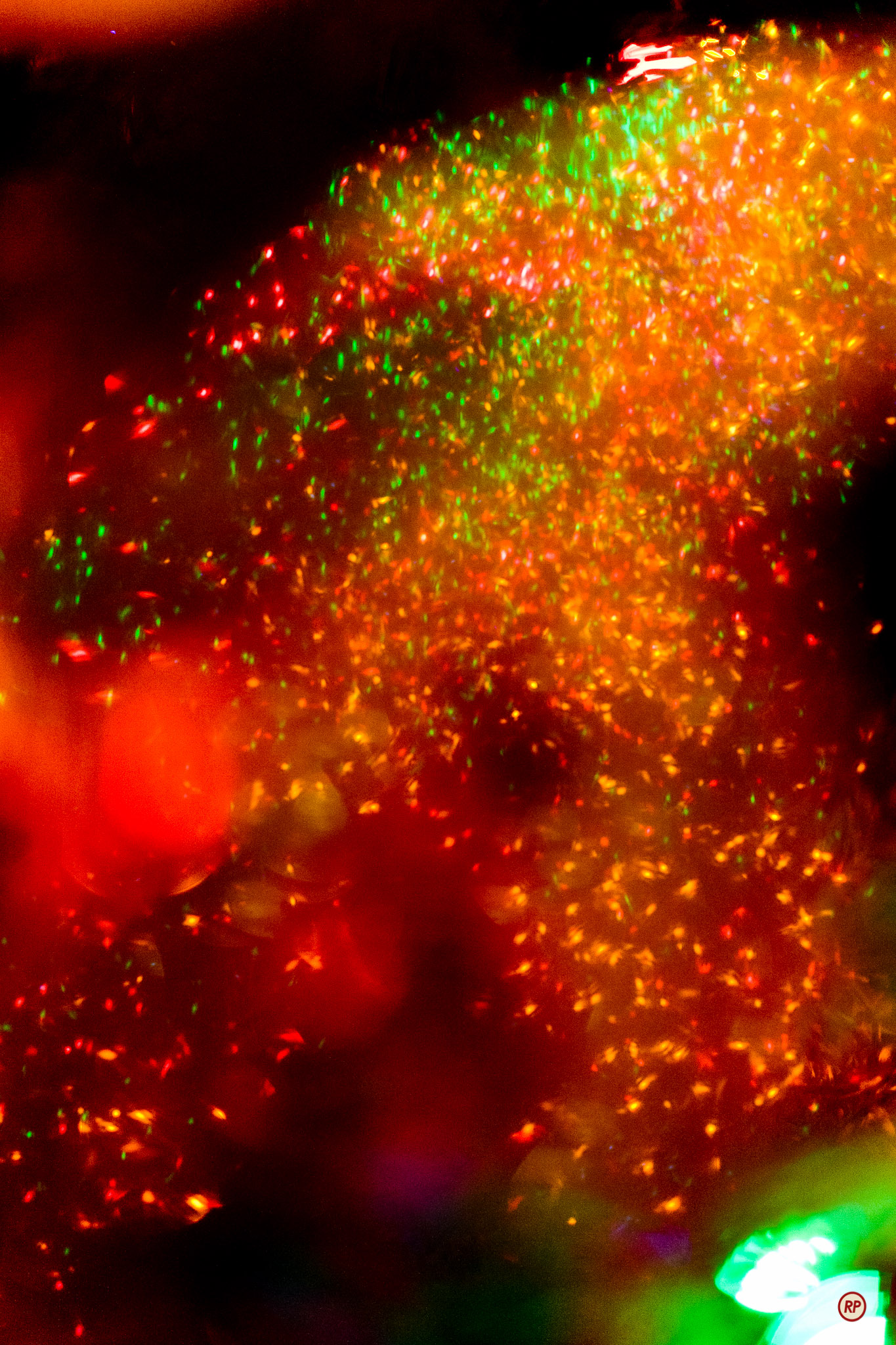
Here are photos of some of the ornaments you saw in the video.

Standard
Places

Leaves in the wind

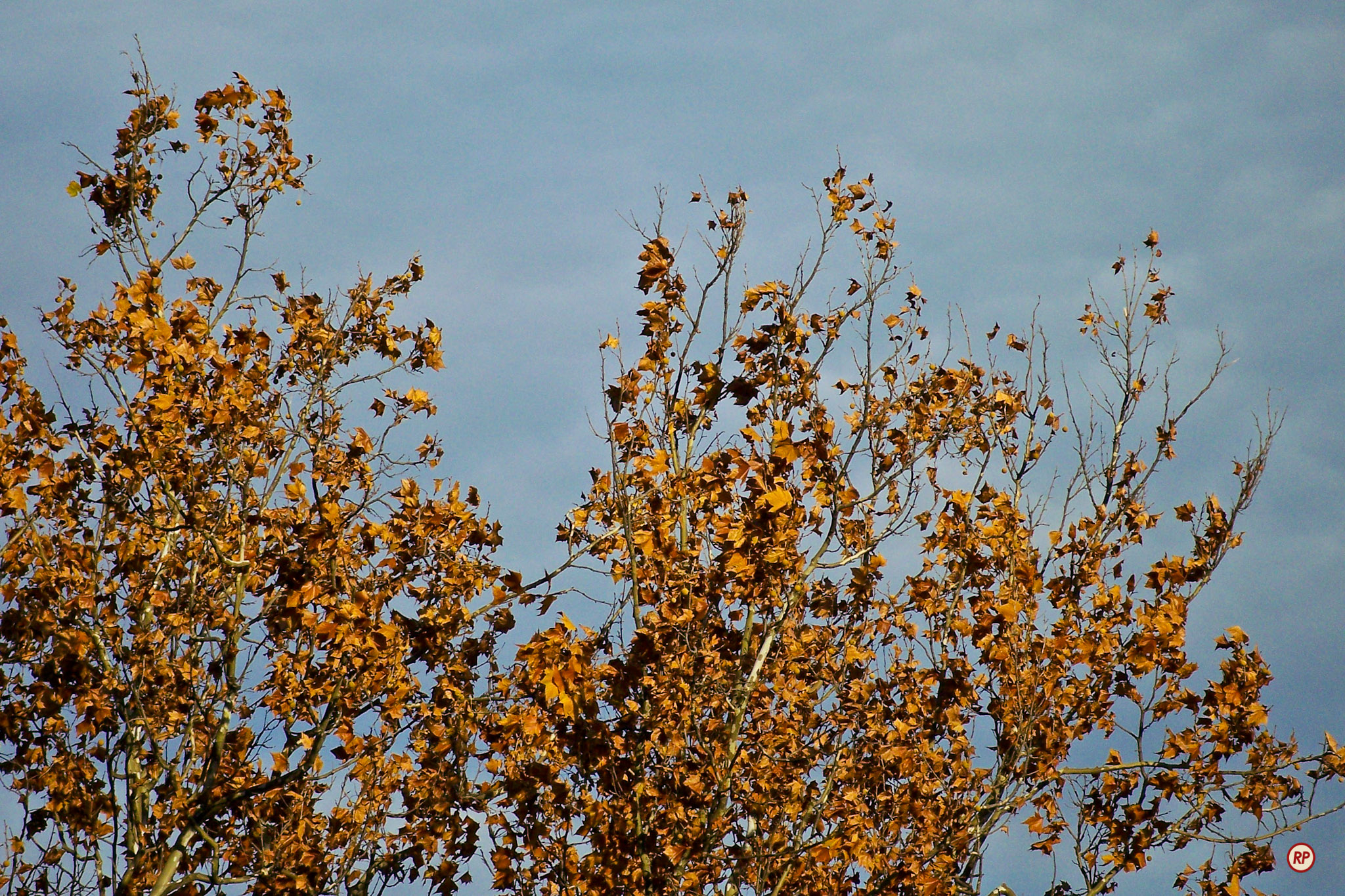
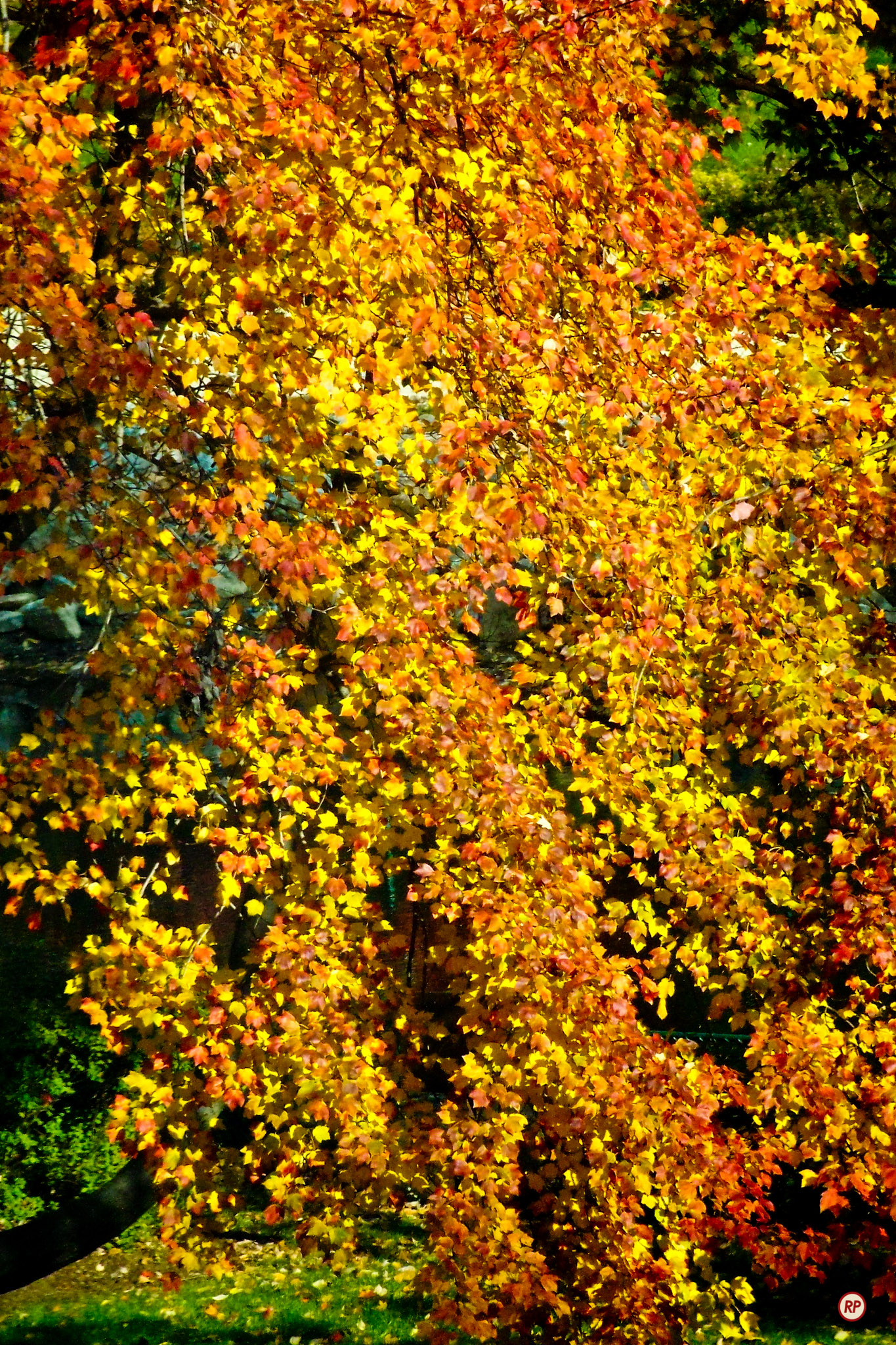
Is there something more representative of autumn than fallen leaves, being blown about by bracing, sprightly breezes? How about branches under the sway of powerful winds, beckoning chilly autumn rainstorms? I captured these scenes on video in the autumn of 2007, in Grosvenor Park, MD, but only now got around to editing and publishing it.

I’m only sorry that I didn’t have a better video camera at the time, but such is life sometimes. Now I do, and next autumn, I’ll be ready.

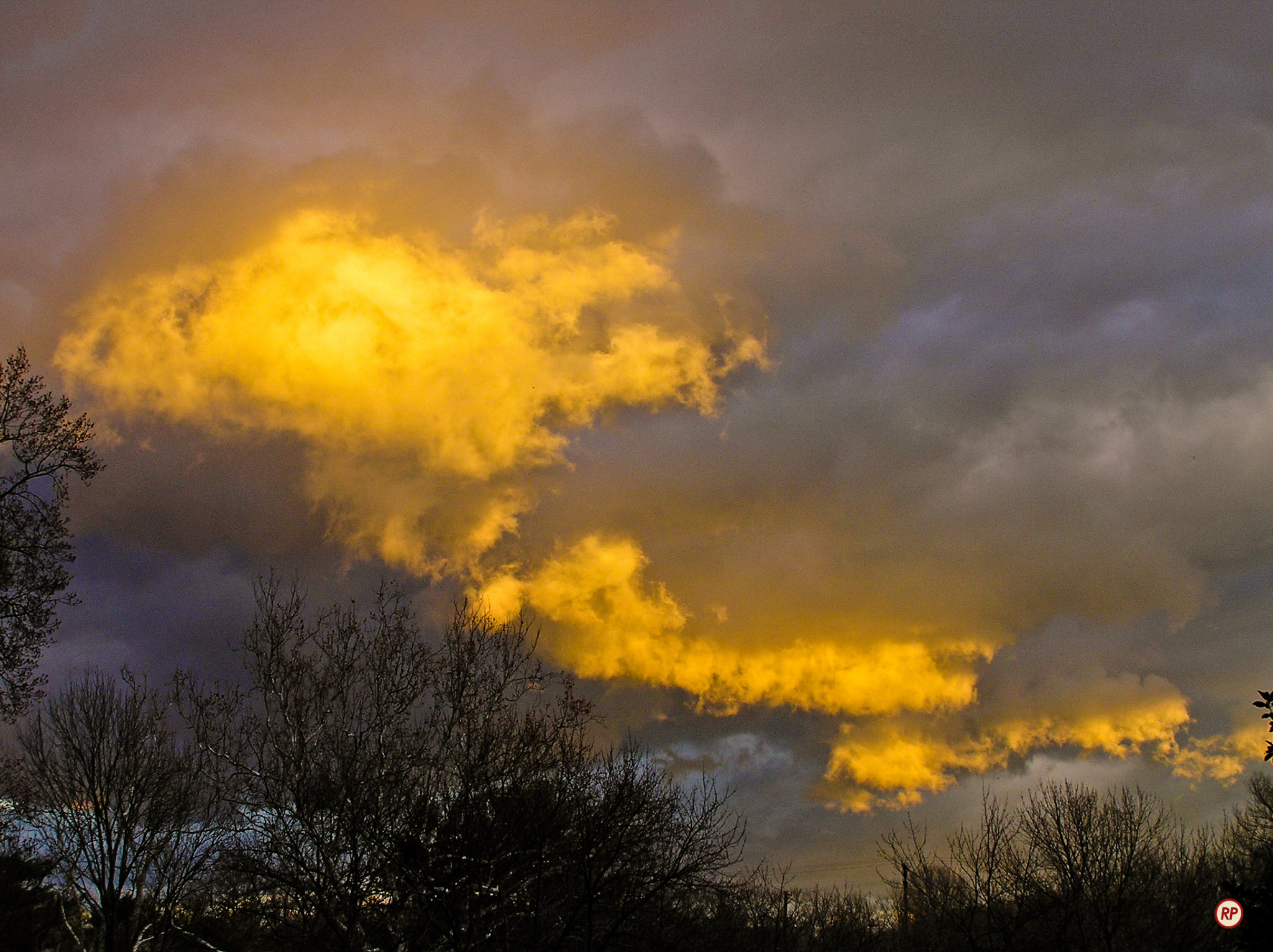
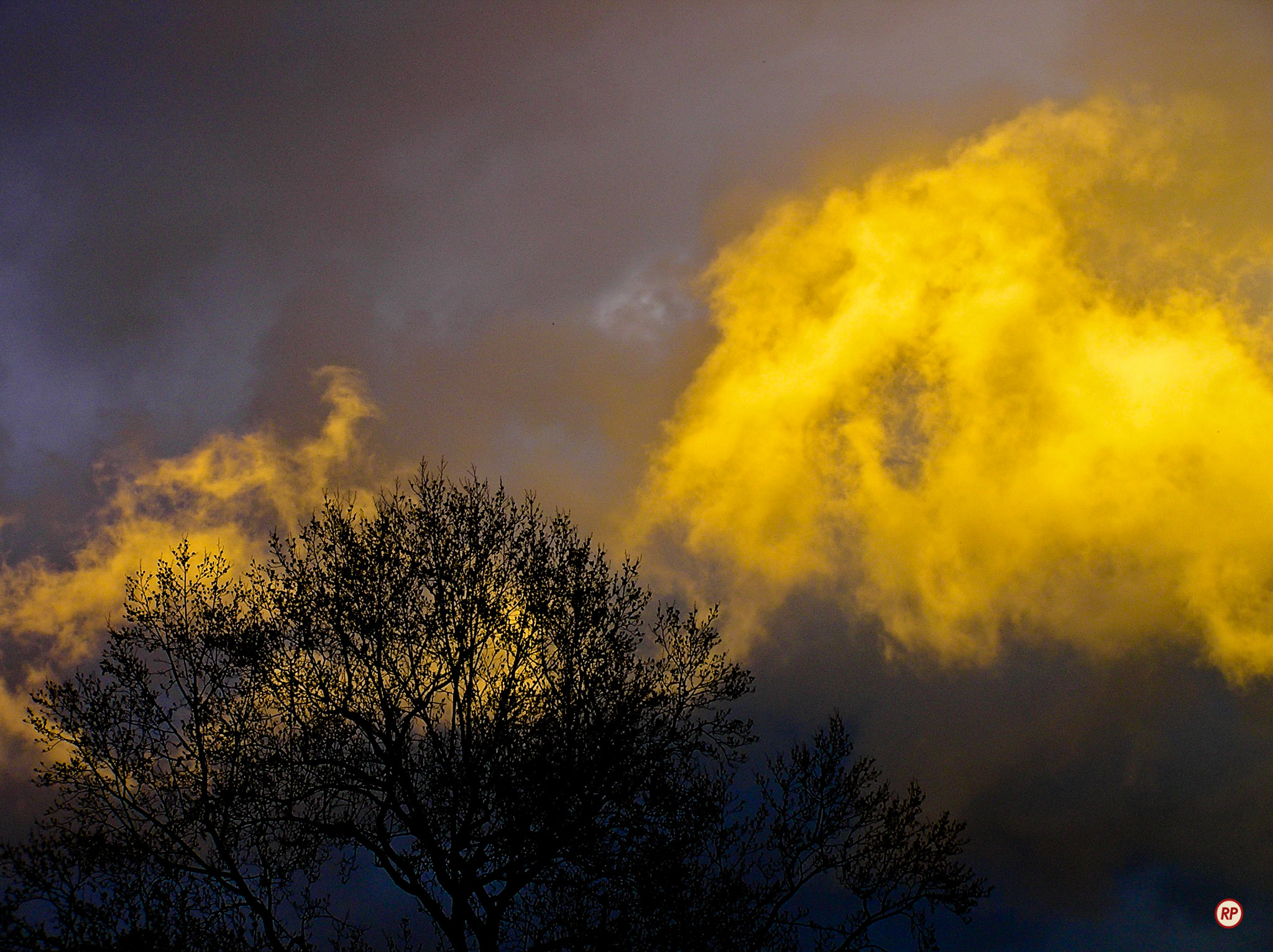
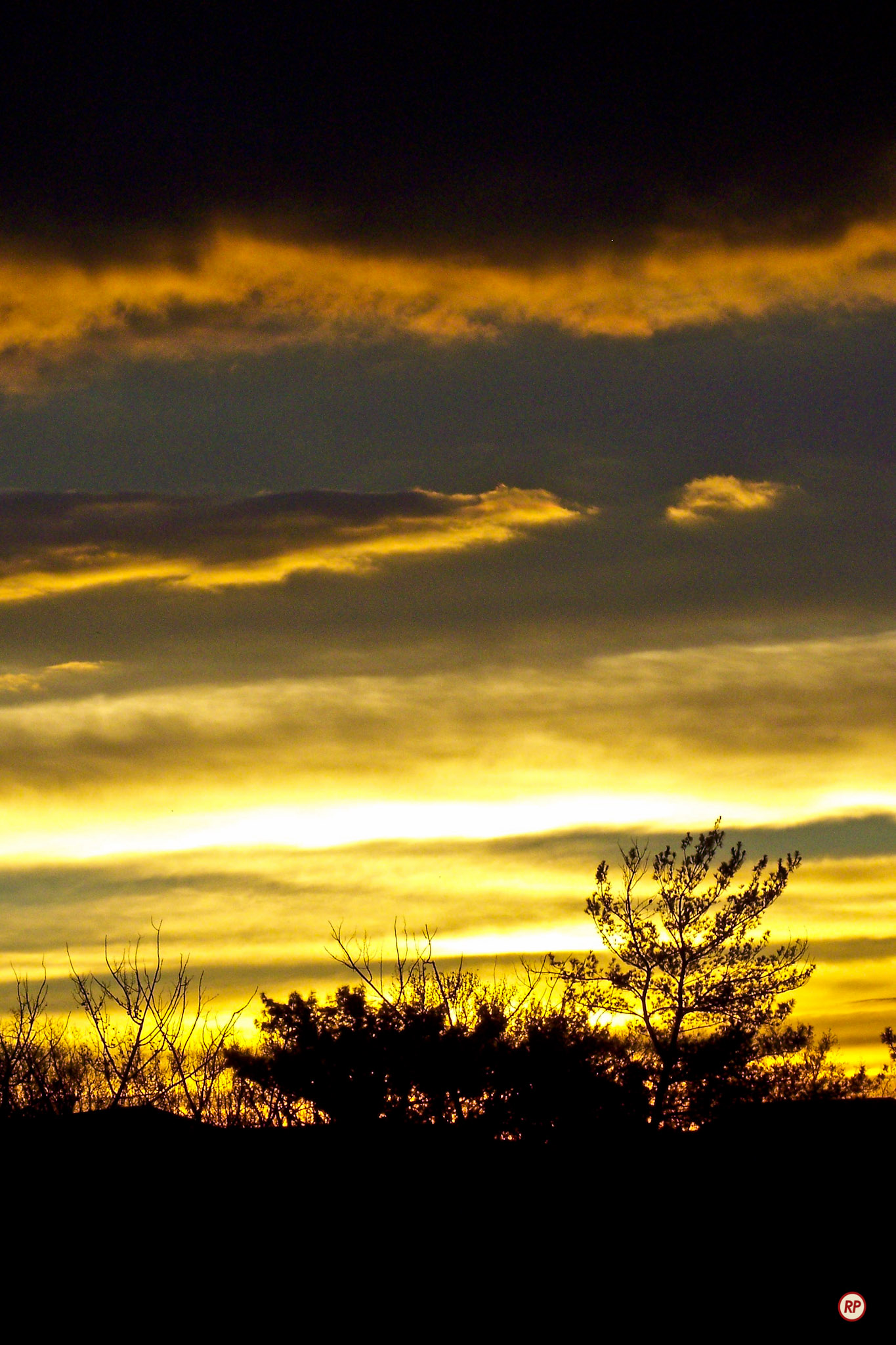
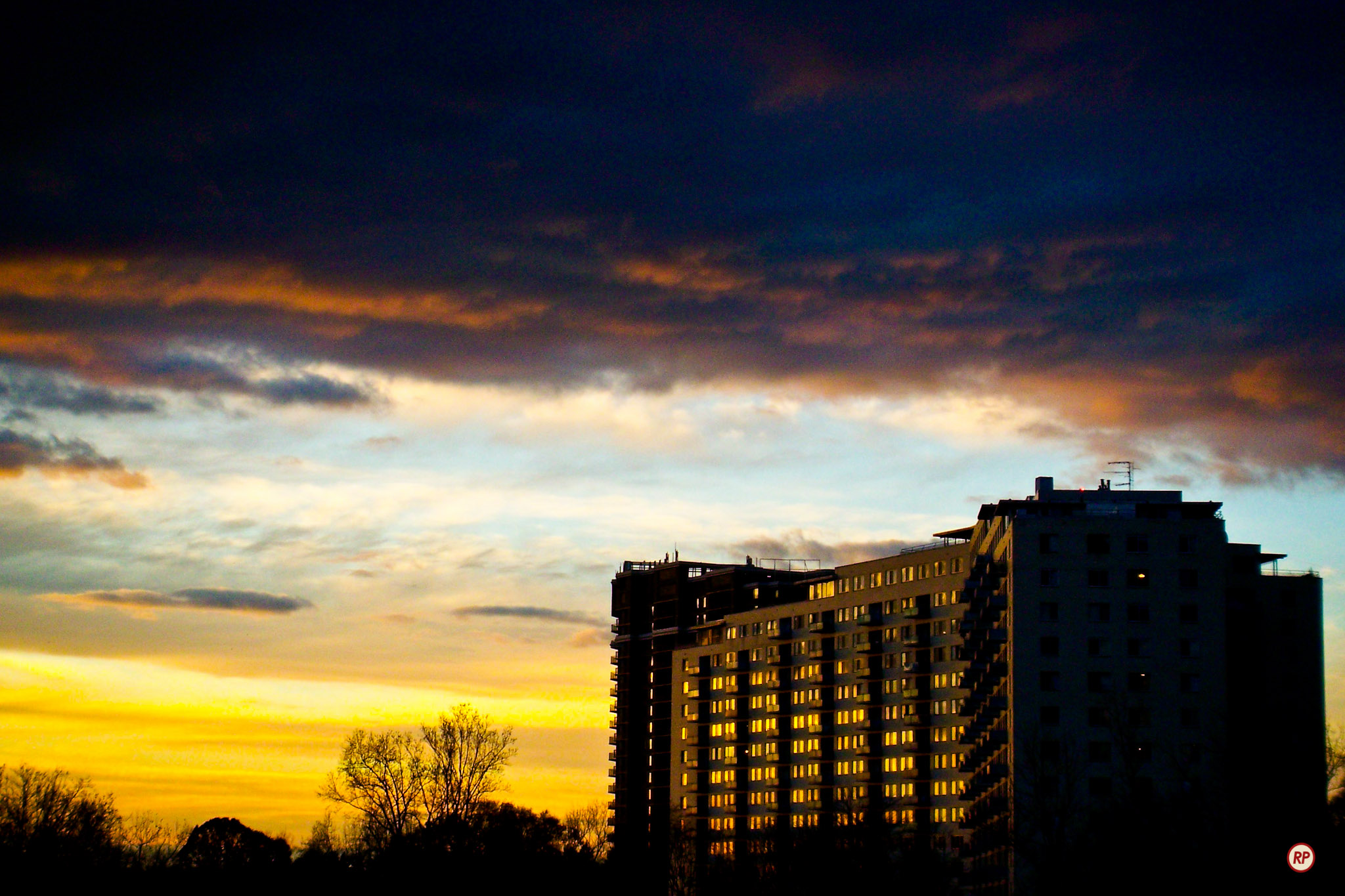
You might have noticed some wonderfully dramatic storm clouds in the video. Here are a few photos I took around the same time, with a couple taken that same evening, showing those same clouds.

Standard
Thoughts

Now I can upload longer videos to YouTube

On Friday, as I visited the Upload page at YouTube to put up another video, I noticed this announcement.

It says I’m now allowed to upload videos longer than 15 minutes. I checked the official YouTube blog, just to make sure, and it’s true. This past Thursday, they started to allow selected users to upload longer videos. According to the blog post, there are no limits on the video’s duration, though there’s still a 2 GB limit per video file size.

This is wonderful. Thank you, YouTube!

Standard
How To

Custom-built bathroom shelves

This summer, I built a few custom shelves for our bathroom, and only now got around to writing about them.

There’s a certain quality, a character, to objects made by hand, that you just won’t find in mass-produced items. There’s also the fact that if you make something yourself, to the exact measurements of the place where you want to put it, you won’t be able to find a better fit anywhere else, no matter how many stores you visit. And there’s also the little matter of money — chances are, it’ll cost more to buy it than it will to make it yourself.

In my case, I already had the wood lying around from other projects, and I had the tools and other materials as well, so all I needed was some time. I’d estimate the total time used up for this project at around 10-12 hours, spread over several days.

There’s a quick video you can watch, where I talk about how I made the shelves. It’s going to be useful if you want to undertake this project yourself.

I hope this (along with some of my other projects) helps inspire you to create something instead of buying it. There’s nothing wrong with buying something that’s well-made, but most of the stuff you find in stores today is made in a third-world country, with third-world standards, out of cheap materials, and will likely break in a few months. That’s not good enough for me, and I hope it’s not good enough for you, either.

Standard
Thoughts

File corruption rears its ugly head

During the last few weeks, I’ve seen the following error in Adobe Lightroom 3.

There I am, editing photos, minding my own business, and when I try to view a photo for editing, I get the error message you see above: “The file appears to be unsupported or damaged.”

When I try to view the file in the finder, I get the same error message, this time directly from the OS: “The file […] could not be opened. It may be damaged…”

Here’s my workflow:

  1. Shoot RAW
  2. Import RAW files as DNG into Lightroom (LR converts them on the fly)
  3. Process in LR
  4. Export as JPG or as needed
  5. Back up the catalog and check its integrity weekly

It’s pretty straightforward, and that’s the way I like it. I currently have about 85,000 photos in my LR library, whose catalog is stored locally on my MBP, with the files (DNG, RAW, JPG and TIF) residing on a Firewire Drobo.

Fortunately, the file corruption is only temporary, meaning there’s an error somewhere along the way:

  • It could be Lightroom
  • It could be the DNG file format (because I haven’t gotten the error with RAW or JPG files)
  • It could be OS X: I wonder how much testing Apple did for 10.6.5 with volumes greater than 4TB
  • It could be the Drobo: it’s a big volume (4.4TB) with lots of data that’s constantly being updated, lots of I/O traffic

I don’t know, and I hope someone reading this has an answer.

What fixes the error every time is quitting LR, ejecting the Drobo, cycling its power, mounting it, and starting LR. I’ve also tried just restarting LR, or just ejecting the Drobo, but those methods didn’t work.

Standard