Updated 11/16/12 with new cameras.
I thought it’d be fun to go through the meta-data for my photos in Lightroom and see what cameras and lenses I’ve been using since 2006, when photography became more than an occasional hobby for me — indeed, it became an obsession, and now it’s my daily occupation.
There are 30 cameras listed below, in reverse chronological order. I’ve provided a photo for each camera. If I’ve written reviews for them, they’re linked.
I’m doing this in order to share my experience with you. Perhaps you’ve used some of the same cameras, or are using one of these cameras now, and I’d love to hear your thoughts. I also believe it’s important to use a variety of cameras, because that expands our photographic horizons and improves our craft.
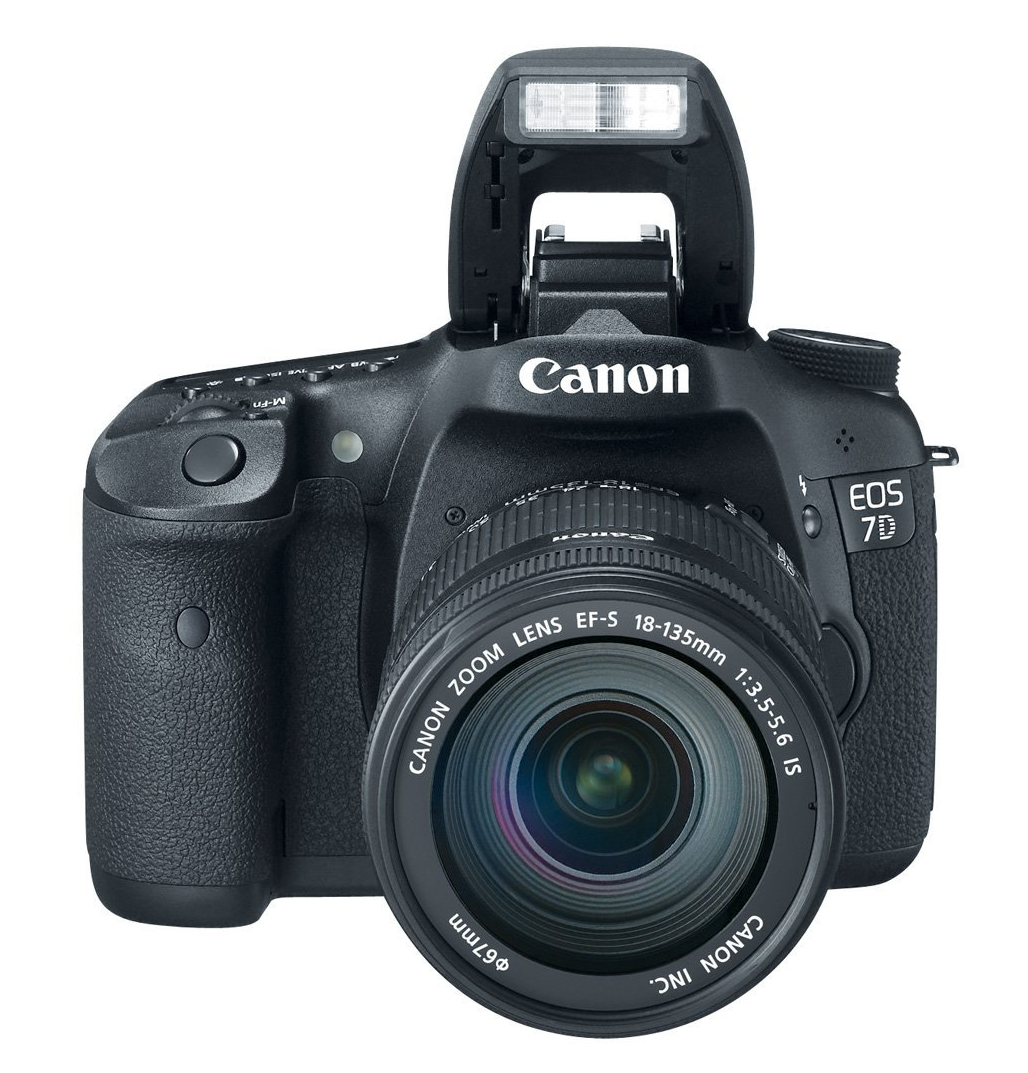
Canon EOS 7D: this is my current field camera. It truly is a beast: fast frame rate, sturdy, rugged, heavy — a camera I can truly rely on. In addition to photographs, I also record video with it. It’s the secondary studio camera for our web shows.

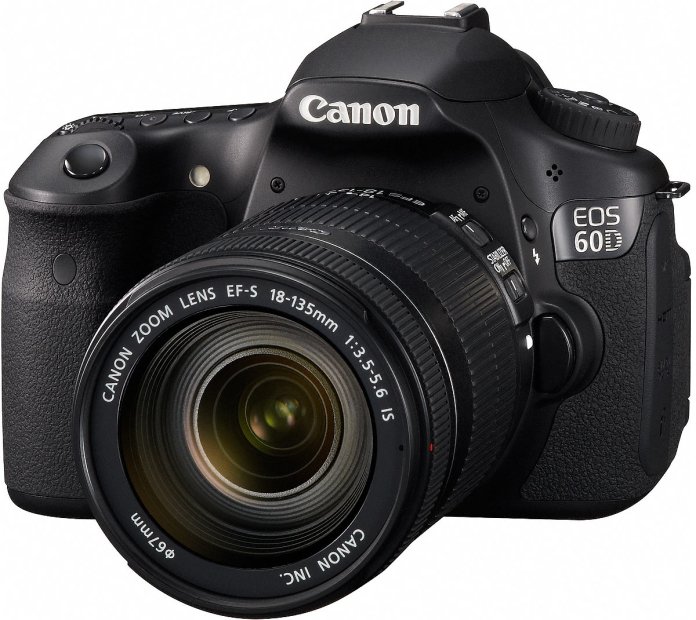
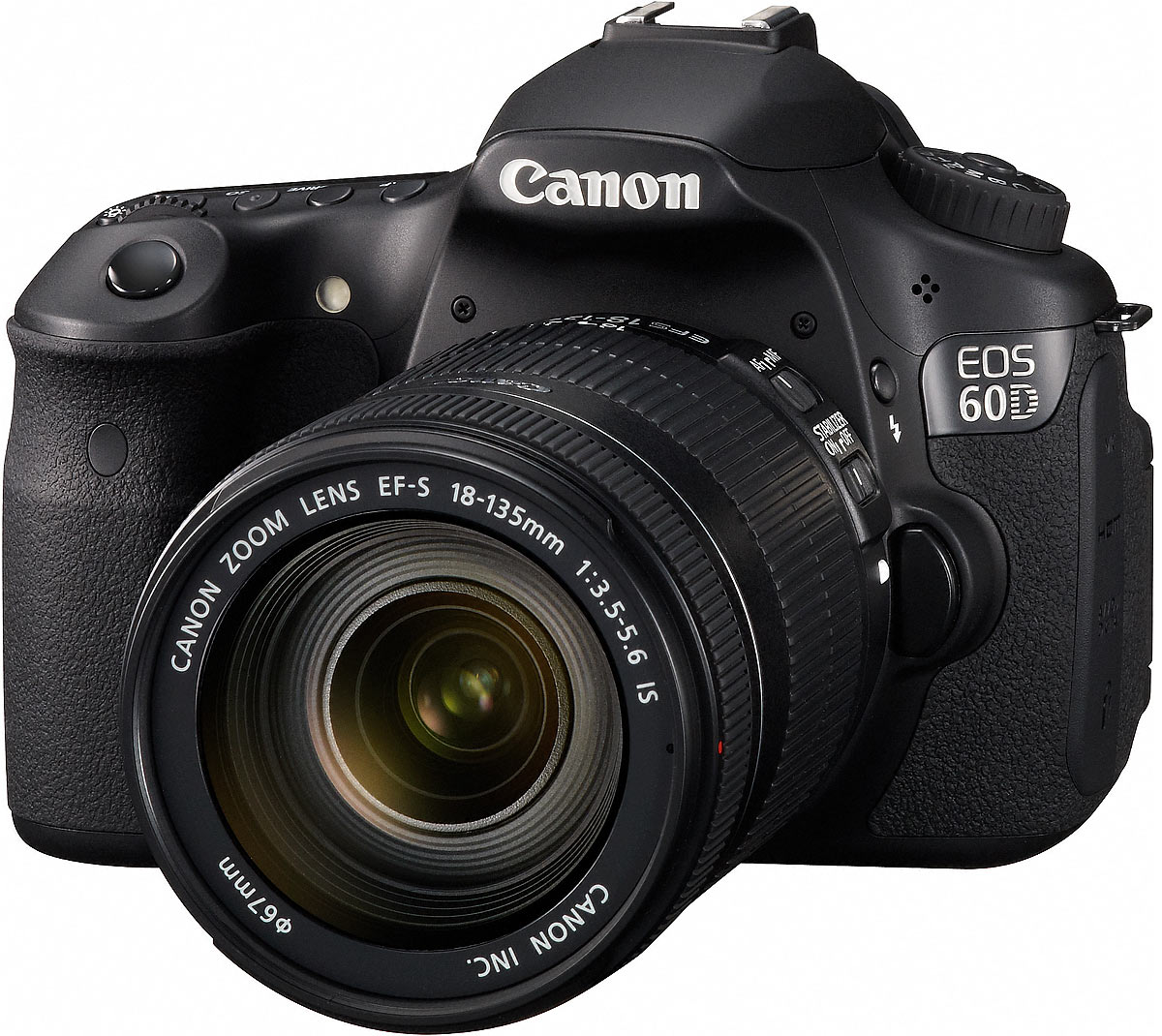
Canon EOS 60D: this is my current studio camera. I use it as the main video camera for our award-winning web shows (Ligia’s Kitchen, Romania Through Their Eyes and Quilling). I also take photos with it, also mainly in the studio. I like it because it’s lightweight, has the same video quality as the 7D, has a flippable display and because it’s not weather-sealed, it doesn’t tend to overheat when shooting video for long periods of time.
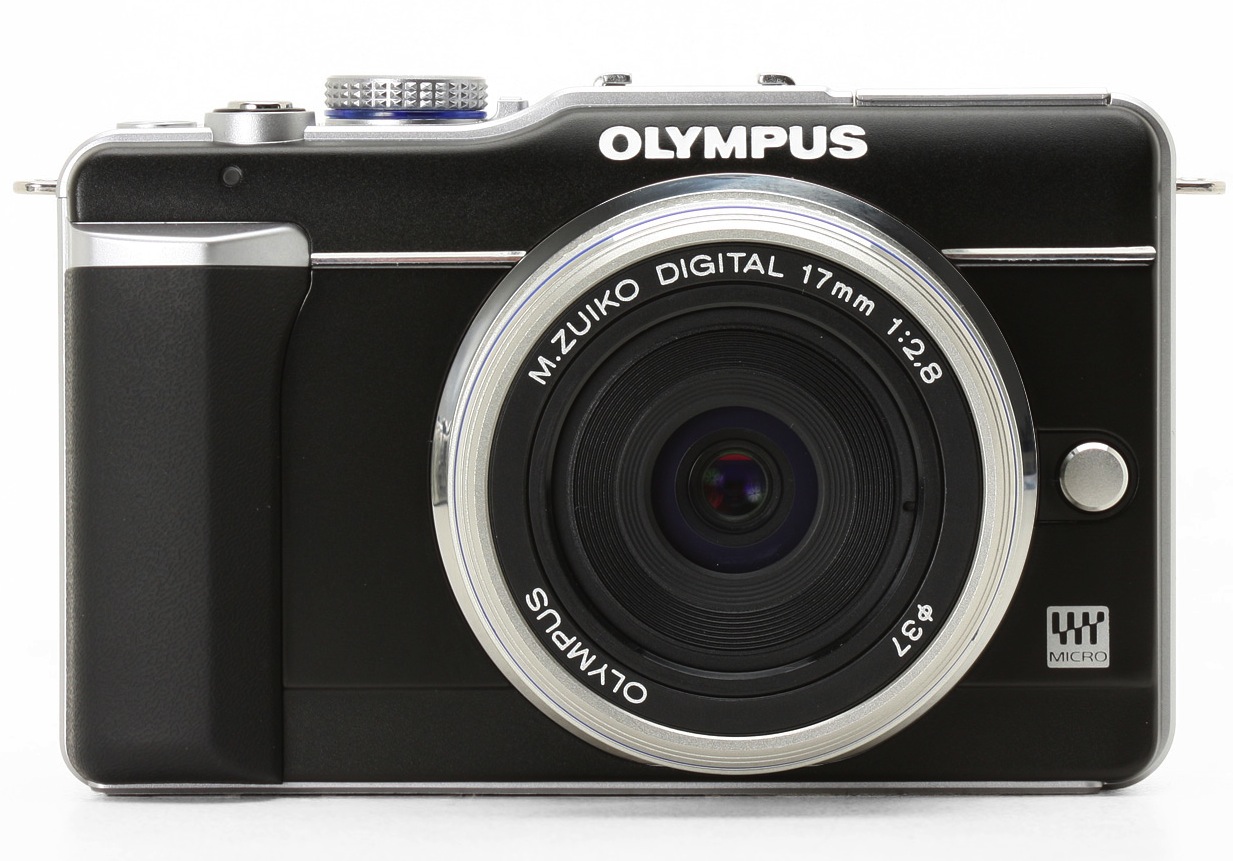
Olympus PEN E-PL1: a very portable mirrorless camera from Olympus with a resolution of 12.2 megapixels. I have two lenses for it, the 14-42mm and the 40-150mm. I carry it with me pretty much everywhere I go, because the whole kit (camera plus two lenses) is so light it’s cinch, even on long hikes in the mountains.
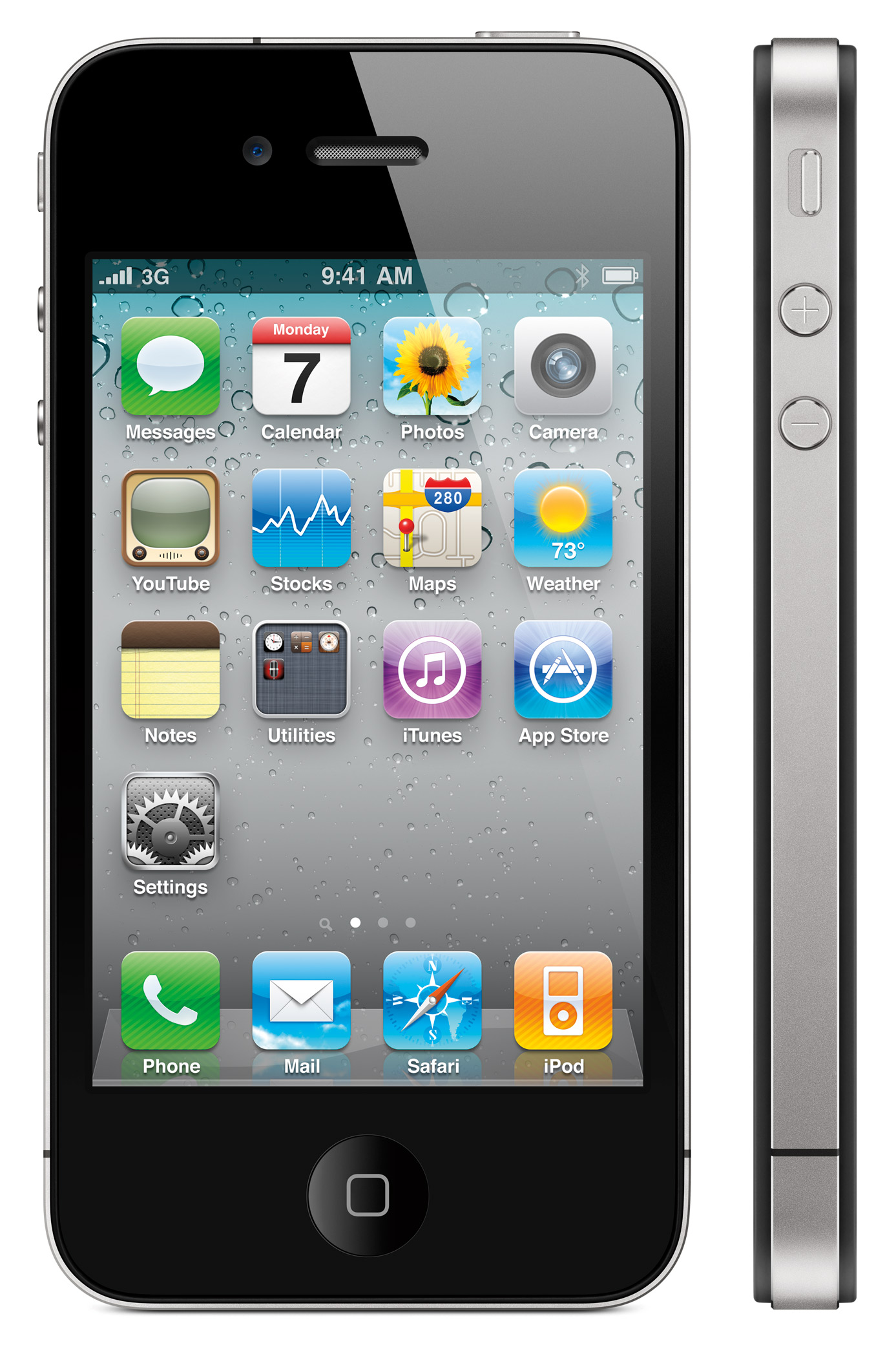
iPhone 4: my current phone. Not sure what I could say about it other than what you already know. It’s a great phone, so I take it everywhere and therefore I also use it to take photographs and record video. If you know its strengths, then you can get pretty good photos. And the key thing to remember about video with the iPhone 4 is that it should definitely be stabilized on a tripod and you should avoid panning with it so that you don’t get the “jellocam” effect.

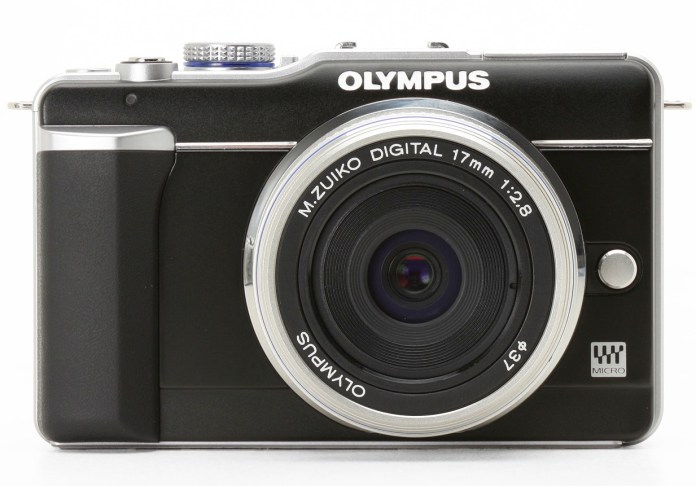
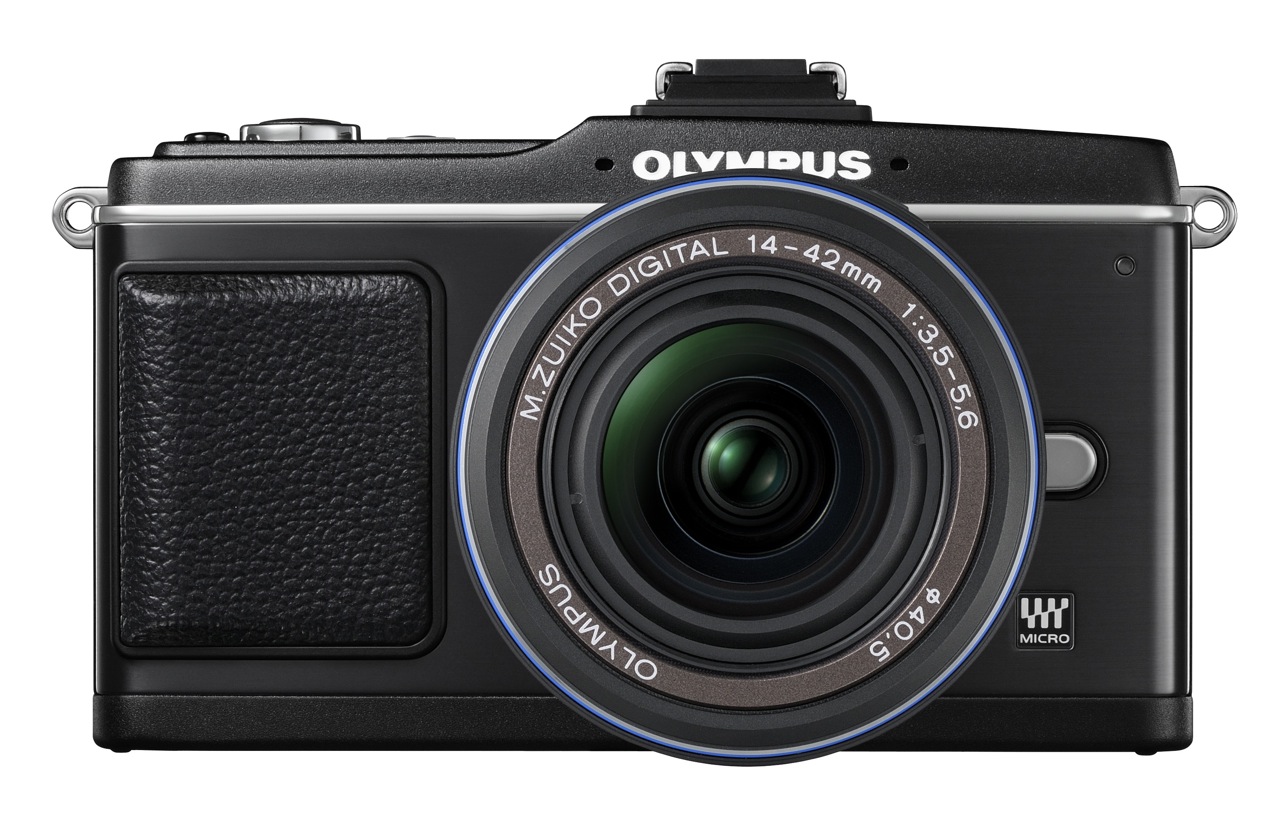
Olympus PEN E-P2: a superb, small DSLR from Olympus with a resolution of 12.2 megapixels, which followed up on the company’s film PEN series of cameras. I loved using it, loved its small size, loved its low light performance. Reviewed it in March 2010. Took over 900 photos with it.

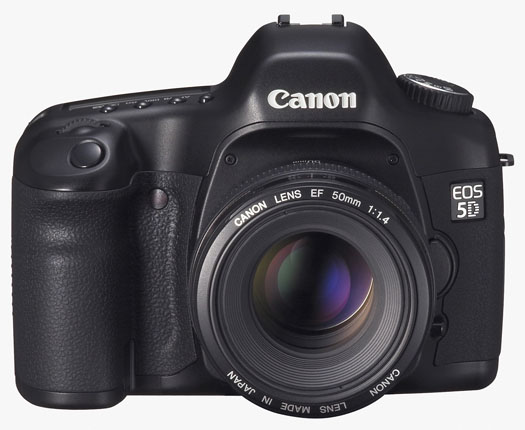
Canon EOS 5D: this used to be my main camera, a wonderful full frame, 12.8 megapixel DSLR, which I purchased in 2007. More than three years later, and after two repairs, it works. Being a full-frame DSLR, the depth of field and picture quality is amazing, but the downside is that the lenses cost a pretty penny. I’ve taken over 50,000 photos with it, and I still enjoy using it.
Minolta Hi-Matic 9: I got this as a gift from a distant relative (without an instruction book) sometime in 1991-92. It’s a classic rangefinder camera from Minolta that uses 35mm film. Sometime after 1998, I found an instruction book for it on the internet, figured out how to use it, and I love it. The photo quality is wonderful, and it’s got a ton of features for a classic camera, including a built-in self-timer.
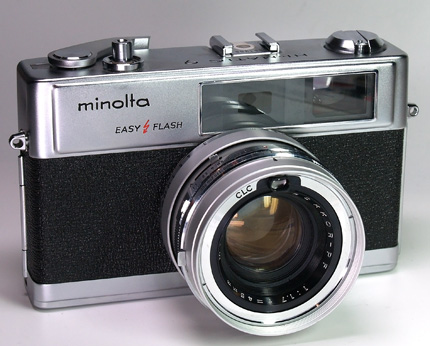
Image credit: The Camera Site
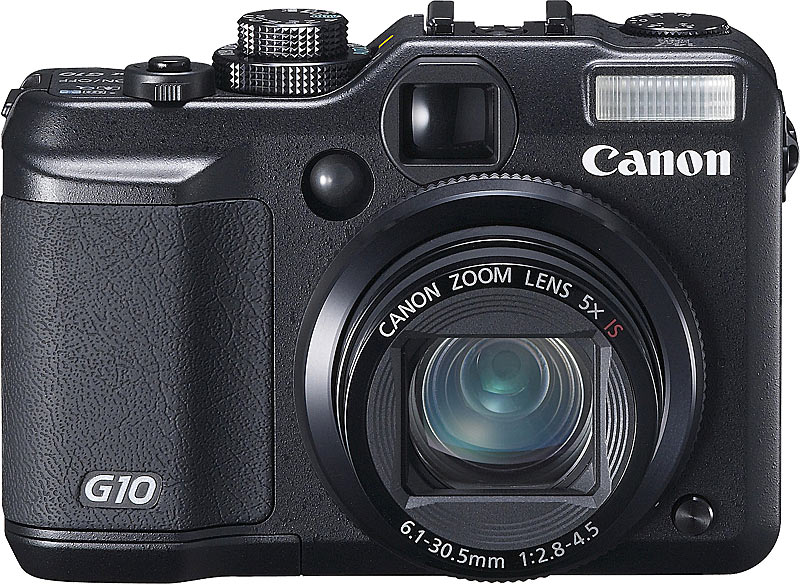
Canon PowerShot G10: a prosumer digicam. Is resolution is 14 megapixels, picture quality is pretty good, but the lens is slower (f/2.8) than in the G3 and the bokeh isn’t as pretty. The movie quality (SD) is pretty nice though. I’ve taken over 1,200 photos with it.

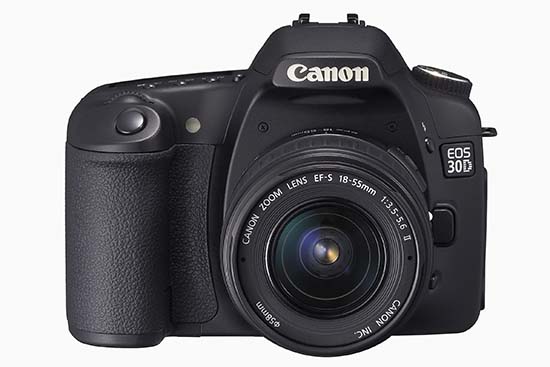
Canon EOS 30D: this was the first semi-pro DSLR I used. I was blown away by its image quality — I compared it to digicams at the time — and by its low noise at high ISO settings. I reviewed it in April of 2007, and considered buying it instead of the EOS 5D, which was more than double its price, but settled on the 5D in the end. I don’t regret my decision. The 30D was a good DSLR, and were the market expectations the same today, I’d still recommend it to others. I took over 3,500 photos with it.
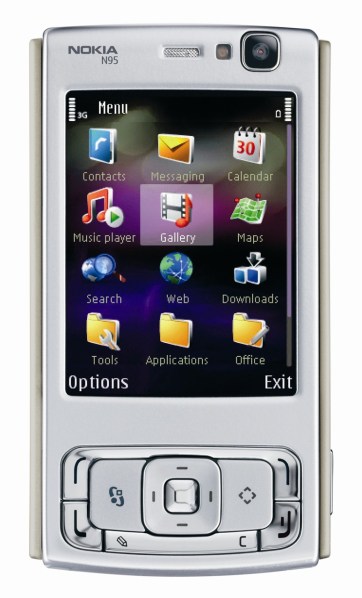
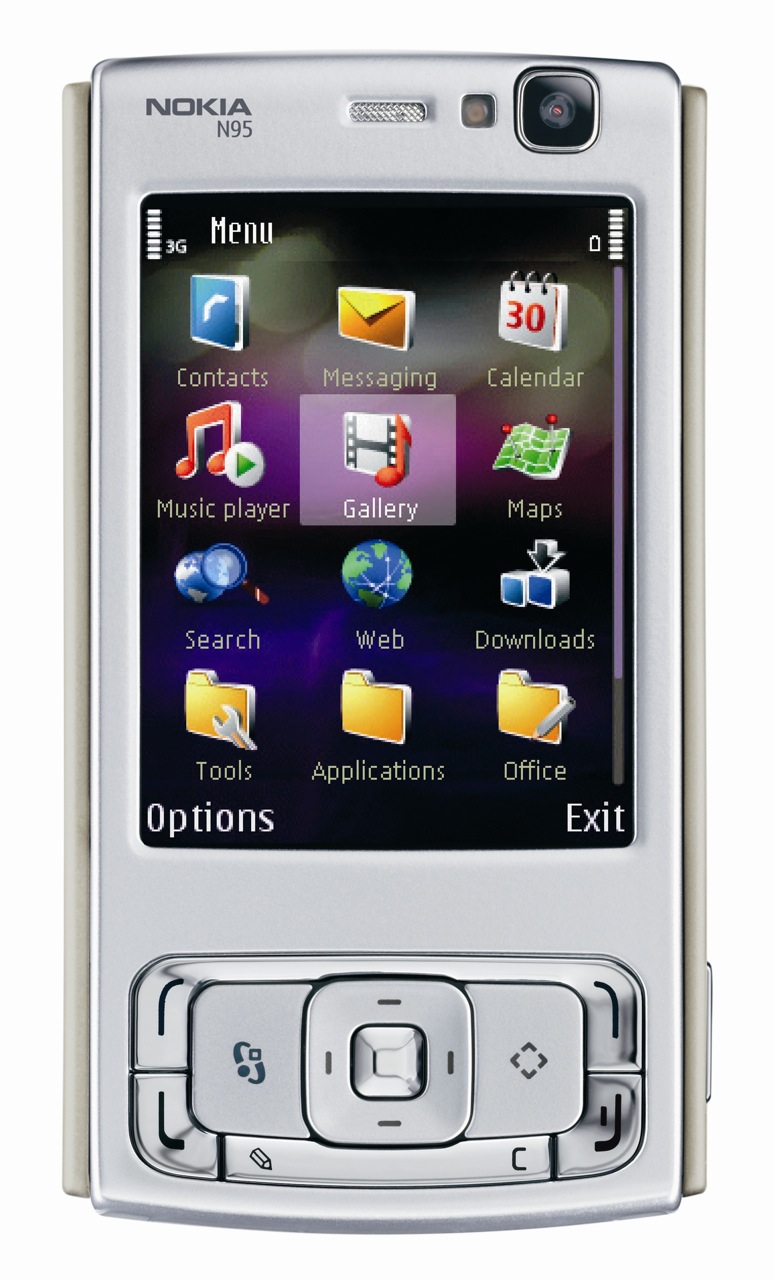
Nokia N95: my mobile phone for a few good years. I loved it. It had a 5 megapixel camera with flash, and it recorded SD video. It was small, versatile, I took it with me pretty much anywhere, and I depended on it when I didn’t have my main camera with me. The picture quality was pretty good, even in low light, provided you knew how to handle it. You could even do some in-camera photo and video editing. I’ve taken over 1,900 photos with it, and I must have recorded well over 50 hours of video with it.
Olympus C770UZ: even though it was made in 2004, and its resolution is only 4 megapixels, I still use this digicam because it has a 10x optical zoom, a fast lens (f/2.8), in-camera resolution doubling (turns a 4 megapixel photo into an 8 megapixel photo), quality SD video, and a superb macro mode, which allows me to get photos and video of minuscule things. And oh yeah, it has a microphone input, and a hot shoe. I’ve taken almost 2,500 photos with it.

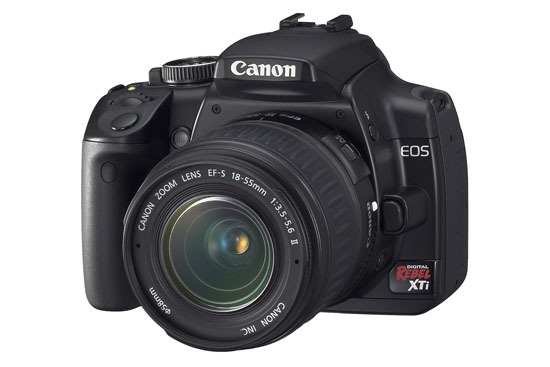
Canon EOS Rebel XTi: a great beginner DSLR, which I reviewed in November of 2007. It had the same 1.6x crop as the 30D, the picture quality was about the same, but the noise at high ISO seemed to be a little higher than on the 30D. I took over 300 photos with it.
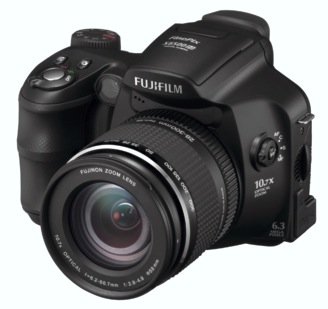
Fuji FinePix S6500fd: a 6.1 megapixel, 10x zoom prosumer digicam from Fuji. The “fd” stands for face detection, which was a new technology at the time. The camera would find a face (or faces) in a photo and focus primarily on them, to make sure the people were always in focus. A friend loaned it to me. I took about 30 photos with it.
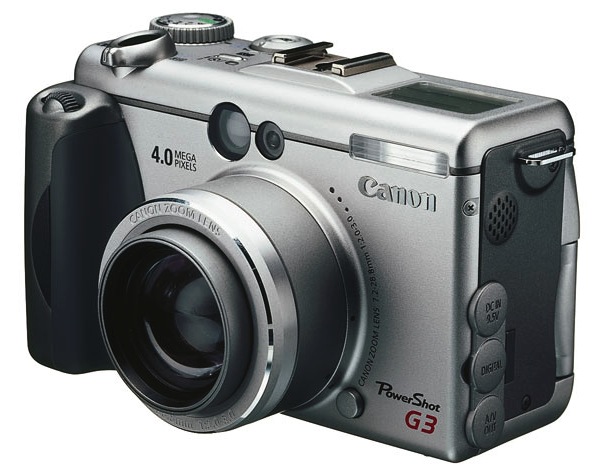
Canon PowerShot G3: one of the first prosumer digicams from Canon’s PowerShot G line. It was slow, its resolution was somewhere between 3 and 4 megapixels, but it had a really nice, fast lens (f/2.0), which meant you could get really creamy bokeh if you focused just right. And it shot in RAW. I have over 100 photos taken with it in my photo library.

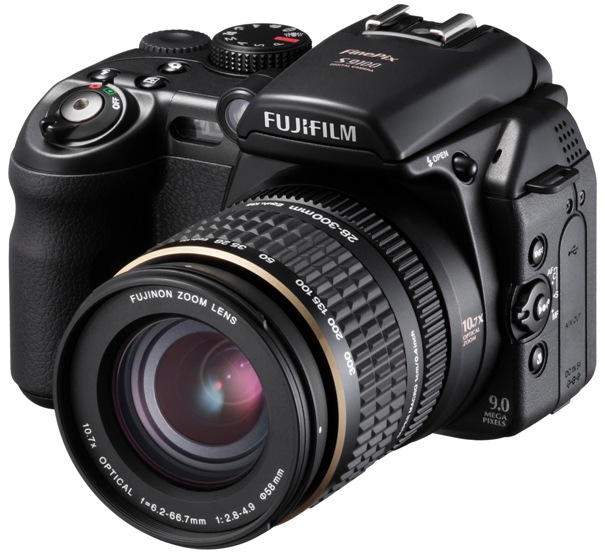
Fuji FinePix S9100: a similar camera to the S6500fd, but with a resolution of 9.1 megapixels and the same 10x zoom. When I tried it, I didn’t like it because of the high noise and poor performance in low light, but it is otherwise a wonderful and versatile camera. It used AA batteries, which was a plus, it had a manual zoom that didn’t eat into the battery life, a super macro mode, and neat physical controls on the camera body. Since then, I’ve found out that the noise would have been brought down significantly if I had used the Fuji software that came with it instead of using Lightroom to process the photos. I took over 50 photos with it.
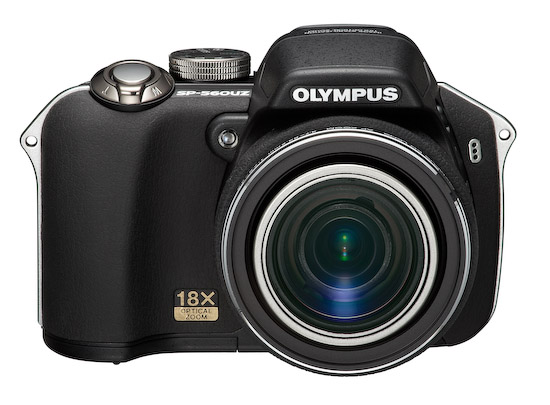
Olympus SP560UZ: an 18x, 8 megapixel prosumer digicam from Olympus. While the picture quality suffers somewhat from the combination of the extra long zoom and small sensor, the camera is really well designed, the body has a nice, premium feel to it and as a plus, it uses AA batteries. As long as you stay away from the very long end of the focal range, you’ll get nice, usable photos, and low light performance is decent. I reviewed it in February of 2008, and took over 500 photos with it.
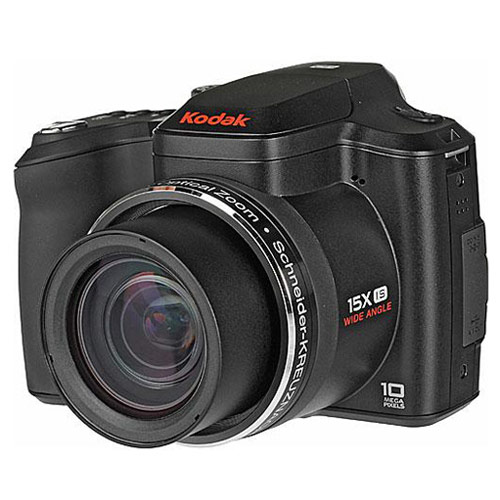
Kodak Z1015 IS: a 10 megapixel, 15x zoom prosumer digicam from Kodak which should have had better photo quality, but sadly, I got mostly soft and fuzzy photos and videos from it, particularly toward the long end of its focal range. It also had 720p HD video capabilities, but the video was not only fuzzy but full of compression artifacts. I had to return it to the store after a few days. I took over 300 photos with it.
Olympus EVOLT E-510: the follow-up prosumer DSLR to the E-500, it had a resolution of 10 megapixels, a smaller, lighter body, a nicer interface, better quality at higher ISO but still not clean enough for low light use. I took over 1,100 photos with it.

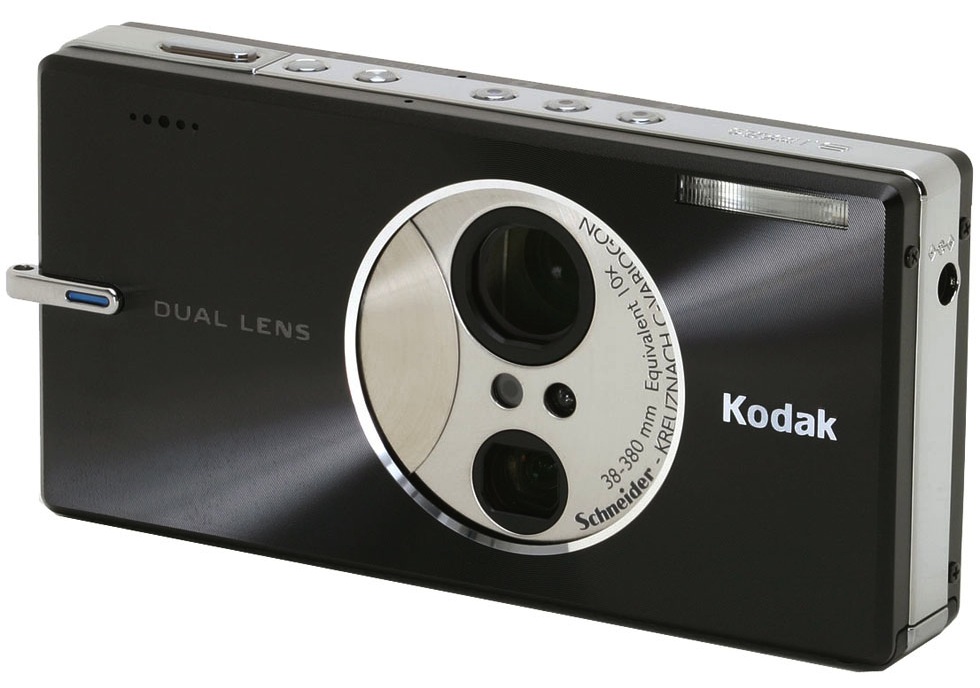
Kodak v610 Dual Lens: a neat camera from Kodak with 10x zoom, featuring two lenses, one for 1-5x and one for 5-10x, so to speak. The camera switched between them. Interesting, small, light and versatile, but with its limitations, such as poor low light performance and lack of IS, which made it really hard to get good shots at long focal distances. Battery life was also not so good. Still, I used this camera for quite some time and depended on it, though I’d end up deleting a lot of photos I took with it for the reasons mentioned above. I took over 4,200 photos with it.

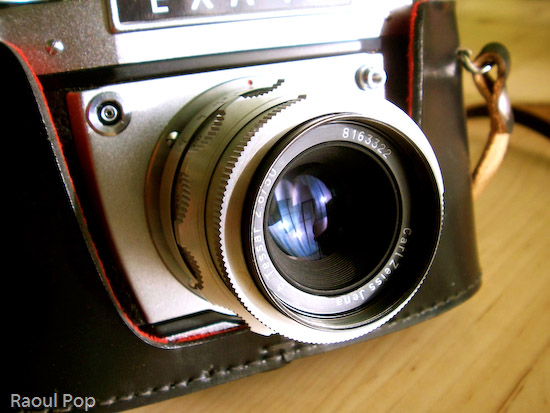
Exakta EXA Ia: this beautiful analog camera was given to me by a close friend along with a full kit of viewfinders, lens extension tubes and filters. It’s a fully manual camera made in the 1960s. It was a pleasure to use, and there was a certain three dimensional quality to the photos I got with it that made it worthwhile to use. Still, after I got my 5D, the camera sat unused in the closet, so I gave it to someone who would use it more frequently.

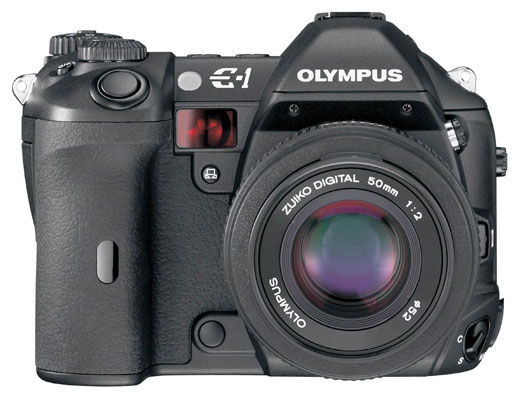
Olympus EVOLT E-1: the first flagship DSLR from Olympus, with a resolution of 5 megapixels. A friend loaned it to me. Picture quality was wonderful, as was to be expected from a pro DSLR. I loved the shutter sound. The ruggedized body also felt great in my hand. The grip was nicely made. Good physical controls. I took 30 photos with it.
Olympus EVOLT E-500: a prosumer DSLR from Olympus, with a resolution of 8 megapixels. I reviewed it in February of 2007. Picture quality was wonderful, noise at high ISO not so wonderful, battery life was pretty nice, loved the self-cleaning sensor. I took over 1,500 photos with it.

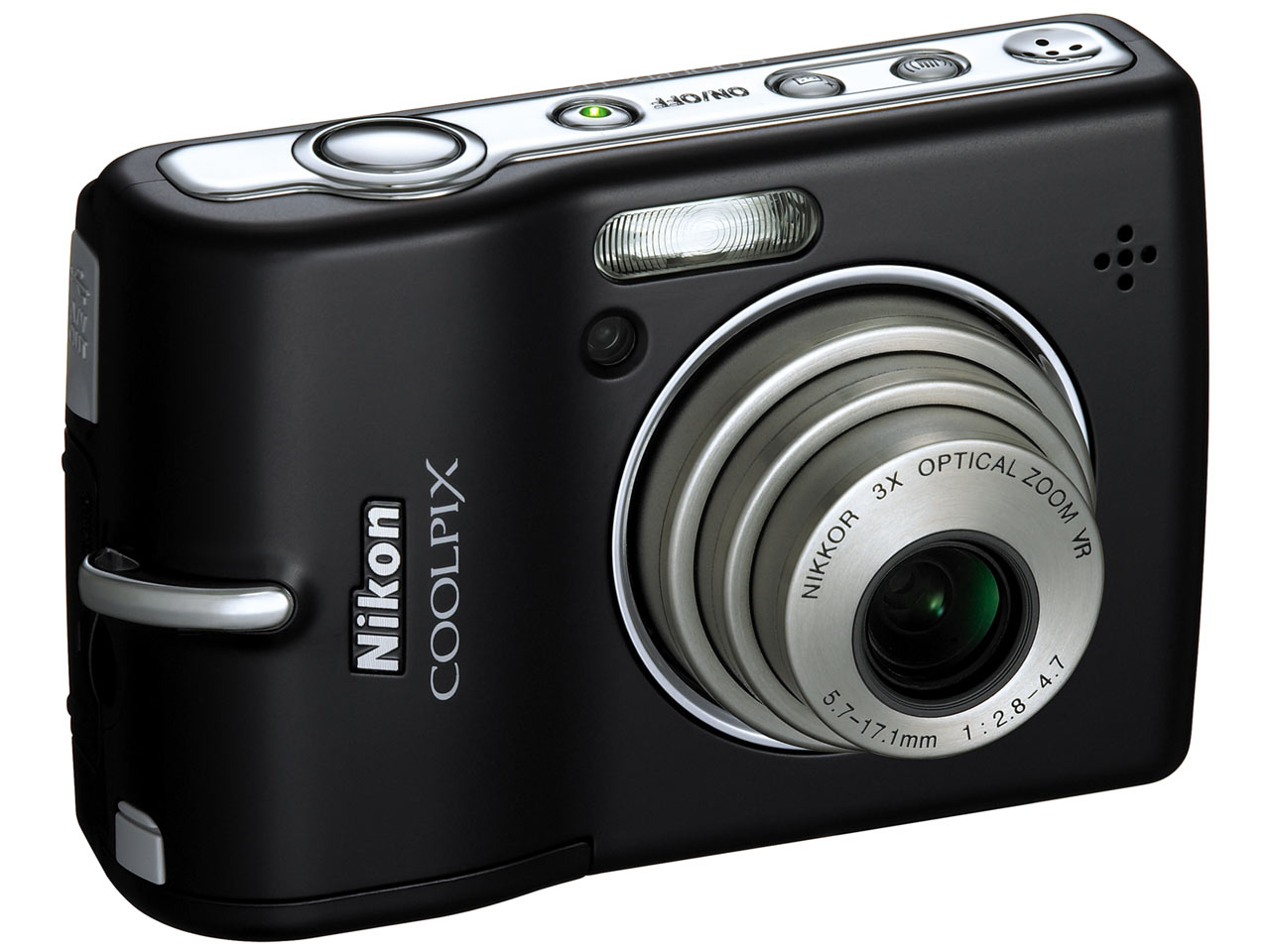
Nikon CoolPix L12: a little digicam from Nikon with pretty good picture quality for its diminutive size. The in-camera processing renders some pretty nice colors in the photographs. The resolution is 7.1 megapixels. I’ve taken less than 10 photos with this one.
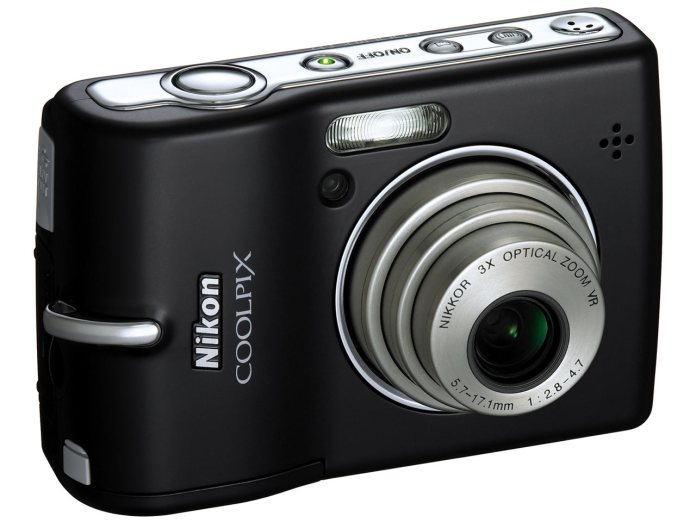
Nikon CoolPix S210: another little digicam from Nikon with pretty good picture quality. Its resolution is 8 megapixels. It has a nice macro mode. I’ve taken less than 10 photos with this one, but I liked using it.

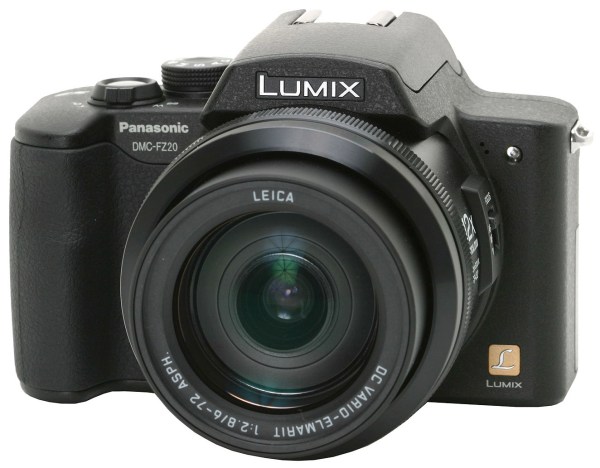
Panasonic DMC-FZ20: a wonderful 5 megapixel digicam from Panasonic with a 12x Leica zoom lens. Picture quality was superb, handling was great, lens was great, battery life not so great, noise at high ISO not so great. I really enjoyed using it, but sadly the zoom mechanism must have either gotten some dust in it or broken, because it stopped working properly, so I gave it up. I took over 1,800 photographs with it.
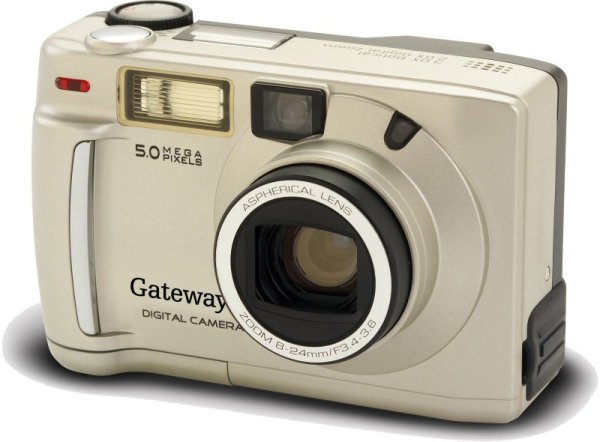
Gateway DC-M50: a 5 megapixel digicam from Gateway which I ended up returning. Poor interface, slow, poor picture quality. I’ve taken over 40 photographs with it.
Kodak CD33: I used this 3.1 megapixel camera for a short while before returning it to the store. It just didn’t suit my needs. The resolution was too low, the performance and controls too meager. I took over 70 photos with it.
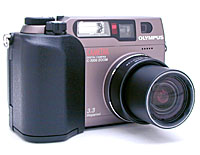
Olympus C3000Z: this was the first quality digital camera I used. Its resolution was 3.3 megapixels, but compare to the stuff I’d used before (1 megapixel or lower) it was heaven. To this day, I’m amazed by the picture quality when I look at photos taken with it. I’ve taken over 2,500 photos with it.
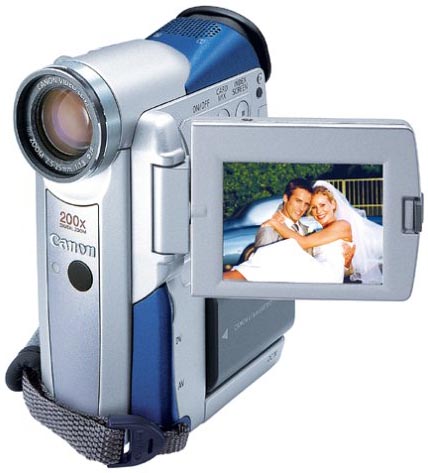
Canon Elura 40MC: this was the first generation Elura camcorder made by Canon. It was diminutive in size, shot better-than-SD (720×540) video on DV cassettes, had a nice optical zoom and also took 1 megapixel stills, but the photo quality was fairly poor. I used it for years, mainly for video, and I loved it. It was incredibly portable and very useful at a time when all the other camcorders were much bigger and heavier. It still works, but I no longer use it, because the cassette mechanism fails sometimes. I’ve have over 200 photos taken with it in my photo library.
Canon Elph APS: the 1st generation APS film Elph camera from Canon, this little baby was my first real, modern camera. I got it sometime in 1996-97. I loved its diminutive size, its ease of use, the great photos I got with it, and its beautiful design. I used it for a good amount of time. I was still taking photos with it in 2003. Over time, the inside of the lens surface somehow got covered in dust, and this became more and more visible in the photos, so I had to stop using it. One of these days, I’ll open it up and clean it. And if I’ll still be able to buy APS film and find a place to develop it, I might just take some more photos with it.
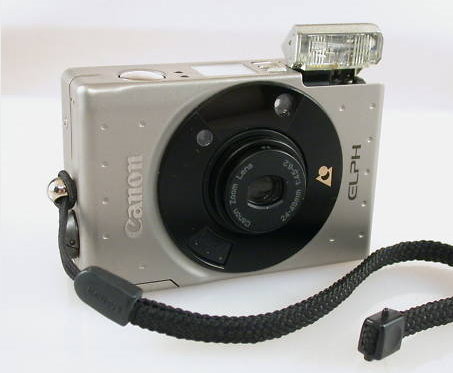
Image credit: Granger Meador
I have no way of telling (short of approximating) how many photos I took with each of my analog cameras, so I’ll just say that I have about 3,300 scanned photos in my library. I’ve used a few other analog cameras, but I’ve forgotten the model names, so I haven’t listed them here.
The photo totals you saw listed next to each camera above don’t represent the total number of photographs taken with each camera, because I delete about 10-20% of the photographs I take.
Feedback, questions?











 Raoul Pop