Just a quick note to let you know the Audit Defense service offered by TurboTax in recent years is probably not worth the price. It’s run by a company called TaxResources, Inc., and they say they’ll represent you to the IRS in case you should have any problems with your return, for the low price of only $39.95.
Someone close to me got to find out exactly what they give you in return for that $39.95 “peace-of mind” fee, when an irregularity popped up on their tax return. They’d made an accounting error, found it out, wanted to report it to the IRS on their own, but contacted these folks because, after all, they did pay for the service.
In the meantime, the IRS also found out about the error and contacted them. This is where the Audit Defense service should have shined. Instead, my contact got the run-around. The Audit Defense team weren’t willing to help them in a timely fashion, didn’t want to contact the IRS on their behalf like they should have done, and only ended up helping them — if you might call what they got help — after several written requests. In the end, my contact lost out on precious time, got extra stress they didn’t need, and will need to pay the IRS additional penalties.
It looks to me like the Audit Defense people failed on three of their basic promises: they didn’t step in right away to deal with the IRS, they didn’t handle the entire tax audit, and they didn’t keep IRS penalties as low as possible.
The name of the employee who “helped” my contact with their IRS audit was Joe Schricker, and the company’s name again is TaxResources, Inc. The service is advertised as Audit Defense on TurboTax, and my advice to you is not to get it.
Updated: Since I wrote this post and made the video, I have learned that Kinder Surprise and Kinder Joy are two different products and what had happened is that Kinder Surprise was temporarily taken off the market due to shipping concerns during the warm months. Now both are back on the market and I’m happy as can be getting the occasional Kinder Surprise and playing with the toy. 🙂
I used to love Kinder Joy, the little egg-shaped chocolate treats. They’d have these nice little toys inside, often cars, wrapped in these reasonably tasty shells made of milk chocolate. Now they’ve changed things completely.
The toys are these cheap things that fall apart as soon as you assemble them, and they’re no longer appealing, and the eggshell chocolate is gone. Even though they’re still wrapped in a plastic egg-shaped shell, the chocolate is now this soft fudge of white chocolate which sits on one side of the egg, while the toy is in the other half.
I guess it’s cheaper to pour the chocolate into half a shell than to mold it into an eggshell shape while the toy is inside. It’s also cheaper to forgo sterilizing the plastic parts for the toy, since they’re now sealed separately into other half a shell. And it’s also much cheaper to go with flimsy things instead of nice little cars.
I made a video of one of these “late-model” Kinder Joy eggs, so you can see this for yourselves.
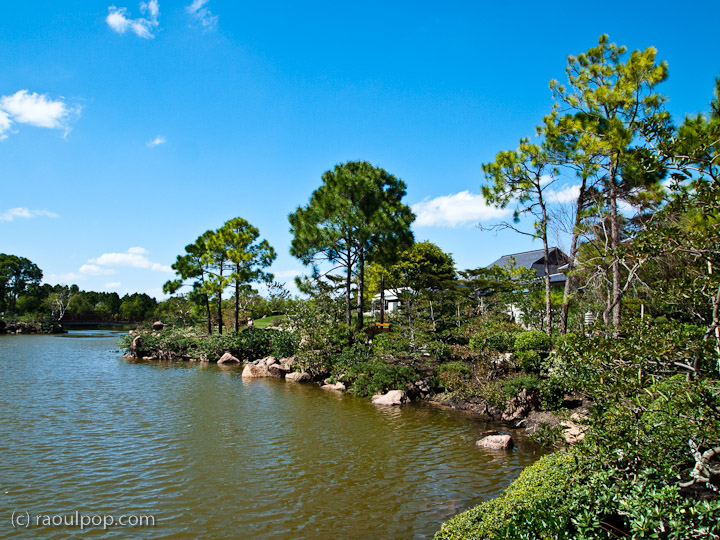
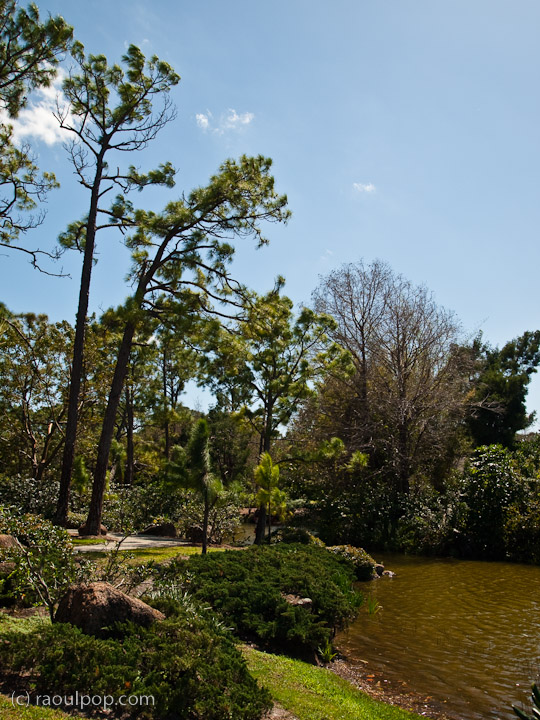
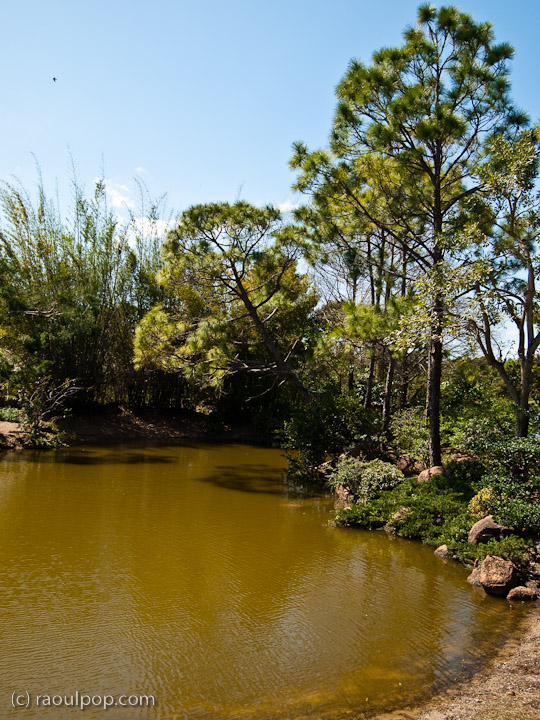
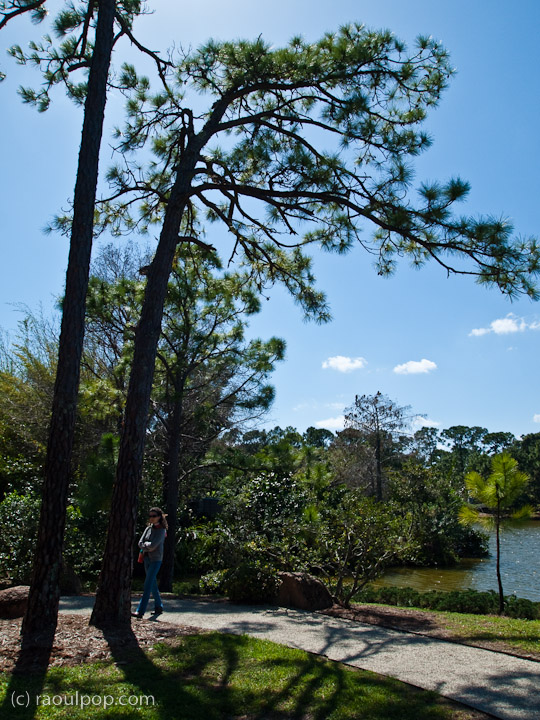
The Morikami Museum in Delray Beach, Florida, celebrates the hard work and dedication of Japanese immigrants who came to the region in the early 1900s in order to farm the land, and encourages the study of Japanese culture and customs.
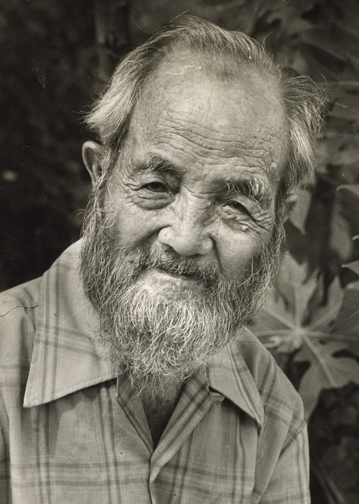
The museum opened its doors in 1977, after the land where it exists was bequeathed to Palm Beach County by the only remaining Japanese farmer in the area, Mr. George Morikami. It was given under the condition that it be turned into a park, in remembrance of the original Japanese colony, named Yamato.
We visited the museum on a sunny spring day in March and witnessed a formal Japanese tea ceremony, which I filmed and wrote about earlier.
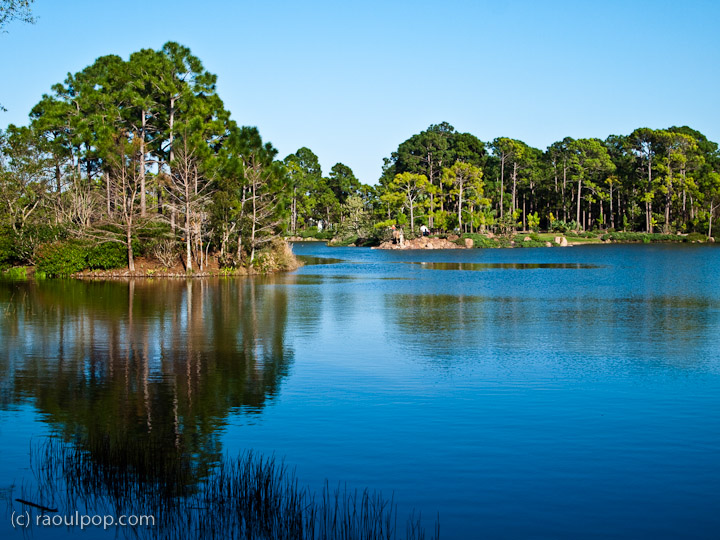
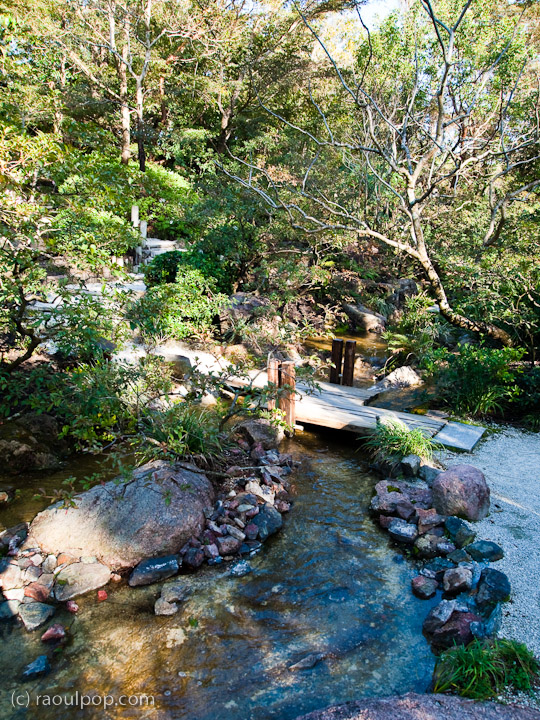
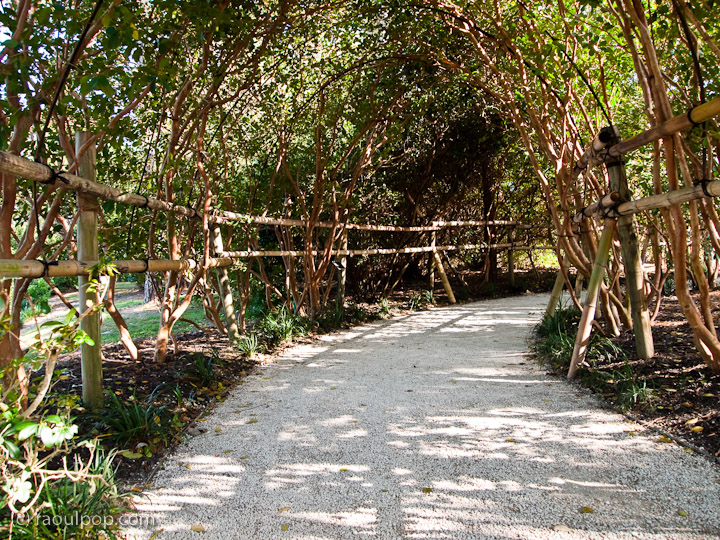
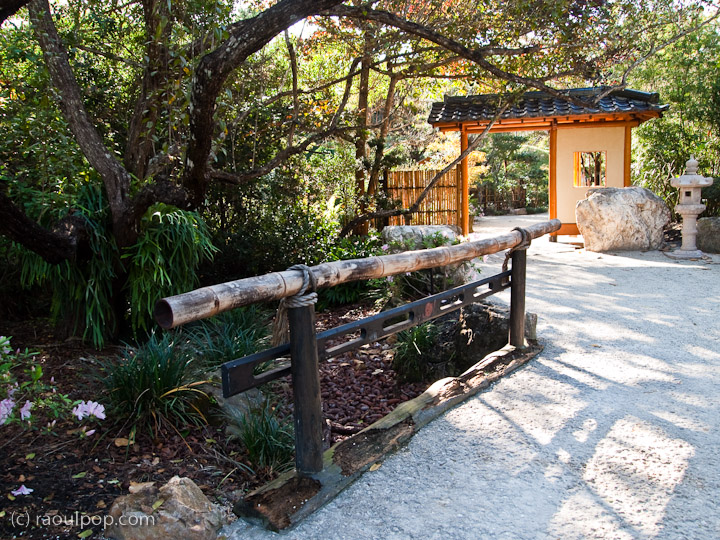
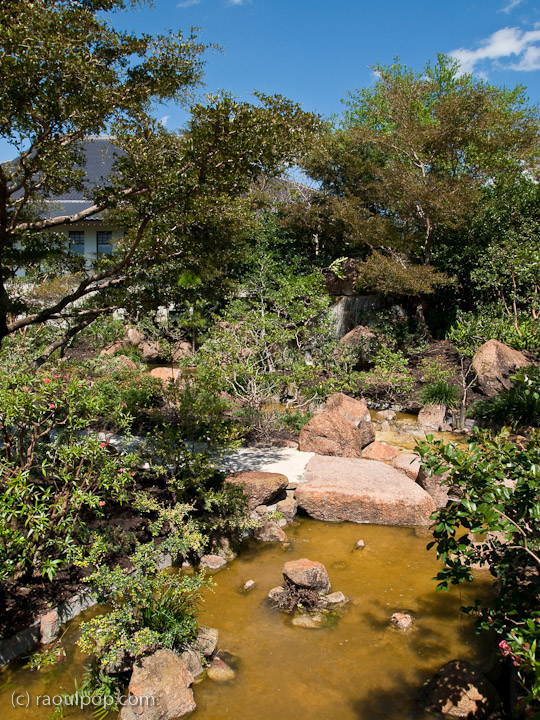
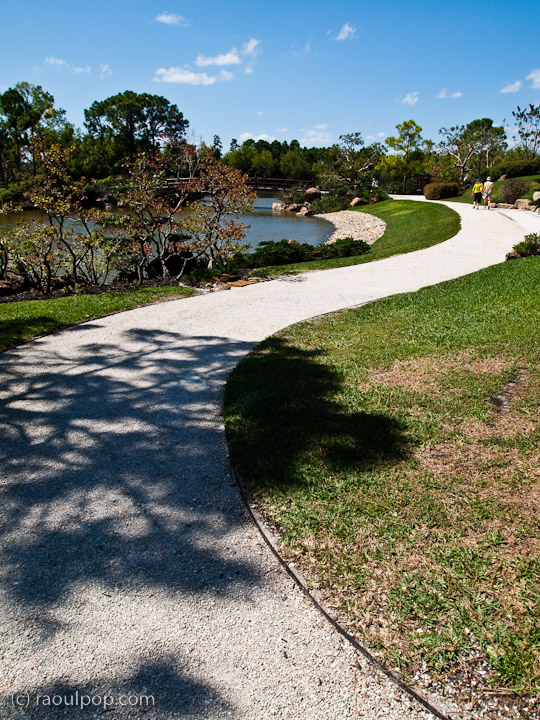
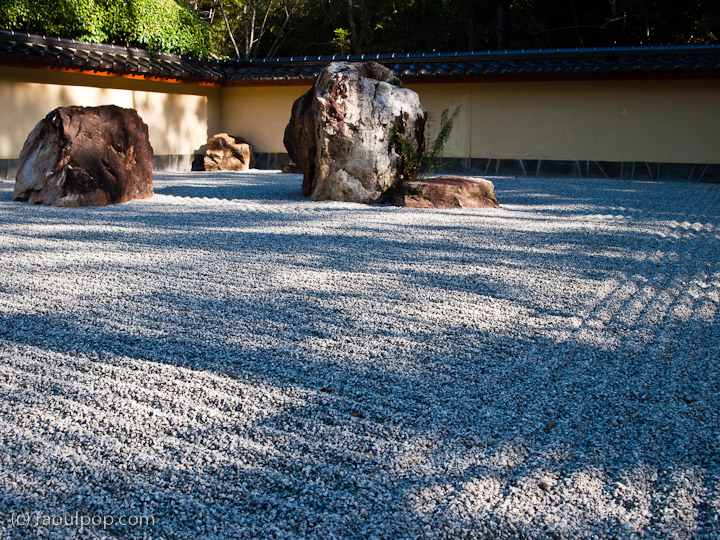
Then we walked on the park grounds, among the many themed Japanese gardens, each of which represented different historic design philosophies in Japanese culture. I filmed the park as well, and you can see that video below.
The park is lovely. The carefully manicured landscapes exert a calming influence on the visitor. Time somehow passes more slowly there. It’s a pity the park only opens at 10 am and closes at 5 pm. It must be beautiful to walk on the park grounds in the early morning hours, with fog lifting off its lakes and ponds and the songs of birds filling the cool morning air, echoing all around.
The Yamato Colony was an attempt to create a community of Japanese farmers in what is now Boca Raton. With encouragement from Florida authorities, young Japanese men were recruited to farm in the colony. Because of difficulties such as disease, discrimination from white farmers in the area and crop blights, the colony never grew very large, and gradually declined until it was finally dispersed during World War II.
The company who originally owned the land was the Model Land Company, created by Henry Flagler to hold title to the land granted to his Florida East Coast Railway by the State of Florida. The company encouraged the settlement of its land, particularly by recent immigants, to gain money from the sale of the land and to increase business for the railroad. In 1903, Jo Sakai, a Japanese man who had just graduated from New York University, purchased 1,000 acres (4 km²) from the company and recruited young men from his hometown of Miyazu, Japan, to settle there.
The settlers grew pineapples, which were shipped on Flagler’s railway line. Pineapple blight destroyed the crop in 1908. Afterward, the colony could no longer compete with cheaper pineapples from Cuba, so many of the settlers returned to Japan or moved elsewhere in the United States. The remnants of the colony were dispossessed after the entry of the United States into World War II, when their land was taken to create an Army Air Corps training base (now the site of Florida Atlantic University and the Boca Raton Airport).
The only member of the Yamato Colony to stay in the area was George Morikami, who continued to farm until the 1970s, when he donated his farmland to Palm Beach County to preserve it as a park, and to honor the memory of the Yamato Colony. The road on which the Museum was built is now appropriately called Yamato Road, and Delray Beach has also become a Sister City with Miyazu, in honor of George Morikami and the Yamato Colony.
Remember this article of mine, where I shared my thoughts on why broadband speeds are so far behind just about every other country in the USA? Well, the difference has just gotten even greater.
A little under two months ago, I helped my parents in the US upgrade their broadband from AT&T’s unreliable and slow ADSL to Comcast’s digital cable. This means they went from speeds of 2-3 Mbps down and 512 Kbps up (with AT&T) to 15-16 Mbps down and 3-4 Mbps up with Comcast. That was a huge improvement, but it’s still nothing compared to what is available in Romania at the moment.
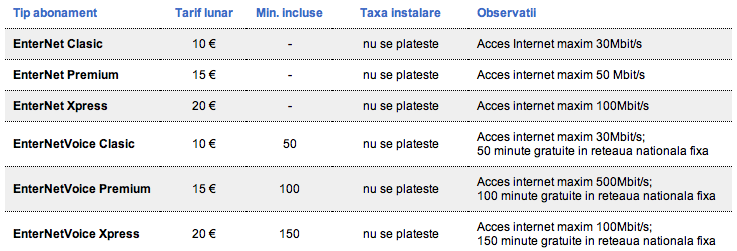
Here, Birotec (my ISP) has increased their broadband speeds ten-fold this month. That means I just went from 3 Mbps to 30 Mbps. We went by their store today to pay our bill, and while talking with the customer service rep, I found out about the upgrade. She said it quite matter of factly, as if it was no big deal. It’s a huge deal to me! With Birotec, I can get speeds up to 100 Mbps if I want to. And the broadband speed is almost symmetric upstream and downstream, because it’s built on a fiber optic backbone. I went to speedtest.net and tested my speed today. I’m getting even greater download speeds than advertised, which is amazing. I get speeds up to 54 Mbps downstream!
Do you want to know the best part? It still costs me only €10/month for all this blazing speed, and I get a free telephone plan thrown in as well, with my own number. In the US, it costs my parents over $50/month for internet access with Comcast, and if they wanted a phone plan, the price would go up by another $30-40.
Romtelecom, Romania’s largest telephone and internet provider, has also increased their broadband speeds. They’ve begun using a new DSL technology called VDSL, and they’re offering broadband plans at speeds up to 30 Mbps downstream and 6 Mbps upstream. Incidentally, their largest plan (30 Mbps) also costs about €10/month, but you’ve got to keep in mind it’s still DSL and the uplink speeds are slower. Plus, phone service will cost you extra.
I’d love to know which companies can offer the same speeds in the US, and at similar prices. Short of Verizon’s fiber optic network, which is only deployed in limited metro areas, and still costs more, what else is there?
And that begs me to repeat my original question: why are broadband speeds so slow in the US?
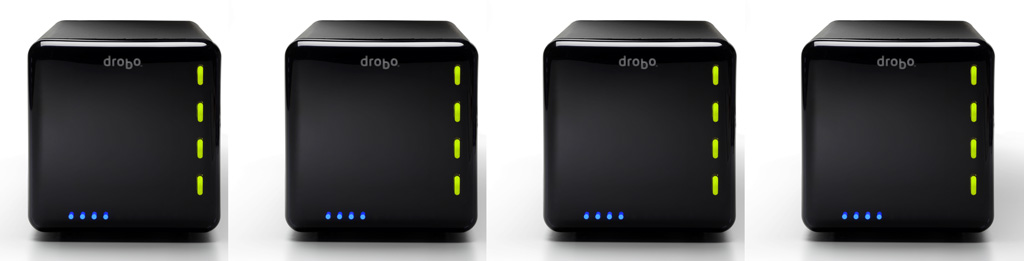
The folks at Data Robotics put together a short video that showcases Drobo owners talking about what they store on their Drobos, and asked their Twitter followers what’s on their units.
That got me thinking about what I store on my Drobos. I have four Drobos in total: three 1st Gen Drobo units (USB 2.0 only) and one 2nd Gen Drobo (Firewire 800 + USB 2.0). Perhaps that makes me a bit unusual. Most people have one or two units, not four. But there’s reason to the seeming excess.
For one thing, I have a huge photo library. (You can find the photos I edited and published here.) For another, my wife and I have a huge video library. These are movies and cartoons we had on VHS tapes, which we digitized, or on DVDs, which we archived for easy viewing, or TV shows and movies that we recorded from TV. We’re big fans of classic movies and cartoons from the 1920s, 30s and 40s, and we collect all the ones we like. We also digitized most of our old paperwork. My medical records are all digital. So are my dental records. So are a bunch of our other documents. I scanned all the stuff I could scan, and now when I need to look something up, it’s right there at my fingertips. I’ve also started shooting video more intensively this past year, in SD and HD. (You can find my published videos here or here.) All that stuff takes a fair amount of space — terabytes to be more precise. And to top off this whole list, we live our life on two continents (North America and Europe).
Here’s what I do to make sure I don’t lose my data:
I keep a Drobo with my parents, at their place. On it, I store a backup of my photo library and our video library, along with their files. I back up my live photo library to it using CrashPlan, a piece of software that will let you back up your data to a friend’s machine. I’ve actually just started using it, and while I’ve been able to back up just fine with both machines on the same network, being able to do it from thousands of miles away will be a litmus test of the software’s capabilities. I’ll be sure to write about it if it proves workable. The video library gets backed up every once in a while in a pretty simple manner: I carry movies and videos to them on a hard drive and copy them onto the Drobo. Updated 4/21/10: CrashPlan does indeed work as advertised!
I keep two Drobo units at our home. On one of them, I keep our video library, and an extensive, historical file archive. On another, I keep a mirror copy of my live photo library, which is currently stored on a WD Studio drive, because it’s smaller and easier to transport than a Drobo, and I do a fair bit of traveling. I mirror my photo library with an app called Synkron, which works great. I switched to the WD Studio when I started traveling extensively and realized the Drobo couldn’t always fit safely into my luggage. (Where oh where is that Drobo carrying case I wrote about last year?)
I gave the fourth Drobo to my brother, who needed a solid data storage device to begin to archive his ever-growing library of ethnological videos. He’s a documentary filmmaker who travels around Romania studying and recording religious and secular customs, which are being forgotten and buried along with the old folks. He wants to preserve these things for posterity. You can learn more about what he does at his website, called ORMA.
So that’s how I use my Drobos. However, I’ll have another logistical issue to deal with in the near future. I’m running out of space on the WD Studio drive, which has 2 x 1 TB drives in it. I run it in RAID 1, and in another month or two, it’ll be completely full. I’ll need to start using one of my Drobo units as my primary photo editing/storage device again. This means I’ll shuffle all my data around once more. A possible new arrangement will see me using the 2nd Gen Drobo for the storage and editing of my photos and videos, and the other for the storage and retrieval of our video library and historical file archive, while the WD Studio drive will see some backup duty or be relegated for travel-only purposes.
The current drive distribution among the three Drobos I use actively is as follows:
2 x 2 TB drives + 2 x 1 TB drives in the Drobo that stays with my parents
4 x 1 TB drives and 4 x 500 GB drives, respectively, in the two Drobos that are with us
I can’t speak for my brother, but I believe he’s using 4 x 1 TB drives in his Drobo
I’d love to hear how you are using your Drobo. Perhaps you have some ideas for me?
Image and video used courtesy of Data Robotics. The 2nd Gen Drobo is available for purchase from Amazon or B&H Photo. The 1st Gen Drobo has been discontinued as of 2009. Be sure to also check out my reviews of the Drobo S, DroboPro and DroboElite.