Reviews

Time of capture metadata bug in iPhone 4 movie clips

Updated 9/12/10: I’m not sure any more if this is an iPhone 4 glitch or an Adobe Lightroom 3.2 bug. A thread has been opened in the Adobe Lightroom Forum, if you’d like to chime in there.

After upgrading the iPhone with iOS 4.1, I recorded a new video clip, imported it and some new photos into Lightroom, and the same wrong date and time appear for it.

According to a comment on my thread in the Apple Support Forums, the correct time of capture is displayed for iPhone 4 video clips elsewhere but Lightroom. And I also noticed that Lightroom displays the very same incorrect date and time of capture for video clips taken with the Nokia N95.

Updated 9/27/10: I’ve been in touch with Adobe, and it turns out this is a “designed” behavior. That is, because movie clips do not have EXIF data (there is no standard for EXIF data when it comes to them), they are assigned a random date and time as they’re imported into Lightroom. HDSLR video files are accompanied by a .THM file which stores the necessary EXIF data, and that’s why they show up properly.

Quoting from Davide M.’s (Adobe) response:

So I then had a look at our bug database and it turns our this is a known issue with mobile phones although somewhat out-with our control. Movie files do not technically have EXIF data or at least the standard has not yet been established. Since the import process can assign a timestamp to a movie file, we ignore this time stamp since it can be inaccurate, as shown by the example of your video file being changed by the simple process of email. Other applications while appearing to work fine, in fact are simply showing you the files creation date. If you were to duplicate the file, you will see that the timestamp in these other applications will change to the time the file duplication took place.

The reason why most DSLRs work is because they create a sidecar file containing that information. Files with no timestamp, such as the ones from the iPhone and the Nokia N95 do not create this and hence default to 1/1/04 when looking at the Loupe information overlay.

In the example you used, the Canon 7D creates a .THM sidecar file with the same name as the video file it generates. This contains all the data associated with the video file.

Still, this is problematic behavior, as it introduces erroneous times of capture in these movie files. So I asked Davide if it would be possible for Lightroom to be updated so that it writes a more accurate time of capture for these movie files. Thankfully, he agreed to log it as a feature request. Time will tell if this will make it into a future LR update. Quoting him below:

That’s certainly something I can log in our feature request list. Because this has been deemed ‘as designed’ by our engineering team (due to the lack of EXIF data in movie files) it is not technically a bug. None the less, I can see that this would be a useful addition to our application. Thanks for bringing this to our attention.

Thank you, Davide!

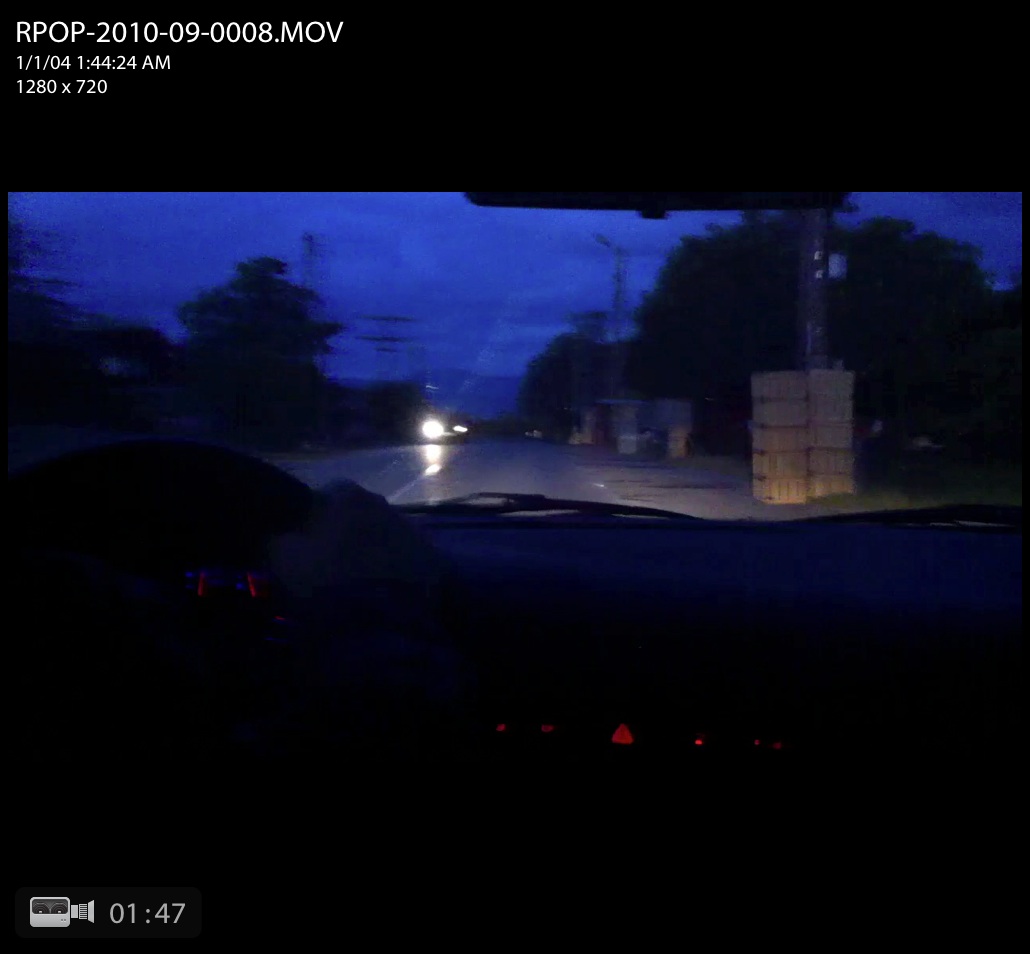
After downloading a few movie clips taken with an iPhone 4 (running iOS 4.0.1) onto my computer, I saw right away that their time of capture was incorrect, even though the iPhone’s time had been set up correctly. I took a few screenshots of the movie clips in Lightroom, which you can see below. Click on each to view them large.
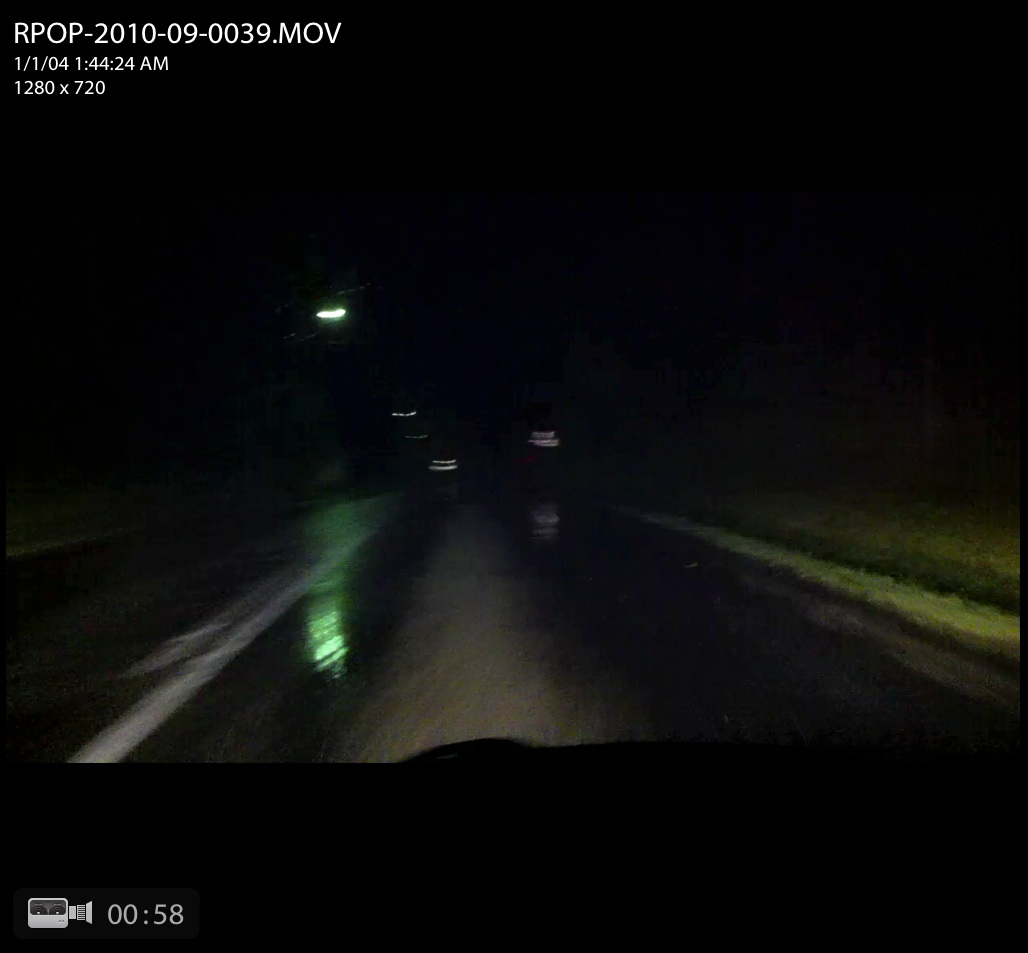
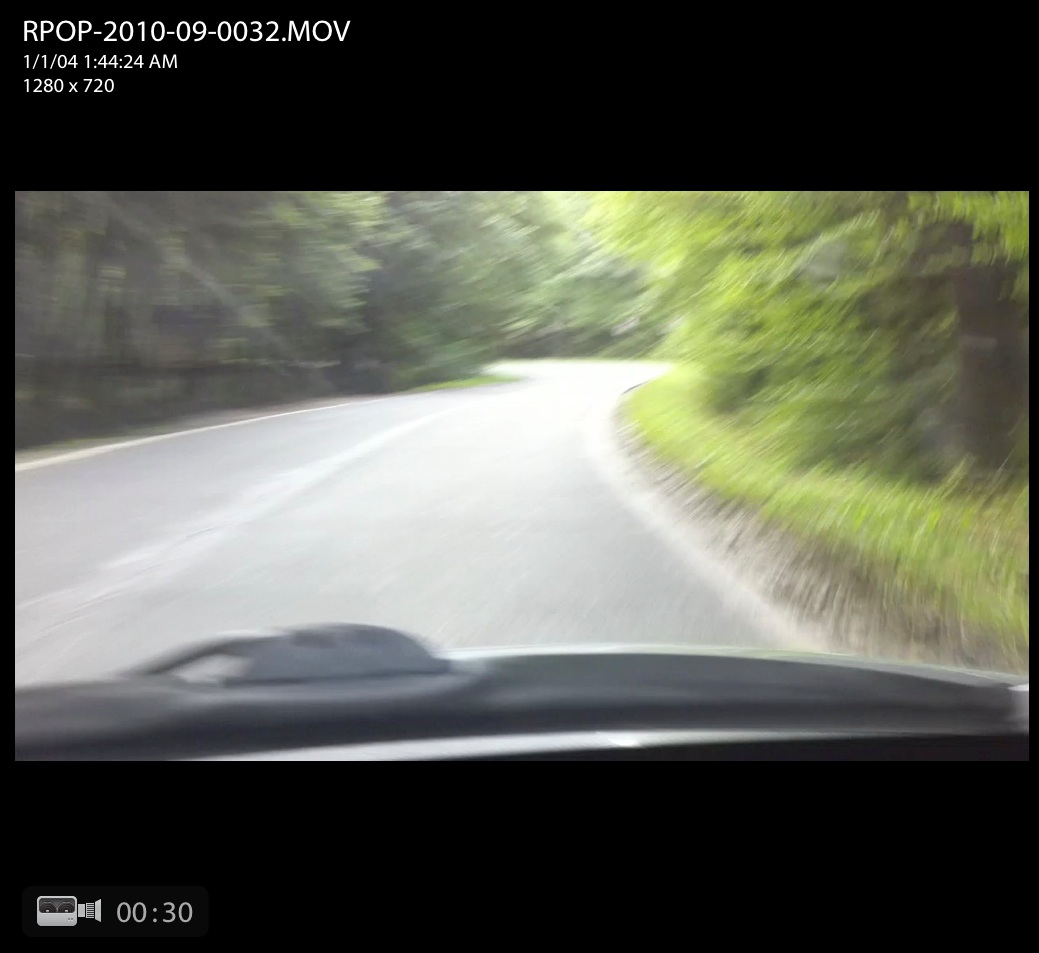
This time metadata error happens when using either the main (back-facing) HD video camera, as shown above, or the front-facing VGA camera, as you can see from the screenshot below.

It looks like iPhone 4 records the same time for all video clips recorded with it, set at 1/1/04 1:44:24 AM.

It goes without saying that any digital video camera worth its salt will record the time of capture properly. The question, naturally, is when Apple will fix this glaring bug?

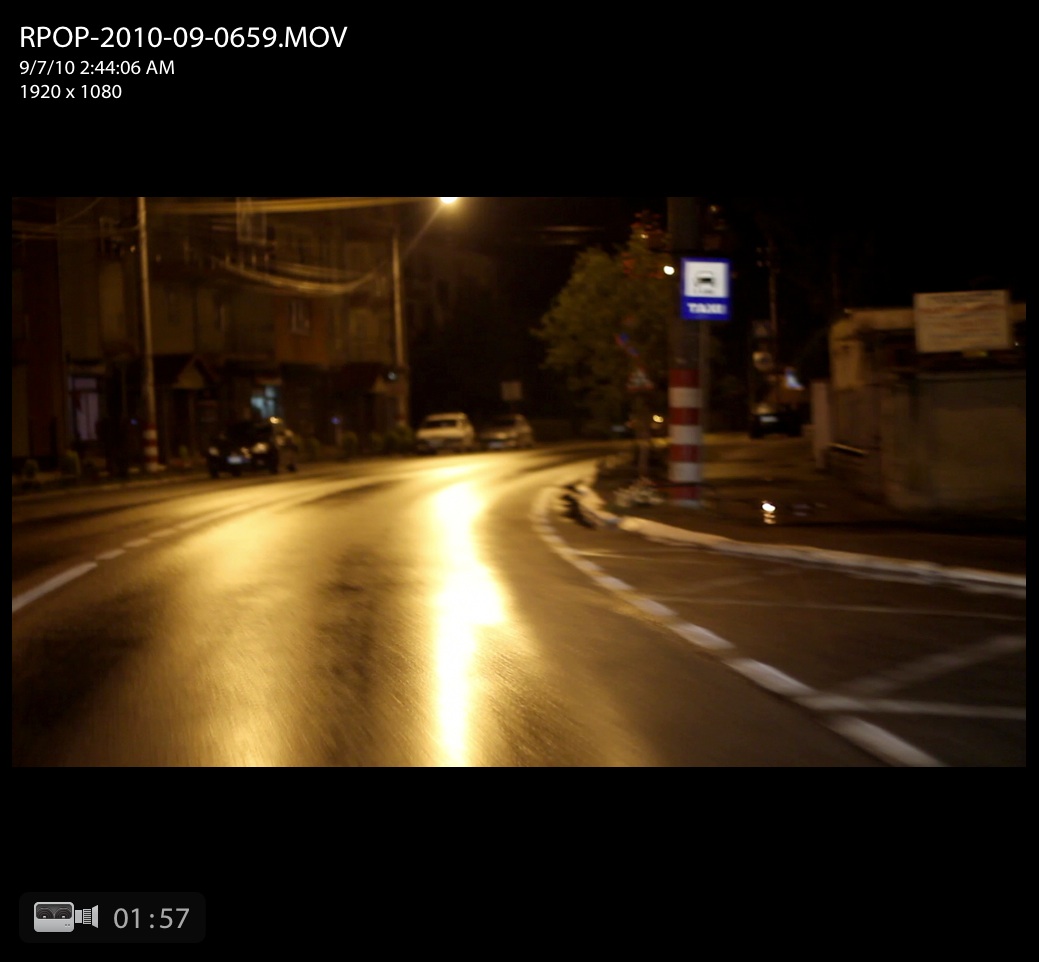
For comparison purposes, here is a screenshot of a Canon 7D movie clip, also shown in Lightroom. The time of capture was recorded properly, as was to be expected.

Standard
Thoughts

SmugMug, are you listening?

I’m disappointed with SmugMug over their continued lack of support for proper export and maintenance of photographs directly from Lightroom. Back in July, I wrote about the Flickr Publish Service in Lightroom, and wondered when SmugMug would introduce their own.

What I was really looking for (and I said this in the post) was a way for the publish service to identify what I’ve already uploaded and allow me to re-publish those photos where I’ve made changes to the metadata or to the processing. The official Flickr Publish Service didn’t offer that option.

A few of my readers (Gary, Chris, Russell, thanks!) pointed me to Jeffrey Friedl’s excellent plugins for Lightroom, and I’ve been using them ever since. As a matter of fact, I’ve switched over to them completely. I use them for all four web services where I currently publish photos (SmugMug, Flickr, Facebook and PicasaWeb). I don’t know what I’d do without them. Wait, I do know — I know for sure I’d be doing a LOT more work and spending a LOT more time uploading and maintaining my online collections.

With Jeffrey’s LR plugins, I was able to identify about 90% of the photos already uploaded to SmugMug, and about 75% of the photos already uploaded to Flickr. In the case of Flickr, I then did manual updates and re-identifies so I could get it to know 95% of the photos already uploaded. This means Lightroom now allows me to quickly identify, update and replace almost any photos I’ve got at SmugMug, Flickr, Facebook and PicasaWeb. This is huge.

There is a catch, though, and it’s a BIG one. I keep running into the same “Wrong Format ()” error with SmugMug, which means I still haven’t been able to straighten out the photos I’ve uploaded to them. Here are a couple of screenshots of the error messages I get. It starts with a “TimedOut” error, then I get the “Wrong Format ()” error, then the upload process aborts.

I get these errors almost every time I try to re-publish an updated photo, but I don’t get them as often when I try to upload new photos. To give you an idea of how bad things are, I’ve currently got 109 photos to update in one of my galleries at SmugMug, and last night, I had about 167 photos. I’ve had to restart the re-publish process about 30-40 times since last night. You do the math, but I think it works out to 1-2 photos per error. This sucks. I should be able to just click the Publish button and walk away, knowing all of my changes will propagate correctly.

I’ve contacted Jeffrey, and I’ve contacted SmugMug. I’ve had extensive email conversations with each. SmugMug alternates in their replies. They’ve said the following to me:

  • It’s a fault with the plugin
  • It’s something on their end but they’re working on it
  • There’s nothing they can do about it
  • I should use something else to upload photos
  • They blamed my setup, which we ruled out after some internet connectivity tests

Jeffrey says there’s nothing he can do about it, and I believe him more than I believe SmugMug. Want to know why? Because his other plugins work just fine. I’m able to re-publish updated photos to Flickr and Facebook and PicasaWeb without any problems. Only SmugMug somehow can’t handle my uploads.

I’ve tried reloading the plugin, installing it anew, removing and re-adding the publish service, upgrading the plugin, but nothing. I still get the same errors.

My question for the smug folks at SmugMug is this: how is it possible that Facebook and Flickr and PicasaWeb have worked out the re-publish issues, but you haven’t? What’s taking you so long? Why can’t you work out the same problem on your end?

I was hoping that with the release of Lightroom 3.2, and the release of the official SmugMug Publish Service for LR (hat tip to David Parry for the advance notice), that SmugMug would work out the kinks in their API, but it looks like they still haven’t done it. I tried their plugin, but of course they took the easy route, like Flickr, and haven’t introduced any functionality that would identify photos already uploaded to their service. Only Jeffrey Friedl’s plugins offer this feature.

This leaves me terribly disappointed. As a SmugMug Pro, I don’t want to bother with error messages. I don’t want to bother with posts like this. I’d rather post photographs and update my SmugMug galleries in peace, but I can’t.

If you’re having the same problems with SmugMug, please, write to them, and ask them when they’re going to get their act together. This problem’s existed for several months. How much more time will it take until they deal with it?

Standard
Places

A look at the history of Medias through paintings

One of the exhibits at the Municipal Museum in Medias is a collection of historic paintings depicting the city as it was in the 18th, 19th and early 20th centuries. Not all of them are on display due to a lack of exhibit space, but the ones that can be seen are worth your while.

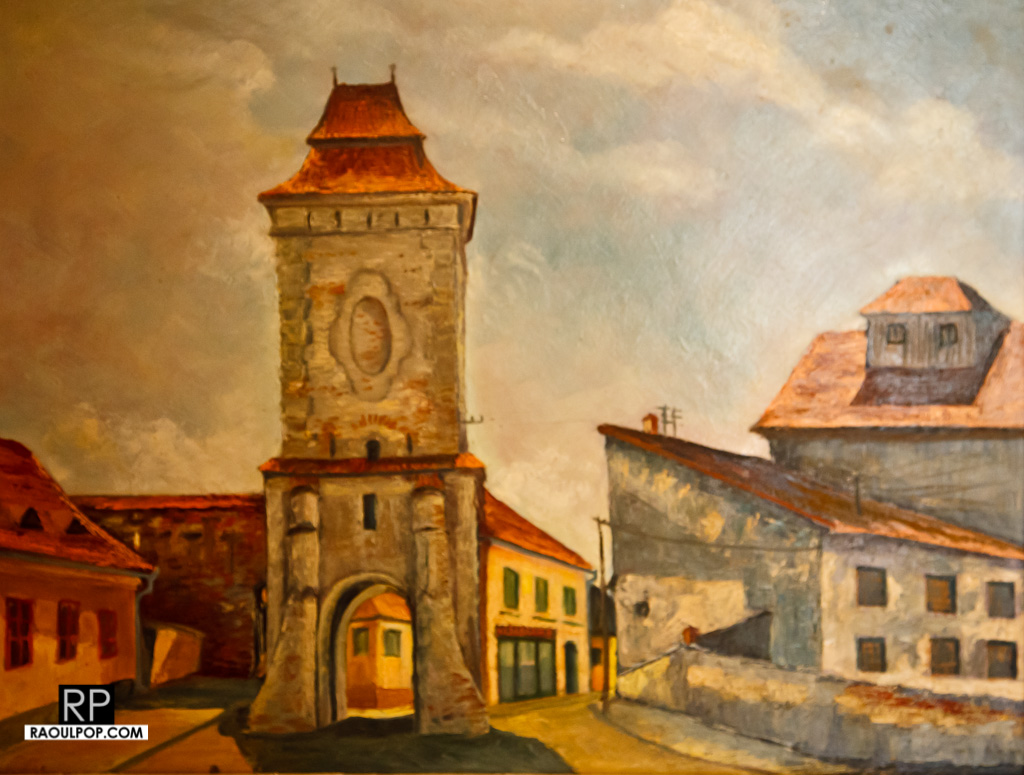
You’ll see the Steingasse tower below, built and maintained by the stoneworkers’ guild. Nowadays, there’s a cobbler’s shop to the left of the tower, which has been there for decades. And behind the tower, you’ll see shop windows for a grocery store that’s also been there for decades. Sadly, the store looks terrible today, but when I was young, I used to go there often to buy things for my grandmother’s kitchen.

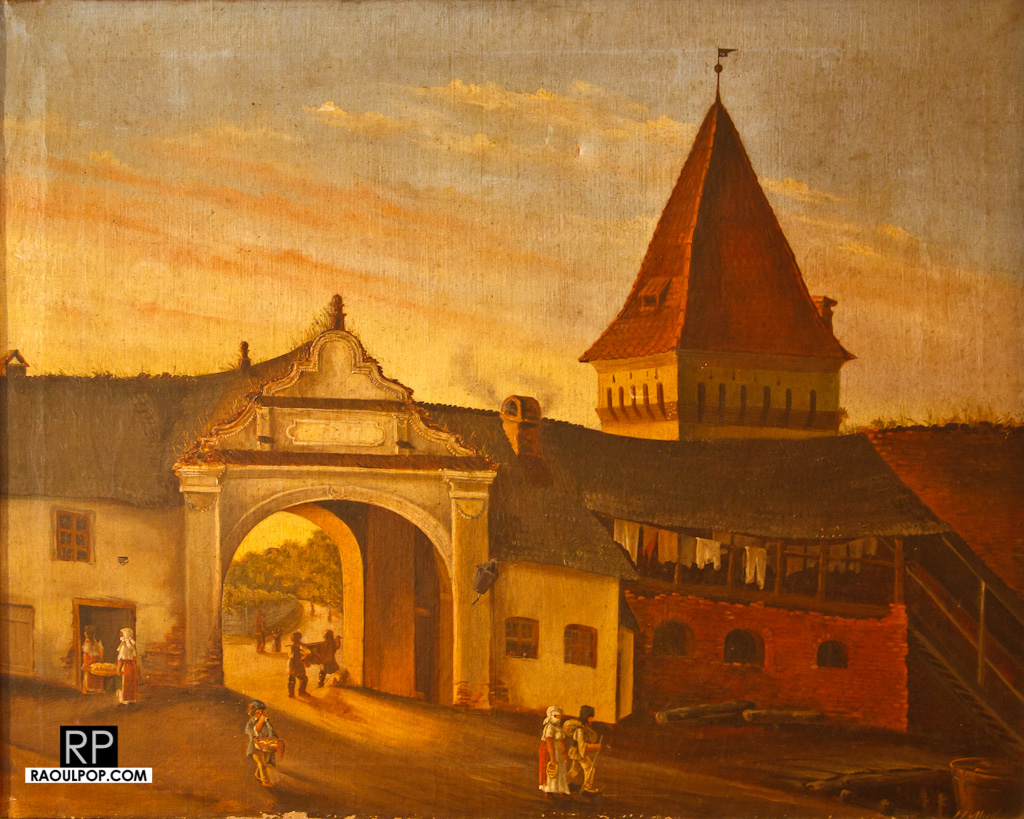
The gate you see in this painting no longer stands today. The tower you see behind the gate still stands though. You can see weeds growing on the roof of the gate, even in the early 19th century, which means it wasn’t well maintained even then. And if you look through it, you’ll see a fairytale countryside road that led away to neighboring villages through a forest. That’s no longer there today. Now there’s a big, ugly hospital building there, and beyond it, the city’s expanded for kilometers.

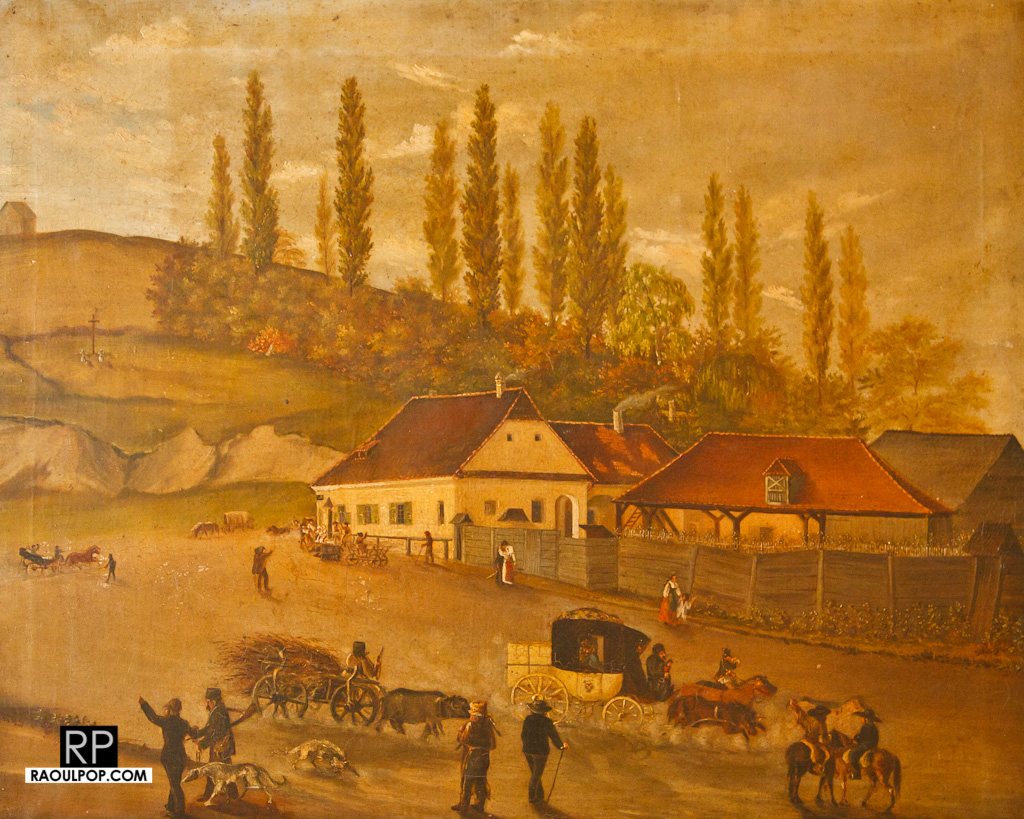
The scene you see below no longer exists today. Railroad tracks cross over the sites of those homes, and the hill behind them is now dotted with thousands of graves, as it’s become the official cemetery of the city.

The tower you see here, Forkesch, still stands today, but the historical fortified wall which once connected it with the tower in the second painting seen above, has been rebuilt. That tower can’t be seen below, but it’s somewhere down in the valley. The wall also can’t be seen, because it had been torn down by the mid-19th century when this painting was made. The road is still in the same place, but instead of houses, a large church stands across the road from the tower, and the city’s hospital is just below, in the valley.

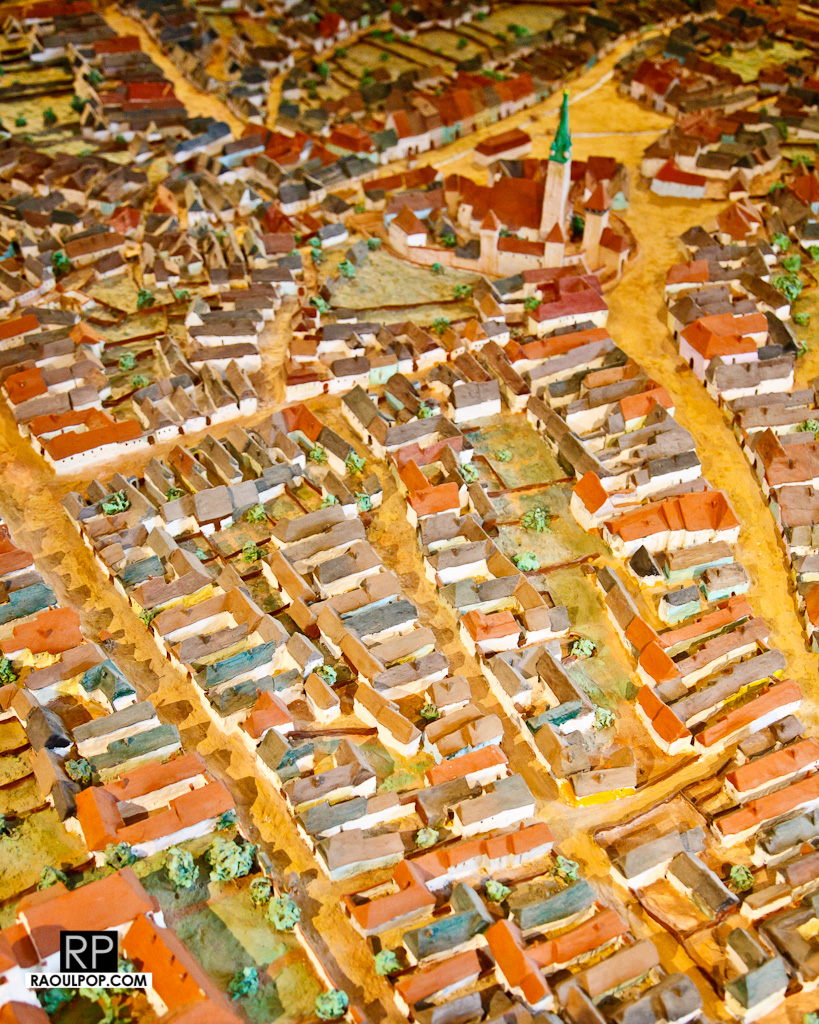
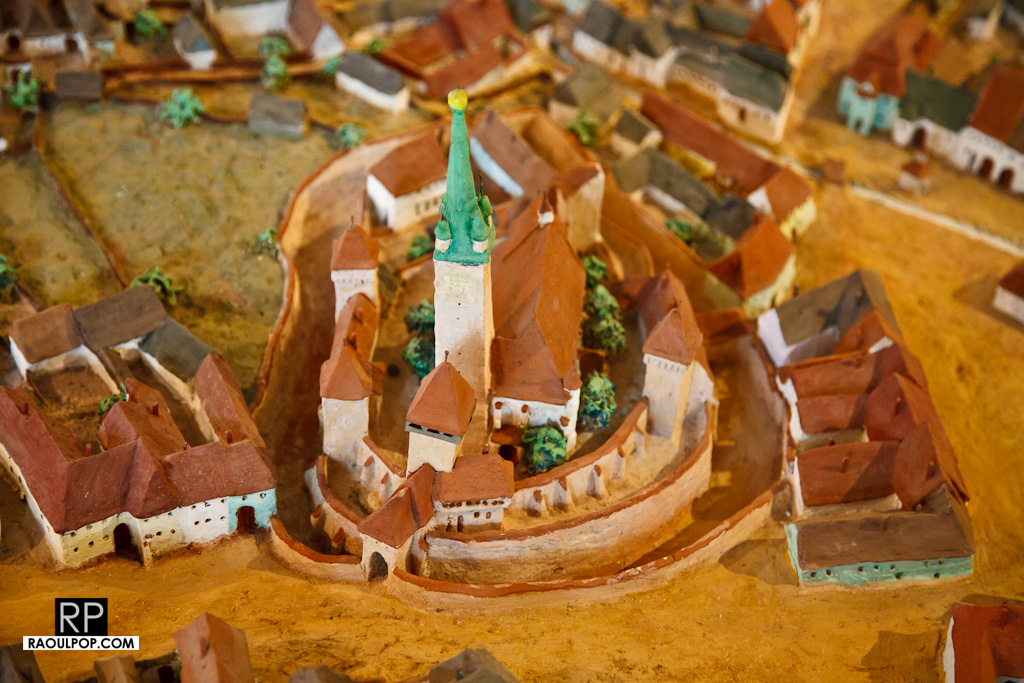
Now this isn’t a painting, I know that, but it is very interesting nonetheless. It’s a model of the city as it was sometime in the 16th or 17th century, and it can also be found at the museum.

As you can see, St. Margaret’s Church was originally surrounded by three rows of walls and a large moat, with covered bridges functioning as entrances into the inner walls. It’s a pity it no longer looks like that nowadays, because it would be a truly romantic place if it did.

I invite you to go see the model in person, as it’s a great deal larger than what you see here. The details are wonderful. You can see how each house looked (approximately), its location, and the layout of each street. And if you’re a mason, and you know about the city’s new tourism campaign, then you’ll appreciate a closer study of the city’s layout, which, according to some, replicates the search for light found in masonic rituals.

Standard
Events

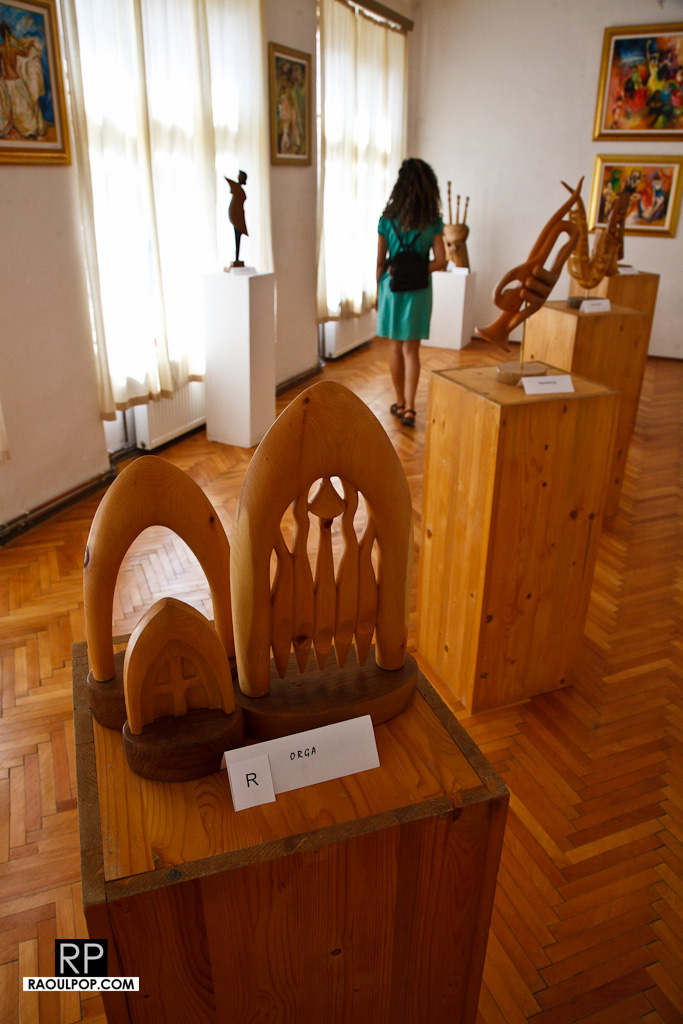
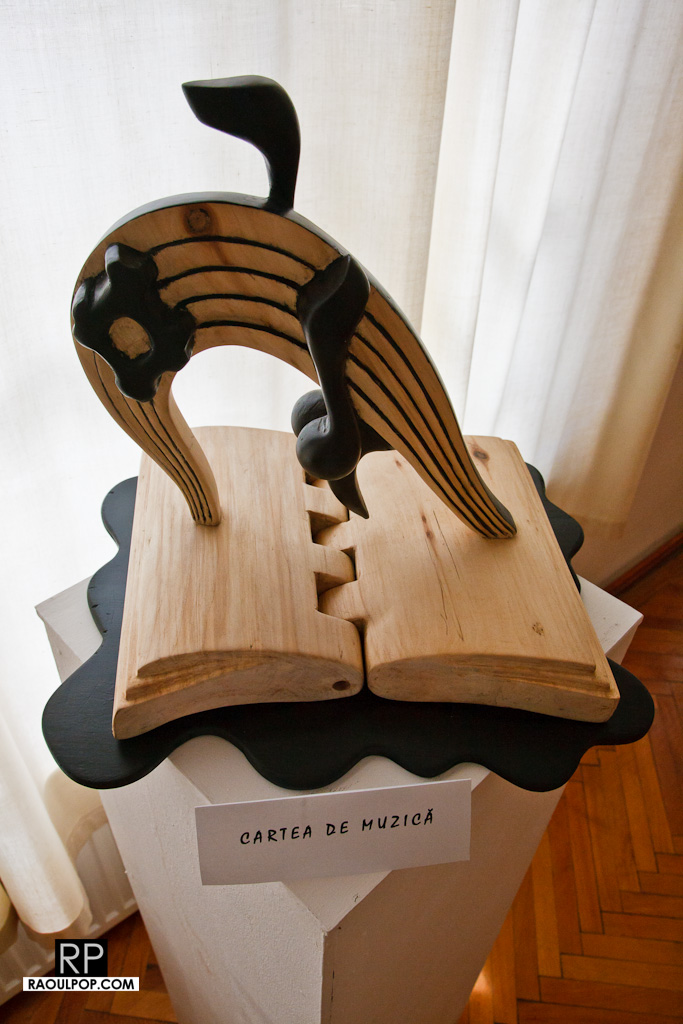
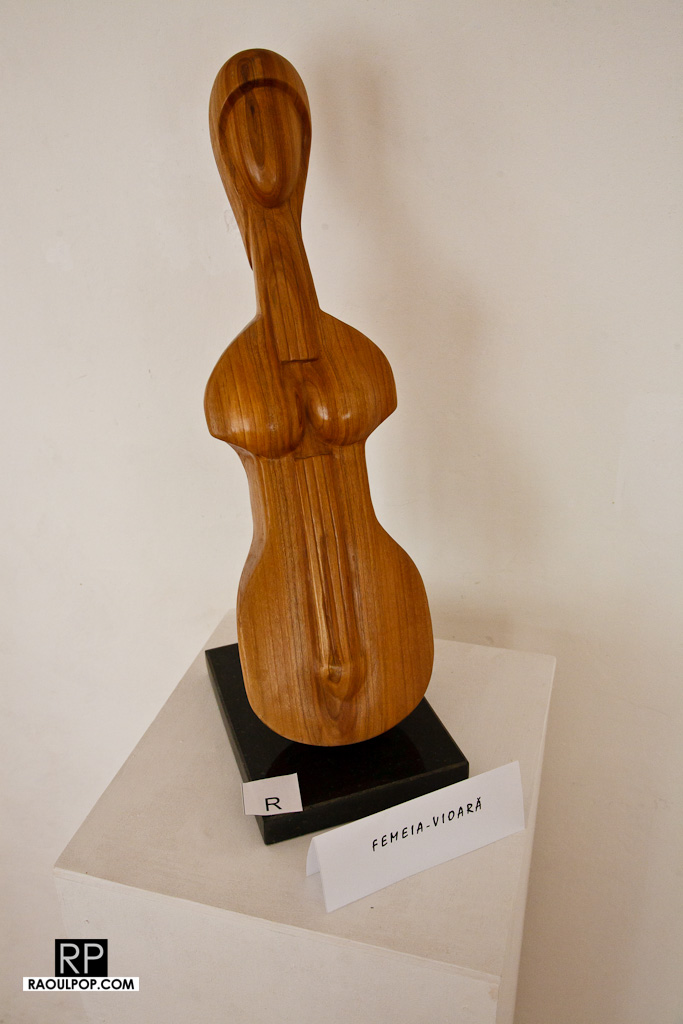
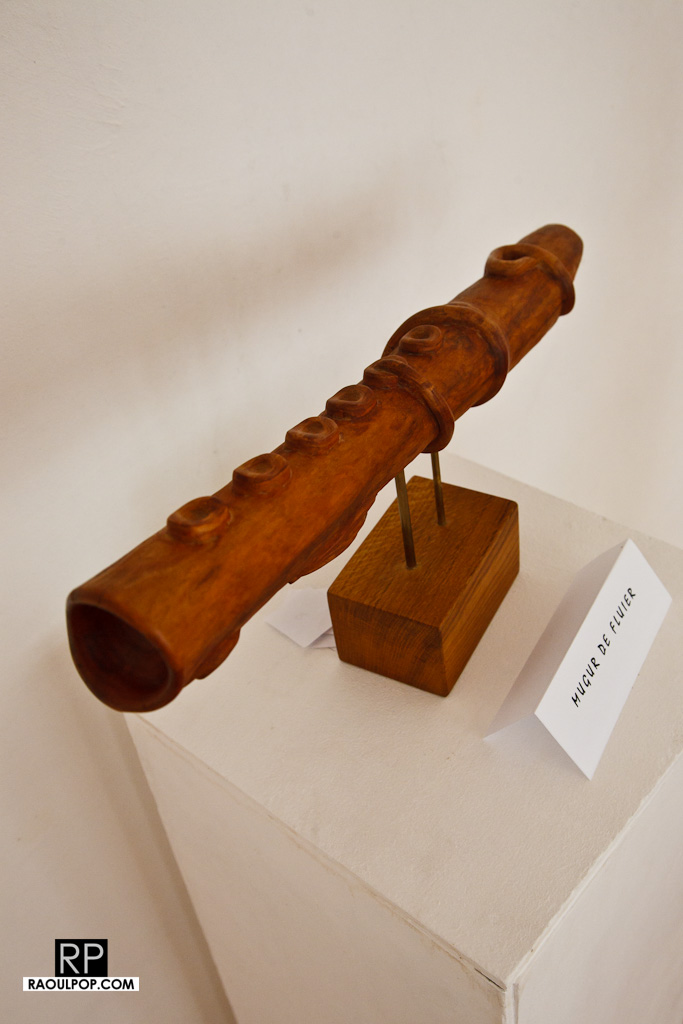
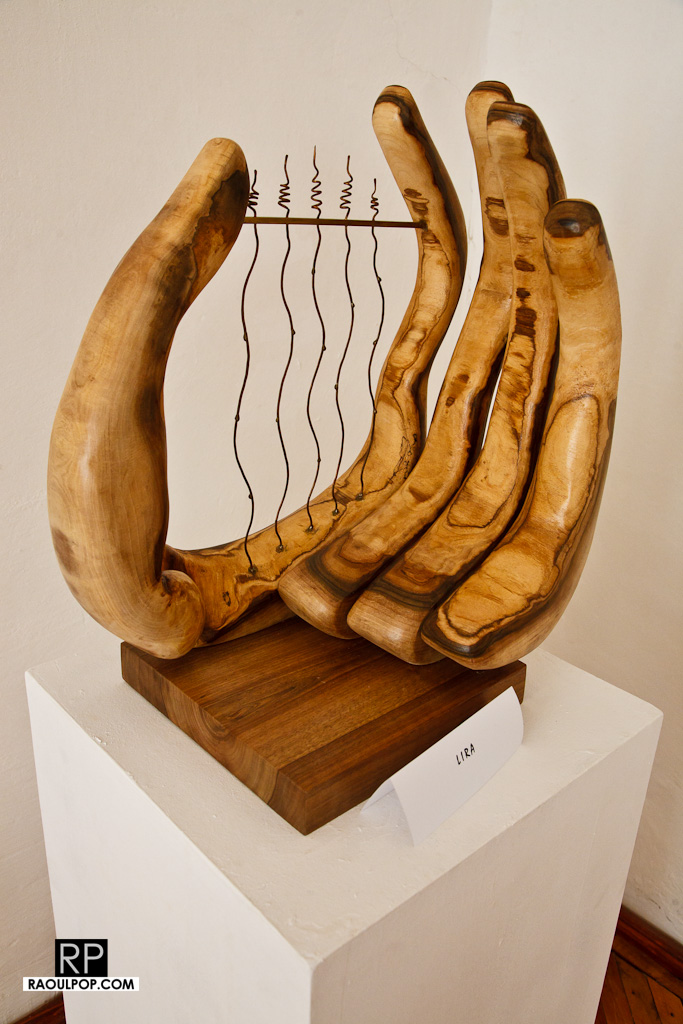
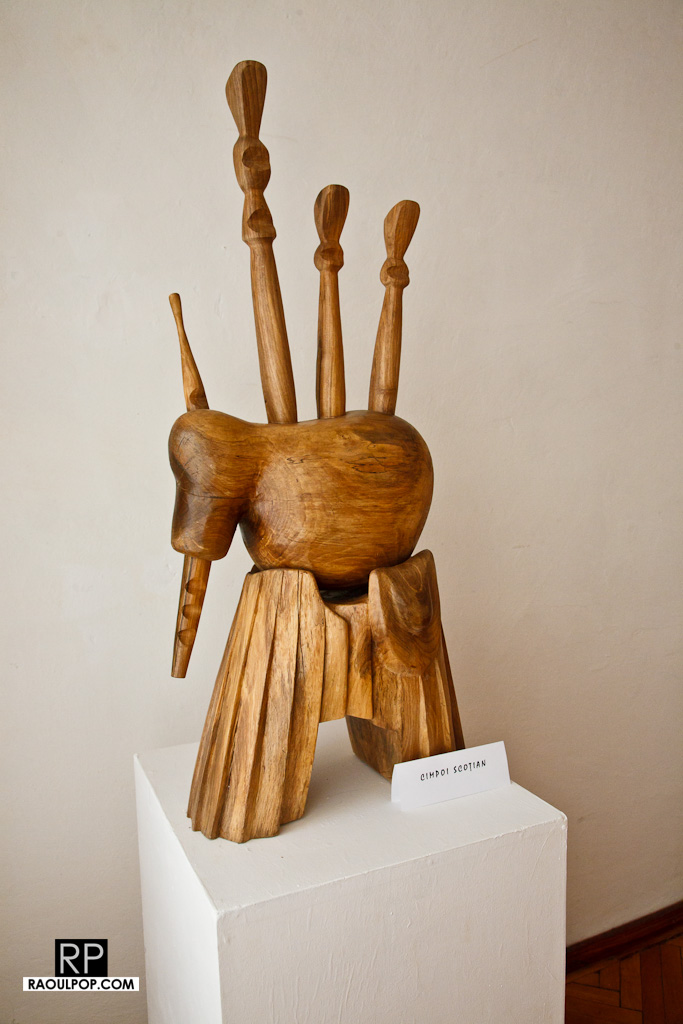
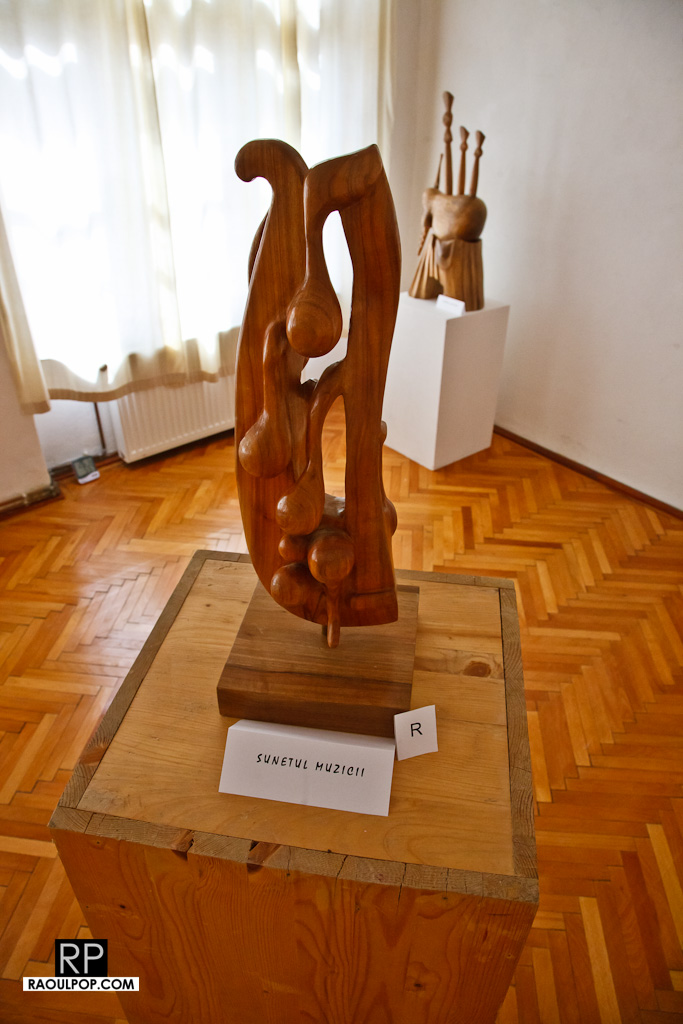
Sculptures by Radu Lupu: an exhibit at the Municipal Museum in Medias

This is a temporary exhibit at the museum, with sculptures created by local artist Radu Lupu along musical themes. All are interesting, and some are for sale. You can contact the artist via the museum.

We liked the one entitled “Lira”.

Standard
Places

The Guild Chest: an exhibit at the Municipal Museum in Medias

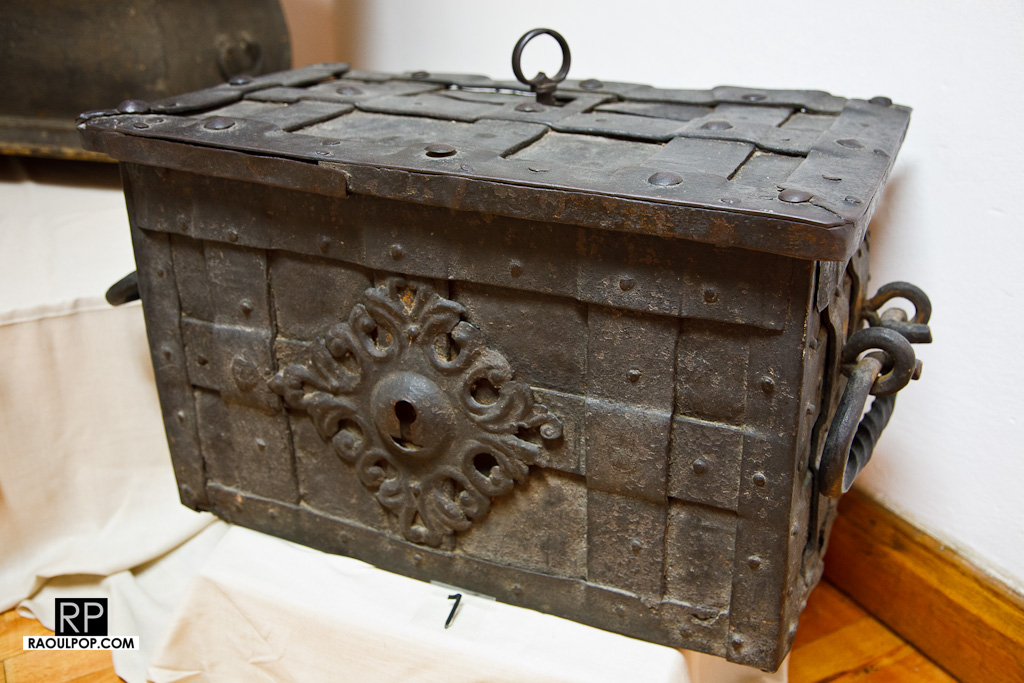
This year, the Municipal Museum in Medias, Romania, is exhibiting guild chests from the various guilds that existed in the city during its long history (the city was founded in 1267 AD).

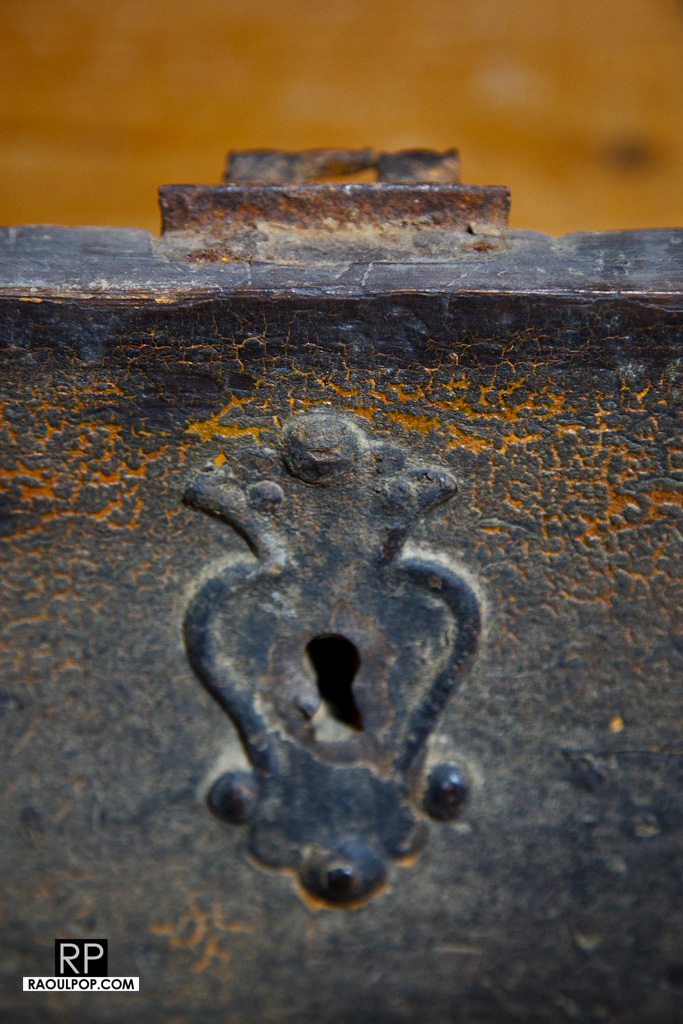
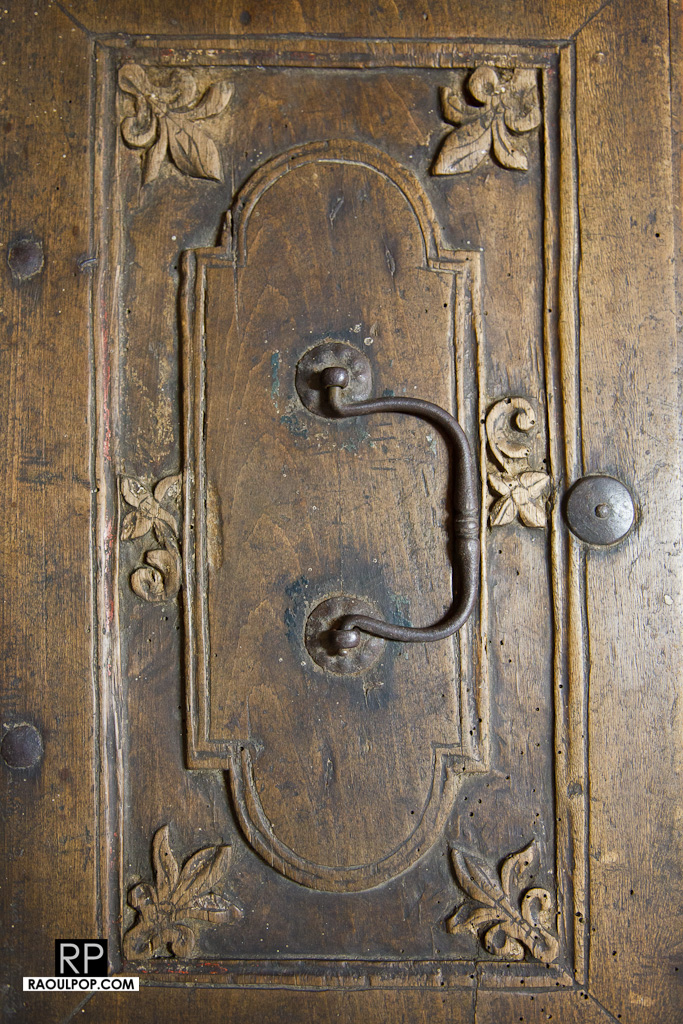
Each guild had its chest, a decorative wooden or metal box, locked with a key, which held certain objects, such as tools or scrolls or documents of value to each guild. The chest figured prominently in guild meetings and rituals. It was sometimes re-decorated or re-built when a new guild master took the helm.

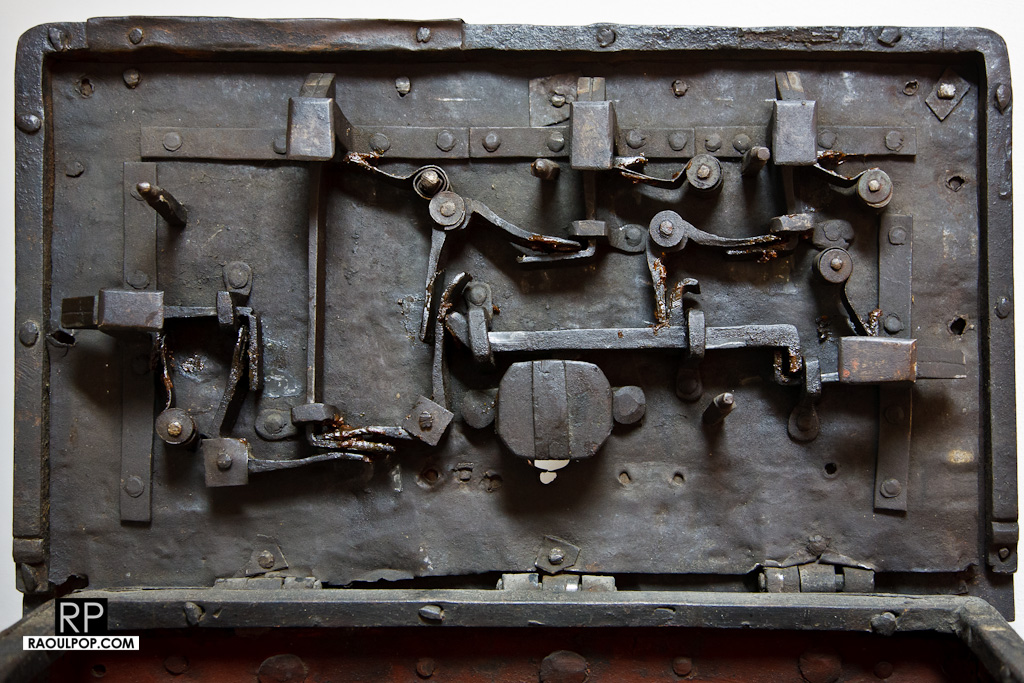
For example, the blacksmiths’ guild chest was highly ornate, and featured an intricate 5-point lock system, opened with a single key.

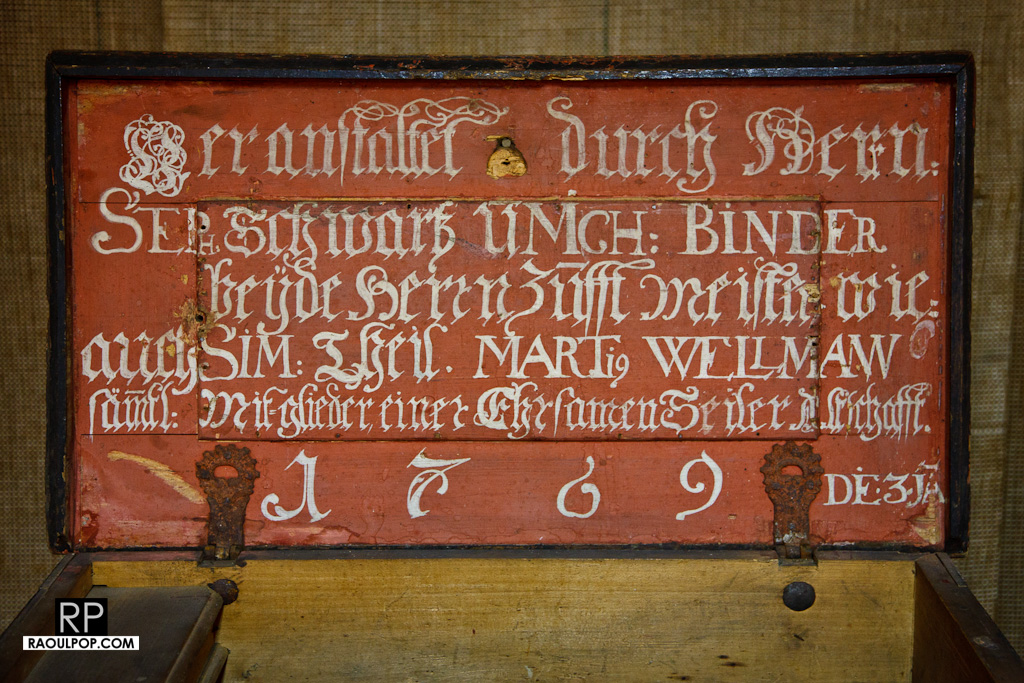
The tanners’ guild chest features their guild colors and insignia, the year when it was made/re-decorated, and the name of the (then) guildmaster.

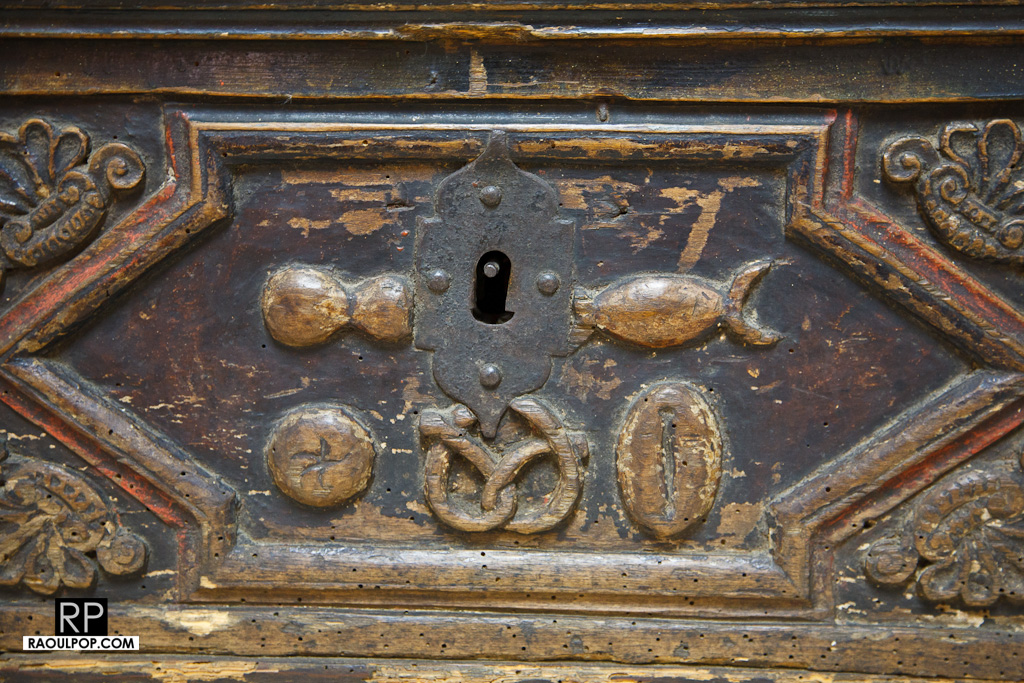
Then there’s the bakers’ guild chest, where a few of their traditional products are engraved onto the side.

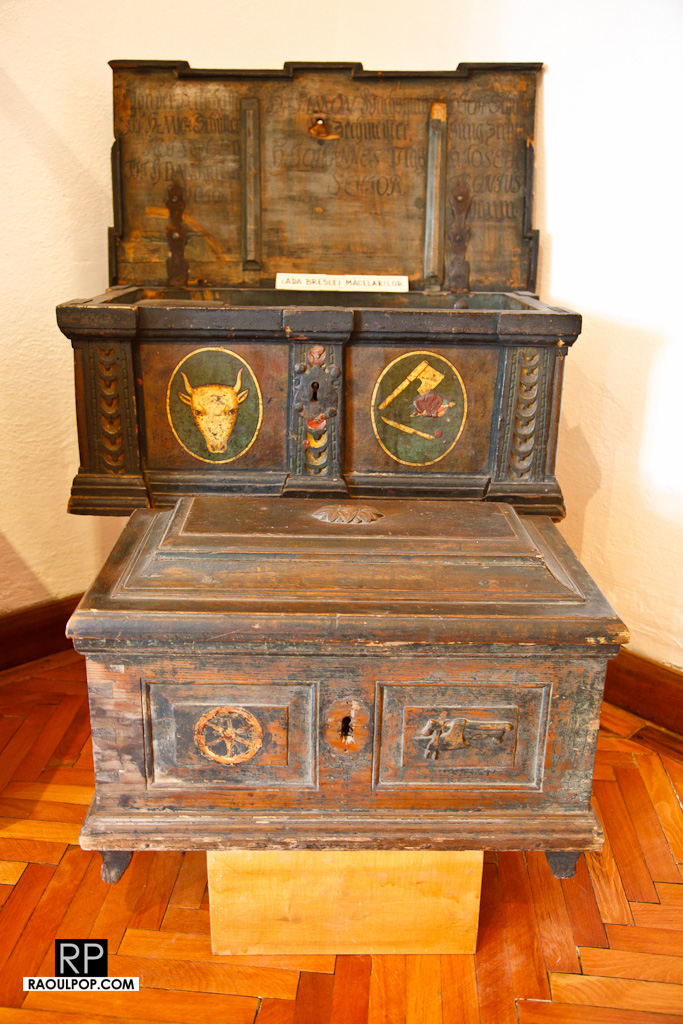
The two chests below look to be from the butchers’ guild and the wheelmakers’ guild.

Nova TV, the local TV station in Medias, has put together a nice video montage of the exhibit, which you can see below or on their blog.

If you happen to visit Medias, don’t forget to drop by the museum as well. It’s surprisingly large, and it has many rooms with many exhibits. You can spend hours and hours there if you like. Incidentally, it’s housed on the premises of the Franciscan Monastery I wrote about earlier.

Standard