In August of 2*** (regular readers will know the year 😁), we took a tour of the historic churches and monasteries in the provinces of Moldova and Bucovina (within the territory of Romania).
A clarification is in order here. When people hear Moldova they automatically think about the Republic of Moldova, which used to be part of the Romanian province of Moldova but was taken by the Russians in 1940. That whole region has a fairly tumultuous history which you can read here. Just keep in mind these photographs were taken within the current-day borders of Romania and yes, there are two provinces called Bucovina and Moldova in Romania. I’ve lost track of how many times people have tried to correct me on this, all of them foreigners…

I could have published individual posts of each place but that would have been tedious for me (and for you too). I know it was tedious for me when we visited these places, one after another, day after day, dealing with heat, huge crowds and the hospitality industry (you know, the three Hs of travel; they add together to form a fourth H which is a four-letter word)… but we had made a plan and we stuck to it. Romanians in general tend to make trips to these places yearly for religious reasons. We visited these places because of their historical and architectural value, so while we were there we saw as many as we could in the time we had allotted ourselves.
In this gallery of photographs (there are 134 of them), you will see images from the following places:
- The wooden church in Șurdești (Maramureș), a UNESCO monument and also the highest wooden church in the world
- Moldovița Monastery
- Sucevița Monastery
- Chilia lui Daniil Sihastrul
- Putna Monastery
- “Dragoș Vodă” wooden church
- Voroneț Monastery, famous for the blue used in its exterior murals, called Voroneț Blue
- Humorul Monastery
- Arbore Church
- Dragomirna Monastery
- Agapia Monastery
- Văratec Monastery
- Neamț Monastery
- Secu Monastery
- Sihăstria Monastery
Since I arranged the photos in chronological order, you’ll see them just as they’re listed above. You’ll probably want to know which was my favorite place. Dragomirna Monastery, definitely! Enjoy the gallery and thanks for being a subscriber!

Biserica de Lemn “Sfintii Arhangheli Mihail si Gavriil”, Surdesti, Romania, a UNESCO monument

Biserica de Lemn “Sfintii Arhangheli Mihail si Gavriil”, Surdesti, Romania — the tallest wooden church in the world.

Biserica de Lemn “Sfintii Arhangheli Mihail si Gavriil”, Surdesti, Romania — the tallest wooden church in the world.

Biserica de Lemn “Sfintii Arhangheli Mihail si Gavriil”, Surdesti, Romania — the tallest wooden church in the world.

Biserica de Lemn “Sfintii Arhangheli Mihail si Gavriil”, Surdesti, Romania — the tallest wooden church in the world.

Crossing the Carpathian Mountains in the province of Maramures, Romania

Main gate, Manastirea Moldovita, Bucovina, Romania.

Interior courtyard, Manastirea Moldovita, Bucovina, Romania.

Church, Manastirea Moldovita, Bucovina, Romania.

Interior courtyard, Manastirea Moldovita, Bucovina, Romania.

Church, Manastirea Moldovita, Bucovina, Romania.

Interior courtyard, Manastirea Moldovita, Bucovina, Romania.

Lovely stone architecture, Manastirea Moldovita, Bucovina, Romania.

Interior courtyard, Manastirea Moldovita, Bucovina, Romania.

Cloisters, Manastirea Moldovita, Bucovina, Romania.

Church, Manastirea Moldovita, Bucovina, Romania.

Manastirea Moldovita, Bucovina, Romania.

Interior courtyard, Manastirea Moldovita, Bucovina, Romania.

Flowers at the cloisters, Manastirea Moldovita, Bucovina, Romania.

Church, Manastirea Moldovita, Bucovina, Romania.

Church, Manastirea Moldovita, Bucovina, Romania.

Interior courtyard, Manastirea Moldovita, Bucovina, Romania.

Church, Manastirea Moldovita, Bucovina, Romania.

Main gate, interior courtyard, Manastirea Moldovita, Bucovina, Romania.

Entrance to Manastirea Sucevita, Bucovina, Romania.

Stairway to cloisters, Manastirea Sucevita, Bucovina, Romania.

Interior courtyard, church, Manastirea Sucevita, Bucovina, Romania.

Interior courtyard, garden, Manastirea Sucevita, Bucovina, Romania.

Interior courtyard, Manastirea Sucevita, Bucovina, Romania.

Defense wall, cloisters, Manastirea Sucevita, Bucovina, Romania.

Interior courtyard, defense walls, cloisters and church, Manastirea Sucevita, Bucovina, Romania.

Defense wall and cloisters, Manastirea Sucevita, Bucovina, Romania.

Church and interior courtyard, Manastirea Sucevita, Bucovina, Romania.

Church, Manastirea Sucevita, Bucovina, Romania.

Church and interior courtyard, Manastirea Sucevita, Bucovina, Romania.

Interior courtyard, Manastirea Sucevita, Bucovina, Romania.

Cloisters, Manastirea Sucevita, Bucovina, Romania.

Cloisters, Manastirea Sucevita, Bucovina, Romania.

Interior courtyard, Manastirea Sucevita, Bucovina, Romania.

Interior courtyard, Manastirea Sucevita, Bucovina, Romania.

Church exterior, Manastirea Sucevita, Bucovina, Romania.

Langa Chilia lui Daniil Sihastrul, Bucovina, Romania

Langa Chilia lui Daniil Sihastrul, Bucovina, Romania

Bucovina, Romania

Manastirea Putna, Bucovina, Romania.

Manastirea Putna, Bucovina, Romania.

Manastirea Putna, Bucovina, Romania.

Manastirea Putna, Bucovina, Romania

Manastirea Putna, Bucovina, Romania

Manastirea Putna, Bucovina, Romania.

Manastirea Putna, Bucovina, Romania

Cloisters, Manastirea Putna, Bucovina, Romania.

Manastirea Putna, Bucovina, Romania.

Biserica de Lemn “Dragos Voda”, Bucovina, Romania.

Biserica de Lemn “Dragos Voda”, Bucovina, Romania.

Biserica de Lemn “Dragos Voda”, Bucovina, Romania.

Manastirea Voronet, Bucovina, Romania.

Manastirea Voronet, Bucovina, Romania.

Manastirea Voronet, Bucovina, Romania.

Manastirea Voronet, Bucovina, Romania.

Manastirea Voronet, Bucovina, Romania.

Interior courtyard, Manastirea Humorul, Bucovina, Romania.

Late afternoon, Manastirea Humorul, Bucovina, Romania.

Manastirea Humorul, Bucovina, Romania.

Manastirea Humorul, Bucovina, Romania.

Manastirea Humorul, Bucovina, Romania

Manastirea Humorul, Bucovina, Romania

Manastirea Humorul, Bucovina, Romania.

Manastirea Humorul, Bucovina, Romania

Manastirea Humorul, Bucovina, Romania

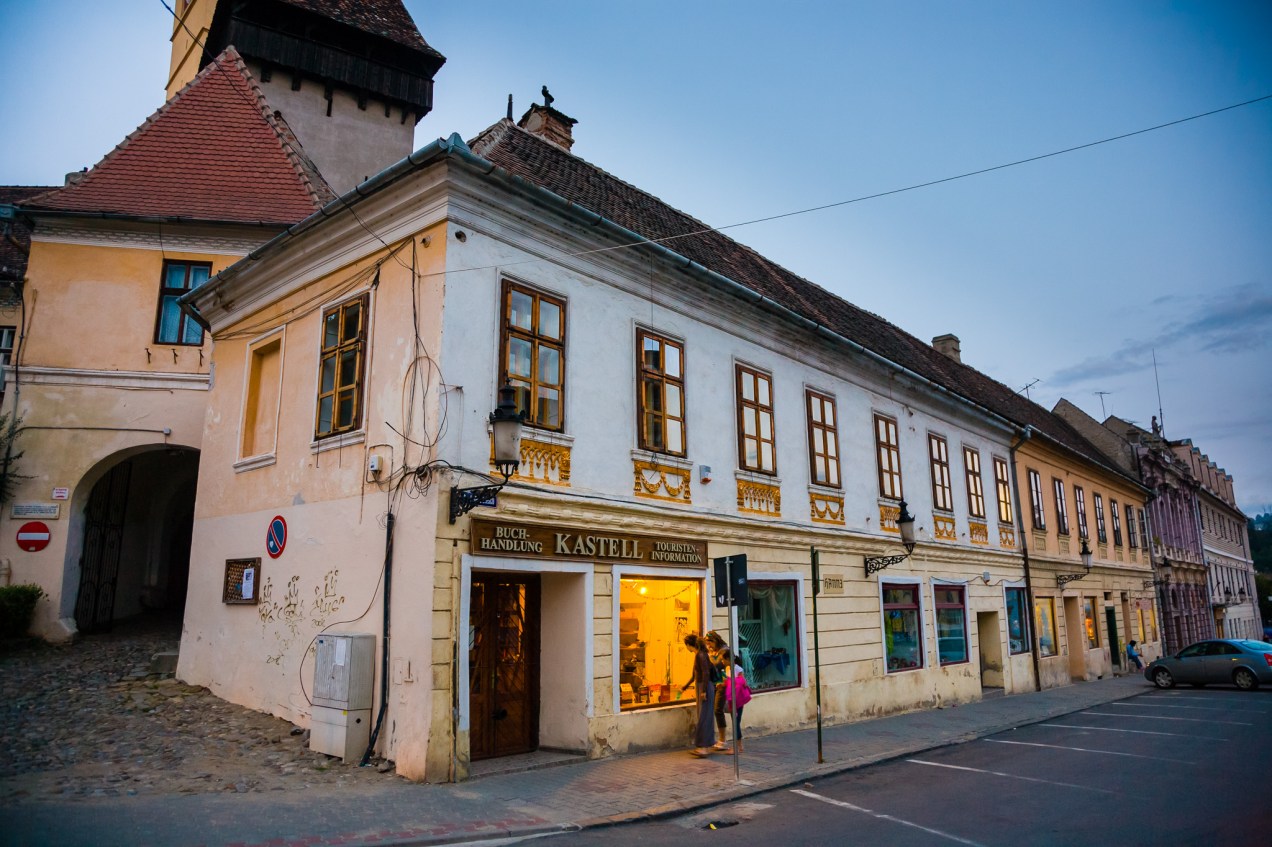
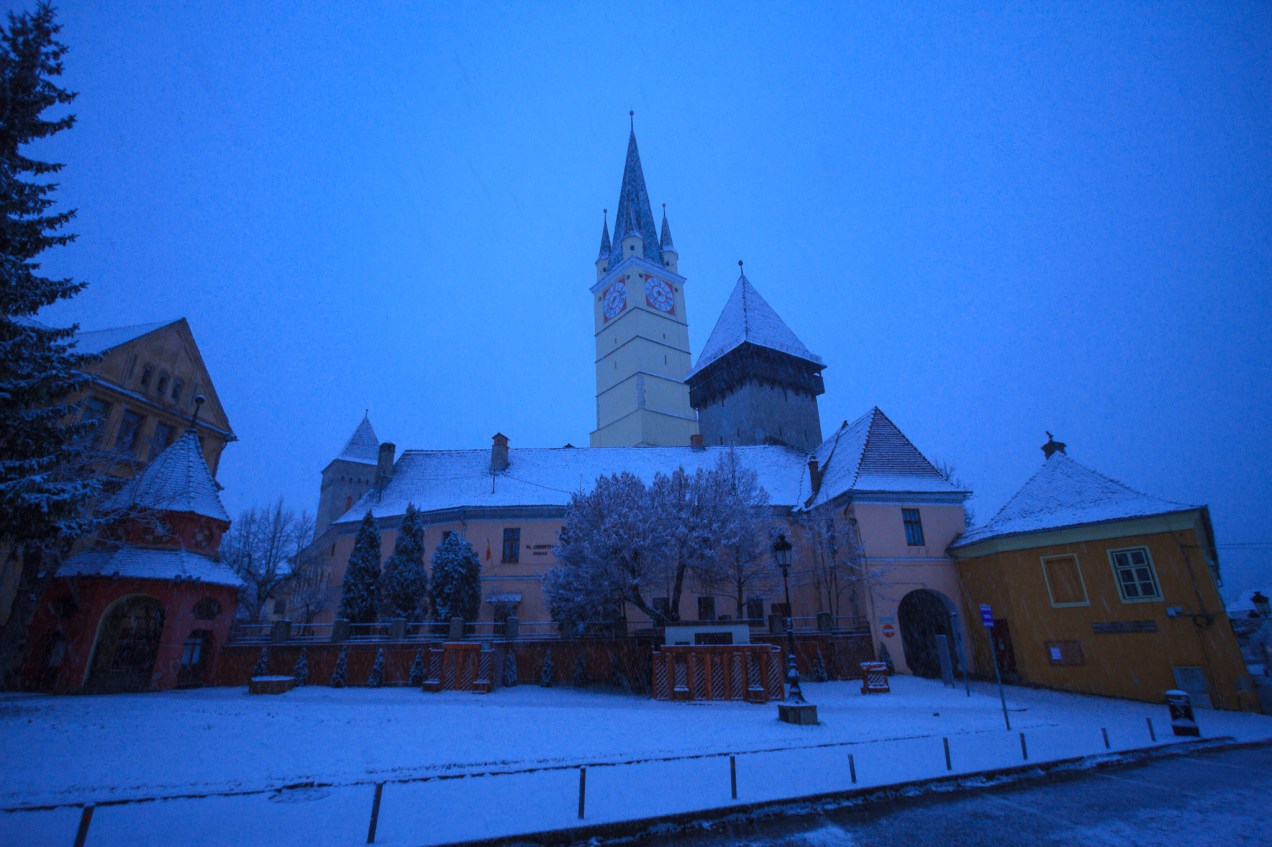
Historic district, Mediaș, Romania

Manastirea Humorul, Bucovina, Romania.

Manastirea Humorul, Bucovina, Romania.

Biserica Arbore, Bucovina, Romania.

Manastirea Arbore, Bucovina, Romania.

Manastirea Arbore, Bucovina, Romania.

Manastirea Arbore, Bucovina, Romania.

Manastirea Arbore, Bucovina, Romania

Manastirea Arbore, Bucovina, Romania

Manastirea Arbore, Bucovina, Romania

Manastirea Arbore, Bucovina, Romania.

Manastirea Arbore, Bucovina, Romania.

Manastirea Arbore, Bucovina, Romania.

Manastirea Dragomirna, Bucovina, Romania.

Manastirea Dragomirna, Bucovina, Romania.

Manastirea Dragomirna, Bucovina, Romania.

Manastirea Dragomirna, Bucovina, Romania.

Manastirea Dragomirna, Bucovina, Romania.

Manastirea Dragomirna, Bucovina, Romania.

Manastirea Dragomirna, Bucovina, Romania.

Manastirea Dragomirna, Bucovina, Romania.

Manastirea Dragomirna, Bucovina, Romania

Manastirea Dragomirna, Bucovina, Romania.

Manastirea Dragomirna, Bucovina, Romania

Manastirea Dragomirna, Bucovina, Romania. Ligia enters the fortified walls by one of the doorways.

Manastirea Dragomirna, Bucovina, Romania.

Manastirea Dragomirna, Bucovina, Romania.

Manastirea Dragomirna, Bucovina, Romania.

Manastirea Dragomirna, Bucovina, Romania.

Manastirea Dragomirna, Bucovina, Romania

Manastirea Dragomirna, Bucovina, Romania

Outside the fortified walls, Manastirea Dragomirna, Bucovina, Romania.

Manastirea Dragomirna, Bucovina, Romania

Manastirea Dragomirna, Bucovina, Romania.

Manastirea Dragomirna, Bucovina, Romania.

Manastirea Dragomirna, Bucovina, Romania

Manastirea Dragomirna, Bucovina, Romania.

Manastirea Dragomirna, Bucovina, Romania.

Manastirea Agapia, Romania.

Cloisters, Manastirea Agapia, Romania

Manastirea Agapia, Romania

Manastirea Agapia, Romania

Manastirea Agapia, Romania

Manastirea Agapia, Romania

Manastirea Varatec, Romania.

Manastirea Varatec, Romania.

Ceiling murals, Manastirea Varatec, Romania.

Manastirea Neamt, Romania

Manastirea Neamt, Romania

Manastirea Neamt, Romania

Inside the cloisters, Manastirea Neamt, Moldova, Romania.

Interior courtyard, Manastirea Neamt, Bucovina, Romania

Manastirea Neamt, Romania

Manastirea Neamt, Romania

Inside the ossuary, Manastirea Neamt, Moldova, Romania.

Manastirea Secu, Moldova, Romania.

Interior courtyard, Manastirea Secu, Moldova, Romania.

Manastirea Sihastria, Moldova, Romania

Manastirea Sihastria, Moldova, Romania

Cloisters, Manastirea Sihastria, Moldova, Romania.

Manastirea Sihastria, Moldova, Romania

Manastirea Sihastria, Moldova, Romania.

Manastirea Sihastria, Moldova, Romania
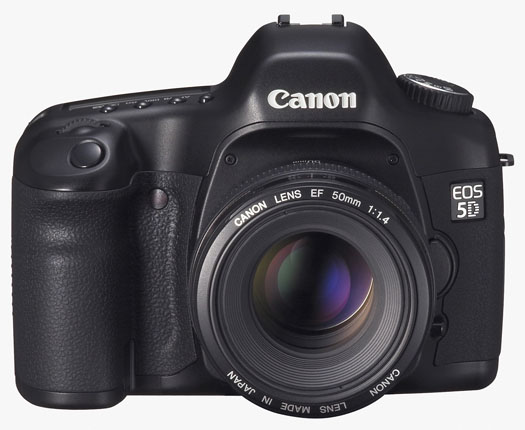
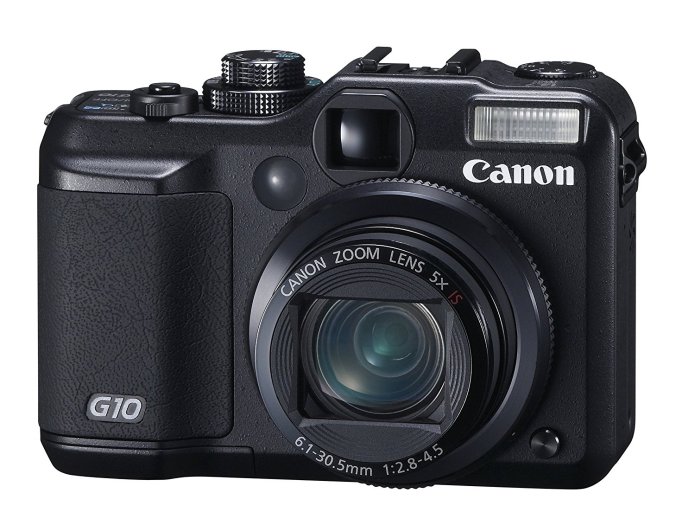
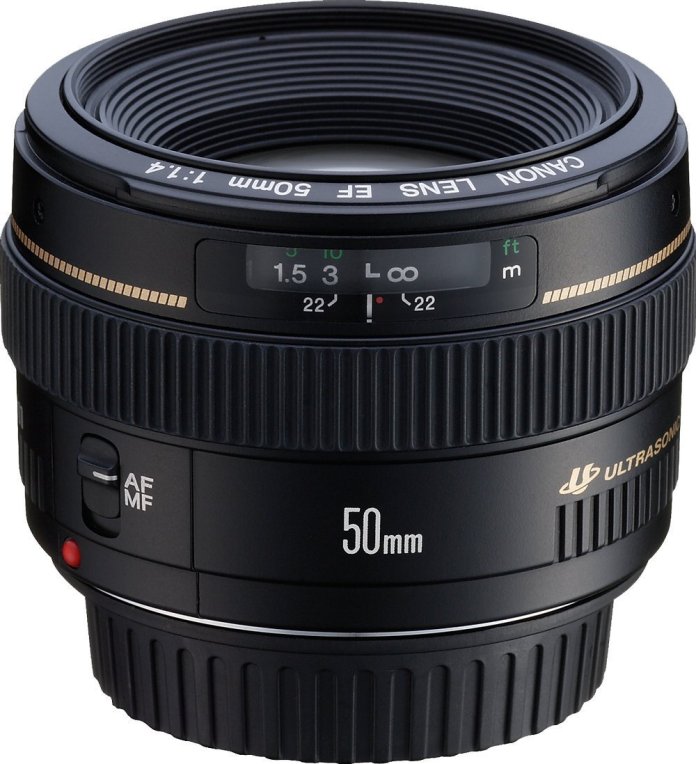
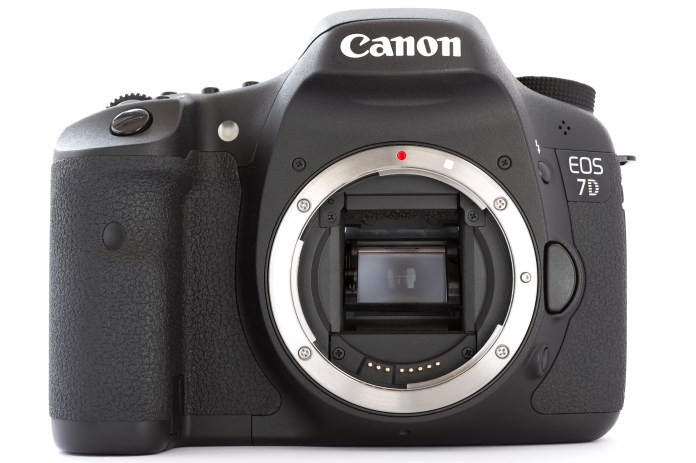
I kept things simple in terms of photo gear for this trip, because there were four of us in the car and I knew I’d have to deal with the 3Hs of travel I mentioned above. I shot mainly with my Canon EOS 5D and the EF 24-105mm f/4L lens. My backup camera was the Canon PowerShot G10.

Canon EOS 5D

Canon EF 24-105mm f4L IS USM Lens
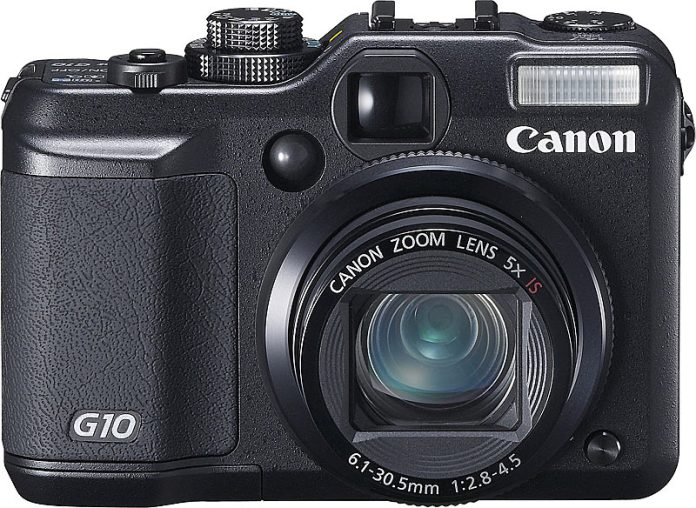
Canon PowerShot G10











 Raoul Pop