
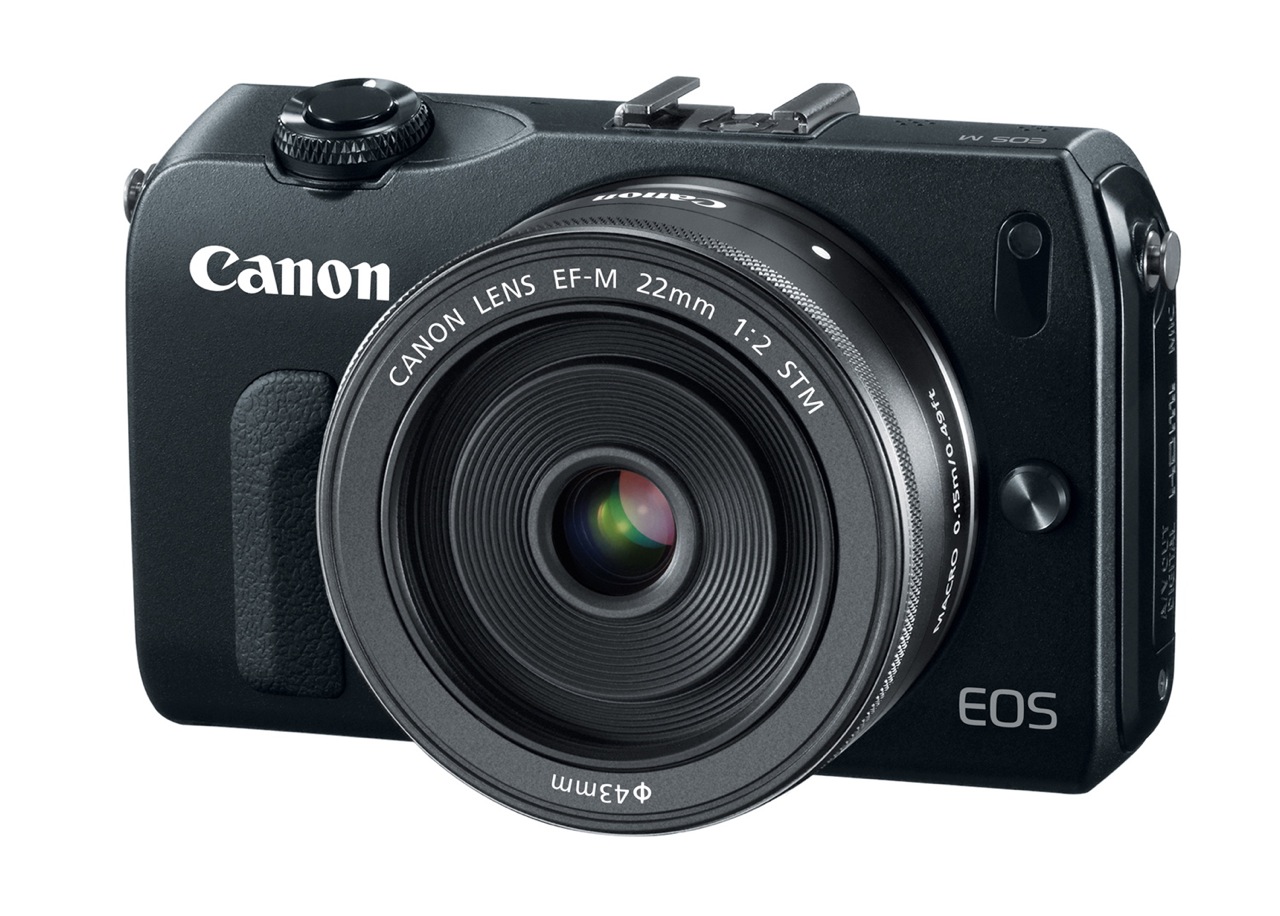
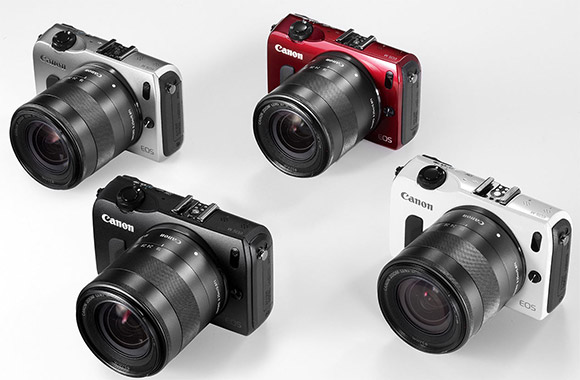
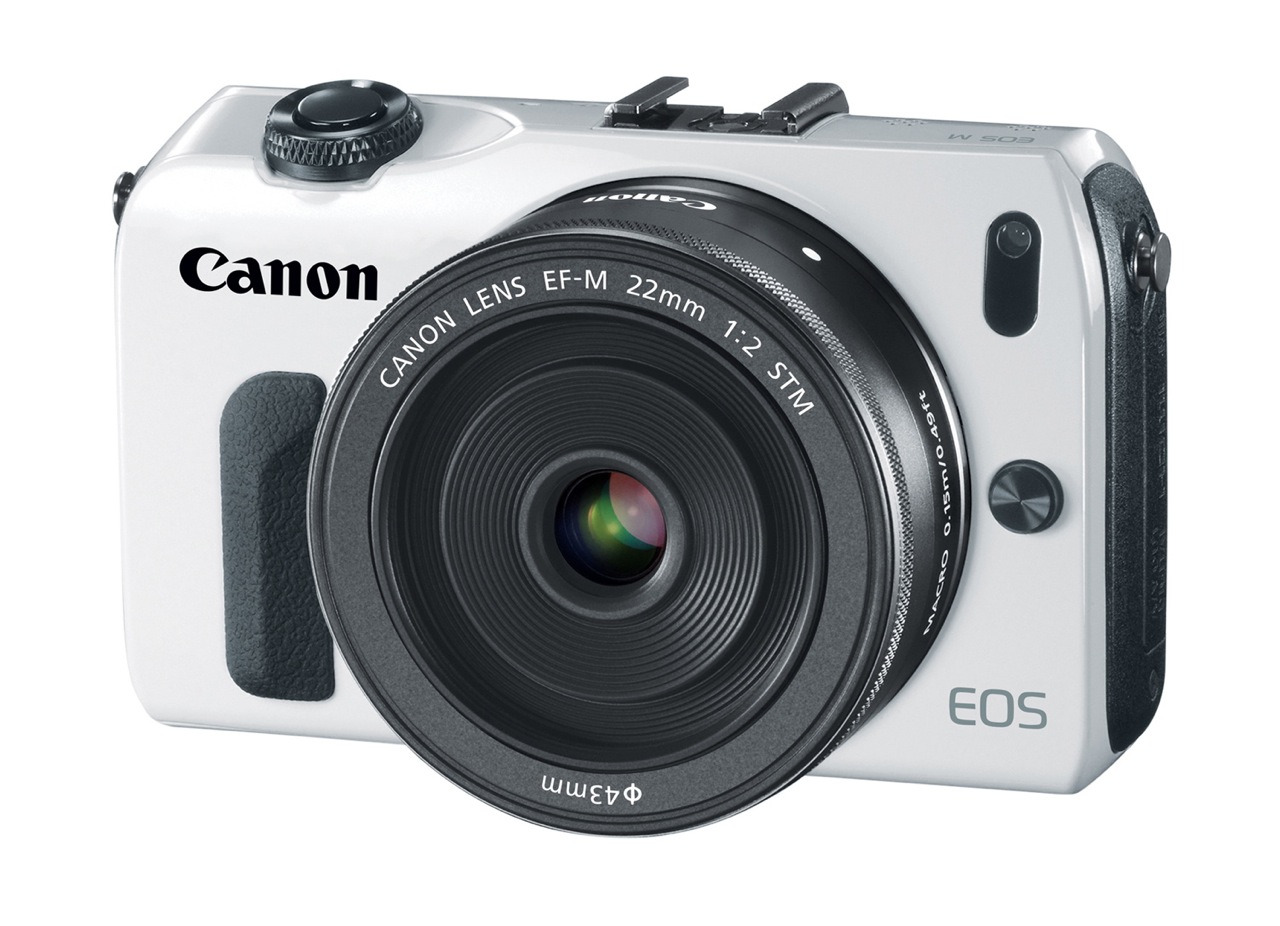
As I announced back in June of 2010, Canon has been at work on a mirrorless camera and they’ve finally launched it. It’s called the EOS M. It uses a new EF-M lens mount and its specs are pretty much what we expect mirrorless DSLRs to have these days. It ships in four colors: black (see above), white (see below), red and dark silver. Suggested MSRP is $799.
I’m going to be blunt, because the late arrival of this camera is frustrating. The only innovative feature I can see on it is its Hybrid CMOS AF System, which is located right on the sensor. Other than that, this is another mirrorless DSLR in an already mature market, albeit a highly anticipated model from a large manufacturer.
Canon took their time to take the plunge. My guess is they wanted the other manufacturers to “work out the bugs” in terms of the feature set and pricing, then they matched what the market wanted to see. They didn’t stick their neck out there to try something new. They let others do the hard work while they kept fiddling with the EOS Rebel line and tested the waters (partially) with the PowerShot G1 X and its large sensor.
Design-wise, the EOS M is pleasing. It’s thin, it’s got a nice profile, it’s not cluttered and it’s simple to use.
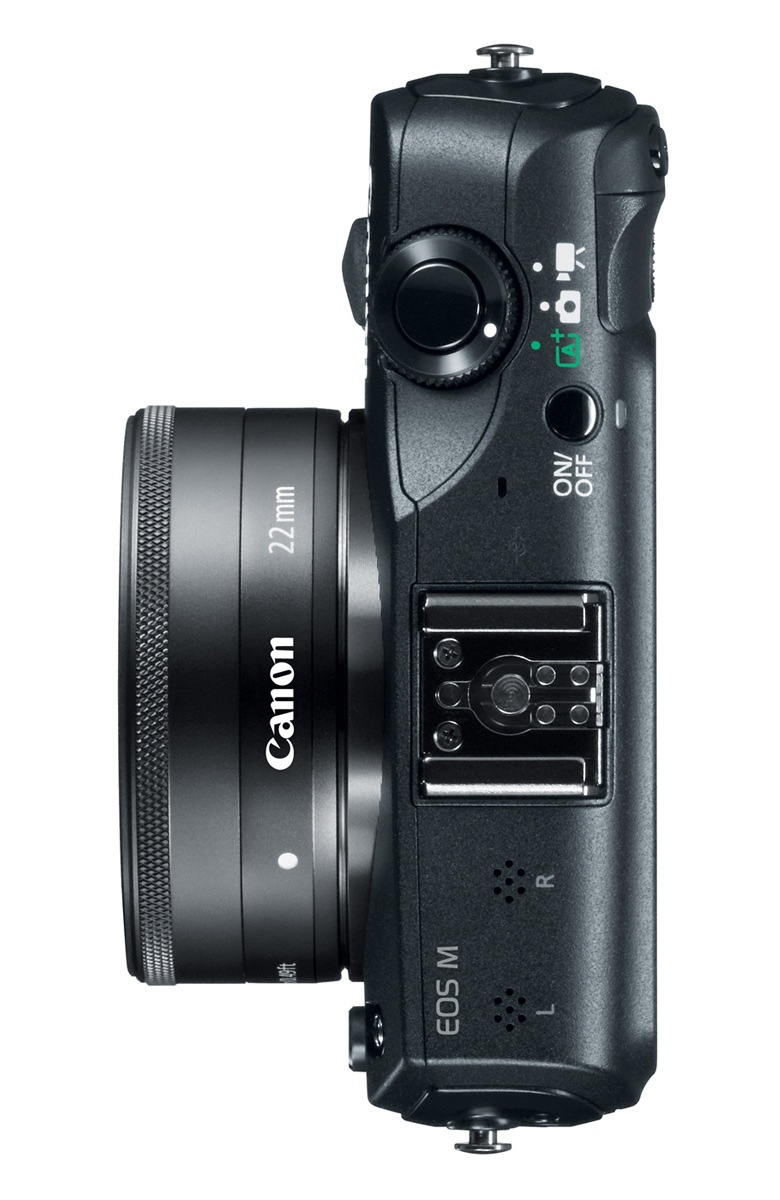
Back to the features:
- Full HD movie mode with Movie Servo AF: this means accurate and noiseless focus tracking of subjects when using the EF-M lenses with the new STM (Stepping Motor) technology.
- 18 megapixels: this was predictable given that all of Canon’s lower-priced DSLRs are also at the same resolution.
- DIGIC 5 image processor
- ISO 100-6400 in movie mode and 100-12800 in photo mode; they’re both expandable to 12800 and 25600, respectively.
- Hybrid CMOS AF: innovative, but let’s wait and see how it performs in real world conditions; Canon DSLRs have had plenty of focus issues lately, this being just one example.
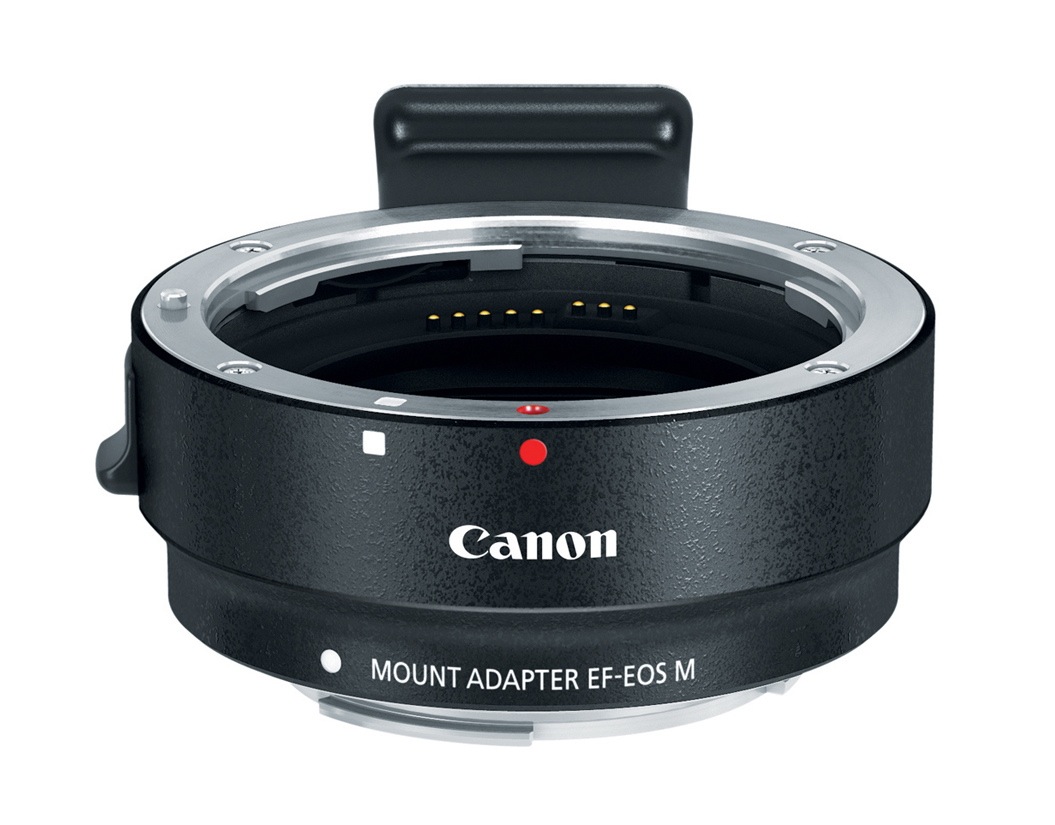
- Compatible with full line of EF and EF-S lenses via adapter which preserves all AF and IS functions.
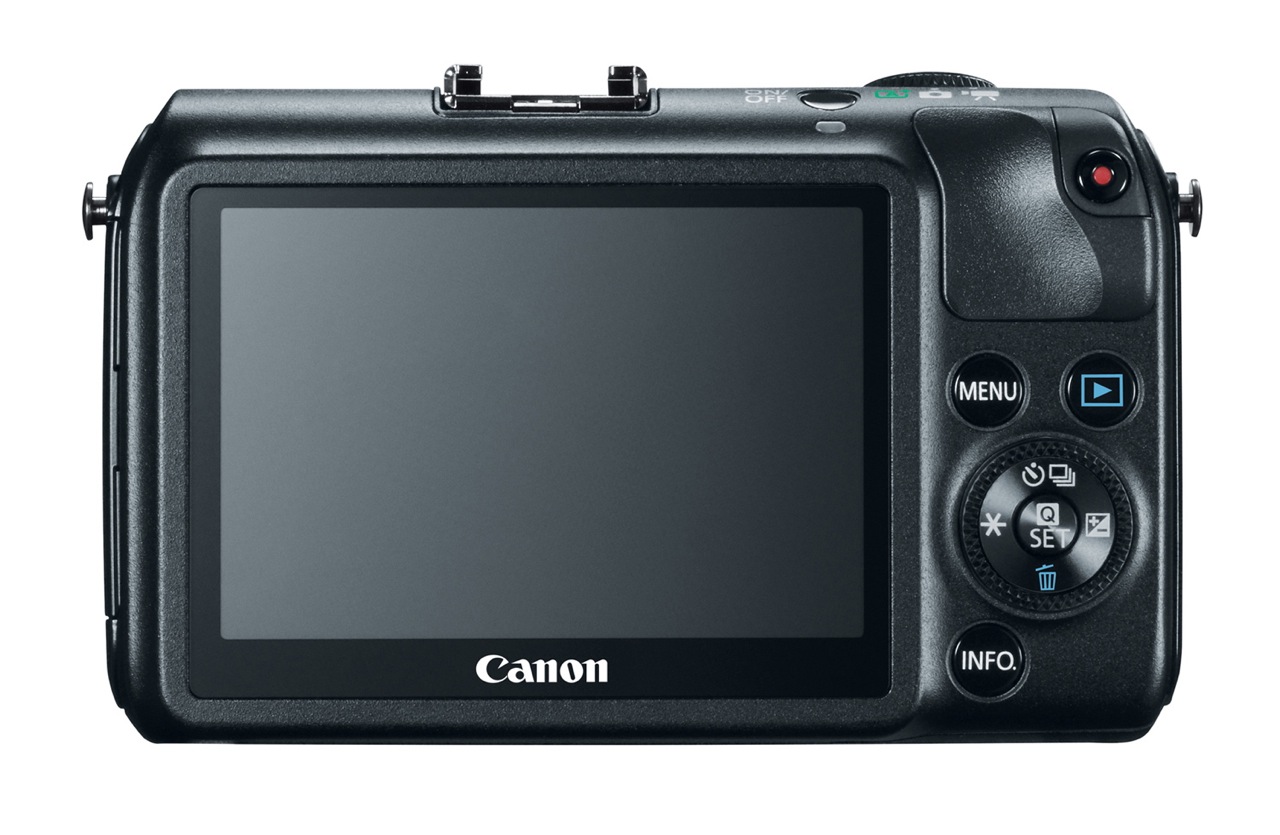
- 1,040,000 dot, 3-inch LCD with touch AF
- Scene Intelligent Auto, Creative Filters, Multi Shot Noise Reduction
- Stereo microphone, manual audio adjustment, wind noise filter
- Total recording time per scene goes up to 22 minutes
Watch out for the following:
- A notable MIA among the accessories is a viewfinder, like on the Olympus OM-D EM-5 or their PEN line of mirrorless DSLRs, like the E-P3. That means using the EOS M in glaring sunlight is going to be somewhat frustrating.
- Stills frame rate is 4.3 fps.
- Video frame rate at 1080p goes up to 30 fps. I want to see a Canon camera go up to 1080p/60 fps.
- Computer connectivity is still USB 2.0. This is one area where Canon could have pulled ahead of the pack and gone with USB 3.0.
- Battery life is average for a mirrorless (about 230 shots or 1.5 hours of video). Given my experience with Canon HDSLRs, I’d say real world battery life when shooting video is more like 30-45 minutes.
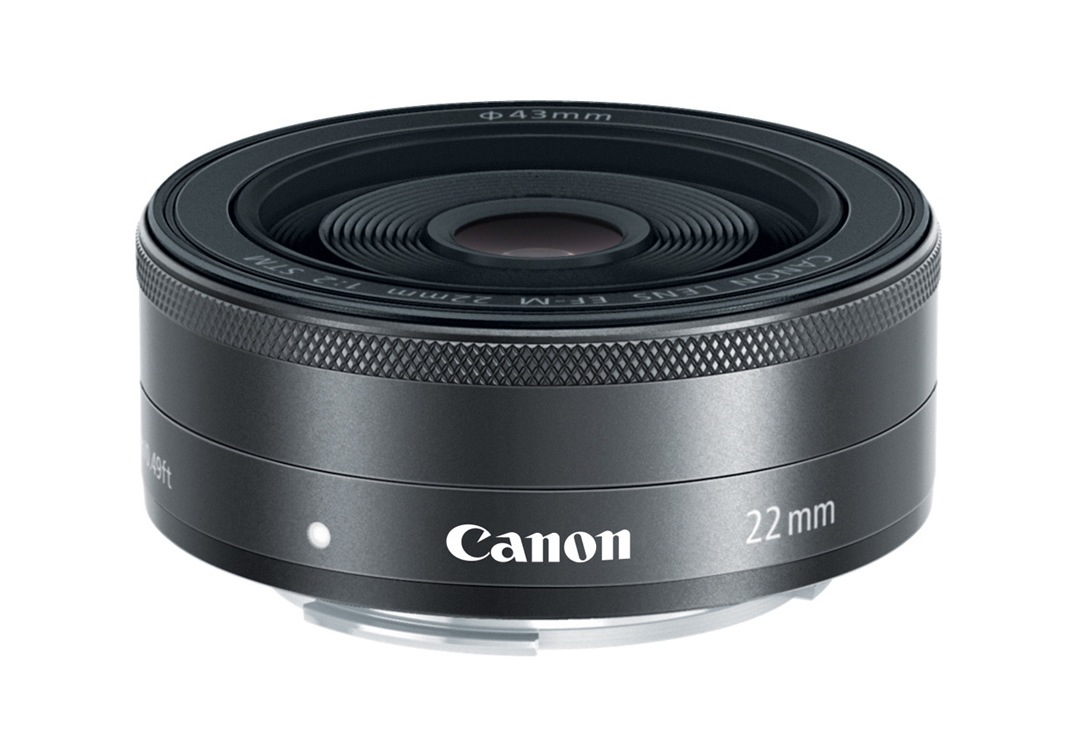
Let’s have a look at the accessories. The camera ships with an EF-M 22m pancake lens.
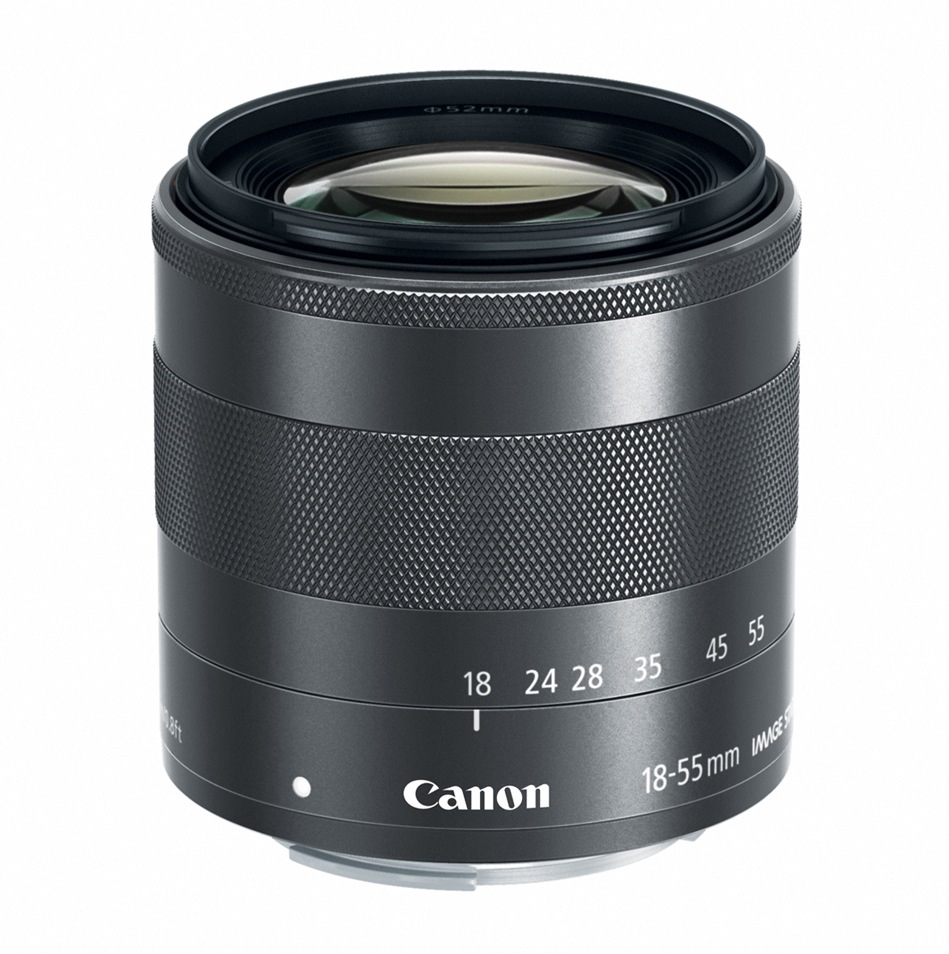
You can also get an EF-M 18-55mm lens for it.
Here’s the mount adapter I mentioned earlier.
And here’s a diminutive speedlite designed for it, the 90EX.
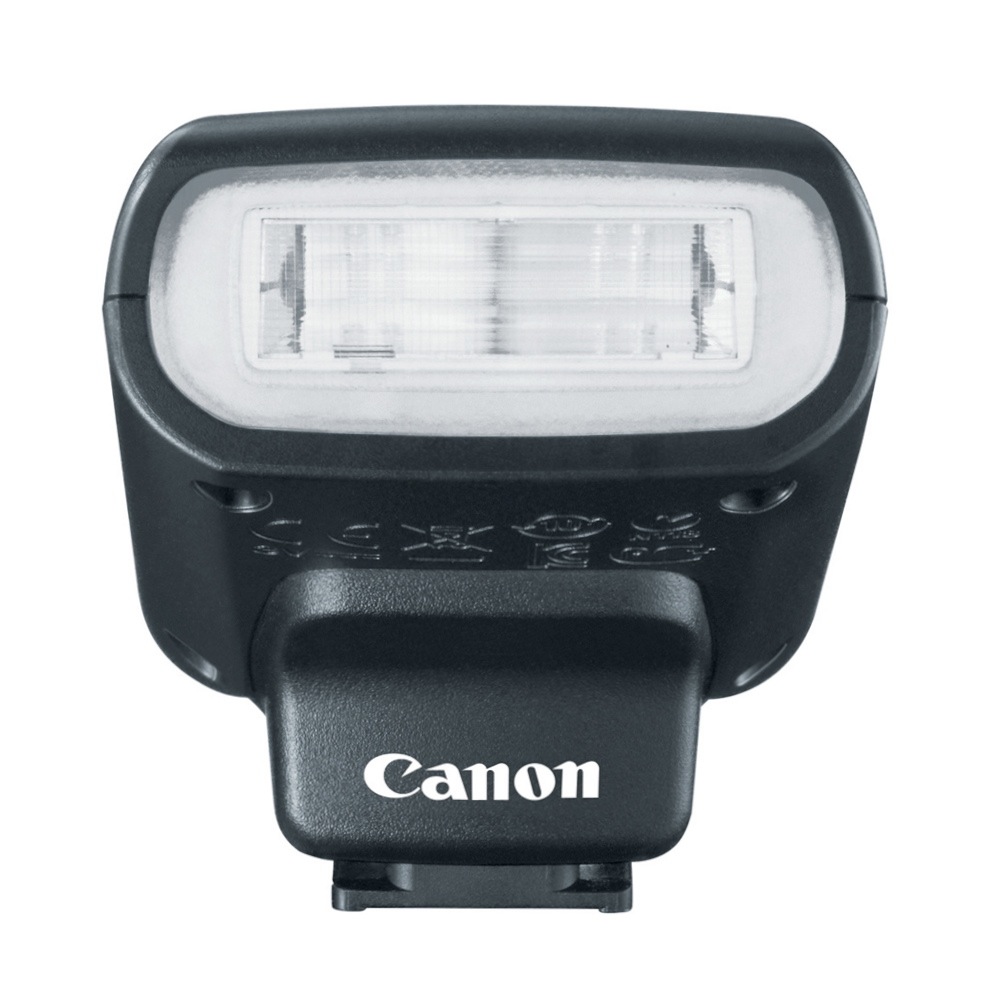
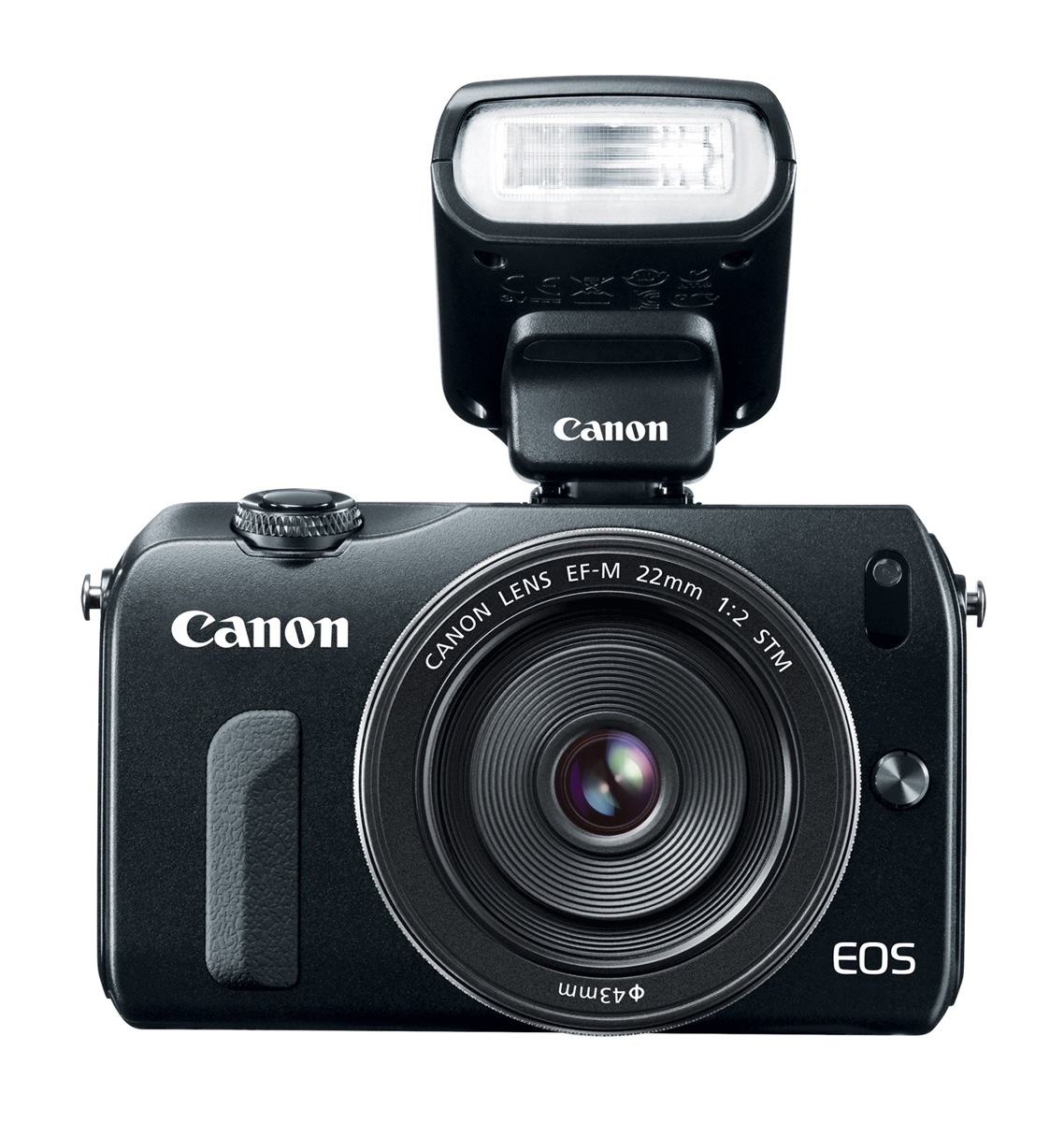
Here’s how the camera looks with the speedlite mounted in the hotshoe.
So, should you get this camera? If you’re already heavily invested in Canon gear and want a small, easy-to-carry camera, the decision is simple. If you aren’t, then there are many models on the market with various differences in design, feature sets and price that may make them more appealing to you than this particular camera. The decision is yours after you look at all of them, and I do encourage you to look at all of them.
If you do end up getting the camera or some of its accessories, I’d appreciate it if you’d use one of the links below:
Images of EOS M courtesy of Canon.






























 Raoul Pop