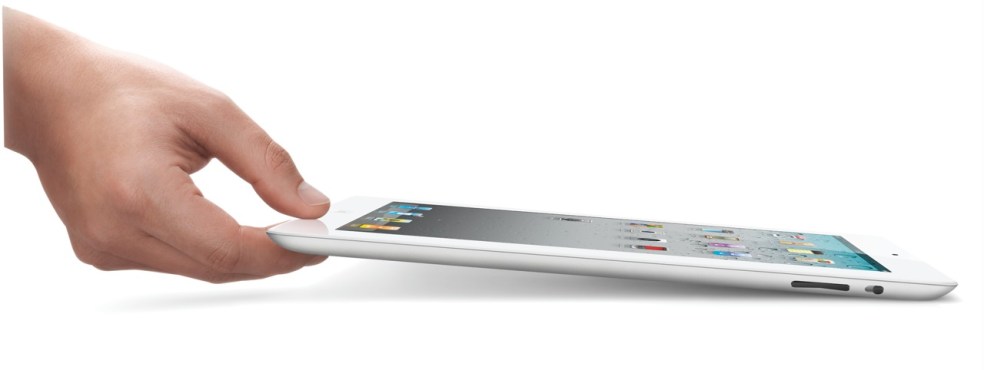
The new iPad 2 will become available on March 11th (see a neat video from Apple introducing it). In my post about the original iPad, I said the following:
“In spite of the failures of their predecessors, I think Apple will pull this off. I think the iPad will be very successful.”
I’m glad to see that I was right. Not that I had anything to do with the success of the device. The credit goes entirely to Apple, and to the people who bought it and used it so well.
I got to watch the March 2 keynote today (a few days later). Much to my surprise, Steve Jobs was on stage to present it. I was very glad to see him able to stand up and hold a meeting, given all the tabloid rumors about him — though I have to say he was skinny as a board. Thank goodness he’s still around. I hope he gets better, and continues to be around for a few more decades.
Here’s a quick summary of the salient features of the iPad 2:
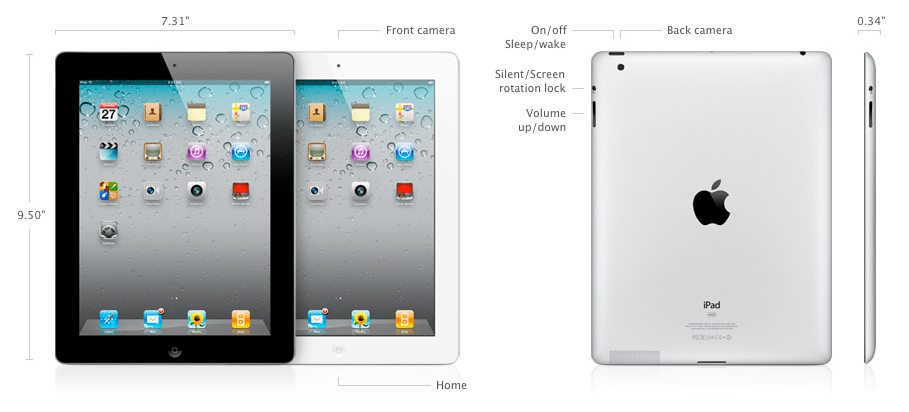
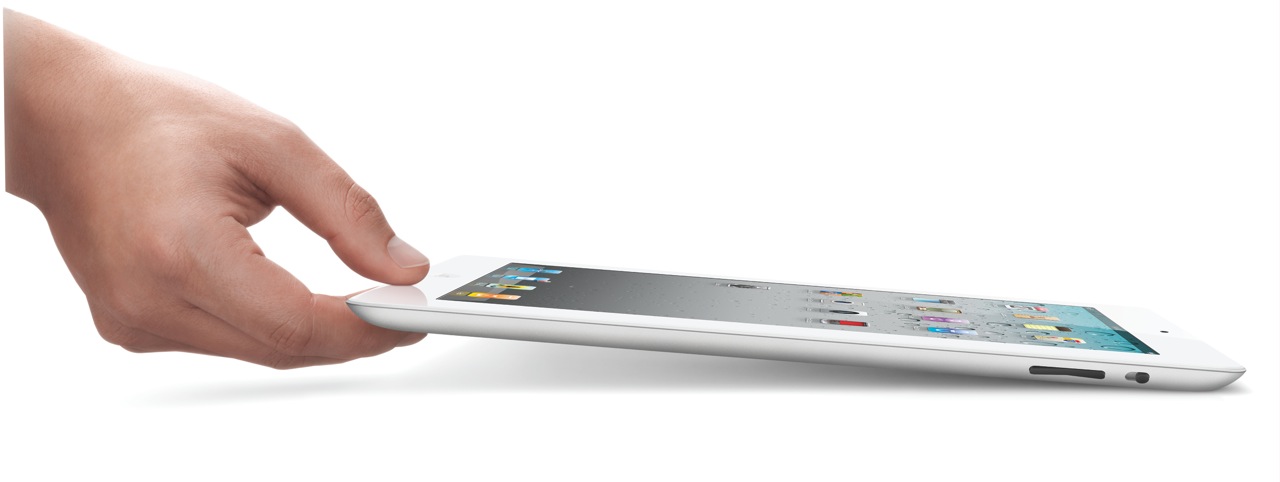
- 33% thinner than the original iPad (0.34″), and lighter (1.33 lbs)
- Comes in both black and white finishes
- Dual-core A5 chip, up to 2x faster
- Graphics are up to 9x faster
- Same great 10-hour battery life
- Same 1024×768 display
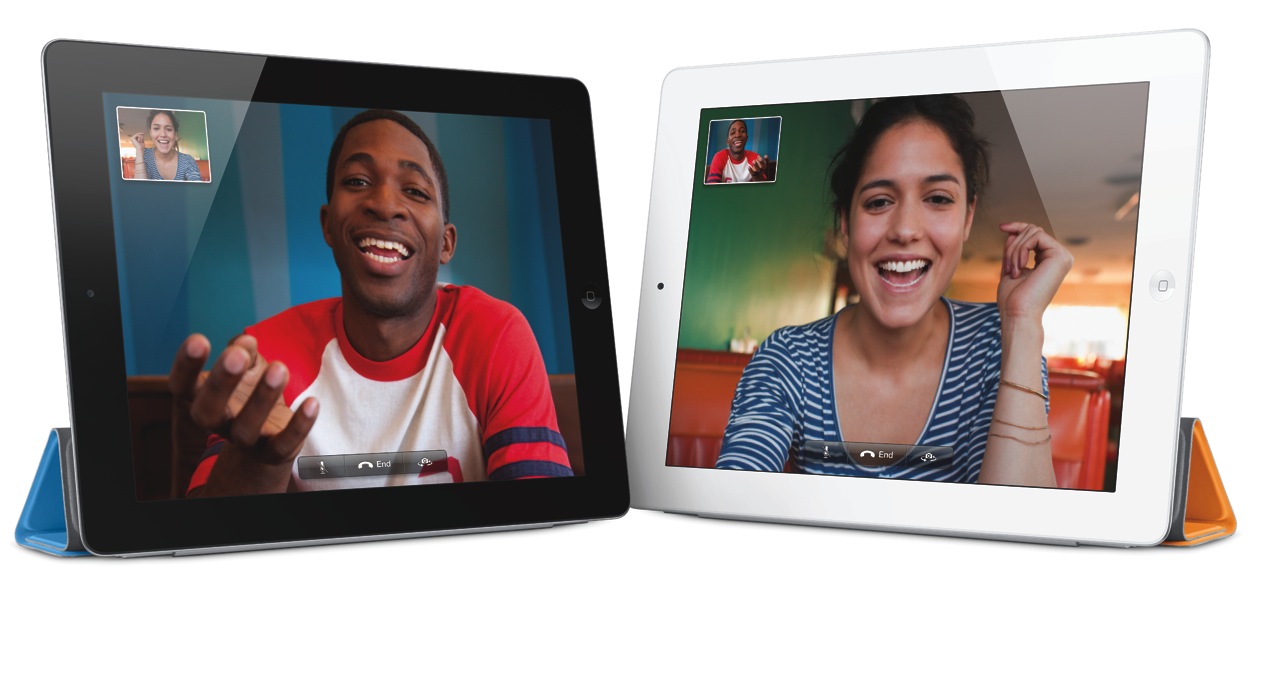
- 2 cameras (front and back) for video or photos, in HD
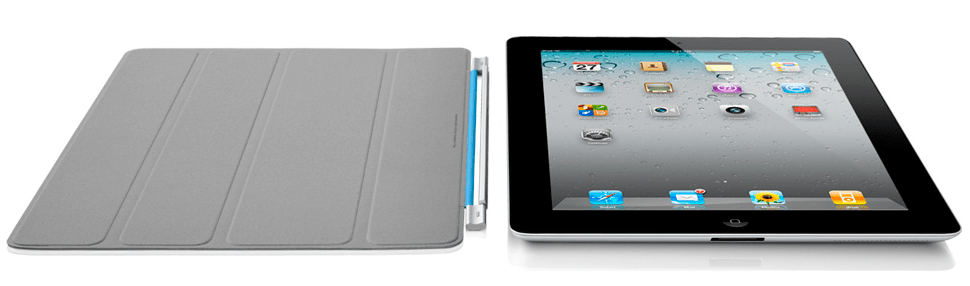
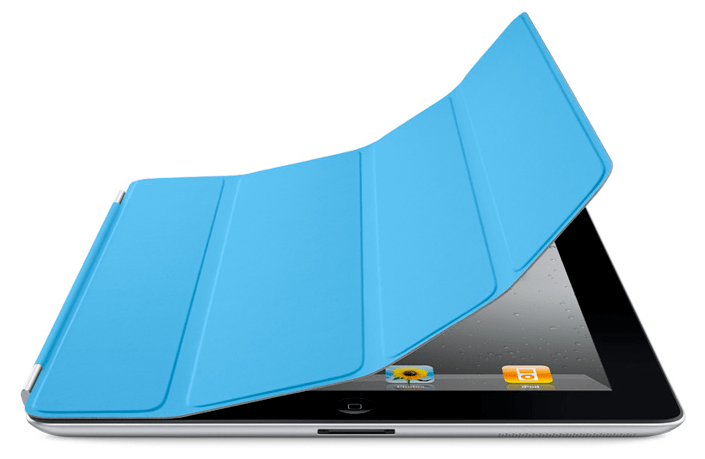
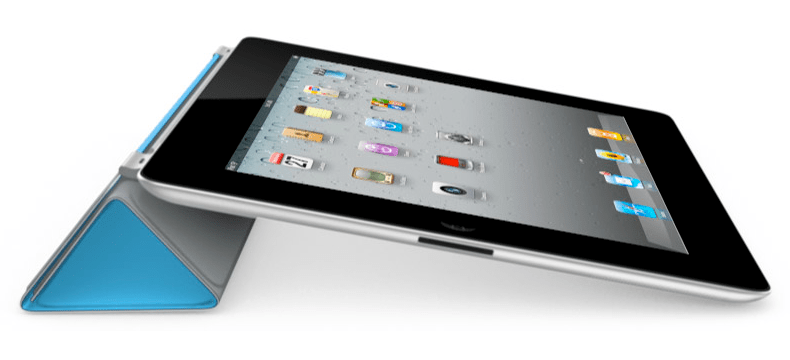
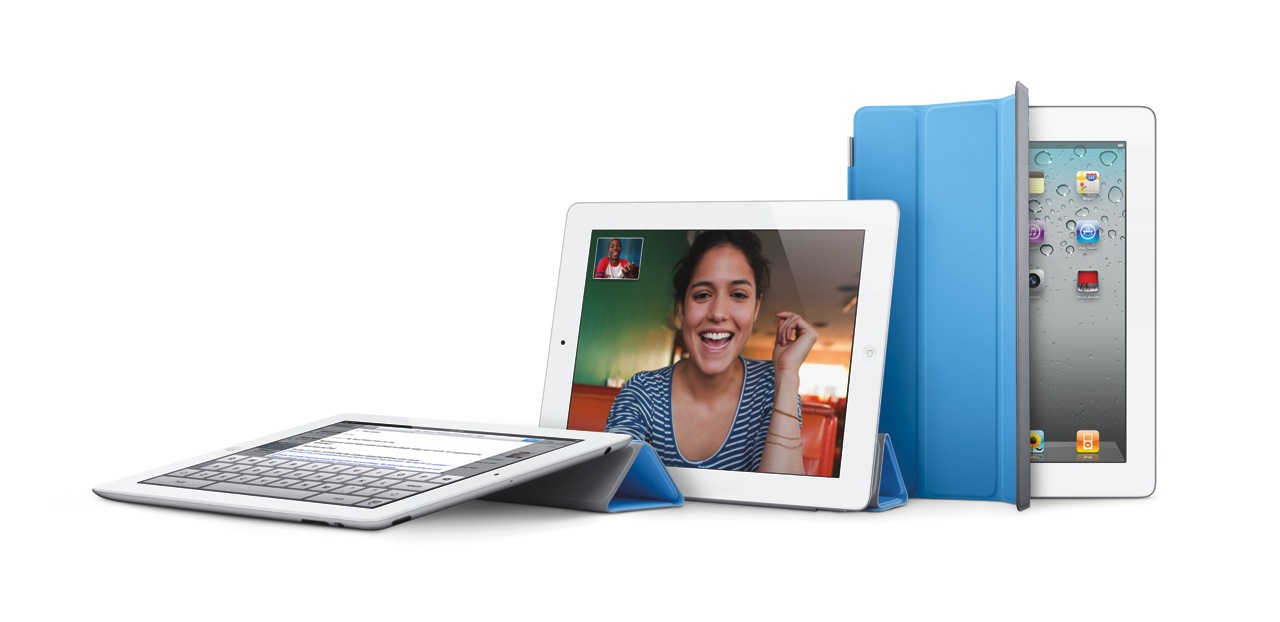
- Magnetic smart cover designed specifically for it
- Instant on
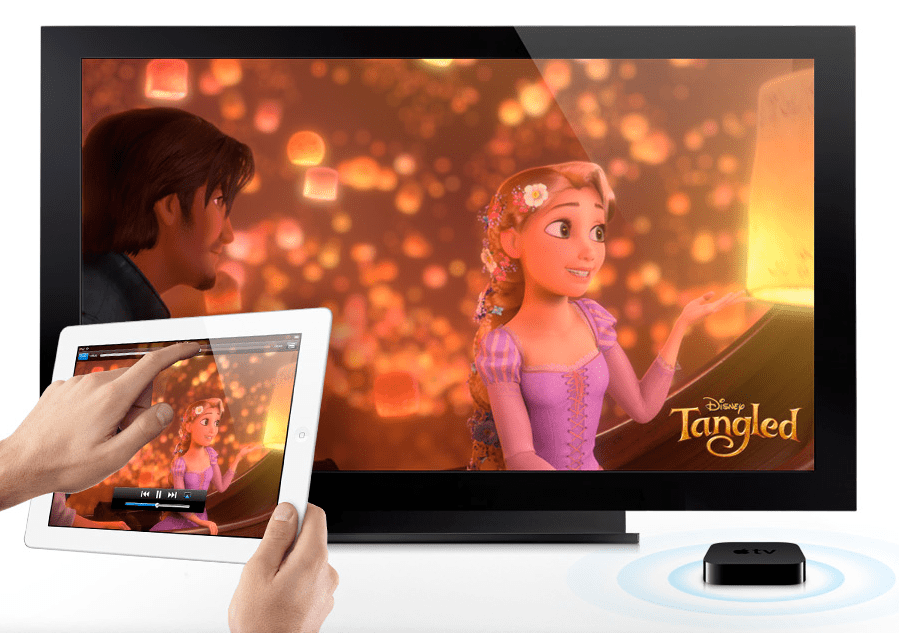
- AirPlay to your TV via Apple TV
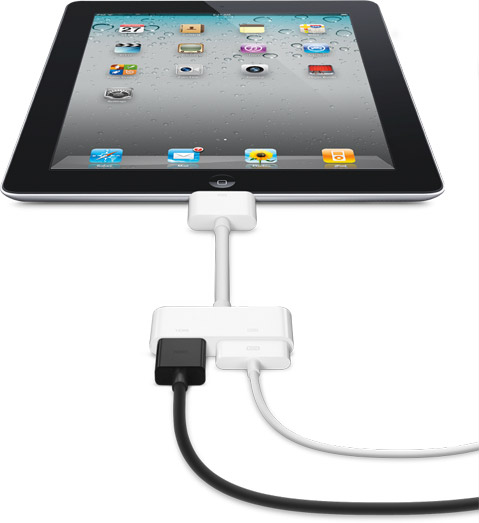
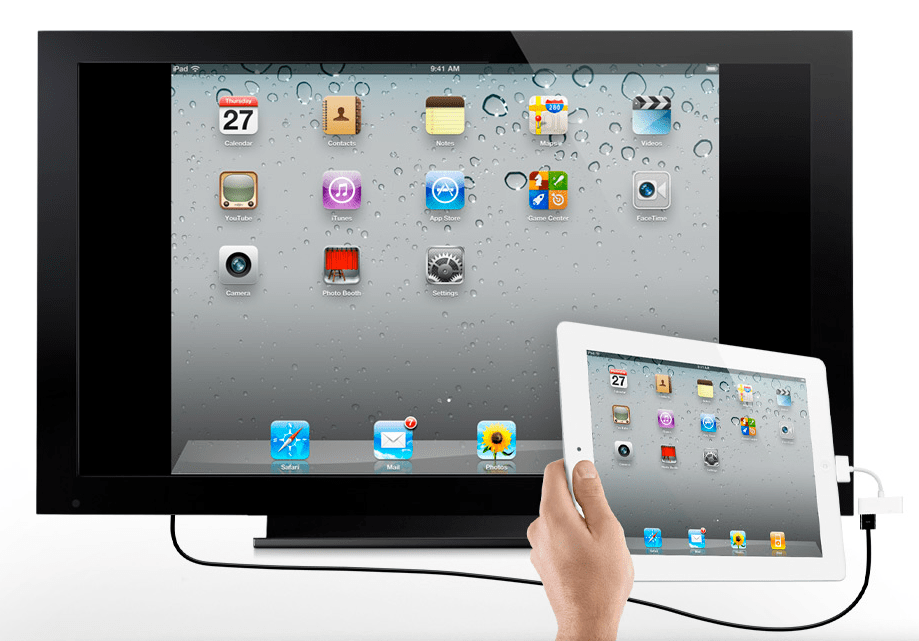
- Video mirroring (up to 1080p) via $39 cable
- AirPrint
My only disappointment with the iPad 2 is that it doesn’t have a Retina Display. Word on the grapevine is that they’re still difficult to make in that size. Who knows… It would have been nice if this iPad had it. Still, I believe iPad 3 will have a Retina Display.
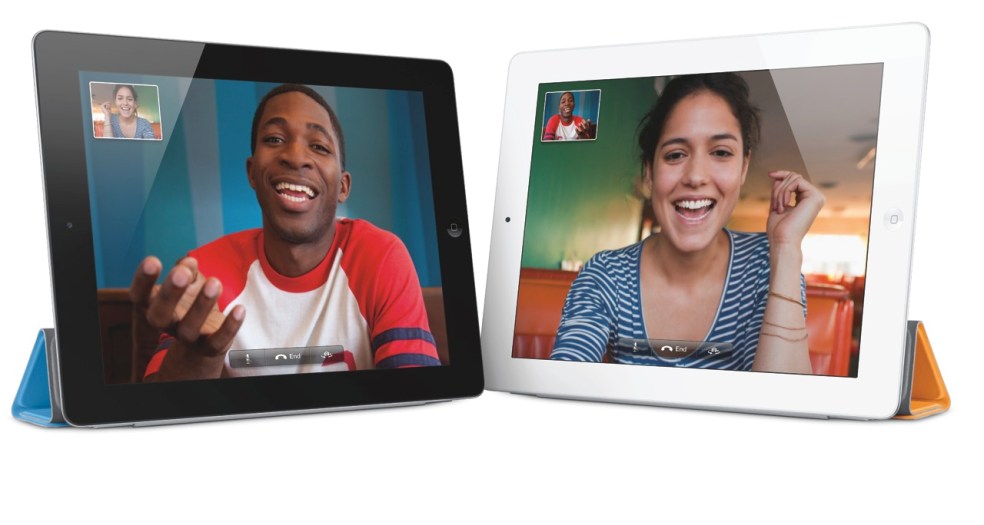
I am however very glad to see that the iPad 2 does have a video camera — and not just one, but two. In my review of the original iPad, I said this:
“It’s very likely the next gen iPad will have a video camera, and it will have iChat as well.”
Glad to see I was right on that count as well. It was, after all, a logical step.
There are some new accessories for the iPad 2, which will be offered in addition to the ones designed for the original iPad.
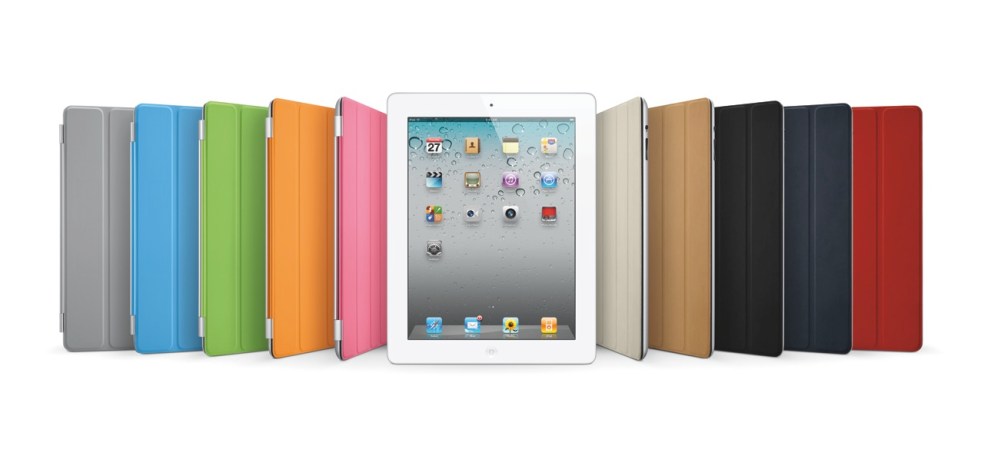
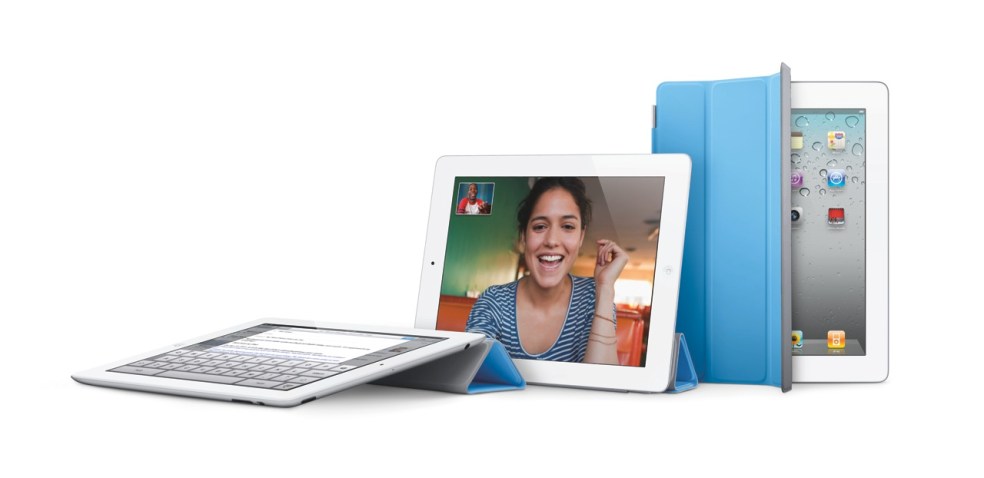
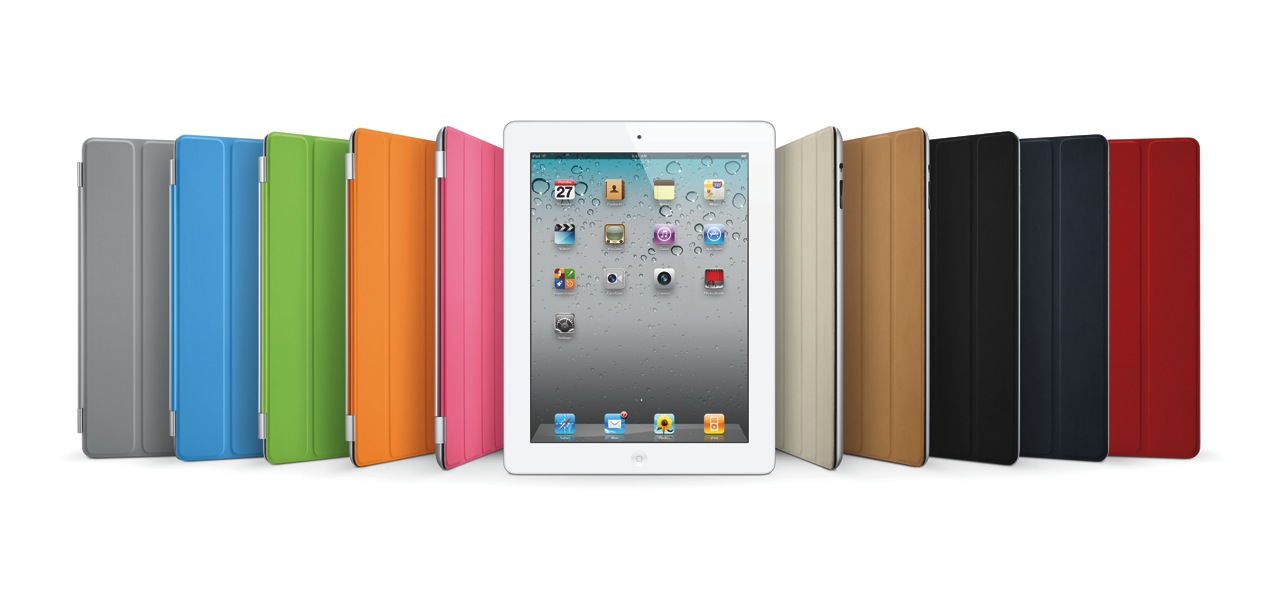
- The Smart Cover, naturally, which comes in 10 colors, 5 of them polyurethane and 5 leather, as seen above (see the Smart Cover in action in this video)
- The Digital AV Adapter provides an HDMI-out port with video and audio routed to it, in addition to a 30-pin connector which lets you charge the iPad while playing content to an HDTV
- The iPad 2 Dock is designed for the thinner iPad 2, and also works with Digital AV Adapter
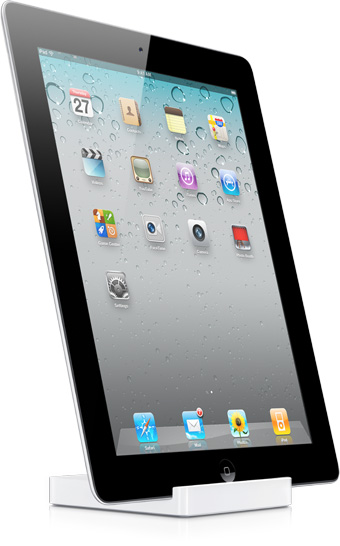
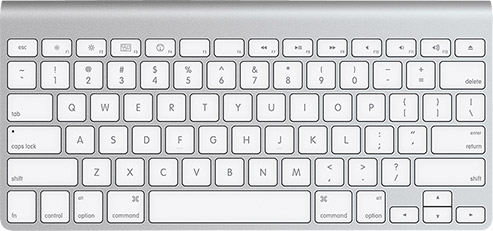
Of course, given that the iPad has Bluetooth, you can stick it in a dock and use the Apple Wireless Keyboard to type on it.
The Smart Cover is so nicely designed.
The Digital AV Adapter will make it so easy to display content from the iPad on an HDTV.
The iPad 2 will come in 16GB, 32GB and 64GB models, as well as WiFi-only or WiFi+3G (GSM or CDMA) models. My guess is that iPad 3 will have a combined 4G GSM/CDMA chip, eliminating the need to offer separate 3G models. The pricing grid for the various models (there are 18 possible models, given that there are two color finishes and two 3G providers), goes as follows:
- WiFi-only: $499/16GB, $599/32GB, $699/64GB (black or white finish)
- WiFi + 3G: $629/16GB, $729/32GB, $829/64GB (black or white finish, AT&T/Verizon)
Images used courtesy of Apple Computer, Inc.








 Raoul Pop