
Remember Felix (I), the little deaf tomcat I wrote about earlier this year? In the course of winnowing my photo library, I found better photos of him, taken a few months before his untimely demise. This is how I want to think of him.

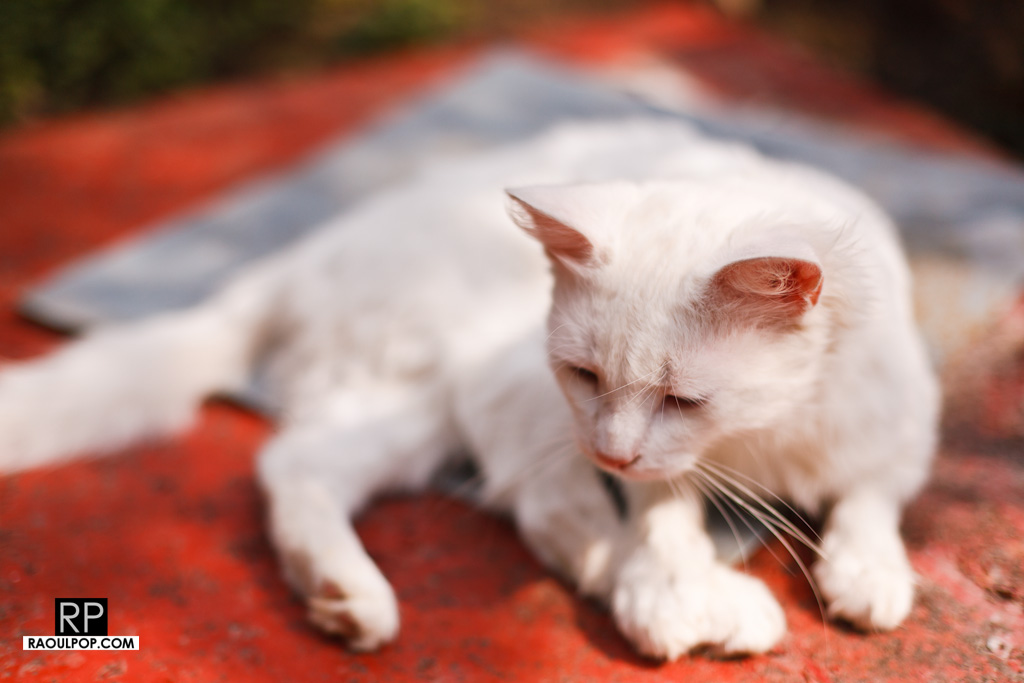
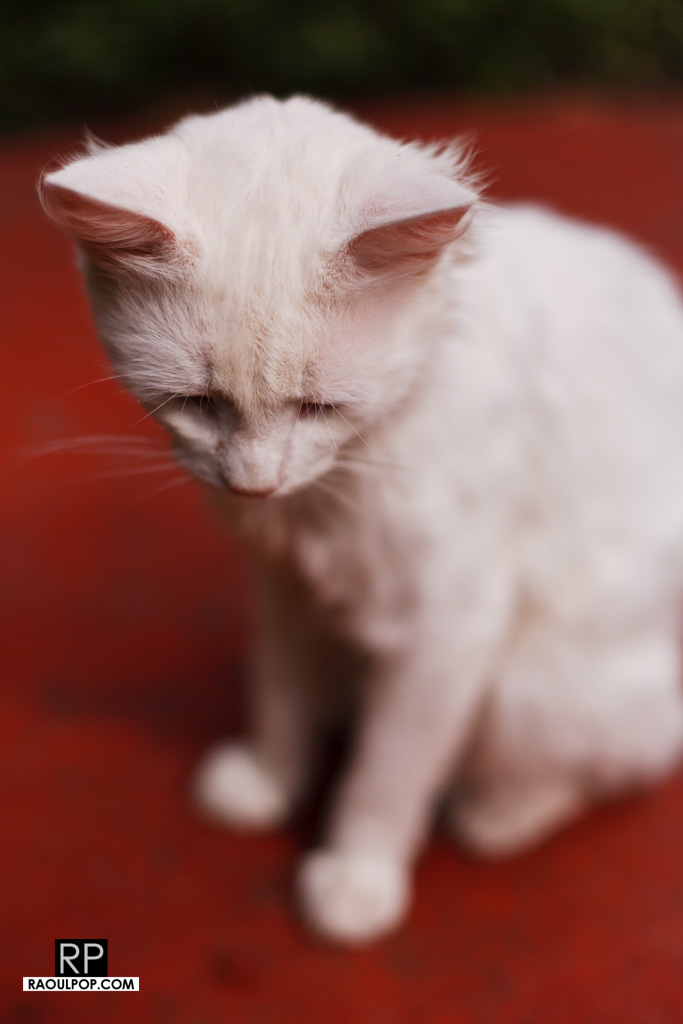
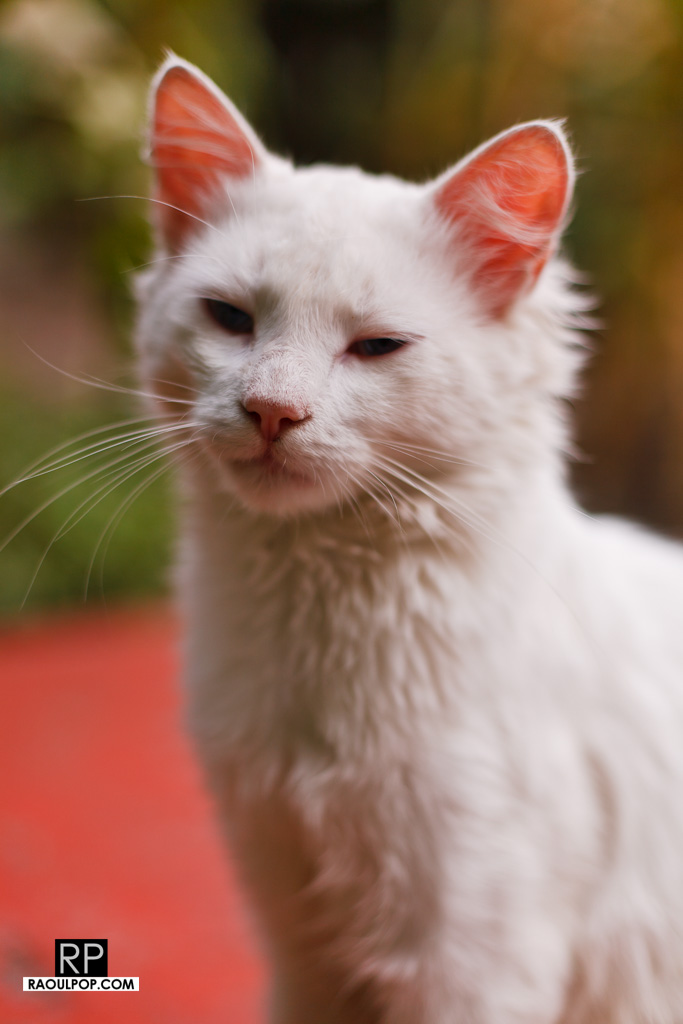
Remember Felix (I), the little deaf tomcat I wrote about earlier this year? In the course of winnowing my photo library, I found better photos of him, taken a few months before his untimely demise. This is how I want to think of him.
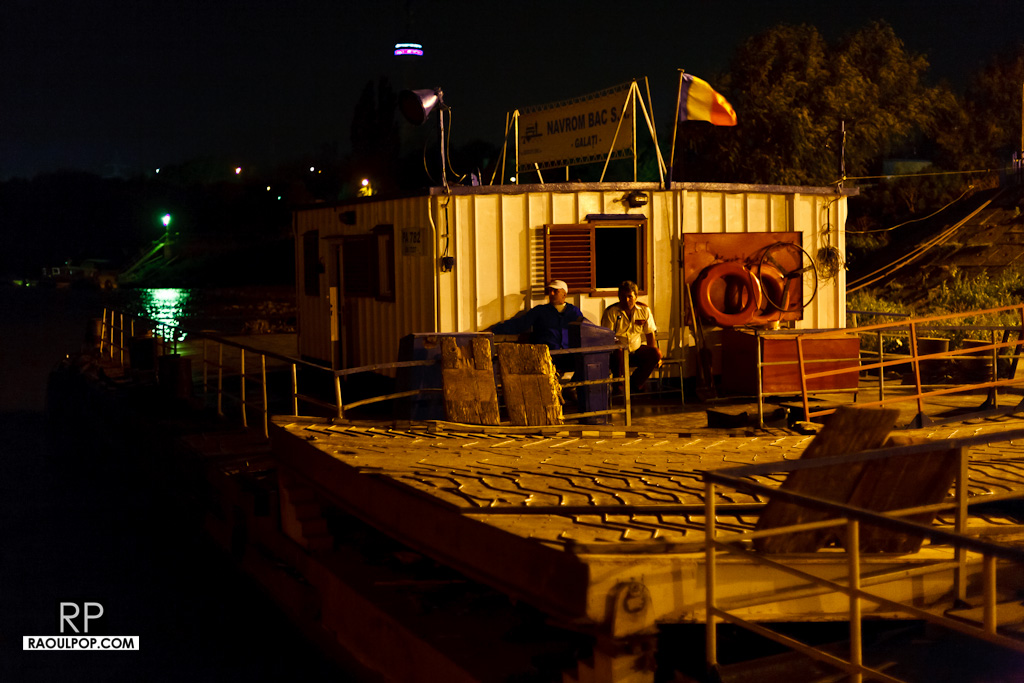
Selected photos taken at the Galati ferryboat crossing over the Danube River, in Romania. The atmosphere, the lights, the machinery, it all makes it look and feel like an otherworldly experience — a sensation which is all the more pressing if you’ve just been driving all day and you are exhausted.
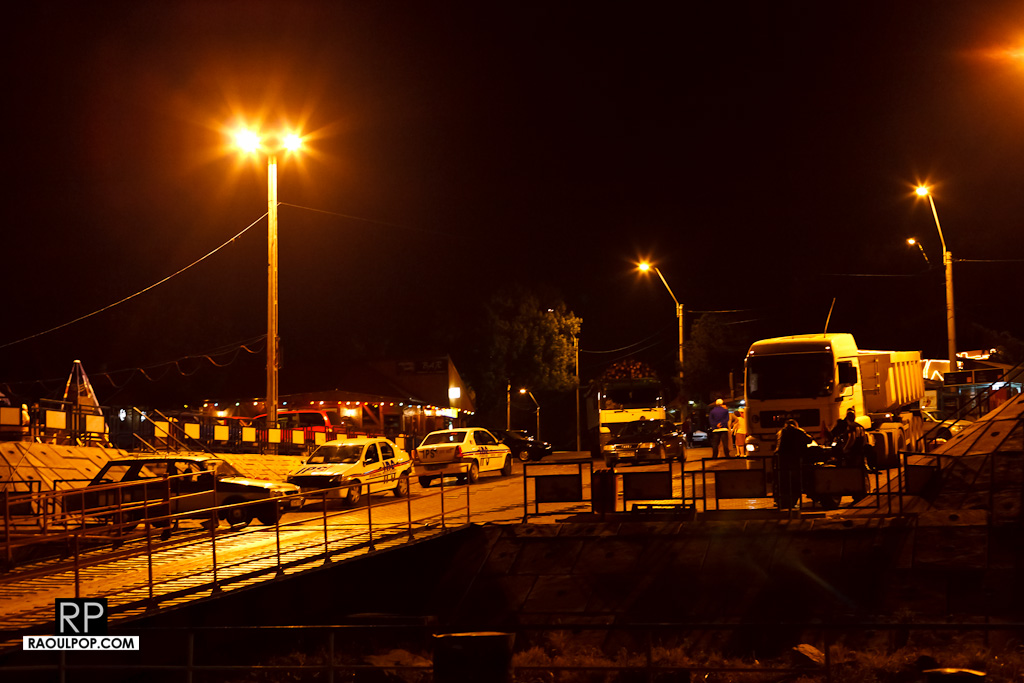
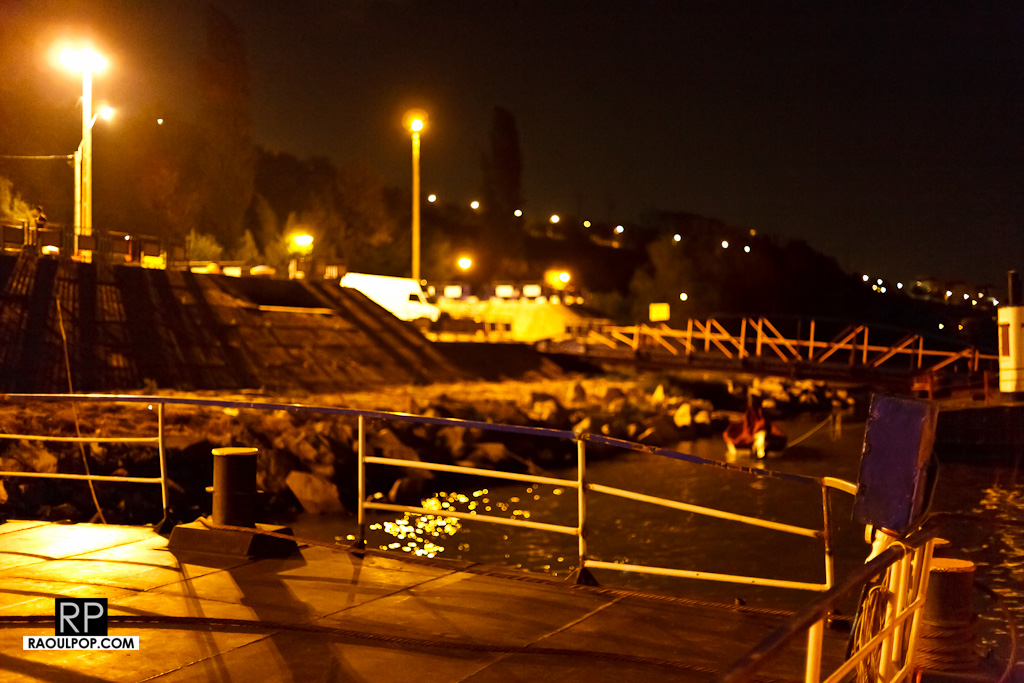
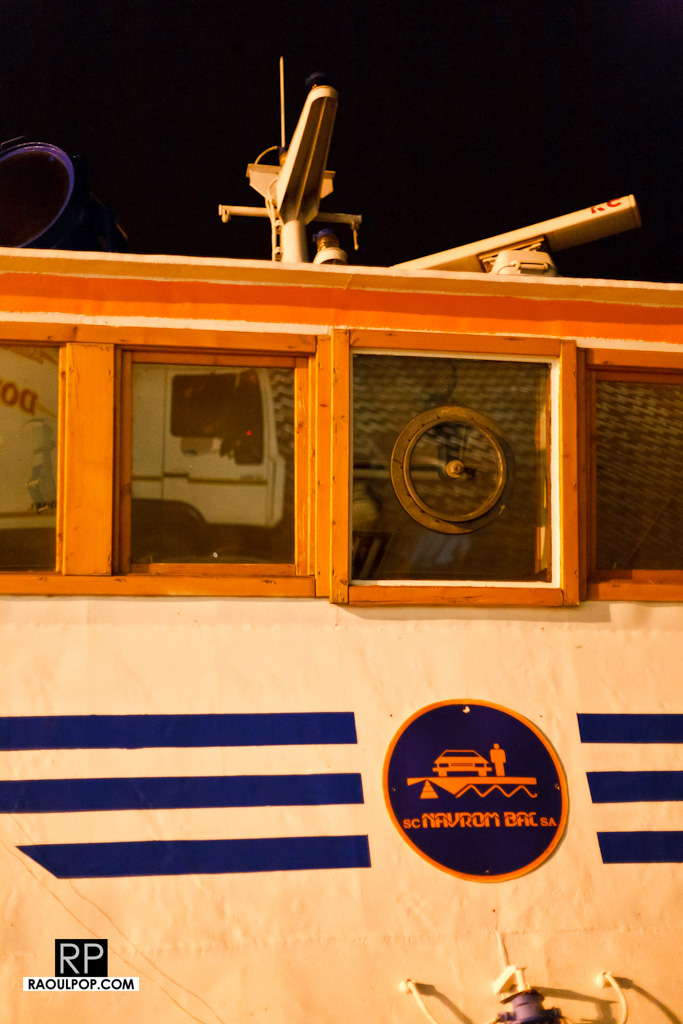
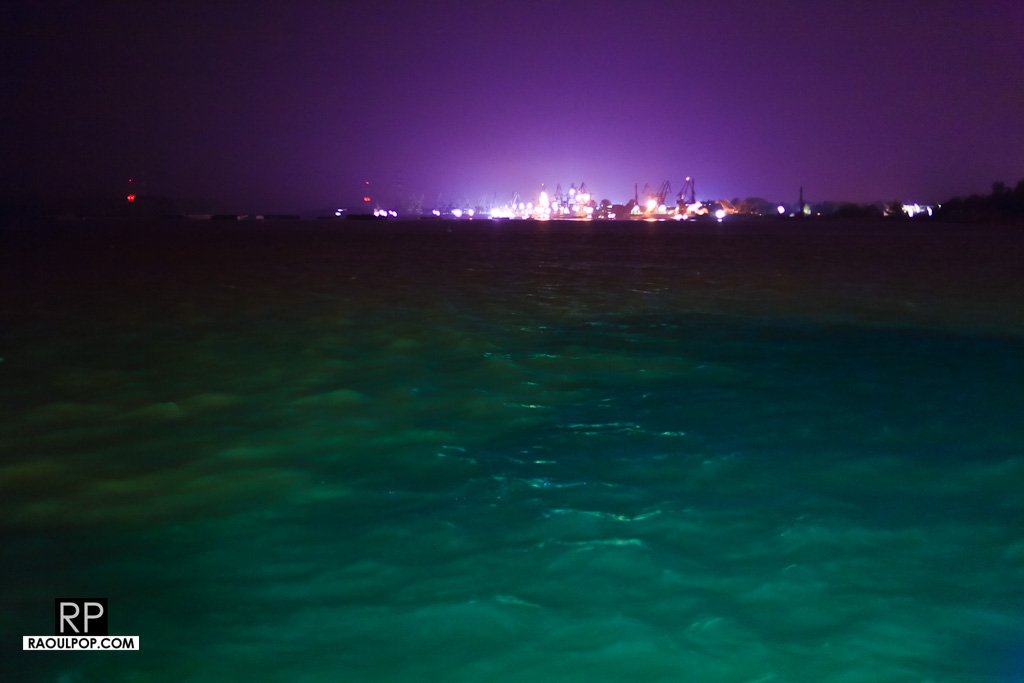
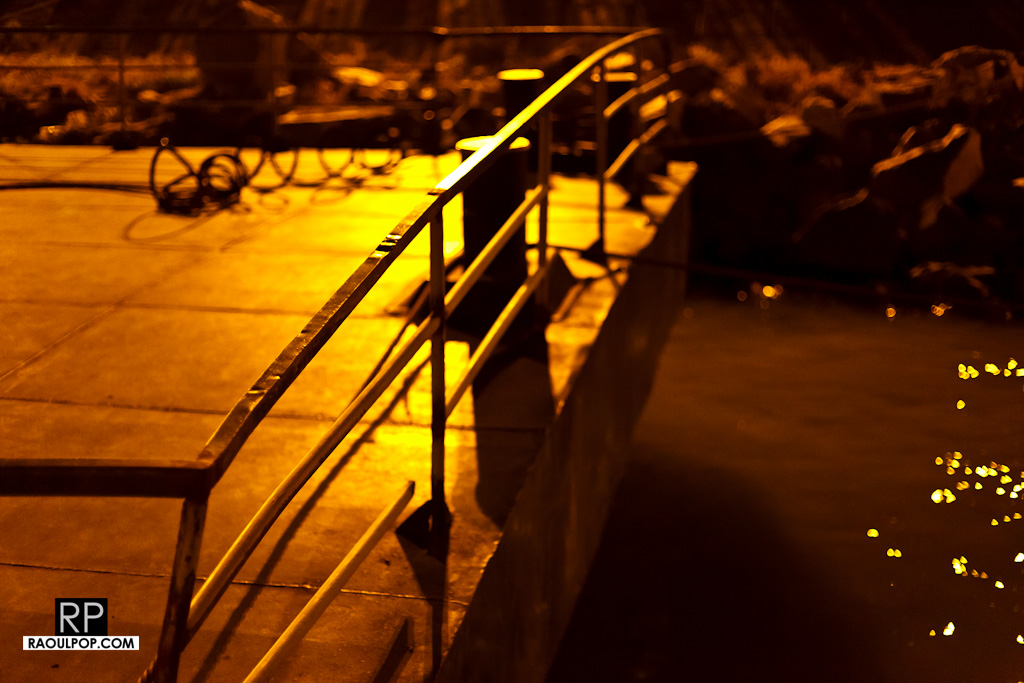
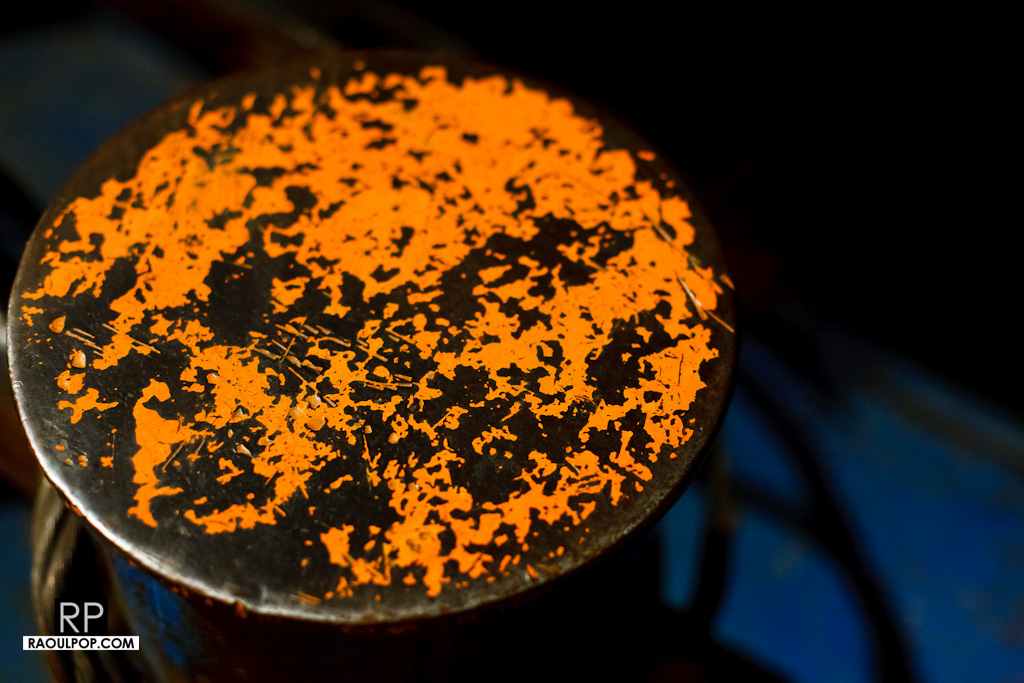
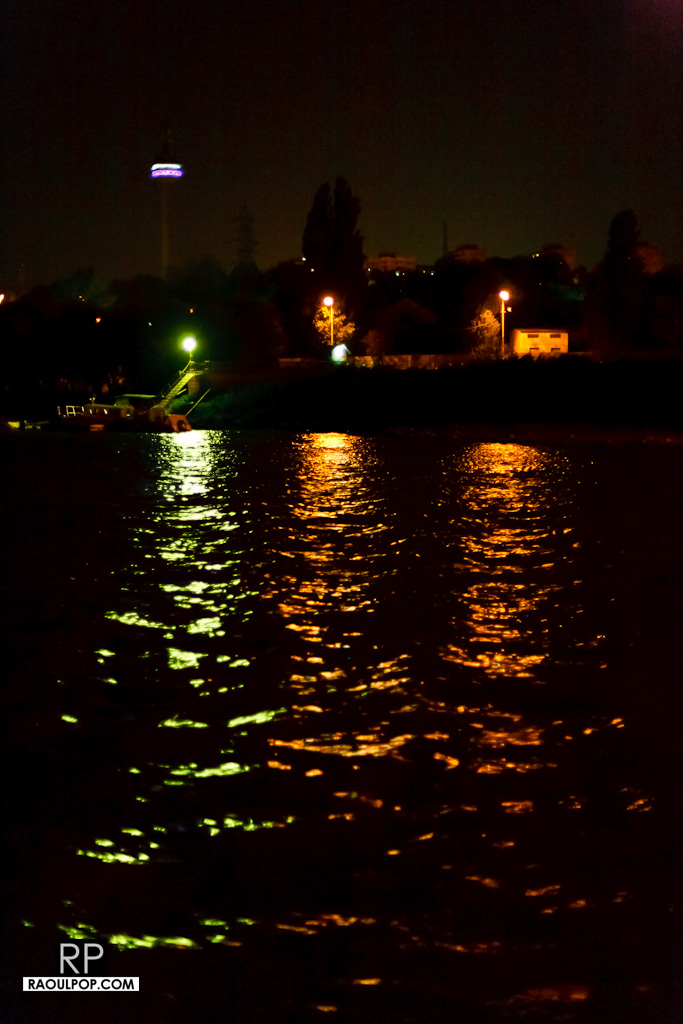
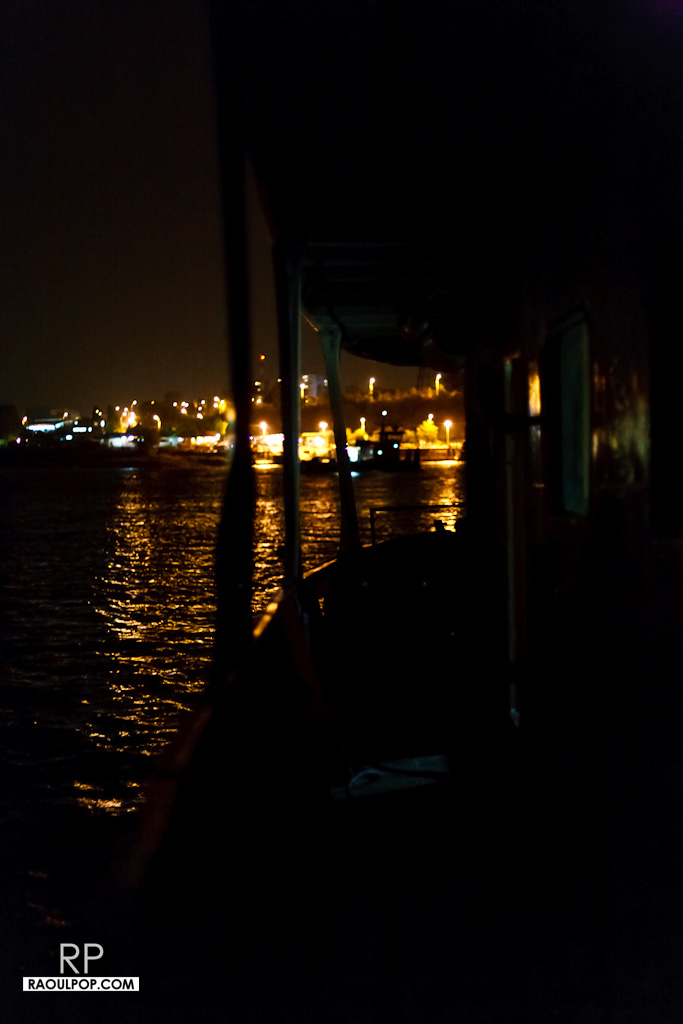
While it’s interesting to ride on ferryboats every once in a while, it’s not fun to arrive at the crossing point and to find out they’ve closed for the night, or to pay ever-increasing fees so you can cross. This is not a comment on the Galati ferryboat crossing in particular, but a general observation on the nature of the ferryboat business. If you want reliable travel, you need a bridge, period. You may not be able to stop and take in the sights and sounds of the river, but you’ll get home on time.

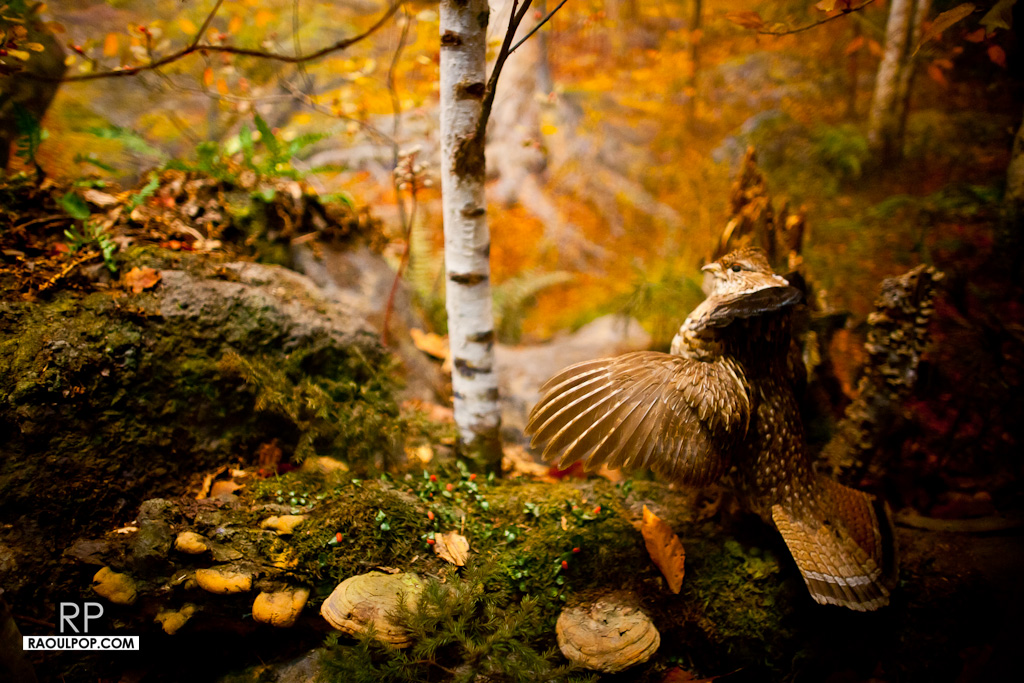
One of the most impressive exhibits at the American Museum of Natural History in NYC are the stuffed animals. The technical term is taxidermy, and if done right, it’s art. The pity is that it’s going extinct.
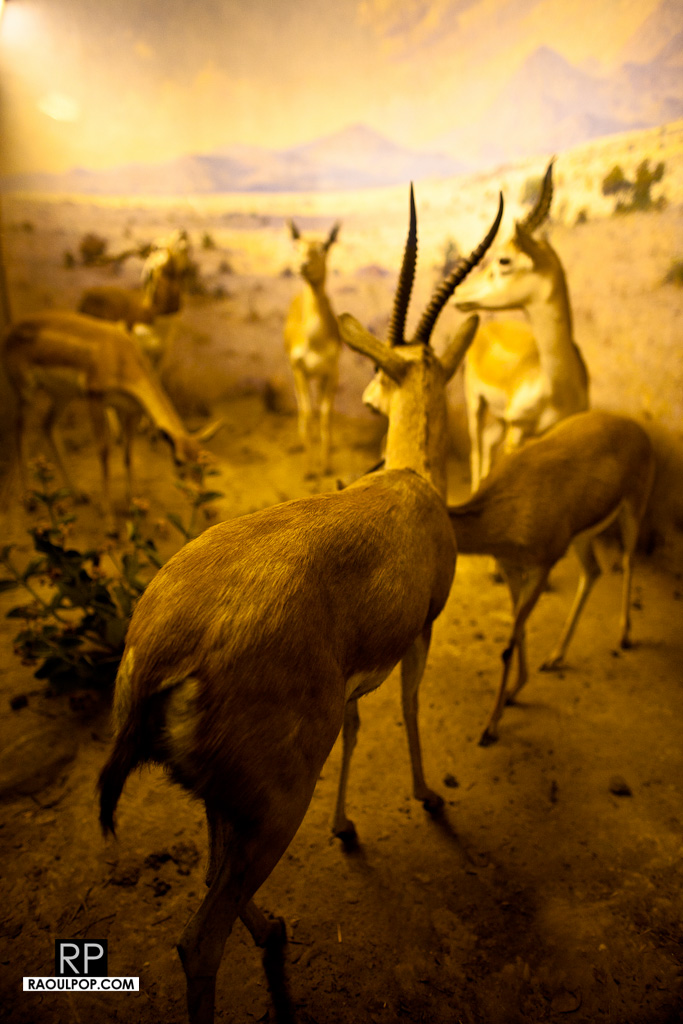
Of all the taxidermists listed on the AMNH website, only two are potentially living, and none of them work there anymore.

The last full-time taxidermist at the Smithsonian retired this year, which is a nice way of saying he was let go because there wasn’t work for him anymore. Did I mention his father and his grandfather were also taxidermists and also worked for the Smithsonian?
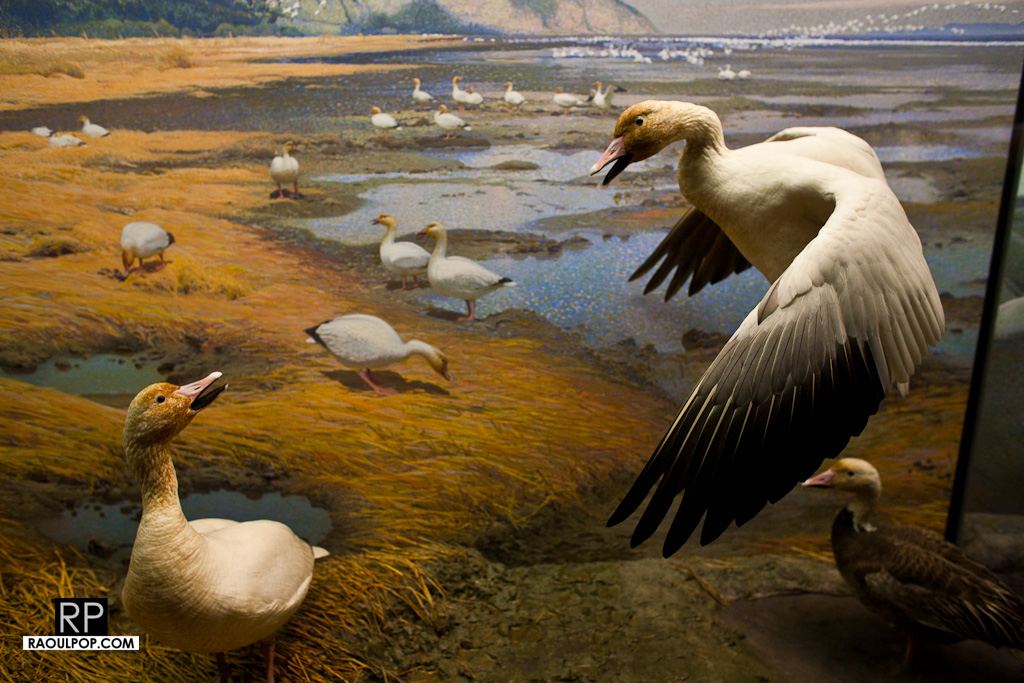
Perhaps most telling is that all of the taxidermists in the US can be listed on a single web page at Taxidermy Net. Now this is just a guess, but I bet most of them stick to fish and birds — you know, the kind of schmaltz you stick over the fireplace after you catch “the big one” — and they aren’t up to par with museum standards.
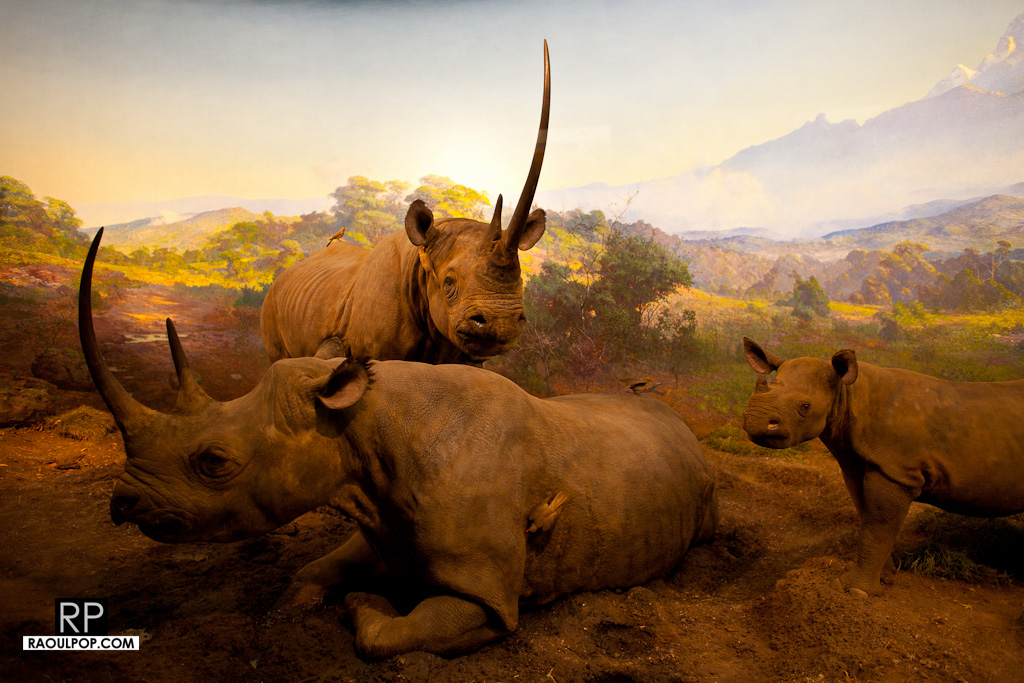
I suppose in the future, we’ll be dazzled with 3D computer renditions of animals when we go to museums. We’ll be able to pet them (or rather the air or the screen where they’re rendered), and they’ll react, but it’ll be a sad substitute. There’s nothing like seeing an animal in the flesh (in the skin, anyway). It stops you dead in your tracks to see the eyes, the texture of the skin or fur, the paws, the claws, the sheer brutality and mass of a beast that could tear you apart if it were alive. No computer will ever be able to replicate that.
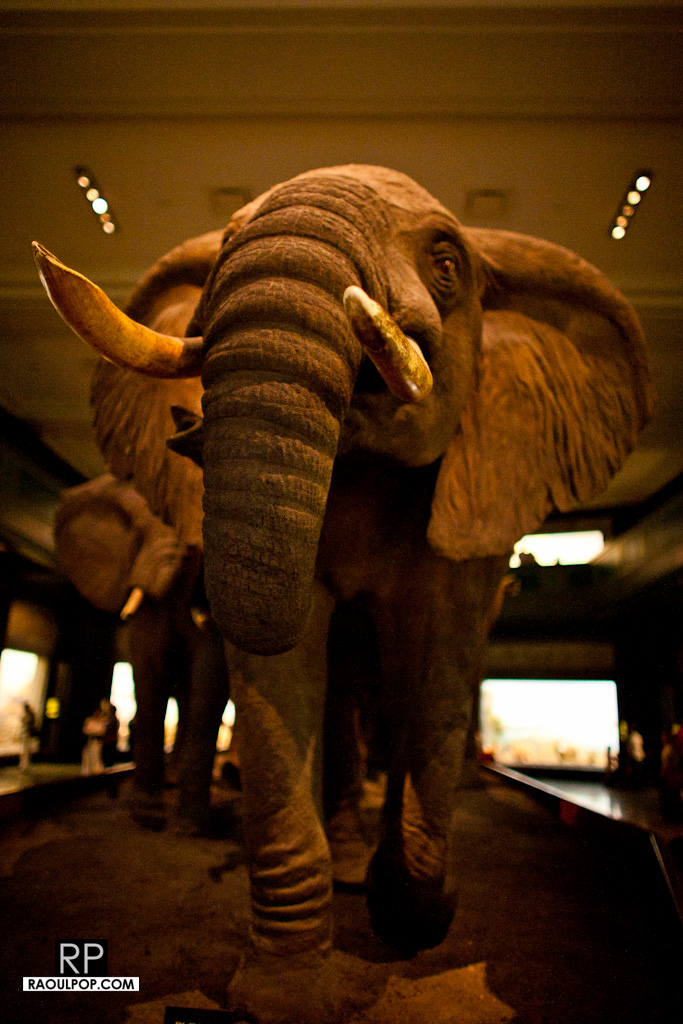
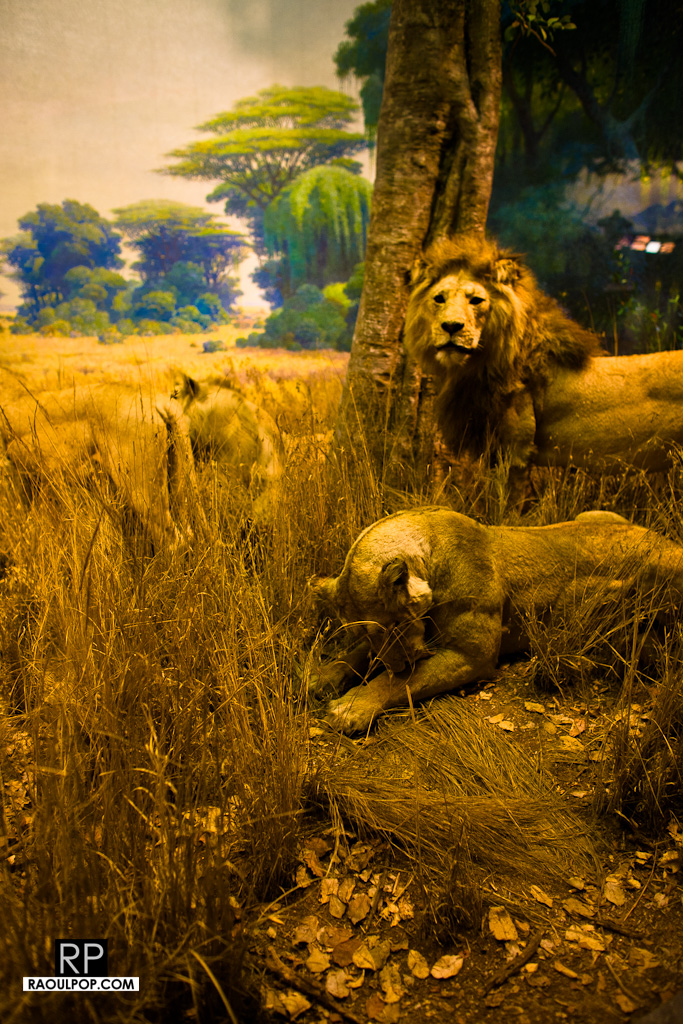
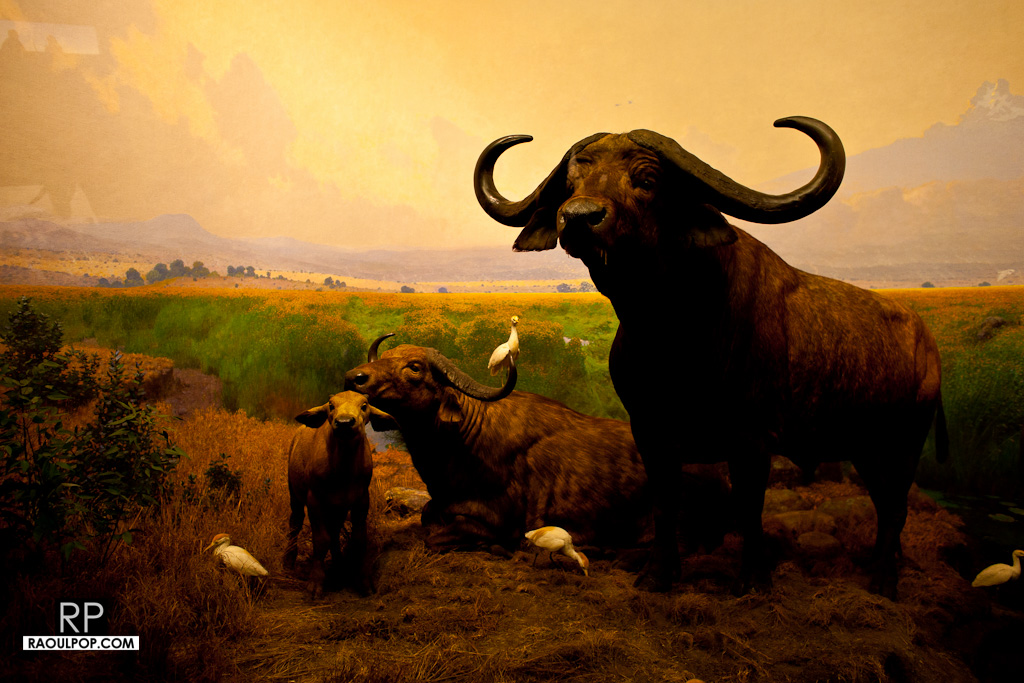
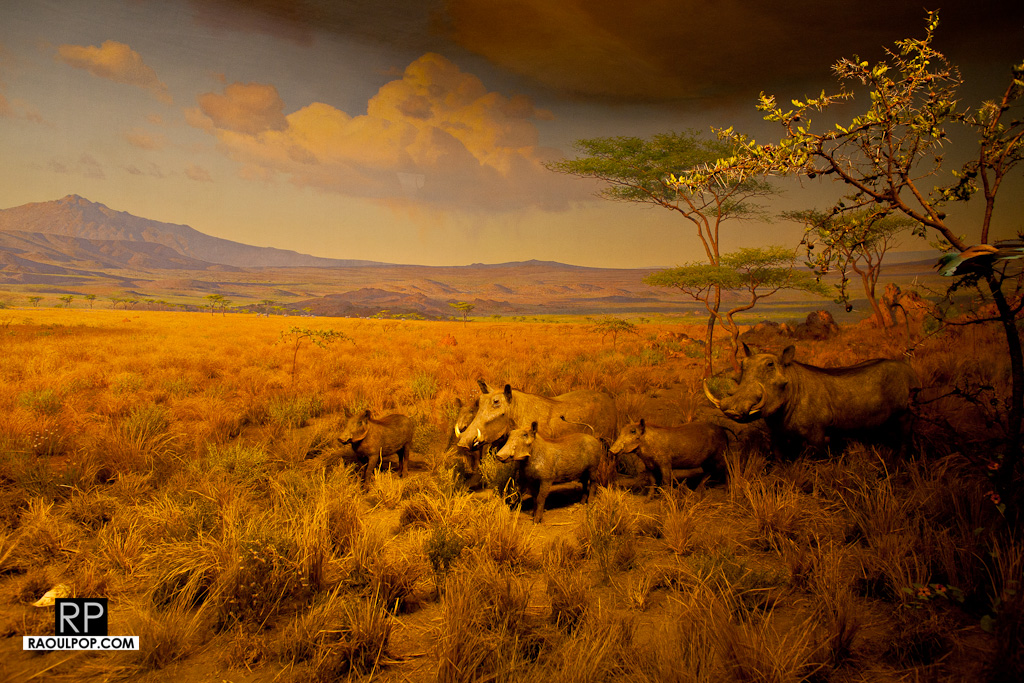
Take your kids to see real taxidermy while it’s still around. It may not be around for their kids.
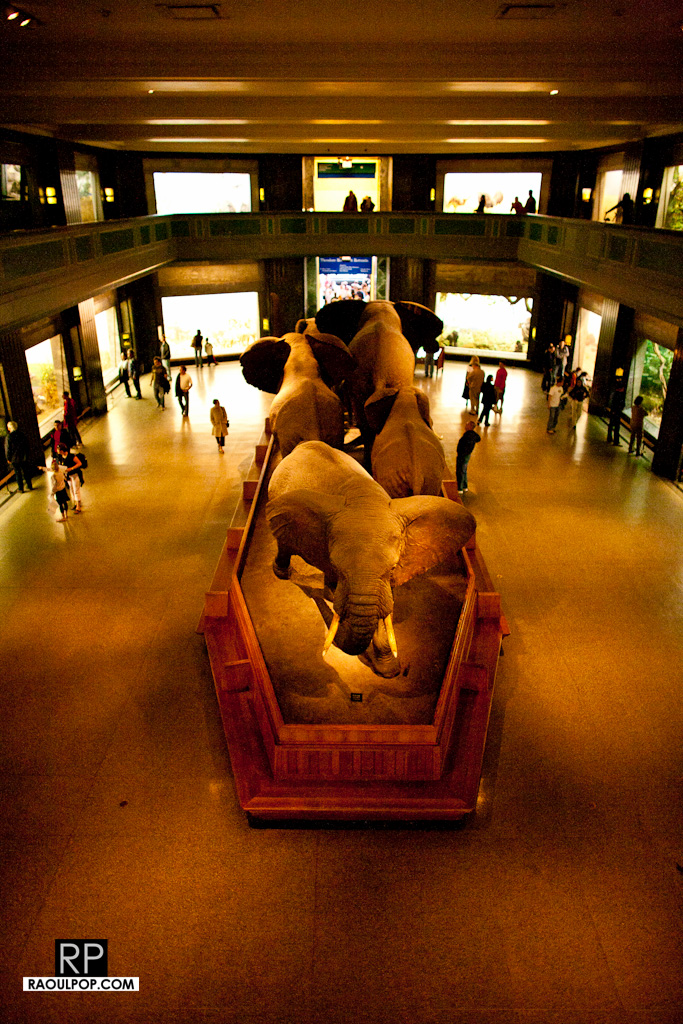
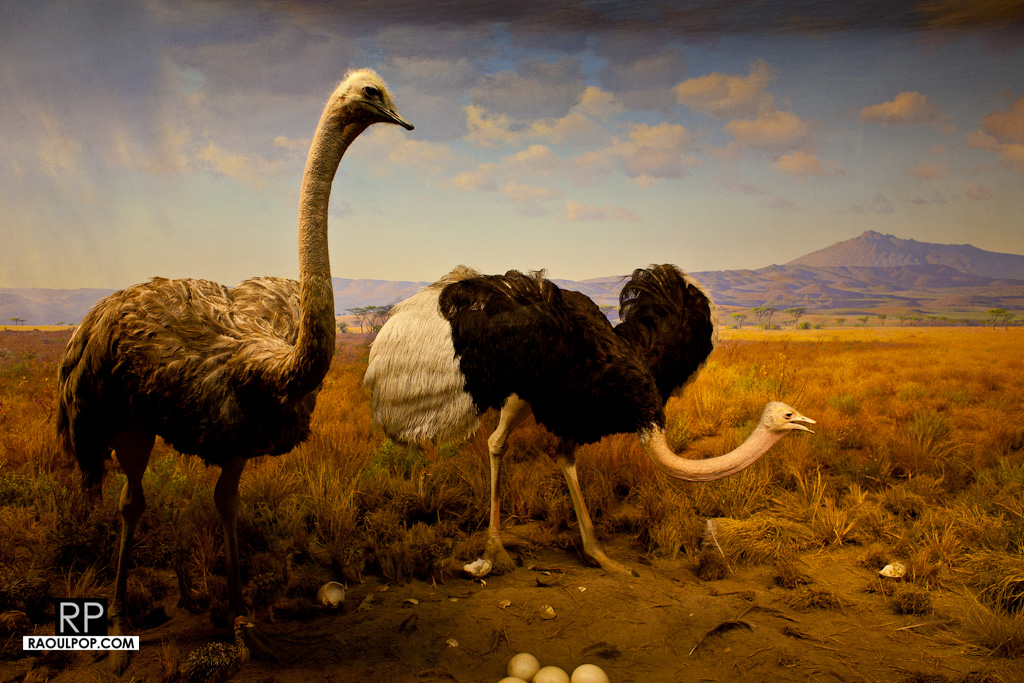
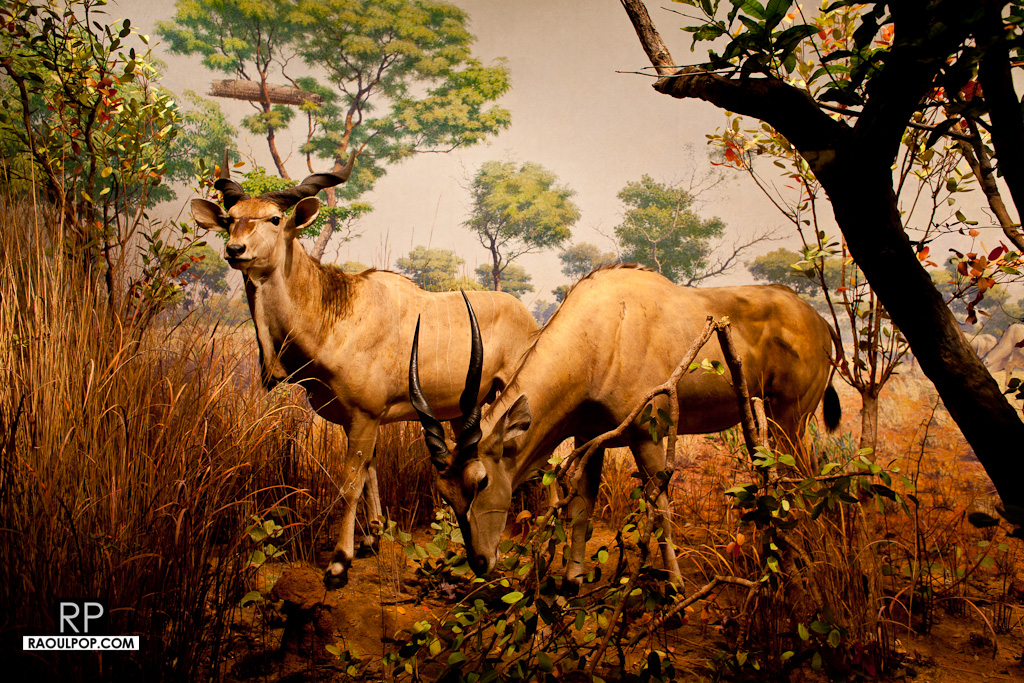

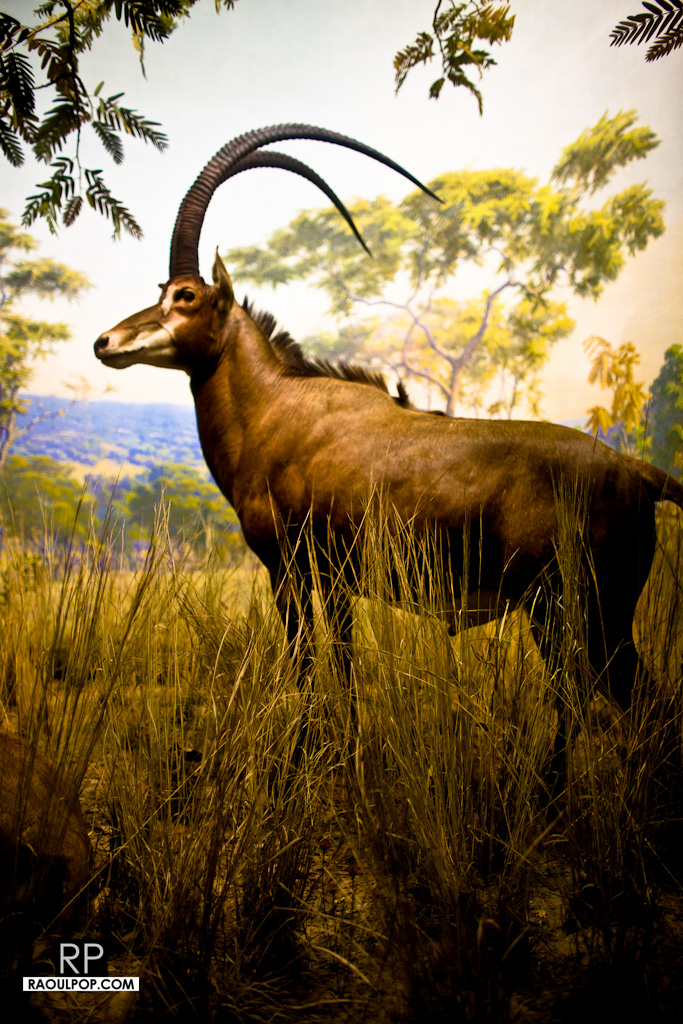

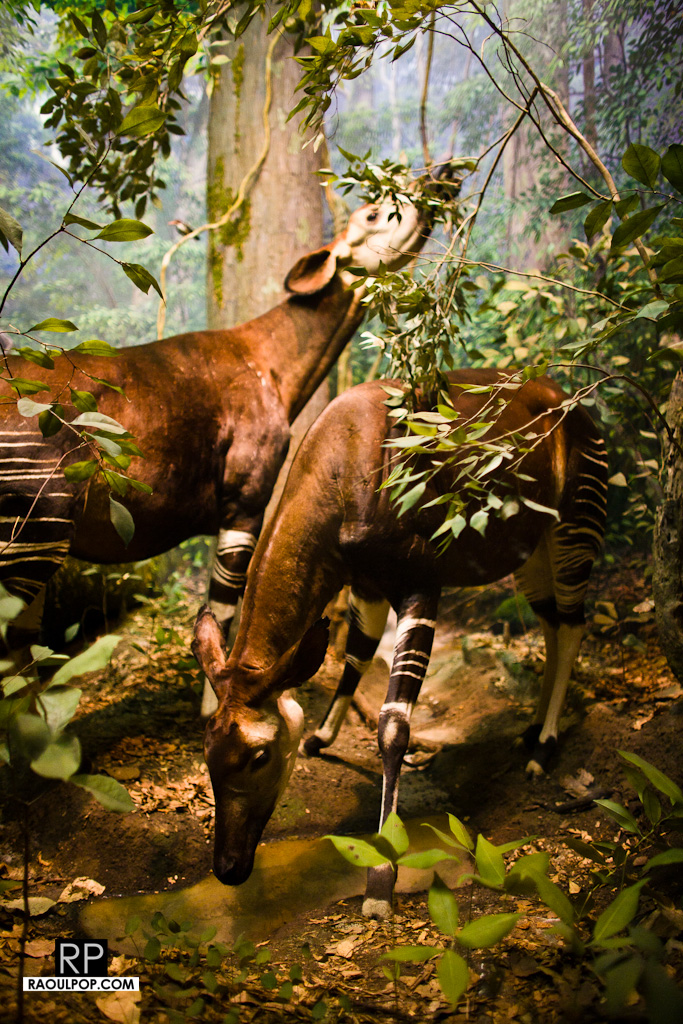
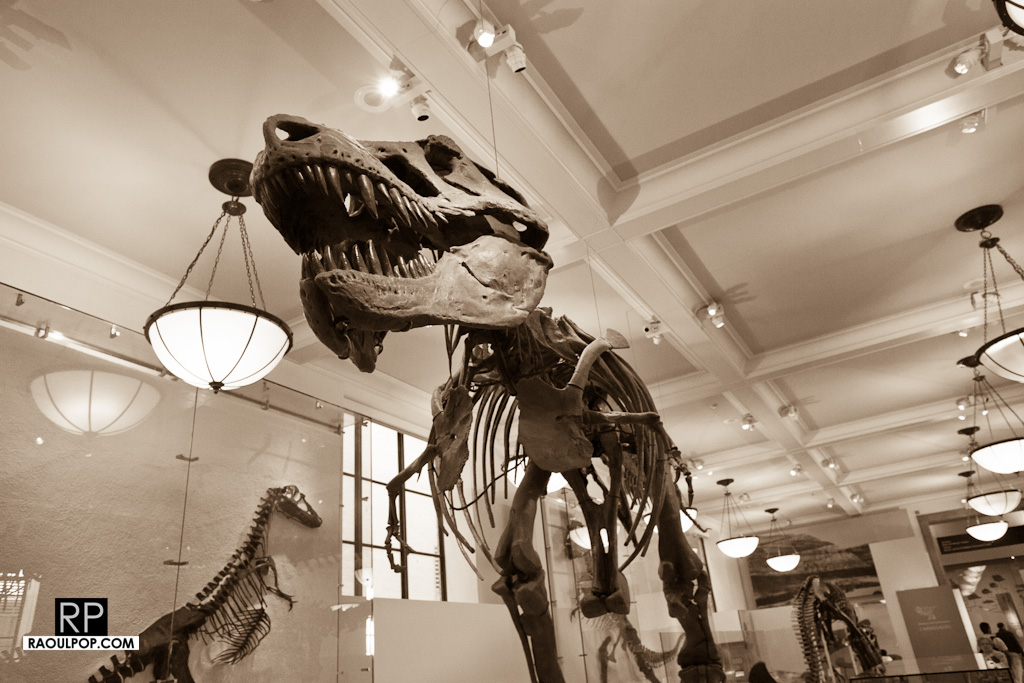
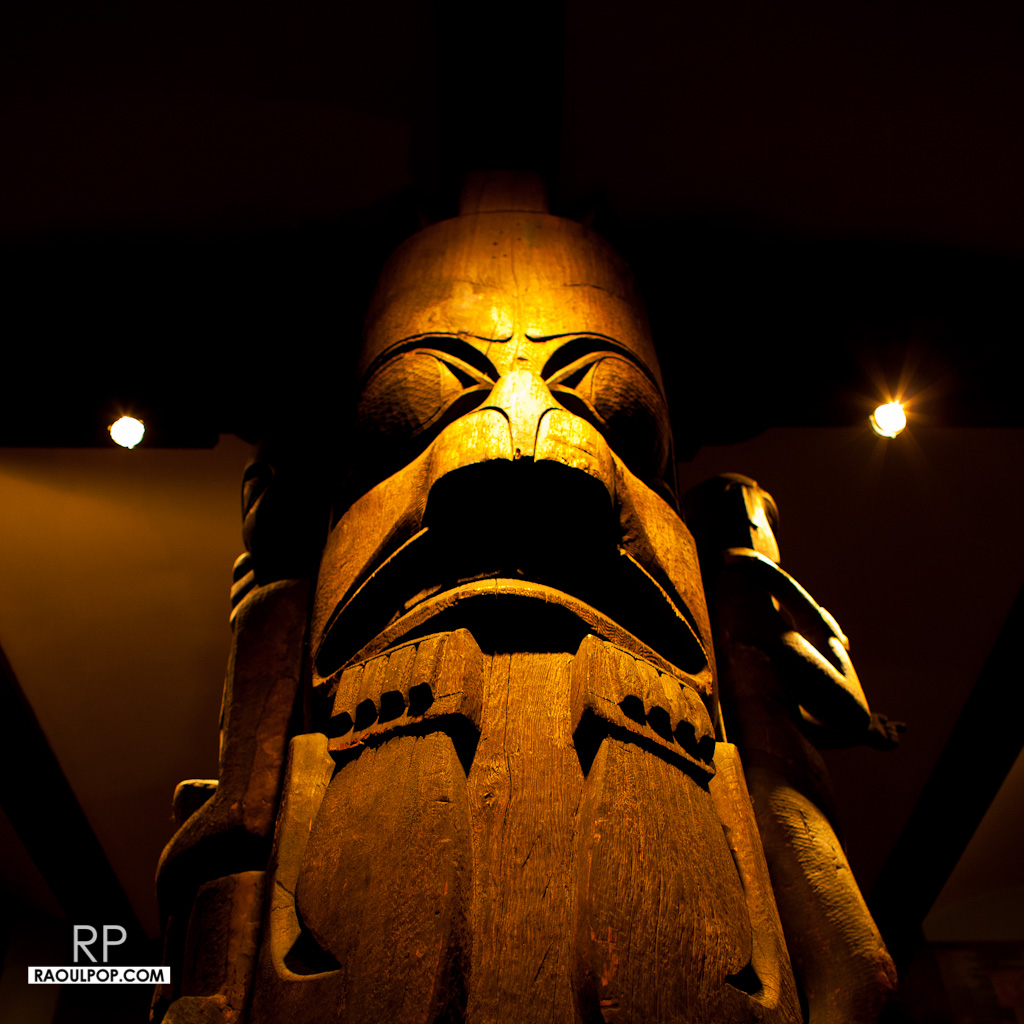
These last few photos aren’t examples of taxidermy, but they’re neat things to see at the AMNH.

A while back, I edited and uploaded what I thought was a fairly innocuous video to YouTube, called A walk on Dania Beach. You can see it below. It shows a few clips of the beach that I took during two walks with my wife. It’s nothing special, really. The quality of the video isn’t even that good, because the camera I used at the time compressed the video too much.
Because there was a lot of wind noise from the in-camera microphone, I muted the sound on some portions of the video, and used the stock surf sound that ships with iMovie (as part of iLife).
You may or may not know (depending on whether you use a Mac) that the sounds that ship with iLife are free to use as you like in your videos, podcasts, presentations, etc. You paid for them when you purchased the software. While their creators retain copyright, in essence, by purchasing iLife, you have gained a license to use them as you see fit in your work.
And so I do use them, all the time. Many of the videos I uploaded to my YouTube channel contain either a sound or a clip from the iLife library, in order to enhance the video’s presentation. So far, so good.
Imagine my surprise when YouTube promptly informed me that this particular video contained copyrighted audio, and that I was welcome to file a copyright claim if I wanted to dispute their findings. They identified two entertainment companies, Go Digital and WMG, as the potential copyright holders. I did file a dispute, where I stated that I didn’t use their content. It took a few weeks, but their replies were finally posted.

GoDigital confirmed its claim to the sound recording, and WMG agreed with my dispute. It’s interesting to see that WMG, the far larger company, agreed with me, while GoDigital, a company I’ve never heard of, maintained their claim… to what? That’s really the question I’d like to ask them, but I can’t, because this is as far as I can go with YouTube’s claim dispute process.
If you’d like to learn how YouTube identifies potentially copyrighted material (video or audio) in the videos its users upload to the site every day, Margaret Stewart, YouTube’s head of user experience, gave a talk at TED about that very subject in June of this year.
Now that you’ve presumably watched that video and you understand how YouTube scans and identifies potential copyrighted assets, I’d still like to find out exactly what GoDigital sees in my not-so-special video that it thinks it owns. The sound of the waves I recorded with my camera? The sound of the waves from the iLife library? The seagulls I recorded? The sound of the wind, also recorded by me? What is it they think they own?
If someone at YouTube’s user experience team reads this, please, either enlighten me, or introduce an extra step in the copyright dispute process that allows the user to ask what particular piece of content was identified as copyrighted, or allows the company to specify it directly when they review the dispute and decide it’s still theirs. Then, for those special cases like mine, where I don’t see how the content is theirs, allow me to request a third-party review, by a human at YouTube, someone who could have a look at the video and see what’s going on.
Thanks.

I love the Flickr Publish Service in Lightroom 3, and would love to see SmugMug make their own.
The only thing missing for the Flickr service is for it to know which photos I’ve exported and uploaded to Flickr before the service became available, in previous versions of Lightroom. I for example have either tagged the photos uploaded to Flickr with, obviously enough, “Flickr”, or have added them to a Flickr collection in Lightroom, so I could easily find them.
Here’s where SmugMug has the chance to shine! I’d love to be able to publish my photos to SmugMug directly from Lightroom, using the Publish Services functionality, so I could always sync up any photos that I’ve re-developed or where I’ve updated the metadata. But for this service to really stand out, it needs to know which photos I’ve already uploaded.
You can see where this is going, right? I’ve already tagged all my SmugMug photos, and have already placed them in collection sets and collections that match my SmugMug categories breakdown exactly. With a little bit of computing power and some smart algorithms, the folks at SmugMug could put together a killer Publish Service for Lightroom that incorporates all the Flickr functionality and bests it by matching my already-uploaded photos.
What about the cost? The Flickr Publish Service is free to use for all Flickr users, but you cannot re-publish uploaded photos if you’ve changed them in Lightroom. (You can, but if you’re not a Pro, it’ll wipe out any comments and faves on the photo, so it’s not advisable.)
SmugMug could use a similar approach. Their Publish Service could be free for basic SmugMug users, with limited functionality, and it could offer full functionality to Power and Pro users. (I myself have the Pro membership.) I’d even be willing to pay a one-time fee to download and install the service, because I think the functionality would be amazing.
 Raoul Pop